Layerz Canvas
Design·Animate·Record·Export
Được thiết kế cho iPhone, iPad, Mac
Miễn phí · Mua hàng trong ứng dụng
- Độ tuổi4+
- Danh mụcĐồ Họa & Thiết Kế
- Nhà phát triểnLayerz Corp.
- Ngôn ngữTiếng Anh+ 1 ngôn ngữ khác
- Kích thước41,6 MB
Liên kết đến trang App Store chính thức
Download.org không lưu trữ tệp nào của Layerz Canvas. Nút này mở trang ứng dụng trên App Store, nơi Layerz Corp. phát hành ứng dụng. Trang được kiểm tra lần cuối: 26/11/2026.
Ảnh chụp màn hình
Giới thiệu
Nhà phát triển chưa cung cấp nội dung này bằng ngôn ngữ của bạn.
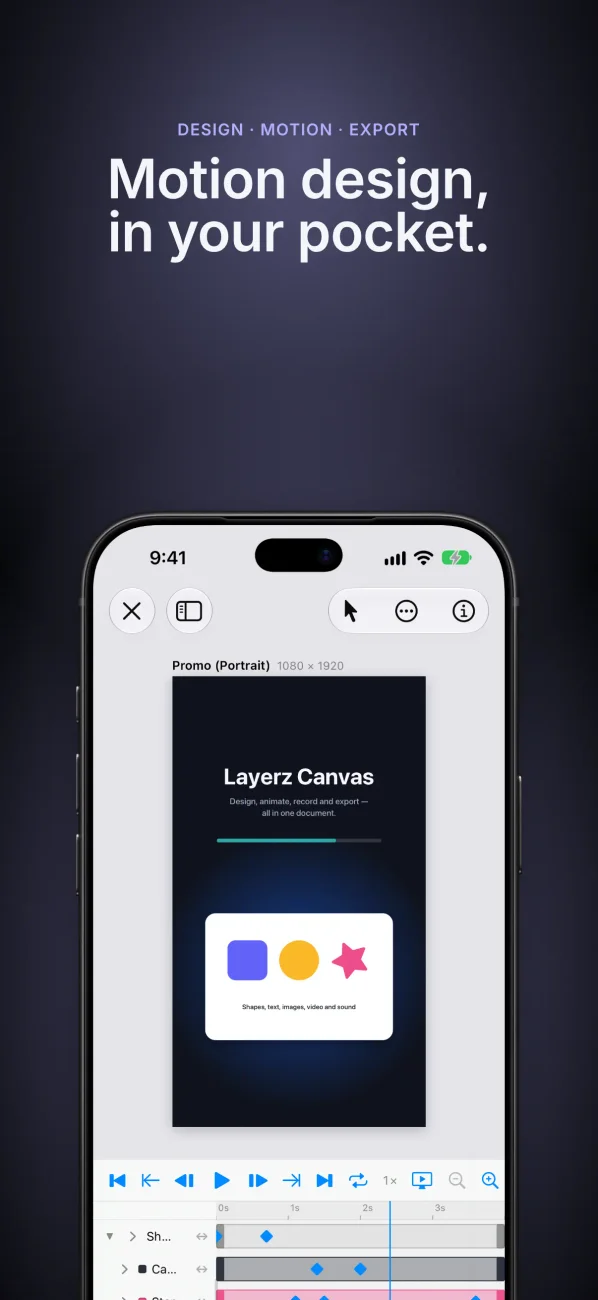
Layerz Canvas turns a design into a promo video without leaving the document — on iPhone and iPad, with the same files as the Mac app.
DESIGN
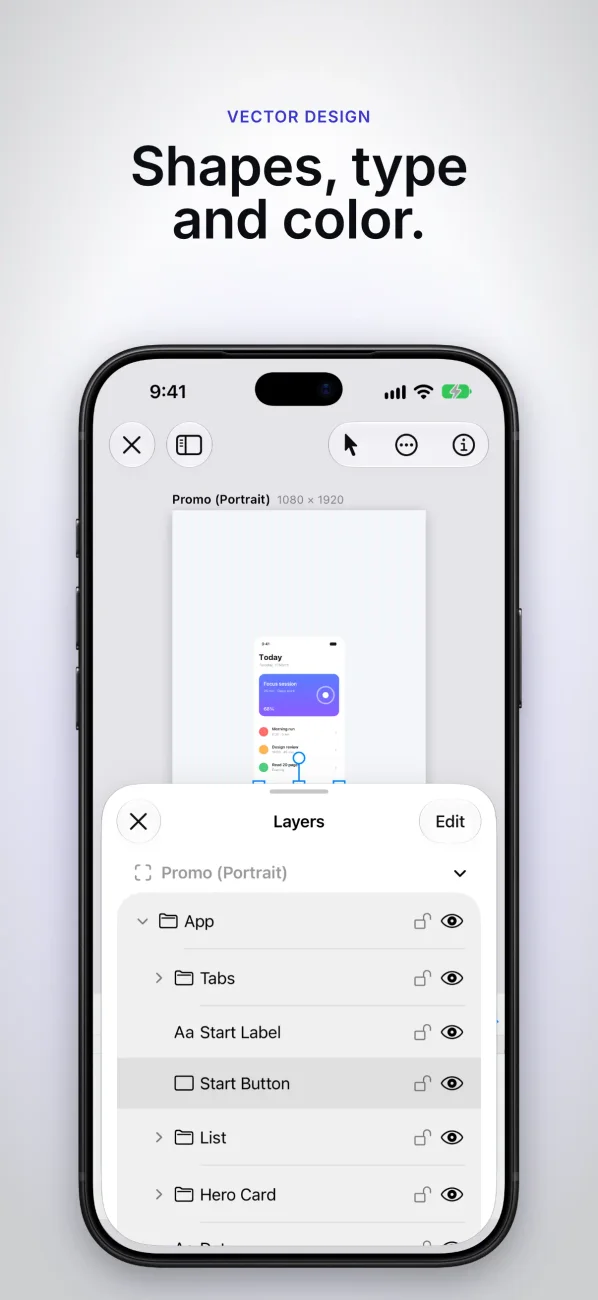
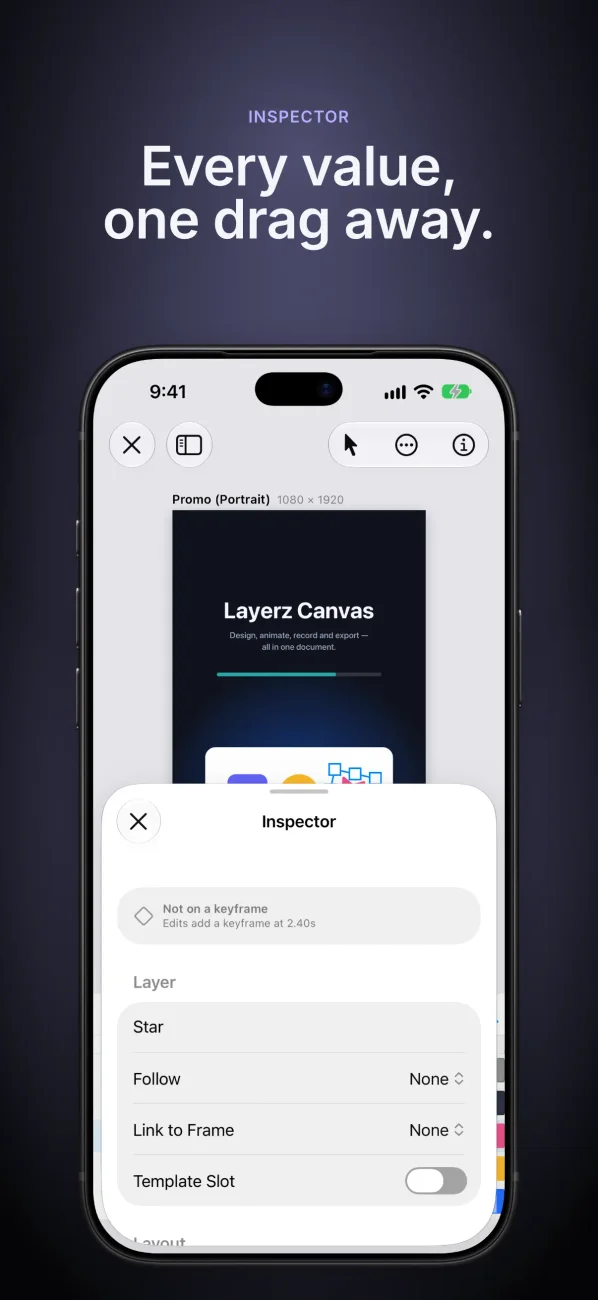
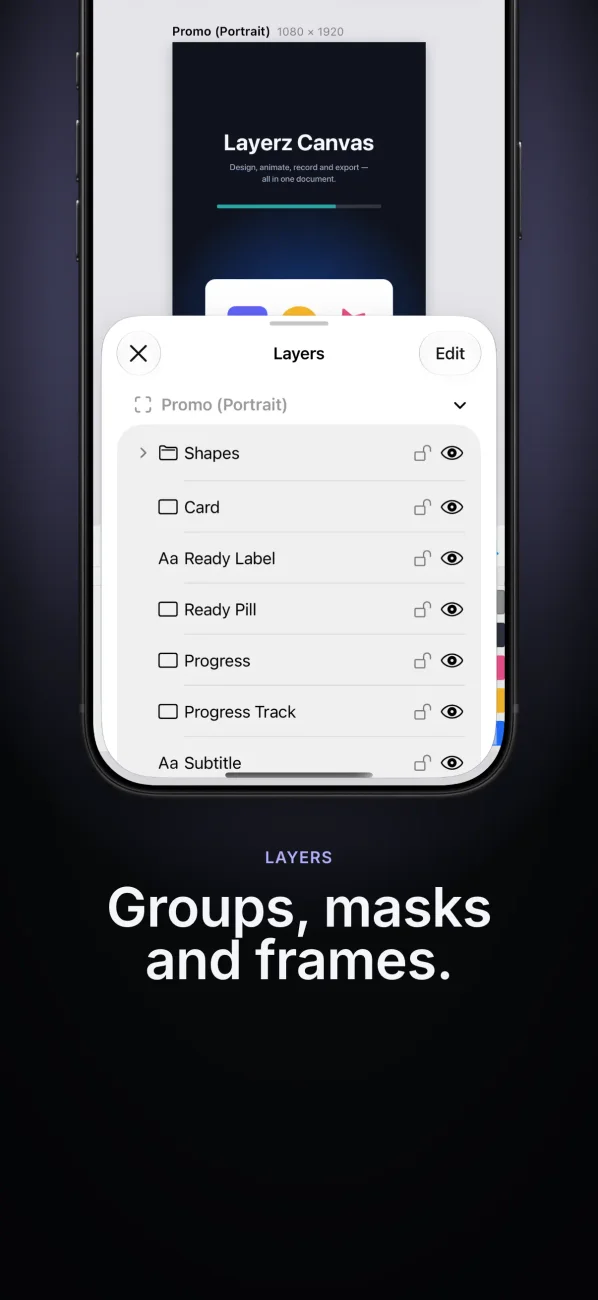
Rectangles, ellipses, polygons, pen paths and text. Frames that clip, groups, constraints that follow resizes, masks, boolean shapes, gradients you edit on the canvas, shadows, blur, glow and grain. Text that flows along a path. Repeaters that lay copies out in grids, rings and rows, and a stack of shape modifiers. Drag any number in the inspector sideways to scrub it.
ANIMATE
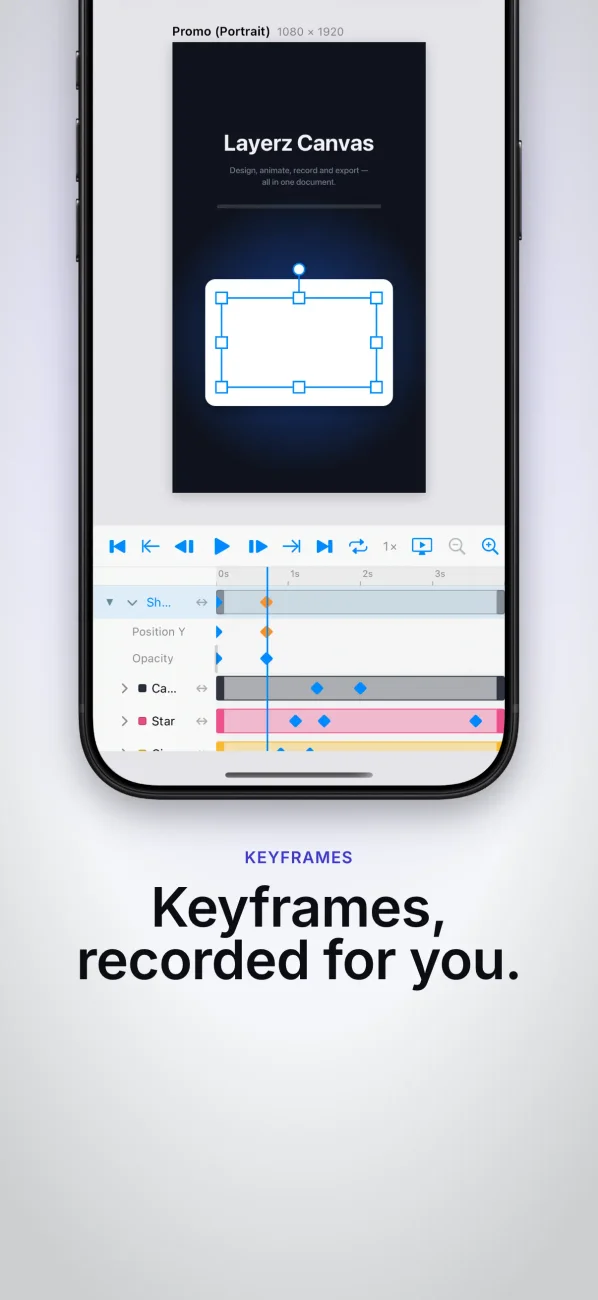
Turn on the timeline, move the playhead and change anything — keyframes are recorded for you. Select many keyframes and move, stretch or reverse them together; snap to keys and markers; shape every curve in the graph editor or pick a named easing. Springs, kinetic type with range selectors, entrance presets, loops and wiggle, counters, shape morphs, 2.5D rotation, camera moves with depth and lens blur, scene transitions and beat markers. Make a layer follow a path, link one property to another, add oscillation, drive keyframes from the music, or let physics drop, bounce and pile things up. Pinch the tracks to zoom; drag clips to move, trim, split and slip them.
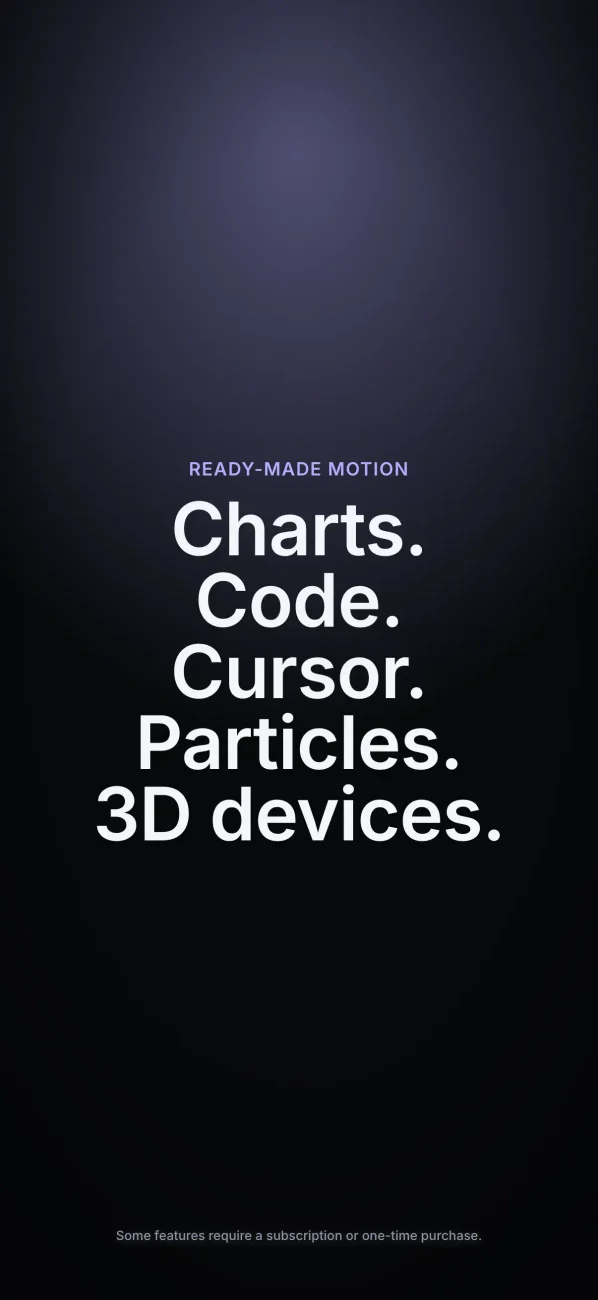
READY-MADE MOTION
Charts that grow from pasted data, code that types itself, a virtual cursor that glides and clicks, iPhone, iPad, Mac window and browser window frames for your screenshots and recordings — flat, or as 3D models you can turn and light, or any USDZ model of your own — particles — confetti, sparkles, snow, bubbles and bursts — and distortion effects: RGB split, glitch, wave and noise warp.
SOUND
Generate a soundtrack and sound effects that follow what moves on screen, right inside the app.
MEDIA
Bring in photos and videos from your library, and images, video, sound, SVG, Lottie animations and fonts from the Files app — or drop them onto the canvas. Trim, split and loop clips on the timeline; shape volume with fades.
RECORD (iOS 27)
Record your screen through the system picker, with narration from the microphone, and the recording lands on the canvas as a video layer.
LANGUAGES
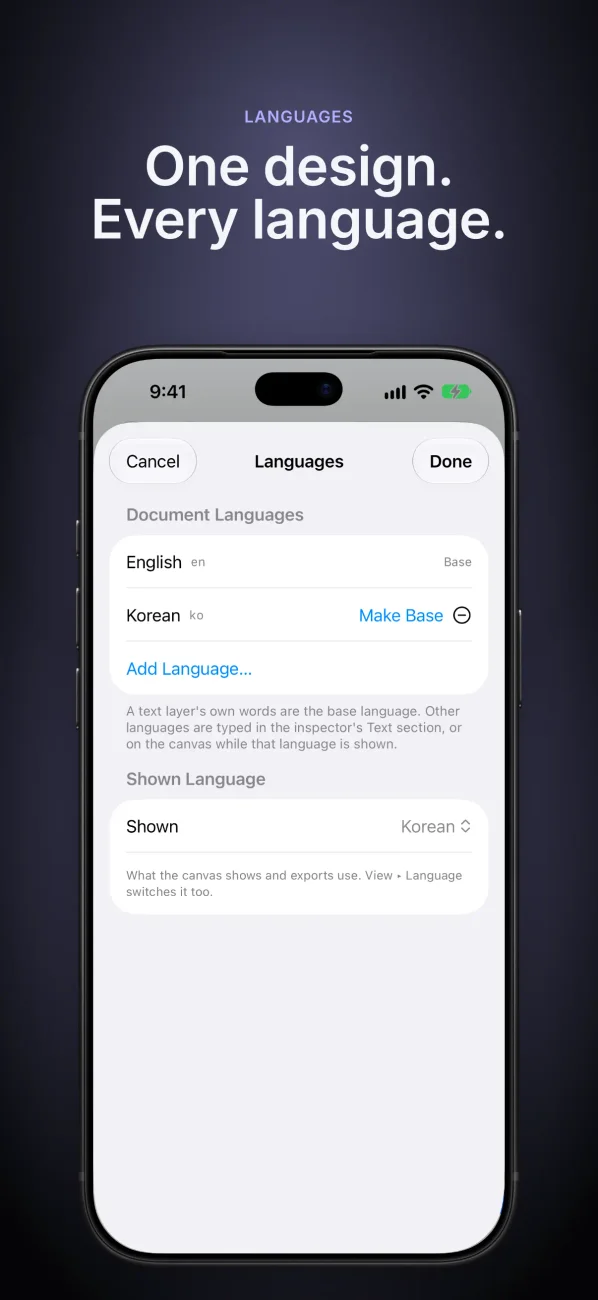
One document, every language. Add the languages your app ships in, type each text layer's words per language and switch what the canvas shows — the same design, keyframes and all. Export every language from one source: stills for all of them in one go, video in the language you pick.
PRESENT
Play your animation full screen, or present your frames like slides — with links from one frame to another, auto-advance and transitions.
EXPORT
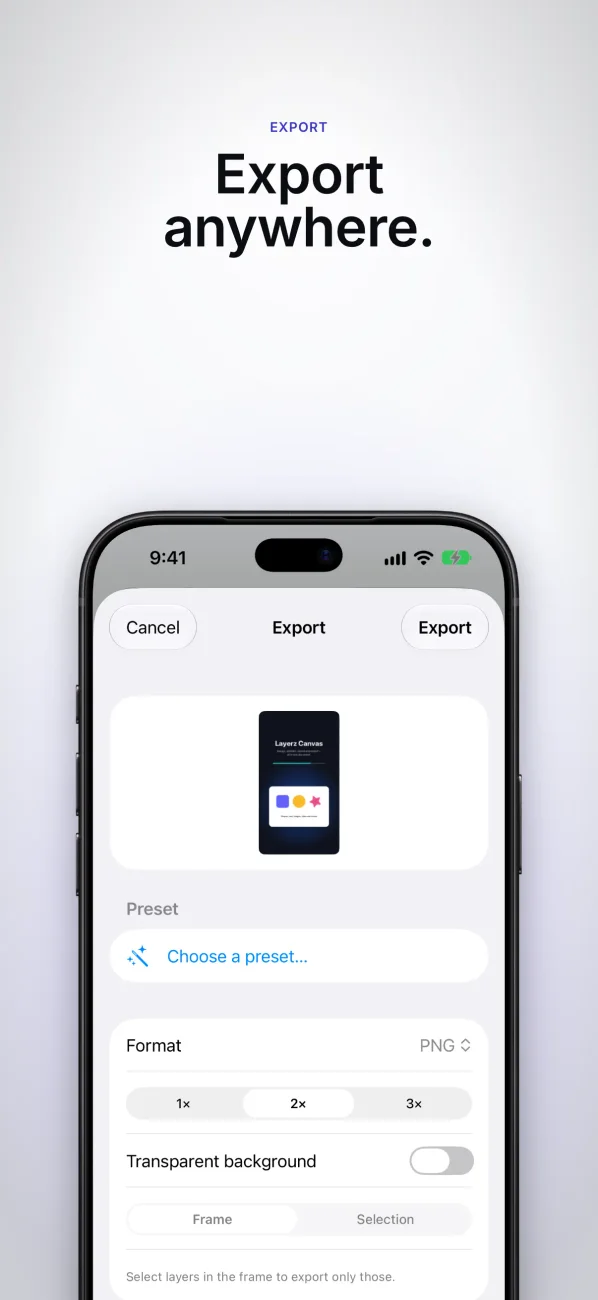
PNG, JPEG, SVG and PDF for stills, at the playhead or of just the selection. MP4, MOV (HEVC, with alpha), ProRes 4444, GIF, APNG, PNG sequence, Lottie JSON, animated SVG — and HTML, a web page that plays your animation without a video file, with hover and click states. Export every frame at once.
MAC AND IPAD
Documents live in iCloud Drive, so you can start on the iPad and finish on the Mac. On iPad, a keyboard brings the Mac's shortcuts and menu bar; the Files app shows thumbnails and Quick Look previews of your documents.
LAYERZ CANVAS PRO
Pro exports your motion: MP4, MOV (HEVC, with alpha), ProRes 4444, GIF, APNG, PNG sequences, Lottie, HTML and animated SVG. Available as a monthly or yearly subscription or a one-time Lifetime purchase, with Family Sharing — one purchase covers the Mac, iPhone and iPad.
Subscriptions renew automatically unless cancelled at least 24 hours before the end of the period. Manage them in your App Store account settings.
Terms of Use: https://www.apple.com/legal/internet-services/itunes/dev/stdeula/
Privacy Policy: https://www.layerz.app/canvas/privacy
Có gì mới
Phiên bản 1.9.0 · 25/11/2026
Background Blur and Pixellate
Blur or pixelate whatever lies under a shape — a photo, a screen recording, the layers below — inside its outline. Turn one on under Effects, or touch and hold a layer ▸ Add Blur Area or Add Pixellate Area. A translucent fill makes frosted glass, and the strength and the area can be animated.
Copy as Image
Touch and hold a selection ▸ Copy as Image to copy the layers just as the canvas shows them, as a transparent PNG to paste anywhere.
Quyền riêng tư của ứng dụng
Những gì Layerz Corp. khai báo trên App Store về cách ứng dụng này xử lý dữ liệu.
-
Dữ liệu không liên kết với bạn
Có thể được thu thập nhưng không liên kết với danh tính của bạn.
- Dữ liệu sử dụng
Phương thức đảm bảo quyền riêng tư có thể khác nhau, chẳng hạn như tuỳ theo các tính năng bạn sử dụng hoặc độ tuổi của bạn.
Thông tin
- Người bán
- Layerz Corp.
- Danh mục
- Đồ Họa & Thiết Kế
- Phiên bản
- 1.9.0
- Cập nhật
- 25/11/2026
- Phát hành
- 01/10/2026
- Kích thước
- 41,6 MB
- Yêu cầu
- iOS 26.5 trở lên
- Độ tuổi
- 4+
- Giá
- Miễn phí
- Mua hàng trong ứng dụng
- Có
- Ngôn ngữ
- Tiếng Anh, Tiếng Hàn
- Bản quyền
- © 2026 Layerz Corp.
Có thể bạn cũng thích
-
 IrisFold: Pattern MakerĐồ Họa & Thiết Kế
-
 Sable: Pixel • Draw • VectorĐồ Họa & Thiết Kế
-
 Rigster: 2D Skeletal AnimationĐồ Họa & Thiết Kế
-
 Pattern StudioĐồ Họa & Thiết Kế
-
 PuppetPadĐồ Họa & Thiết Kế
-
 Kilona - Production StudioĐồ Họa & Thiết Kế
-
 Vecta MotionĐồ Họa & Thiết Kế
-
 AnimCreateĐồ Họa & Thiết Kế
-
 SvgTrace ProĐồ Họa & Thiết Kế
-
 Mesh Gradients UltimateTạo gradient lưới độc đáo