LiveCap: Caption & Translate
Live captions & translation
Dirancang untuk iPhone, iPad, Mac
Gratis · Pembelian dalam aplikasi
- Batasan usia4+
- KategoriKegunaan
- PengembangDaichi Tanabe
- BahasaInggris+ 1 lainnya
- Ukuran1,7 MB
Tertaut ke halaman resmi App Store
Download.org tidak menyimpan file LiveCap: Caption & Translate apa pun. Tombol ini membuka halaman aplikasi di App Store, tempat Daichi Tanabe menerbitkannya. Halaman terakhir diperiksa pada 12/11/2026.
Tangkapan layar
Tentang
Pengembang belum menyediakan teks ini dalam bahasa Anda.
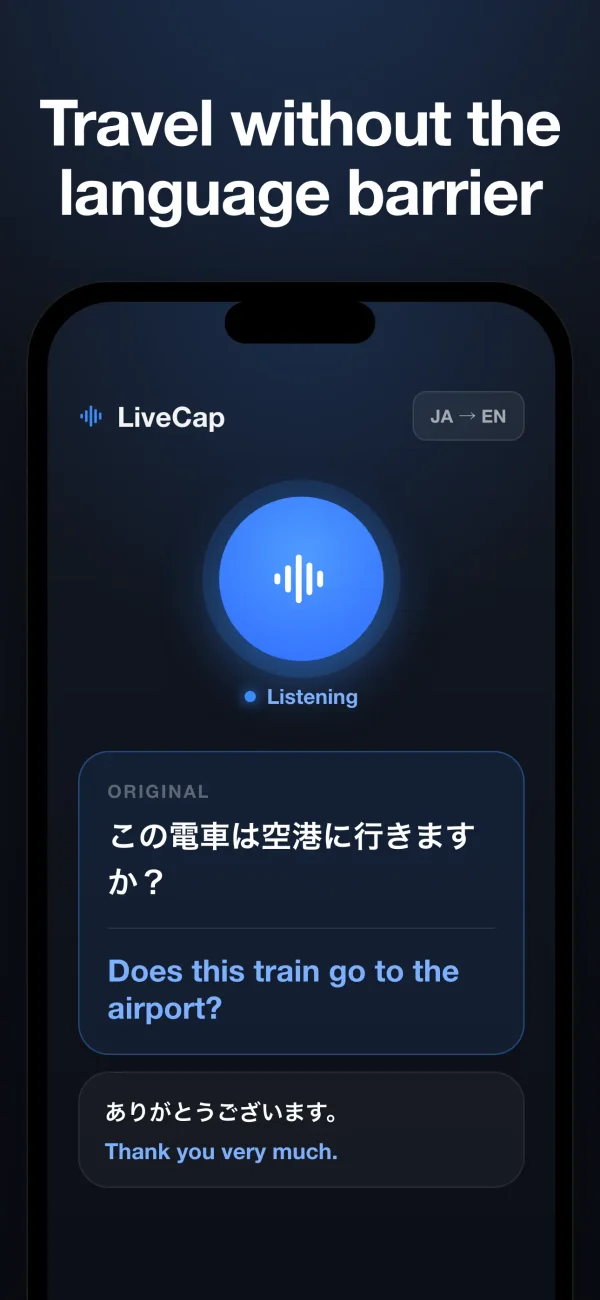
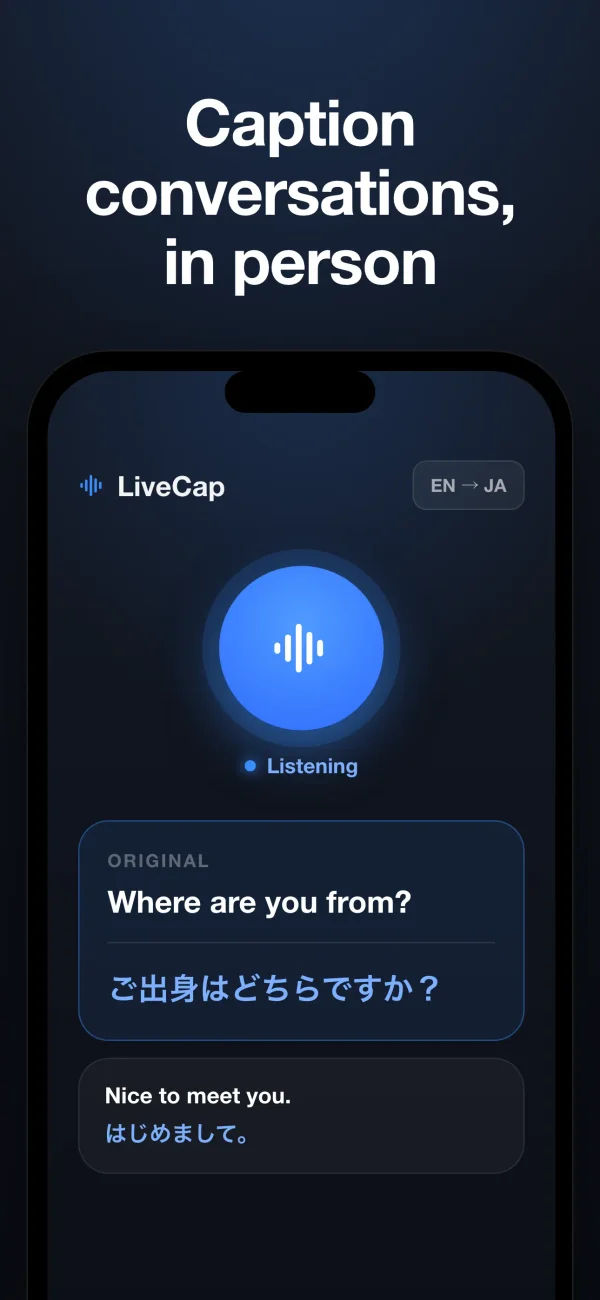
LiveCap turns audio into live, readable captions—and translates them in real time.
On your Mac, LiveCap captures the system audio from any app: video calls, online meetings, streaming video, podcasts, lectures, and games. On your iPhone, it captures in-person conversations through the microphone. Either way, you get instant captions you can actually follow.
EVERYTHING ON DEVICE Speech recognition and translation run entirely on your device using Apple's built-in engines. Nothing is uploaded, nothing is kept on a server, and it keeps working offline.
KEY FEATURES • Real-time captions for any sound on your Mac (system audio) or your voice on iPhone (microphone) • Instant translation shown next to the original text • On-device and offline — private by design • Floating overlay keeps captions visible over any app (Mac) • Export transcripts to Word, Markdown, or Notion • Optional AI summaries of what was said • Interface in English, Japanese, and Spanish, with a UI language you can switch independently
GREAT FOR • Following meetings and calls in another language • Watching videos, podcasts, and lectures with captions • In-person conversations and travel • Accessibility and note-taking
ONE PURCHASE, ALL YOUR DEVICES Try it free. Unlock unlimited use with a single one-time purchase that works on both iPhone and Mac (Universal Purchase). No subscription.
Capturing system audio on Mac uses ScreenCaptureKit and asks for Screen Recording permission. Microphone capture asks for microphone access. Captions are generated on device.
Yang baru
Versi 1.0.1 · 15/8/2026
- Added a screen that shows the other kotomori apps: open it from the menu bar or the header button on Mac, or the header button on iPhone.
- Added a way to rate LiveCap: from the menu bar on Mac, or the star button in the header on iPhone.
- Fixed text on iPhone that stayed in Japanese even when the app language was English or Spanish (on-screen hints and microphone / speech recognition errors).
Privasi aplikasi
Yang dinyatakan Daichi Tanabe di App Store tentang cara aplikasi ini menangani data.
-
Data tidak dikumpulkan
Pengembang tidak mengumpulkan data apa pun dari aplikasi ini.
Praktik privasi dapat bervariasi, misalnya berdasarkan fitur yang Anda gunakan atau usia Anda.
Informasi
- Penjual
- Daichi Tanabe
- Kategori
- Kegunaan
- Versi
- 1.0.1
- Diperbarui
- 15/8/2026
- Dirilis
- 24/6/2026
- Ukuran
- 1,7 MB
- Memerlukan
- iOS 18.0 atau yang lebih baru
- Batasan usia
- 4+
- Harga
- Gratis
- Pembelian dalam aplikasi
- Ya
- Bahasa
- Inggris, Spanyol
- Hak cipta
- © 2026 Daichi Tanabe
Mungkin Anda juga suka
-
 Live Captions, TranslationKegunaan
-
 Offline Translator: Live VoiceKegunaan
-
 Otua - Live CaptionsKegunaan
-
 TranscapeKegunaan
-
 Live Caption & TranslationKegunaan
-
 Akoe: Teks LangsungSuara ke teks, dengan nama
-
 Tolk: Subtitle Terjemahan LiveTerjemahkan video apa pun
-
 Subtitle Anything - CaptionsKegunaan
-
 QR Code Reader: QREKAKegunaan
-
 Teksing - LiveSTTUcapan ke Teks & Terjemah