- Batasan usia17+
- KategoriPerjalanan
- PengembangWuhan Huakexunce Technology Co., Ltd.
- BahasaInggris+ 14 lainnya
- Ukuran161,5 MB
Tertaut ke halaman resmi App Store
Download.org tidak menyimpan file LPB-EBIKE apa pun. Tombol ini membuka halaman aplikasi di App Store, tempat Wuhan Huakexunce Technology Co., Ltd. menerbitkannya. Halaman terakhir diperiksa pada 16/11/2026.
Tangkapan layar
Tentang
Pengembang belum menyediakan teks ini dalam bahasa Anda.
LPB-EBIKE User Guide
1. Usage Instructions
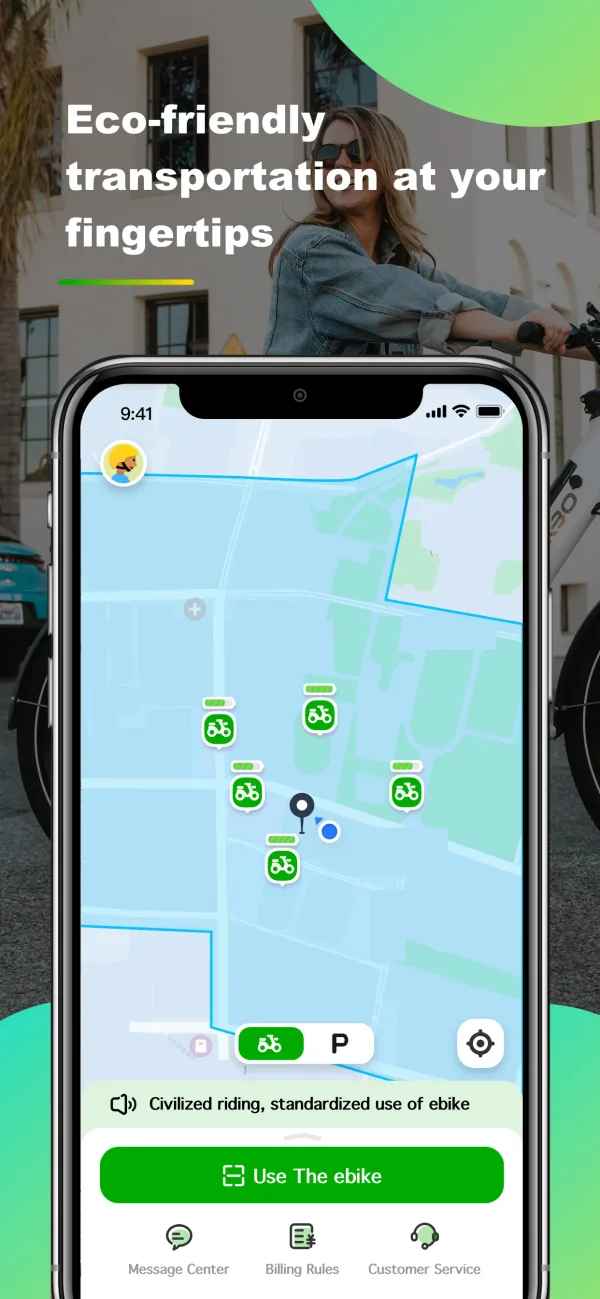
Finding a Bike: Discover nearby bikes by clicking on the bike icon to view details.
Unlocking: Scan the QR code on the bike, open the unlocking interface, tap Unlock, and the bike will unlock automatically.
Starting: Gently twist the right handle inward to begin riding.
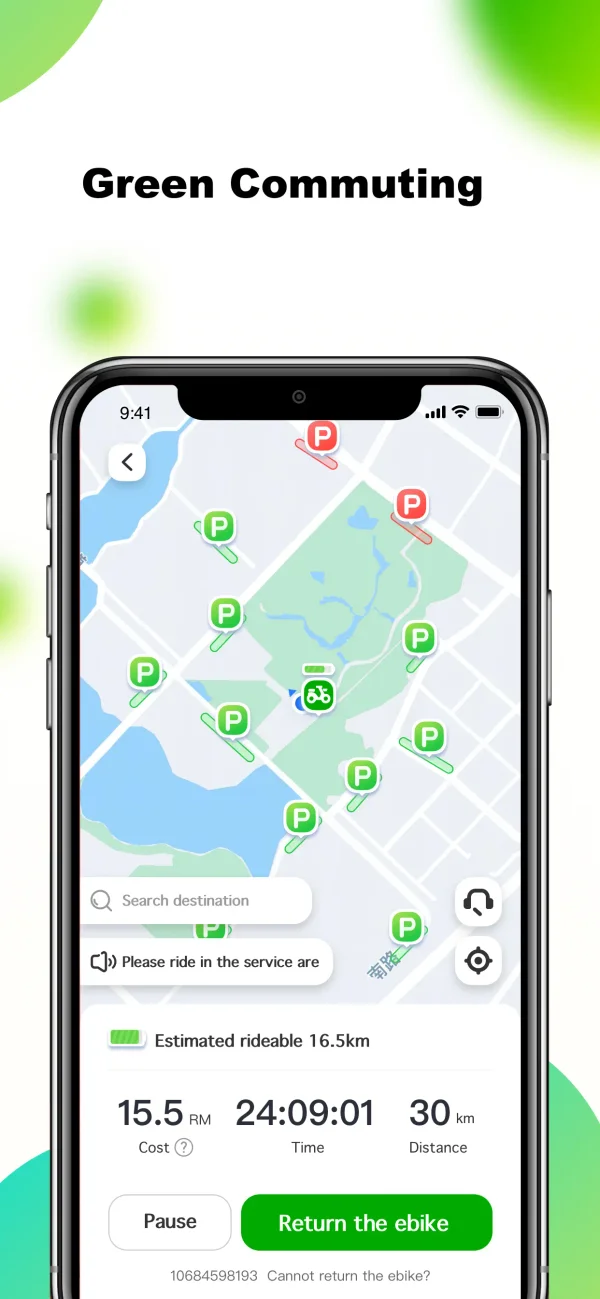
Ending the Ride: Tap End Ride in the app. The bike will lock automatically, and billing will stop.
2. Locking Failure
If locking fails, check your network connection.
You can also try unlocking/locking via Bluetooth.
Multiple attempts may succeed. If problems persist, contact Online Customer Service.
3. How to Unlock
Open the Scan to Ride feature at the bottom of the app.
Place the bike’s QR code within the viewfinder and confirm focus.
The remaining mileage will pop up. Ensure it exceeds your trip distance.
Tap Unlock. The bike will audibly confirm “Unlock Successful”.
In low light, you may turn on the Flashlight.
Alternatively, select Input Number to Unlock and manually enter the bike number.
4. Unlocking Failure
If the scan shows Bike Under Maintenance, Bike in Use, or Unlock Failed, LPB-EBIKE suggests switching to another bike.
Check the network or try unlocking via Bluetooth.
5. How to Lock
Return the bike within the service area.
Park at roadside white lines or designated non-motorized vehicle areas.
In the app, tap End Ride.
Wait until you hear “Lock Successful”. The app will then display trip and billing details.
Note: Bike return is supported only via mobile app.
6. Forgetting to Lock
Overdue orders will incur additional fees.
LPB-EBIKE will send SMS or call reminders for long inactivity.
Fees during this period will still apply.
Always confirm that the bike is locked.
If forgotten and the bike cannot be found, promptly contact customer service.
7. Temporary Locking
Temporary locking is charged at the normal rate.
To reduce costs, manage your parking time and proceed quickly to your destination.
Yang baru
Versi 1.1.30 · 4/1/2026
fix bug
Privasi aplikasi
Yang dinyatakan Wuhan Huakexunce Technology Co., Ltd. di App Store tentang cara aplikasi ini menangani data.
-
Data yang tidak ditautkan dengan Anda
Dapat dikumpulkan, tetapi tidak ditautkan dengan identitas Anda.
- Info keuangan
- Lokasi
- Info kontak
- Pengenal
- Data penggunaan
- Diagnostik
Praktik privasi dapat bervariasi, misalnya berdasarkan fitur yang Anda gunakan atau usia Anda.
Informasi
- Penjual
- Wuhan Huakexunce Technology Co., Ltd.
- Kategori
- Perjalanan
- Versi
- 1.1.30
- Diperbarui
- 4/1/2026
- Dirilis
- 26/11/2025
- Ukuran
- 161,5 MB
- Memerlukan
- iOS 13.0 atau yang lebih baru
- Batasan usia
- 17+
- Harga
- Gratis
- Bahasa
- Inggris, Filipino, Prancis, Georgian, Jepang, Kazakh, Korea, Laos, Mongol, Rusia, Tionghoa Sederhana, Thai + 3 lainnya
- Hak cipta
- © Wuhan Xiaoan Technology Co., LTD