Lux Draw
Paint,sketch neon glow pen art
Dirancang untuk iPhone, iPad, Mac, iPod touch
Gratis · Pembelian dalam aplikasi
- Batasan usia4+
- KategoriGrafik & Desain
- PengembangNorbyte
- BahasaInggris
- Ukuran23,6 MB
Tertaut ke halaman resmi App Store
Download.org tidak menyimpan file Lux Draw apa pun. Tombol ini membuka halaman aplikasi di App Store, tempat Norbyte menerbitkannya. Halaman terakhir diperiksa pada 27/11/2026.
Tangkapan layar



Tentang
Pengembang belum menyediakan teks ini dalam bahasa Anda.
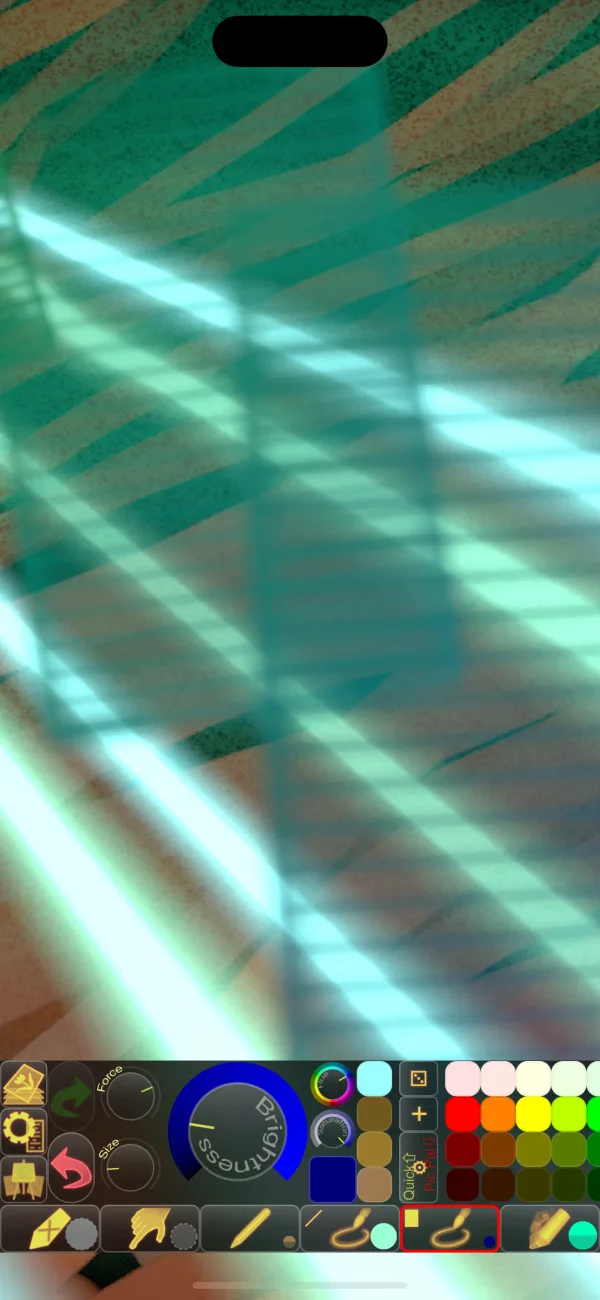
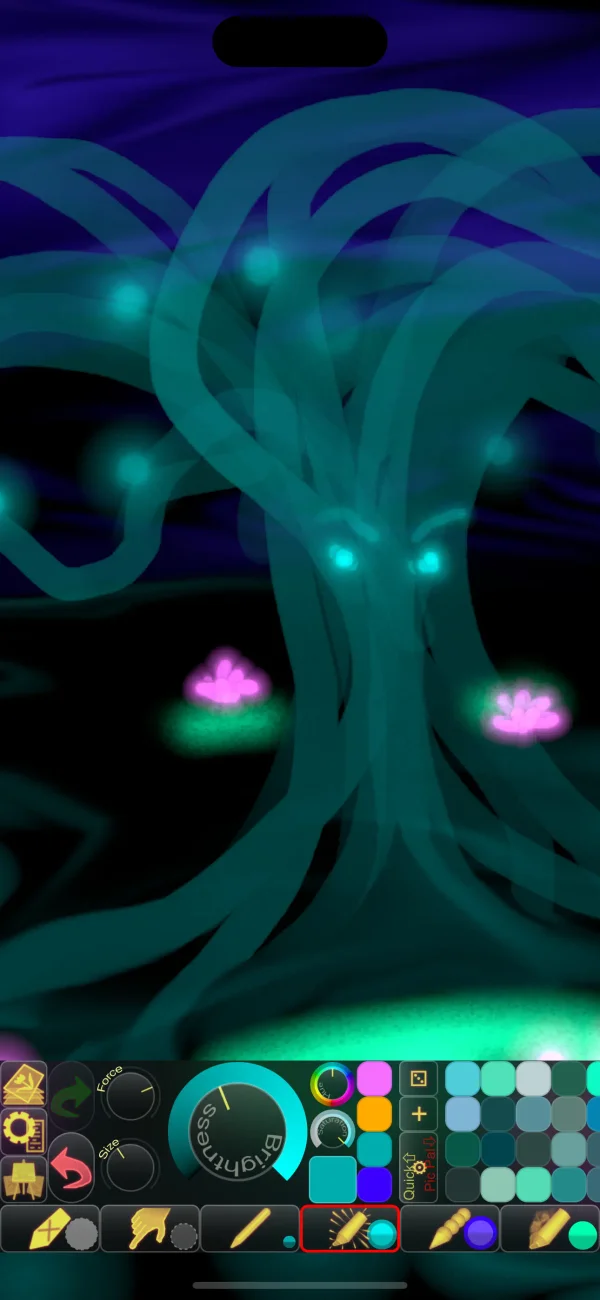
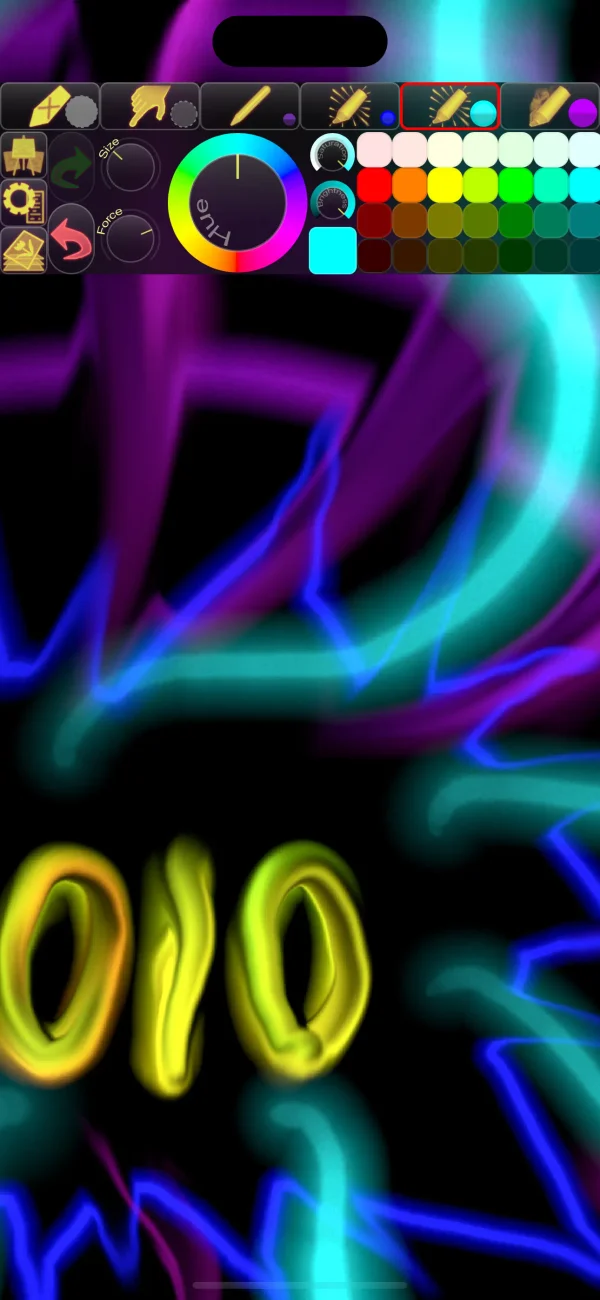
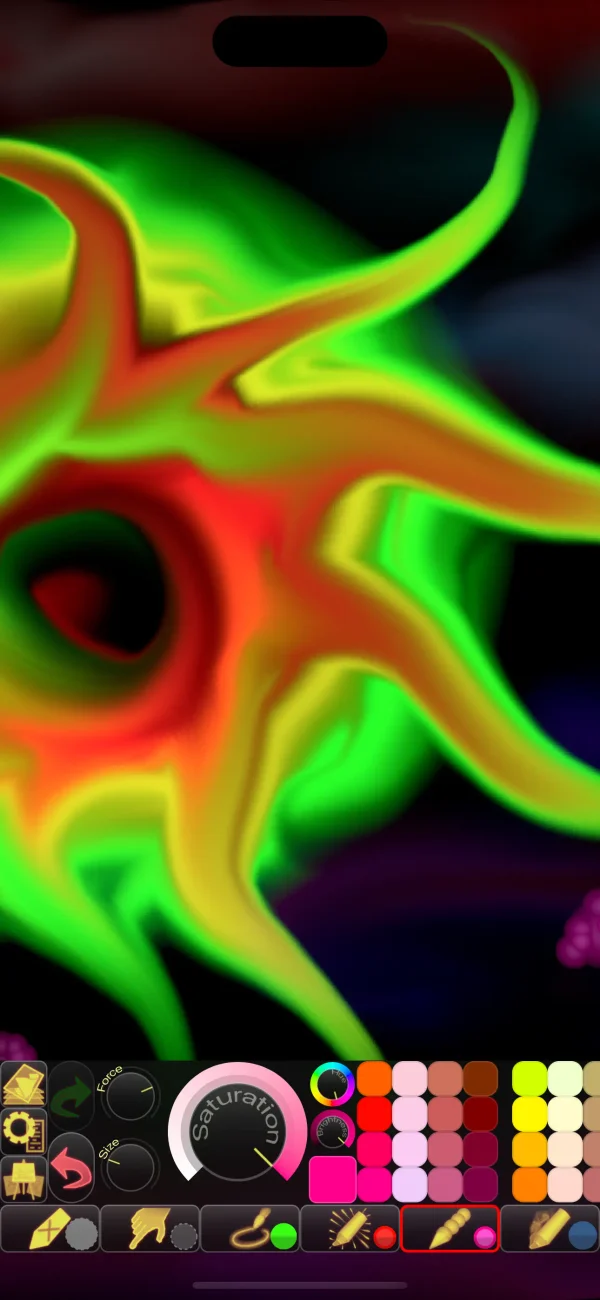
Draw with light-inspired tools, for a unique art style!
Create a drawing from scratch, or add effects to your photos.
Let your creativity run wild!
• LIVE-CALCULATED HDR BRUSHES •
The app features live-calculated brushes and strokes, that together with HDR values make it feel like drawing with light!
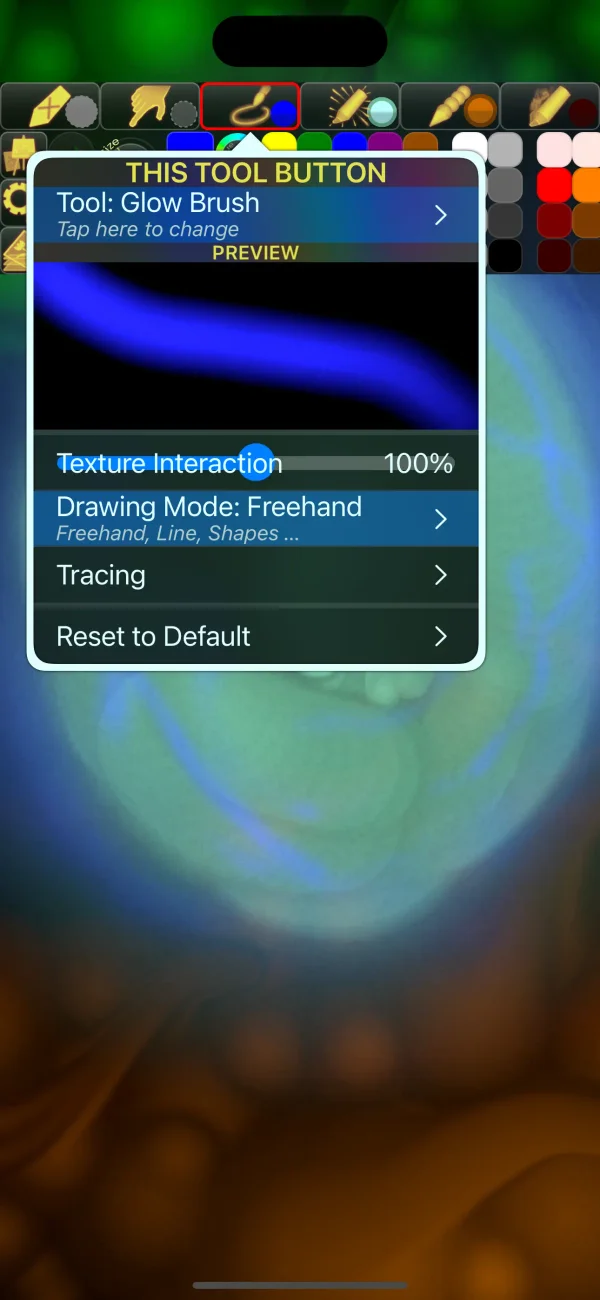
Drawing tools include Glow Pen, Hot Pen, Light Spheres, and more.
Tip: Use the Smear tool on a photo or drawing to achieve immensely cool flame art (seriously, try it!).
• GRITTY PAPER/CANVAS TEXTURES •
Having a paper/canvas texture interacting in real-time with the drawing tools will give your artwork a satisfying, gritty look.
You can remove or change the default-generated texture to something else.
• UNIVERSAL PURCHASE •
If you choose to buy the Pro upgrade, this one-time in-app purchase will unlock all Pro features in the app on all available platforms (iPad-iPhone-Mac)!
• METAL •
The engine is based on Metal, with 128-bit color and floating-point arithmetic.
• SWIFT •
The app was developed entirely using Swift (earlier versions used C++).
• FINGERTIP = STROKE SIZE • CHANGE SIZE/FORCE/COLOR WHILE DRAWING •
• APPLE PENCIL SUPPORT • FULL SCREEN DRAWING • SEAMLESS PATTERN EDITING MODE •
• DARK MODE • LANDSCAPE • PORTRAIT • WIDE COLOR •
• MULTIPLE LAYERS • PHOTO TRACING MODE (Pro feature) •
Yang baru
Versi 5.5.2 · 18/12/2023
[NEW] Added some selection options (like “Select All”) in Work in Progress (Gallery). Long-press the Multi-Select button or tap “Selected…” next to the buttons.
[NEW] Added “Reset to Default” button to the Scrollable Palette Area menu (to open that menu, scroll the palette to its beginning and tap the largest of the three buttons that appear).
[FIXED] Pasting multiple files in Work in Progress (Gallery) did not always select all the imported pics.
[FIXED] Some issues when tapping to add to the selection while dragging the thumbnails in Work in Progress (Gallery).
[IMPROVED] (for devices with attached hardware keyboard) Minor changes/additions to the keyboard shortcuts in Work in Progress (Gallery), and the shortcuts for Copy, Paste, Duplicate now work with layers if the Layers stack is open.
[FIXED] Copy Layer was not always working properly.
[FIXED] Some minor multi-select issues in Work in Progress (Gallery).
[FIXED] A couple of drag & drop issues.
[FIXED] Rotating the device could, in some very rare circumstances, cause the app to crash.
[IMPROVED] Tapping or long-pressing a dial could result in an unintentional adjustment (especially if using Apple Pencil).
[FIXED] A couple of rare user interface layout glitches.
[FIXED] A very improbable crash bug.
[IMPROVED] A few minor things.
Privasi aplikasi
Yang dinyatakan Norbyte di App Store tentang cara aplikasi ini menangani data.
-
Data tidak dikumpulkan
Pengembang tidak mengumpulkan data apa pun dari aplikasi ini.
Praktik privasi dapat bervariasi, misalnya berdasarkan fitur yang Anda gunakan atau usia Anda.
Informasi
- Penjual
- Norbyte
- Kategori
- Grafik & Desain
- Versi
- 5.5.2
- Diperbarui
- 18/12/2023
- Dirilis
- 7/1/2012
- Ukuran
- 23,6 MB
- Memerlukan
- iOS 12.0 atau yang lebih baru
- Batasan usia
- 4+
- Harga
- Gratis
- Pembelian dalam aplikasi
- Ya
- Bahasa
- Inggris
- Hak cipta
- © 2012-2023 Norbyte
Mungkin Anda juga suka
-
 Sketch Tree - Art Drawing PadGrafik & Desain
-
 Doodle Magic - Draw, PaintGame doodle cahaya luar biasa!
-
 Flowpaper: Drawing & AnimationGrafik & Desain
-
 Calligraphy Calm - Ink BrushGrafik & Desain
-
 Doodle Buddy Draw for iPadGrafik & Desain
-
 Mandala Maker: gambar simetriMenggambar dan mewarnai santai
-
 Draw in AiR: Spatial DrawingGrafik & Desain
-
 Mandalas Drawing StudioGrafik & Desain
-
 CraZeAppGrafik & Desain
-
 Doodle Draw PadSketsa, Cat, Seni, Warna