- 対象年齢4+
- カテゴリグラフィック/デザイン
- 開発元Norbyte
- 言語英語
- サイズ23.6 MB
App Storeの公式ページにリンクしています
Download.orgはLux Drawのファイルを一切ホストしていません。ボタンを押すと、Norbyteが公開しているApp Storeのアプリページが開きます。ページの最終確認:2026/11/27。
スクリーンショット



概要
開発元はこのテキストをお使いの言語で提供していません。
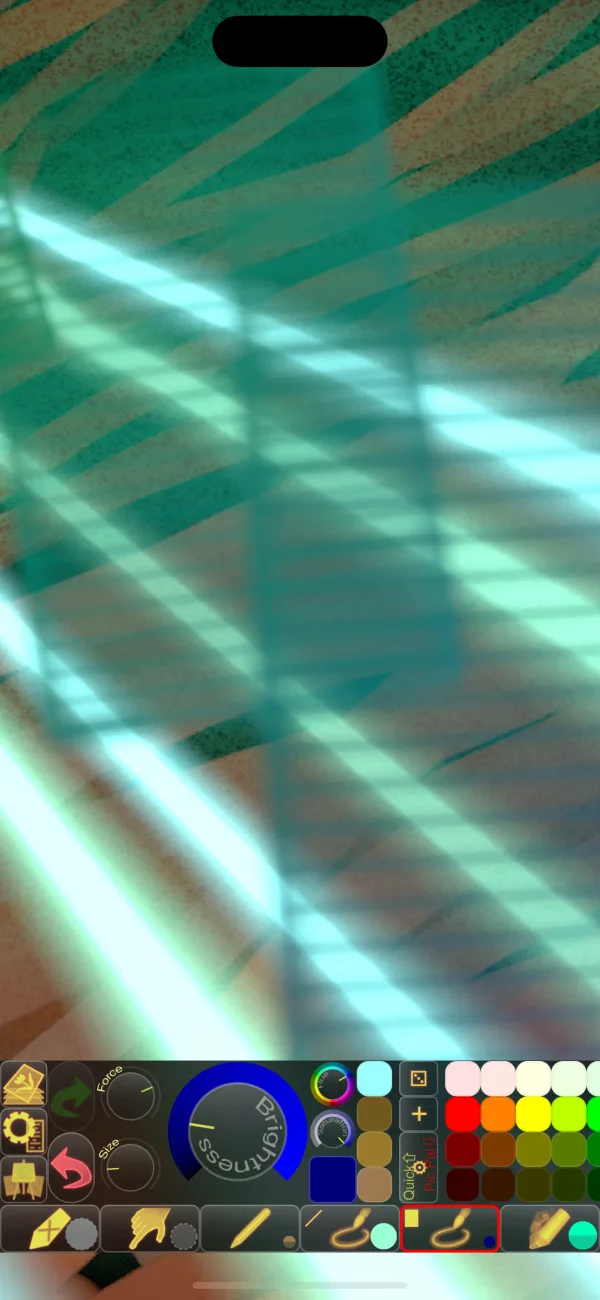
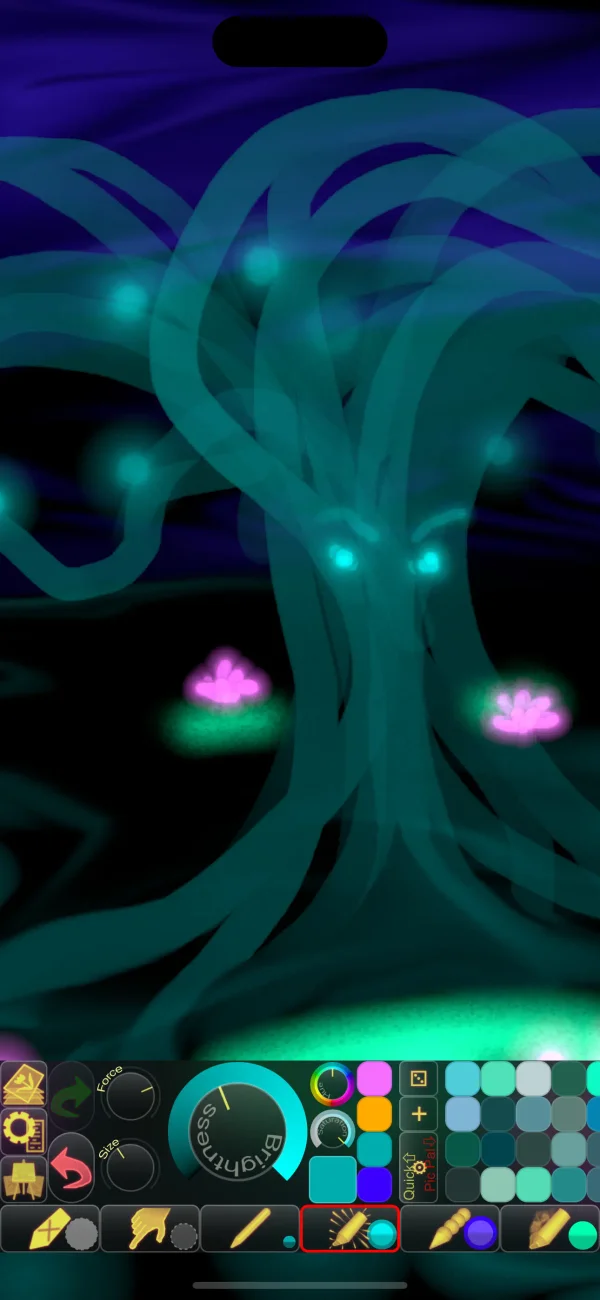
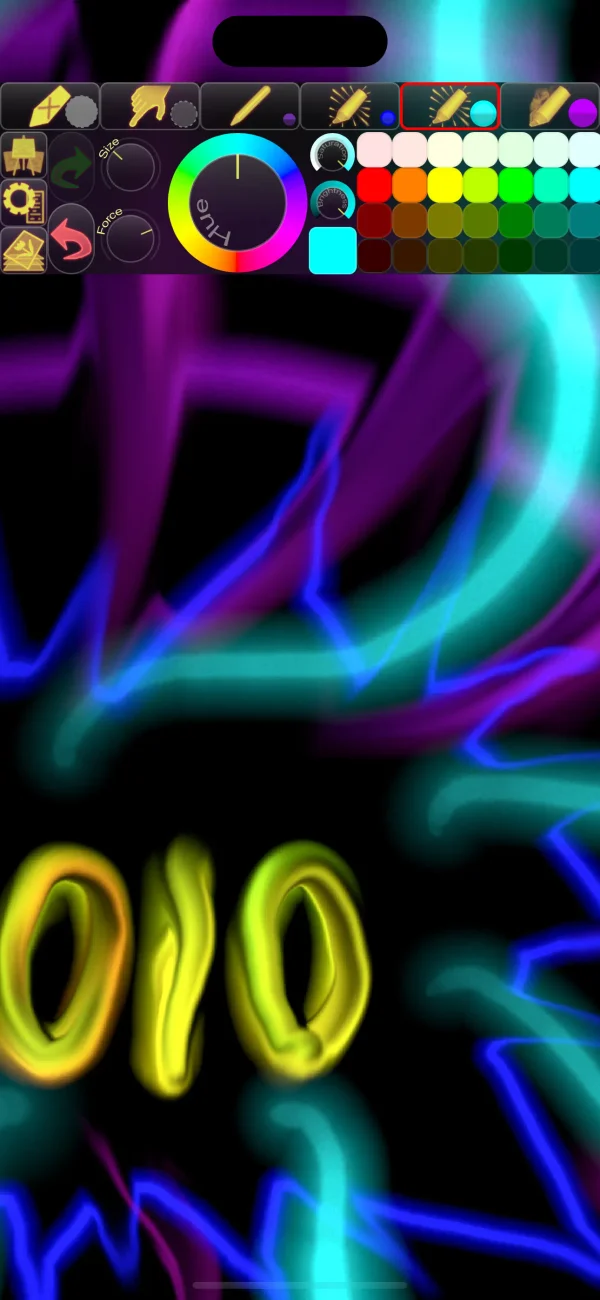
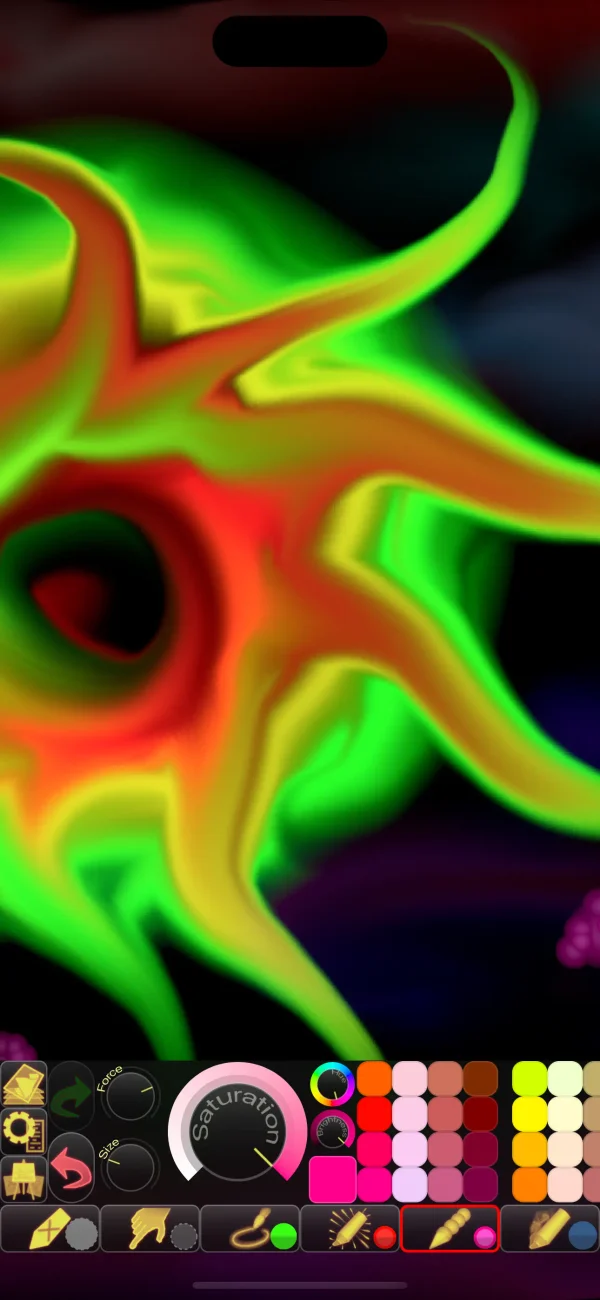
Draw with light-inspired tools, for a unique art style!
Create a drawing from scratch, or add effects to your photos.
Let your creativity run wild!
• LIVE-CALCULATED HDR BRUSHES •
The app features live-calculated brushes and strokes, that together with HDR values make it feel like drawing with light!
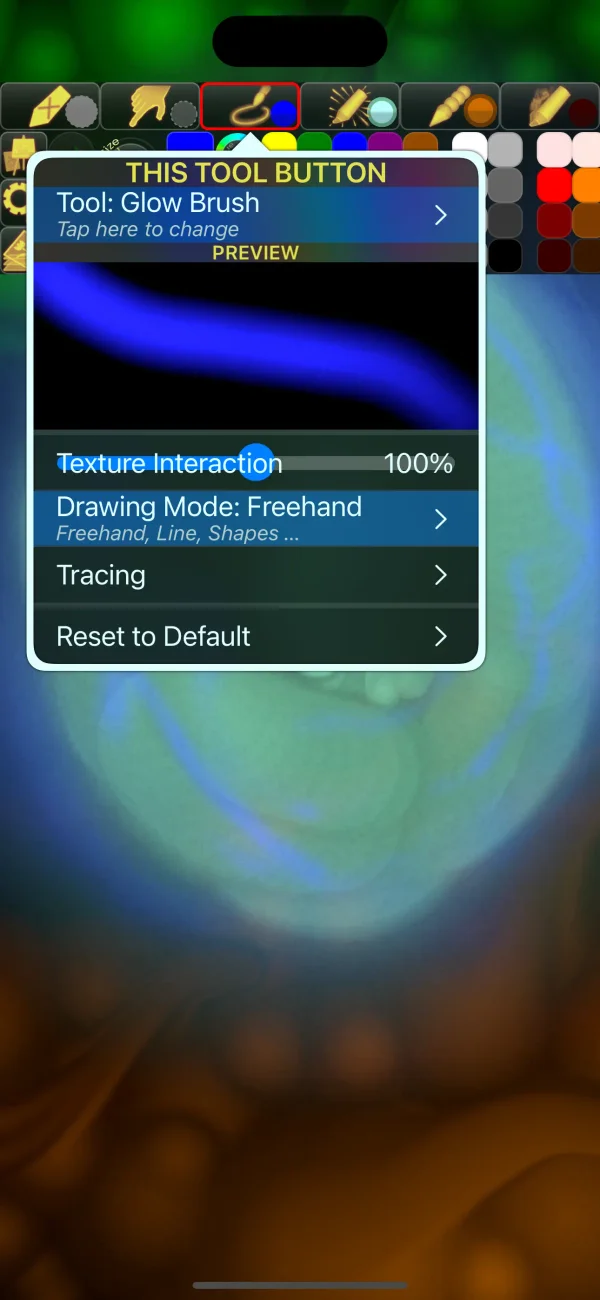
Drawing tools include Glow Pen, Hot Pen, Light Spheres, and more.
Tip: Use the Smear tool on a photo or drawing to achieve immensely cool flame art (seriously, try it!).
• GRITTY PAPER/CANVAS TEXTURES •
Having a paper/canvas texture interacting in real-time with the drawing tools will give your artwork a satisfying, gritty look.
You can remove or change the default-generated texture to something else.
• UNIVERSAL PURCHASE •
If you choose to buy the Pro upgrade, this one-time in-app purchase will unlock all Pro features in the app on all available platforms (iPad-iPhone-Mac)!
• METAL •
The engine is based on Metal, with 128-bit color and floating-point arithmetic.
• SWIFT •
The app was developed entirely using Swift (earlier versions used C++).
• FINGERTIP = STROKE SIZE • CHANGE SIZE/FORCE/COLOR WHILE DRAWING •
• APPLE PENCIL SUPPORT • FULL SCREEN DRAWING • SEAMLESS PATTERN EDITING MODE •
• DARK MODE • LANDSCAPE • PORTRAIT • WIDE COLOR •
• MULTIPLE LAYERS • PHOTO TRACING MODE (Pro feature) •
新機能
バージョン 5.5.2 · 2023/12/18
[NEW] Added some selection options (like “Select All”) in Work in Progress (Gallery). Long-press the Multi-Select button or tap “Selected…” next to the buttons.
[NEW] Added “Reset to Default” button to the Scrollable Palette Area menu (to open that menu, scroll the palette to its beginning and tap the largest of the three buttons that appear).
[FIXED] Pasting multiple files in Work in Progress (Gallery) did not always select all the imported pics.
[FIXED] Some issues when tapping to add to the selection while dragging the thumbnails in Work in Progress (Gallery).
[IMPROVED] (for devices with attached hardware keyboard) Minor changes/additions to the keyboard shortcuts in Work in Progress (Gallery), and the shortcuts for Copy, Paste, Duplicate now work with layers if the Layers stack is open.
[FIXED] Copy Layer was not always working properly.
[FIXED] Some minor multi-select issues in Work in Progress (Gallery).
[FIXED] A couple of drag & drop issues.
[FIXED] Rotating the device could, in some very rare circumstances, cause the app to crash.
[IMPROVED] Tapping or long-pressing a dial could result in an unintentional adjustment (especially if using Apple Pencil).
[FIXED] A couple of rare user interface layout glitches.
[FIXED] A very improbable crash bug.
[IMPROVED] A few minor things.
アプリのプライバシー
このアプリのデータの取り扱いについて、NorbyteがApp Storeで申告している内容です。
-
データの収集なし
開発元はこのアプリからデータを収集しません。
プライバシーの取り扱いは、ご利用の機能やお客様の年齢などに応じて異なる場合があります。
情報
- 販売元
- Norbyte
- カテゴリ
- グラフィック/デザイン
- バージョン
- 5.5.2
- 更新日
- 2023/12/18
- リリース
- 2012/1/7
- サイズ
- 23.6 MB
- 必要条件
- iOS 12.0以降
- 対象年齢
- 4+
- 価格
- 無料
- アプリ内課金
- あり
- 言語
- 英語
- 著作権
- © 2012-2023 Norbyte
こちらもおすすめ
-
 Sketch Tree - アート落書き画板世界の美しさを記録する毎日の落書きを手描きで描く
-
 Doodle Magic - お絵描き,ペイント発光する落書きの魔法、一緒に塗って不思議な模様を作ろう!
-
 Flowpaper:描画&アニメーションデジタルアート・スケッチブック
-
 书法毛笔 - Calligraphy Calm水墨画、水彩艺术
-
 Doodle Buddy Draw for iPadグラフィック/デザイン
-
 Mandala Maker: 対称お絵かき万華鏡アートとマンダラぬりえ
-
 Draw in AiR: Spatial Drawingグラフィック/デザイン
-
 Mandalas Drawing Studioグラフィック/デザイン
-
 CraZeAppグラフィック/デザイン
-
 Doodle Draw Padスケッチ, ペイント, アート, カラー