
Markdown A.I.
Markdown Previewer & Editor
Dirancang untuk iPad, Mac
Gratis · Pembelian dalam aplikasi
- Batasan usia4+
- KategoriProduktivitas
- PengembangProductivitySurge, LLC
- BahasaInggris
- Ukuran1,1 GB
Tertaut ke halaman resmi App Store
Download.org tidak menyimpan file Markdown A.I. apa pun. Tombol ini membuka halaman aplikasi di App Store, tempat ProductivitySurge, LLC menerbitkannya. Halaman terakhir diperiksa pada 15/11/2026.
Tangkapan layar

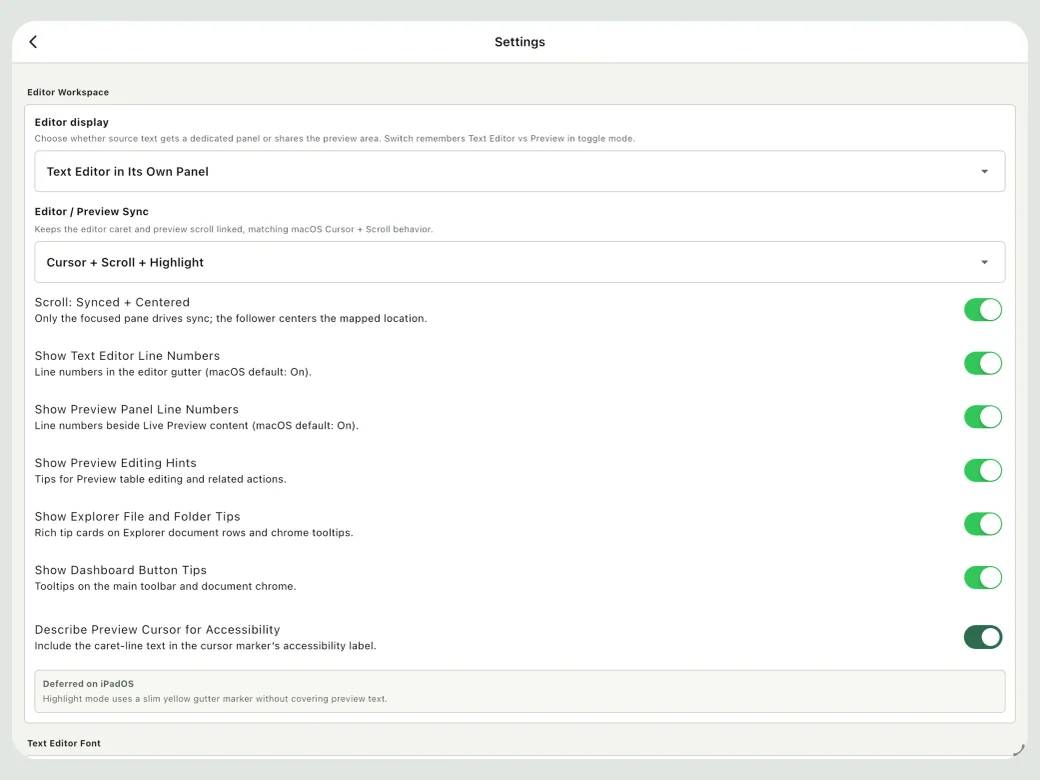
Tentang
Pengembang belum menyediakan teks ini dalam bahasa Anda.
Markdown A.I. is a focused Markdown workspace designed for iPad.
Choose Try Limited Free Version to begin available limited access. After limited access ends, eligible users can choose Start Free Trial to view the introductory subscription offer and terms. Purchased access uses your verified subscription. Trial access is limited; Buy Now opens Subscription Options without replacing your current document or unsaved edits. Existing purchases remain independent of local trial access.
Write and Preview
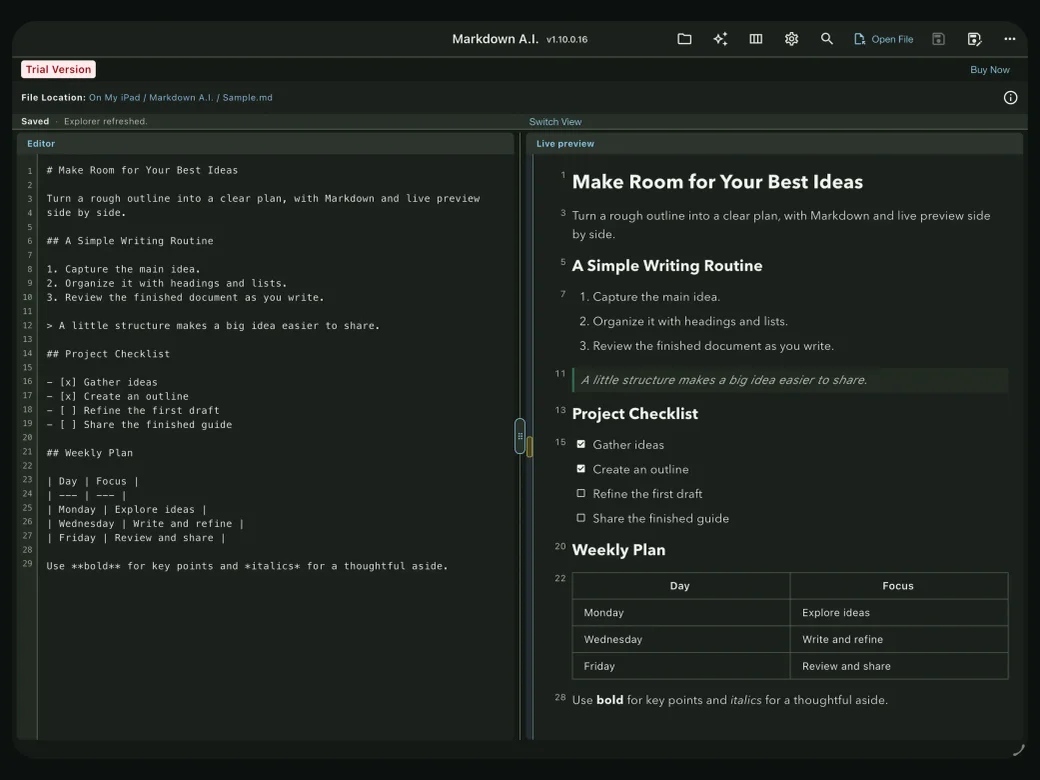
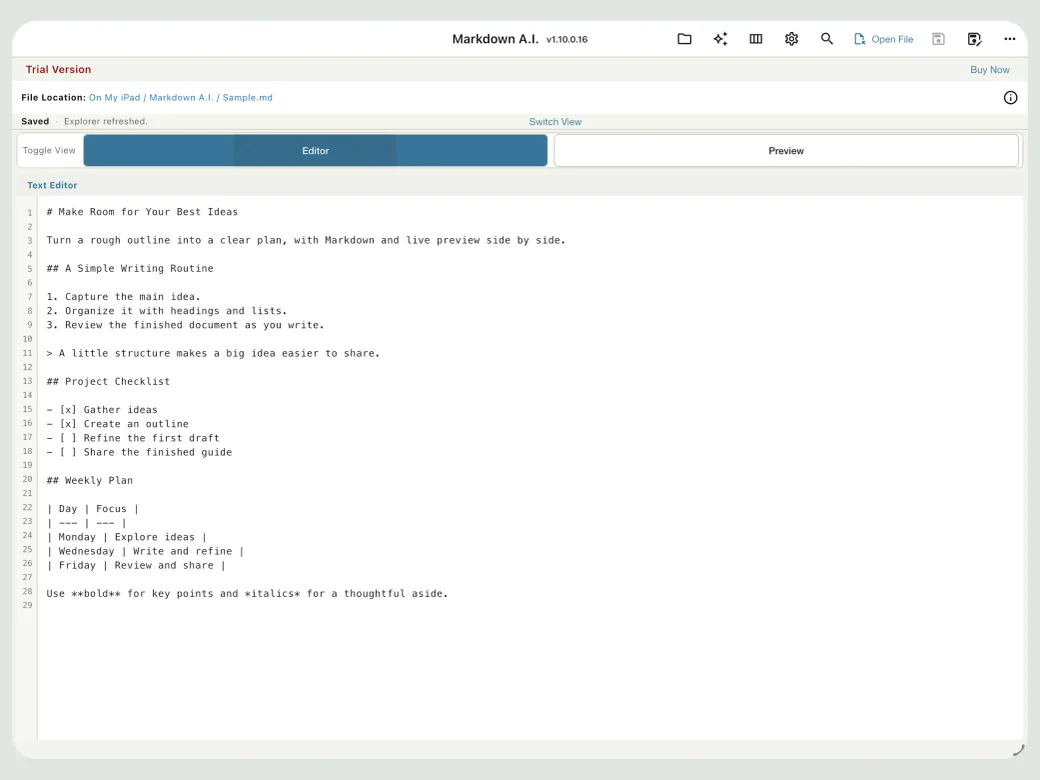
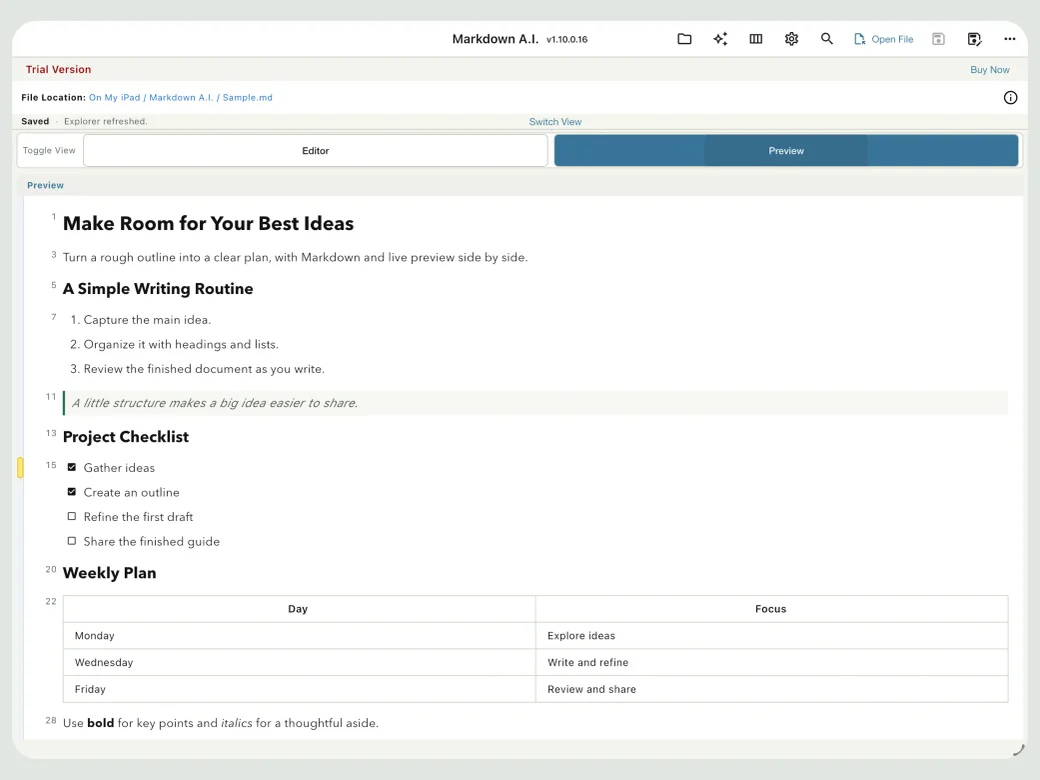
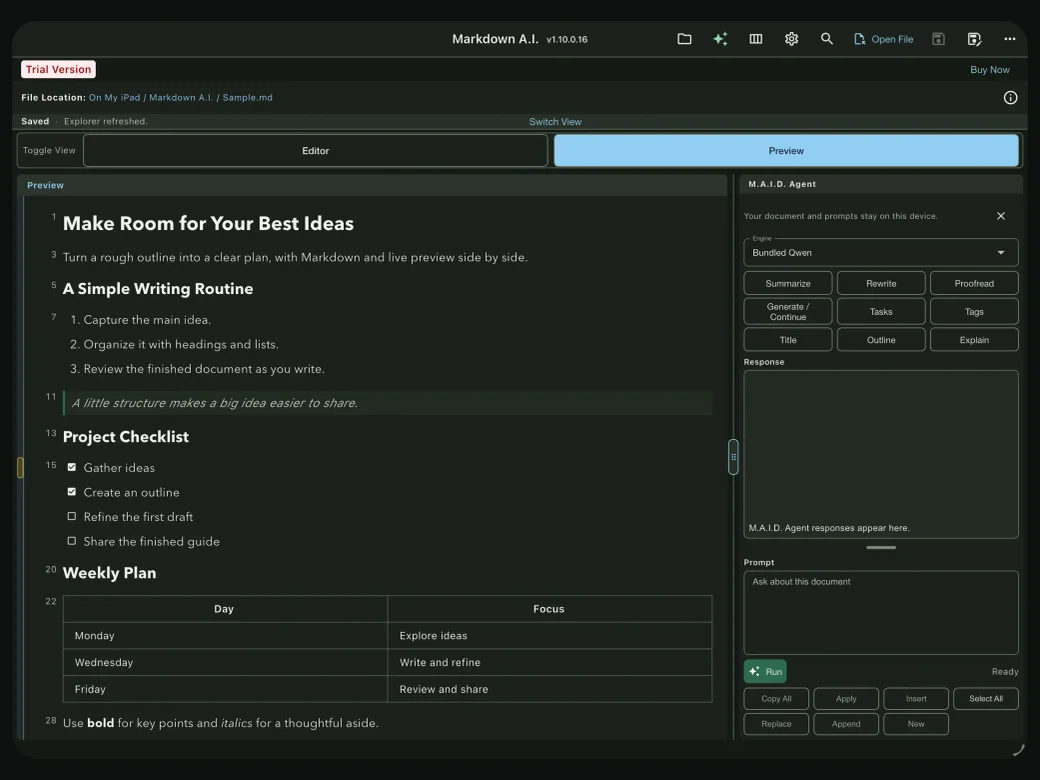
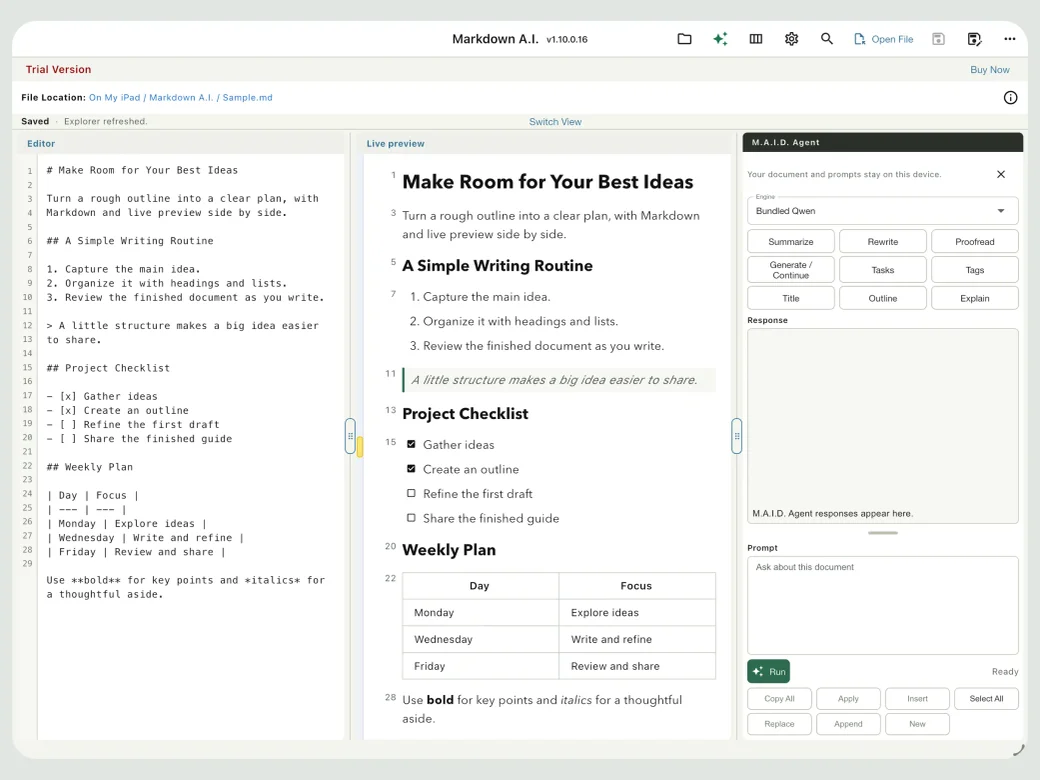
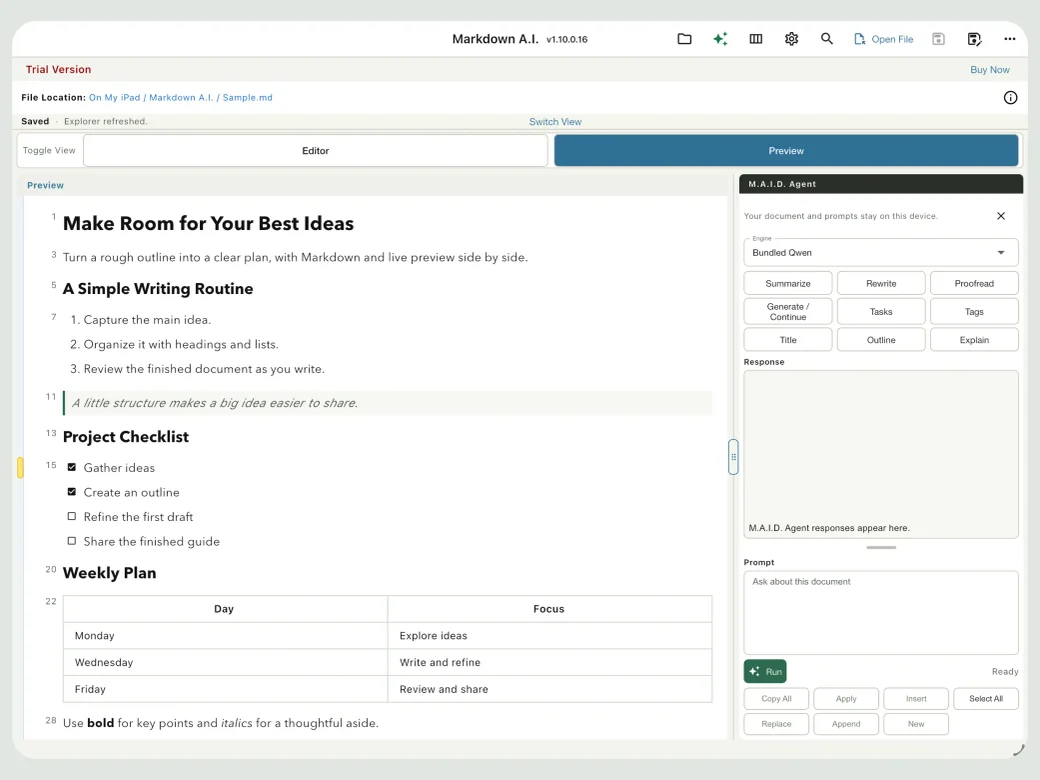
Edit Markdown with a live rendered preview. Use Editor, Preview or both side by side. Adjust preview synchronization in Settings and resize or hide panels to suit your workspace.
A Compact iPad Workspace
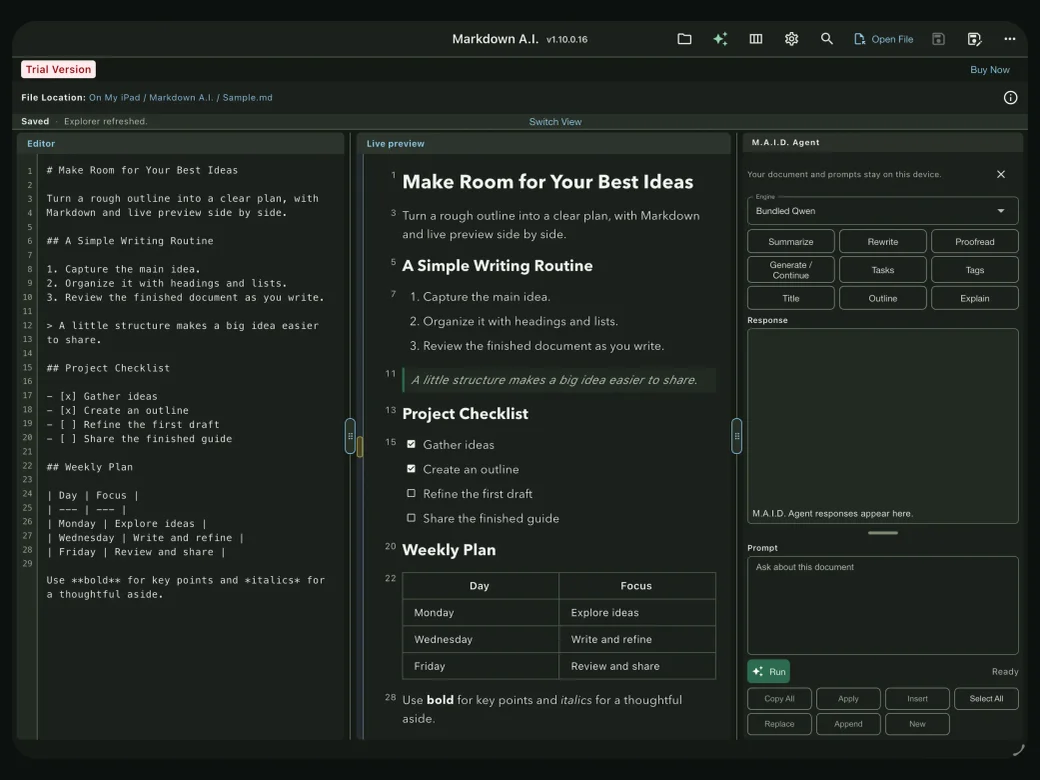
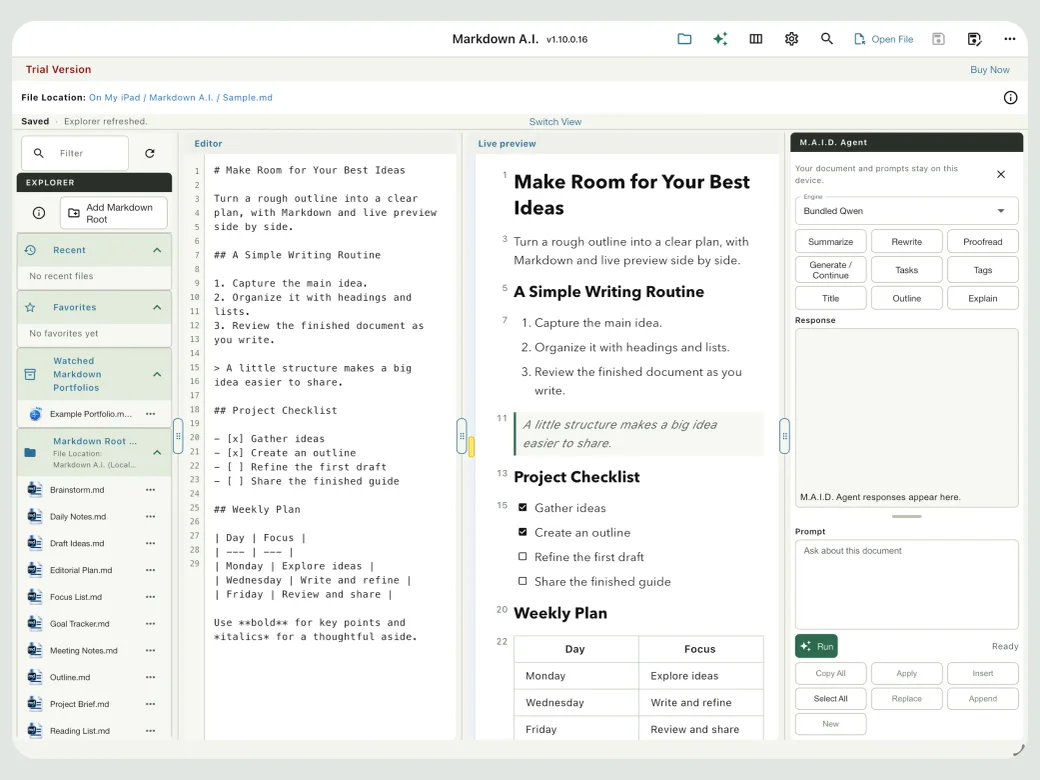
Explore documents in the Explorer, resize the Editor and Preview, and use the M.A.I.D. Agent alongside your writing. Light and Dark appearance, compact controls and readable file locations help keep the writing surface clear.
Documents and Portfolios
Use Add Markdown Root for a supported folder or Open File for an individual Markdown document. Browse, search, rename, share and manage files through supported Apple Files locations. Cloud access depends on the provider being installed, enabled and authenticated, and on the file or folder operations it supports. A clean sample document and Example Portfolio help you explore the workspace.
Private Local AI
Ask about your document, generate titles and outlines, summarize, proofread or rewrite selected text. Supported requests run on your iPad rather than sending document text to an online AI service. Availability and performance vary by device and operating system.
Read formatted Markdown responses in timestamped conversation bubbles. Resize Response and Prompt, edit prompts as Markdown source, choose their font and size in Settings, and use Copy All to copy the conversation. Review generated text before applying it to your document.
Preserve Your Work
Draft recovery, external-change detection, save confirmation and document restoration help protect your writing. Use Save, Save As, Share, image importing and keyboard shortcuts for common actions. Returning from Subscription Options preserves the active document and unsaved edits.
Subscriptions
Annual and monthly auto-renewable subscriptions provide ongoing full-workspace access. Any eligible introductory offer, localized price and renewal terms are displayed before purchase. Apple determines offer eligibility. Manage or cancel subscriptions through your Apple Account. Restore Purchases is available for existing purchases.
Terms of Use (EULA):
https://www.apple.com/legal/internet-services/itunes/dev/stdeula/
Yang baru
Versi 1.10.0 · 24/10/2026
• A compact, resizable iPad workspace with clearer Explorer sections and file locations.
• Timestamped local AI conversations with formatted Markdown responses, adjustable fonts and Copy All.
• Response above Prompt, a resizable divider and compact action buttons.
• Improved Open File, save confirmation, draft recovery and cloud-location labels.
• A clean starter document and Example Portfolio.
• Trial workspace access with Buy Now and a return route that preserves unsaved edits.
• Improved Light/Dark readability and narrow-window toolbar access.
Privasi aplikasi
Yang dinyatakan ProductivitySurge, LLC di App Store tentang cara aplikasi ini menangani data.
-
Data tidak dikumpulkan
Pengembang tidak mengumpulkan data apa pun dari aplikasi ini.
Praktik privasi dapat bervariasi, misalnya berdasarkan fitur yang Anda gunakan atau usia Anda.
Informasi
- Penjual
- ProductivitySurge, LLC
- Kategori
- Produktivitas
- Versi
- 1.10.0
- Diperbarui
- 24/10/2026
- Dirilis
- 17/7/2026
- Ukuran
- 1,1 GB
- Memerlukan
- iOS 16.4 atau yang lebih baru
- Batasan usia
- 4+
- Harga
- Gratis
- Pembelian dalam aplikasi
- Ya
- Bahasa
- Inggris
- Hak cipta
- © 2026 ProductivitySurge®
Mungkin Anda juga suka
-
 Marten: Markdown Code NotesProduktivitas
-
 Abox Note · Markdown NotesProduktivitas
-
 MDViewer - Markdown ReaderProduktivitas
-
 RC MarkdownProduktivitas
-
 OpenNow - Markdown HTMLProduktivitas
-
 MD Flow - Markdown ReaderProduktivitas
-
 Markdown My WordsProduktivitas
-
 Pembaca Markdown: MD ReaderBaca, tulis, sorot & catat
-
 Quick Markdown ViewerProduktivitas
-
 Recto MDProduktivitas