
Quick Markdown Viewer
Read Markdown folders quickly
Dirancang untuk iPhone, iPad, Mac
Gratis
- Batasan usia4+
- KategoriProduktivitas
- PengembangSous Chef Studio, Inc.
- BahasaInggris
- Ukuran29,1 MB
Tertaut ke halaman resmi App Store
Download.org tidak menyimpan file Quick Markdown Viewer apa pun. Tombol ini membuka halaman aplikasi di App Store, tempat Sous Chef Studio, Inc. menerbitkannya. Halaman terakhir diperiksa pada 18/11/2026.
Tangkapan layar

Tentang
Pengembang belum menyediakan teks ini dalam bahasa Anda.
Quick Markdown Viewer is a local-first reader for Markdown folders, documentation packets, CSV/TSV tables, and media-rich notes on Mac, iPhone, and iPad.
Open a folder of files you already have, or open a public GitHub repository URL when you need to inspect remote docs. The app keeps reading fast and direct: no account, no subscription, no in-app purchase, and no tracking layer.
Features:
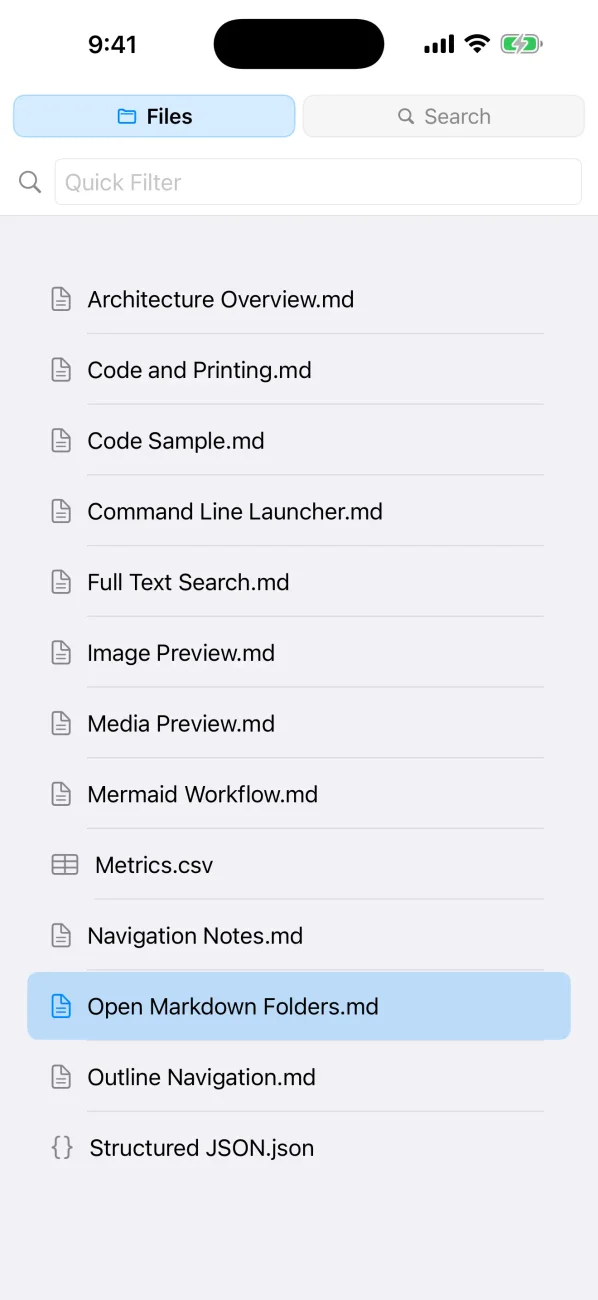
- Open local folders and browse Markdown, CSV, and TSV files in a file sidebar
- Open JSON, JSONC, NDJSON, and JSONL files with collapsible structured rows
- Read JSON-family fenced code blocks inside Markdown without switching apps
- Expand and collapse folders, filter large file trees, and use keyboard navigation on macOS
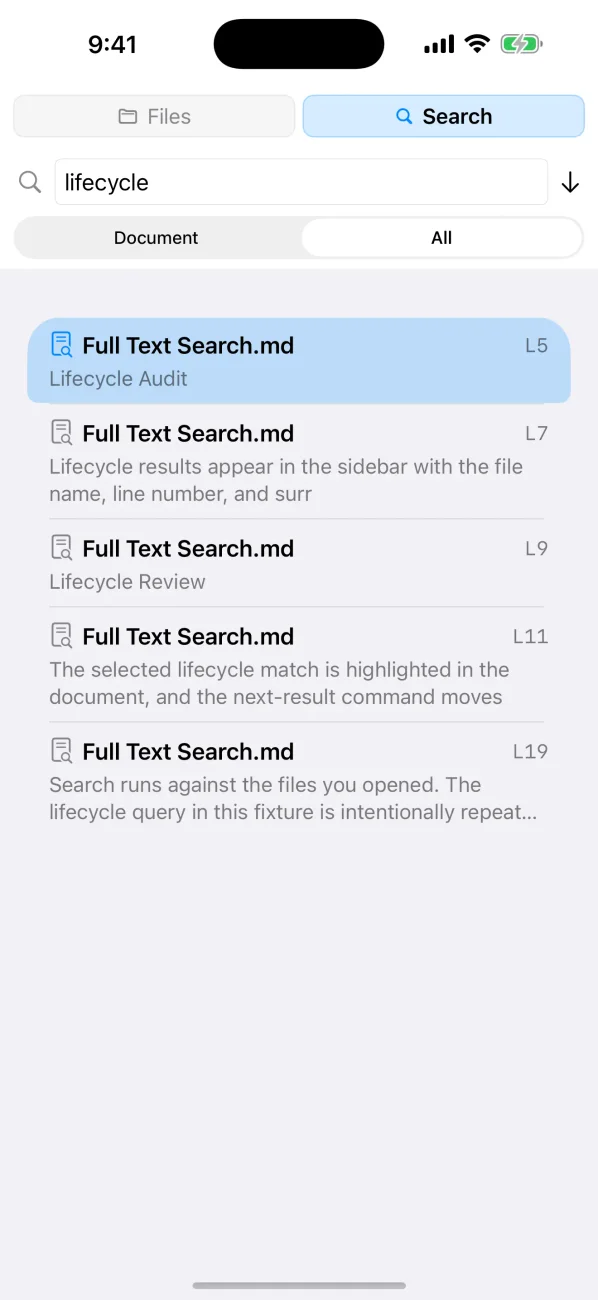
- Search the current document with Command-F or all open documents with Command-Shift-F
- Click search results in the sidebar to jump to matches highlighted in the document
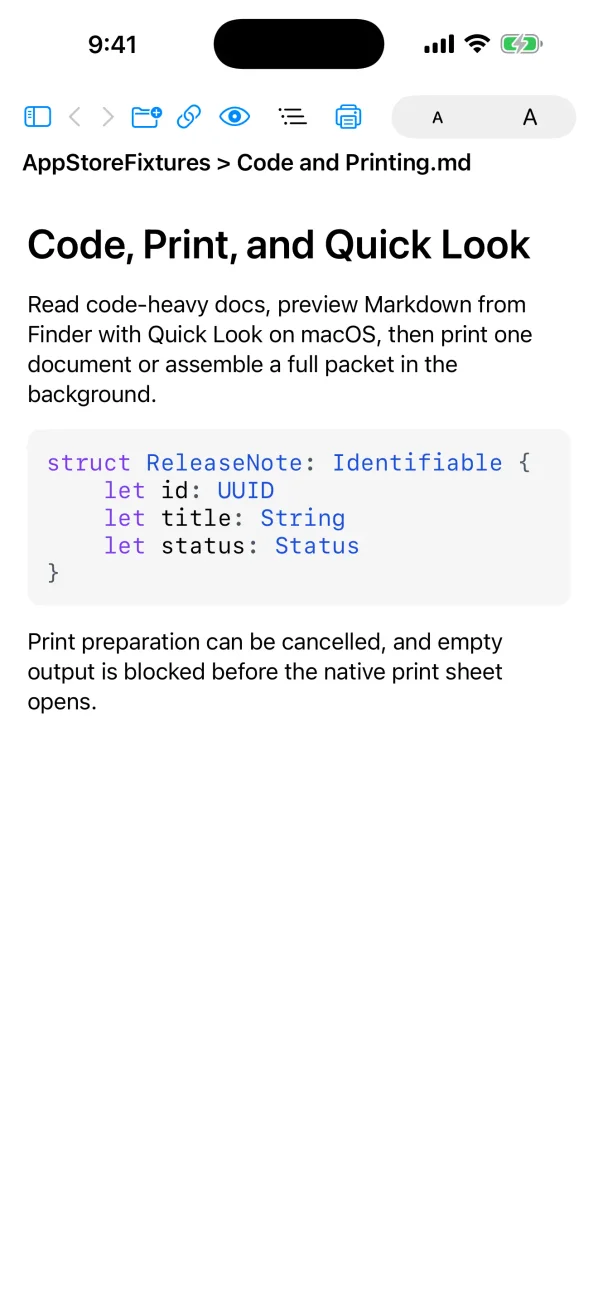
- Read Markdown with native rendering for headings, lists, tables, code blocks, links, images, GIFs, and local video
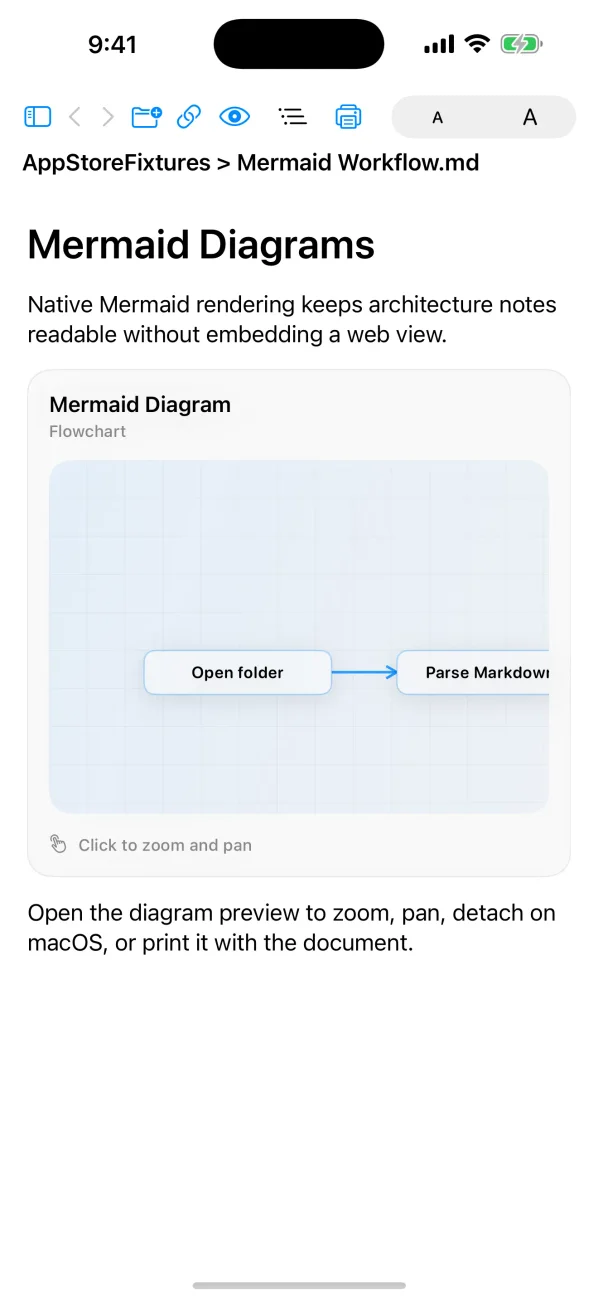
- Render Mermaid diagrams natively, then zoom and pan diagram previews
- Detach Mermaid diagram previews into resizable macOS windows
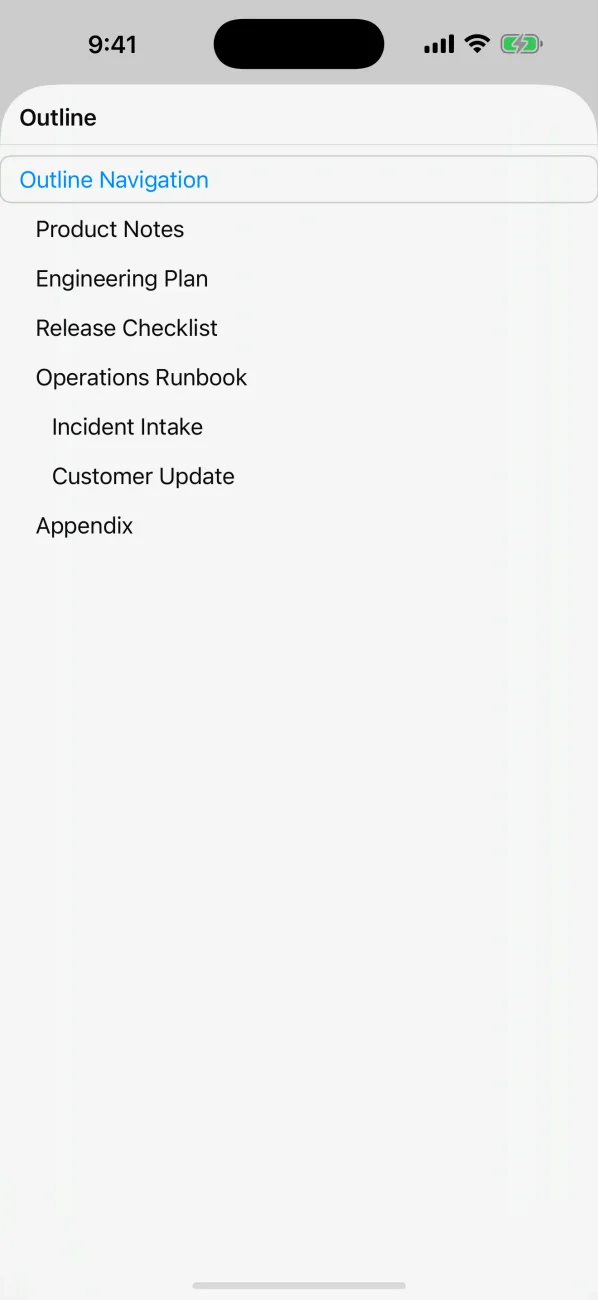
- Open a document outline, jump to headings, and track the current section while reading
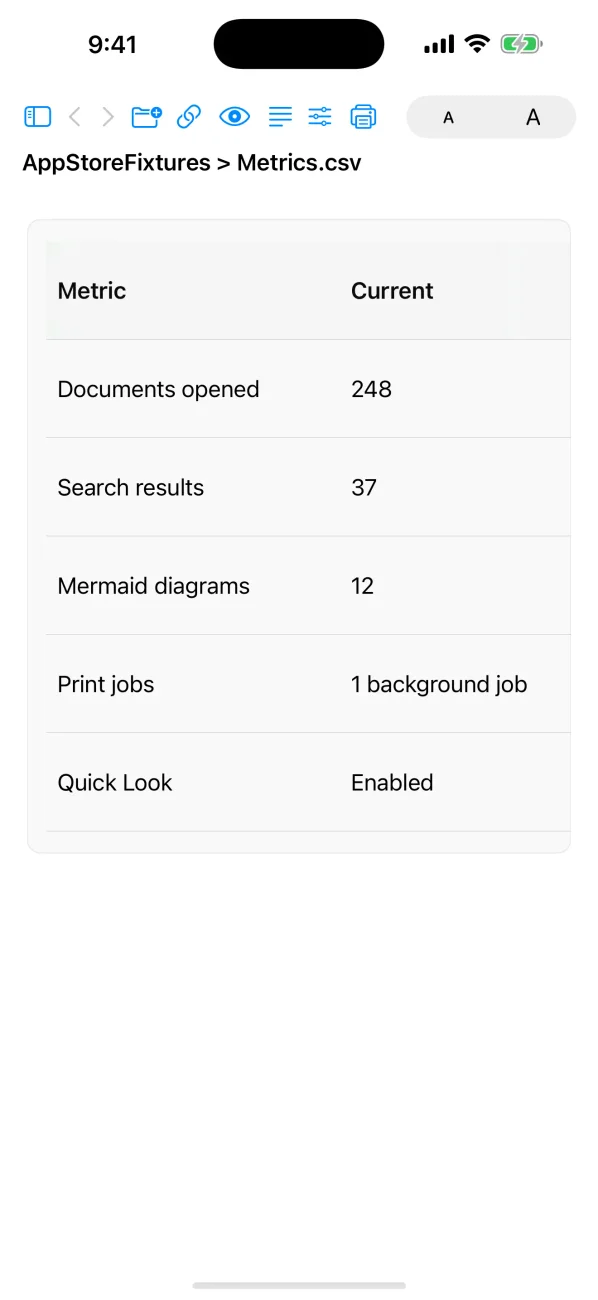
- Open CSV and TSV files as native tables with controls for wrapping and sizing
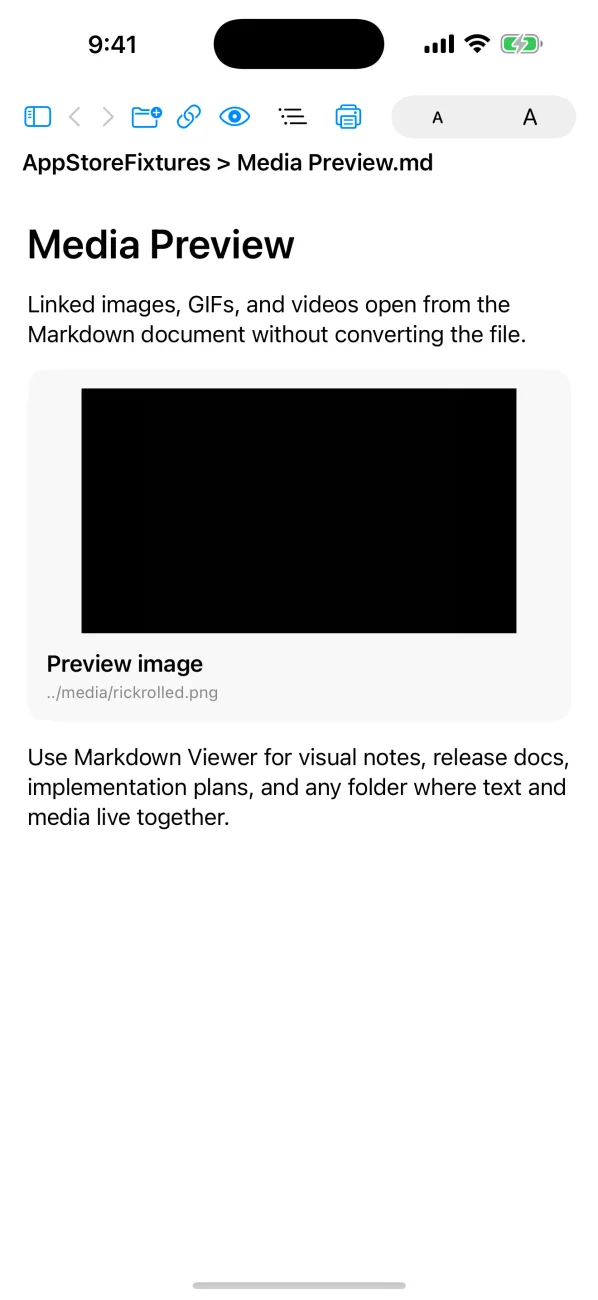
- Preview linked media without converting your Markdown files
- Print the current document or assemble a cancellable background Print All packet
- Preview Markdown from Finder with the macOS Quick Look extension
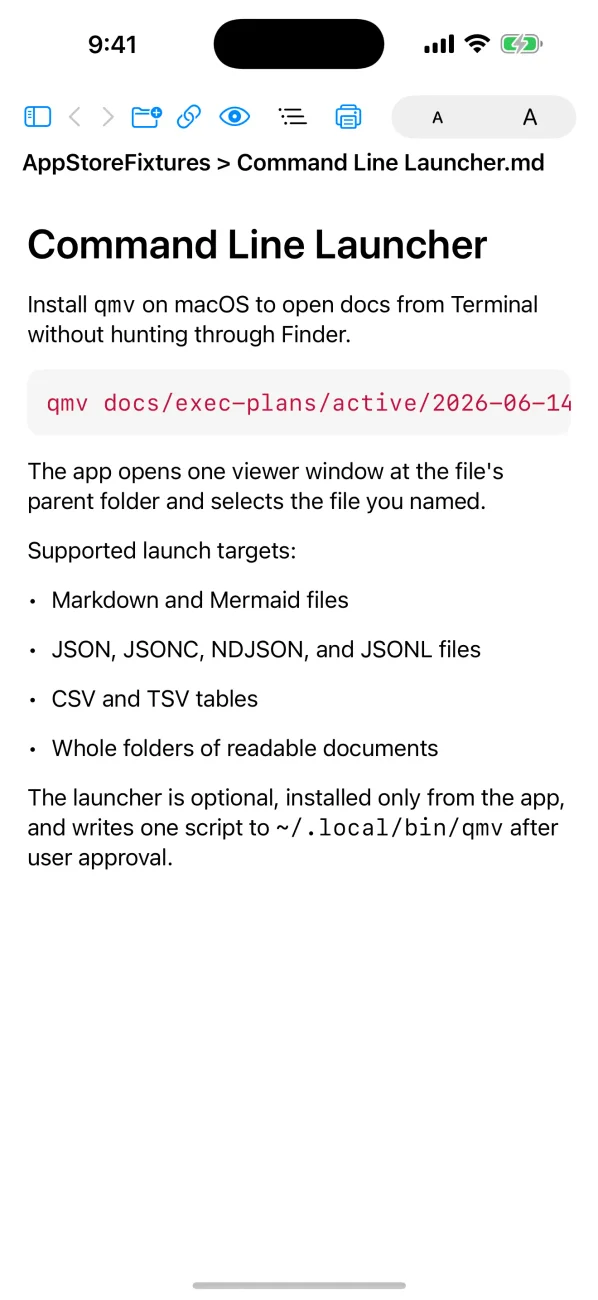
- Install the optional `qmv` command-line launcher on macOS and open supported files directly from Terminal
- Open public GitHub repository and repository tree URLs, including branch and tag paths
- Hide dependency and vendor folders with editable ignore patterns per window
- Navigate between files with back and forward history
- Adjust viewer font size for comfortable reading
Quick Markdown Viewer is designed to stay lightweight and direct:
- no account required
- no subscription
- no in-app purchase
- no tracking
- no web view renderer
Yang baru
Versi 1.7 · 15/6/2026
This update improves folder context in the reader and adds structured JSON-family reading:
- Show the full folder path in the header for files opened from nested folders
- Keep the selected file's ancestor folders visible above the scrolling file sidebar
- Open JSON, JSONC, NDJSON, and JSONL files in a collapsible structured viewer
- View JSON-family fenced blocks inside Markdown with source/viewer controls
- Keep original source line numbers visible while expanding, collapsing, and reading pretty JSON rows
- Quick Look previews now support JSON-family files with bounded native previews
- `qmv /path/to/file` on macOS now cold-starts directly to the file's parent folder with that file selected
- App-level file opens now cover Markdown, Mermaid, JSON-family files, CSV/TSV tables, and folders
Privasi aplikasi
Yang dinyatakan Sous Chef Studio, Inc. di App Store tentang cara aplikasi ini menangani data.
-
Data tidak dikumpulkan
Pengembang tidak mengumpulkan data apa pun dari aplikasi ini.
Praktik privasi dapat bervariasi, misalnya berdasarkan fitur yang Anda gunakan atau usia Anda.
Informasi
- Penjual
- Sous Chef Studio, Inc.
- Kategori
- Produktivitas
- Versi
- 1.7
- Diperbarui
- 15/6/2026
- Dirilis
- 7/4/2026
- Ukuran
- 29,1 MB
- Memerlukan
- iOS 16.0 atau yang lebih baru
- Batasan usia
- 4+
- Harga
- Gratis
- Bahasa
- Inggris
- Hak cipta
- © 2026 Sous Chef Studio, Inc.
Mungkin Anda juga suka
-
 md.tooProduktivitas
-
 Markdown My WordsProduktivitas
-
 SoloMDProduktivitas
-
 Marked — Markdown EditorProduktivitas
-
 Markdown Viewer MobileProduktivitas
-
 Markflow — Markdown ReaderProduktivitas
-
 Notelane - Markdown EditorProduktivitas
-
 MDash: Buku Catatan & MenulisEditor teks & pembaca Markdown
-
 .md ViewerProduktivitas
-
 Markdown Editor and ReaderProduktivitas