
MarkText - Markdown Editor
Notes, Writing, Diary, Export
Dirancang untuk iPhone, iPad, iPod touch
Rp 79ribu
- Batasan usia4+
- KategoriProduktivitas
- Pengembang刘生 林
- BahasaInggris+ 9 lainnya
- Ukuran14,3 MB
Tertaut ke halaman resmi App Store
Download.org tidak menyimpan file MarkText - Markdown Editor apa pun. Tombol ini membuka halaman aplikasi di App Store, tempat 刘生 林 menerbitkannya. Halaman terakhir diperiksa pada 15/11/2026.
Tangkapan layar

Tentang
Pengembang belum menyediakan teks ini dalam bahasa Anda.
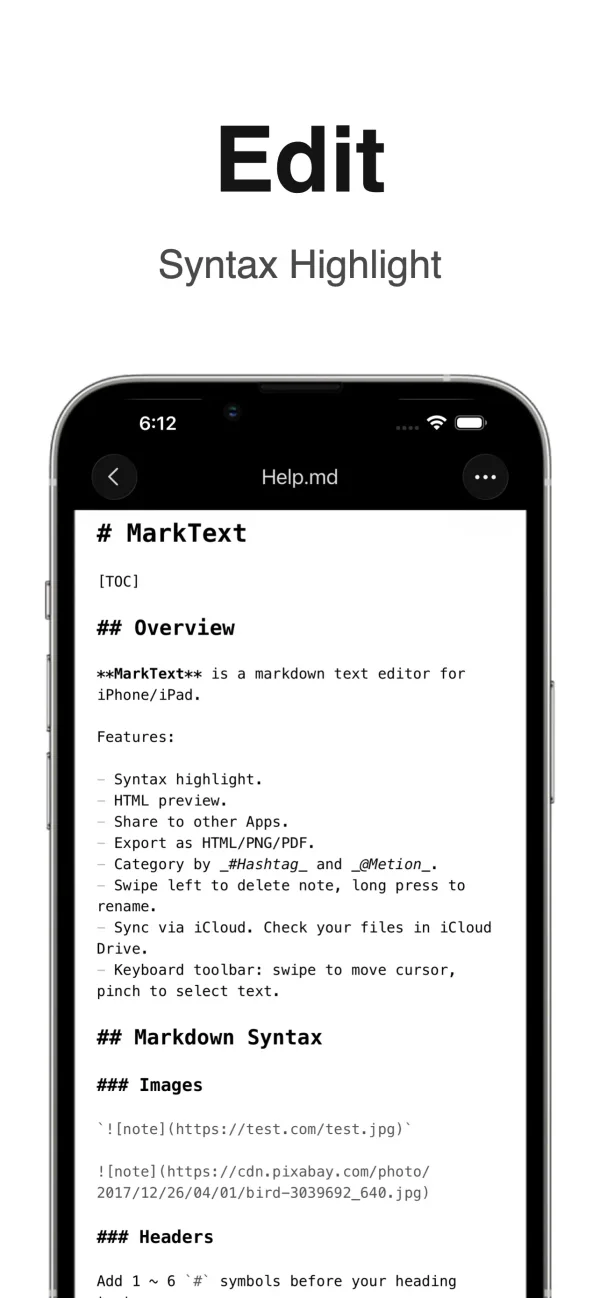
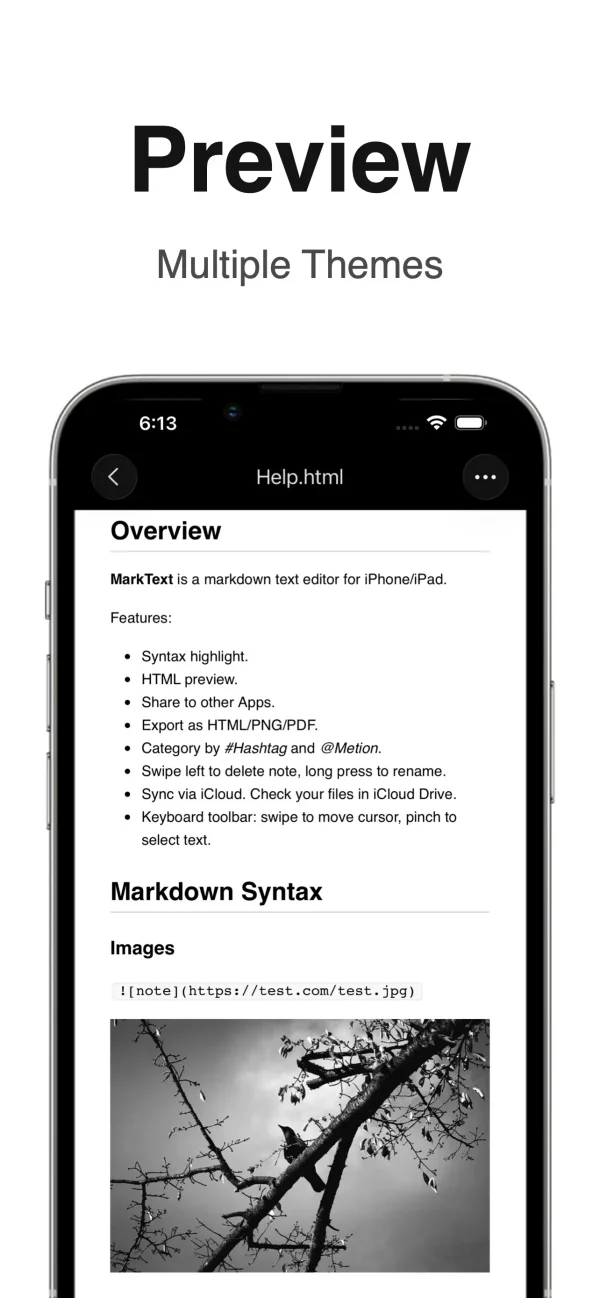
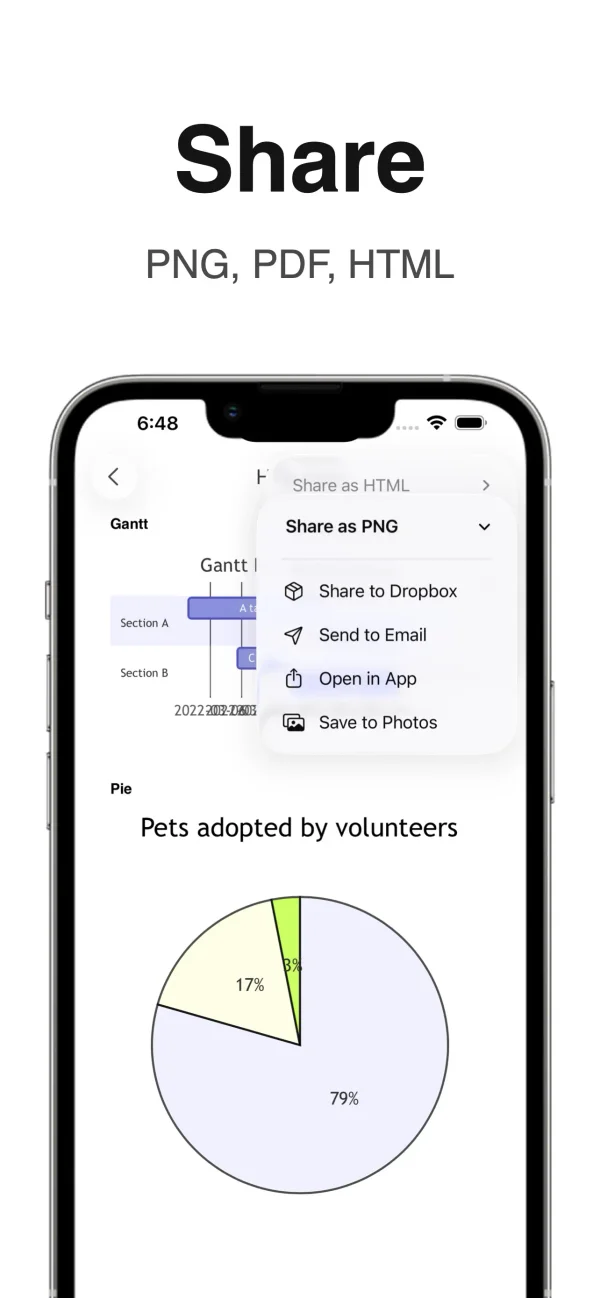
MarkText is a minimalist, lightweight Markdown text editor with local-first storage and iCloud sync. It supports syntax highlighting and comes with multiple built‑in preview themes, ideal for notes, writing, memos, journals and quick notes. Export to PDF, PNG or HTML in one tap for easy sharing.
## Key Features
- Markdown syntax highlighting.
- Built‑in HTML previews with various styles.
- Move cursor by sliding the toolbar above the keyboard;
- Simple import & export, edit files in Files app in place.
- One-tap conversion to long image, multi-images, PDF or HTML.
- Easily share to Dropbox, Email, or open with other apps.
- Full-text search, word count, regex find & replace;
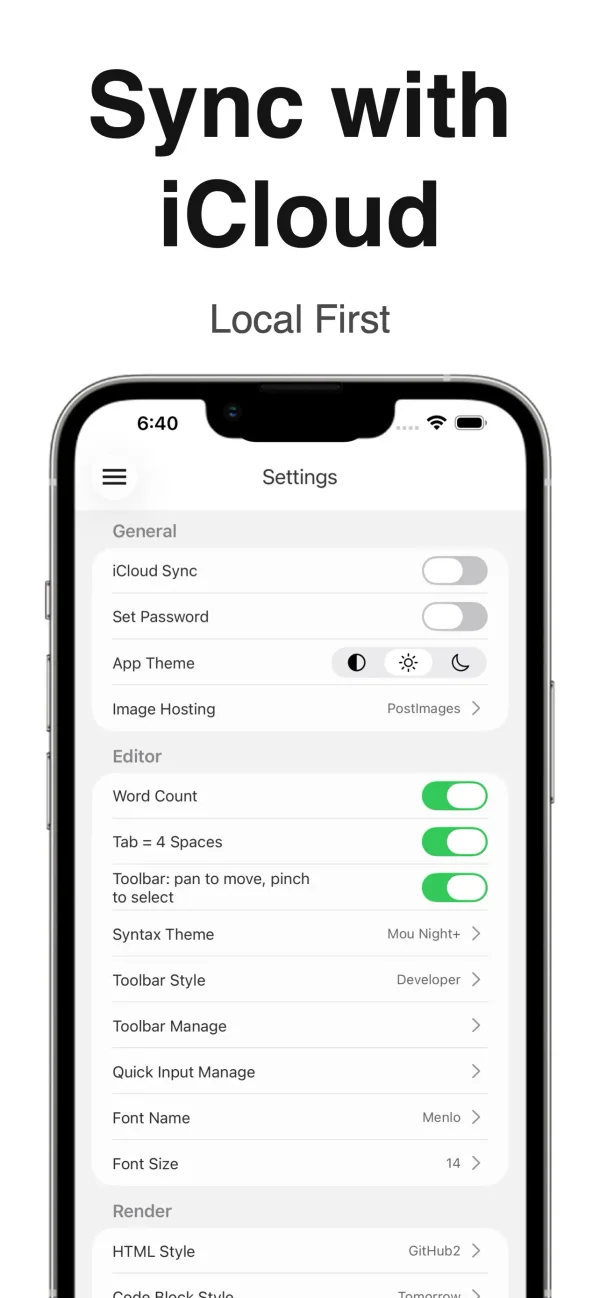
- Sync between iPhone, iPad and Mac via iCloud Drive.
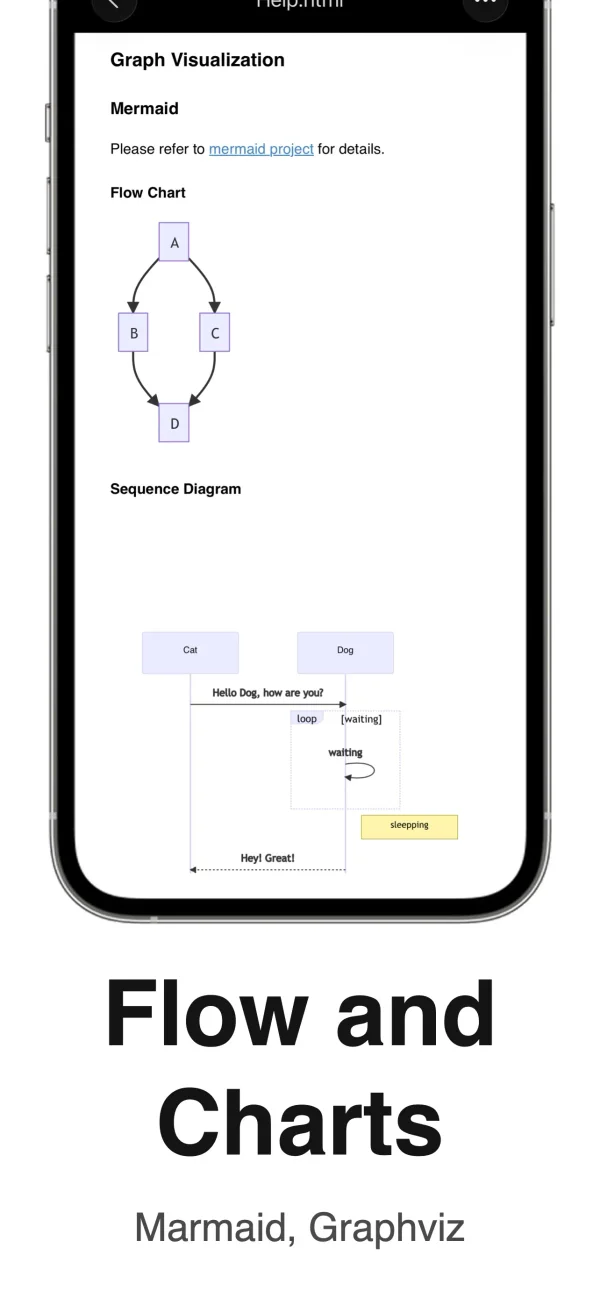
- Mermaid and Graphviz support for editing and previewing flowcharts & diagrams.
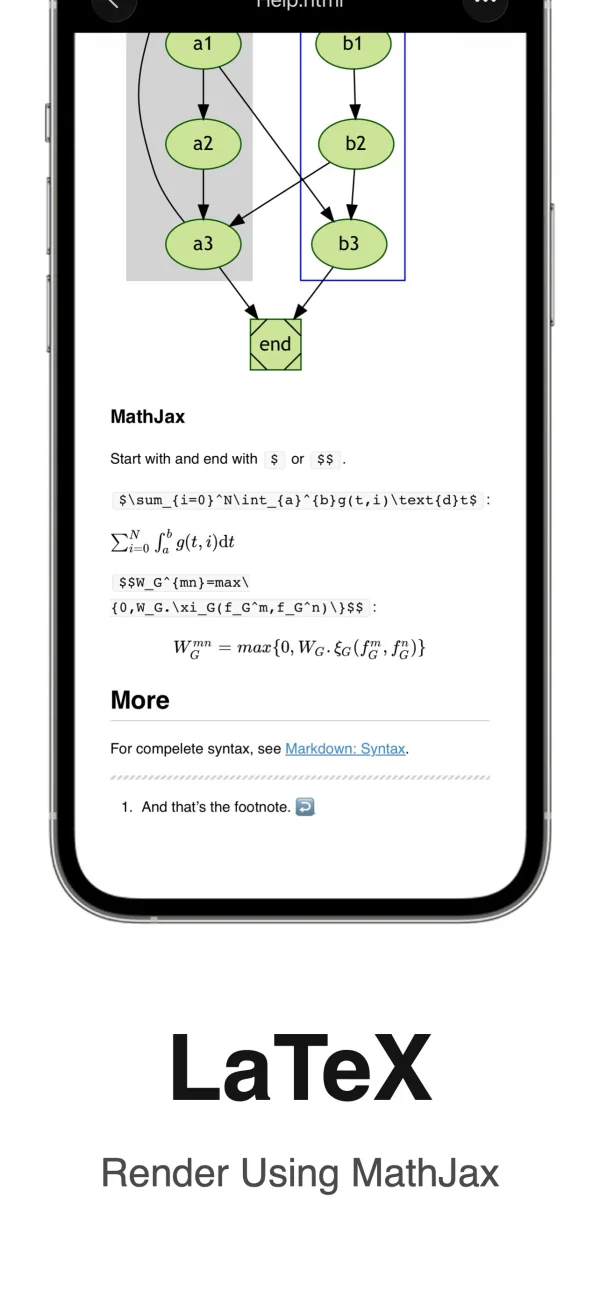
- MathJax support to edit and preview mathematical formulas.
## Import & Export
Multiple import and export methods available
- Directly manage file list via the Files app.
- Import / export files through iTunes.
- Upload and download files over WiFi.
- Share MD, HTML, PNG, PDF files to other apps.
## Keyboard Toolbar
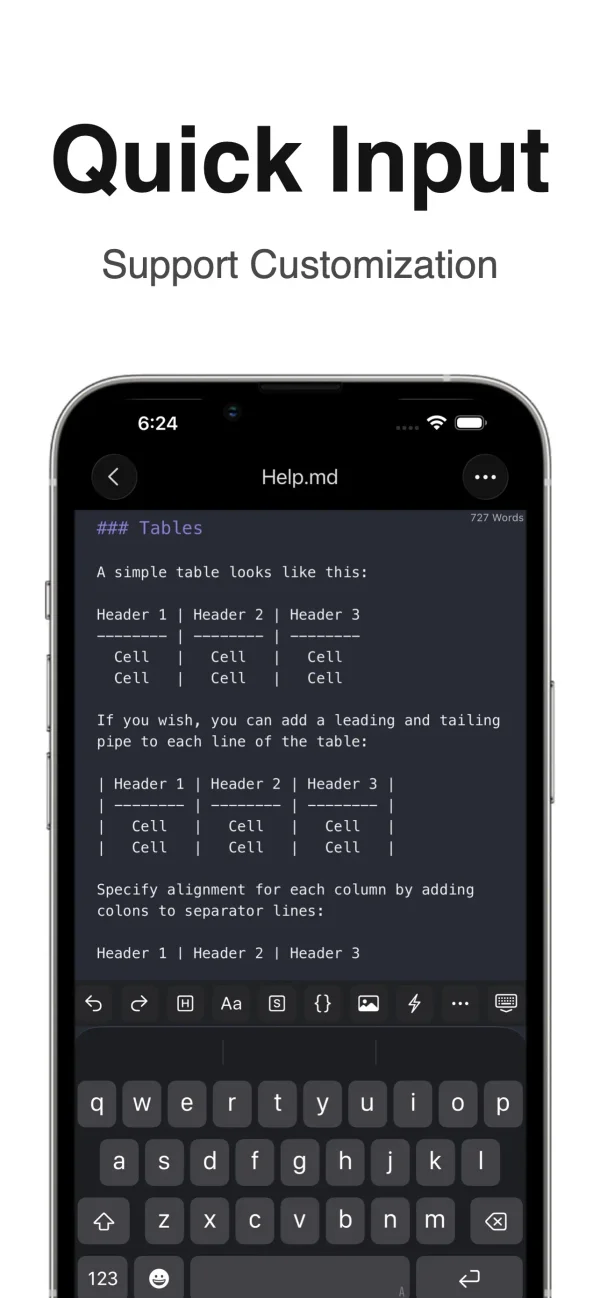
- Tap buttons to quickly insert Tabs, headings, lists, code blocks, images, hyperlinks and more.
- Customize toolbar buttons and reorder them.
- Swipe toolbar left/right to move cursor fast.
- Pinch toolbar with two fingers for quick text selection.
- Custom quick input phrases and templates supported.
## Syntax Highlighting & HTML Preview
- Built-in preview themes for light and dark modes.
- Customizable preview style for code blocks.
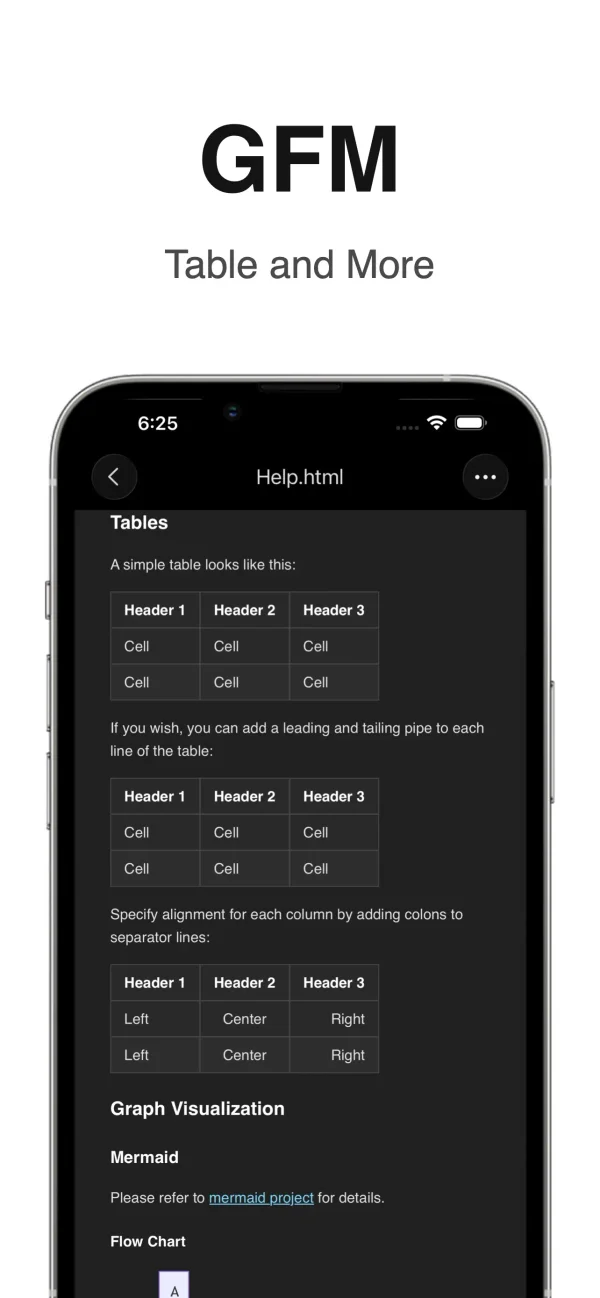
- Supports multiple Markdown flavors: Standard Markdown, MultiMarkdown, GitHub Flavored Markdown.
### GMF (GitHub Flavored Markdown) Syntax
Supports extended syntax: strikethrough, tables, task lists, code blocks.
#### Task Lists
Lists starting with [ ] or [x] indicate incomplete or completed tasks.
Example:
- [ ] Incomplete
- [x] Completed
## iCloud Drive Sync
- Automatically sync and store all note files across your devices via iCloud Drive.
- View synced note files inside the iCloud Drive folder on Mac.
## Supported File Extensions
md, mmd, markdown, markdn, mdown, mkdn, markd, txt, text, etc.
## Other Features
- Swipe left on note item to delete; long press to rename.
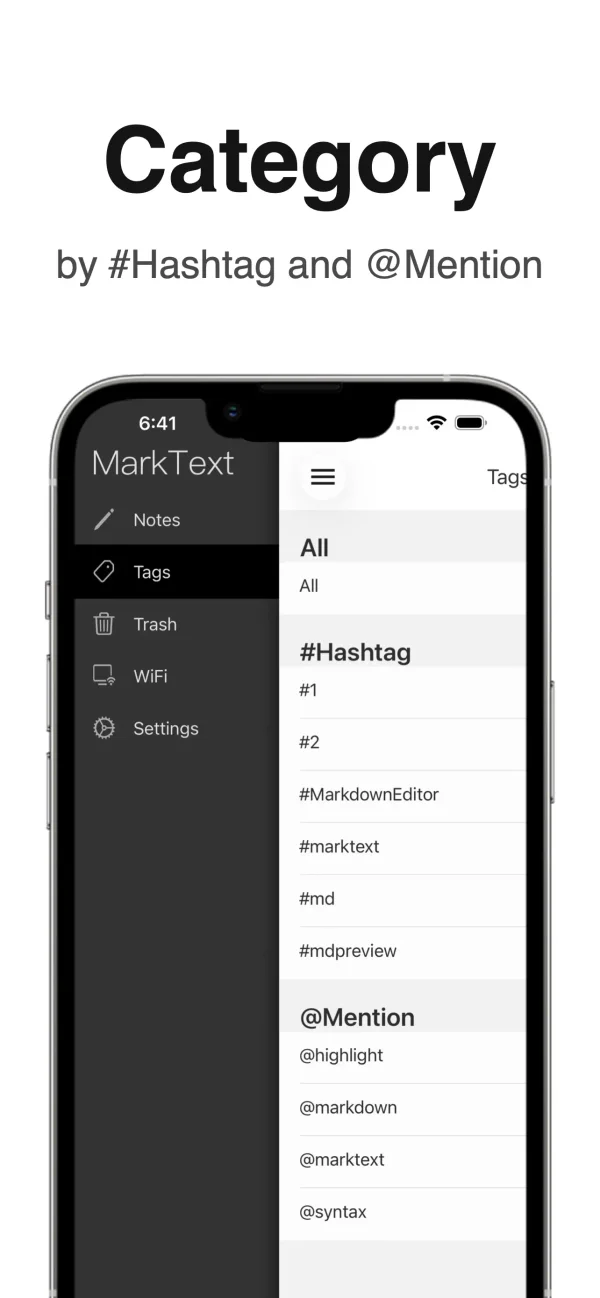
- Add "#Hashtag" or "@Mention" inside notes to create tag categories, equivalent to folders.
- Deleted notes go to Trash and stay there until permanently removed.
## scheme
- Open App: marktext://x-url-callback/
- Open note: marktext://x-url-callback/open?name=xx
- New note: marktext://x-url-callback/new?content=xx
- New note from pasteboard: marktext://x-url-callback/new?pasteboard=1
If you have questions or suggestions, contact: xappbox+mt@gmail.com
Yang baru
Versi 2.7.0 · 7/10/2026
- Optimize note list loading speed.
- Deleted notes go to Trash first.
- Customizable buttons and order for keyboard toolbar.
- Manage quick input phrases in keyboard toolbar.
- Add image hosting, dark mode edit & preview themes.
- Global search supports regular expressions.
- Modify settings while editing or previewing notes.
- Support scheme.
- Mermaid, Graphviz, MathJax can be disabled.
Privasi aplikasi
Yang dinyatakan 刘生 林 di App Store tentang cara aplikasi ini menangani data.
-
Data yang tidak ditautkan dengan Anda
Dapat dikumpulkan, tetapi tidak ditautkan dengan identitas Anda.
- Data penggunaan
- Diagnostik
Praktik privasi dapat bervariasi, misalnya berdasarkan fitur yang Anda gunakan atau usia Anda.
Informasi
- Penjual
- 刘生 林
- Kategori
- Produktivitas
- Versi
- 2.7.0
- Diperbarui
- 7/10/2026
- Dirilis
- 17/12/2014
- Ukuran
- 14,3 MB
- Memerlukan
- iOS 14.0 atau yang lebih baru
- Batasan usia
- 4+
- Harga
- Rp 79ribu
- Bahasa
- Inggris, Prancis, Jerman, Italia, Jepang, Korea, Rusia, Tionghoa Sederhana, Spanyol, Tionghoa Tradisional
- Hak cipta
- © 2015-2026 Liusheng Lin.
Mungkin Anda juga suka
-
 MWeb - Markdown Writing, NotesProduktivitas
-
 1Writer - Markdown Text EditorProduktivitas
-
 One MarkdownProduktivitas
-
 Markdown゜Catatan, Diari & Jurnal
-
 iA Writer: Get FocusedProduktivitas
-
 TextEdit - Editor TeksMenulis dokumen dengan AI
-
 Obsidian Web ClipperProduktivitas
-
 UpNote - notes, diary, journalProduktivitas
-
 Raindrop.ioProduktivitas
-
 Anytype - The Everything AppProduktivitas