
MarkText - Markdown Editor
Notes, Writing, Diary, Export
Projetado para iPhone, iPad, iPod touch
R$ 24,90
- Classificação etária4+
- CategoriaProdutividade
- Desenvolvedor刘生 林
- IdiomasInglêse mais 9
- Tamanho14,3 MB
Leva à página oficial na App Store
O Download.org não hospeda nenhum arquivo de MarkText - Markdown Editor. O botão abre a página do app na App Store, onde 刘生 林 o publica. Página verificada pela última vez em 15/11/2026.
Capturas de tela

Sobre
O desenvolvedor não forneceu este texto no seu idioma.
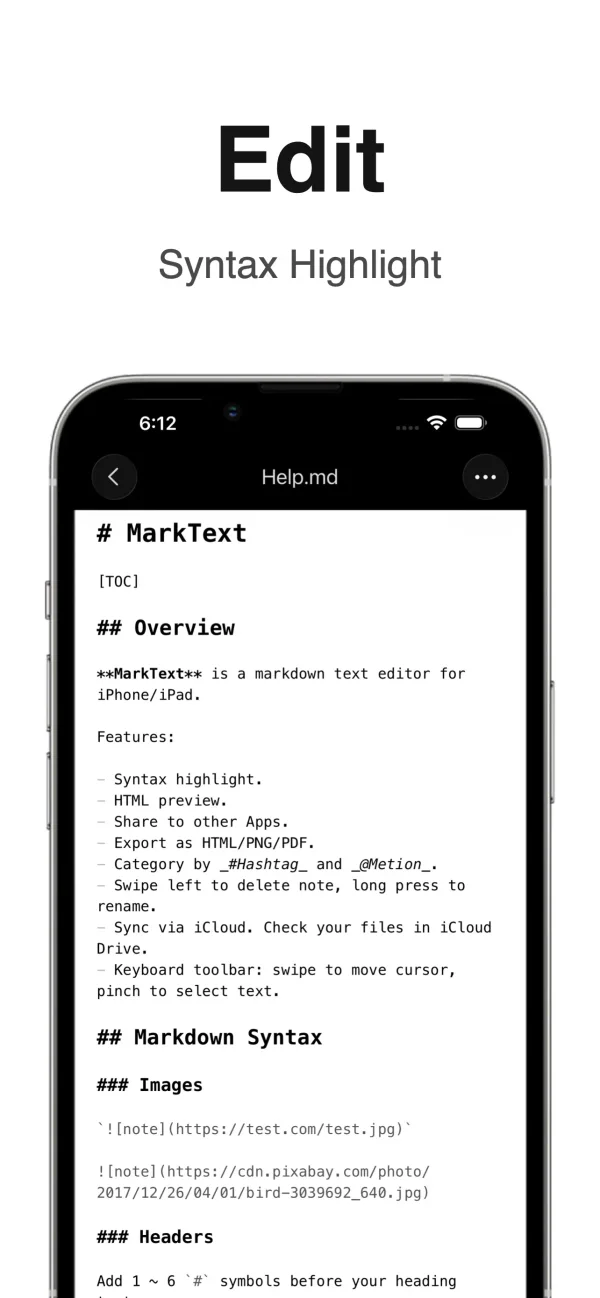
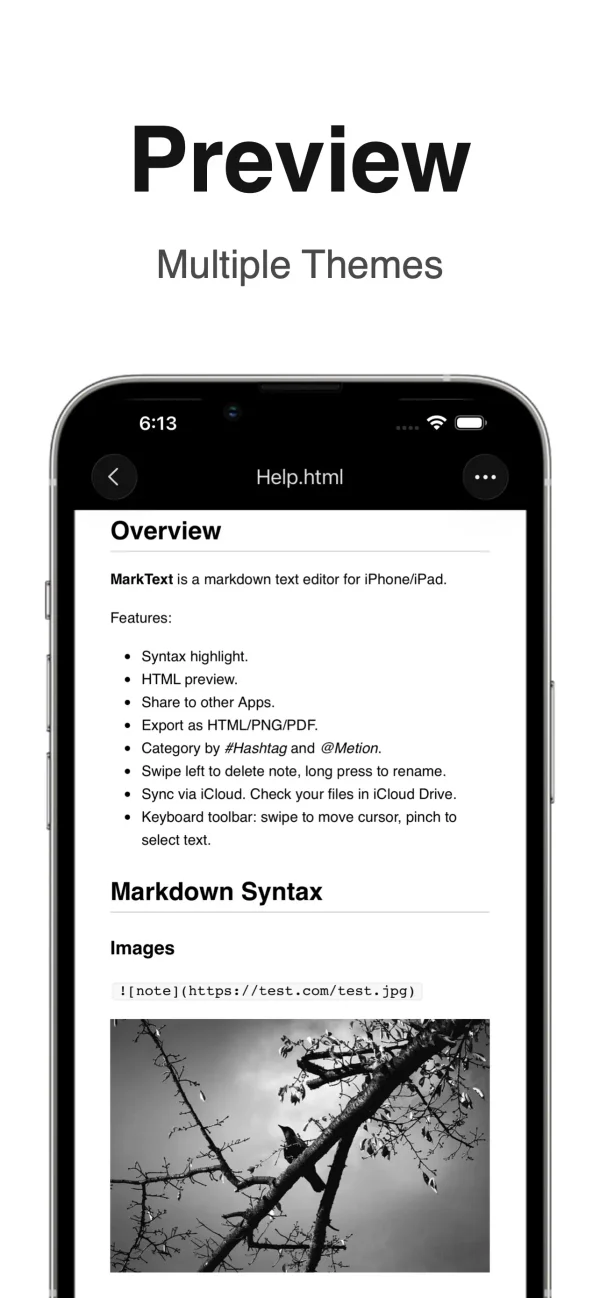
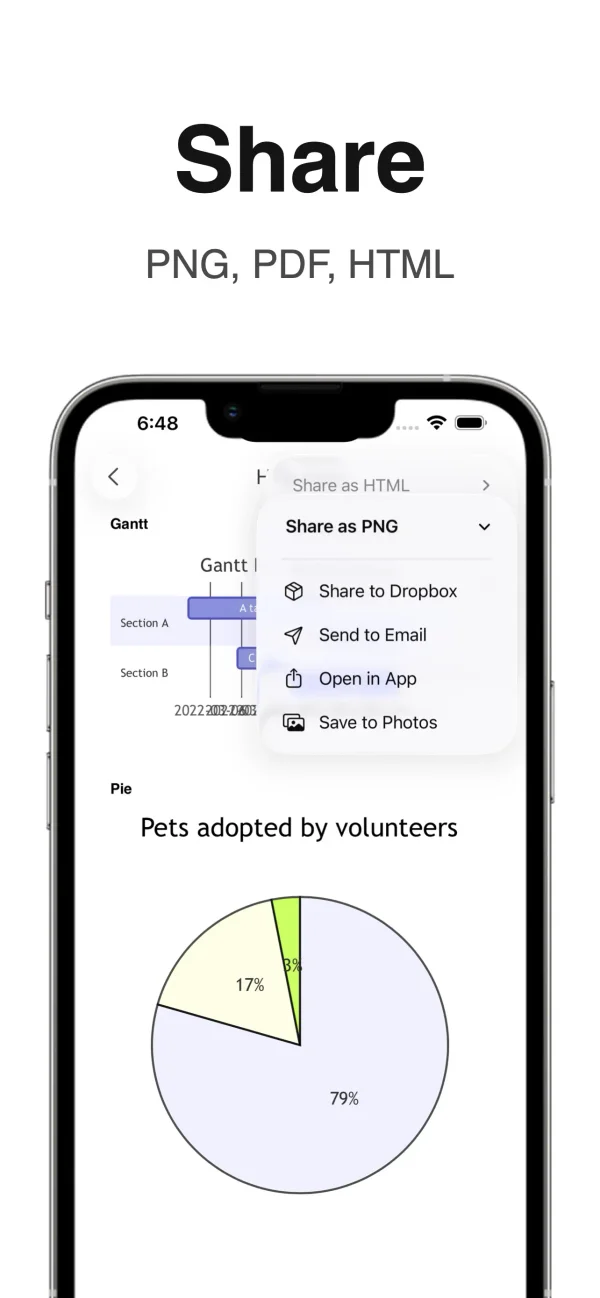
MarkText is a minimalist, lightweight Markdown text editor with local-first storage and iCloud sync. It supports syntax highlighting and comes with multiple built‑in preview themes, ideal for notes, writing, memos, journals and quick notes. Export to PDF, PNG or HTML in one tap for easy sharing.
## Key Features
- Markdown syntax highlighting.
- Built‑in HTML previews with various styles.
- Move cursor by sliding the toolbar above the keyboard;
- Simple import & export, edit files in Files app in place.
- One-tap conversion to long image, multi-images, PDF or HTML.
- Easily share to Dropbox, Email, or open with other apps.
- Full-text search, word count, regex find & replace;
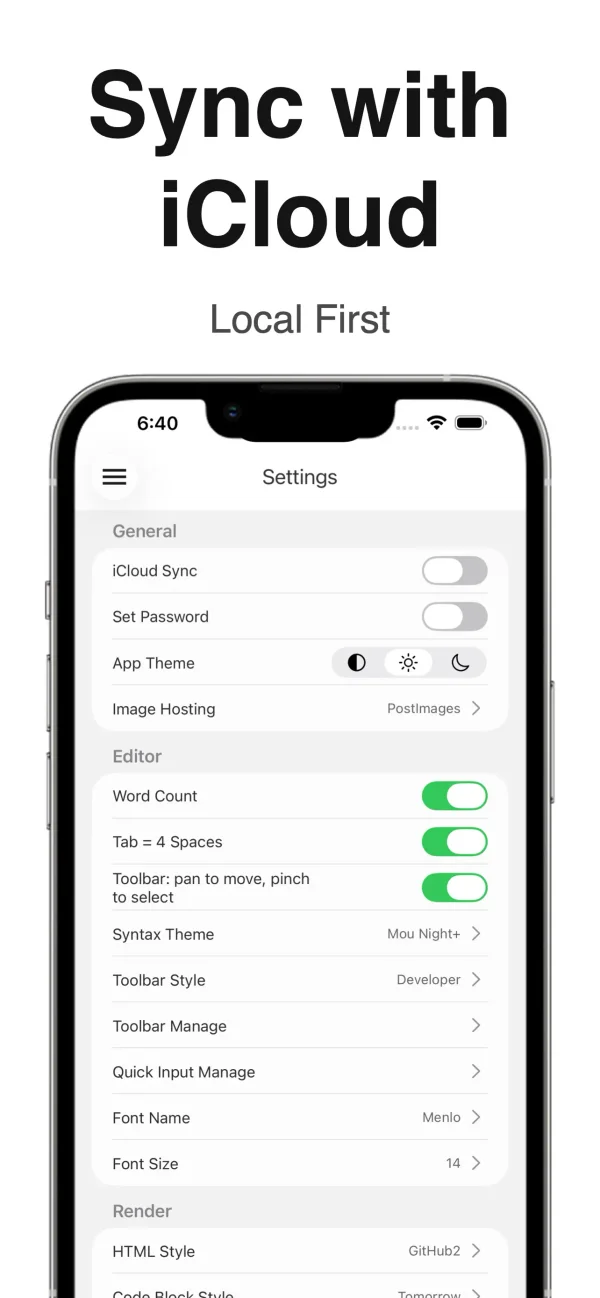
- Sync between iPhone, iPad and Mac via iCloud Drive.
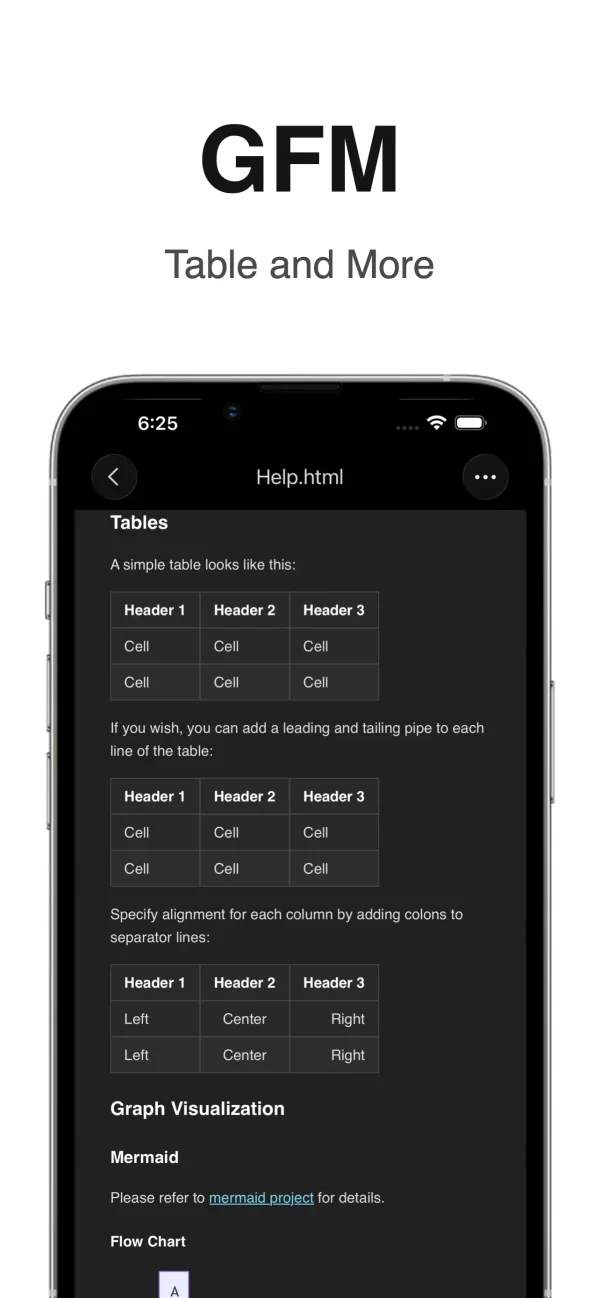
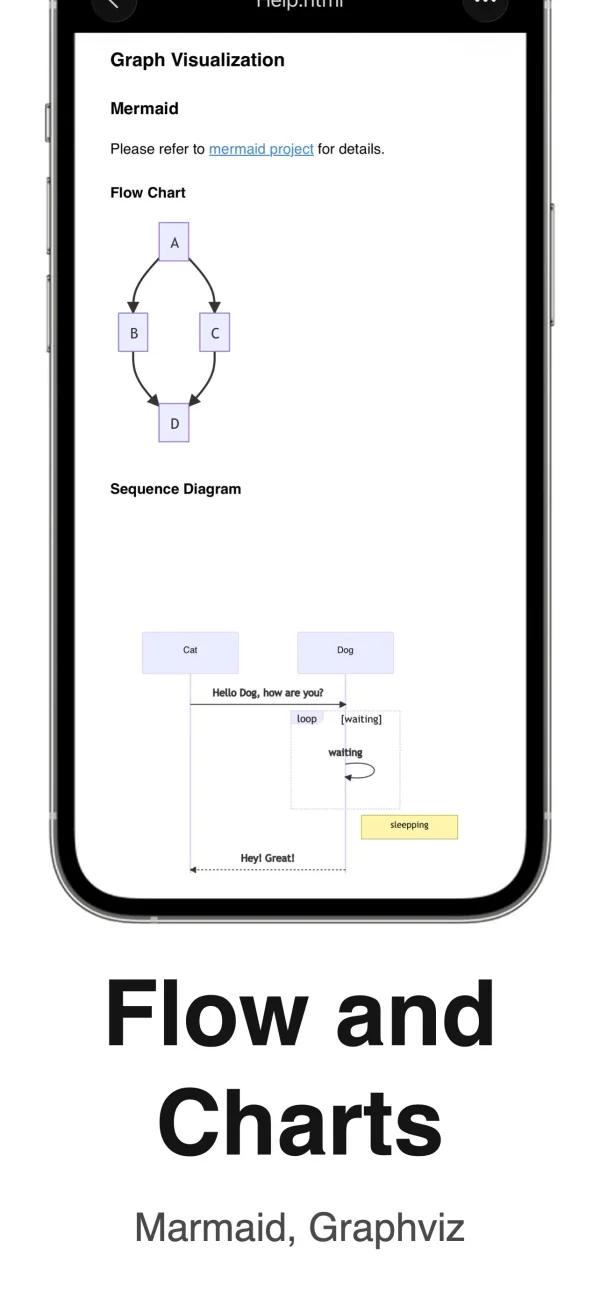
- Mermaid and Graphviz support for editing and previewing flowcharts & diagrams.
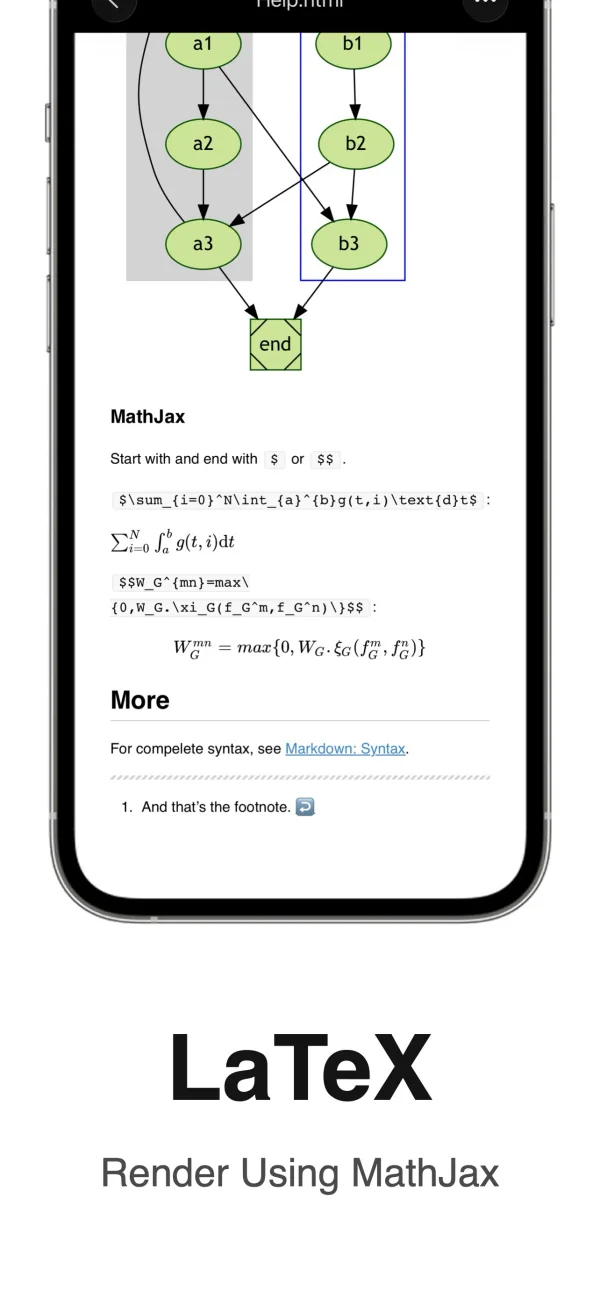
- MathJax support to edit and preview mathematical formulas.
## Import & Export
Multiple import and export methods available
- Directly manage file list via the Files app.
- Import / export files through iTunes.
- Upload and download files over WiFi.
- Share MD, HTML, PNG, PDF files to other apps.
## Keyboard Toolbar
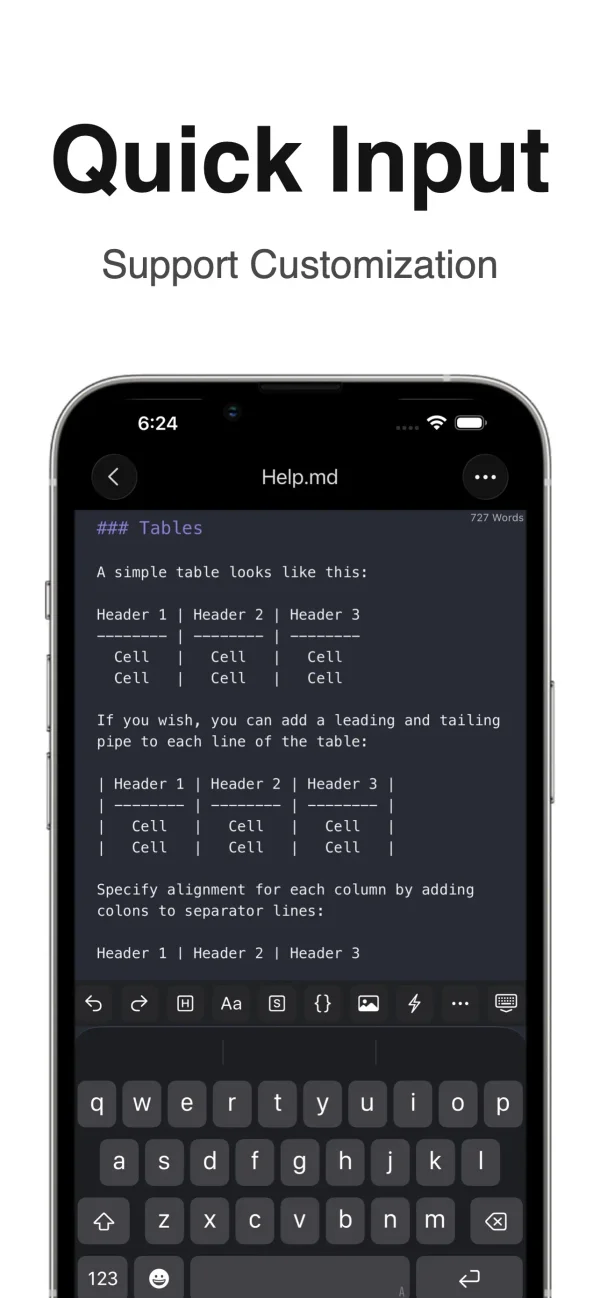
- Tap buttons to quickly insert Tabs, headings, lists, code blocks, images, hyperlinks and more.
- Customize toolbar buttons and reorder them.
- Swipe toolbar left/right to move cursor fast.
- Pinch toolbar with two fingers for quick text selection.
- Custom quick input phrases and templates supported.
## Syntax Highlighting & HTML Preview
- Built-in preview themes for light and dark modes.
- Customizable preview style for code blocks.
- Supports multiple Markdown flavors: Standard Markdown, MultiMarkdown, GitHub Flavored Markdown.
### GMF (GitHub Flavored Markdown) Syntax
Supports extended syntax: strikethrough, tables, task lists, code blocks.
#### Task Lists
Lists starting with [ ] or [x] indicate incomplete or completed tasks.
Example:
- [ ] Incomplete
- [x] Completed
## iCloud Drive Sync
- Automatically sync and store all note files across your devices via iCloud Drive.
- View synced note files inside the iCloud Drive folder on Mac.
## Supported File Extensions
md, mmd, markdown, markdn, mdown, mkdn, markd, txt, text, etc.
## Other Features
- Swipe left on note item to delete; long press to rename.
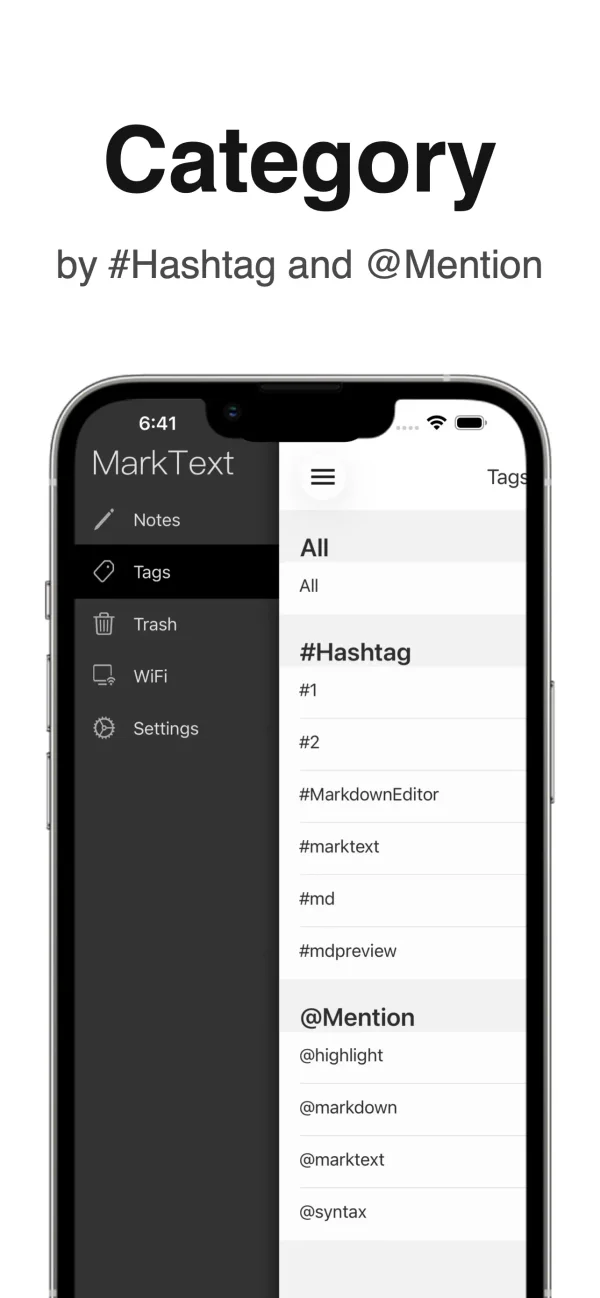
- Add "#Hashtag" or "@Mention" inside notes to create tag categories, equivalent to folders.
- Deleted notes go to Trash and stay there until permanently removed.
## scheme
- Open App: marktext://x-url-callback/
- Open note: marktext://x-url-callback/open?name=xx
- New note: marktext://x-url-callback/new?content=xx
- New note from pasteboard: marktext://x-url-callback/new?pasteboard=1
If you have questions or suggestions, contact: xappbox+mt@gmail.com
Novidades
Versão 2.7.0 · 07/10/2026
- Optimize note list loading speed.
- Deleted notes go to Trash first.
- Customizable buttons and order for keyboard toolbar.
- Manage quick input phrases in keyboard toolbar.
- Add image hosting, dark mode edit & preview themes.
- Global search supports regular expressions.
- Modify settings while editing or previewing notes.
- Support scheme.
- Mermaid, Graphviz, MathJax can be disabled.
Privacidade do app
O que 刘生 林 declara na App Store sobre como este app lida com os dados.
-
Dados não vinculados a você
Podem ser coletados, mas não são vinculados à sua identidade.
- Dados de uso
- Diagnóstico
As práticas de privacidade podem variar, por exemplo, com base nos recursos que você usa ou na sua idade.
Informações
- Vendedor
- 刘生 林
- Categoria
- Produtividade
- Versão
- 2.7.0
- Atualizado
- 07/10/2026
- Lançamento
- 17/12/2014
- Tamanho
- 14,3 MB
- Requer
- iOS 14.0 ou posterior
- Classificação etária
- 4+
- Preço
- R$ 24,90
- Idiomas
- Inglês, Francês, Alemão, Italiano, Japonês, Coreano, Russo, Chinês simplificado, Espanhol, Chinês tradicional
- Copyright
- © 2015-2026 Liusheng Lin.
Você também pode gostar
-
 MWeb - Markdown Writing, NotesProdutividade
-
 1Writer - Markdown Text EditorProdutividade
-
 One MarkdownProdutividade
-
 Markdown゜Produtividade
-
 iA WriterEscrita com concentração total
-
 TextEdit - Editor de textoEscrever e editar documentos
-
 Obsidian Web ClipperProdutividade
-
 UpNote - notes, diary, journalBeautiful. Simple. Easy to use
-
 Raindrop.ioTodos favoritos em um lugar
-
 Anytype - The Everything AppProdutividade