
Markview: Markdown Workspace
Private Reader, Wiki & Ask
Dirancang untuk iPhone, iPad
Rp 99ribu
- Batasan usia4+
- KategoriProduktivitas
- PengembangAli Bakhshoude
- BahasaInggris
- Ukuran15,2 MB
Tertaut ke halaman resmi App Store
Download.org tidak menyimpan file Markview: Markdown Workspace apa pun. Tombol ini membuka halaman aplikasi di App Store, tempat Ali Bakhshoude menerbitkannya. Halaman terakhir diperiksa pada 17/11/2026.
Tangkapan layar

Tentang
Pengembang belum menyediakan teks ini dalam bahasa Anda.
Markview is a private Markdown reader and document workspace for iPhone and iPad.
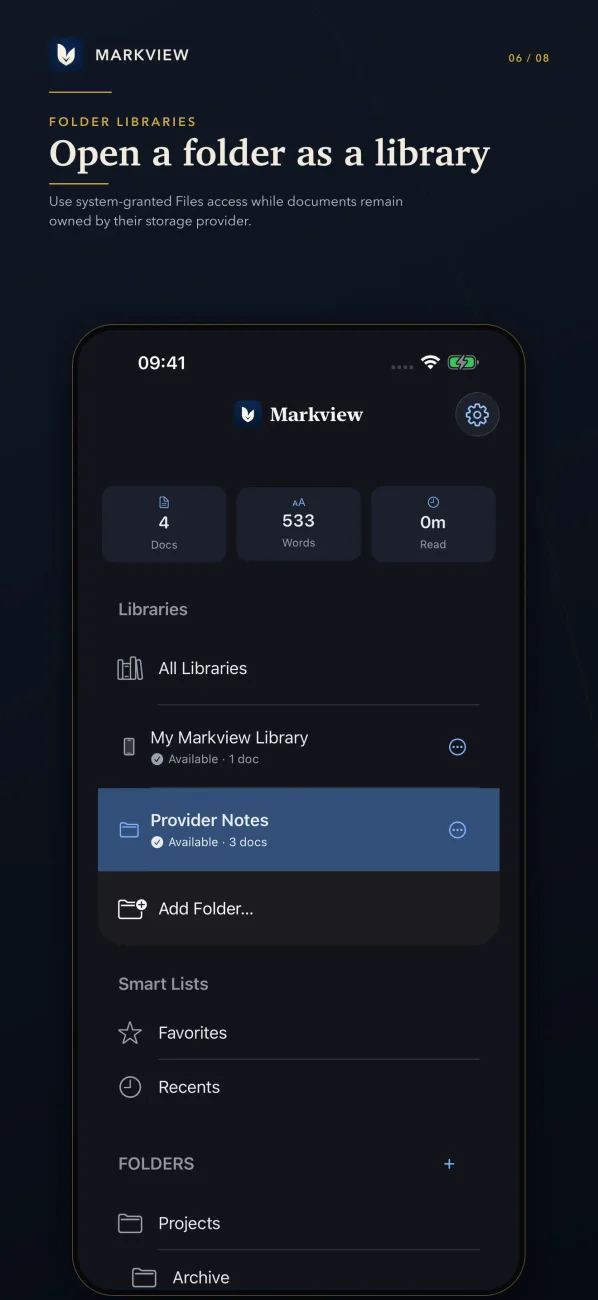
Bring your notes, docs, project wikis, and READMEs into one calm library—or connect an existing
folder from Files without copying it. Everything Markview does with your documents happens on device.
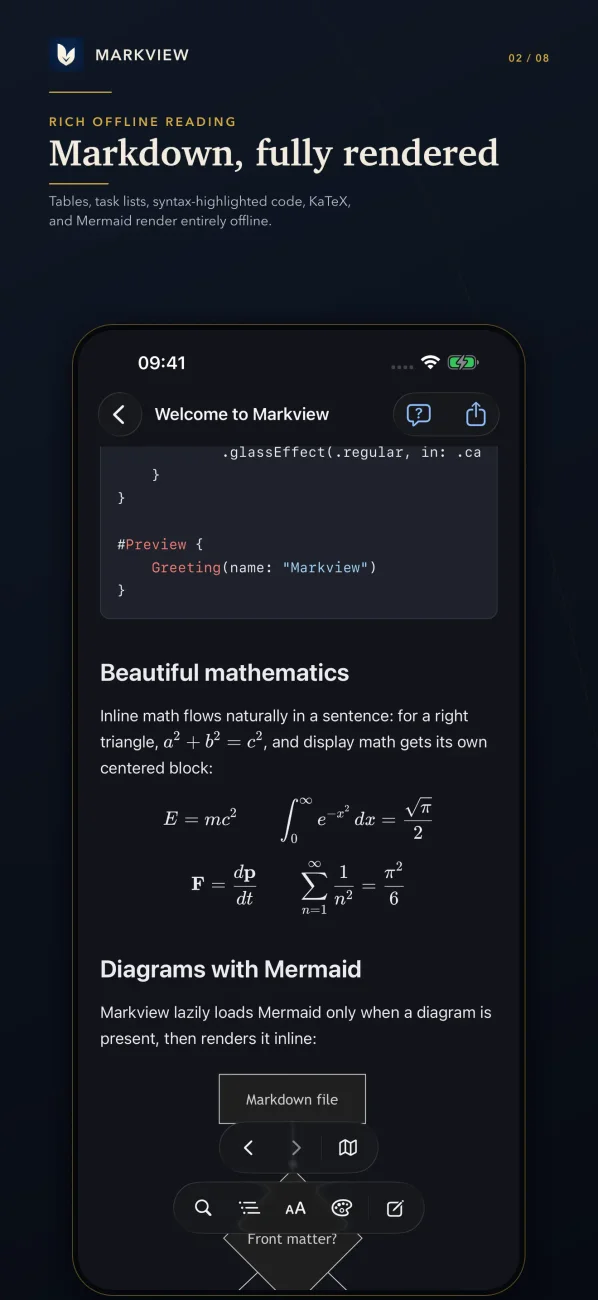
Rich rendering, done right
• Syntax-highlighted code blocks
• GitHub-flavored tables and task lists
• LaTeX math (KaTeX)
• Mermaid diagrams
All rendered on-device, with no remote renderer and no executable MDX, R, or Quarto code.
Read and return
• Continue Reading remembers your position and progress
• Fast full-text search with highlighted results
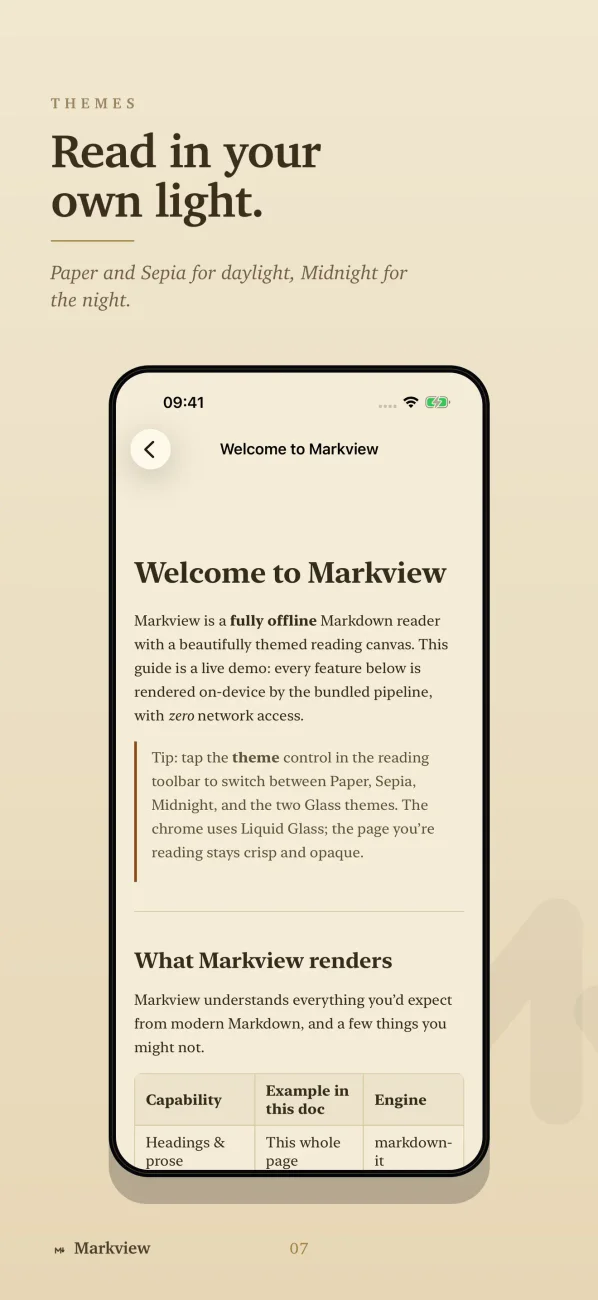
• Premium Paper, Sepia, Midnight, Glass Light, and Glass Dark themes
• Dynamic Type, VoiceOver, and iPad multitasking support
Build a local document wiki
• Open a folder from Files as a library without copying it
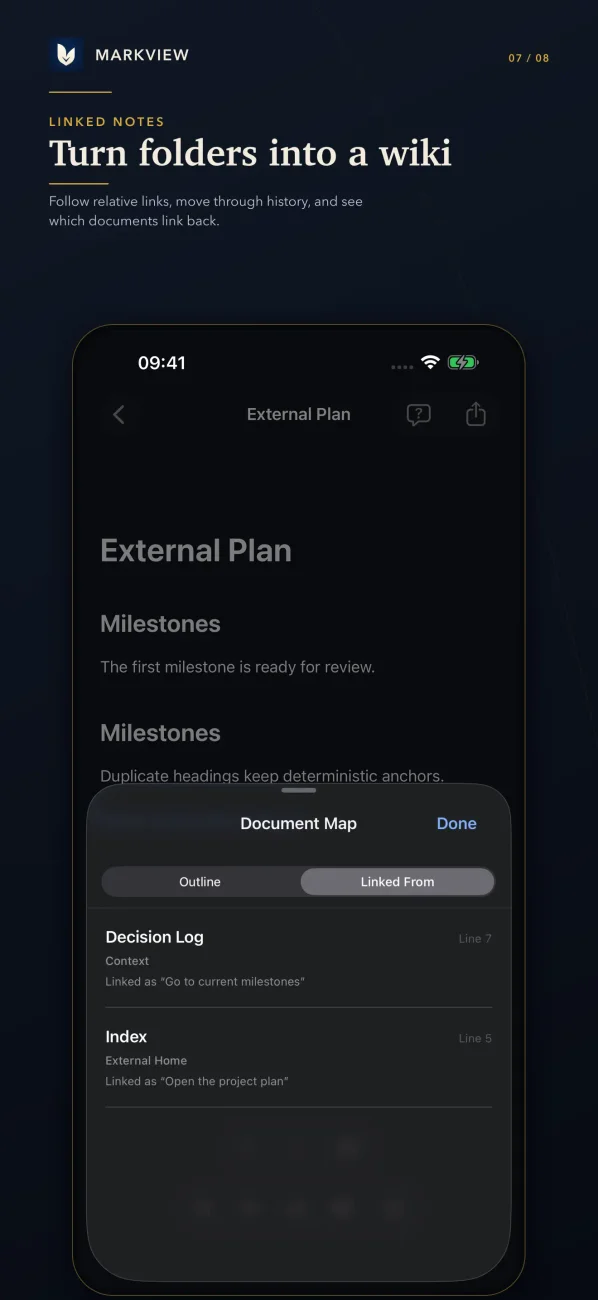
• Follow relative document links, headings, and local images
• Back and forward history plus automatic backlinks
• Clear reconnect, read-only, and external-change handling
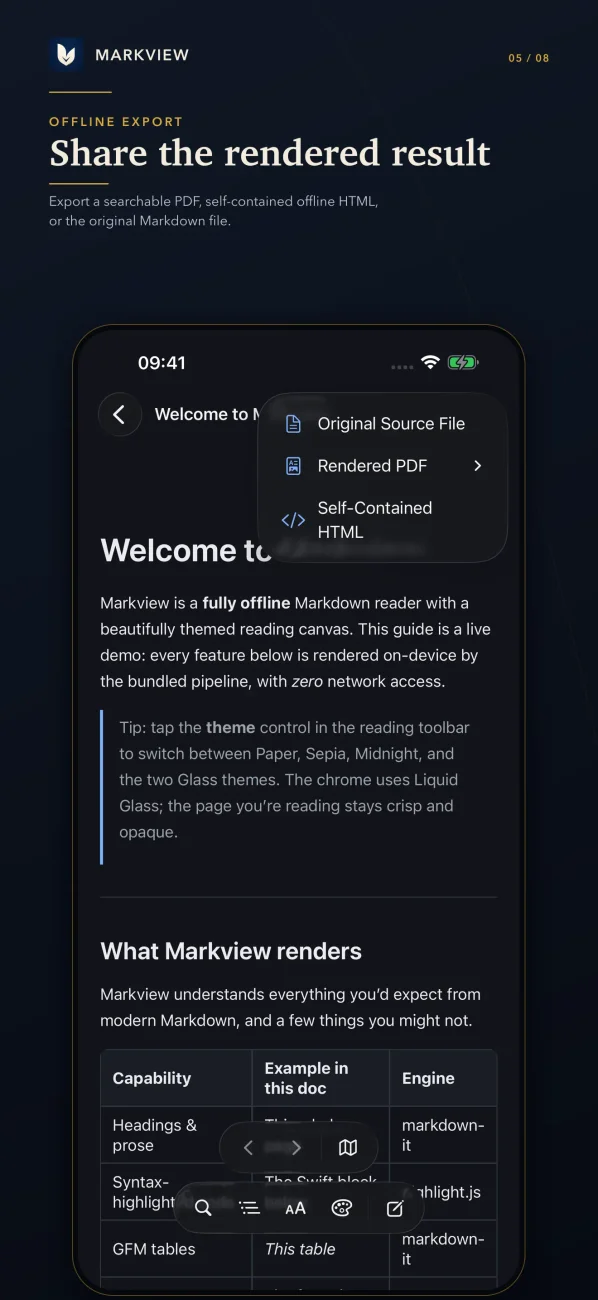
Export what you see
• Searchable rendered PDF, with a print-friendly Paper default
• Self-contained, sanitized offline HTML with embedded local images
• Share the original source file at any time
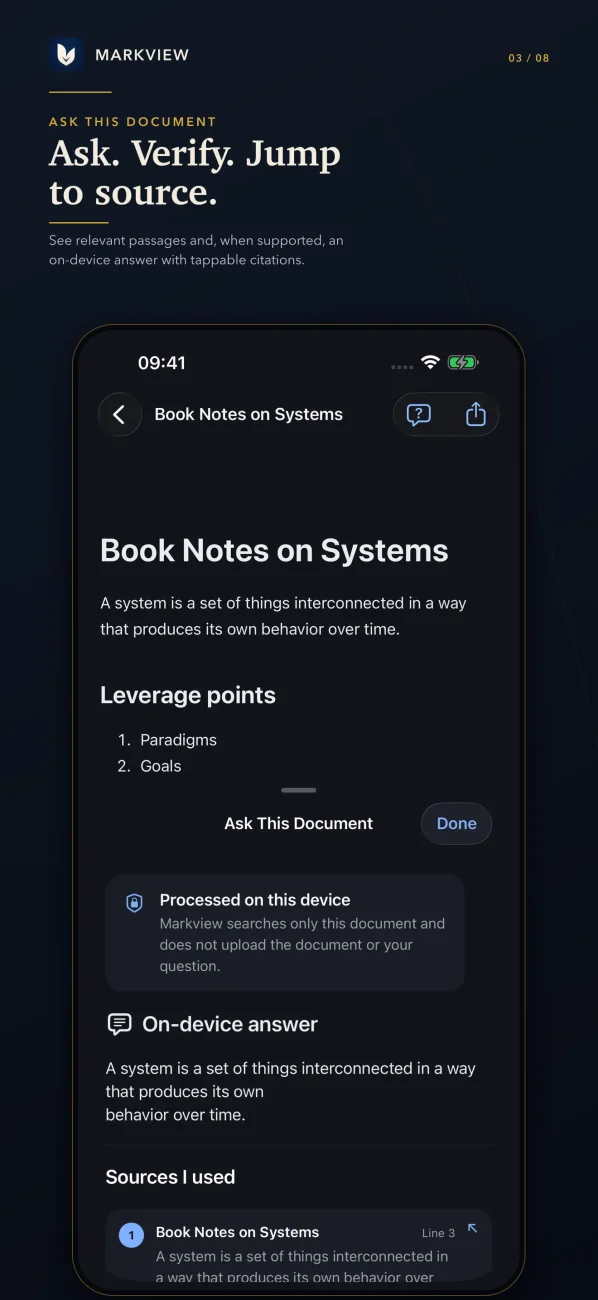
Ask this Document—on device
• Ask one focused question about the open Markdown-family document
• Always see the supporting source passages
• Tappable citations return to the exact rendered evidence
• Apple’s on-device model enhances answers when available; lexical passage search remains useful when it is not
• No question, answer, or transcript history is stored
Organize your way
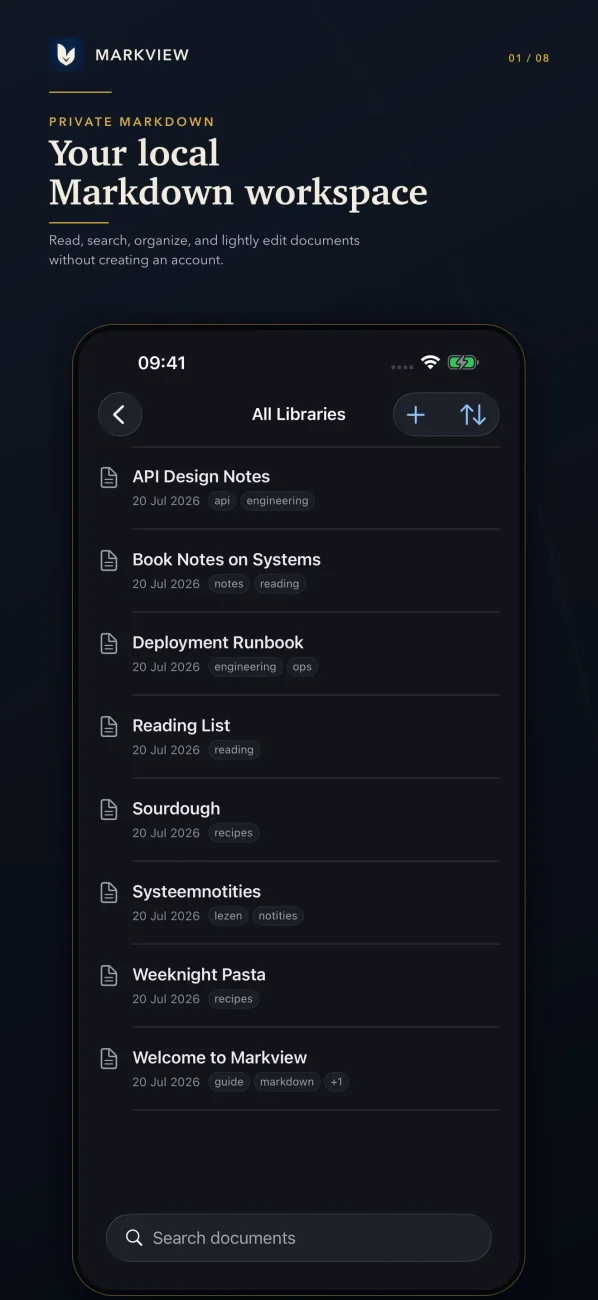
• Folders, tags, favorites, and recents
• Import from Files or open Markdown from any app
• Light editing, rename, move, and source-aware conflict recovery
More Markdown-family formats
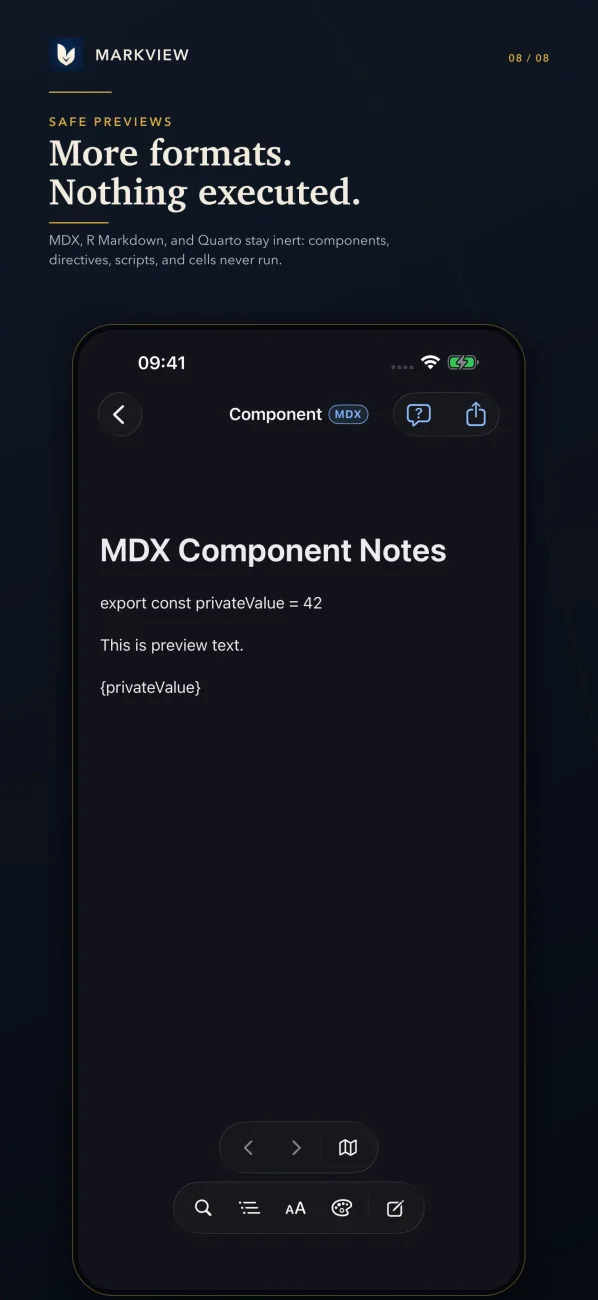
Open .md, .markdown, .mdown, .mkd, .mdx, .rmd, and .qmd. Preview-oriented
formats stay inert: Markview displays their text and never executes components, directives, or code.
Private by design
No account. No advertising. No analytics. No tracking. No Markview server. Markview never uploads
documents or Ask content. A folder you select may still be stored or synced by its own Files provider,
and Apple manages any optional on-device language-model assets through system settings.
Yang baru
Versi 2.0 · 23/7/2026
Markview V2 turns your Markdown library into a private on-device workspace:
• Export faithful rendered PDFs and self-contained HTML
• Resume documents with Continue Reading and persistent progress
• Open MDX, R Markdown, Quarto, and more in a safe inert preview
• Connect folders from Files, follow relative links, browse history, and discover backlinks
• Ask the open document with grounded source passages and tappable citations
V2 also improves external-change recovery, accessibility, iPad layouts, performance, and rendering safety.
Privasi aplikasi
Yang dinyatakan Ali Bakhshoude di App Store tentang cara aplikasi ini menangani data.
-
Data tidak dikumpulkan
Pengembang tidak mengumpulkan data apa pun dari aplikasi ini.
Praktik privasi dapat bervariasi, misalnya berdasarkan fitur yang Anda gunakan atau usia Anda.
Informasi
- Penjual
- Ali Bakhshoude
- Kategori
- Produktivitas
- Versi
- 2.0
- Diperbarui
- 23/7/2026
- Dirilis
- 8/7/2026
- Ukuran
- 15,2 MB
- Memerlukan
- iOS 26.0 atau yang lebih baru
- Batasan usia
- 4+
- Harga
- Rp 99ribu
- Bahasa
- Inggris
- Hak cipta
- © 2026 Piqlo Labs
Mungkin Anda juga suka
-
 Hashy - AI Markdown EditorProduktivitas
-
 Task HorizonProduktivitas
-
 Markdown Reader - ReamProduktivitas
-
 MarkDeck: PDF EPUB MD ReaderProduktivitas
-
 Quick Markdown ViewerProduktivitas
-
 AI Detector: Humanize Text AIProduktivitas
-
 Template Creator for MessagesProduktivitas
-
 Marklens: Markdown ReaderProduktivitas
-
 Markdown.md - Notes & PreviewProduktivitas
-
 md.tooProduktivitas