
microAI
AI Powered by Your Devices.
Dirancang untuk iPhone, Mac
Gratis · Pembelian dalam aplikasi
- Batasan usia9+
- KategoriProduktivitas
- Pengembanggenghong Xie
- BahasaInggris+ 9 lainnya
- Ukuran242,4 MB
Tertaut ke halaman resmi App Store
Download.org tidak menyimpan file microAI apa pun. Tombol ini membuka halaman aplikasi di App Store, tempat genghong Xie menerbitkannya. Halaman terakhir diperiksa pada 17/11/2026.
Tangkapan layar


Tentang
Pengembang belum menyediakan teks ini dalam bahasa Anda.
AI ON YOUR PHONE. POWERED BY YOUR DEVICES.
Run private AI directly on your phone.
Need more power? Connect your own computer and let it handle the heavy AI work while you keep using microAI from your phone.
No sign-up. No cloud AI account required.
Ask questions. Talk instead of type. Show AI a photo. Read a file. Work on a project. Save something for later.
microAI brings local AI, your devices, and your private context together in one workspace.
YOUR PHONE. YOUR COMPUTER. YOUR AI.
Your phone can run compatible local AI models on its own.
When you need more power, connect your own computer.
Scan a QR code and your approved Mac or browser can run the model while you continue using microAI from your phone.
That means you can move heavier AI work off your phone—reducing the load, heat, and battery use caused by demanding on-device inference.
Use your phone when that is enough.
Use your computer when you want more power.
You choose where your AI runs.
NO SIGN-UP. NO CLOUD AI REQUIRED.
Local AI should not require another account.
microAI can run compatible models directly on your devices without requiring a cloud AI account.
Your computer can also become your own AI compute node.
Open the microAI website on your computer, load a compatible local model, scan the QR code, and connect.
No separate website account is required.
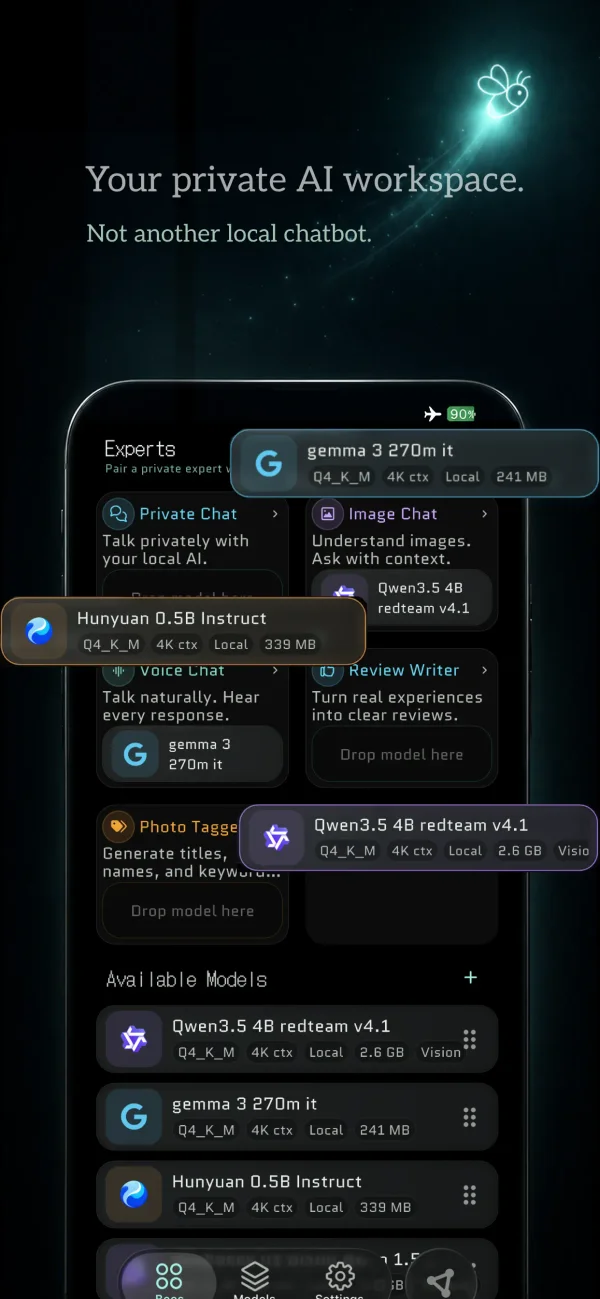
DIFFERENT AI FOR DIFFERENT JOBS
Not every task needs the same AI.
microAI includes task-focused AI helpers:
• Private Chat — Ask, write, plan, brainstorm, or talk.
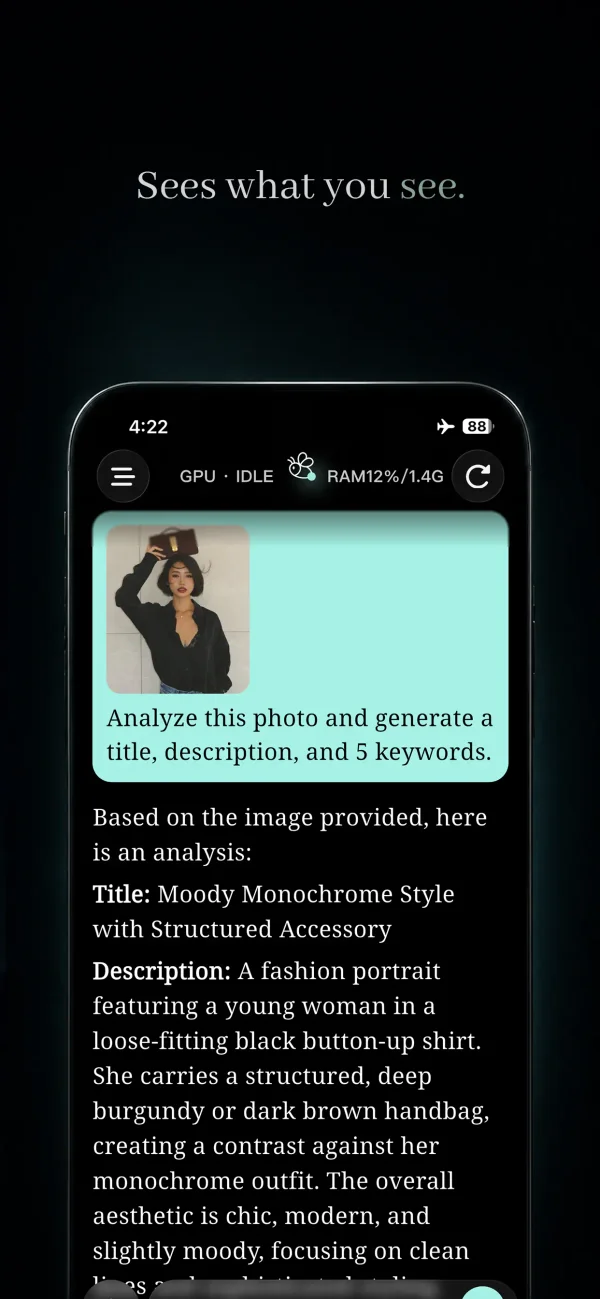
• Image Chat — Ask questions about photos and screenshots.
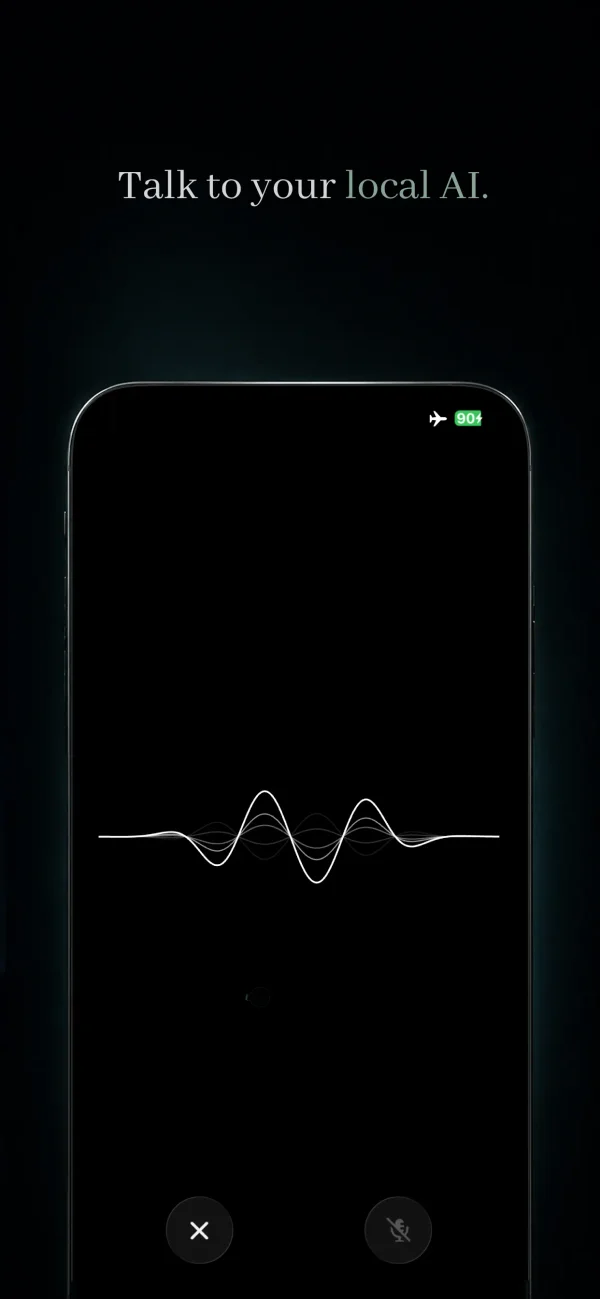
• Voice Chat — Talk instead of typing.
• Review Writer — Turn your experience into a clear review.
• Photo Tagger — Create titles, descriptions, and keywords for photos.
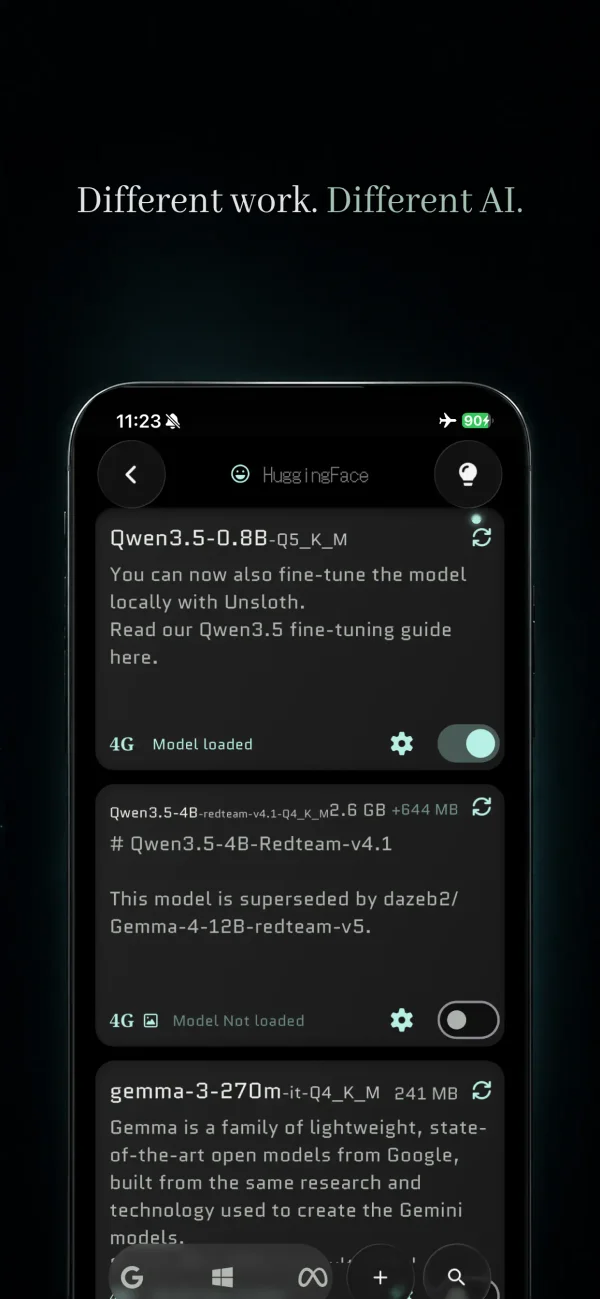
Choose which compatible model powers each job.
Use a small model for quick everyday tasks, a vision model for images, or a stronger model running on your computer when you need more capability.
TALK. SEE. READ.
AI should work with more than a text box.
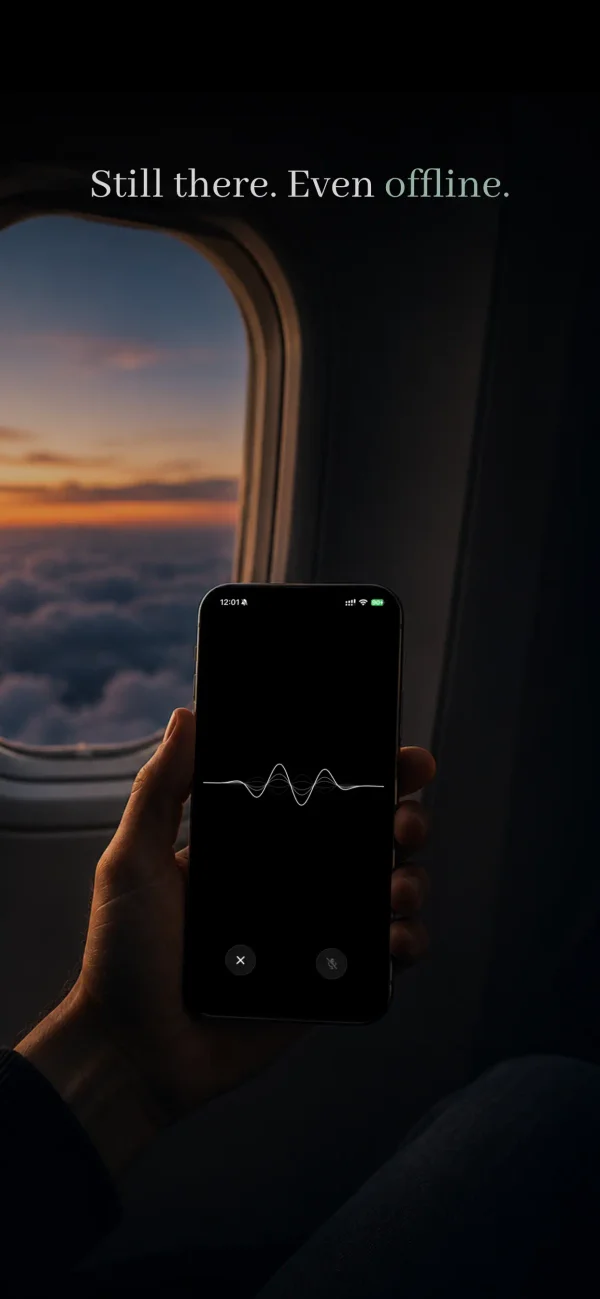
Talk naturally with Voice Chat.
Add a photo or screenshot and ask questions about what you see.
Add a supported PDF, TXT, or Markdown file and ask questions about its contents.
Use microAI for writing, research, documents, photos, ideas, and everyday questions.
COME BACK WITHOUT STARTING OVER
Your useful context should not disappear into old chats.
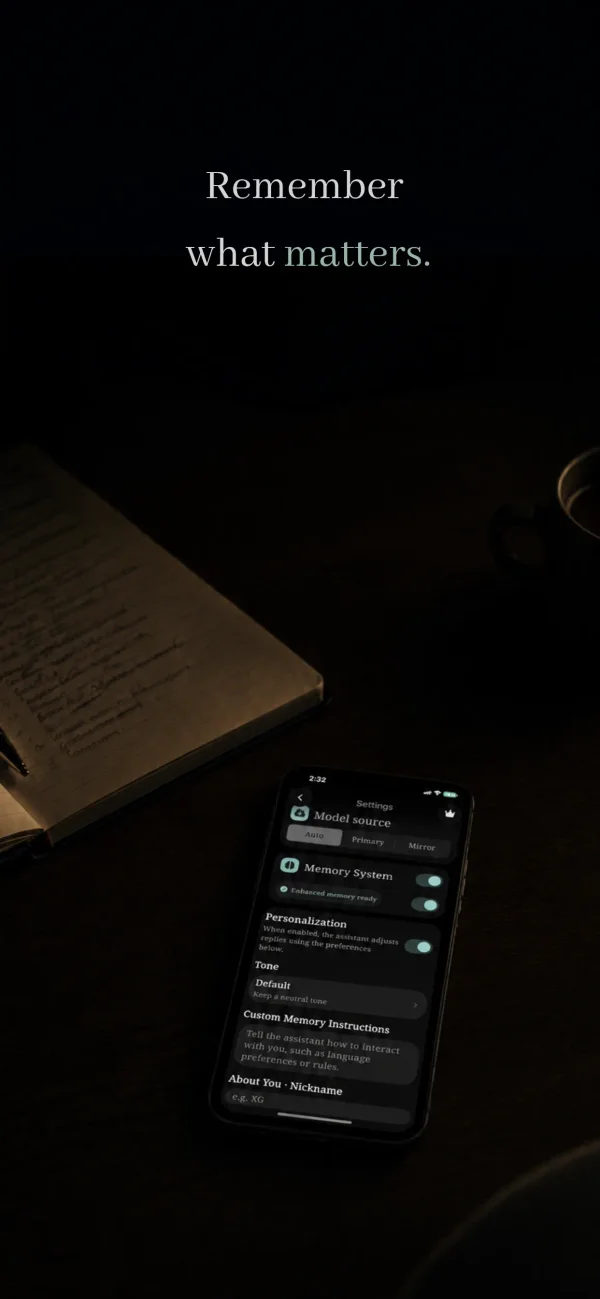
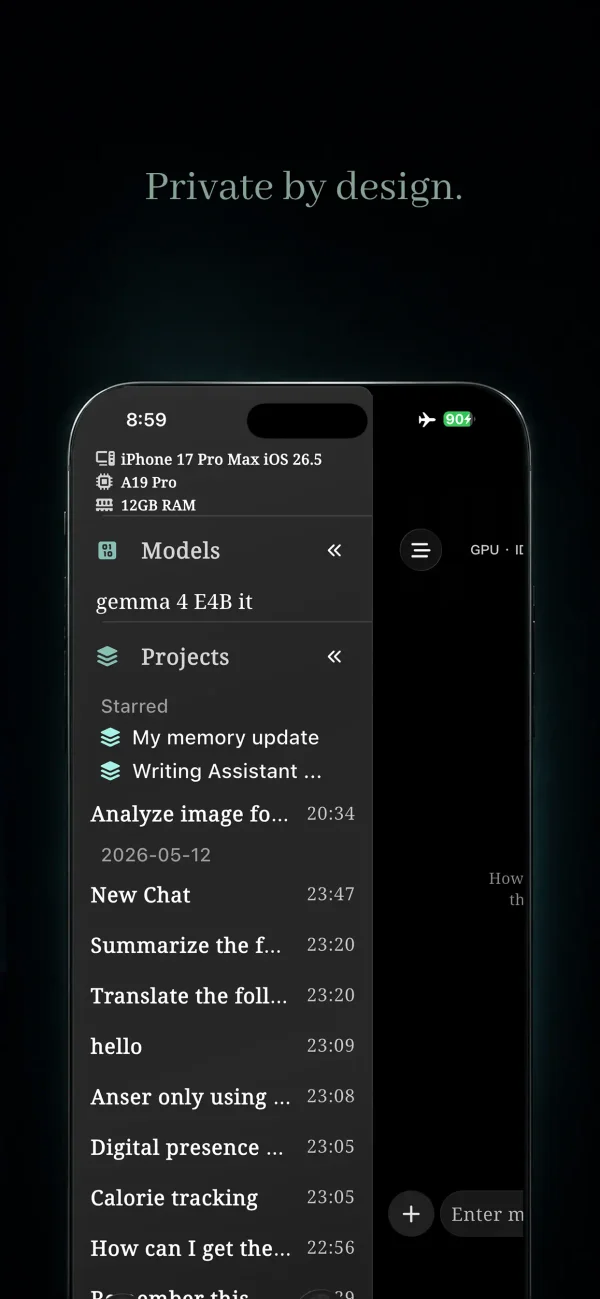
Create Projects to keep related conversations, files, instructions, and context together.
Save quick thoughts in Journal.
microAI can remember useful context and bring it back when relevant.
Memory Map gives you a visual way to explore your conversations, projects, journals, models, and memories.
LOCAL AI WITHOUT THE USUAL SETUP
You should not need to be an AI engineer to start using local AI.
Find a compatible model, download it, and start.
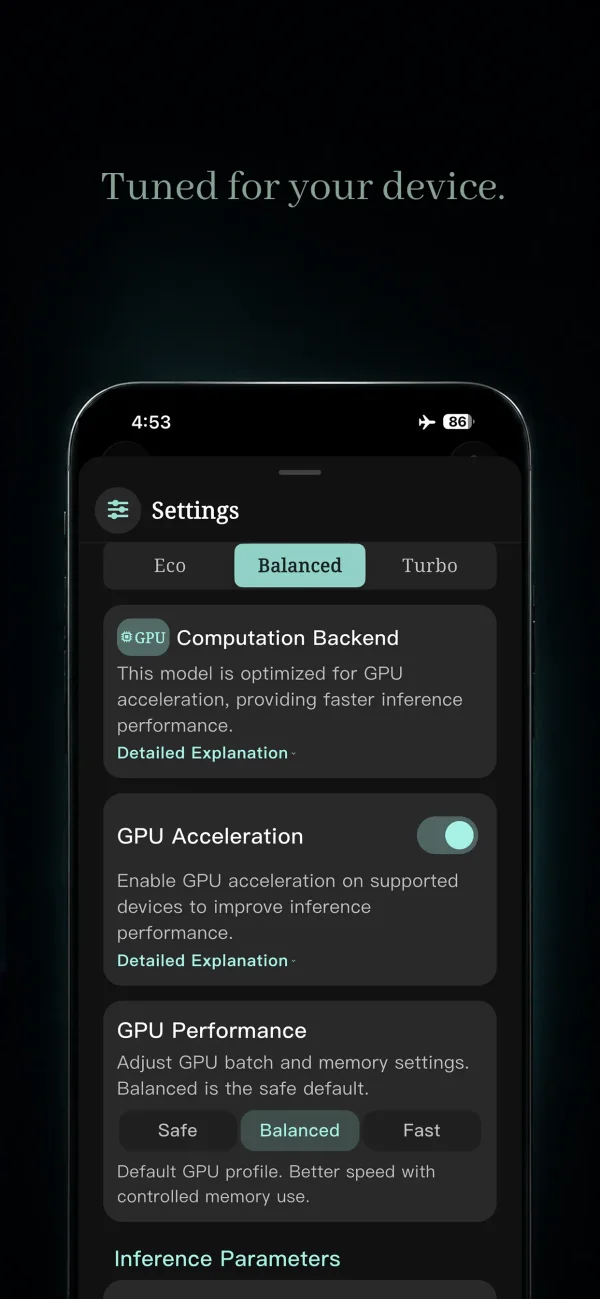
microAI keeps model discovery, downloads, switching, and resource management in one place.
Advanced users can also import compatible GGUF models.
Actual performance depends on your device, model, and connection.
YOUR AI. YOUR DEVICES. YOUR DATA.
When AI runs on your phone, compatible models process requests directly on your device.
When you connect your own computer, the model runs on the computer you approve while you continue using microAI from your phone.
Your model files stay on the device running them.
You decide when a remote compute node is connected and used.
Internet access may still be required for model discovery and downloads, purchases, ratings, app services, and certain system features.
RUN AI YOUR WAY.
On your phone when you want portability.
On your computer when you want more power.
No sign-up.
No cloud AI account required.
Your AI. Your devices. Your choice.
Want to use your computer with microAI?
Visit:
https://linklocalai.com/
By using microAI, you agree to Apple's Standard End User License Agreement (EULA).
Apple EULA:
https://www.apple.com/legal/internet-services/itunes/dev/stdeula/
Yang baru
Versi 0.3.2 · 11/11/2026
This update focuses on stability and reliability:
- Improved resource management when loading, switching, and running local AI models.
- Made chat history saving more reliable and improved background memory processing.
- Updated the local AI engine to improve model compatibility and computational reliability on supported devices.
Thanks for using microAI.
Privasi aplikasi
Yang dinyatakan genghong Xie di App Store tentang cara aplikasi ini menangani data.
-
Data tidak dikumpulkan
Pengembang tidak mengumpulkan data apa pun dari aplikasi ini.
Praktik privasi dapat bervariasi, misalnya berdasarkan fitur yang Anda gunakan atau usia Anda.
Informasi
- Penjual
- genghong Xie
- Kategori
- Produktivitas
- Versi
- 0.3.2
- Diperbarui
- 11/11/2026
- Dirilis
- 17/4/2025
- Ukuran
- 242,4 MB
- Memerlukan
- iOS 16.4 atau yang lebih baru
- Batasan usia
- 9+
- Harga
- Gratis
- Pembelian dalam aplikasi
- Ya
- Bahasa
- Inggris, Prancis, Jerman, Italia, Jepang, Korea, Portugis, Tionghoa Sederhana, Spanyol, Tionghoa Tradisional
- Hak cipta
- Copyright © 2025 XG
Mungkin Anda juga suka
-
 LocalAI - Your Local AIProduktivitas
-
 Offline AI - Private LLMProduktivitas
-
 BonzAI - Local AI AgentProduktivitas
-
 Arbiter - Local AI ChatProduktivitas
-
 Plain AIProduktivitas
-
 AI Offline LLM Chat: LapisProduktivitas
-
 esper - Offline & Private AIProduktivitas
-
 Privacy AI: Agent & ChatbotProduktivitas
-
 Control - LLM InterfaceProduktivitas
-
 Oscilla - Local AIProduktivitas