
microAI
AI Powered by Your Devices.
Được thiết kế cho iPhone, Mac
Miễn phí · Mua hàng trong ứng dụng
- Độ tuổi9+
- Danh mụcHiệu Suất
- Nhà phát triểngenghong Xie
- Ngôn ngữTiếng Anh+ 9 ngôn ngữ khác
- Kích thước242,4 MB
Liên kết đến trang App Store chính thức
Download.org không lưu trữ tệp nào của microAI. Nút này mở trang ứng dụng trên App Store, nơi genghong Xie phát hành ứng dụng. Trang được kiểm tra lần cuối: 17/11/2026.
Ảnh chụp màn hình


Giới thiệu
Nhà phát triển chưa cung cấp nội dung này bằng ngôn ngữ của bạn.
AI ON YOUR PHONE. POWERED BY YOUR DEVICES.
Run private AI directly on your phone.
Need more power? Connect your own computer and let it handle the heavy AI work while you keep using microAI from your phone.
No sign-up. No cloud AI account required.
Ask questions. Talk instead of type. Show AI a photo. Read a file. Work on a project. Save something for later.
microAI brings local AI, your devices, and your private context together in one workspace.
YOUR PHONE. YOUR COMPUTER. YOUR AI.
Your phone can run compatible local AI models on its own.
When you need more power, connect your own computer.
Scan a QR code and your approved Mac or browser can run the model while you continue using microAI from your phone.
That means you can move heavier AI work off your phone—reducing the load, heat, and battery use caused by demanding on-device inference.
Use your phone when that is enough.
Use your computer when you want more power.
You choose where your AI runs.
NO SIGN-UP. NO CLOUD AI REQUIRED.
Local AI should not require another account.
microAI can run compatible models directly on your devices without requiring a cloud AI account.
Your computer can also become your own AI compute node.
Open the microAI website on your computer, load a compatible local model, scan the QR code, and connect.
No separate website account is required.
DIFFERENT AI FOR DIFFERENT JOBS
Not every task needs the same AI.
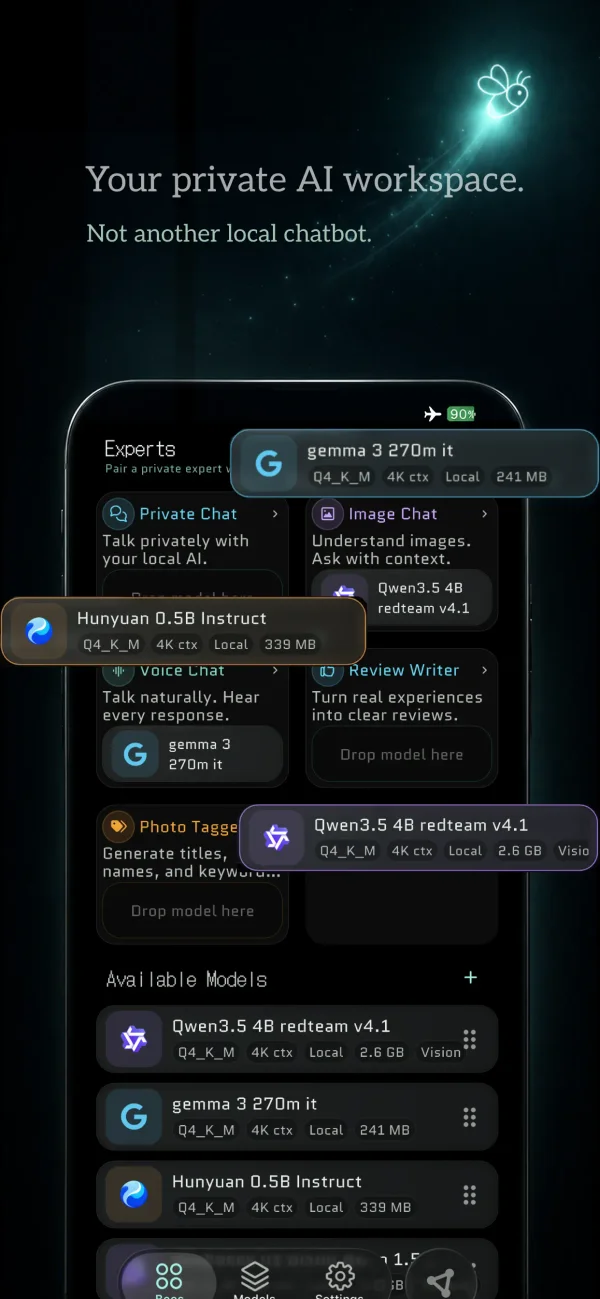
microAI includes task-focused AI helpers:
• Private Chat — Ask, write, plan, brainstorm, or talk.
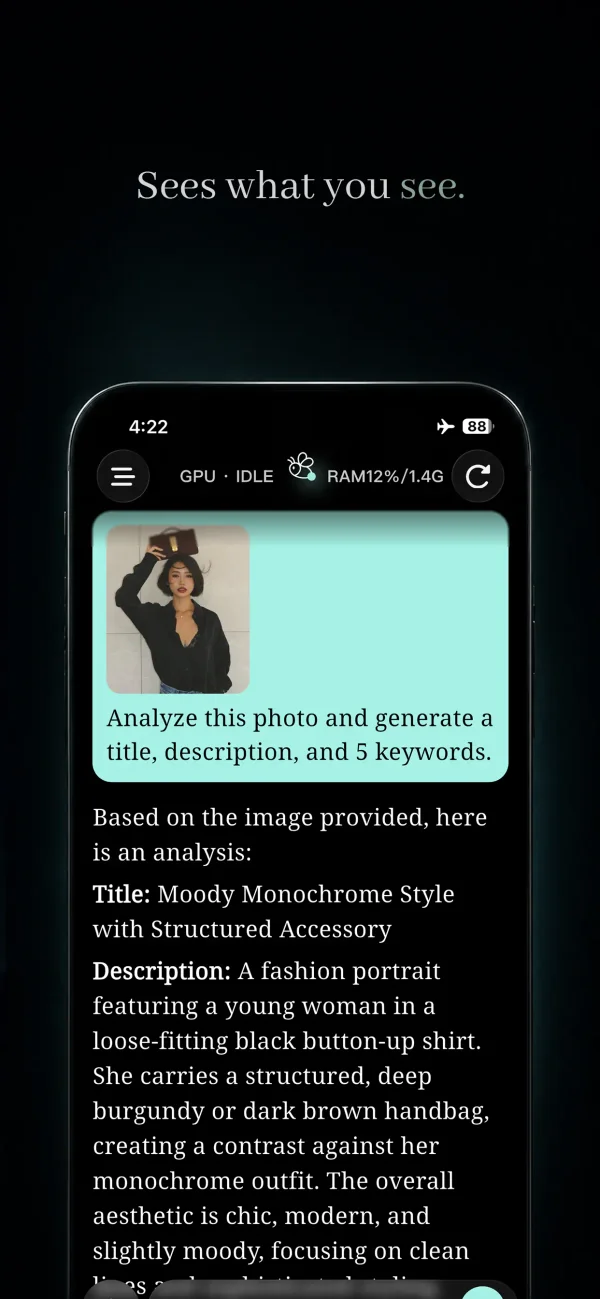
• Image Chat — Ask questions about photos and screenshots.
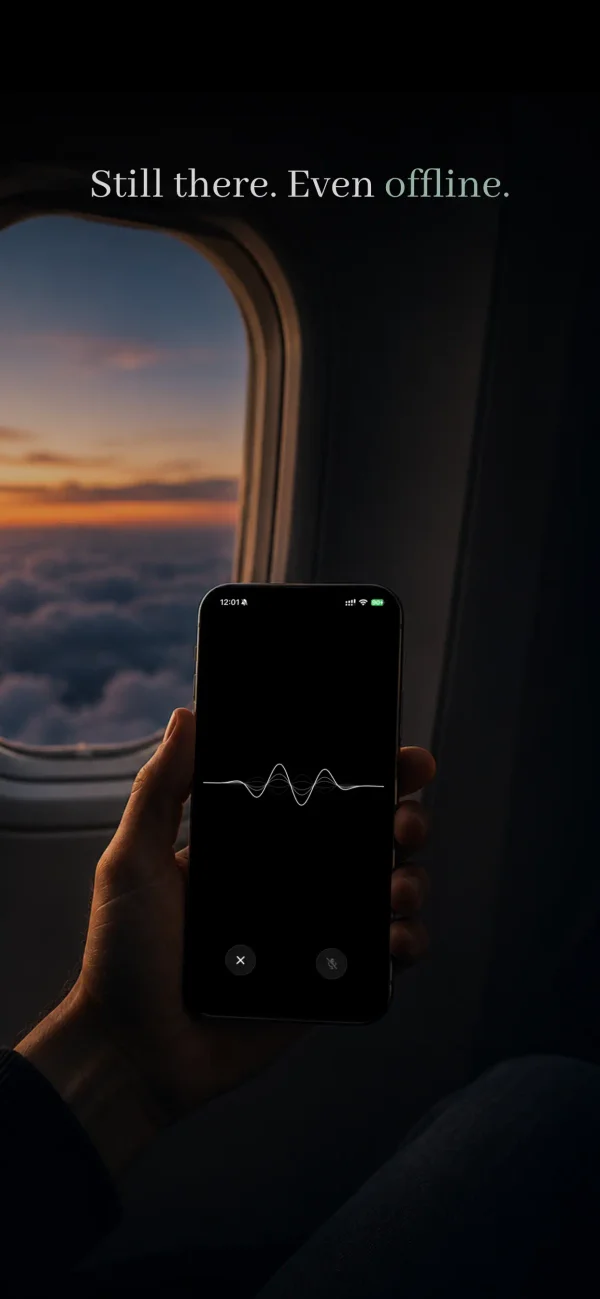
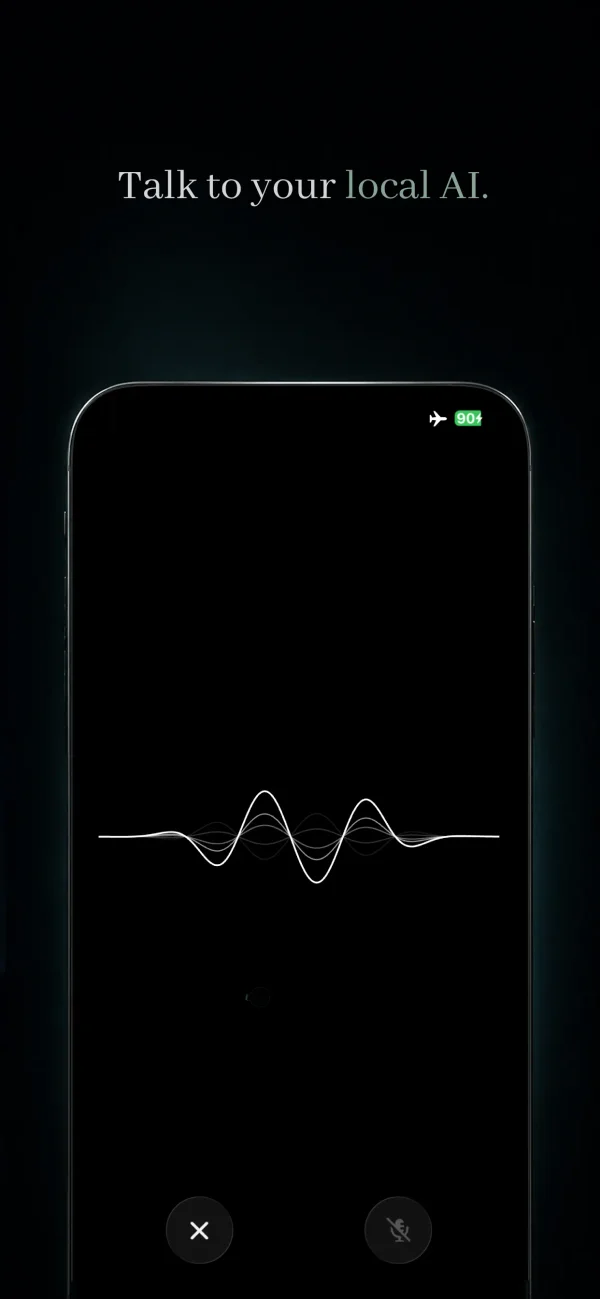
• Voice Chat — Talk instead of typing.
• Review Writer — Turn your experience into a clear review.
• Photo Tagger — Create titles, descriptions, and keywords for photos.
Choose which compatible model powers each job.
Use a small model for quick everyday tasks, a vision model for images, or a stronger model running on your computer when you need more capability.
TALK. SEE. READ.
AI should work with more than a text box.
Talk naturally with Voice Chat.
Add a photo or screenshot and ask questions about what you see.
Add a supported PDF, TXT, or Markdown file and ask questions about its contents.
Use microAI for writing, research, documents, photos, ideas, and everyday questions.
COME BACK WITHOUT STARTING OVER
Your useful context should not disappear into old chats.
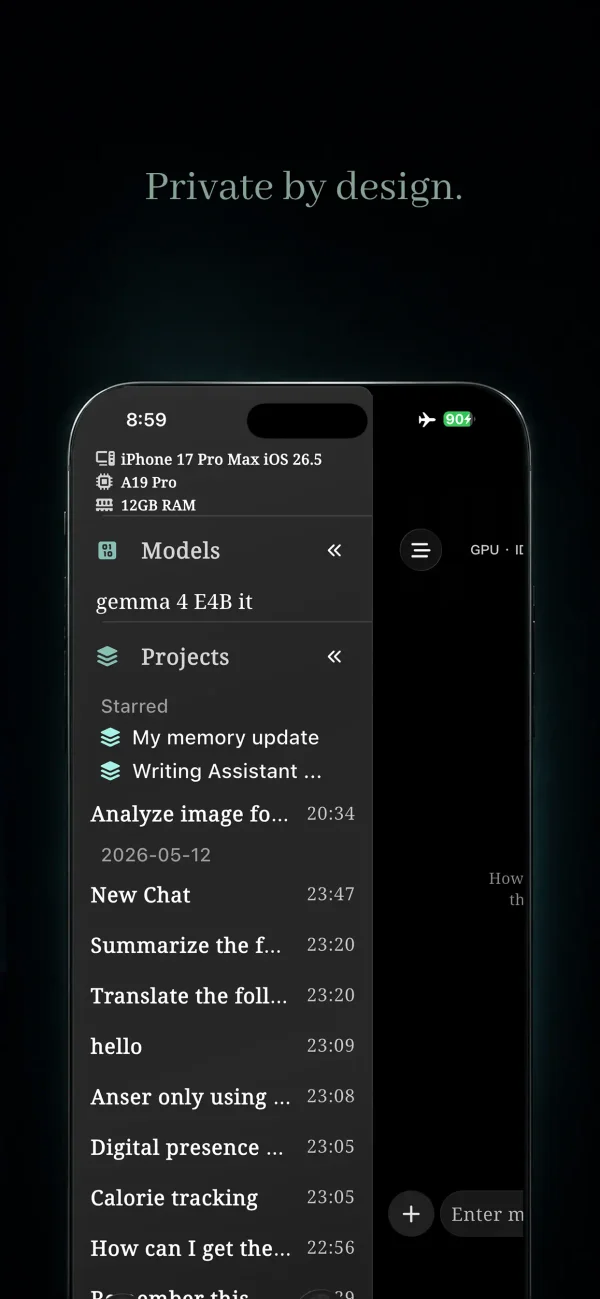
Create Projects to keep related conversations, files, instructions, and context together.
Save quick thoughts in Journal.
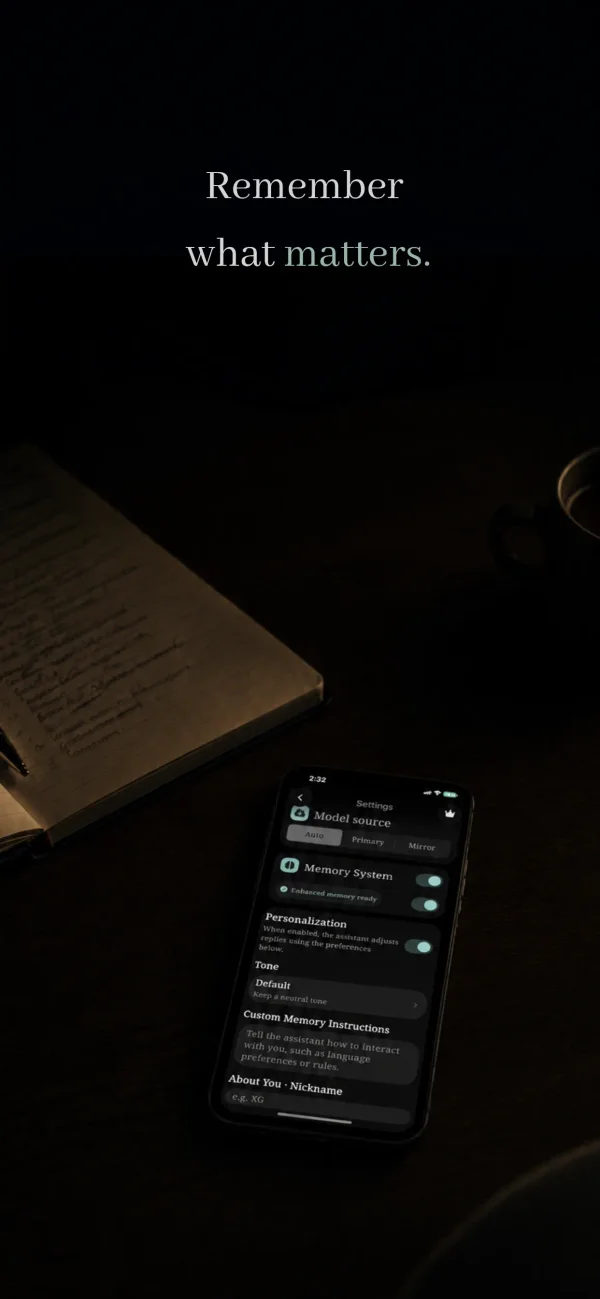
microAI can remember useful context and bring it back when relevant.
Memory Map gives you a visual way to explore your conversations, projects, journals, models, and memories.
LOCAL AI WITHOUT THE USUAL SETUP
You should not need to be an AI engineer to start using local AI.
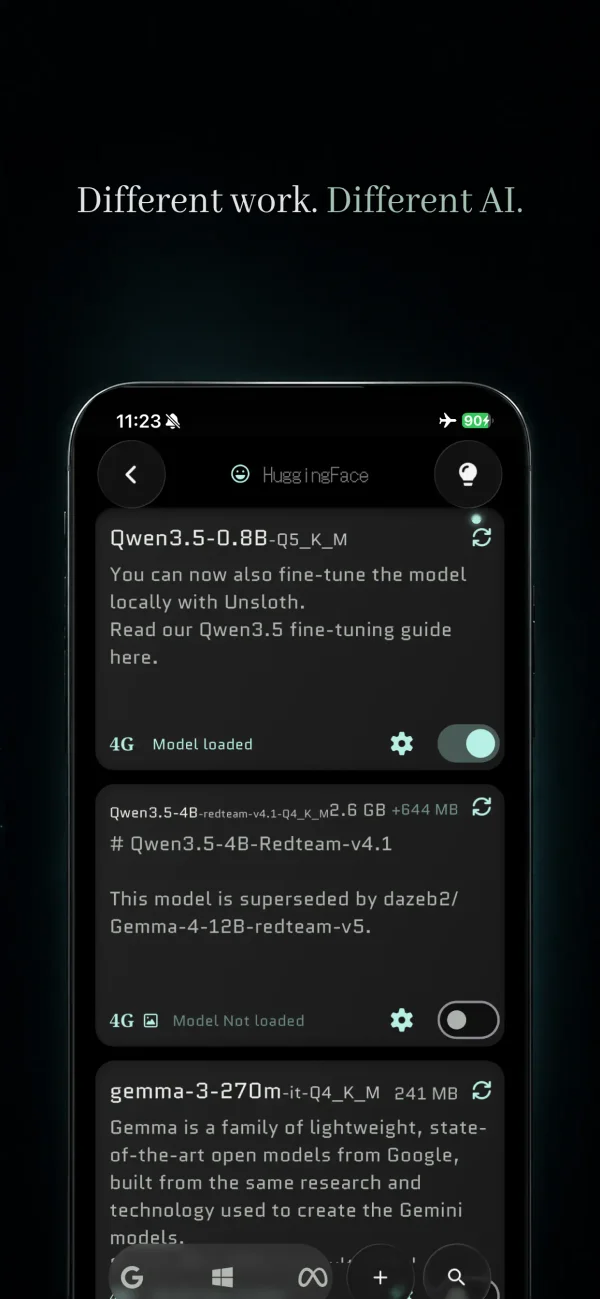
Find a compatible model, download it, and start.
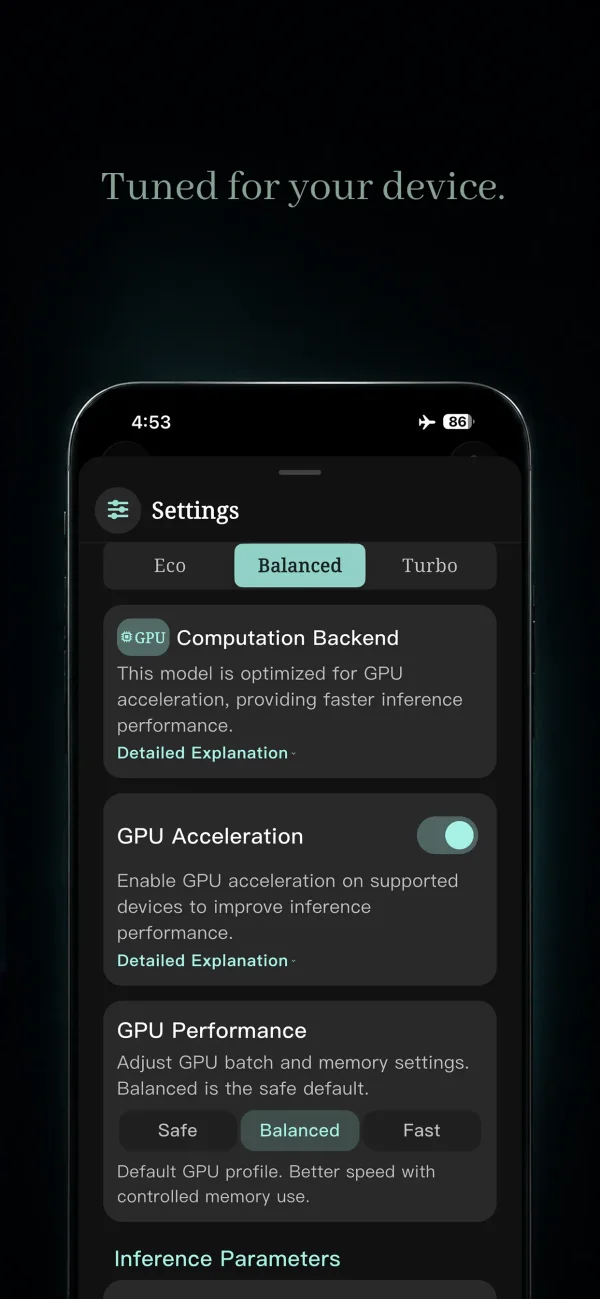
microAI keeps model discovery, downloads, switching, and resource management in one place.
Advanced users can also import compatible GGUF models.
Actual performance depends on your device, model, and connection.
YOUR AI. YOUR DEVICES. YOUR DATA.
When AI runs on your phone, compatible models process requests directly on your device.
When you connect your own computer, the model runs on the computer you approve while you continue using microAI from your phone.
Your model files stay on the device running them.
You decide when a remote compute node is connected and used.
Internet access may still be required for model discovery and downloads, purchases, ratings, app services, and certain system features.
RUN AI YOUR WAY.
On your phone when you want portability.
On your computer when you want more power.
No sign-up.
No cloud AI account required.
Your AI. Your devices. Your choice.
Want to use your computer with microAI?
Visit:
https://linklocalai.com/
By using microAI, you agree to Apple's Standard End User License Agreement (EULA).
Apple EULA:
https://www.apple.com/legal/internet-services/itunes/dev/stdeula/
Có gì mới
Phiên bản 0.3.2 · 11/11/2026
This update focuses on stability and reliability:
- Improved resource management when loading, switching, and running local AI models.
- Made chat history saving more reliable and improved background memory processing.
- Updated the local AI engine to improve model compatibility and computational reliability on supported devices.
Thanks for using microAI.
Quyền riêng tư của ứng dụng
Những gì genghong Xie khai báo trên App Store về cách ứng dụng này xử lý dữ liệu.
-
Dữ liệu không được thu thập
Nhà phát triển không thu thập bất kỳ dữ liệu nào từ ứng dụng này.
Phương thức đảm bảo quyền riêng tư có thể khác nhau, chẳng hạn như tuỳ theo các tính năng bạn sử dụng hoặc độ tuổi của bạn.
Thông tin
- Người bán
- genghong Xie
- Danh mục
- Hiệu Suất
- Phiên bản
- 0.3.2
- Cập nhật
- 11/11/2026
- Phát hành
- 17/04/2025
- Kích thước
- 242,4 MB
- Yêu cầu
- iOS 16.4 trở lên
- Độ tuổi
- 9+
- Giá
- Miễn phí
- Mua hàng trong ứng dụng
- Có
- Ngôn ngữ
- Tiếng Anh, Tiếng Pháp, Tiếng Đức, Tiếng Ý, Tiếng Nhật, Tiếng Hàn, Tiếng Bồ Đào Nha, Tiếng Trung Giản thể, Tiếng Tây Ban Nha, Tiếng Trung Phồn thể
- Bản quyền
- Copyright © 2025 XG
Có thể bạn cũng thích
-
 LocalAI - Your Local AIHiệu Suất
-
 Offline AI - Private LLMHiệu Suất
-
 BonzAI - Local AI AgentHiệu Suất
-
 Arbiter - Local AI ChatHiệu Suất
-
 Plain AIHiệu Suất
-
 AI Offline LLM Chat: LapisHiệu Suất
-
 esper - Offline & Private AIHiệu Suất
-
 Privacy AI: Agent & ChatbotHiệu Suất
-
 Control - LLM InterfaceHiệu Suất
-
 Oscilla - Local AIHiệu Suất