Moonlock
Scam detector, device security
Dirancang untuk iPhone
Pembelian dalam aplikasi
- Batasan usia4+
- KategoriKegunaan
- PengembangMacPaw Way Ltd
- BahasaInggris
- Ukuran129,3 MB
Moonlock mungkin sedang tidak tersedia di App Store
Halaman di toko tidak dapat dijangkau saat terakhir kami periksa. Tautan tetap mengarah ke halaman resmi App Store.
Tangkapan layar

Tentang
Pengembang belum menyediakan teks ini dalam bahasa Anda.
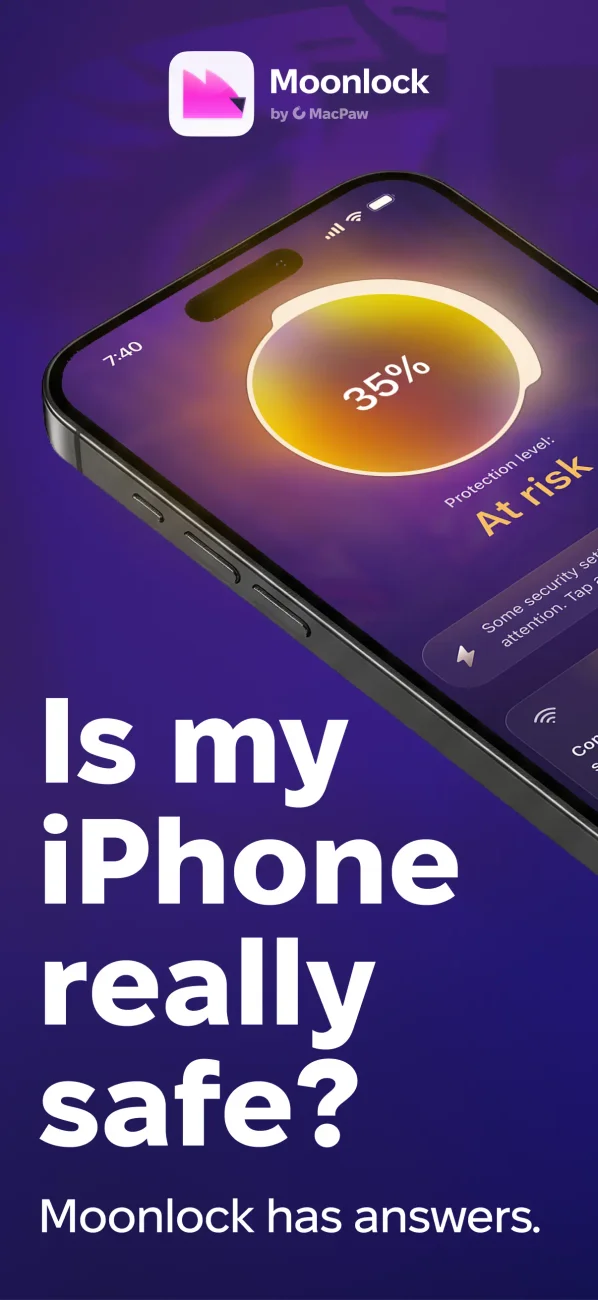
Not sure about a message? Moonlock checks texts, screenshots, and QR codes for signs of a scam and tells you why. It also shows how well your iPhone is protected and what to do next.
CHECK MESSAGES FOR SCAMS
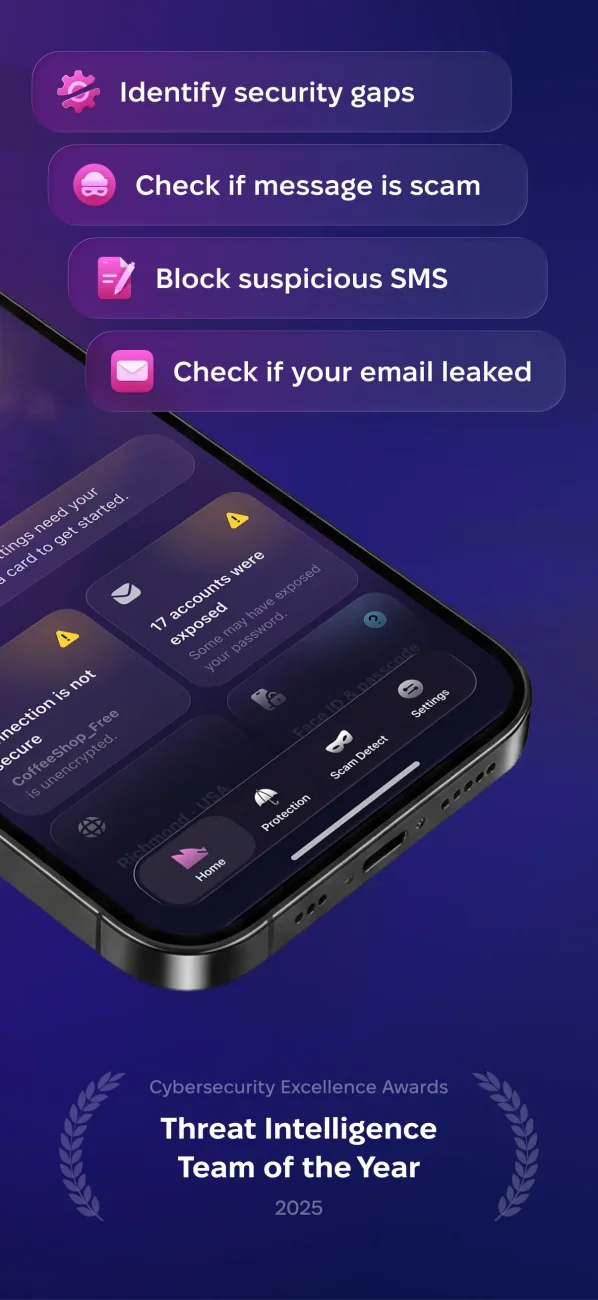
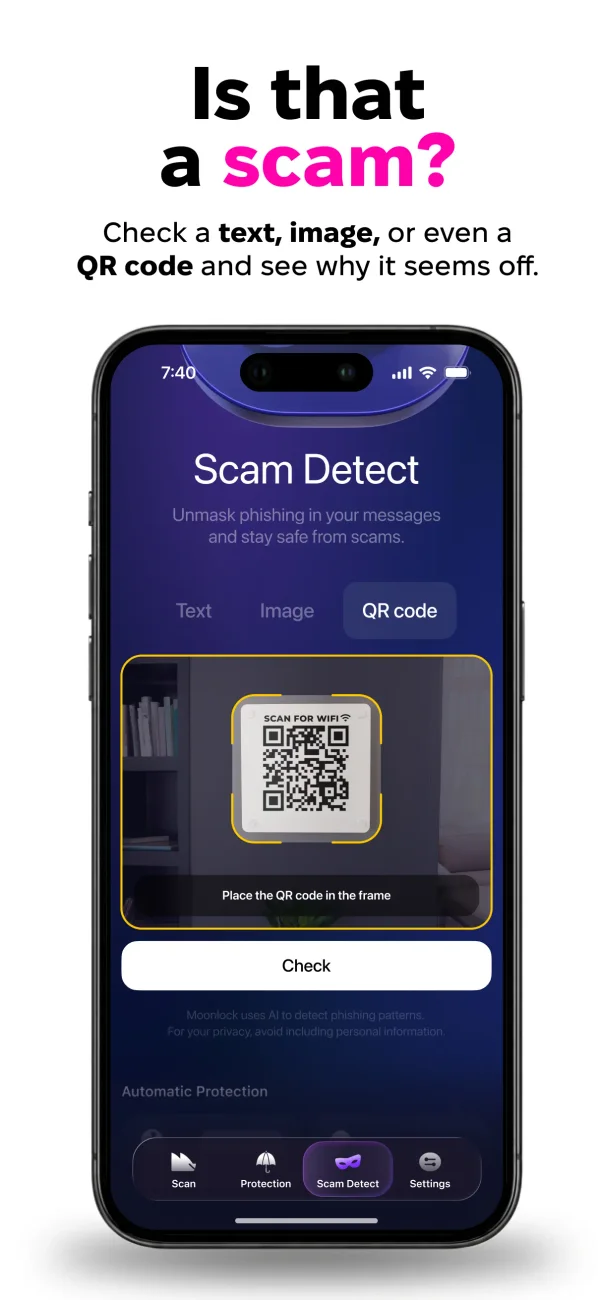
– Scam Detect: Paste a message, add a screenshot, or scan a QR code. Moonlock gives you a verdict and the reasons behind it, like a link that doesn't match the sender.
– No switching apps: Long-press any text, tap Share, and choose Moonlock. Check a message right where you found it.
– QR codes: See where a code actually leads before you open it.
– Safe SMS: Once you turn it on in Settings, texts from unknown senders that look like scams go to Junk in Messages. Open Moonlock to see what was filtered and why. Nothing is deleted without you.
SEE WHERE YOUR IPHONE STANDS
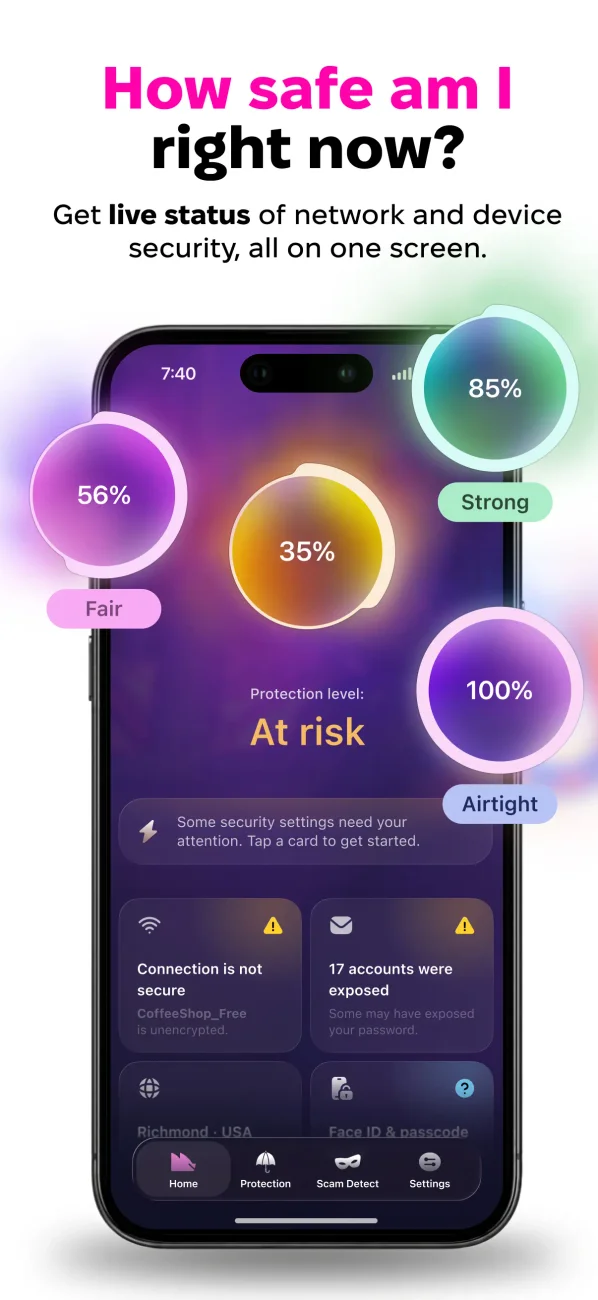
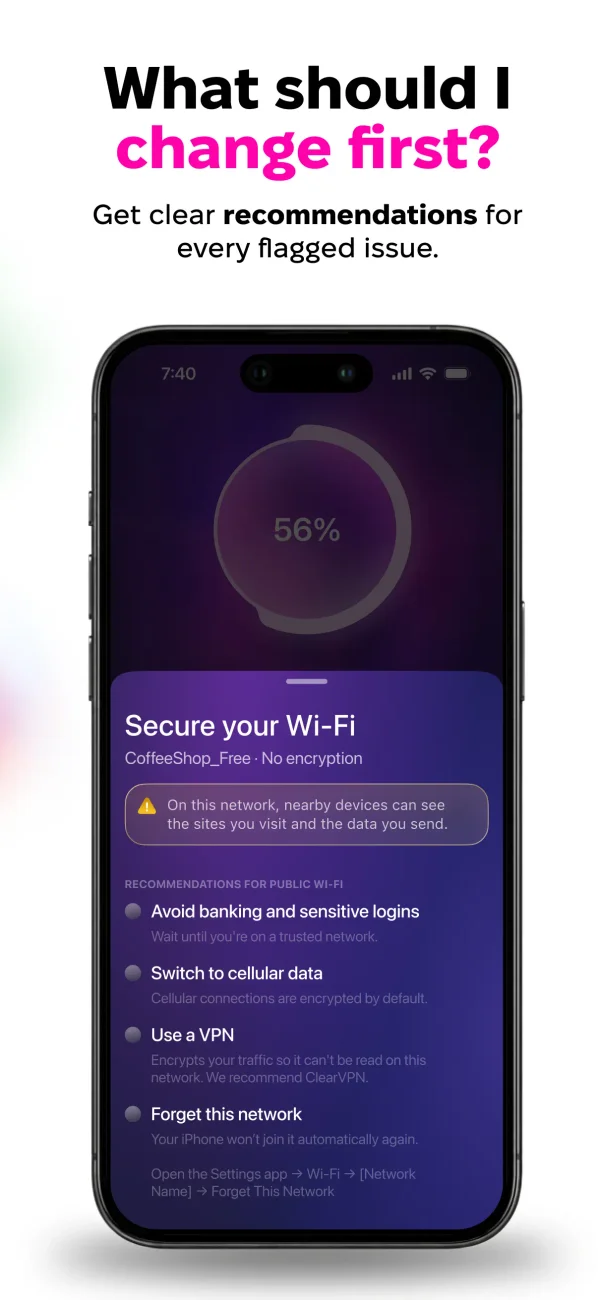
– Quick first scan: Moonlock checks your Wi-Fi connection, Face ID or passcode, iOS version, and signs of a jailbreak as soon as you start.
– Security Score: A score from 0 to 100 and a protection level show how well your iPhone is set up.
– One step at a time: Instead of a long checklist, Moonlock suggests the most useful thing to do next.
– Status updates when something changes: Join a new Wi-Fi network or fall behind on iOS updates, and you'll see it in the app.
FIND OUT IF YOUR EMAIL WAS EXPOSED
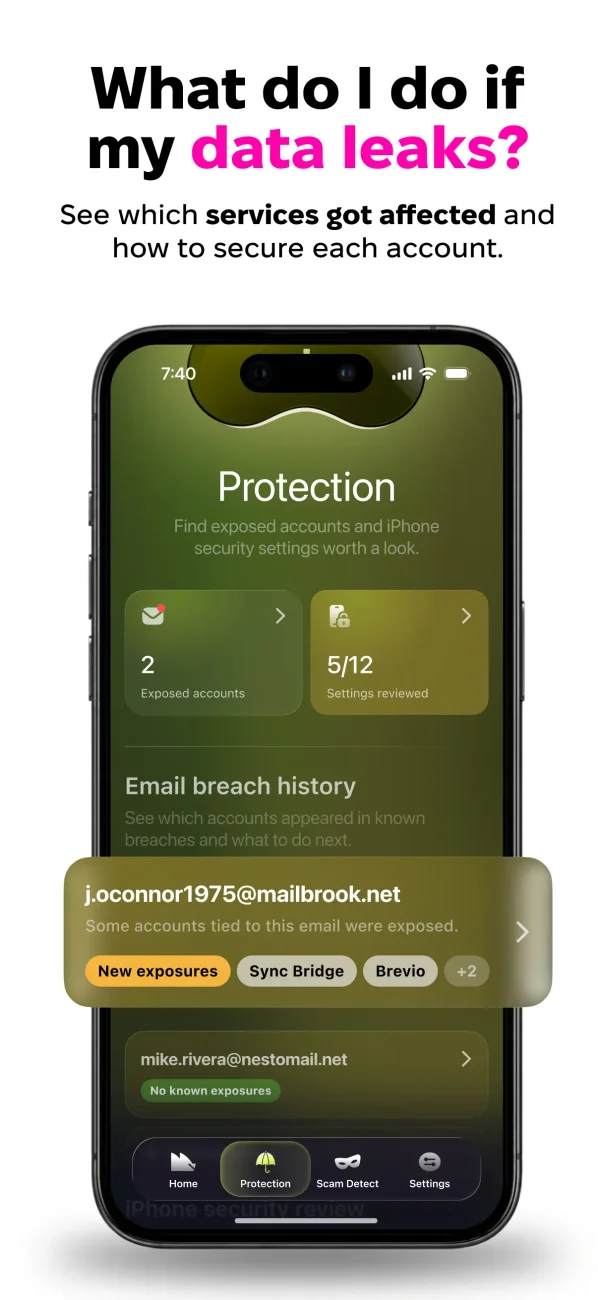
– Check up to 5 email addresses against known data breaches.
– See which service leaked your data, when it happened, and what was exposed, such as passwords, phone numbers, or location.
– Follow clear steps to secure each affected account, from changing the password to turning on two-factor authentication.
SETTINGS WORTH CHANGING ONCE
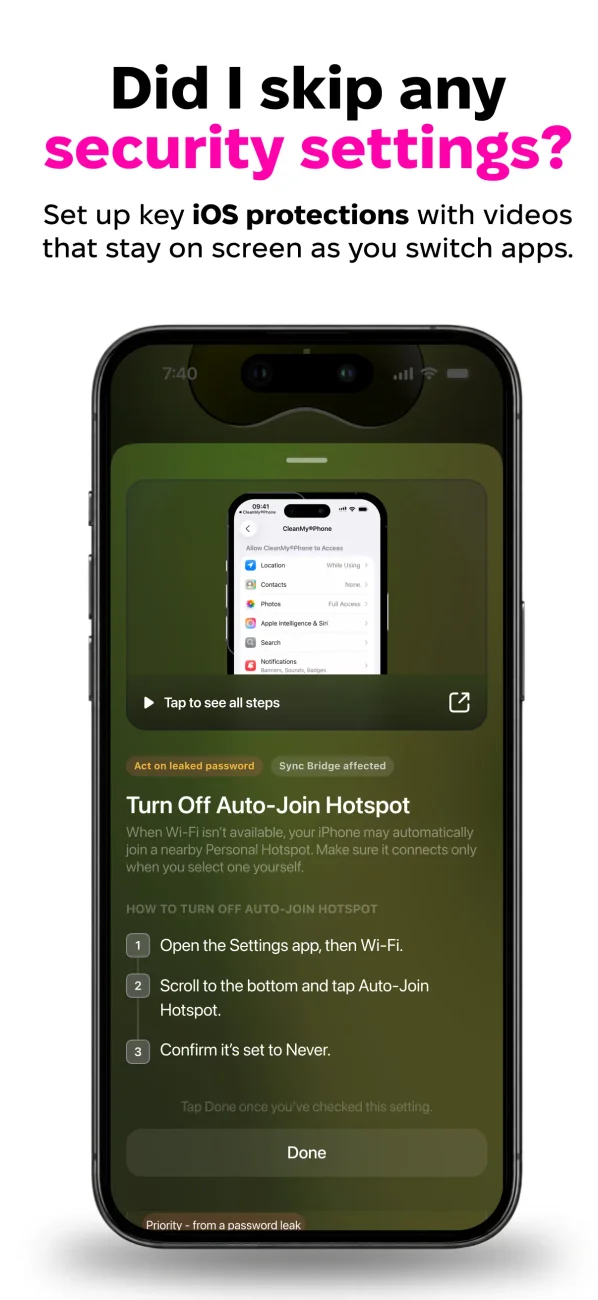
– Get a list of iPhone settings that make your phone safer, each with the reason it matters and how long it takes.
– Follow step-by-step instructions with a short video. When you switch to Settings, the video keeps playing in a small window, so you can follow along.
– Mark each setting as done once you've changed it.
YOUR PRIVACY
– Security checks run on your iPhone. We don't store your information.
– Safe SMS only sees new texts from unknown senders, and only while it's on. Moonlock has no access to your message history.
QUESTIONS
Does Moonlock scan my iPhone for viruses?
iOS doesn't let apps scan other apps or their files. Instead, Moonlock checks what it can: suspicious messages, QR codes, data breaches, your connection, and your iPhone's security settings.
What can Moonlock see in my messages?
Only the messages you share with Scam Detect, and new texts from unknown senders while Safe SMS is on. It can't read your message history.
Moonlock for Mac is a separate app.
SUBSCRIPTION
– Moonlock comes with a 7-day free trial on a monthly or annual subscription.
– Payment is charged to your Apple Account when you confirm your purchase.
– Your subscription renews automatically unless you turn off auto-renewal at least 24 hours before the end of the current period.
– Your account is charged for renewal within 24 hours before the end of the current period.
– You can manage your subscription and turn off auto-renewal in your Apple Account settings after purchase.
Terms of Use: https://moonlock.com/terms-of-use
License Agreement (EULA): https://www.apple.com/legal/internet-services/itunes/dev/stdeula/
Privacy Policy: https://moonlock.com/privacy-policy
Yang baru
Versi 1.0.3 · 12/11/2026
Bug fixes and improvements
Privasi aplikasi
Yang dinyatakan MacPaw Way Ltd di App Store tentang cara aplikasi ini menangani data.
-
Data yang digunakan untuk melacak Anda
Dapat digunakan untuk melacak Anda di aplikasi dan situs web milik perusahaan lain.
- Pembelian
- Pengenal
-
Data yang ditautkan dengan Anda
Dapat dikumpulkan dan ditautkan dengan identitas Anda.
- Pembelian
- Lokasi
- Info kontak
- Pengenal
- Data penggunaan
- Diagnostik
-
Data yang tidak ditautkan dengan Anda
Dapat dikumpulkan, tetapi tidak ditautkan dengan identitas Anda.
- Konten pengguna
Praktik privasi dapat bervariasi, misalnya berdasarkan fitur yang Anda gunakan atau usia Anda.
Informasi
- Penjual
- MacPaw Way Ltd
- Kategori
- Kegunaan
- Versi
- 1.0.3
- Diperbarui
- 12/11/2026
- Dirilis
- 29/10/2026
- Ukuran
- 129,3 MB
- Memerlukan
- iOS 26.0 atau yang lebih baru
- Batasan usia
- 4+
- Pembelian dalam aplikasi
- Ya
- Bahasa
- Inggris
- Hak cipta
- © MacPaw Way Ltd
Mungkin Anda juga suka
-
 GoodCall: Scam ProtectionKegunaan
-
 Kompakt: Photo CleanerKegunaan
-
 Point Cloud & BIM ViewerKegunaan
-
 SentryBlack — Security CameraKegunaan
-
 bad pixel checkKegunaan
-
 ForceMapsKegunaan
-
 Paylio: Cancel SubscriptionsSubscription Manager & Stopper
-
 IoT CentralKegunaan
-
 OBD2 Cat: Car ScannerKegunaan
-
 Hello MarshallKegunaan