
MyNotebook - simple note app -
Ideal for creating lists
Dirancang untuk iPhone, iPad
Gratis
- Batasan usia4+
- KategoriProduktivitas
- Pengembangfumio ueda
- BahasaInggris+ 1 lainnya
- Ukuran5,0 MB
Tertaut ke halaman resmi App Store
Download.org tidak menyimpan file MyNotebook - simple note app - apa pun. Tombol ini membuka halaman aplikasi di App Store, tempat fumio ueda menerbitkannya. Halaman terakhir diperiksa pada 17/11/2026.
Tangkapan layar
Tentang
Pengembang belum menyediakan teks ini dalam bahasa Anda.
"My Notebook" Overview
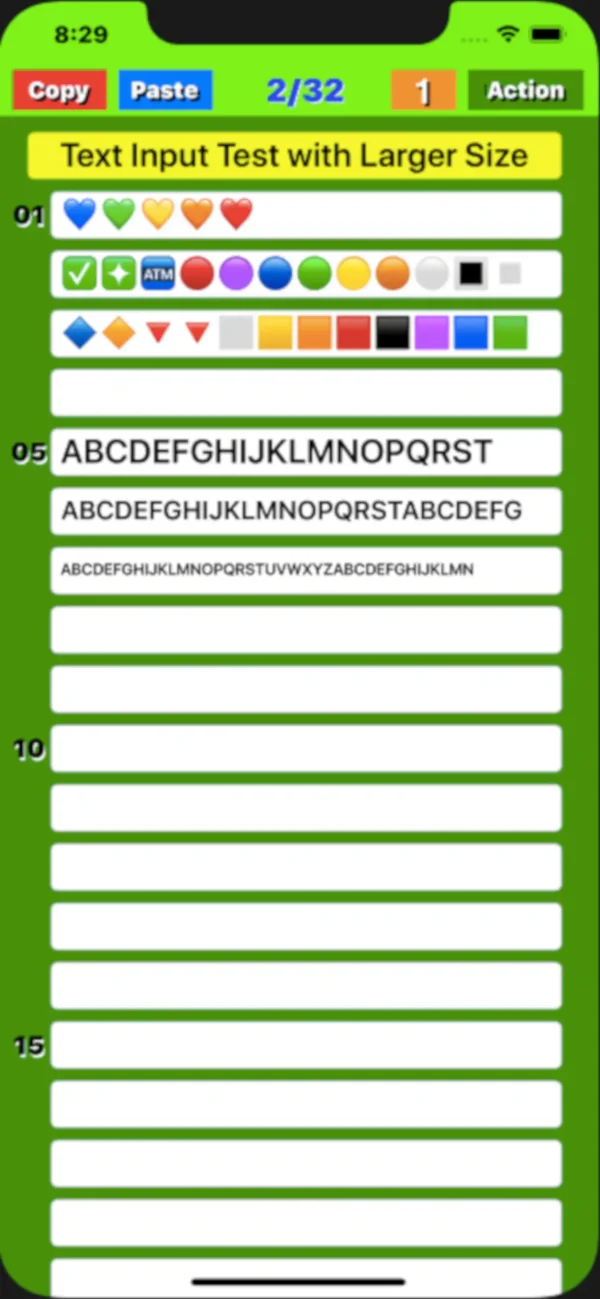
it is suitable for creating checklists, to-do lists, and writing diaries by genre using short sentences. And you may be even trained the ability to create short sentences. Text size can be changed by simply pinching the screen.
(1) Notepad function
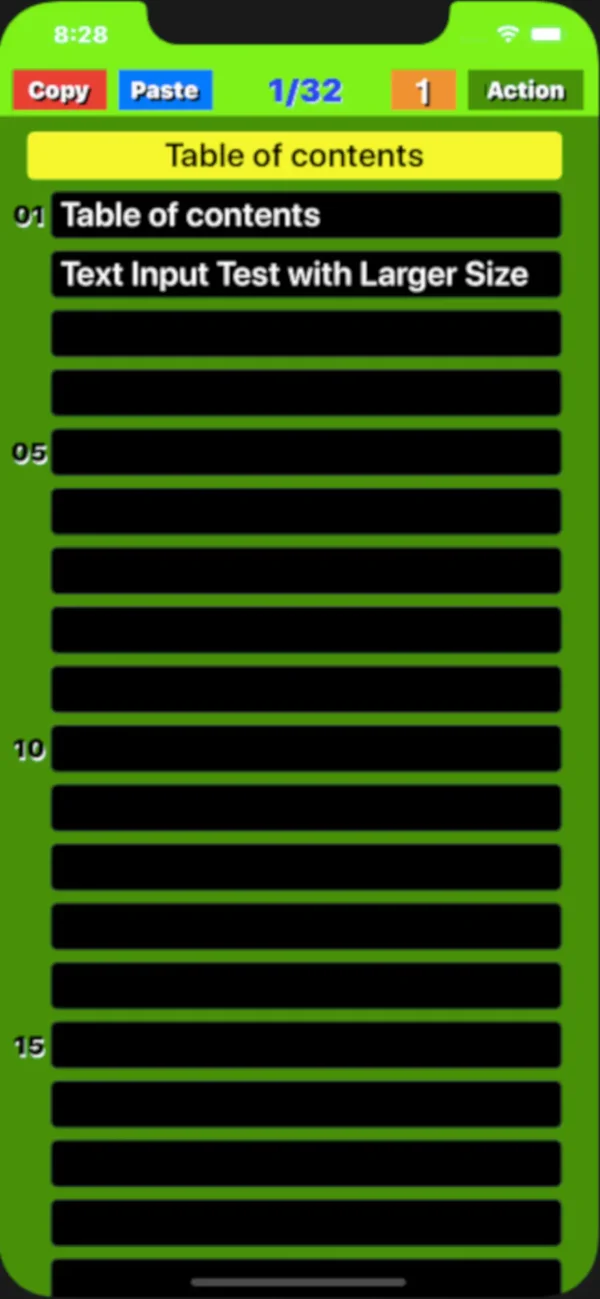
● Start up ; The display will start from the last finished page and it will be possible to edit.
● Page structure ; Consists of one title and 32 lines body.
● Font resizes ; When more than limited number of text is entered, font size automatically become smaller.
● Page turning ; Swipe the screen left / right or tap the left / right frame to page forward.
● Turning speed ; If you set the "Mode" button to "5", you can send 5 pages, if you set it to "1", you can send 1 page at a time.
● Infinite loop; Since it uses an infinite loop type page turning, the page is turned from the page near the rear end to the page near the front end when moving forward, and in the reverse direction when reversing.
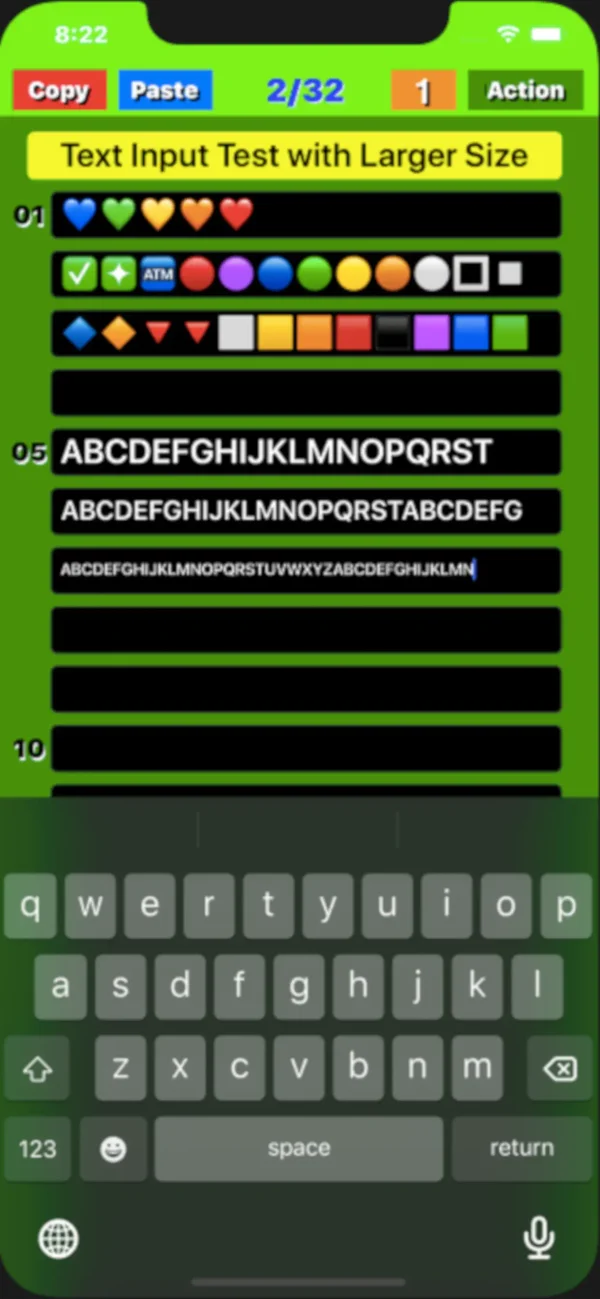
● Character input; Tapping a position where you want to enter a character a cursor appears and a keyboard also appears at the bottom of the screen. Using the keyboard you can enter any character at the cursor position.
● "Done" button; Tapping the "Done" button, you can save the text you entered to your device's memory, for the next startup.
(2) "Copy" function
By tapping the "Copy" button on each page, the entered title and text will be stored in the device's memory. The text is also copied to the clipboard.
(3) "Paste" function
● When you tap the "Paste" button on each page, a screen will pop up asking if you want to overwrite the page with the title and text saved in memory. Tap "Overwrite" on that screen to execute overwriting.
● You can erase all the characters at once by copying a blank page and pasting it on any page.
(4) Table of contents creation function
If you press the Paste button for a few seconds, a screen will pop up asking if you want to create a table of contents. Select Create to create a table of contents.
(5) "Mail" function
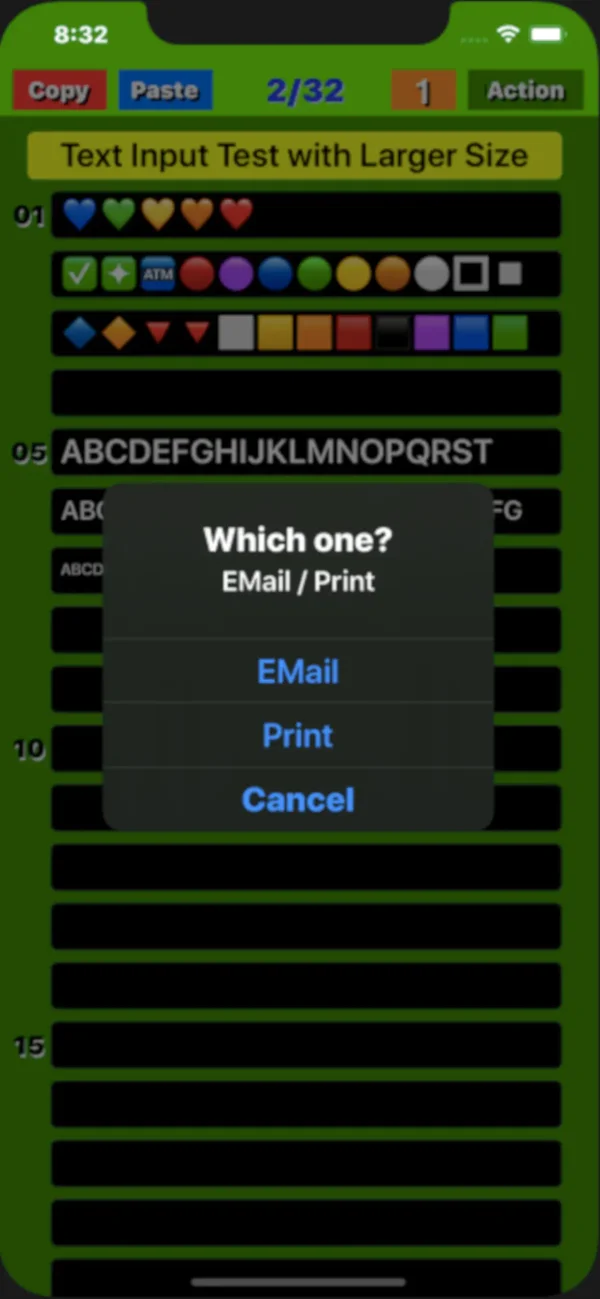
On any page, click the "Action" button, and a selection screen for email or print appears. Select an email and follow the instructions on the email screen. After setting and confirming the title, destination, Cc / Bcc, and sender, click the "Send" button to send, or the "Cancel" button to cancel.
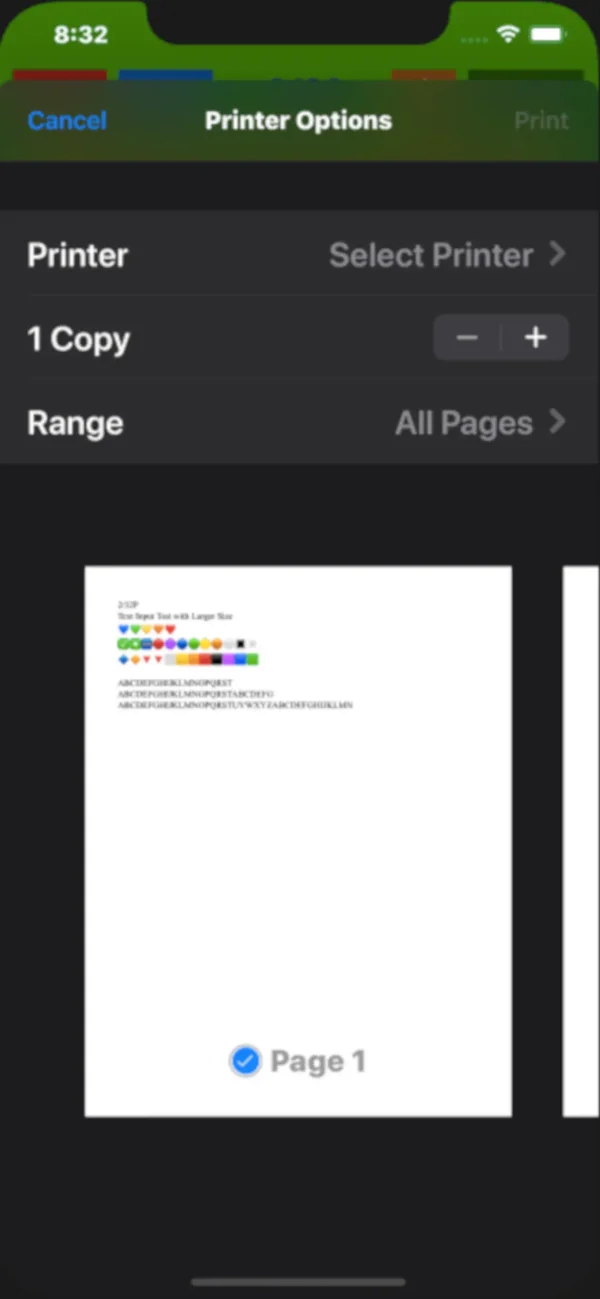
(6) "Print" function (v1.5)
On any page, click the "Action" button, and a selection screen for email or print appears. Select "Print" and follow the instructions on the print screen. After selecting and checking the printer selection, number of prints, and print page range, press "Print" to execute printing. If you want to cancel, press "Cancel".
Yang baru
Versi 3.2 · 3/11/2025
Confirmed to work properly on iPhone with the latest IOS26.0.1.
Privasi aplikasi
Yang dinyatakan fumio ueda di App Store tentang cara aplikasi ini menangani data.
-
Data yang digunakan untuk melacak Anda
Dapat digunakan untuk melacak Anda di aplikasi dan situs web milik perusahaan lain.
- Lokasi
- Pengenal
- Data penggunaan
-
Data yang ditautkan dengan Anda
Dapat dikumpulkan dan ditautkan dengan identitas Anda.
- Lokasi
- Pengenal
- Data penggunaan
Praktik privasi dapat bervariasi, misalnya berdasarkan fitur yang Anda gunakan atau usia Anda.
Informasi
- Penjual
- fumio ueda
- Kategori
- Produktivitas
- Versi
- 3.2
- Diperbarui
- 3/11/2025
- Dirilis
- 21/7/2016
- Ukuran
- 5,0 MB
- Memerlukan
- iOS 16.6 atau yang lebih baru
- Batasan usia
- 4+
- Harga
- Gratis
- Bahasa
- Inggris, Jepang
- Hak cipta
- © 2016 Fumio Ueda self
Mungkin Anda juga suka
-
 Catatan Kata sandiKata sandi
-
 Memopad - Simple&Classic NotesProduktivitas
-
 EZ Notepad plus - Symple noteProduktivitas
-
 Steno paperProduktivitas
-
 Tree NotebookProduktivitas
-
 Color NotepadProduktivitas
-
 Audio Notebook: Voice RecorderProduktivitas
-
 Notepad Widget, Sticky NotesProduktivitas
-
 NOTE'dProduktivitas
-
 Notepad Notes: Catatan HarianDaftar Tugas, Checklist & Memo