myViewBoard
Your Digital Whiteboard
Dirancang untuk iPad, Mac
Gratis · Pembelian dalam aplikasi
- Batasan usia17+
- KategoriPendidikan
- PengembangViewSonic_International
- BahasaInggris+ 41 lainnya
- Ukuran255,1 MB
Tertaut ke halaman resmi App Store
Download.org tidak menyimpan file myViewBoard apa pun. Tombol ini membuka halaman aplikasi di App Store, tempat ViewSonic_International menerbitkannya. Halaman terakhir diperiksa pada 13/11/2026.
Tangkapan layar
Tentang
Pengembang belum menyediakan teks ini dalam bahasa Anda.
myViewBoard – Interactive Whiteboarding for Education and Collaboration
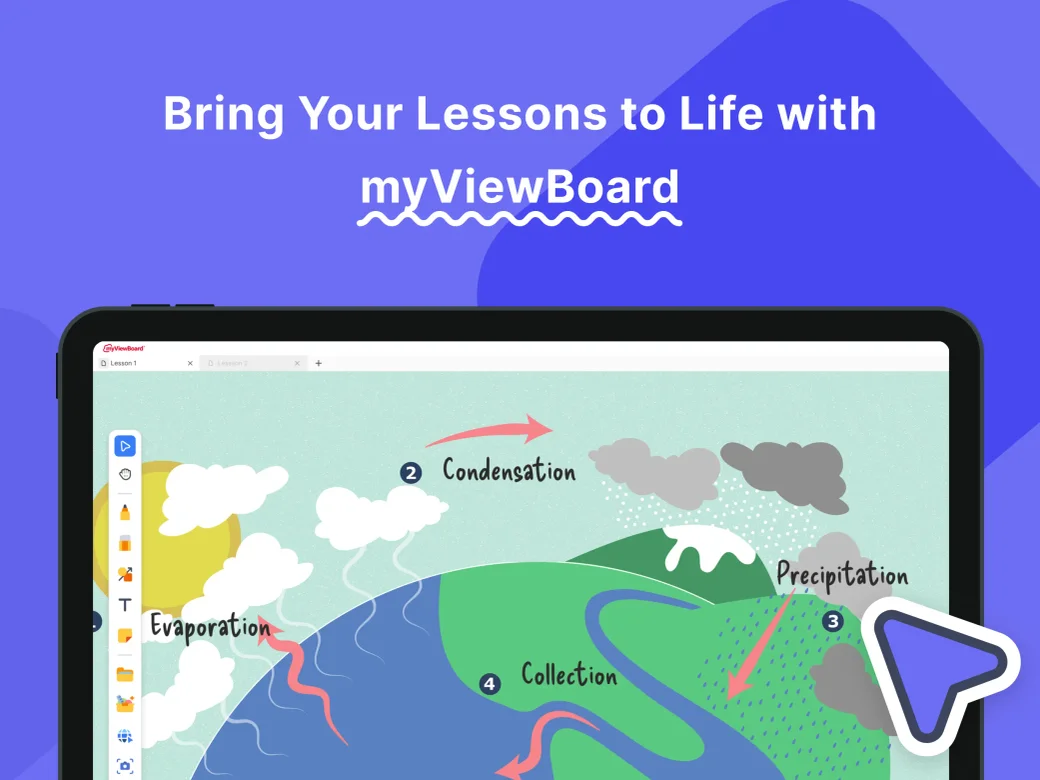
myViewBoard is a core component of ViewSonic’s education and collaboration ecosystem, built to transform traditional teaching and presenting into dynamic, interactive experiences. Designed for both educational and professional use, it empowers users to create, present, and collaborate—anytime, anywhere.
Start transforming your static slides into interactive, multimedia-rich lessons that dynamically evolve with your class’s comprehension. Seamlessly import PowerPoint, Google Slides, and PDF files from the cloud and begin editing right within myViewBoard. Enhance your sessions further with integrated tools such as YouTube viewer, animated widgets, accessibility tools, ViewSonic Originals content, pop quizzes, polls, math utilities, and customizable 3D dice.
Download myViewBoard now and start whiteboarding today!
A Tool for Every Educator
• Multi-tab
Open and toggle between multiple whiteboards within a single session. The new tabbed layout makes it easy to organize content, manage activities, and switch lessons on the fly
• Participate Mode
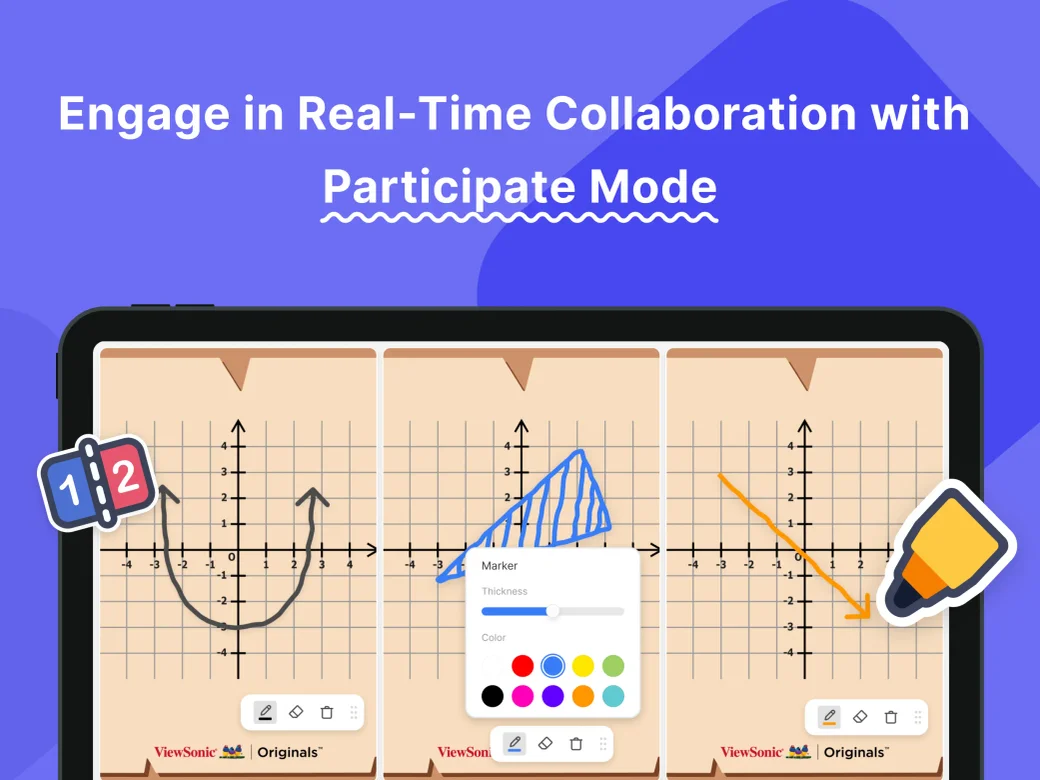
Start with a blank canvas or add a custom background, then split the screen into smaller canvases—giving each student their own space to contribute on the big screen. Once finished, use the annotation overlay to grade and save everything in one place.
• AI Pen
Transform your drawings into stunning visuals instantly with the AI Pen. Say goodbye to those “I’m no artist“ moments on the whiteboard—just sketch an image and choose from a gallery of perfect matches.
• Magic Box
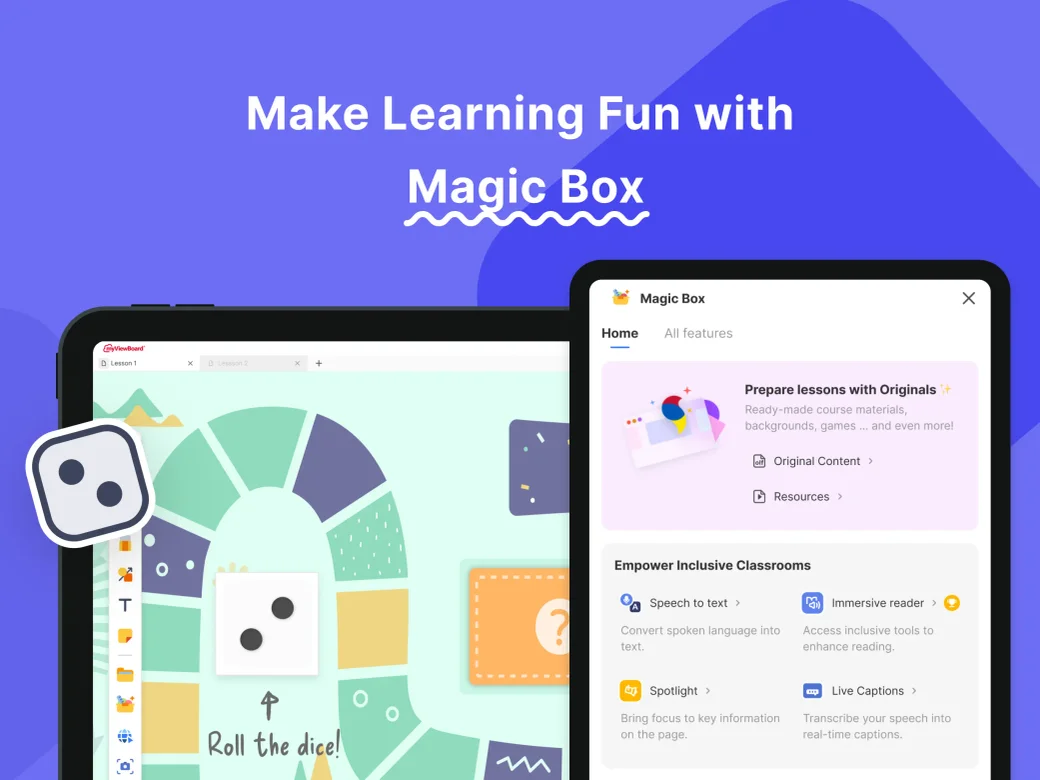
Visualize ideas using the document camera and image search, bring subjects to life with the YouTube viewer and animated widgets, and get interactive with ViewSonic Originals content, pop quizzes, polls, math tools, and customizable 3D dice.
• Embedded Browser
Explore, mark up, and easily import YouTube videos, ViewSonic Originals content, images, and text from any webpage to the myViewBoard canvas with the Embedded Browser. Plus, save your top resources as widgets for easy access during lessons, keeping them right at your fingertips.
• Slide Import
Transform boring, static slides into interactive, multimedia-rich lessons that dynamically evolve with your class’s comprehension. Simply load your PowerPoint, Google Slides, and PDF lesson materials from the cloud directly into myViewBoard and start editing them!
• Lesson Export
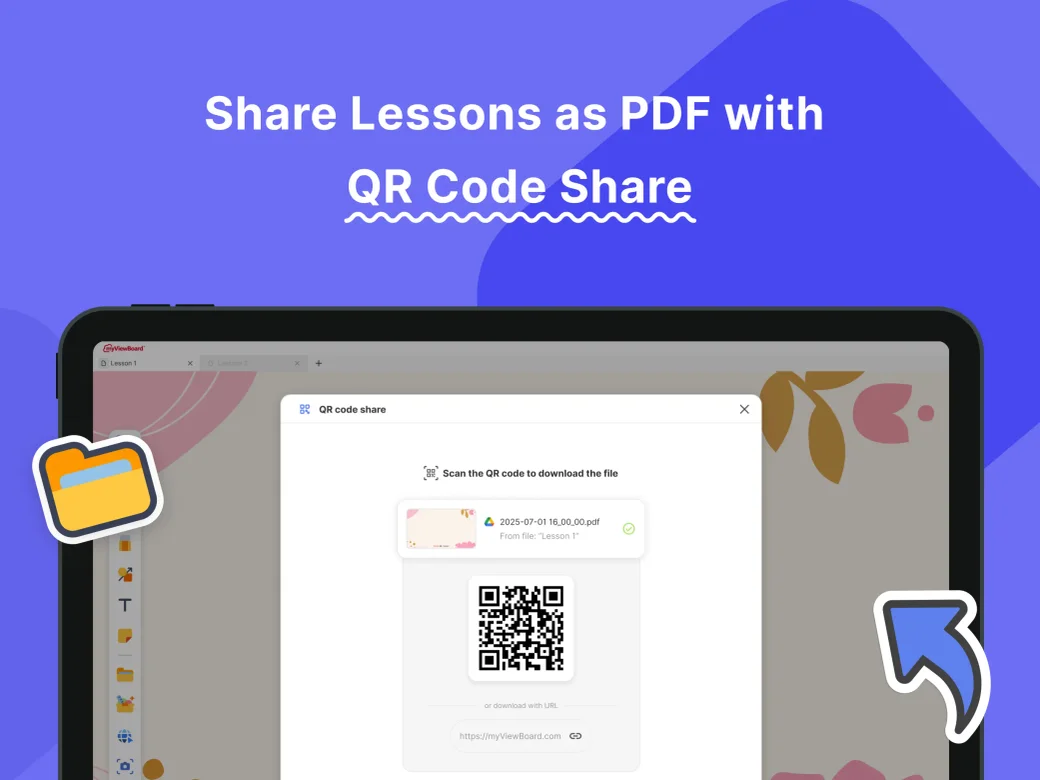
Export your lesson materials to various formats like PDF, PNG, and PPTX using the Export feature in File Manager—perfect for uploading to shared cloud drives or emailing to students and colleagues. Alternatively, let students scan a QR code to instantly access a PDF of the lesson material for home study.
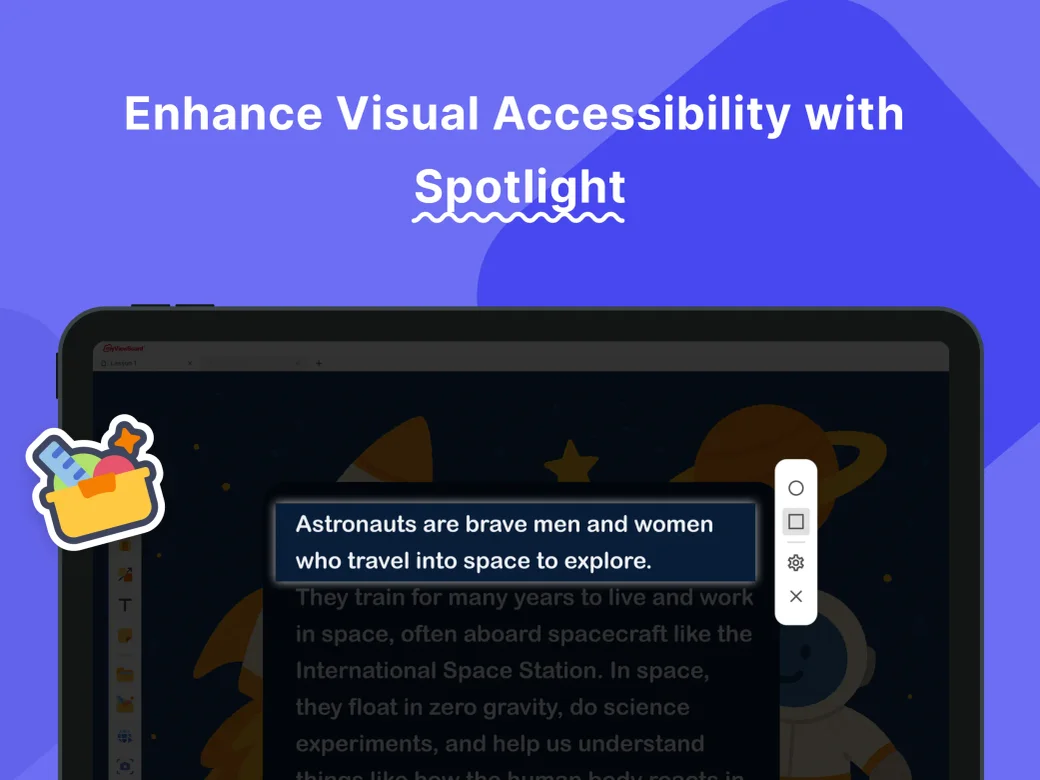
Made for Inclusive Teaching Support all learners with built-in features like Immersive Reader, Irlen background, Spotlight, Live captions, and Speech-to-text—ready to use with no extra setup.
myViewBoard EULA: https://myviewboard.com/legal/eula
Yang baru
Versi 3.10.204.30102042 · 26/8/2026
Bug fixes
Privasi aplikasi
Yang dinyatakan ViewSonic_International di App Store tentang cara aplikasi ini menangani data.
-
Data yang tidak ditautkan dengan Anda
Dapat dikumpulkan, tetapi tidak ditautkan dengan identitas Anda.
- Lokasi
- Pengenal
- Data penggunaan
- Diagnostik
Praktik privasi dapat bervariasi, misalnya berdasarkan fitur yang Anda gunakan atau usia Anda.
Informasi
- Penjual
- ViewSonic International Corp.
- Kategori
- Pendidikan
- Versi
- 3.10.204.30102042
- Diperbarui
- 26/8/2026
- Dirilis
- 28/4/2022
- Ukuran
- 255,1 MB
- Memerlukan
- iOS 15.6 atau yang lebih baru
- Batasan usia
- 17+
- Harga
- Gratis
- Pembelian dalam aplikasi
- Ya
- Bahasa
- Inggris, Albanian, Arab, Basque, Bengali, Katalan, Cheska (Republik Cheska), Dansk (Denmark), Belanda, Esti (Estonia), Suomi (Finlandia), Prancis + 30 lainnya
- Hak cipta
- ViewSonic 2017–2026. © All Rights Reserved
Mungkin Anda juga suka
-
 Educreations WhiteboardPendidikan
-
 ShowMe Interactive WhiteboardPendidikan
-
 WhiteBoard by LiveBoardPendidikan
-
 Jamf TeacherPendidikan
-
 Whiteboard Junior: Draw PadPendidikan
-
 Explain Everything WhiteboardPendidikan
-
 IPEVO WhiteboardPendidikan
-
 Number Line, by MLCPendidikan
-
 DRC INSIGHTPendidikan
-
 Mosyle SchoolPendidikan