myViewBoard
Your Digital Whiteboard
iPad, Mac için tasarlandı
Ücretsiz · Uygulama içi satın alma
- Yaş sınırı17+
- KategoriEğitim
- GeliştiriciViewSonic_International
- Dillerİngilizce+ 41 dil daha
- Boyut255,1 MB
Resmi App Store sayfasına bağlanır
Download.org, myViewBoard için hiçbir dosya barındırmaz. Düğme, uygulamanın App Store üzerindeki sayfasını açar; uygulamayı orada ViewSonic_International yayınlar. Sayfanın son kontrolü: 13.11.2026.
Ekran görüntüleri
Hakkında
Geliştirici bu metni dilinizde sunmamış.
myViewBoard – Interactive Whiteboarding for Education and Collaboration
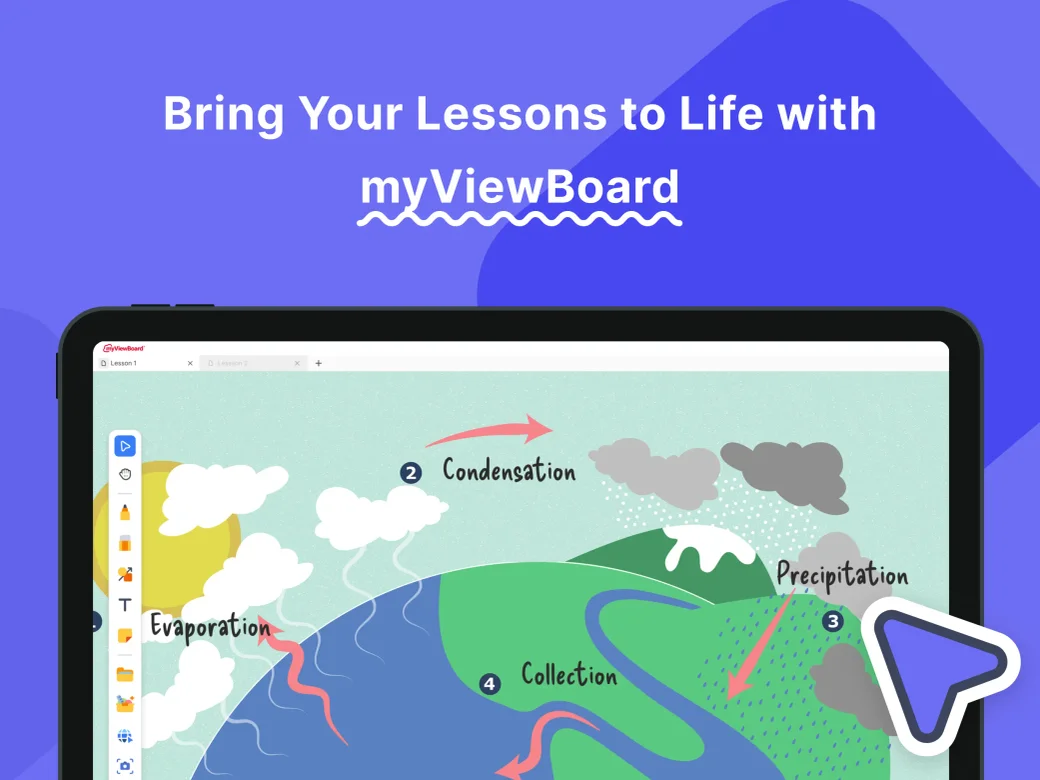
myViewBoard is a core component of ViewSonic’s education and collaboration ecosystem, built to transform traditional teaching and presenting into dynamic, interactive experiences. Designed for both educational and professional use, it empowers users to create, present, and collaborate—anytime, anywhere.
Start transforming your static slides into interactive, multimedia-rich lessons that dynamically evolve with your class’s comprehension. Seamlessly import PowerPoint, Google Slides, and PDF files from the cloud and begin editing right within myViewBoard. Enhance your sessions further with integrated tools such as YouTube viewer, animated widgets, accessibility tools, ViewSonic Originals content, pop quizzes, polls, math utilities, and customizable 3D dice.
Download myViewBoard now and start whiteboarding today!
A Tool for Every Educator
• Multi-tab
Open and toggle between multiple whiteboards within a single session. The new tabbed layout makes it easy to organize content, manage activities, and switch lessons on the fly
• Participate Mode
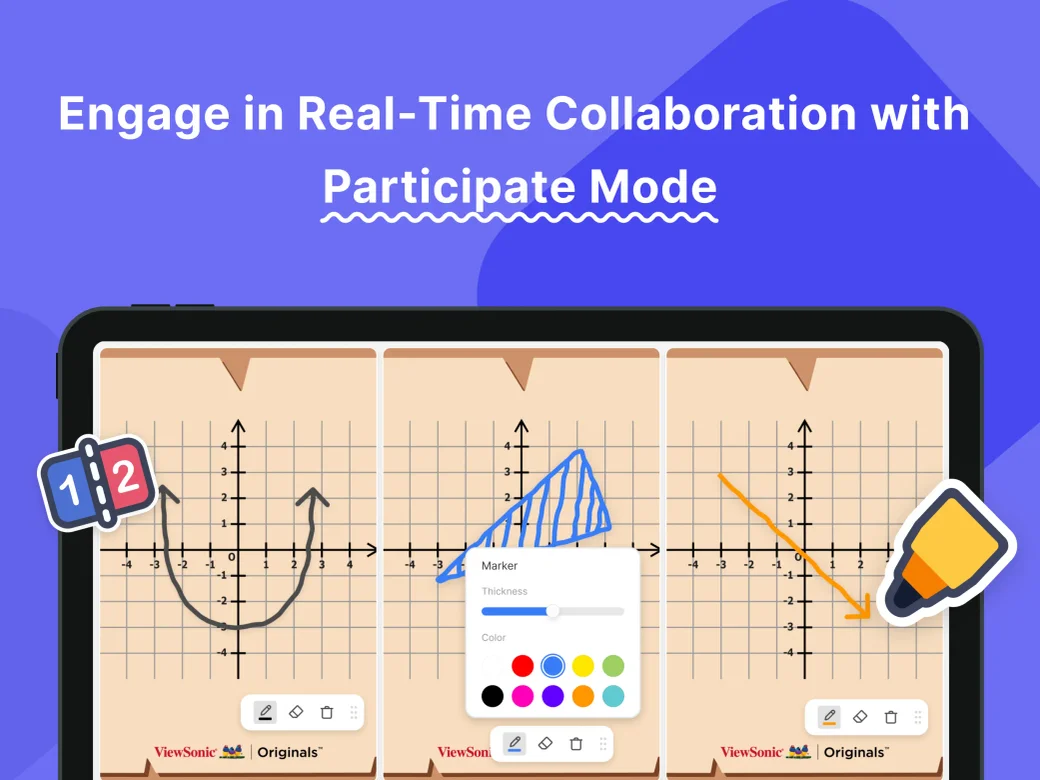
Start with a blank canvas or add a custom background, then split the screen into smaller canvases—giving each student their own space to contribute on the big screen. Once finished, use the annotation overlay to grade and save everything in one place.
• AI Pen
Transform your drawings into stunning visuals instantly with the AI Pen. Say goodbye to those “I’m no artist“ moments on the whiteboard—just sketch an image and choose from a gallery of perfect matches.
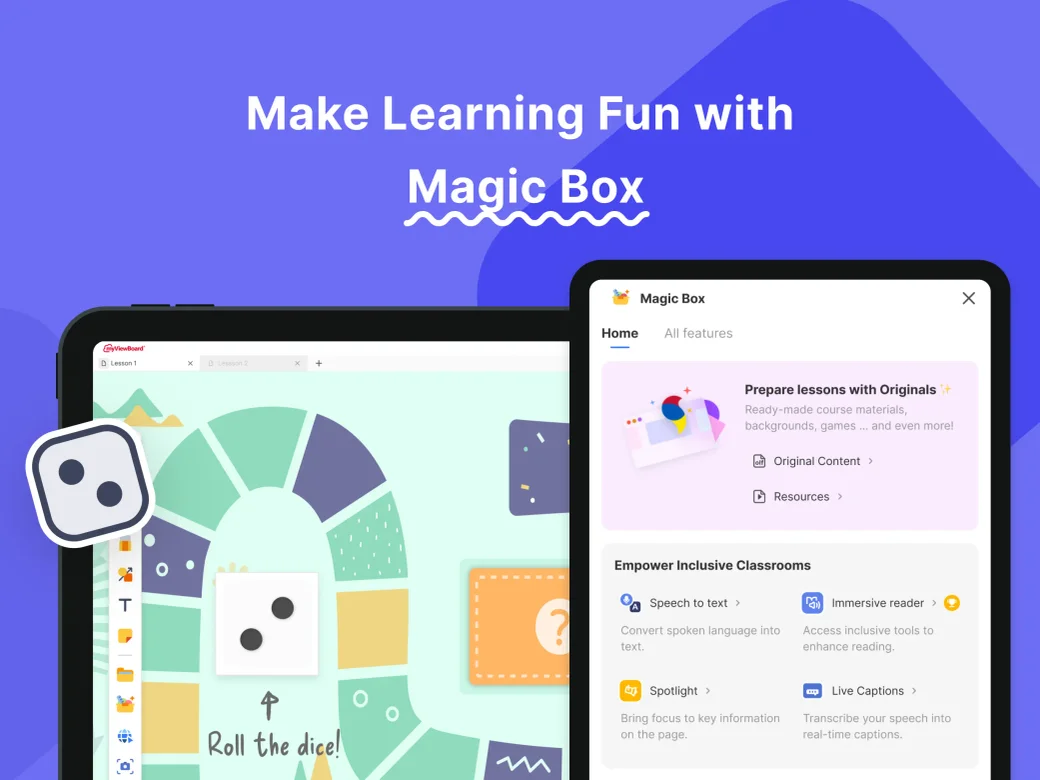
• Magic Box
Visualize ideas using the document camera and image search, bring subjects to life with the YouTube viewer and animated widgets, and get interactive with ViewSonic Originals content, pop quizzes, polls, math tools, and customizable 3D dice.
• Embedded Browser
Explore, mark up, and easily import YouTube videos, ViewSonic Originals content, images, and text from any webpage to the myViewBoard canvas with the Embedded Browser. Plus, save your top resources as widgets for easy access during lessons, keeping them right at your fingertips.
• Slide Import
Transform boring, static slides into interactive, multimedia-rich lessons that dynamically evolve with your class’s comprehension. Simply load your PowerPoint, Google Slides, and PDF lesson materials from the cloud directly into myViewBoard and start editing them!
• Lesson Export
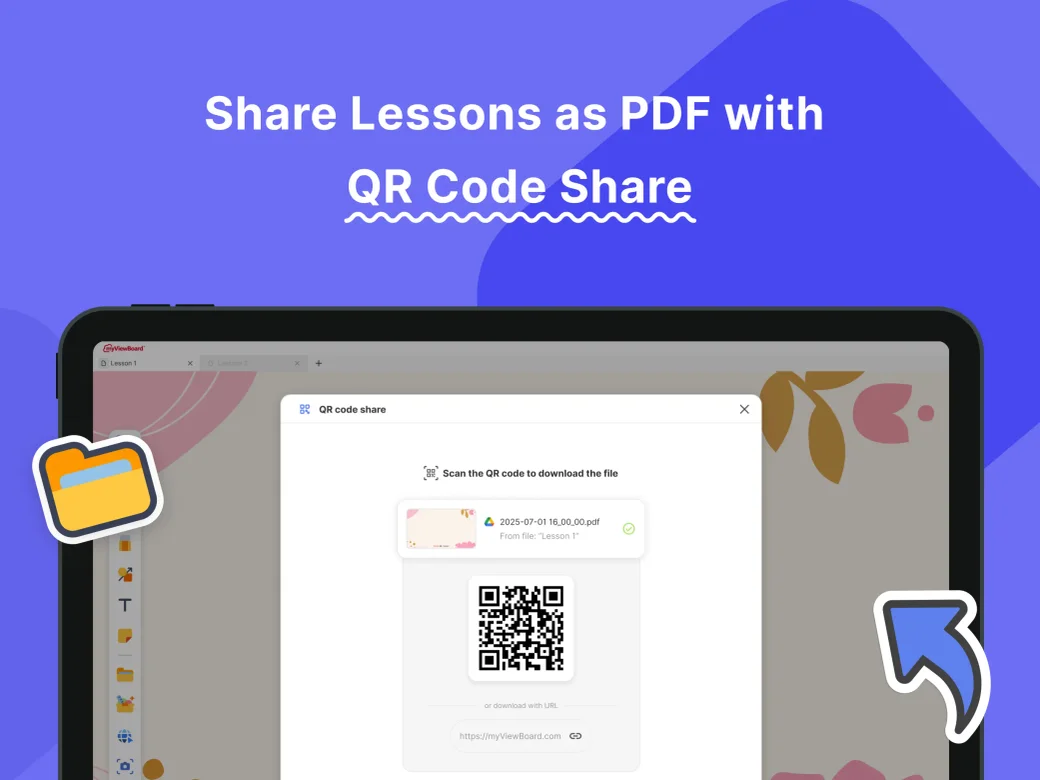
Export your lesson materials to various formats like PDF, PNG, and PPTX using the Export feature in File Manager—perfect for uploading to shared cloud drives or emailing to students and colleagues. Alternatively, let students scan a QR code to instantly access a PDF of the lesson material for home study.
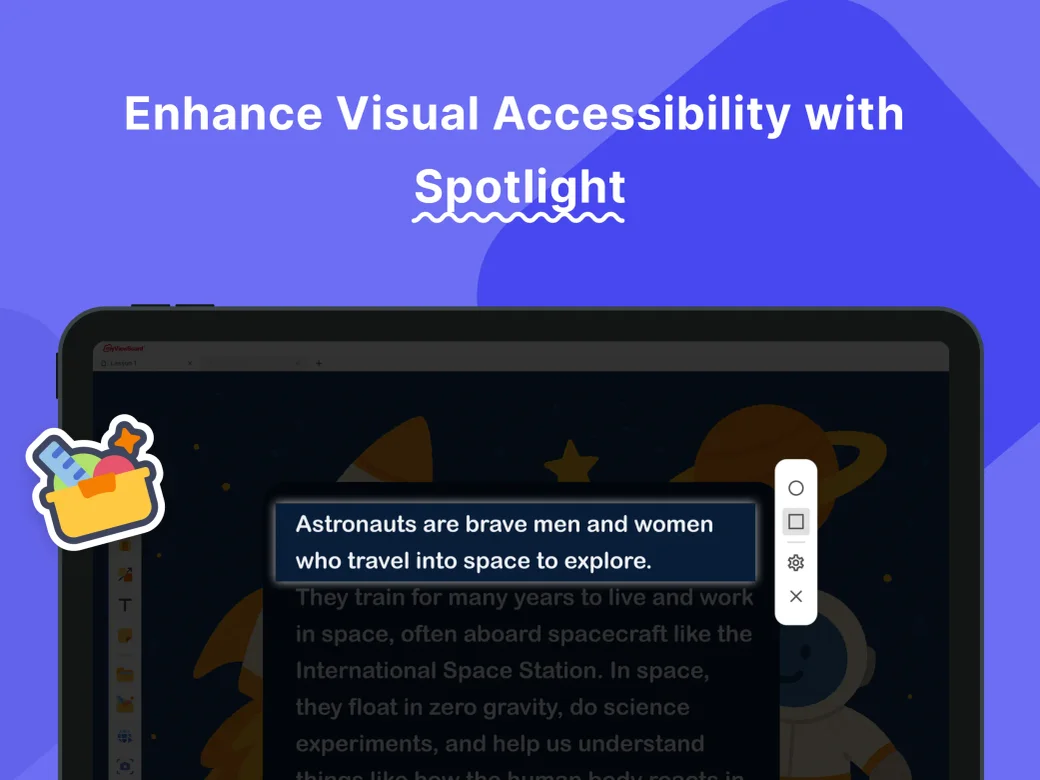
Made for Inclusive Teaching Support all learners with built-in features like Immersive Reader, Irlen background, Spotlight, Live captions, and Speech-to-text—ready to use with no extra setup.
myViewBoard EULA: https://myviewboard.com/legal/eula
Yenilikler
Sürüm 3.10.204.30102042 · 26.08.2026
Bug fixes
Uygulama gizliliği
Bu uygulamanın verileri nasıl işlediği hakkında ViewSonic_International tarafından App Store üzerinde yapılan beyan.
-
Sizinle ilişkilendirilmeyen veriler
Toplanabilir ancak kimliğinizle ilişkilendirilmez.
- Konum
- Tanımlayıcılar
- Kullanım verileri
- Tanılama
Gizlilik uygulamaları, örneğin kullandığınız özelliklere veya yaşınıza göre değişiklik gösterebilir.
Bilgiler
- Satıcı
- ViewSonic International Corp.
- Kategori
- Eğitim
- Sürüm
- 3.10.204.30102042
- Güncellendi
- 26.08.2026
- Yayın tarihi
- 28.04.2022
- Boyut
- 255,1 MB
- Gereksinim
- iOS 15.6 veya sonrası
- Yaş sınırı
- 17+
- Fiyat
- Ücretsiz
- Uygulama içi satın alma
- Evet
- Diller
- İngilizce, Albanian, Arapça, Basque, Bengali, Katalanca, Çekçe, Danca, Hollandaca, Estonya Dili, Fince, Fransızca + 30 dil daha
- Telif hakkı
- ViewSonic 2017–2026. © All Rights Reserved
Bunları da beğenebilirsiniz
-
 Educreations Beyaz TahtaHarika video dersler oluştur
-
 ShowMe Interactive WhiteboardEğitim
-
 WhiteBoard by LiveBoardEğitim
-
 Jamf TeacherEğitim
-
 Whiteboard Jr: Çizim TahtasıÇiz, eskiz yap, karala ve yaz
-
 Explain Everything WhiteboardEğitim
-
 IPEVO WhiteboardEğitim
-
 Number Line, by MLCEğitim
-
 DRC INSIGHTEğitim
-
 Mosyle SchoolEğitim