
NetScanPro: Network Scanner
Private Wi-Fi device finder
Dirancang untuk iPhone, iPad, Mac
Gratis · Pembelian dalam aplikasi
- Batasan usia4+
- KategoriKegunaan
- PengembangFogarty Holdings LLC
- BahasaInggris
- Ukuran14,0 MB
Tertaut ke halaman resmi App Store
Download.org tidak menyimpan file NetScanPro: Network Scanner apa pun. Tombol ini membuka halaman aplikasi di App Store, tempat Fogarty Holdings LLC menerbitkannya. Halaman terakhir diperiksa pada 13/11/2026.
Tangkapan layar
Tentang
Pengembang belum menyediakan teks ini dalam bahasa Anda.
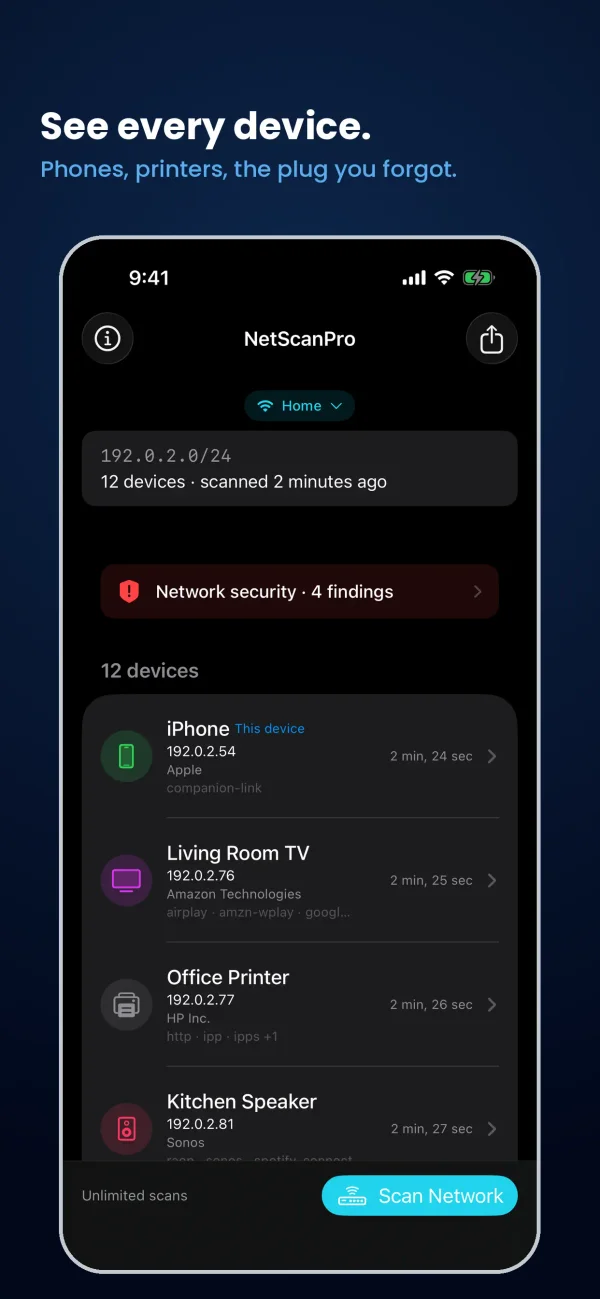
NetScanPro turns your iPhone or iPad into a professional-grade Wi-Fi network scanner. Discover what's on your network, identify what each device actually is, see which services are exposed, and understand what might be at risk — with all scanning and identification happening on your device.
FEATURES
Device Discovery
- Finds devices on your local Wi-Fi network using four discovery methods working in parallel: TCP probing, Bonjour/mDNS, SSDP/UPnP, and ICMP ping
- Shows IP and IPv6 addresses, MAC addresses where available, hostnames, and device categories
- Search by name, IP, vendor, model, MAC address or service, and group devices by type
- Works with Macs, PCs, smart TVs, printers, speakers, Fire TVs, Apple TVs, routers, smart-home and Matter devices, and more
Device Identification
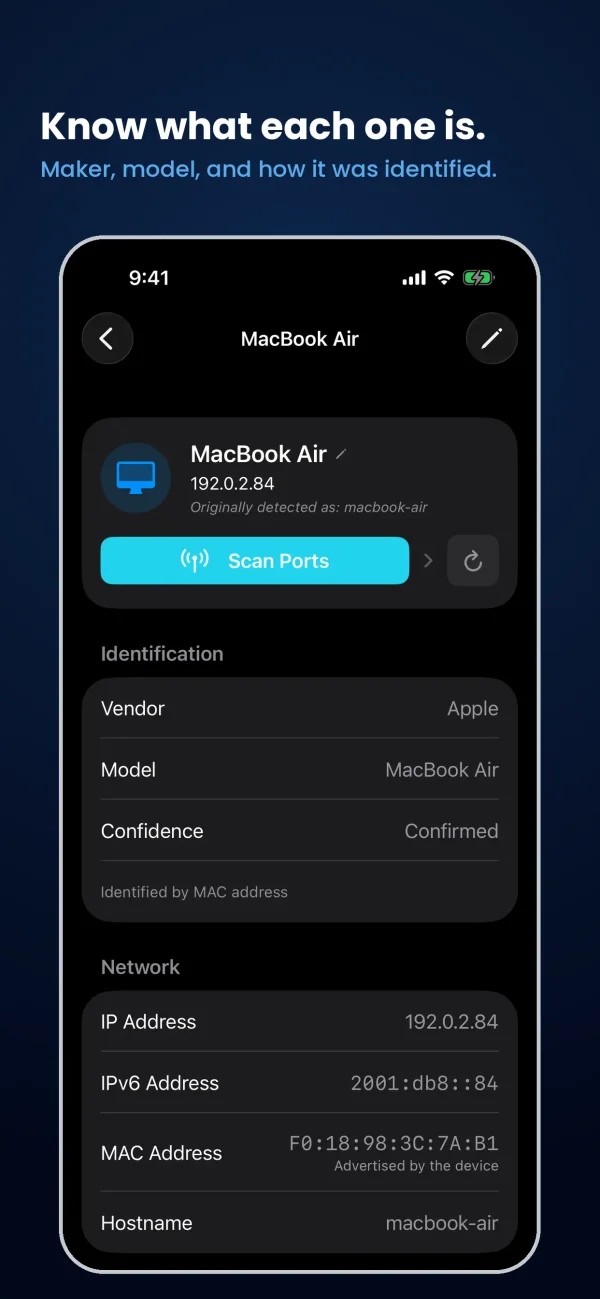
- Identifies devices from Bonjour records, UPnP announcements, open-port patterns, and — for devices that broadcast one, such as AirPlay and Chromecast hardware — MAC vendor prefixes matched against the full IEEE manufacturer database, bundled offline
- Recognizes your router from its UPnP announcement, a known router hostname, or your network's gateway address
- Every identification carries a confidence level, so you can tell a confirmed match from a best guess
- The device you're scanning from identifies itself
- Devices that share nothing identifiable stay unlabeled rather than mislabeled
Port Scanning with Plain-Language Descriptions (Pro)
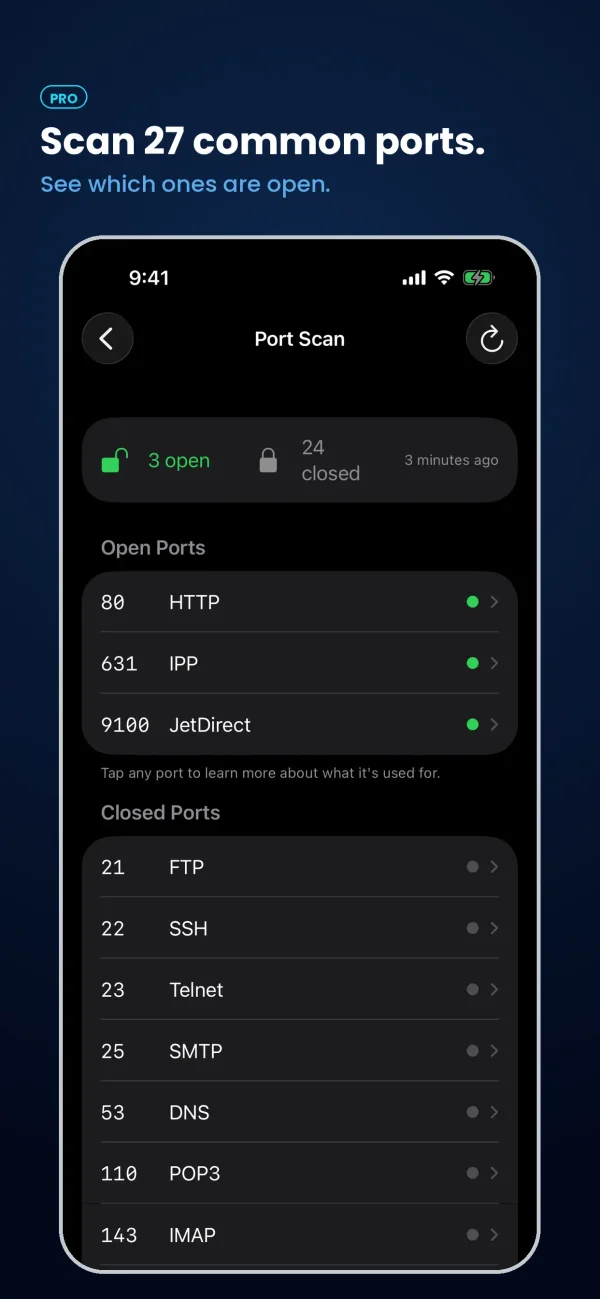
- Tap any device to scan 27 common TCP ports
- Identifies HTTP, HTTPS, SSH, FTP, SMB, IPP, RDP, VNC, and more
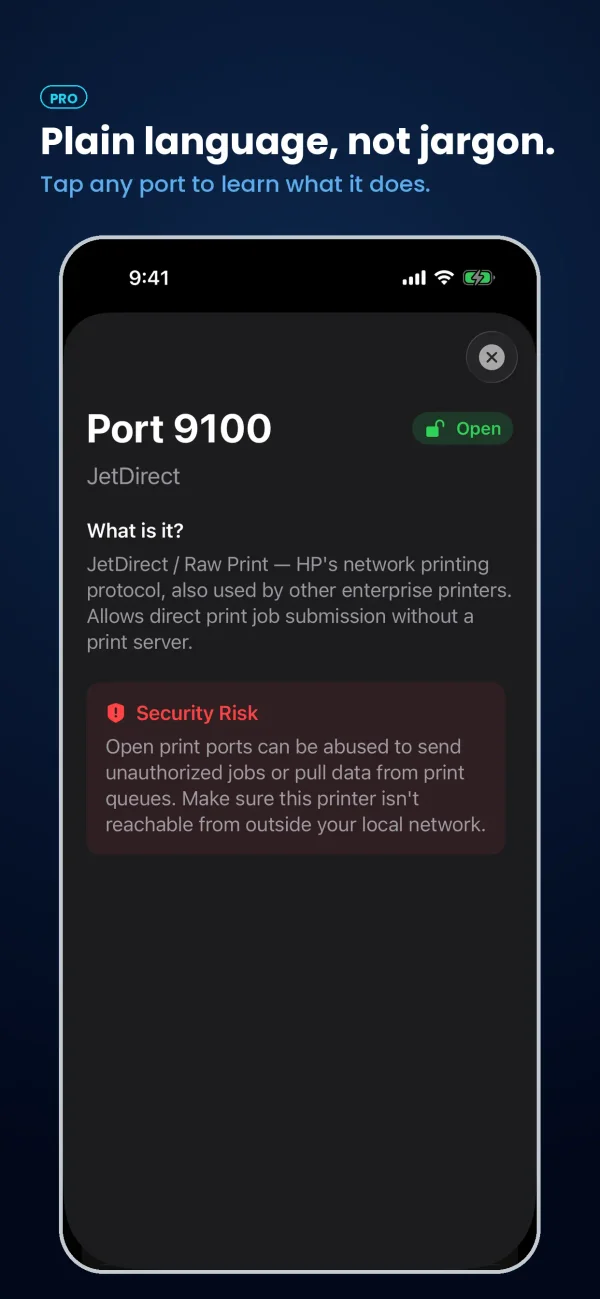
- Tap any port to learn what it actually does — no networking degree required
- Security guidance for sensitive ports explains real-world risks like WannaCry, credential exposure, and exposed cameras and printers, with severity tiers so you know what needs attention
- Devices with a web port open get a one-tap link into Safari — the fastest way to identify something that won't tell you its name
Network Security Summary (Pro)
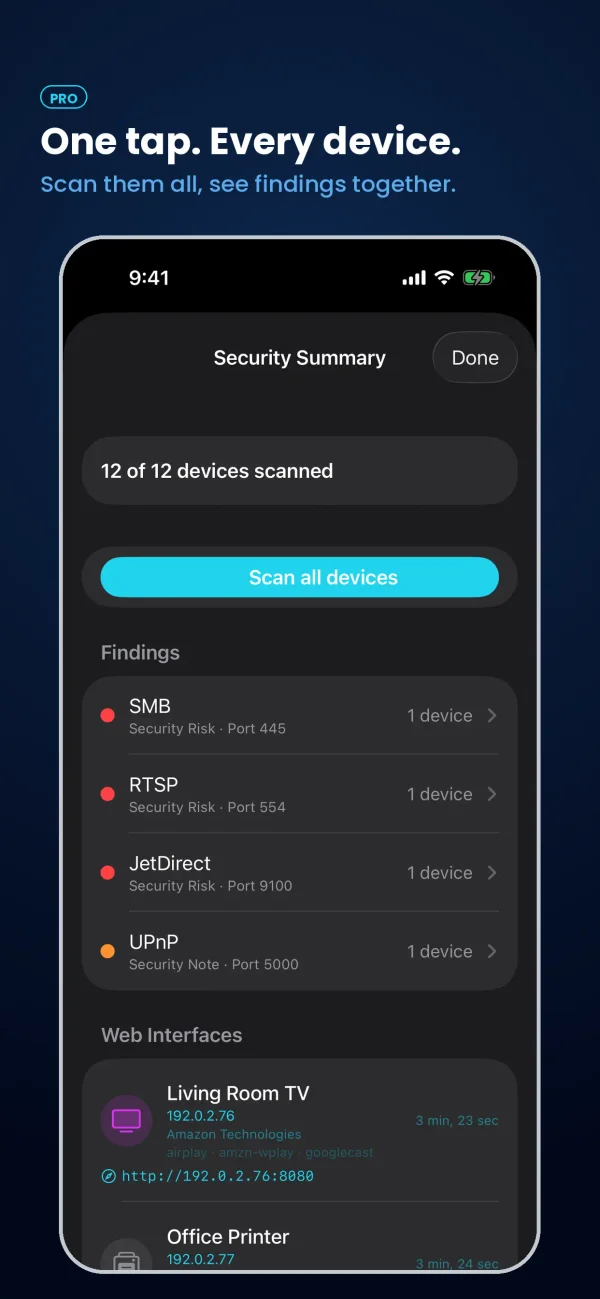
- Scan every device on your network at once and see all your security findings in one place
- Findings grouped by service and ordered worst-first, so you can spot patterns across your whole network at a glance
- Tap any finding to see exactly which devices are affected
Network-Aware Scanning
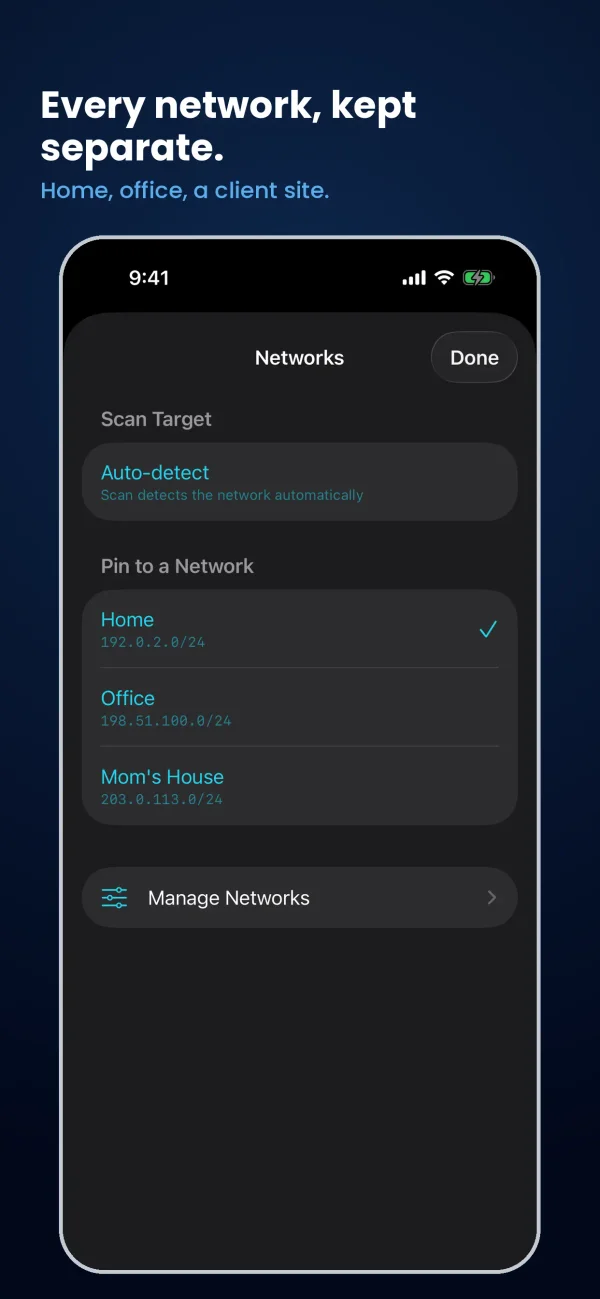
- Each Wi-Fi network keeps its own separate device list
- Switch between networks (home, work, anywhere) with a tap
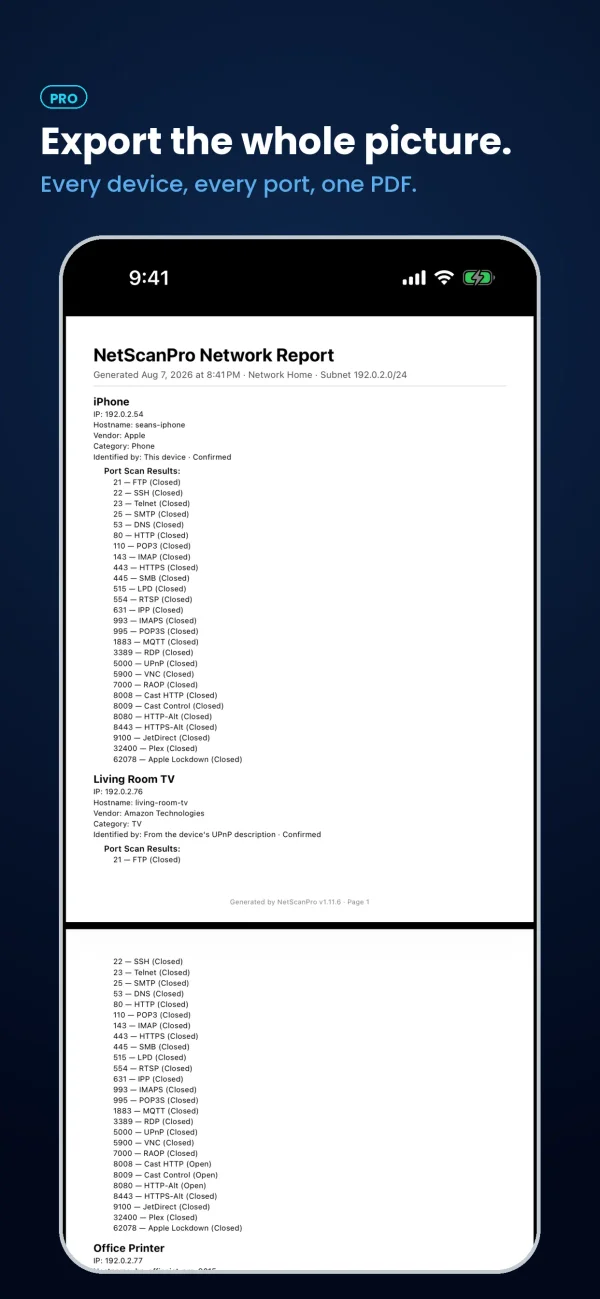
- Per-network scan history, device renaming, and PDF reports that open with a summary of what the scan found
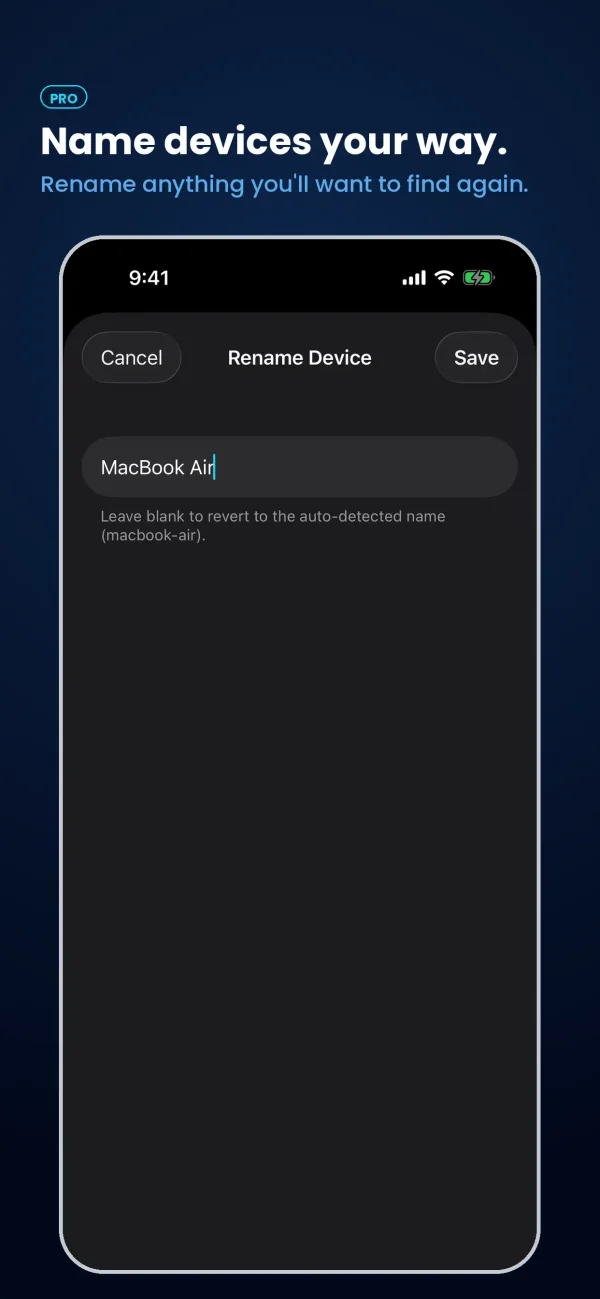
- Rename a device and the name sticks, even after your router hands its address to something else. When NetScanPro can't tell whether a device moved, it asks instead of guessing, and the answer can be undone for two weeks
- Create networks manually and pin a scan to one, so two sites that look identical (same subnet, same gateway) stay separate
On iPad
- A sidebar for your networks, Security and Scan History, with device details beside the list
- Scan History shows which devices were new or missing in each scan
- Keyboard shortcuts: ⌘R to scan, ⌘F to search
Privacy First
- Face ID, Touch ID or passcode locks the app — optional in Settings
- All scanning and identification happen on-device, with no cloud lookup — nothing leaves your local network
- No accounts, no analytics, no tracking SDKs
- Your scan history stays on your device
Freemium
- Free: unlimited device discovery, 3 network scans per day
- Pro ($9.99 one-time): unlimited scans + port scanning on every device + network security summary + PDF report export + device renaming. No subscriptions.
The help screen in Settings explains how device discovery works and which devices may not appear (some IoT and privacy-mode phones don't expose themselves to any iOS scanner).
Feedback or feature requests? I'm a solo developer and I read every message — contact@fogartyholdings.com
Note: NetScanPro is designed for use on networks you own, administer, or have explicit permission to inspect.
Yang baru
Versi 1.13.1 · 4/11/2026
Fixed: some devices, such as a TV that runs more than one AirPlay receiver, could appear twice in your list. Your next scan combines them into one.
Check Now now says so when another entry with the same name is at the address it checked.
Privasi aplikasi
Yang dinyatakan Fogarty Holdings LLC di App Store tentang cara aplikasi ini menangani data.
-
Data tidak dikumpulkan
Pengembang tidak mengumpulkan data apa pun dari aplikasi ini.
Praktik privasi dapat bervariasi, misalnya berdasarkan fitur yang Anda gunakan atau usia Anda.
Informasi
- Penjual
- Fogarty Holdings LLC
- Kategori
- Kegunaan
- Versi
- 1.13.1
- Diperbarui
- 4/11/2026
- Dirilis
- 24/4/2026
- Ukuran
- 14,0 MB
- Memerlukan
- iOS 17.0 atau yang lebih baru
- Batasan usia
- 4+
- Harga
- Gratis
- Pembelian dalam aplikasi
- Ya
- Bahasa
- Inggris
- Hak cipta
- © 2026 Fogarty Holdings LLC
Mungkin Anda juga suka
-
 Coddiq - Network ScannerKegunaan
-
 Network Intrusion DetectionKegunaan
-
 WiFi Device FinderTemukan perangkat Wi-Fi
-
 Network Scanner & IP,PORT,WİFİKegunaan
-
 Network Scanner ProKegunaan
-
 LANScannerKegunaan
-
 mDNSShark: Network ScannerKegunaan
-
 NetScan - wifi analyzerip & Network scanner - Ping
-
 Nearby Device Scanner - FinderKegunaan
-
 ScanNet - Network ScannerKegunaan