- Batasan usia4+
- KategoriFoto & Video
- PengembangRadoslav Bali
- BahasaInggris
- Ukuran11,0 MB
Tertaut ke halaman resmi App Store
Download.org tidak menyimpan file Offcut Camera apa pun. Tombol ini membuka halaman aplikasi di App Store, tempat Radoslav Bali menerbitkannya. Halaman terakhir diperiksa pada 17/11/2026.
Tangkapan layar

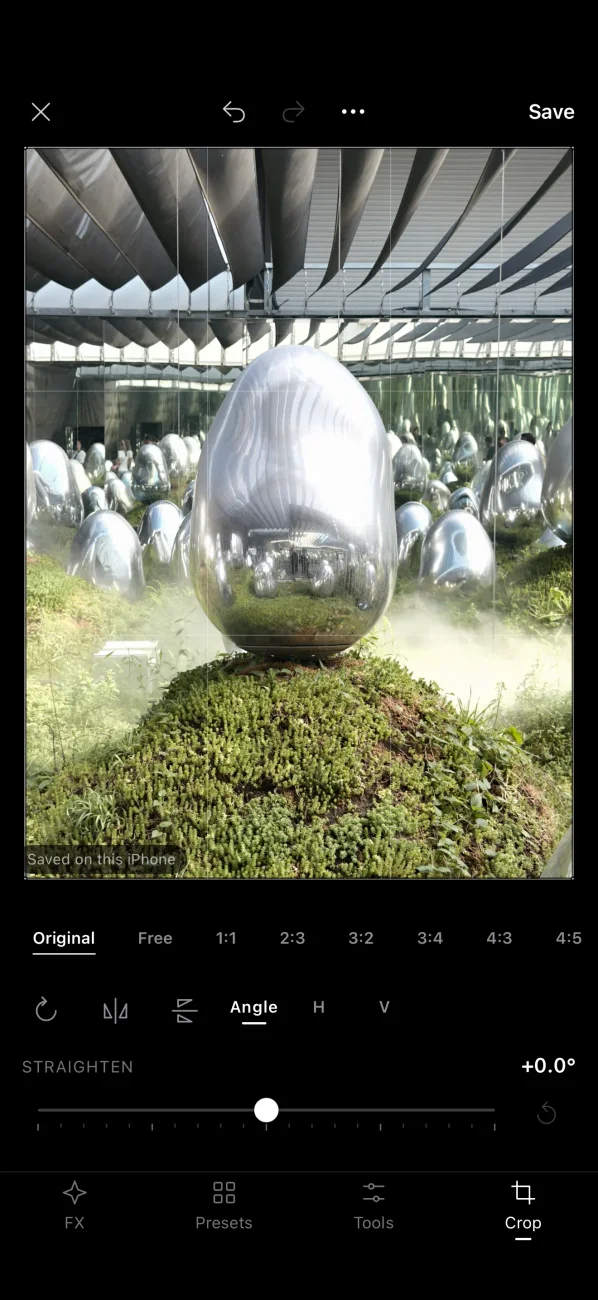
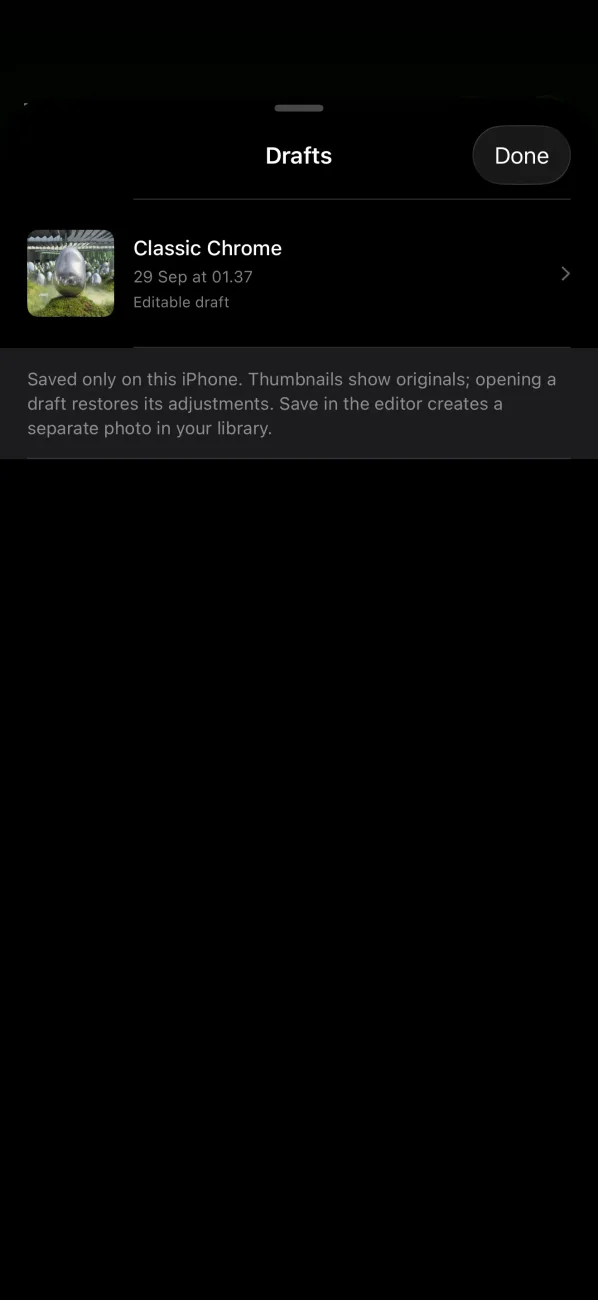
Tentang
Pengembang belum menyediakan teks ini dalam bahasa Anda.
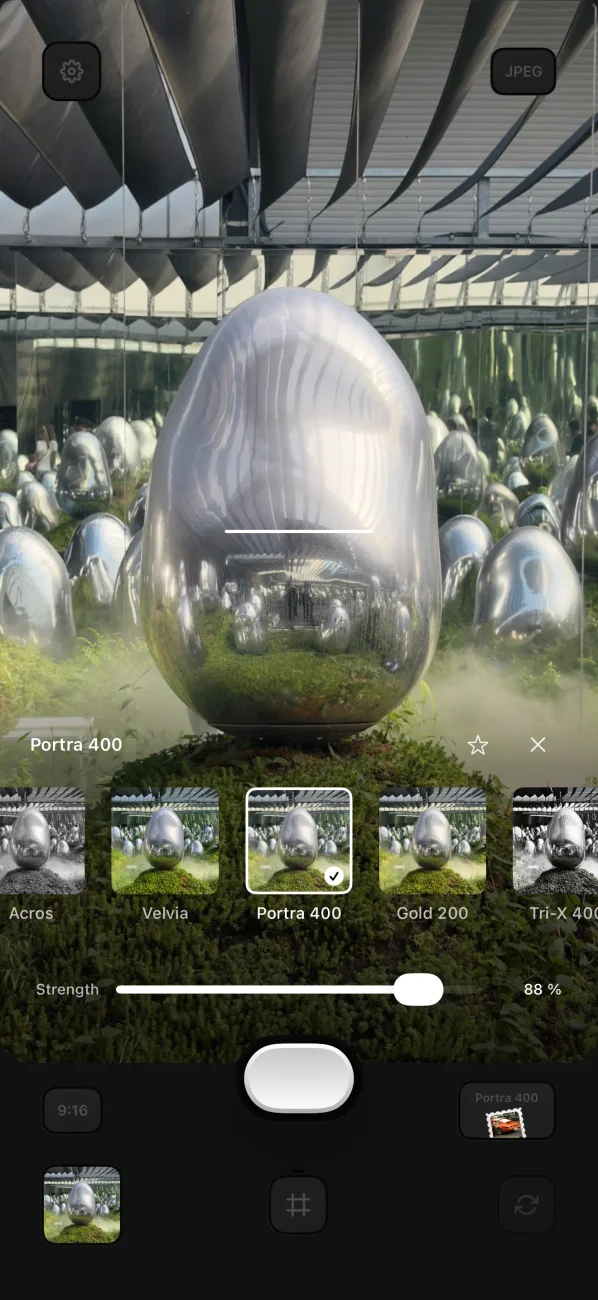
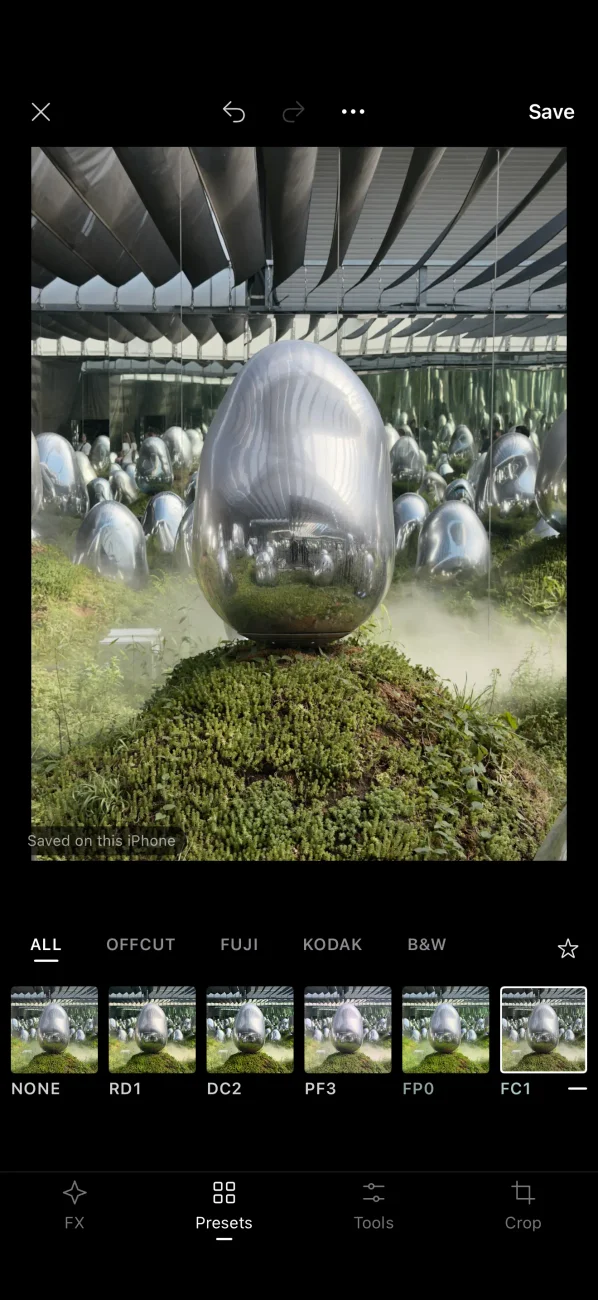
Offcut Camera brings a creative camera and a photo editor together. Find a look before you press the shutter, or start with a photo from your library.
MAKE IT YOURS
Explore film-inspired colour and black-and-white looks, with adjustable strength. Go subtle with grain and soft highlights, or change the feel completely with Warp and Liquid Glass lens effects.
SHOOT WITH CONTROL
Tap to focus, then slide to adjust exposure. Use the grid and tilt guides to compose your frame, move between supported lenses, and choose your aspect ratio. Capture formats and resolution options adapt to your iPhone and selected camera.
EDIT THE DETAILS
Adjust exposure, contrast, highlights, shadows, temperature, tint, saturation and vibrance. Fine-tune individual colours with HSL, add split toning, and use clarity, sharpening and noise reduction. Crop, straighten and finish with a border or a Photo Frame showing available camera details.
EXPERIMENT WITH TEXTURE
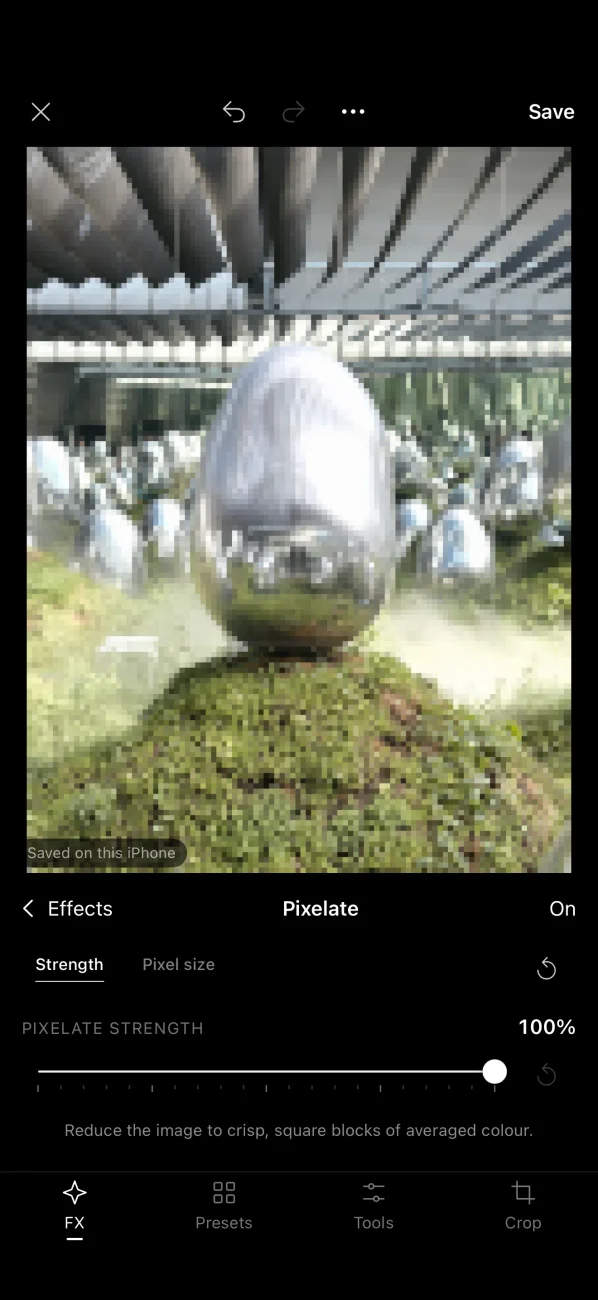
Diffuse your image through Frosted Glass, build a print look with Halftone, or turn a photo into crisp colour blocks with Pixelate. Explore Slice Shift and Lens Distortion, then shape the result with grain, vignette, bloom and halation.
KEEP THE ORIGINAL
Press and hold to compare your edit with the original. Undo and redo as you work, then save an edited copy to Photos without replacing the source.
PICK UP WHERE YOU LEFT OFF
Edits are saved as local drafts, so you can close a photo and return to your adjustments later. Saving to Photos creates a separate edited copy. Drafts stay in Offcut Camera on this device, and reopening an edit requires access to the same unchanged source photo.
EVERY TOOL INCLUDED
The app is free, with no subscriptions, in-app purchases, advertising or account requirement. Image processing happens on your device. Optional photo location tagging uses your permission and can be turned off in Settings.
Capture formats, resolutions and lens options depend on your device, selected camera and shooting conditions. RAW capture retains the original RAW source; creative effects do not rewrite its sensor data. Film looks are independent interpretations, not official manufacturer profiles. Offcut Camera is not affiliated with or endorsed by camera or film manufacturers.
Yang baru
Versi 1.0.2 · 12/10/2026
More control over your edits, easier browsing, and finer finishing touches.
• Add linear and radial masks for local photo adjustments.
• Improved RAW editing, tone and colour controls, and consistency between previews and saved photos.
• Browse Recently Saved, Favourites, RAW photos and albums more easily. New edited copies now appear among recent photos.
• Added slimmer Photo Frame borders and improved frame spacing and aspect-ratio preservation.
• Improved export reliability for framed photos and Slice Shift.
Privasi aplikasi
Yang dinyatakan Radoslav Bali di App Store tentang cara aplikasi ini menangani data.
-
Data yang ditautkan dengan Anda
Dapat dikumpulkan dan ditautkan dengan identitas Anda.
- Info kontak
- Konten pengguna
- Diagnostik
-
Data yang tidak ditautkan dengan Anda
Dapat dikumpulkan, tetapi tidak ditautkan dengan identitas Anda.
- Data penggunaan
Praktik privasi dapat bervariasi, misalnya berdasarkan fitur yang Anda gunakan atau usia Anda.
Informasi
- Penjual
- Radoslav Bali
- Kategori
- Foto & Video
- Versi
- 1.0.2
- Diperbarui
- 12/10/2026
- Dirilis
- 7/10/2026
- Ukuran
- 11,0 MB
- Memerlukan
- iOS 18.0 atau yang lebih baru
- Batasan usia
- 4+
- Harga
- Gratis
- Bahasa
- Inggris
- Hak cipta
- © 2026 Radoslav Bali
Mungkin Anda juga suka
-
 zerotakeKamera video, langsung jadi
-
 Koloristika • The CameraFoto & Video
-
 Analogue – Film CameraFoto & Video
-
 ContentCam: Kamera GandaSekali rekam, dua format
-
 pico cam: kamera instanFoto retro dari Dynamic Island
-
 AgBrFoto & Video
-
 zerocamFoto & Video
-
 Color Grade Video - PeekLutFoto & Video
-
 mood.cameraFoto & Video
-
 Linx Camera & Photo EditorSubtle Filters, Perfect Shots