- 対象年齢4+
- カテゴリ写真/ビデオ
- 開発元Radoslav Bali
- 言語英語
- サイズ11.0 MB
App Storeの公式ページにリンクしています
Download.orgはOffcut Cameraのファイルを一切ホストしていません。ボタンを押すと、Radoslav Baliが公開しているApp Storeのアプリページが開きます。ページの最終確認:2026/11/17。
スクリーンショット

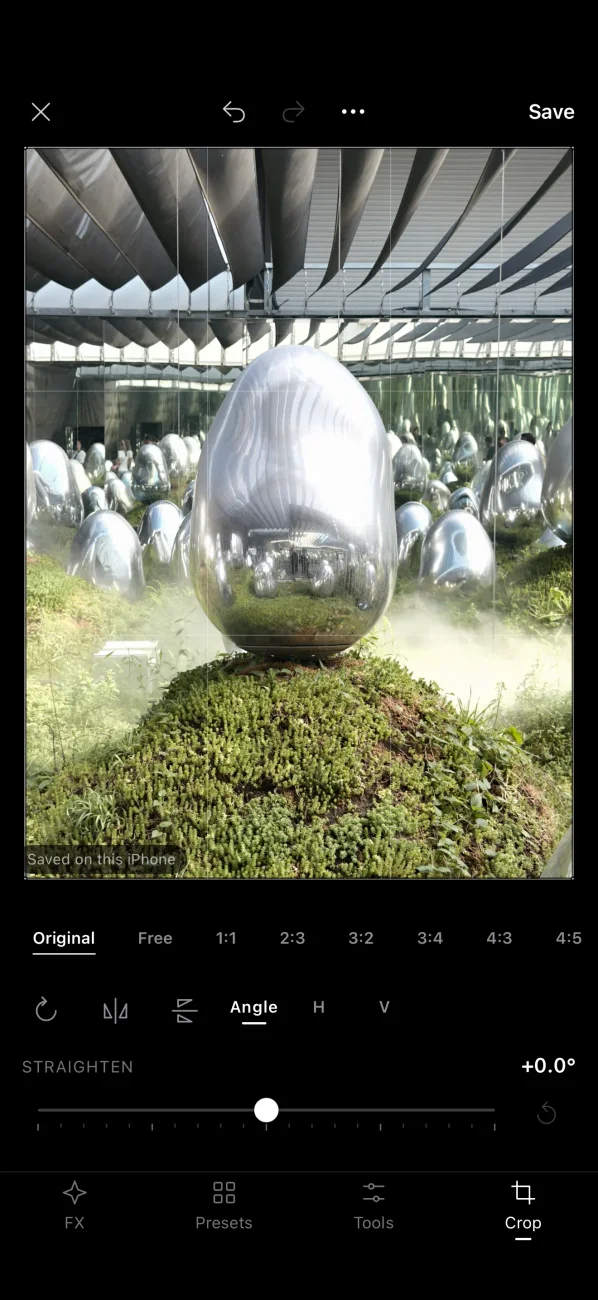
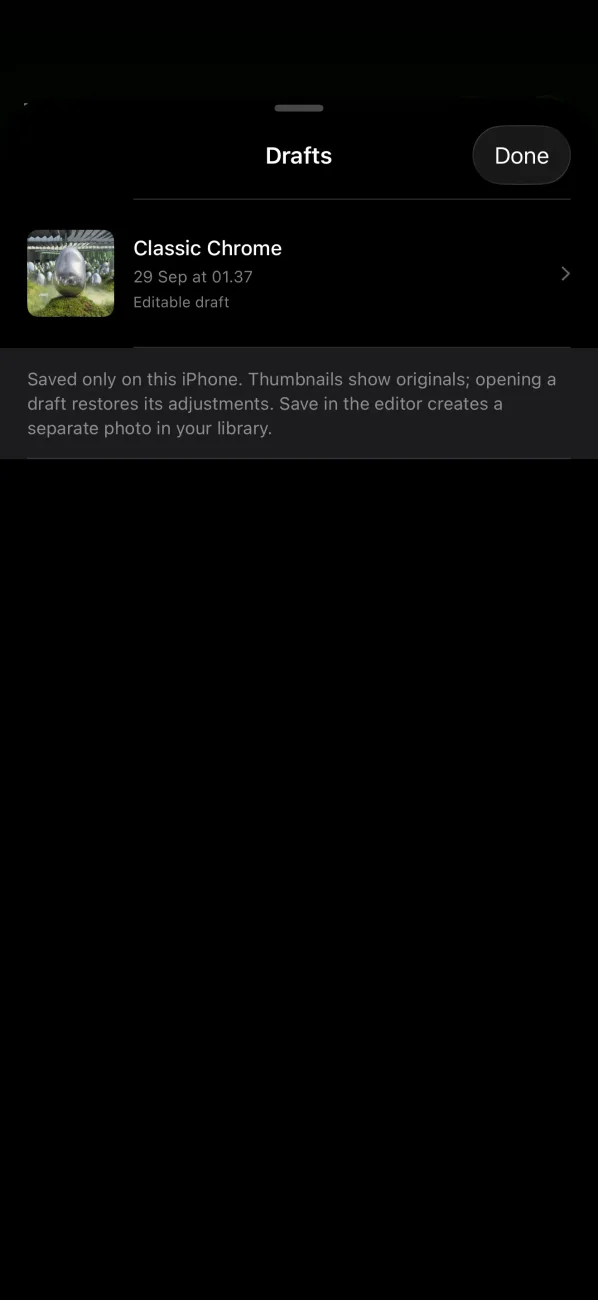
概要
開発元はこのテキストをお使いの言語で提供していません。
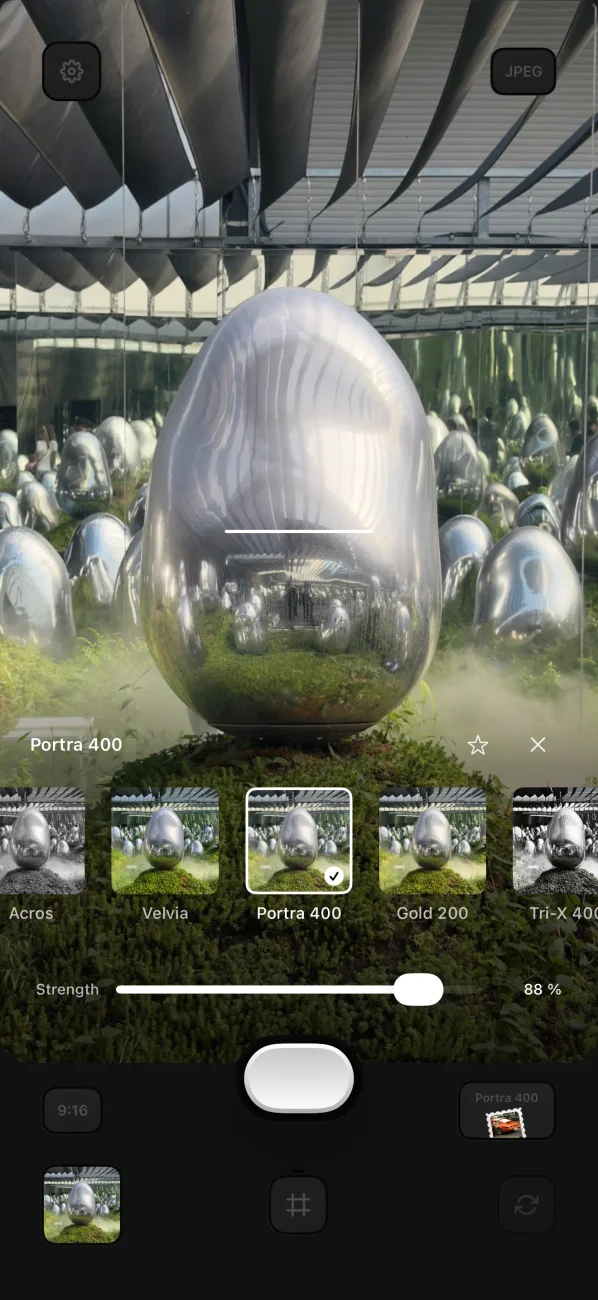
Offcut Camera brings a creative camera and a photo editor together. Find a look before you press the shutter, or start with a photo from your library.
MAKE IT YOURS
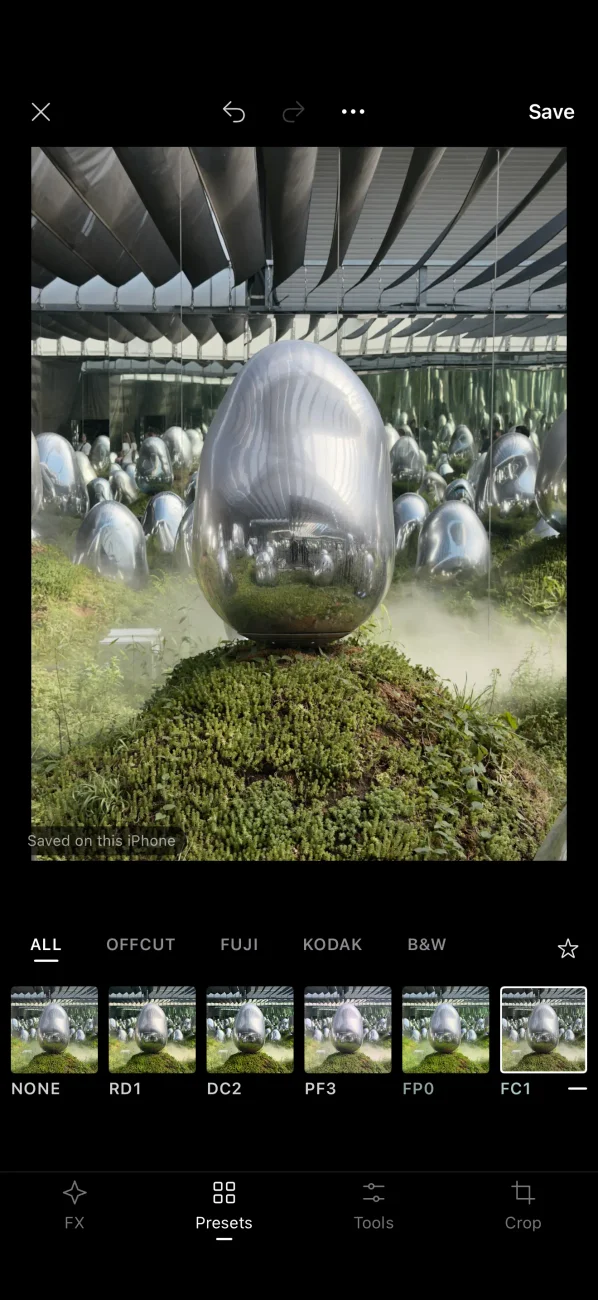
Explore film-inspired colour and black-and-white looks, with adjustable strength. Go subtle with grain and soft highlights, or change the feel completely with Warp and Liquid Glass lens effects.
SHOOT WITH CONTROL
Tap to focus, then slide to adjust exposure. Use the grid and tilt guides to compose your frame, move between supported lenses, and choose your aspect ratio. Capture formats and resolution options adapt to your iPhone and selected camera.
EDIT THE DETAILS
Adjust exposure, contrast, highlights, shadows, temperature, tint, saturation and vibrance. Fine-tune individual colours with HSL, add split toning, and use clarity, sharpening and noise reduction. Crop, straighten and finish with a border or a Photo Frame showing available camera details.
EXPERIMENT WITH TEXTURE
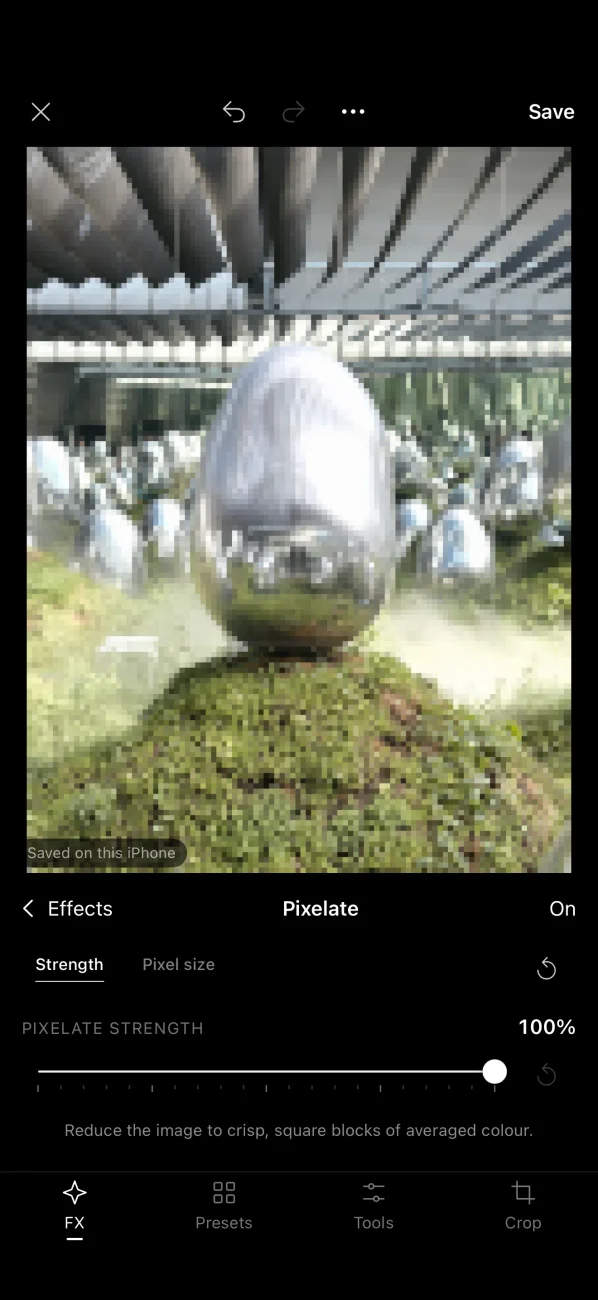
Diffuse your image through Frosted Glass, build a print look with Halftone, or turn a photo into crisp colour blocks with Pixelate. Explore Slice Shift and Lens Distortion, then shape the result with grain, vignette, bloom and halation.
KEEP THE ORIGINAL
Press and hold to compare your edit with the original. Undo and redo as you work, then save an edited copy to Photos without replacing the source.
PICK UP WHERE YOU LEFT OFF
Edits are saved as local drafts, so you can close a photo and return to your adjustments later. Saving to Photos creates a separate edited copy. Drafts stay in Offcut Camera on this device, and reopening an edit requires access to the same unchanged source photo.
EVERY TOOL INCLUDED
The app is free, with no subscriptions, in-app purchases, advertising or account requirement. Image processing happens on your device. Optional photo location tagging uses your permission and can be turned off in Settings.
Capture formats, resolutions and lens options depend on your device, selected camera and shooting conditions. RAW capture retains the original RAW source; creative effects do not rewrite its sensor data. Film looks are independent interpretations, not official manufacturer profiles. Offcut Camera is not affiliated with or endorsed by camera or film manufacturers.
新機能
バージョン 1.0.2 · 2026/10/12
More control over your edits, easier browsing, and finer finishing touches.
• Add linear and radial masks for local photo adjustments.
• Improved RAW editing, tone and colour controls, and consistency between previews and saved photos.
• Browse Recently Saved, Favourites, RAW photos and albums more easily. New edited copies now appear among recent photos.
• Added slimmer Photo Frame borders and improved frame spacing and aspect-ratio preservation.
• Improved export reliability for framed photos and Slice Shift.
アプリのプライバシー
このアプリのデータの取り扱いについて、Radoslav BaliがApp Storeで申告している内容です。
-
ユーザーに関連付けられたデータ
収集され、ユーザーの識別情報に関連付けられる場合があります。
- 連絡先情報
- ユーザーコンテンツ
- 診断
-
ユーザーに関連付けられないデータ
収集される場合がありますが、ユーザーの識別情報には関連付けられません。
- 使用状況データ
プライバシーの取り扱いは、ご利用の機能やお客様の年齢などに応じて異なる場合があります。
情報
- 販売元
- Radoslav Bali
- カテゴリ
- 写真/ビデオ
- バージョン
- 1.0.2
- 更新日
- 2026/10/12
- リリース
- 2026/10/7
- サイズ
- 11.0 MB
- 必要条件
- iOS 18.0以降
- 対象年齢
- 4+
- 価格
- 無料
- 言語
- 英語
- 著作権
- © 2026 Radoslav Bali
こちらもおすすめ
-
 zerotake撮るだけで完成するフィルム風のビデオカメラ
-
 KoloristikaCinema Color Science.
-
 Analogue – Film Camera写真/ビデオ
-
 ContentCam:縦横同時撮影カメラ 1回で動画2本前後カメラ同時録画。自撮りも目の前の風景も、二度撮り不要
-
 pico cam: Dynamic Island写真レトロカメラ・ポラロイド風写真
-
 AgBr写真/ビデオ
-
 zerocamゼロ加工カメラ
-
 写真・動画編集ソフト - PeekLutカラーグレーディング・色調補正・LUT
-
 mood.camera写真/ビデオ
-
 Linx Camera & 写真編集アプリ繊細なフィルター、美しい写真