
OfficeTimer
Time and Expense Tracker
Dirancang untuk iPhone, iPad, iPod touch
Gratis
- Batasan usia4+
- KategoriBisnis
- PengembangINFOTIMER TECHNOLOGIES PRIVATE LIMITED
- BahasaInggris
- Ukuran19,4 MB
Tertaut ke halaman resmi App Store
Download.org tidak menyimpan file OfficeTimer apa pun. Tombol ini membuka halaman aplikasi di App Store, tempat INFOTIMER TECHNOLOGIES PRIVATE LIMITED menerbitkannya. Halaman terakhir diperiksa pada 12/11/2026.
Tangkapan layar
Tentang
Pengembang belum menyediakan teks ini dalam bahasa Anda.
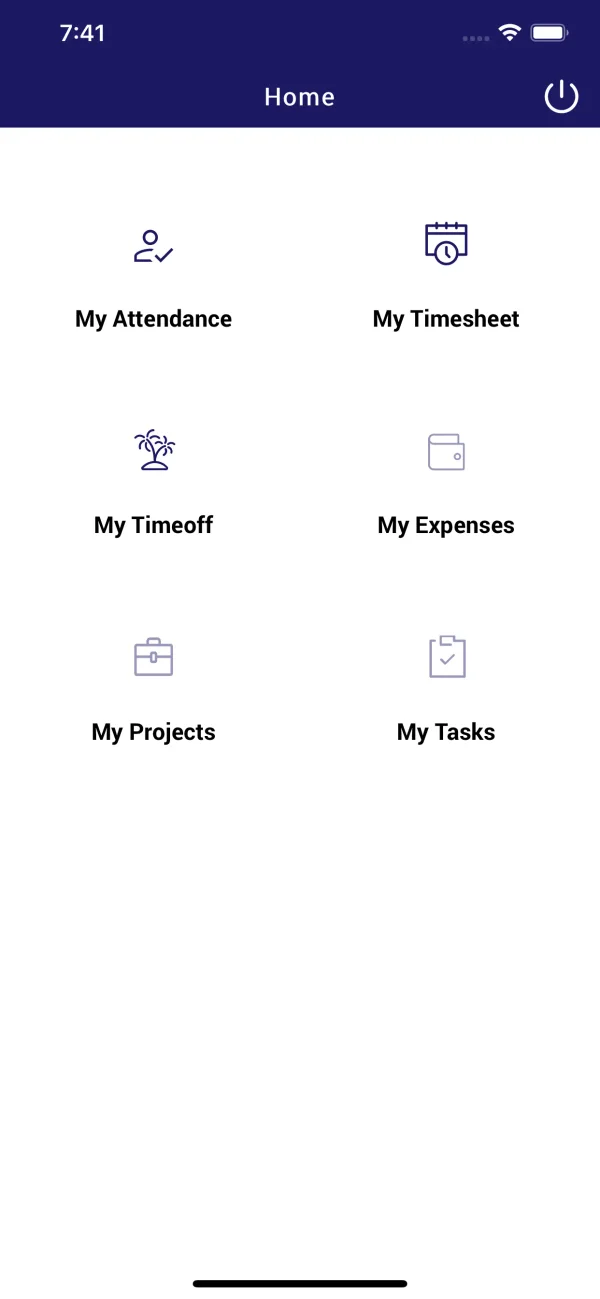
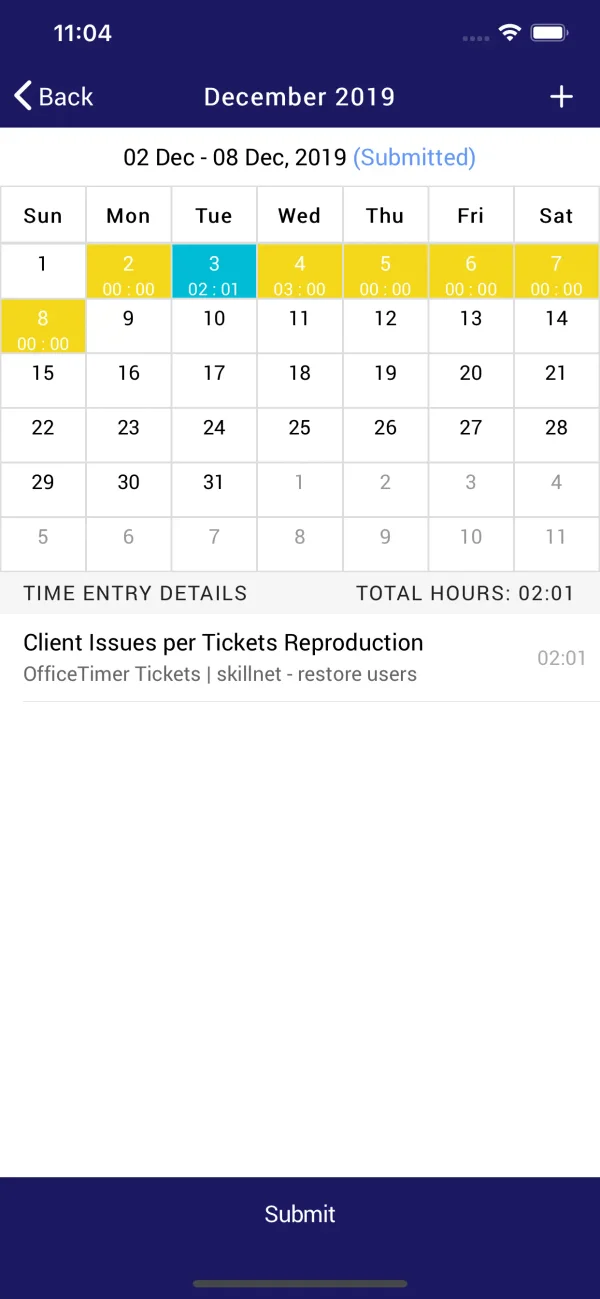
OfficeTimer mobile app is your one stop solution for your company's office automation and workflow management in the areas of attendance, leave management, timesheet, time tracking, expense management, project and task management.
Now you can record your OfficeTimer time sheet, time off, vacations and attendance on the go. Very soon you will be able to record your expenses and manage your approvals as well. You may login to this app using your existing OfficeTimer account.
We have designed this app keeping simplicity in mind. Every screen is designed so that you will need to spend the least amount of time in entering and managing your time-sheet, time off and attendance.
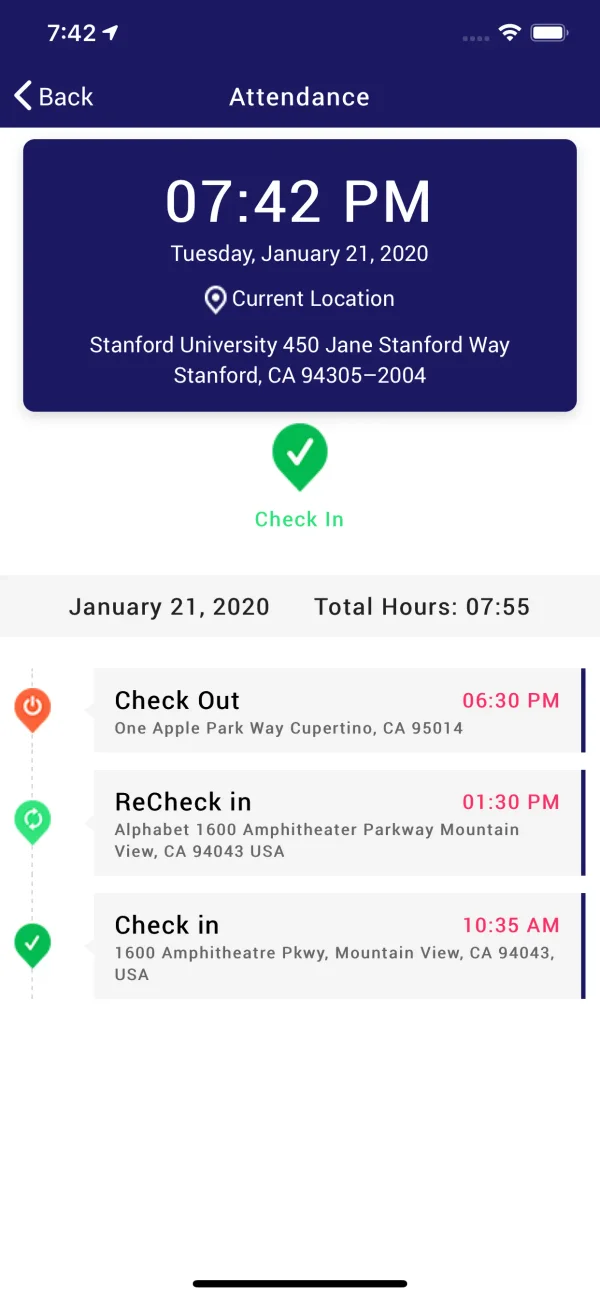
You can mark your attendance on the go along with your geo-tagging. Your manager will get instant notification with all details every time you check-in or check-out. Attendance marking can be configured to be done from specific IP addresses or can be Geo-fenced.
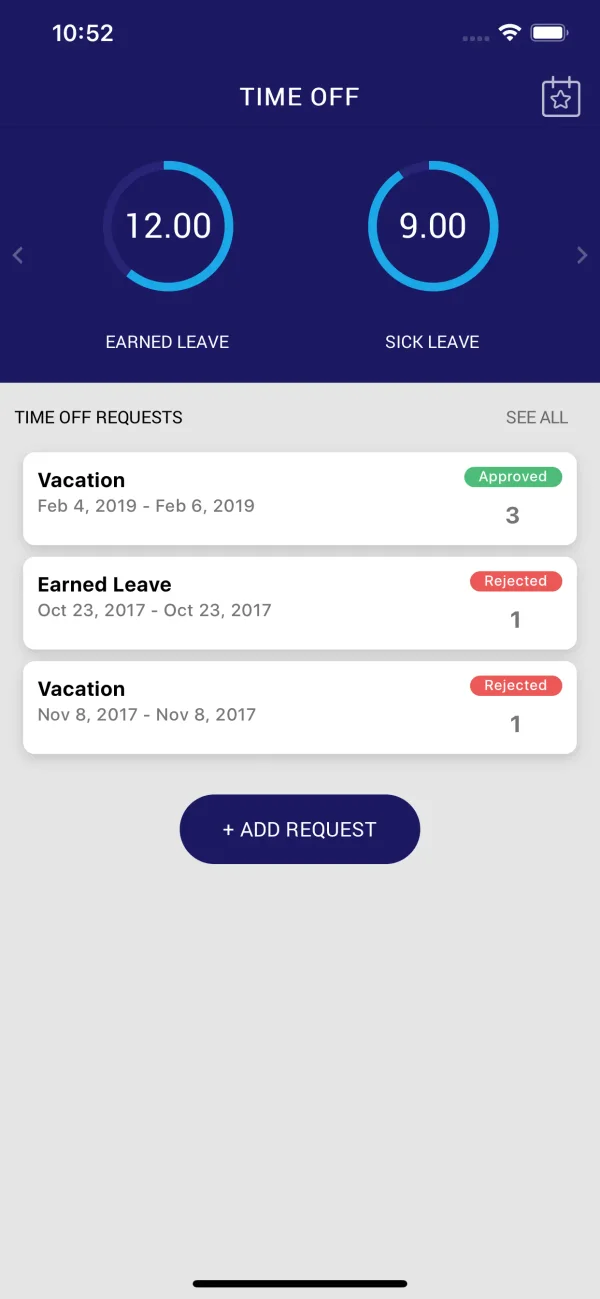
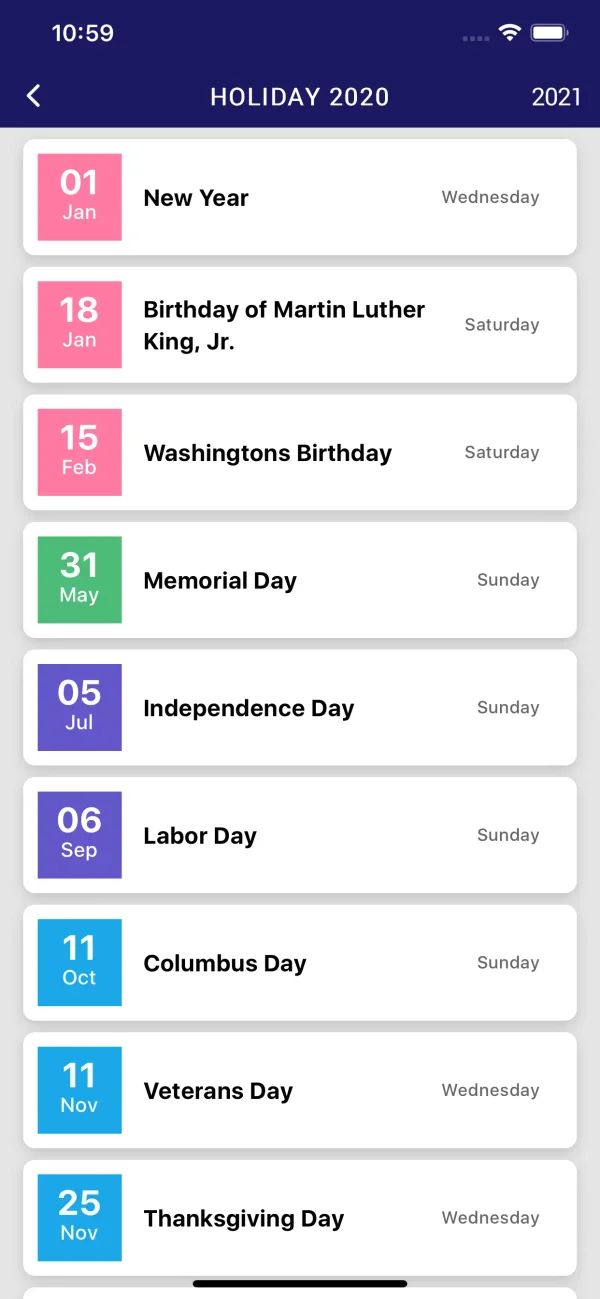
Track your leaves or plan your vacations with the tap of your phone. Request, edit or update your leave requests on the go. Know your leave balance instantly and request for different types of leaves as per your company's policy.
Your company's leave policy can be simple or complex, OfficeTimer will meet all your requirements. You can set different policies for different groups of employees. Create unlimited leave or time off types, set earning for different periods like weekly, monthly or yearly. You can configure restricted dates, negative validations, maximum earnings and maximum carry forwards for each leave type.
You can set multi level approvals for leave requests and get instant notifications whenever your leave request is approved.
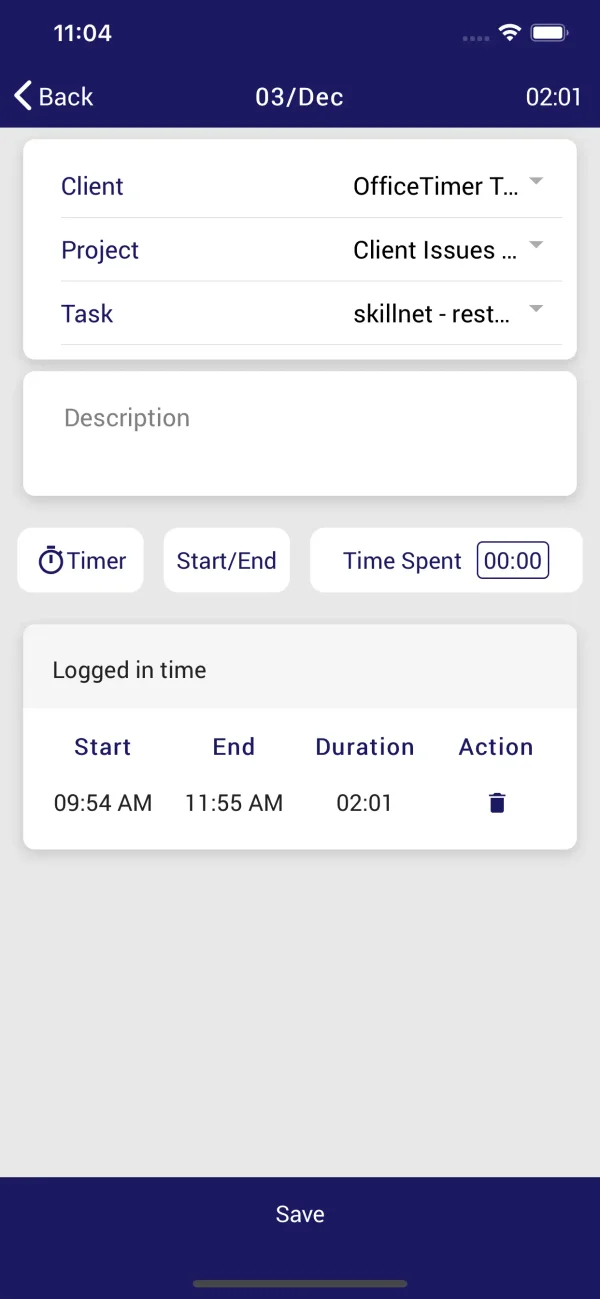
Enter your entire day's work report in the OfficeTimer timesheet in a few seconds just with your thumb! The timesheet can be configured to be as simple as entering the time spent against a task or can be as detailed as selecting a client, project and task. Save and submit your timesheet for approval by your project manager or employee manager or client manager or all of them in series for multi-level approval.
You can classify the tasks as billable or non-billable to the client and know exactly what your cost has been for each employee's activity on a client's work. You can have each employee's billing and cost rate stored in OfficeTimer and have OfficeTimer pull up your billing and costing report instantly. Each project billing and cost rate can be employee-wise or role-wise or task-wise.
Visualize and plan your tasks using KANBAN boards. Change their status or milestones or priority just by dragging and dropping. Let your team know in real time the progress or the status of the task with broadcast comments.
Yang baru
Versi 7.0.0 · 9/10/2026
Bug fixes
Privasi aplikasi
Yang dinyatakan INFOTIMER TECHNOLOGIES PRIVATE LIMITED di App Store tentang cara aplikasi ini menangani data.
-
Data tidak dikumpulkan
Pengembang tidak mengumpulkan data apa pun dari aplikasi ini.
Praktik privasi dapat bervariasi, misalnya berdasarkan fitur yang Anda gunakan atau usia Anda.
Informasi
- Penjual
- INFOTIMER TECHNOLOGIES PRIVATE LIMITED
- Kategori
- Bisnis
- Versi
- 7.0.0
- Diperbarui
- 9/10/2026
- Dirilis
- 19/10/2015
- Ukuran
- 19,4 MB
- Memerlukan
- iOS 15.0 atau yang lebih baru
- Batasan usia
- 4+
- Harga
- Gratis
- Bahasa
- Inggris
- Hak cipta
- © 2017 OfficeTimer
Mungkin Anda juga suka
-
 OfficeTime Work & Time TrackerProduktivitas
-
 EverhourBisnis
-
 TimeCamp Time TrackerProduktivitas
-
 Timesheet IO - Time TrackerProduktivitas
-
 Spica My HoursBisnis
-
 Barcode Scan to WebBisnis
-
 Southwest Missouri Bank | SMBKeuangan
-
 Timesheet Mobile™Bisnis
-
 Jibble: Aplikasi AbsensiAplikasi waktu dan kehadiran
-
 Connecteam KioskBisnis