
- Age rating4+
- CategoryBusiness
- DeveloperINFOTIMER TECHNOLOGIES PRIVATE LIMITED
- LanguagesEnglish
- Size19.4 MB
Links to the official App Store page
Download.org hosts no file of OfficeTimer. The button opens its official App Store page, published by INFOTIMER TECHNOLOGIES PRIVATE LIMITED. Listing last checked on Nov 12, 2026.
Screenshots

About
OfficeTimer mobile app is your one stop solution for your company's office automation and workflow management in the areas of attendance, leave management, timesheet, time tracking, expense management, project and task management.
Now you can record your OfficeTimer time sheet, time off, vacations and attendance on the go. Very soon you will be able to record your expenses and manage your approvals as well. You may login to this app using your existing OfficeTimer account.
We have designed this app keeping simplicity in mind. Every screen is designed so that you will need to spend the least amount of time in entering and managing your time-sheet, time off and attendance.
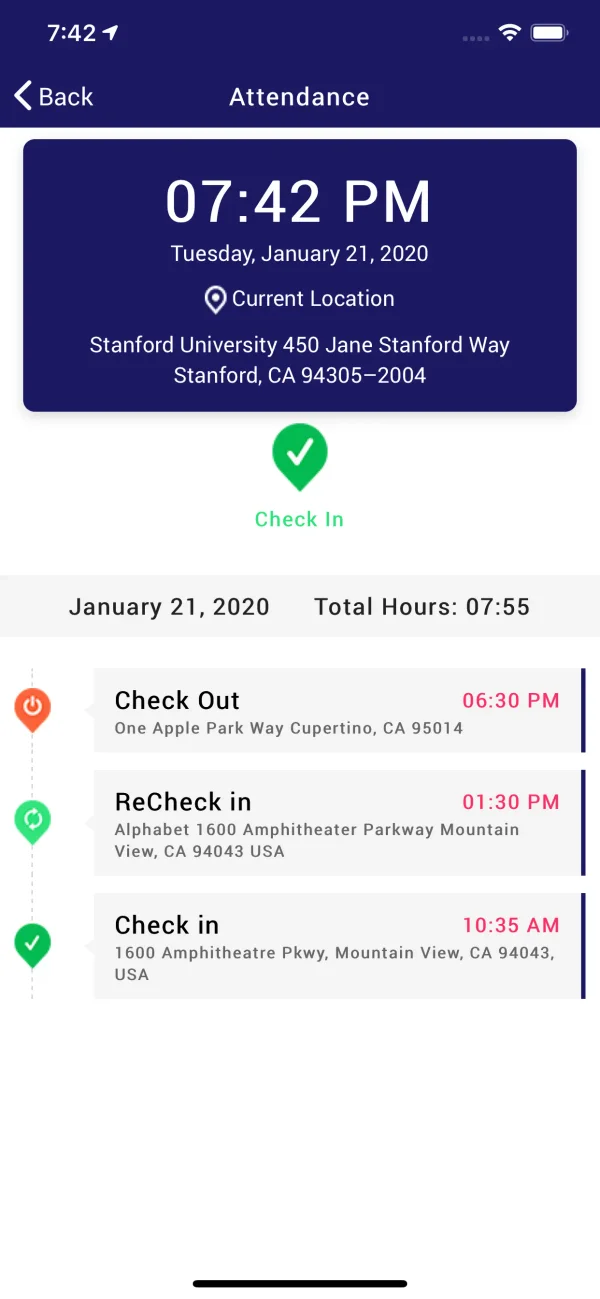
You can mark your attendance on the go along with your geo-tagging. Your manager will get instant notification with all details every time you check-in or check-out. Attendance marking can be configured to be done from specific IP addresses or can be Geo-fenced.
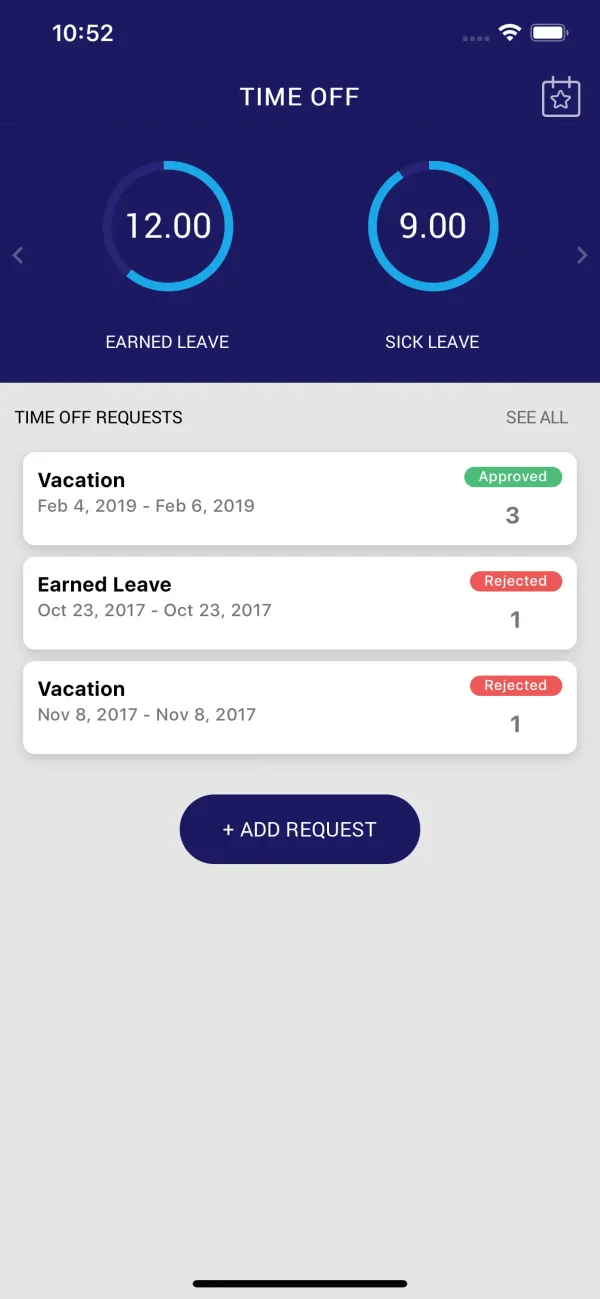
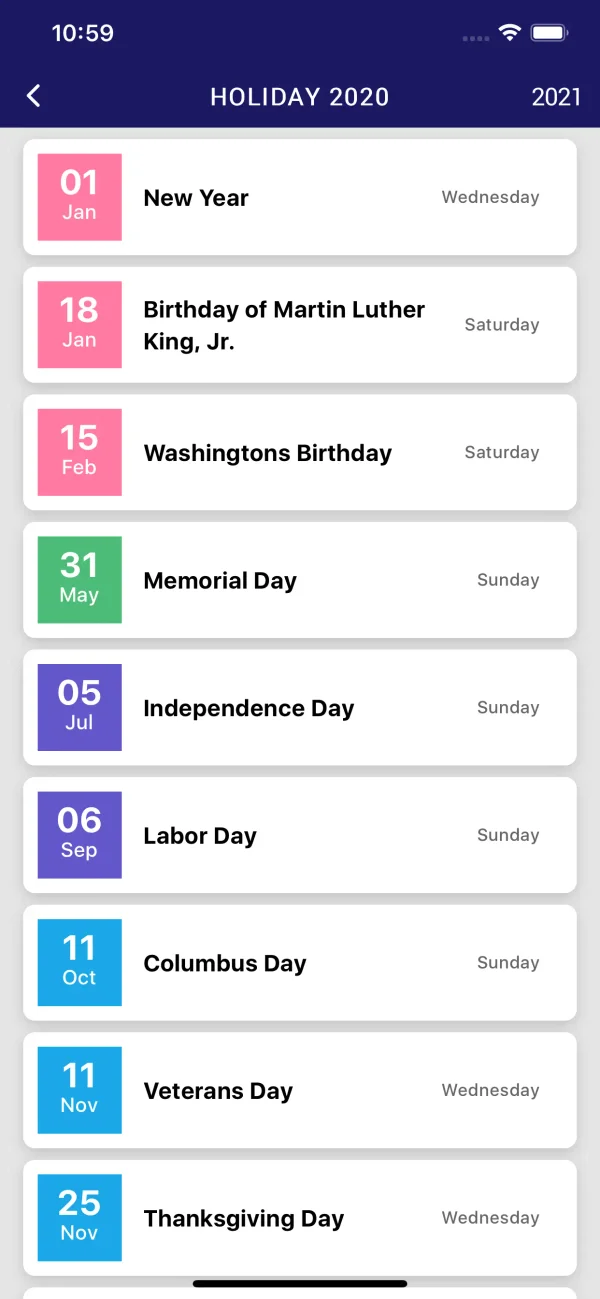
Track your leaves or plan your vacations with the tap of your phone. Request, edit or update your leave requests on the go. Know your leave balance instantly and request for different types of leaves as per your company's policy.
Your company's leave policy can be simple or complex, OfficeTimer will meet all your requirements. You can set different policies for different groups of employees. Create unlimited leave or time off types, set earning for different periods like weekly, monthly or yearly. You can configure restricted dates, negative validations, maximum earnings and maximum carry forwards for each leave type.
You can set multi level approvals for leave requests and get instant notifications whenever your leave request is approved.
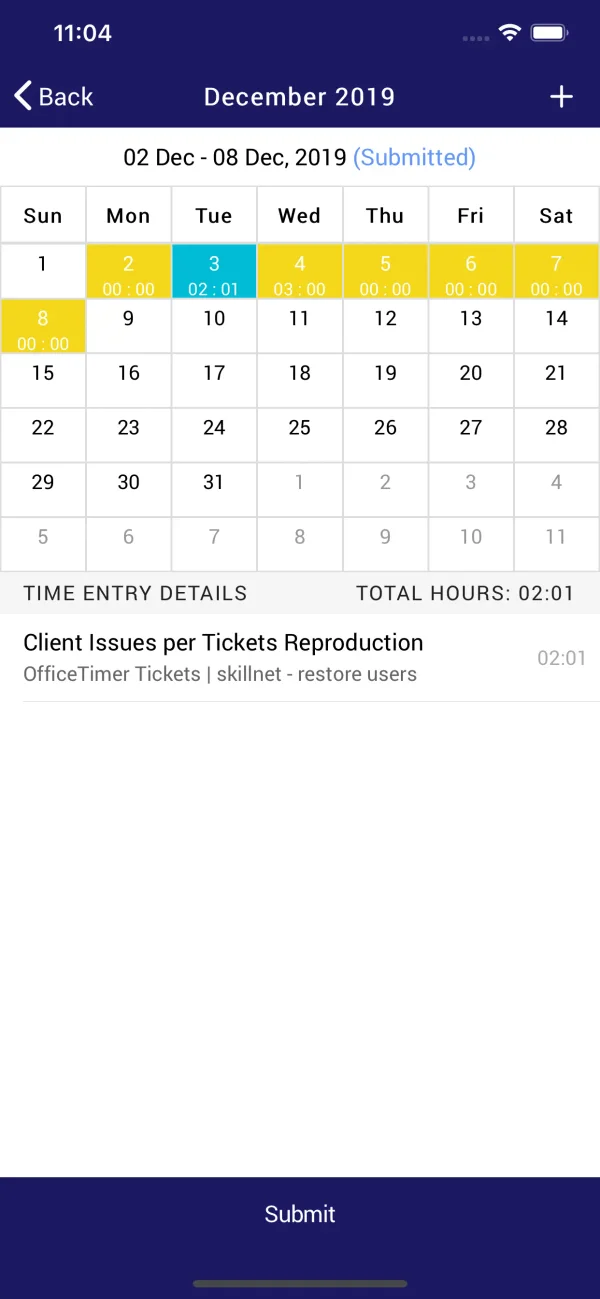
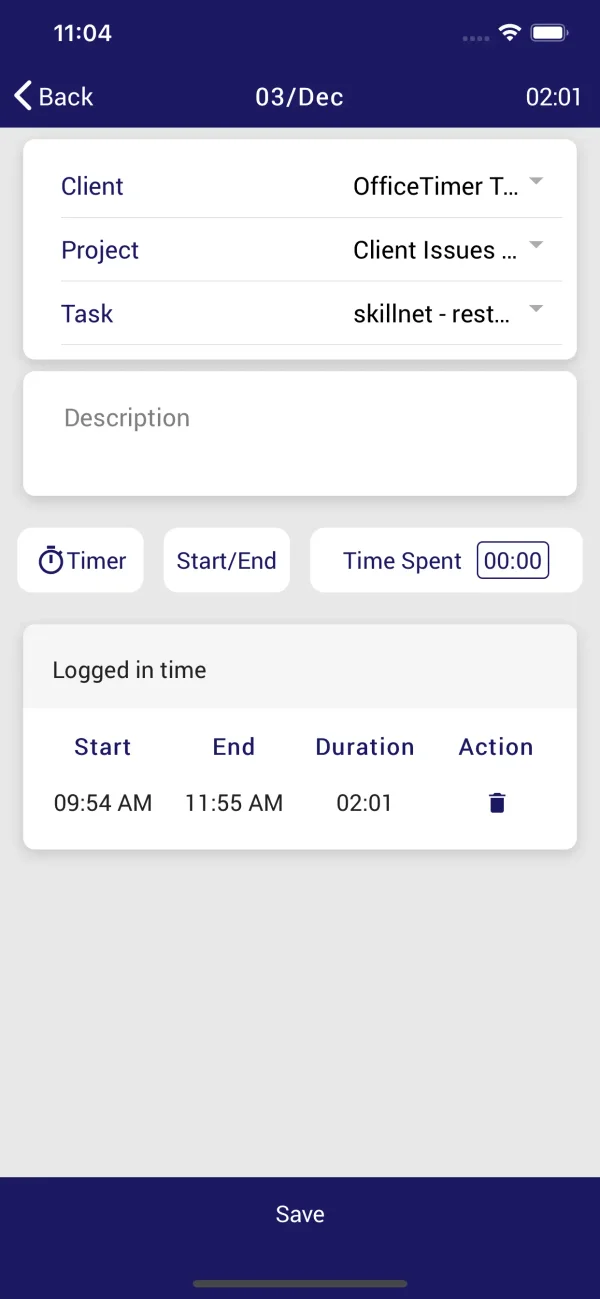
Enter your entire day's work report in the OfficeTimer timesheet in a few seconds just with your thumb! The timesheet can be configured to be as simple as entering the time spent against a task or can be as detailed as selecting a client, project and task. Save and submit your timesheet for approval by your project manager or employee manager or client manager or all of them in series for multi-level approval.
You can classify the tasks as billable or non-billable to the client and know exactly what your cost has been for each employee's activity on a client's work. You can have each employee's billing and cost rate stored in OfficeTimer and have OfficeTimer pull up your billing and costing report instantly. Each project billing and cost rate can be employee-wise or role-wise or task-wise.
Visualize and plan your tasks using KANBAN boards. Change their status or milestones or priority just by dragging and dropping. Let your team know in real time the progress or the status of the task with broadcast comments.
What’s new
Version 7.0.0 · Oct 9, 2026
Bug fixes
App privacy
What INFOTIMER TECHNOLOGIES PRIVATE LIMITED declares on the App Store about how this app handles data.
-
Data not collected
The developer does not collect any data from this app.
Privacy practices may vary, for example with the features you use or your age.
Information
- Seller
- INFOTIMER TECHNOLOGIES PRIVATE LIMITED
- Category
- Business
- Version
- 7.0.0
- Updated
- Oct 9, 2026
- Released
- Oct 19, 2015
- Size
- 19.4 MB
- Requires
- iOS 15.0 or later
- Age rating
- 4+
- Price
- Free
- Languages
- English
- Copyright
- © 2017 OfficeTimer
You might also like
-
 OfficeTime Work & Time TrackerEasily Track Your Hours
-
 EverhourTime tracking for teams
-
 TimeCamp Time TrackerHours time tracking
-
 Timesheet IO - Time TrackerBillable hours & timesheets
-
 Spica My HoursTrack time on Projects
-
 Barcode Scan to WebScan barcodes into web sites
-
 Southwest Missouri Bank | SMBFinance
-
 Timesheet Mobile™Business
-
 Jibble Time TrackerTime and attendance app
-
 Connecteam KioskBusiness