
- Batasan usia4+
- KategoriFoto & Video
- PengembangSarah Nkiruka Rossow
- BahasaInggris+ 1 lainnya
- Ukuran54,2 MB
Tertaut ke halaman resmi App Store
Download.org tidak menyimpan file OMIRA: Pose Reference apa pun. Tombol ini membuka halaman aplikasi di App Store, tempat Sarah Nkiruka Rossow menerbitkannya. Halaman terakhir diperiksa pada 16/11/2026.
Tangkapan layar
Tentang
Pengembang belum menyediakan teks ini dalam bahasa Anda.
Ever seen the perfect photo and wondered how to recreate it?
Or maybe you already know exactly how your shot should look — the pose, the angle, the framing. The problem is explaining that picture in your head to the person holding the camera. Something always gets lost in translation.
OMIRA closes that gap.
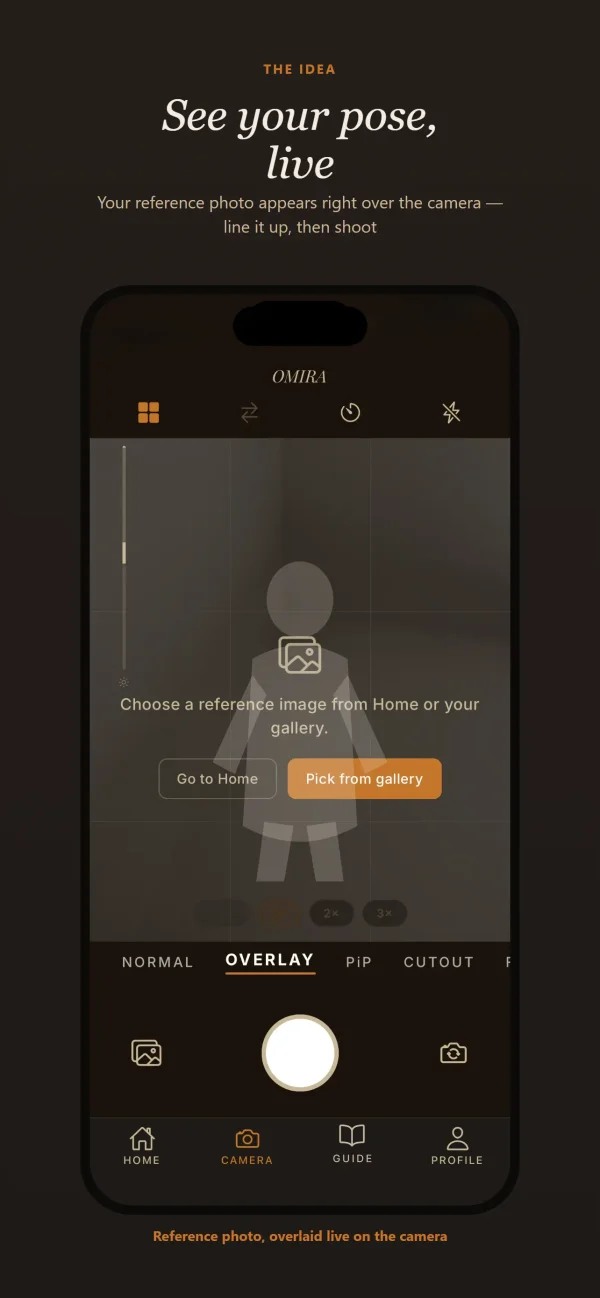
Import your reference image and see it placed live over your camera view. The person taking your picture sees exactly what you see: No more lengthy explanations, no more guesswork — just the perfect photo.
HOW IT WORKS
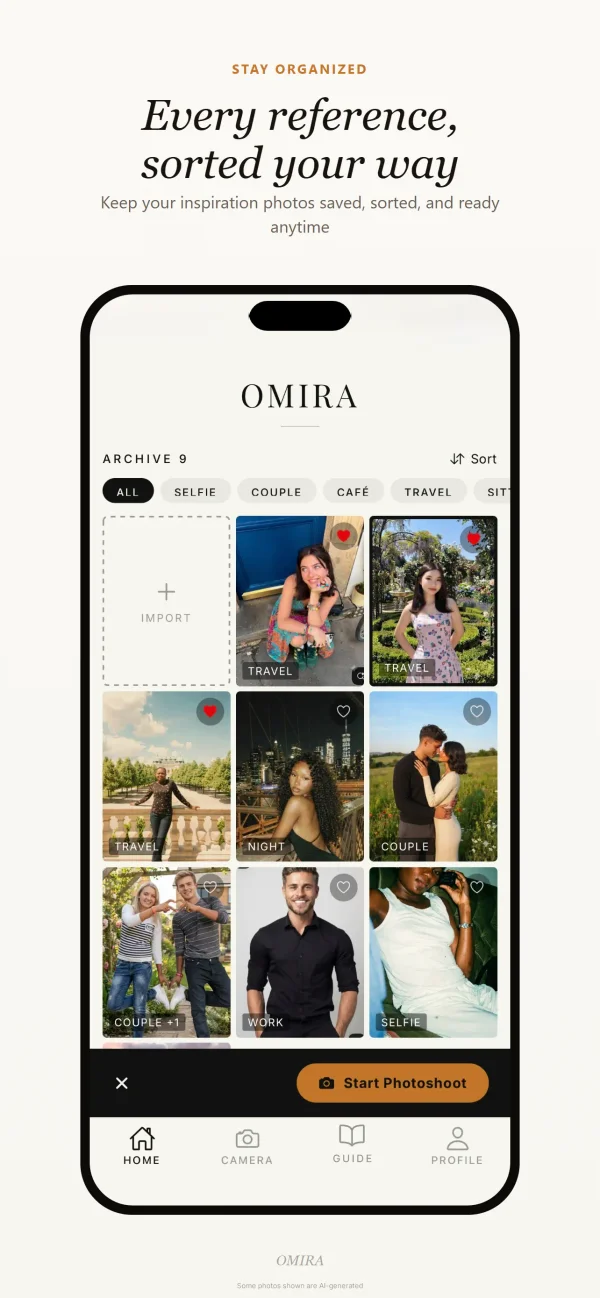
Import any photo from your gallery as your pose reference. Choose from multiple overlay modes to see exactly how to line up your shot:
- Overlay — a soft, transparent version of your reference laid over the live camera
- Cutout — see just the person from your reference, with the background removed
- Face — an overlay with a face-shaped window so you can match head position precisely
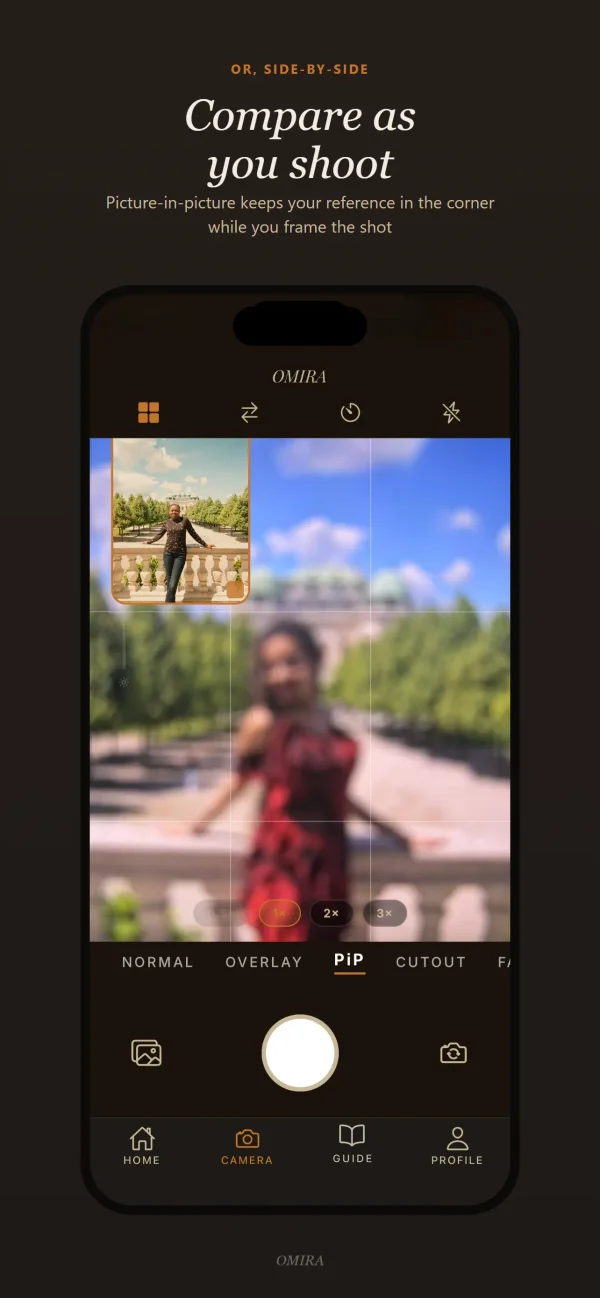
- Picture-in-picture (PIP) — a small floating window showing your reference photo beside the live view
Adjust opacity, size, and position until everything lines up, then take the photo whenever you're ready. No timers, no scoring — just your camera and your reference, side by side.
Whether you're a content creator recreating a viral pose, a couple restaging an old photo, or simply someone who wants their next photo to look intentional instead of accidental, OMIRA brings a simple reference tool to your everyday camera roll.
- Try it instantly as a guest, no account required
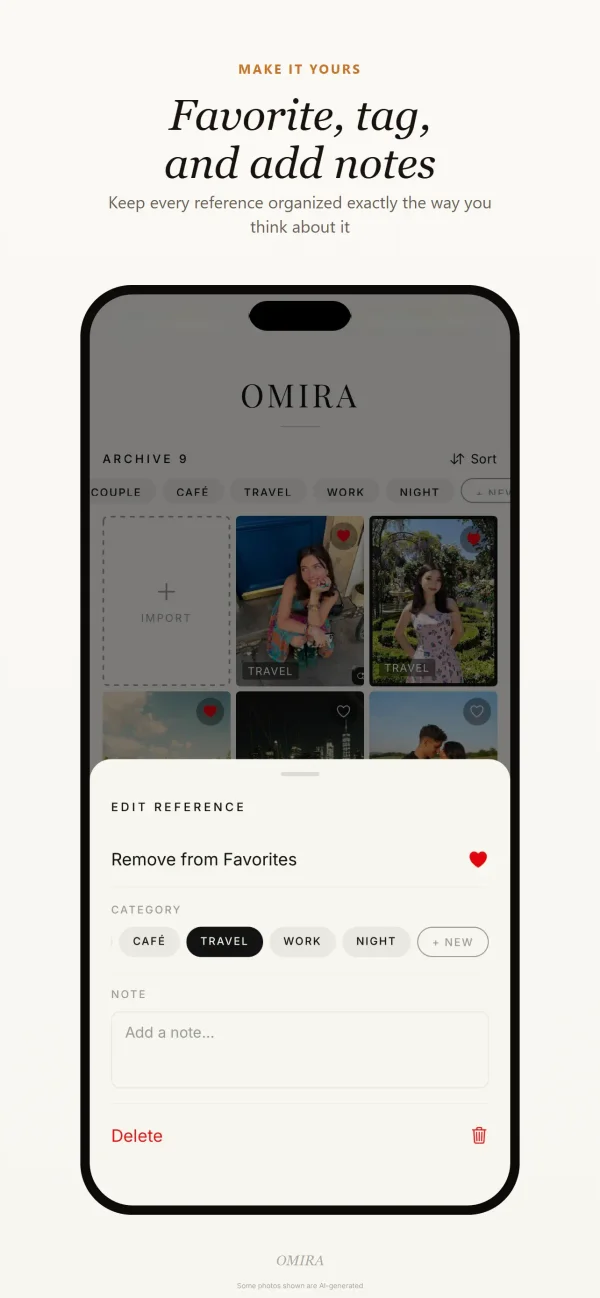
- Create a free account to keep your photo portfolio backed up and synced across your devices
- Nothing you create is shared publicly
OMIRA only asks for the camera and photo library access it actually needs to work, and explains exactly why. Full details are always available from Settings, right inside the app.
Yang baru
Versi 1.0.1 · 9/8/2026
- New Guide with 3 use cases and step-by-step help
- Steadier cloud backup for references & profile photos
- Design and copy updates, bug fixes
Privasi aplikasi
Yang dinyatakan Sarah Nkiruka Rossow di App Store tentang cara aplikasi ini menangani data.
-
Data yang ditautkan dengan Anda
Dapat dikumpulkan dan ditautkan dengan identitas Anda.
- Info kontak
- Konten pengguna
- Pengenal
-
Data yang tidak ditautkan dengan Anda
Dapat dikumpulkan, tetapi tidak ditautkan dengan identitas Anda.
- Konten pengguna
Praktik privasi dapat bervariasi, misalnya berdasarkan fitur yang Anda gunakan atau usia Anda.
Informasi
- Penjual
- Sarah Nkiruka Rossow
- Kategori
- Foto & Video
- Versi
- 1.0.1
- Diperbarui
- 9/8/2026
- Dirilis
- 6/8/2026
- Ukuran
- 54,2 MB
- Memerlukan
- iOS 16.0 atau yang lebih baru
- Batasan usia
- 4+
- Harga
- Gratis
- Bahasa
- Inggris, Jerman
- Hak cipta
- © 2026 Sarah Rossow
Mungkin Anda juga suka
-
 InspoCamFoto & Video
-
 TraforetFoto & Video
-
 Footprint – MemoriesFoto & Video
-
 Aim: Pose Ideas & CameraFoto & Video
-
 Carousel Collage・Post MakerFoto & Video
-
 IGMarginFoto & Video
-
 Momentary: Live and VideoFoto & Video
-
 MatchFrames:Overlay PhotosFoto & Video
-
 PoseMax: AI Posing GuideFoto & Video
-
 PoseMatch: Pose CameraFoto & Video