ONLYOFFICE Documents
A complete mobile office suite
Dirancang untuk iPhone, iPad, iPod touch
Gratis
- Batasan usia4+
- KategoriProduktivitas
- PengembangAscensio System SIA
- BahasaInggris+ 14 lainnya
- Ukuran409,8 MB
Tertaut ke halaman resmi App Store
Download.org tidak menyimpan file ONLYOFFICE Documents apa pun. Tombol ini membuka halaman aplikasi di App Store, tempat Ascensio System SIA menerbitkannya. Halaman terakhir diperiksa pada 20/11/2026.
Tangkapan layar

Tentang
Pengembang belum menyediakan teks ini dalam bahasa Anda.
ONLYOFFICE Documents - Your mobile office for iOS
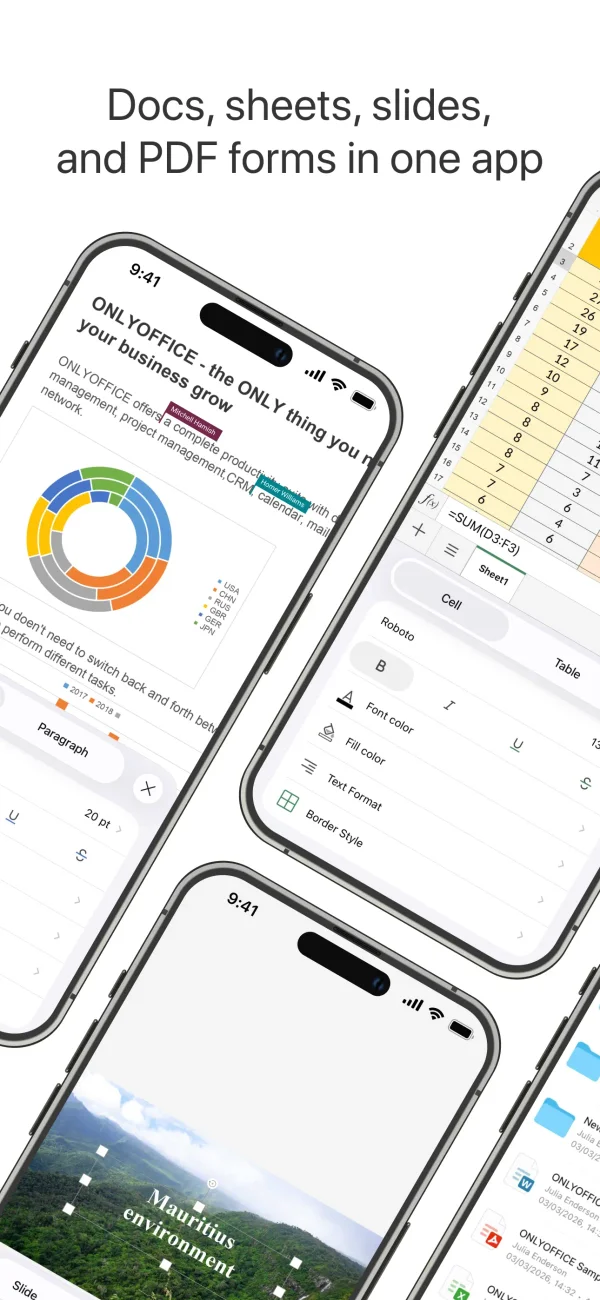
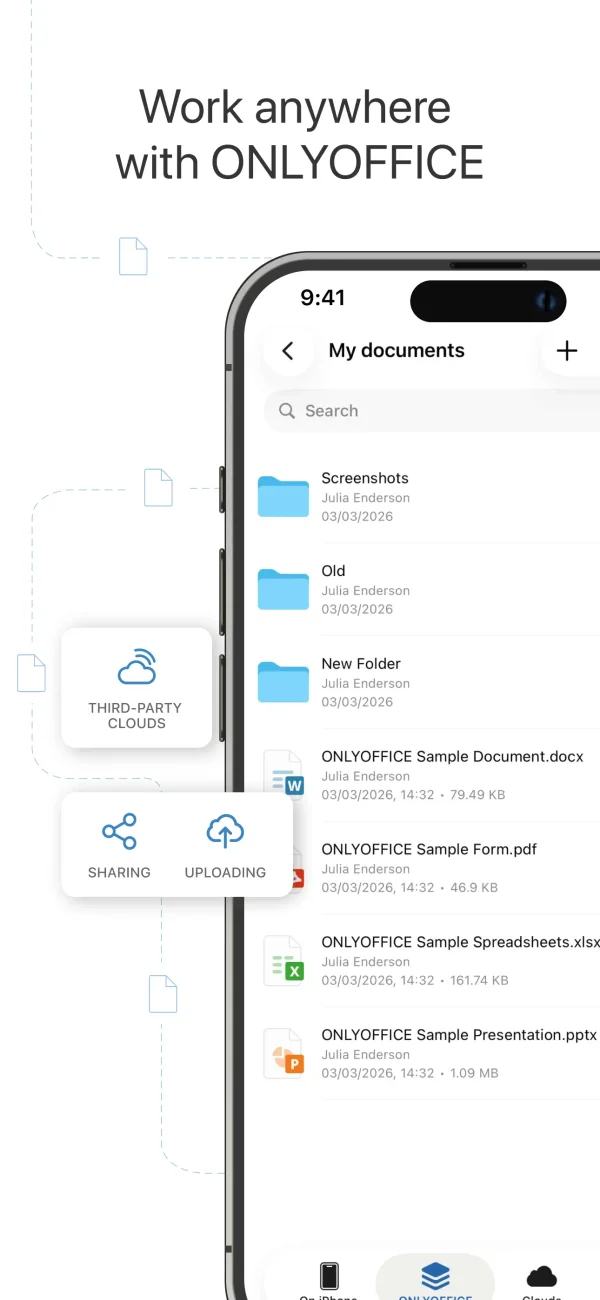
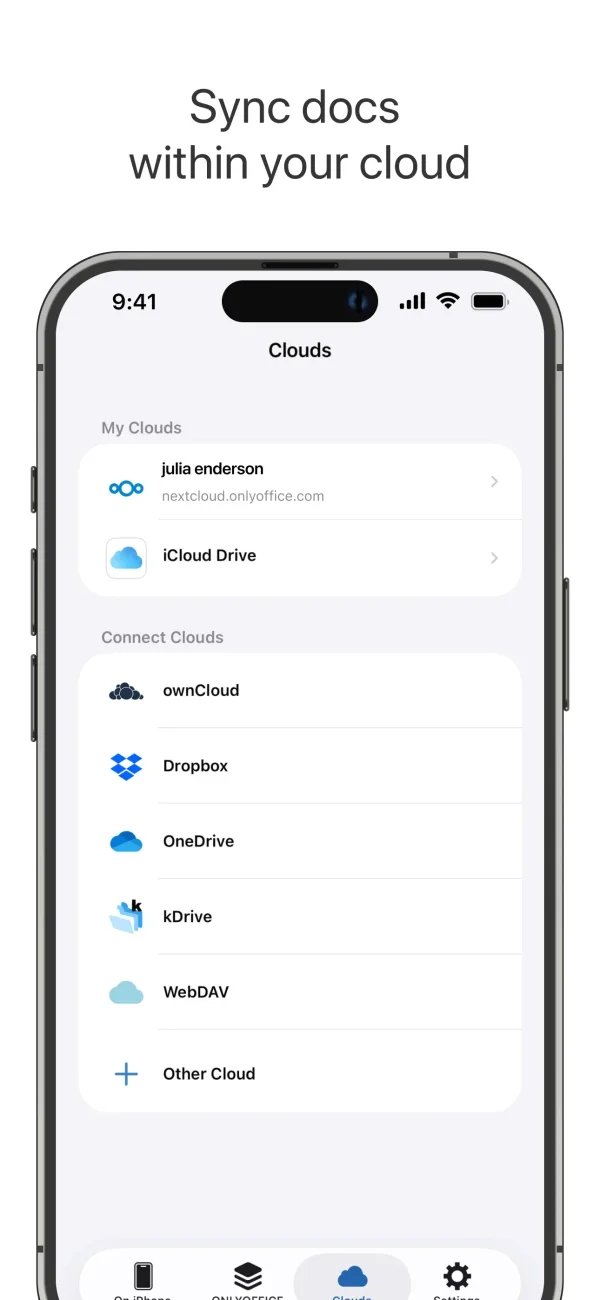
ONLYOFFICE Docs for iOS is a free office app allowing you to create and edit documents, spreadsheets, presentations, forms, and PDFs on your iPhone or iPad. Work locally or connect the app to your favourite cloud: ONLYOFFICE, Dropbox, Box, iCloud, Nextcloud, ownCloud, or kDrive.
ONLYOFFICE Documents for iOS offers wide format compatibility from MS Office formats (DOCX, XLSX, PPTX) to Apple files (Pages, Numbers, Keynote), Hangul Word Processor formats (HWP, HWPX), ODG drawings, Markdown files, and even media files.
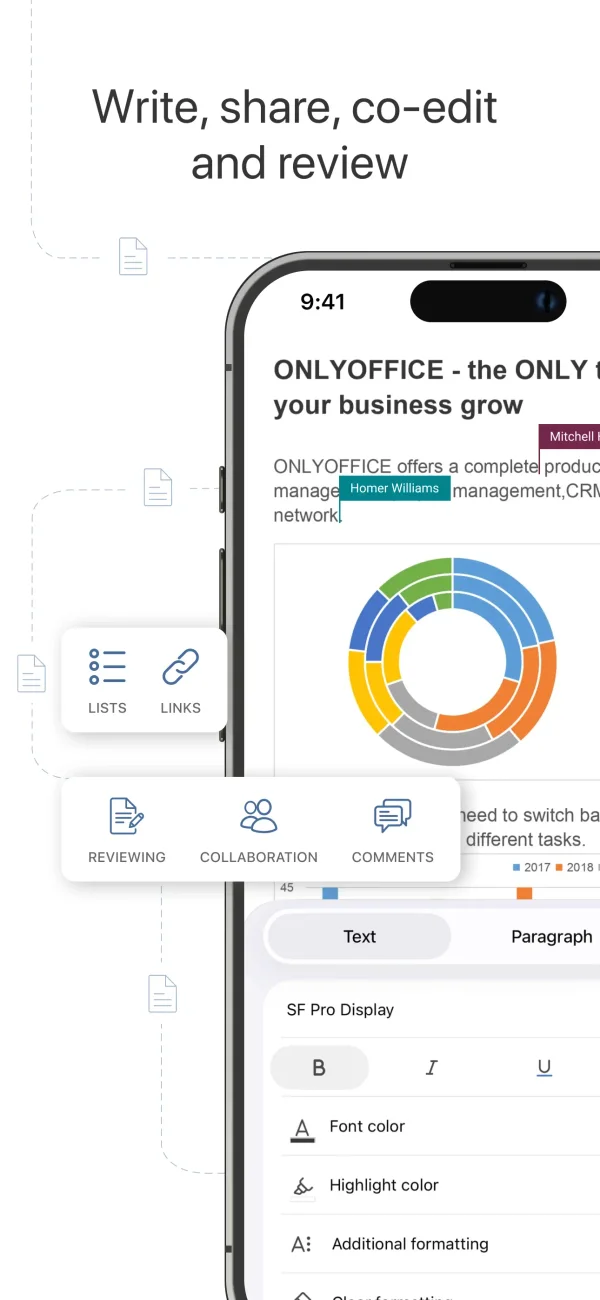
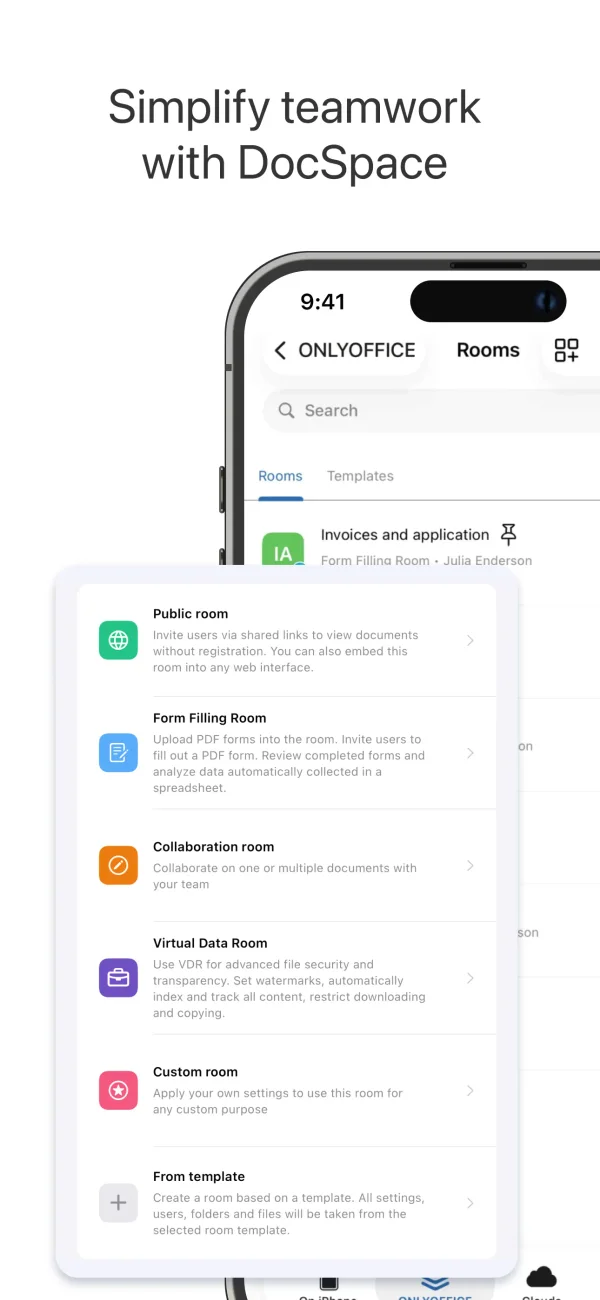
Connect to your cloud to collaborate with your teammates in real time. Leave comments, track changes, manage versions, and assign flexible permissions for viewing, commenting, or editing. You can also share documents with external collaborators via link, accept or reject their changes, and fill out role-based forms in secure Virtual Data Rooms (VDRs).
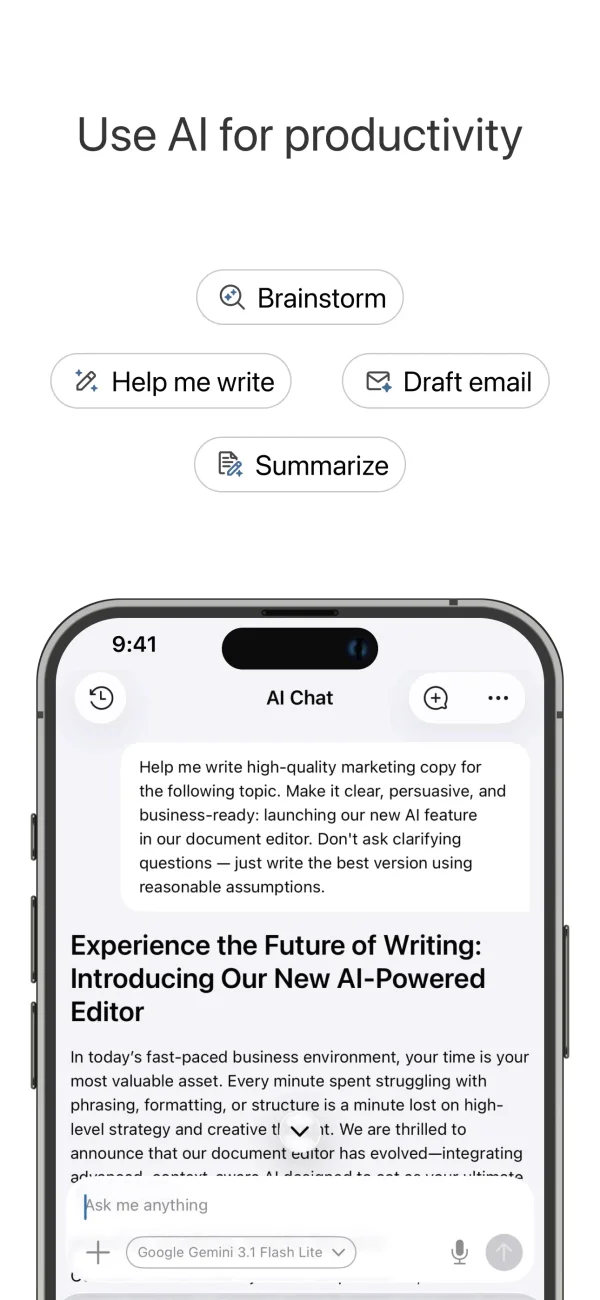
Work faster with AI: use the AI assistant, generate documents and presentations, fill out forms automatically, and use on-device voice input in AI chats and AI assistants.
Scan paper documents with your camera, extract text, and convert them into editable files.
With powerful collaboration features and superb format compatibility, ONLYOFFICE Documents helps you stay connected and efficient on the go.
Key features for better produсtivity
Real-time collaboration
• Comment, track and review changes
• Fill out role-based forms in VDR
• Control access with read, review, or full rights
• Easy sharing, even with external collaborators
Document Editor
• Insert tables, autoshapes, images, charts
• Recognize handwritten text to create notes
• Add graphic annotations and markup
• Insert footnotes, endnotes, page numbers, section breaks
• Set font type, size, and colour
• Change text wrapping
• Protect documents with a password
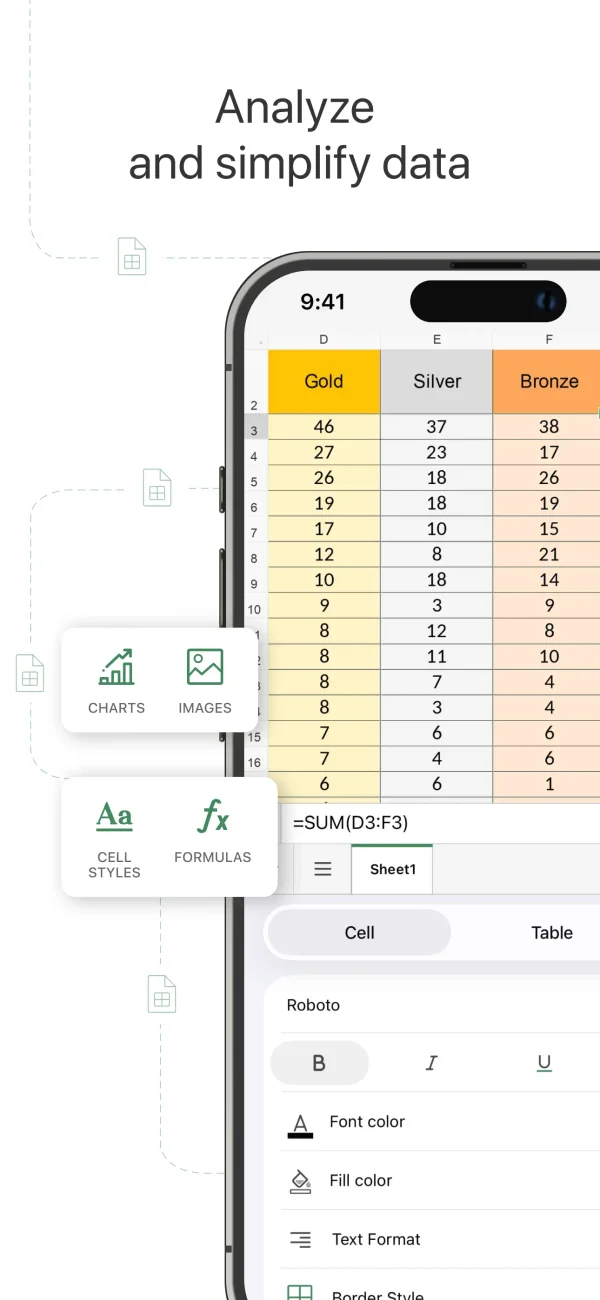
Spreadsheet Editor
• Select, cut, copy, paste data
• Set font type, size, and colour
• Apply cell style, add cell borders, align data in cells
• Wrap text in a cell
• Insert tables, autoshapes, images, charts, formulas
• Resize, move, rotate objects, reshape autoshapes
• Add annotations and free-hand drawings
• Protect spreadsheets with a password
• Sort and filter data
• Work collaboratively on spreadsheets
Presentation Editor
• Mobile presentation viewer
• Select, cut, copy, paste text and objects
• Change slide layout, background, parameters, theme
• Apply transitions
• Insert tables, autoshapes, images, charts
• Add annotations and free-hand drawings
• Create lists
• Discuss slides in real-time
• Protect presentations with a password
• Download and print presentations
PDF form filler
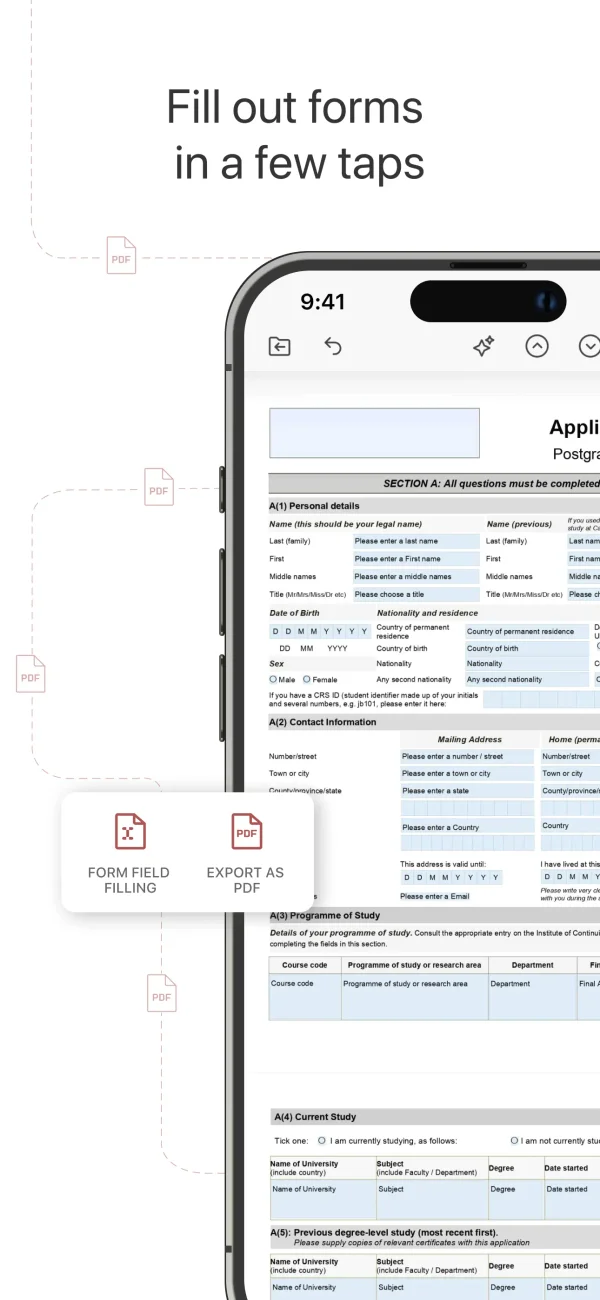
• Open and fill out forms stored on your device
• Use ready templates from the template library
• Protect forms with a password
• Export ready forms in DOCX or PDF
Why Choose ONLYOFFICE Documents?
• No need to install additional apps for editing docs
• Clear, user-friendly interface
• Work anywhere, anytime
• Robust collaboration tools
• Support for all key document formats
• Absolutely free
• No ads or in-app purchases
Enjoy smooth editing and seamless document collaboration with ONLYOFFICE Documents.
Your mobile office is just one tap away—download it today!
Download Now
Yang baru
Versi 10.0.0 · 26/10/2026
• Added an AI assistant in the Documents section for working with files without opening the editor.
• Added AI-powered generation of documents and presentations.
• Added on-device voice input for AI chats and AI assistants in the editors.
• Added AI-powered Auto Fill for forms.
• Added Grok and DeepSeek AI providers.
• Improved ONLYOFFICE cloud integration.
• Added room groups in the cloud: create and edit groups, filter rooms by group.
• Added room covers with icon and color selection.
• Expanded the set of filters; updated the context menu for files, folders, and VDR rooms.
• Added the ability to paste tables while preserving formatting in the spreadsheet editor.
• Added a separate Formula tab in the spreadsheet editor on iPad.
• Added menu bar support on iPad.
• Added comment highlighting by author color.
• Added the ability to share access to Favorites for documents that don't support co-editing.
• Added the ability to set paragraph spacing using numeric values in the document editor.
• Redesigned hyperlink screens and context menu buttons; expanded the set of quick actions.
• Improved the navigation bar transition animation when exiting selection mode.
• Fixed moving files with duplicate names: added a "Create a copy" action in the cloud, fixed the "Failed to Move" error when moving files on iPad.
We are constantly enhancing ONLYOFFICE. If you have any questions or comments, leave your review at ONLYOFFICE Documents page in App Store. We appreciate your feedback!
Privasi aplikasi
Yang dinyatakan Ascensio System SIA di App Store tentang cara aplikasi ini menangani data.
-
Data yang tidak ditautkan dengan Anda
Dapat dikumpulkan, tetapi tidak ditautkan dengan identitas Anda.
- Data penggunaan
- Diagnostik
Praktik privasi dapat bervariasi, misalnya berdasarkan fitur yang Anda gunakan atau usia Anda.
Informasi
- Penjual
- Ascensio System SIA
- Kategori
- Produktivitas
- Versi
- 10.0.0
- Diperbarui
- 26/10/2026
- Dirilis
- 2/4/2015
- Ukuran
- 409,8 MB
- Memerlukan
- iOS 15.0 atau yang lebih baru
- Batasan usia
- 4+
- Harga
- Gratis
- Bahasa
- Inggris, Arab, Armenian, Bulgarian, Cheska (Republik Cheska), Prancis, Jerman, Italia, Jepang, Portugis, Rusia, Tionghoa Sederhana + 3 lainnya
- Hak cipta
- © Ascensio System SIA.
Mungkin Anda juga suka
-
 Collabora OfficeProduktivitas
-
 AO OfficeProduktivitas
-
 NextcloudProduktivitas
-
 OpenDocument Reader - view ODTProduktivitas
-
 Nextcloud NotesProduktivitas
-
 TextMakerPengolah kata lengkap
-
 Proton Drive: Cloud StorageProduktivitas
-
 KDE ConnectProduktivitas
-
 Polaris Office - PDF & DocsView & Edit all kinds of docs
-
 Lumo AI by ProtonProduktivitas