
AO Office
Documents, Sheets & Slides
Dirancang untuk iPhone, iPad, Mac, iPod touch
Gratis · Pembelian dalam aplikasi
- Batasan usia4+
- KategoriProduktivitas
- PengembangAkikazu Yoshikawa
- BahasaInggris+ 40 lainnya
- Ukuran236,8 MB
Tertaut ke halaman resmi App Store
Download.org tidak menyimpan file AO Office apa pun. Tombol ini membuka halaman aplikasi di App Store, tempat Akikazu Yoshikawa menerbitkannya. Halaman terakhir diperiksa pada 29/11/2026.
Tangkapan layar

Tentang
Pengembang belum menyediakan teks ini dalam bahasa Anda.
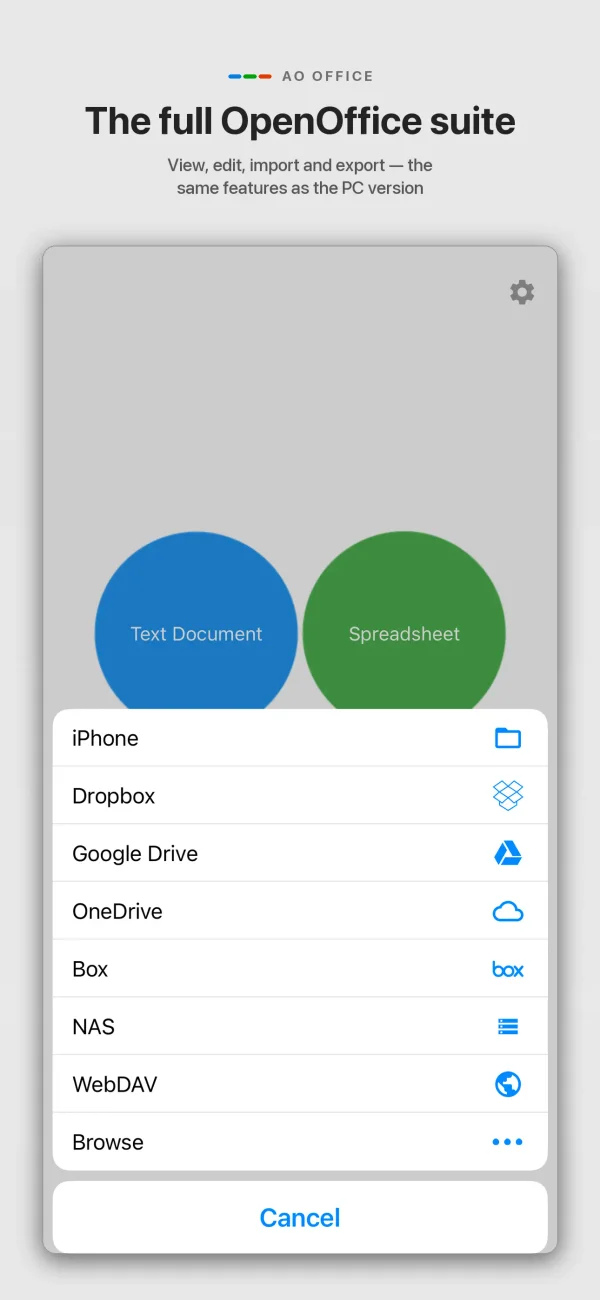
AO Office is the world's first porting of OpenOffice for iOS and it's a powerful and complete office suite for OpenOffice / LibreOffice documents.
You can view, edit, import, and export PDF, Word, Excel & PowerPoint documents using full features of the OpenOffice in the PC version.
AO Office has 5 components:
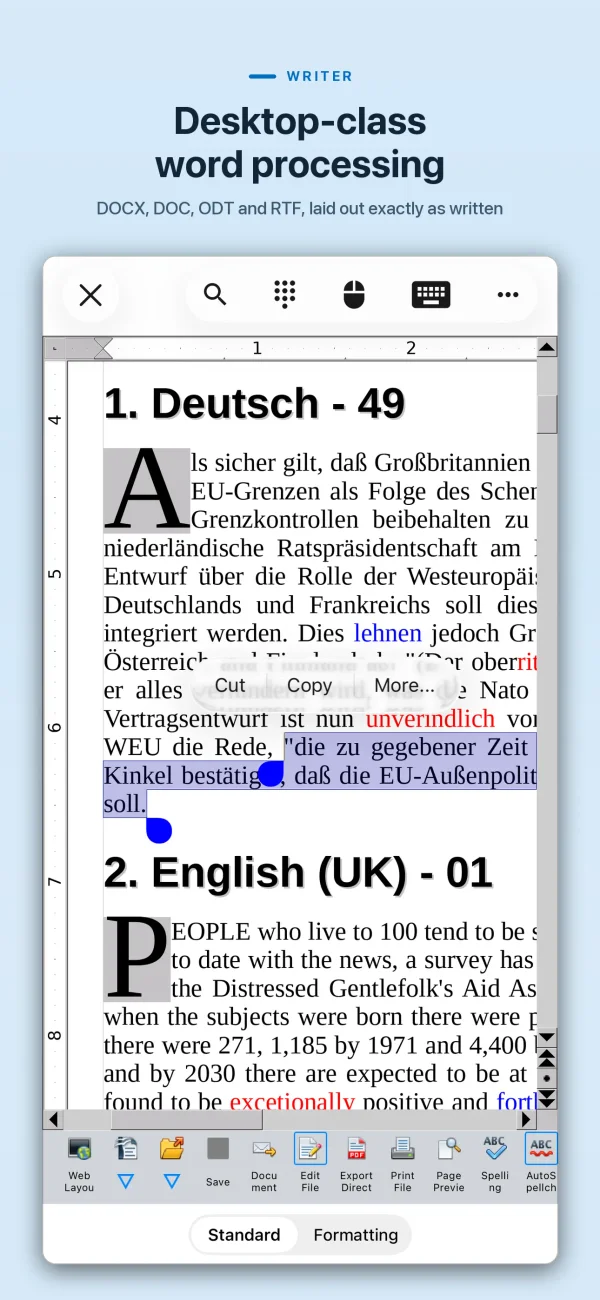
Writer: a word processor you can use for anything from writing a quick letter to producing an entire book.
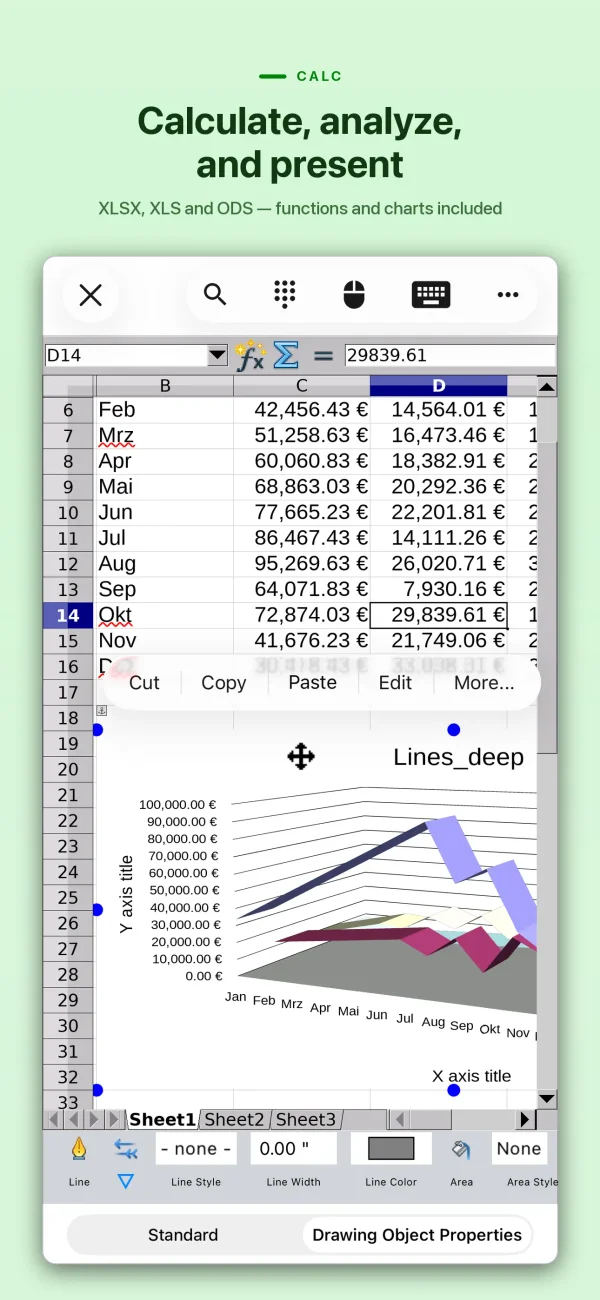
Calc: a powerful spreadsheet with all the tools you need to calculate, analyze, and present your data in numerical reports or graphics.
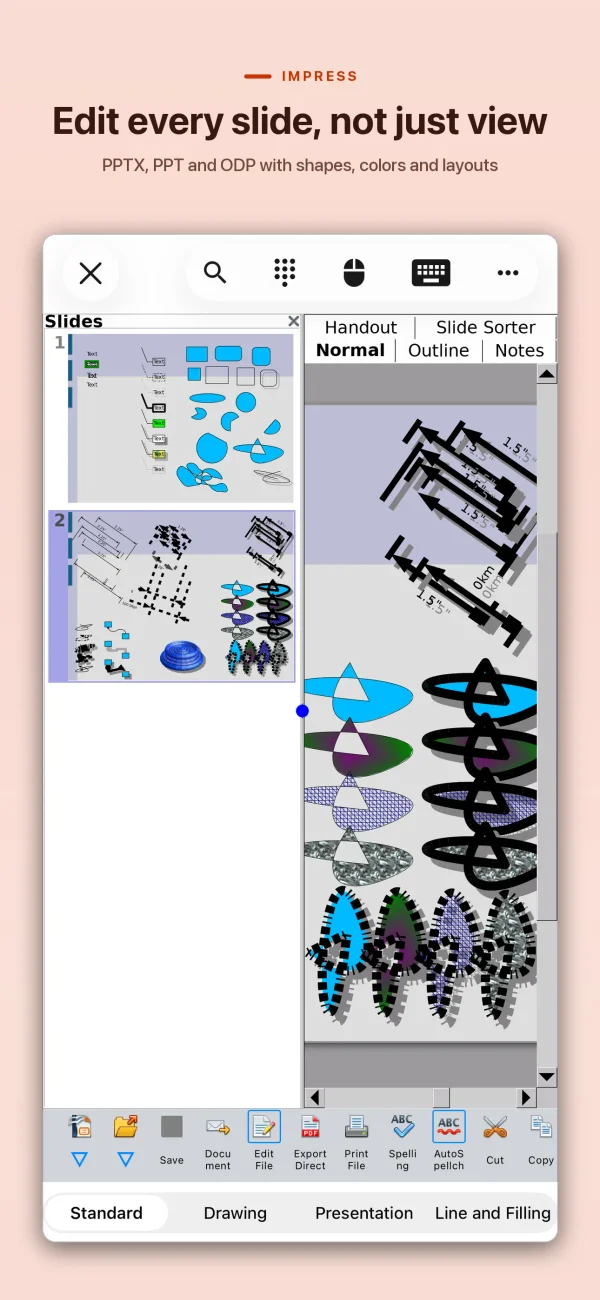
Impress: the fastest, most powerful way to create effective multimedia presentations.
Draw: lets you produce everything from simple diagrams to dynamic 3D illustrations.
Math: lets you create mathematical equations with a graphic user interface or by directly typing your formulas into the equation editor.
* AO Office is a forked project from the Apache OpenOffice project.
AO Office is not affiliated with the Apache OpenOffice and LibreOffice projects.
■ Features ■
- View / edit / import / export documents
- High reproducibility for Open Document Format
- Export and import documents as PDF
- Formatting paragraphs
- Create stylized text with special effects
- Support for extensive file formats
- Support for embedded object
- Support for Dropbox / iCloud Drive / Google Drive / OneDrive / Box
- Support for NAS / WebDAV (Paid version only)
- Support for Audio and Video
- Support for recovering the unsaved work
- Support for modern encryption
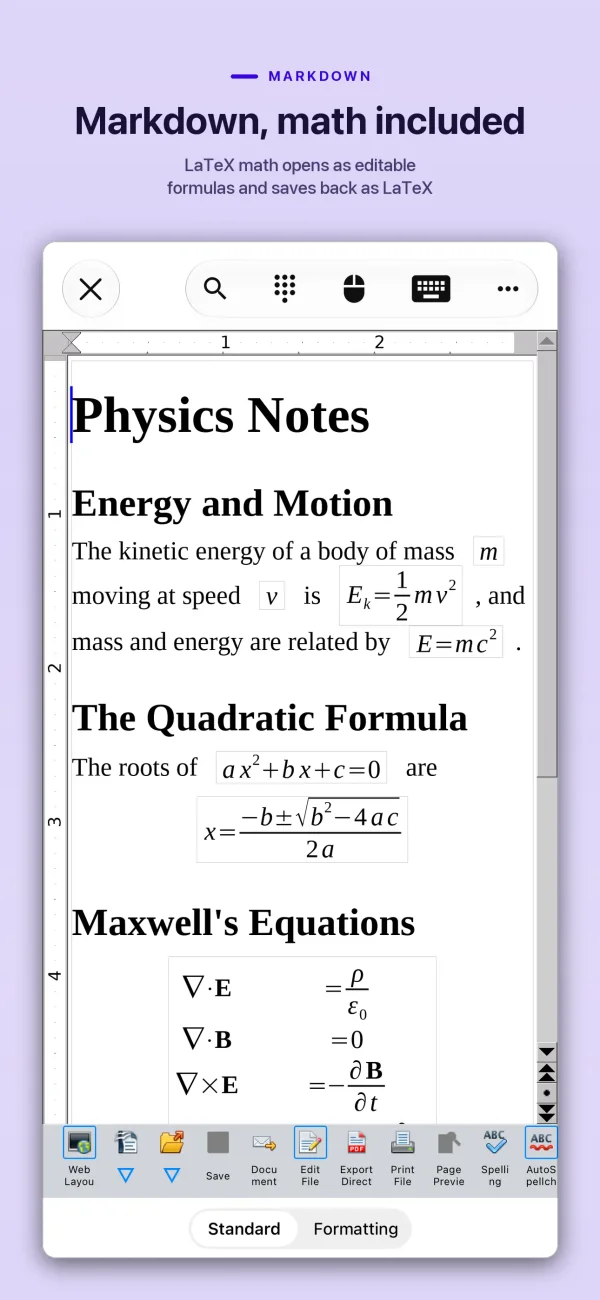
- Support for Markdown documents
- Support for LaTeX math in Markdown documents
■ Supported File Formats ■
AO Office can open and save to:
- Microsoft Word (DOC / DOT / RTF)
- Microsoft Word 2007 (DOCX / DOTX / DOCM)
- Microsoft Excel (XLS / XLT)
- Microsoft Excel 2007 (XLSX / XLTX / XLSM)
- Microsoft PowerPoint (PPT / POT)
- Microsoft PowerPoint 2007 (PPTX / POTX / PPTM)
- OpenDocument (ODT / ODS / ODP / ODG / ODF)
- Portable Document Format (PDF)
- OpenOffice.org1.0 / StarOffice6.0 (SXW / SXC / SXD / SXI / SXG / SXM)
- Text (TXT / CSV / XML)
- HyperText Markup Language (HTML)
- Markdown (MD / MARKDOWN)
- Adobe Photoshop (PSD)
- Scalable Vector Graphics (SVG)
- Windows Metafile (EMF / WMF)
- Tagged Image File Format (TIFF)
- Data Interchange Format (DIF)
- SYLK (SLK)
- Portable Anymap Format (PBM / PGM / PPM)
- OS/2 Metafile (MET)
- Sun Raster Image (RAS)
- Mac Pict (PCT)
- X PixMap (XPM)
- StarView Metafile (SVM)
AO Office can open:
- WordPerfect Document (WPD)
- AutoCAD (DXF)
- T602 Document (602)
- Computer Graphics Metafile (CGM)
- Truevision Targa (TGA)
- X Bitmap (XBM)
- Zsoft Paintbrush (PCX)
- Kodak Photo CD (PCD)
AO Office can save to:
- PlaceWare (PWP)
- Macromedia Flash (SWF)
- JPG / GIF / PNG / BMP
■ Gesture Assignments ■
- Hard Press or 2 Finger Tap = Context Menu
- Pinch In & Out = Zoom In & Out
- Drag = Scrolling
- Drag with Hard Press or 2 Finger Tap = Drag & Drop
■ Limitations ■
- Not supported for macro
■ Contact Us ■
Email: support-ios@aooffice.app
Twitter: @office700
The paid version includes the following functions.
· Access to cloud storages
· Printing
- Export as PDF
· Other useful functions
Yang baru
Versi 5.6.9 · 10/11/2026
LaTeX math is now supported in Markdown.
LaTeX Math
- LaTeX math in Markdown files opens as editable formulas and is saved back as LaTeX.
- Supports common LaTeX commands and environments such as align and array.
Math
- The text cursor now appears in the formula command box, and no longer appears in the wrong place.
Text
- Improved display of emoji and Chinese, Japanese and Korean characters.
Stability
- Fix for a crash when closing the spelling dialog.
App
- Requires iOS 15.0 or macOS 12.0 or later.
Privasi aplikasi
Yang dinyatakan Akikazu Yoshikawa di App Store tentang cara aplikasi ini menangani data.
-
Data yang tidak ditautkan dengan Anda
Dapat dikumpulkan, tetapi tidak ditautkan dengan identitas Anda.
- Pembelian
- Pengenal
- Data penggunaan
- Diagnostik
Praktik privasi dapat bervariasi, misalnya berdasarkan fitur yang Anda gunakan atau usia Anda.
Informasi
- Penjual
- Akikazu Yoshikawa
- Kategori
- Produktivitas
- Versi
- 5.6.9
- Diperbarui
- 10/11/2026
- Dirilis
- 21/11/2016
- Ukuran
- 236,8 MB
- Memerlukan
- iOS 15.0 atau yang lebih baru
- Batasan usia
- 4+
- Harga
- Gratis
- Pembelian dalam aplikasi
- Ya
- Bahasa
- Inggris, Arab, Basque, Bengali, Bulgarian, Cambodian, Katalan, Cheska (Republik Cheska), Dansk (Denmark), Belanda, Suomi (Finlandia), Prancis + 29 lainnya
- Hak cipta
- © 2016 Akikazu Yoshikawa
Mungkin Anda juga suka
-
 Collabora OfficeProduktivitas
-
 ONLYOFFICE DocumentsProduktivitas
-
 OpenDocument Reader - view ODTProduktivitas
-
 TextMakerPengolah kata lengkap
-
 Polaris Office - PDF & DocsView & Edit all kinds of docs
-
 A1 Slides: AI Powerpoint MakerProduktivitas
-
 PlanMakerProgram spreadsheet lengkap
-
 Office Suite: Word, Sheet, PDFProduktivitas
-
 PDF Reader – PDFelementProduktivitas
-
 Document Editor-Dokumen,sheetsEdit Dokumen,Slide,Kelola File