- Batasan usia4+
- KategoriPendidikan
- PengembangYIGIT TUCCAR
- BahasaInggris+ 6 lainnya
- Ukuran3,0 MB
Tertaut ke halaman resmi App Store
Download.org tidak menyimpan file OpenLeaf Notes apa pun. Tombol ini membuka halaman aplikasi di App Store, tempat YIGIT TUCCAR menerbitkannya. Halaman terakhir diperiksa pada 23/11/2026.
Tangkapan layar
Tentang
Pengembang belum menyediakan teks ini dalam bahasa Anda.
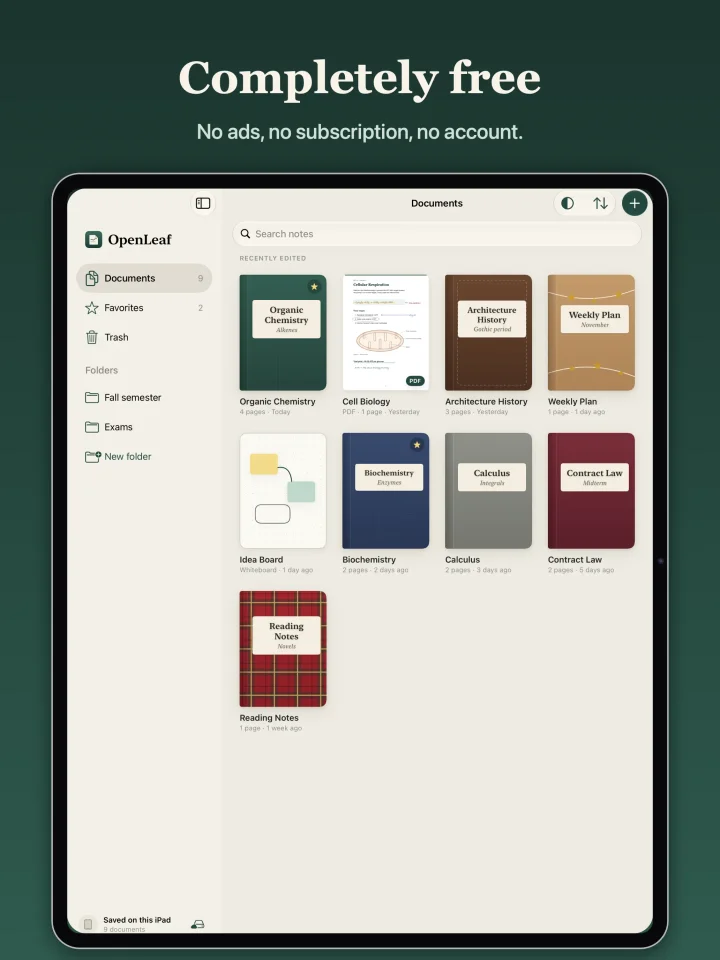
Completely free: no ads, no subscription, no locked features. You don't need an account; your notes stay on your iPad.
OpenLeaf is an open-source note-taking app made for students. Take class notes with Apple Pencil, write on slides and PDFs, and keep everything organized in folders.
NOTEBOOKS
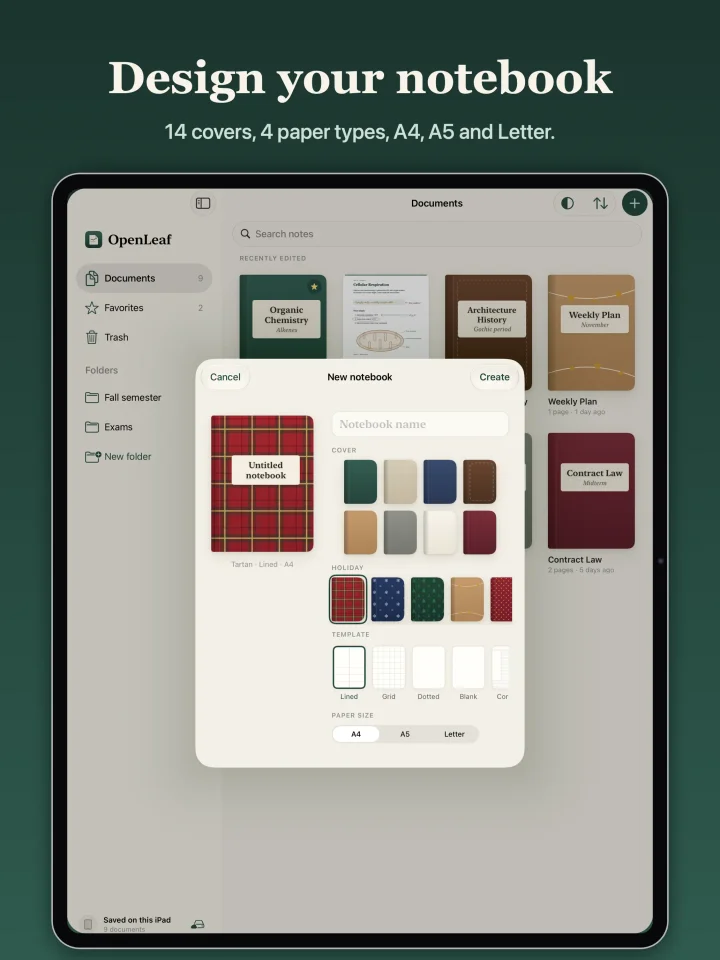
• 14 covers (6 of them for the holidays) with lined, grid, dotted or blank paper
• Ready-made templates: Cornell, graph paper, music staves, weekly plan, timetable, topic tracker, mock exam review
• A4, A5 and Letter sizes
• Folders, favorites, trash, search and sorting
• Quick notes and a whiteboard
WRITE WITH APPLE PENCIL
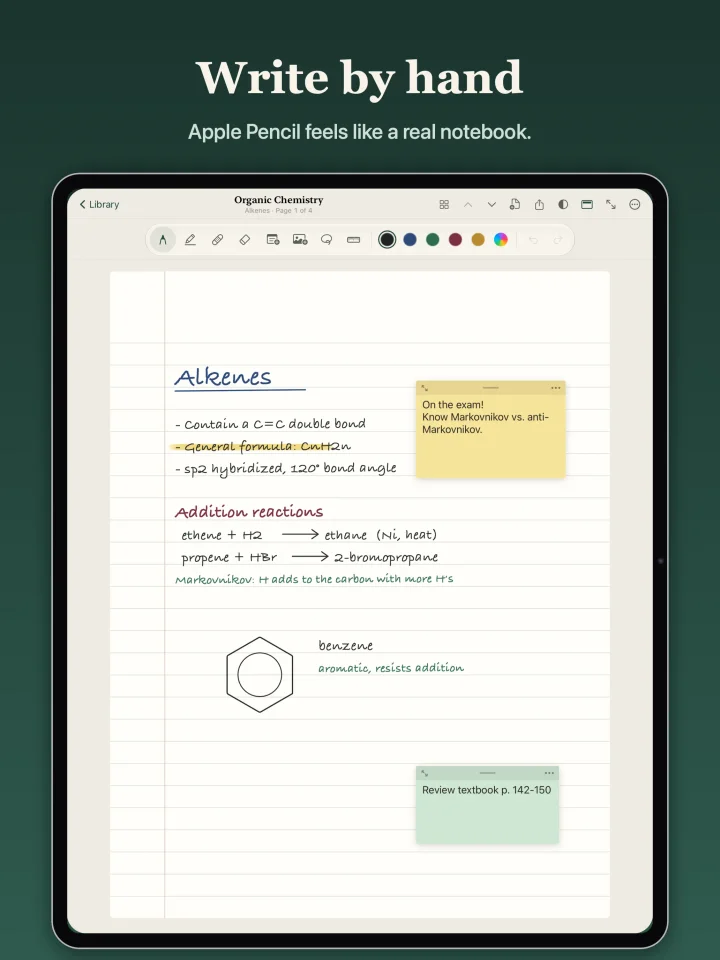
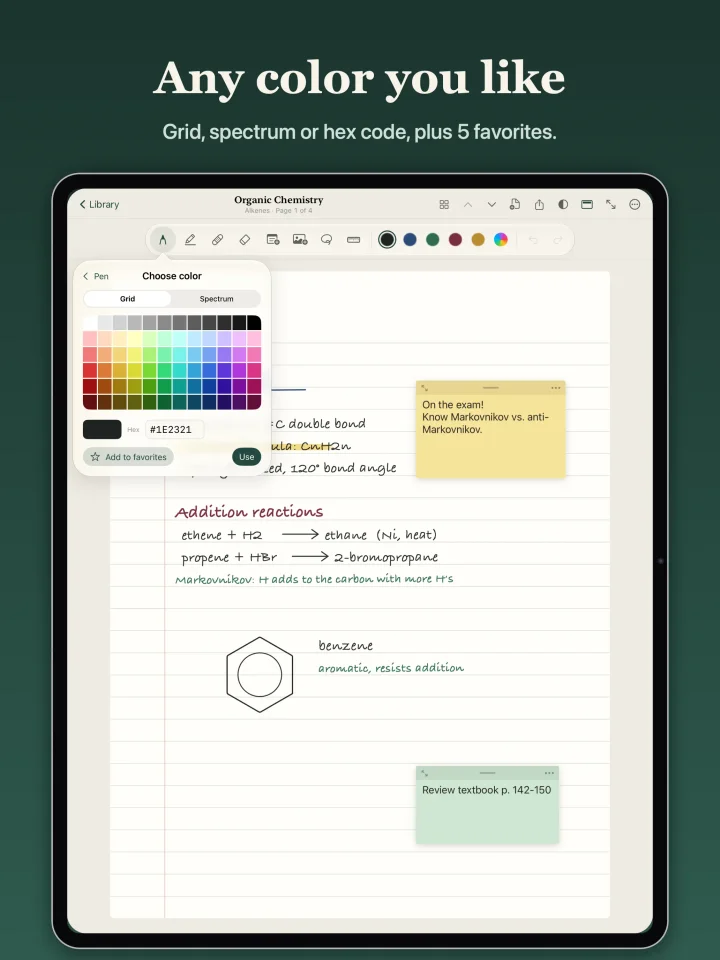
• Ballpoint, fountain, pencil and brush pens with adjustable thickness
• Highlighter and lasso to select and move
• Partial eraser or whole-stroke eraser
• Tape: cover your notes and tap to reveal them, for quizzing yourself
• Ruler for straight lines
• Double-tap Apple Pencil to switch to the eraser; squeeze Apple Pencil Pro for a quick menu
• Only the Pencil draws; your finger scrolls and turns pages
PAGES AND PDF
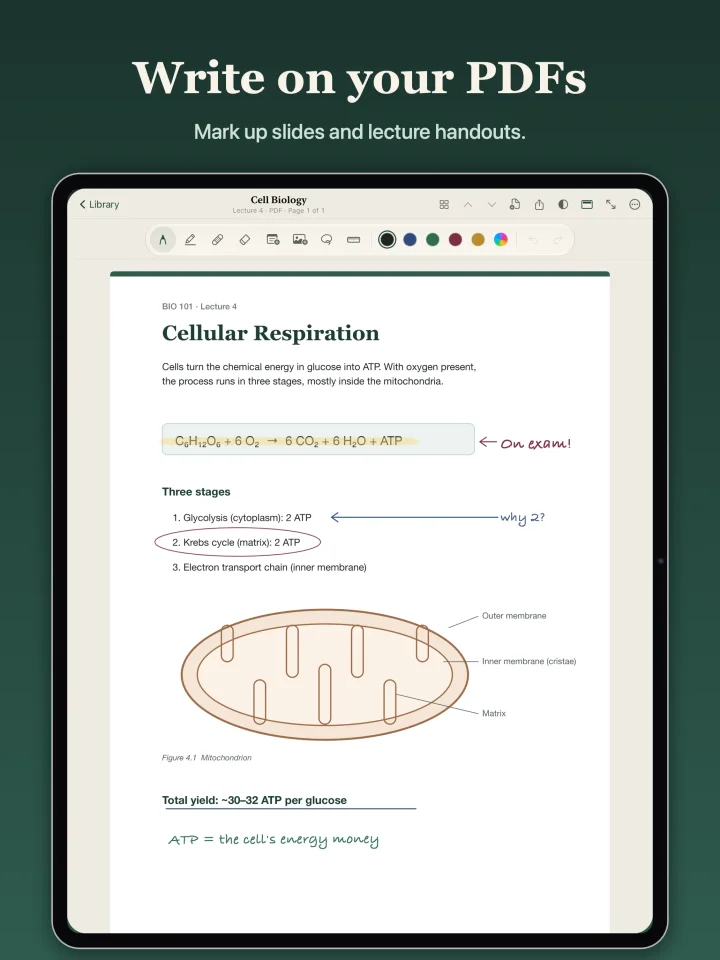
• Import PDFs and write on slides and lecture notes
• Export any notebook as a PDF
• Page overview, drag to reorder, duplicate pages
• Pinch to zoom with sharp paper at every zoom level
AND MORE
• Automatic backup: your notebooks are backed up to your own iCloud or to a folder you choose (Google Drive, Dropbox, OneDrive…), so your notes survive even if your iPad breaks
• Sticky notes: type or handwrite, move and resize
• Take a photo or add one from your library, then write on it
• Back up your whole library as a single file to Files or iCloud Drive
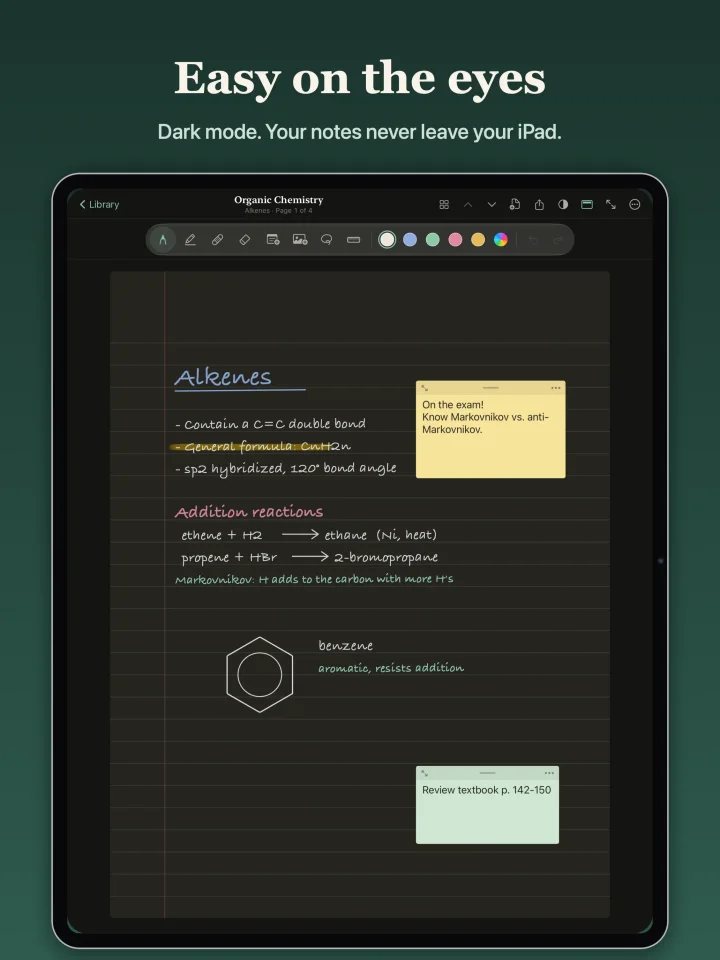
• Light, dark or system theme: write on white pages even when your iPad is in dark mode
• Available in English, Turkish, German, Spanish, French, Italian and Portuguese
OPEN SOURCE
OpenLeaf's source code is public on GitHub (GPL-3.0). Report bugs, suggest ideas or contribute: github.com/biggypanda/openleaf
Yang baru
Versi 1.1.2 · 21/11/2026
• Add pages from a PDF to an existing notebook: choose a PDF from the "Add page" menu and its pages go right after the page you're on
• Share a single page as an image or PDF, or print it
• Bookmark pages and show only bookmarked pages in the page overview
• Drag an image from Files or Safari onto a page, or paste an image you copied
• Go to page: tap the title or press ⌘G. Every notebook opens where you left off
• Lock the app with Face ID, Touch ID or your iPad passcode
• Touch and hold the icon on the Home Screen for your last notebook and a quick note
• Report a bug or send a suggestion from the menu
• Smoother page overview and page turning in long notebooks
• Small fixes and improvements
Privasi aplikasi
Yang dinyatakan YIGIT TUCCAR di App Store tentang cara aplikasi ini menangani data.
-
Data tidak dikumpulkan
Pengembang tidak mengumpulkan data apa pun dari aplikasi ini.
Praktik privasi dapat bervariasi, misalnya berdasarkan fitur yang Anda gunakan atau usia Anda.
Informasi
- Penjual
- YIGIT TUCCAR
- Kategori
- Pendidikan
- Versi
- 1.1.2
- Diperbarui
- 21/11/2026
- Dirilis
- 10/11/2026
- Ukuran
- 3,0 MB
- Memerlukan
- iOS 18.0 atau yang lebih baru
- Batasan usia
- 4+
- Harga
- Gratis
- Bahasa
- Inggris, Prancis, Jerman, Italia, Portugis, Spanyol, Turki
- Hak cipta
- © 2026 biggypanda
Mungkin Anda juga suka
-
 NotesForAll NotebookPendidikan
-
 Miki: Flashcards & WordsPendidikan
-
 Scrawl: Simpler AI NotesPendidikan
-
 Flashcards: AI & Spaced ReviewPendidikan
-
 z.tel – Live WorksheetsPendidikan
-
 Cerebo: Flashcards MakerPendidikan
-
 Study Timer & Log: Study BuddyPendidikan
-
 Kosakata dari Buku PelajaranFoto, periksa, lalu uji diri
-
 Pencora: Handwriting NotesPendidikan
-
 Lectra NotesCatatan, PDF & Python