- 対象年齢4+
- カテゴリ教育
- 開発元YIGIT TUCCAR
- 言語英語ほか6言語
- サイズ3.0 MB
App Storeの公式ページにリンクしています
Download.orgはOpenLeaf Notesのファイルを一切ホストしていません。ボタンを押すと、YIGIT TUCCARが公開しているApp Storeのアプリページが開きます。ページの最終確認:2026/11/23。
スクリーンショット
概要
開発元はこのテキストをお使いの言語で提供していません。
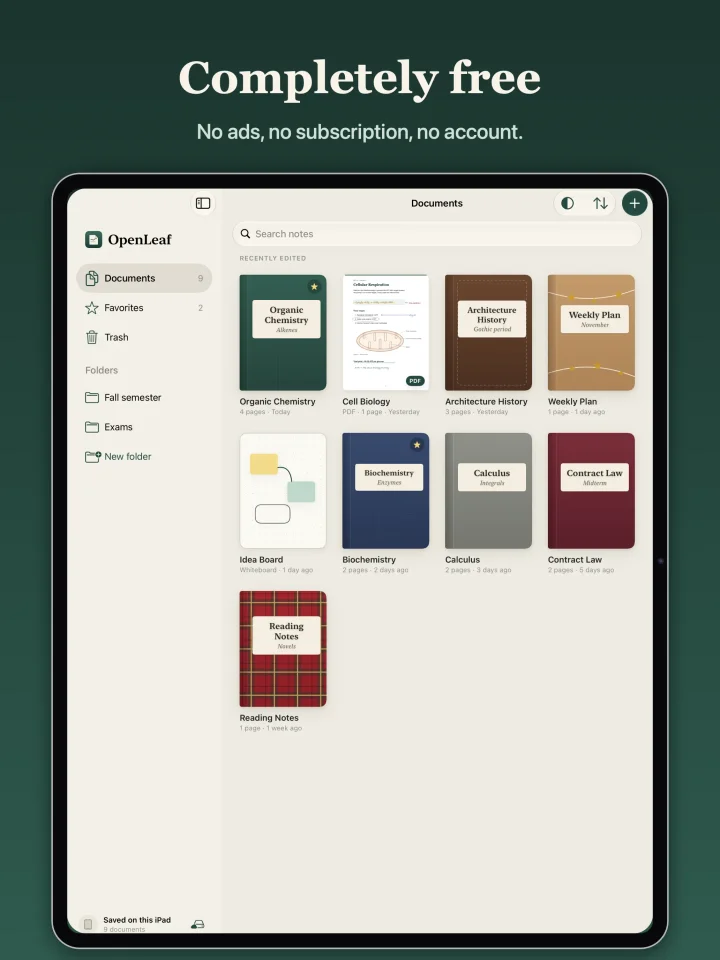
Completely free: no ads, no subscription, no locked features. You don't need an account; your notes stay on your iPad.
OpenLeaf is an open-source note-taking app made for students. Take class notes with Apple Pencil, write on slides and PDFs, and keep everything organized in folders.
NOTEBOOKS
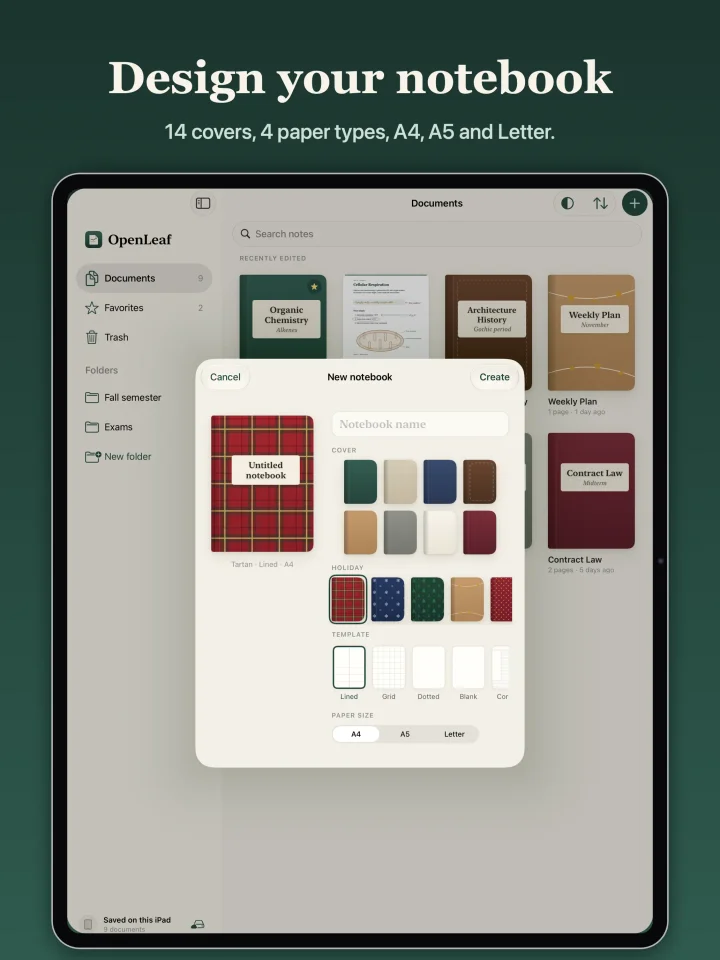
• 14 covers (6 of them for the holidays) with lined, grid, dotted or blank paper
• Ready-made templates: Cornell, graph paper, music staves, weekly plan, timetable, topic tracker, mock exam review
• A4, A5 and Letter sizes
• Folders, favorites, trash, search and sorting
• Quick notes and a whiteboard
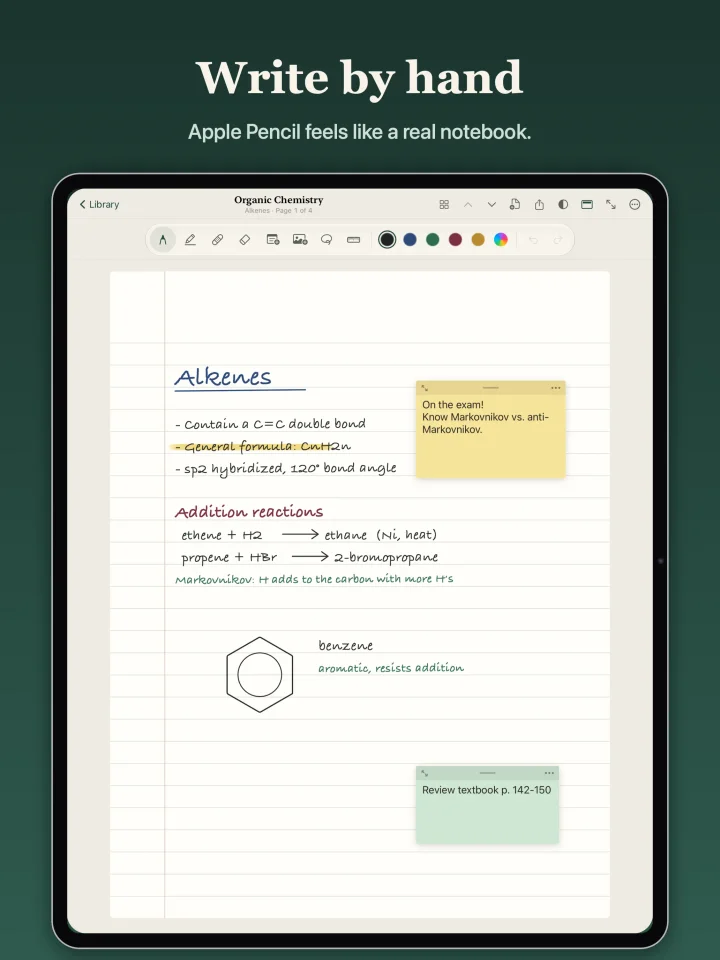
WRITE WITH APPLE PENCIL
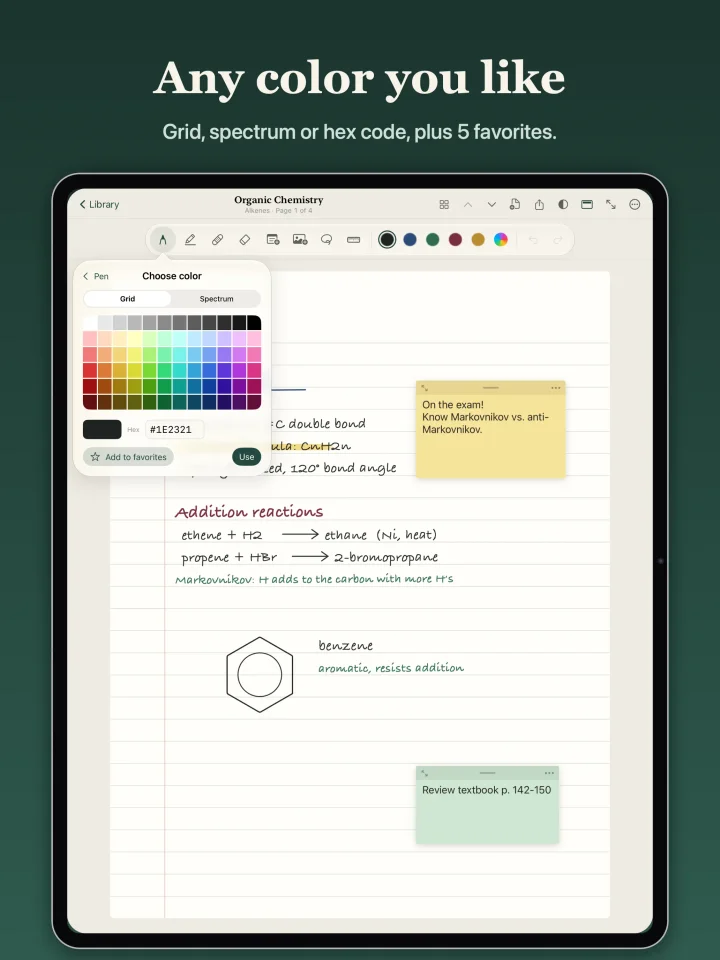
• Ballpoint, fountain, pencil and brush pens with adjustable thickness
• Highlighter and lasso to select and move
• Partial eraser or whole-stroke eraser
• Tape: cover your notes and tap to reveal them, for quizzing yourself
• Ruler for straight lines
• Double-tap Apple Pencil to switch to the eraser; squeeze Apple Pencil Pro for a quick menu
• Only the Pencil draws; your finger scrolls and turns pages
PAGES AND PDF
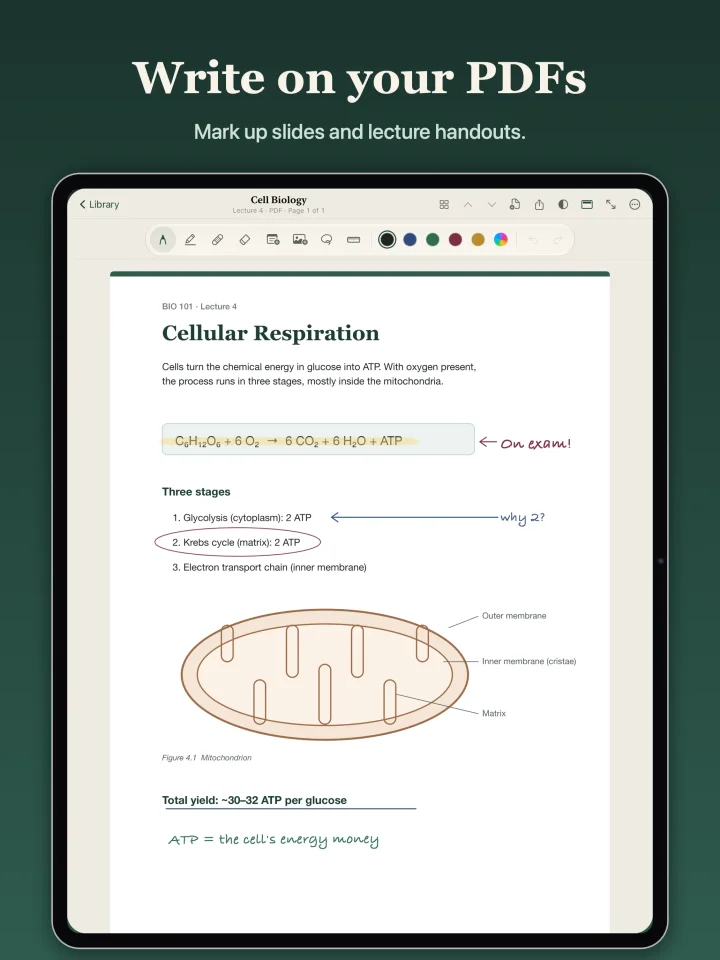
• Import PDFs and write on slides and lecture notes
• Export any notebook as a PDF
• Page overview, drag to reorder, duplicate pages
• Pinch to zoom with sharp paper at every zoom level
AND MORE
• Automatic backup: your notebooks are backed up to your own iCloud or to a folder you choose (Google Drive, Dropbox, OneDrive…), so your notes survive even if your iPad breaks
• Sticky notes: type or handwrite, move and resize
• Take a photo or add one from your library, then write on it
• Back up your whole library as a single file to Files or iCloud Drive
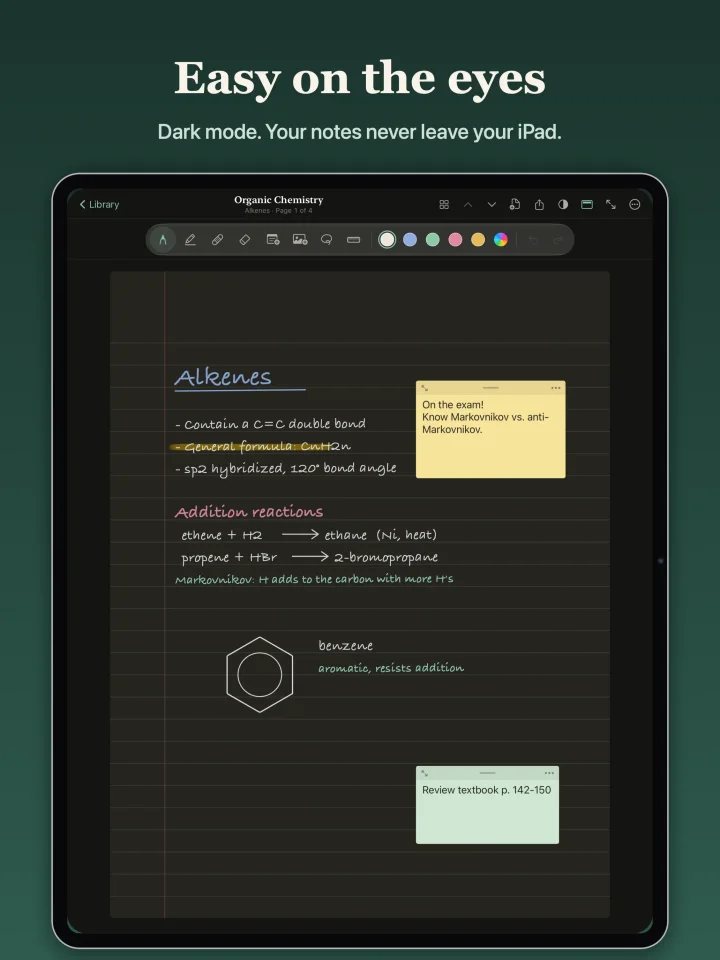
• Light, dark or system theme: write on white pages even when your iPad is in dark mode
• Available in English, Turkish, German, Spanish, French, Italian and Portuguese
OPEN SOURCE
OpenLeaf's source code is public on GitHub (GPL-3.0). Report bugs, suggest ideas or contribute: github.com/biggypanda/openleaf
新機能
バージョン 1.1.2 · 2026/11/21
• Add pages from a PDF to an existing notebook: choose a PDF from the "Add page" menu and its pages go right after the page you're on
• Share a single page as an image or PDF, or print it
• Bookmark pages and show only bookmarked pages in the page overview
• Drag an image from Files or Safari onto a page, or paste an image you copied
• Go to page: tap the title or press ⌘G. Every notebook opens where you left off
• Lock the app with Face ID, Touch ID or your iPad passcode
• Touch and hold the icon on the Home Screen for your last notebook and a quick note
• Report a bug or send a suggestion from the menu
• Smoother page overview and page turning in long notebooks
• Small fixes and improvements
アプリのプライバシー
このアプリのデータの取り扱いについて、YIGIT TUCCARがApp Storeで申告している内容です。
-
データの収集なし
開発元はこのアプリからデータを収集しません。
プライバシーの取り扱いは、ご利用の機能やお客様の年齢などに応じて異なる場合があります。
情報
- 販売元
- YIGIT TUCCAR
- カテゴリ
- 教育
- バージョン
- 1.1.2
- 更新日
- 2026/11/21
- リリース
- 2026/11/10
- サイズ
- 3.0 MB
- 必要条件
- iOS 18.0以降
- 対象年齢
- 4+
- 価格
- 無料
- 言語
- 英語, フランス語, ドイツ語, イタリア語, ポルトガル語, スペイン語, トルコ語
- 著作権
- © 2026 biggypanda
こちらもおすすめ
-
 NotesForAll Notebook教育
-
 Miki: Flashcards & Words教育
-
 Scrawl: Simpler AI Notes教育
-
 暗記カード - AIで作れる忘れない単語帳FSRSで効率よく暗記・間隔反復
-
 z.tel – Live Worksheets教育
-
 Cerebo: 暗記カード・単語帳で勉強フラッシュカード・英単語・クイズ
-
 勉強タイマー・勉強記録 Study Buddyかわいいバディと集中、勉強時間を記録
-
 単語帳 - 教科書の単語を練習撮影して確認、出題で練習
-
 Pencora: Handwriting Notes教育
-
 Lectra Notesノート、PDF、Python