
Opsense Pro
Mobile Task Management System
Dirancang untuk iPhone, iPad, iPod touch
Gratis
- Batasan usia4+
- KategoriKegunaan
- PengembangCMV TEKNOLOJI SANAYI VE TICARET LIMITED SIRKETI
- BahasaInggris
- Ukuran60,1 MB
Tertaut ke halaman resmi App Store
Download.org tidak menyimpan file Opsense Pro apa pun. Tombol ini membuka halaman aplikasi di App Store, tempat CMV TEKNOLOJI SANAYI VE TICARET LIMITED SIRKETI menerbitkannya. Halaman terakhir diperiksa pada 13/11/2026.
Tangkapan layar
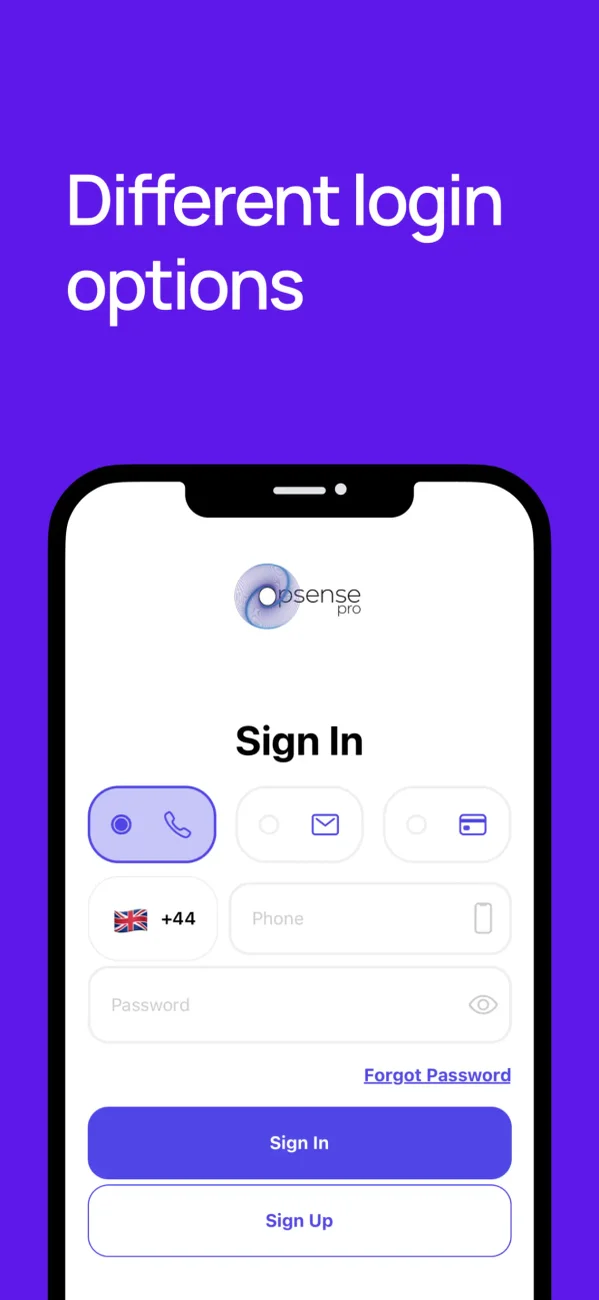
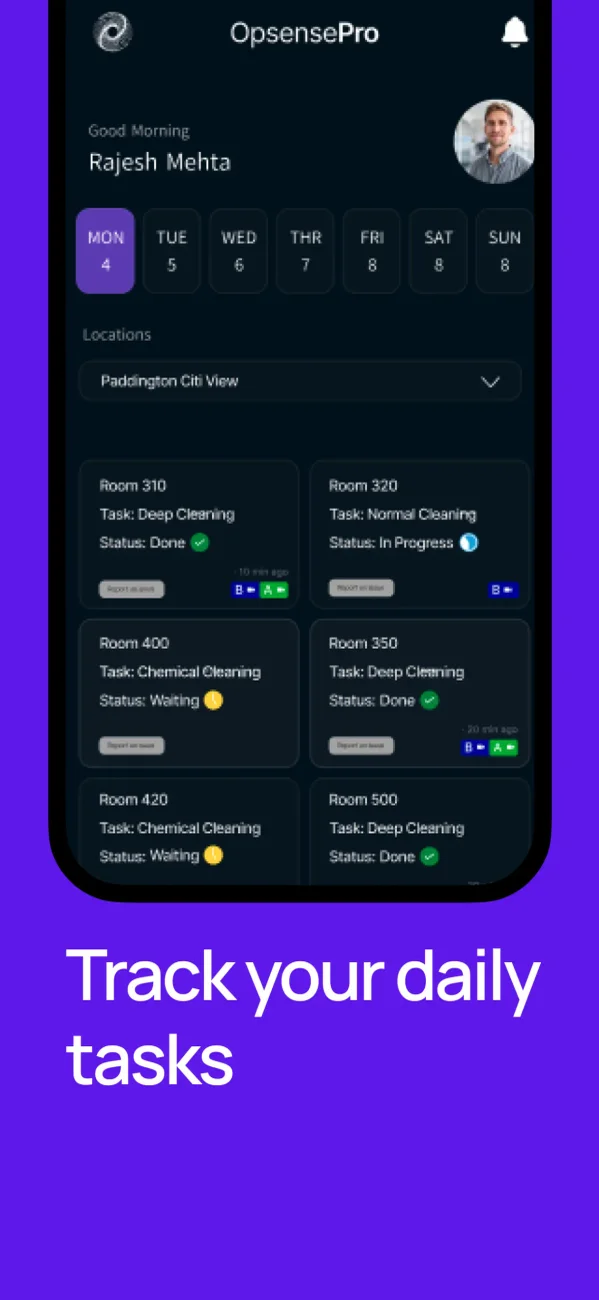
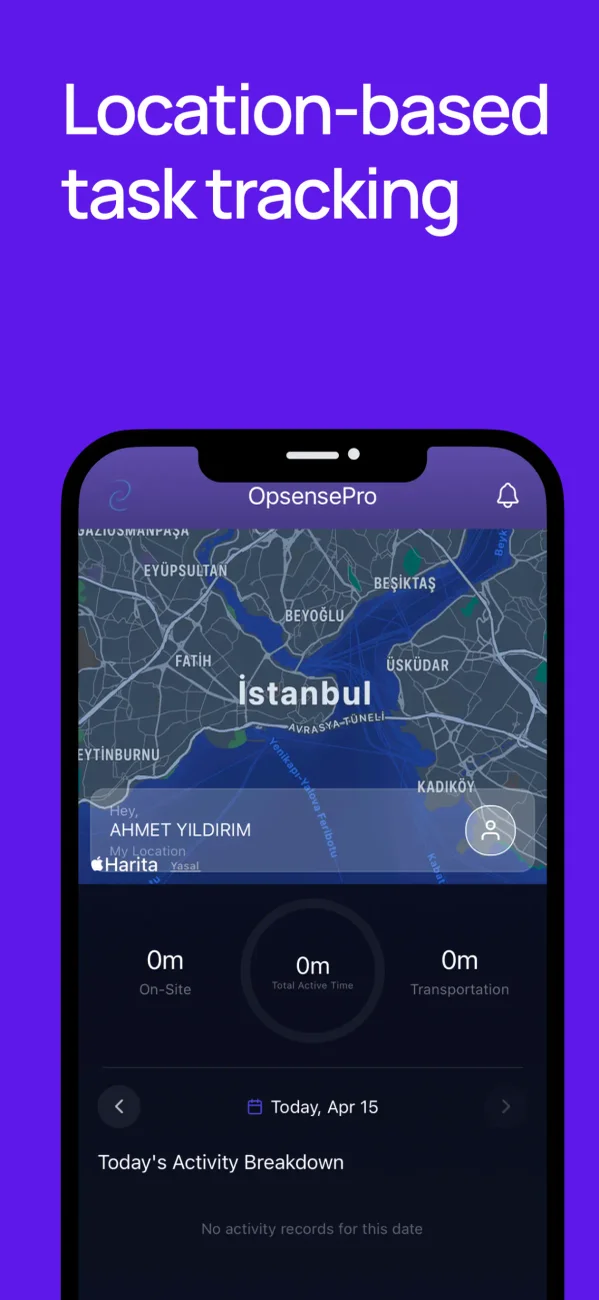
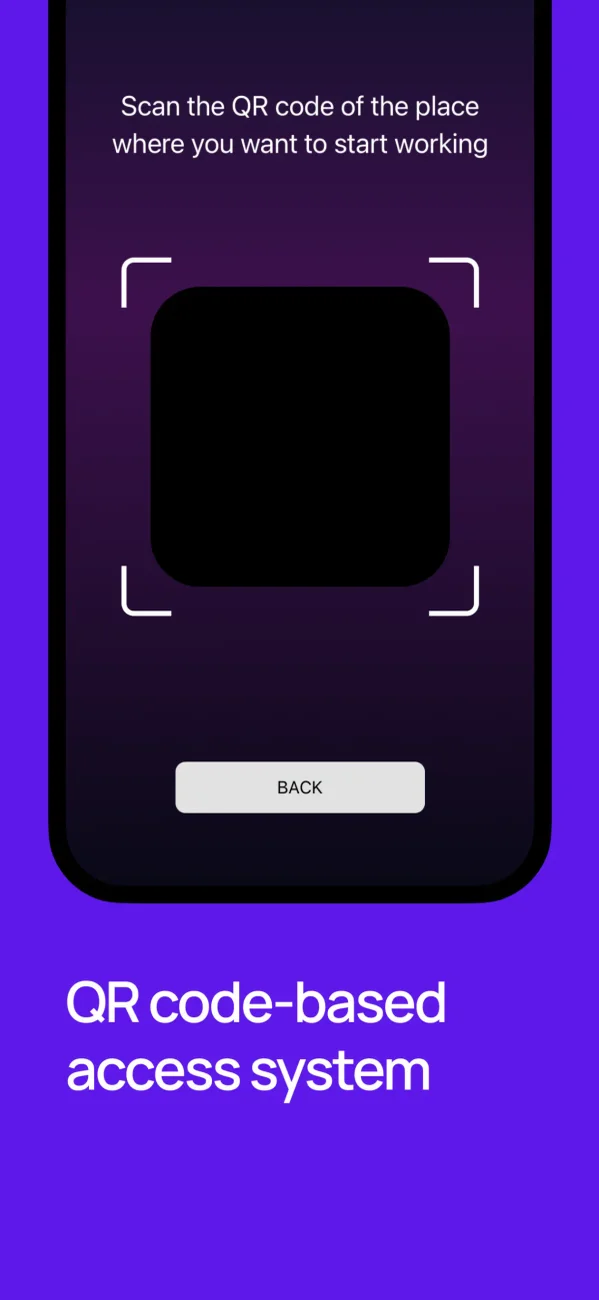
Tentang
Pengembang belum menyediakan teks ini dalam bahasa Anda.
With Opsense Pro, you can easily manage your workforce processes digitally and track attendance effortlessly within your business.
• You can store all your employees’ information in an organized way within a single system.
• You can integrate both your in-house staff and subcontractor teams into the system.
• Attendance records are generated automatically and can be viewed instantly.
• You can manage your budget more efficiently by performing project-based cost analysis.
• You can quickly access important employee documents from anywhere.
• It offers tracking capabilities through various technologies such as mobile devices, GPS, RFID cards, and Bluetooth.
Yang baru
Versi 1.2.4 · 6/11/2026
Release notes
For staff
Work orders
The home screen opens on a building that still has pending or in-progress work.
When the open work in the current building is finished, the app moves to the next building that still has pending or in-progress work.
A building you select yourself stays selected, including one whose work is already finished.
If every building for the day is finished, the first building in the list stays selected.
Room entry and videos
The “Do you want to enter the room?” prompt appears only for work orders that have not been started.
In-progress and completed work orders no longer ask for room entry again.
On an in-progress work order, tapping a gray Before or After chip opens the video page. Green chips still mean a video is already uploaded.
Video upload
After a video is queued, you return to the home screen right away.
A message confirms that the video is uploading in the background and that you can continue working.
AI audit
If an audit is already running, the report screen says the audit is in progress and asks you to wait.
If a new audit is queued, the screen says it has been queued.
If this work order has no audit yet, the Audit button stays available.
Calendar
The month name follows the language selected in the app.
For admins
AI Visor on work orders
Work order cards that have a before or after video now include AI Visor.
The report shows scores, before and after videos, highlights, issues, and the before/after condition.
Re-audit uses the same states as the staff app: in progress, queued, or ready to start.
A running audit is not shown as a failure. A work order with no audit yet still offers the Audit action.
Schedule
Work order labels and the calendar month follow the app language. In English they read “Work Order,” not “İş Emri.”
Issues
The report-an-issue screen uses clearer labels, validation, permission messages, and a success confirmation, including when a location is set by QR.
Privasi aplikasi
Yang dinyatakan CMV TEKNOLOJI SANAYI VE TICARET LIMITED SIRKETI di App Store tentang cara aplikasi ini menangani data.
-
Data yang tidak ditautkan dengan Anda
Dapat dikumpulkan, tetapi tidak ditautkan dengan identitas Anda.
- Lokasi
- Info kontak
- Konten pengguna
- Data penggunaan
- Diagnostik
Praktik privasi dapat bervariasi, misalnya berdasarkan fitur yang Anda gunakan atau usia Anda.
Informasi
- Penjual
- CMV TEKNOLOJI SANAYI VE TICARET LIMITED SIRKETI
- Kategori
- Kegunaan
- Versi
- 1.2.4
- Diperbarui
- 6/11/2026
- Dirilis
- 19/4/2026
- Ukuran
- 60,1 MB
- Memerlukan
- iOS 15.1 atau yang lebih baru
- Batasan usia
- 4+
- Harga
- Gratis
- Bahasa
- Inggris
- Hak cipta
- © CMV TEKNOLOJI SANAYI VE TICARET LIMITED SIRKETI
Mungkin Anda juga suka
-
 Quick TillsKegunaan
-
 KlevioKegunaan
-
 Tivi: Remote TV UniversalRemot Smart TV Samsung,LG,Sony
-
 Ware: Recover Deleted MessagesKegunaan
-
 Pembaca dan Penulis Tag NFCPemindai NFC dan Info Tag
-
 Kendali Jarak Jauh untuk Ro-TVKontrol Smart TV Anda
-
 Instant Story Saver: Repost IGKegunaan
-
 NFC Reader & Writer ToolsQuick Tag Interaction
-
 VPN USA GratisProksi Tanpa Batas PlanetVPN