
- 対象年齢4+
- カテゴリユーティリティ
- 開発元CMV TEKNOLOJI SANAYI VE TICARET LIMITED SIRKETI
- 言語英語
- サイズ60.1 MB
App Storeの公式ページにリンクしています
Download.orgはOpsense Proのファイルを一切ホストしていません。ボタンを押すと、CMV TEKNOLOJI SANAYI VE TICARET LIMITED SIRKETIが公開しているApp Storeのアプリページが開きます。ページの最終確認:2026/11/13。
スクリーンショット
概要
開発元はこのテキストをお使いの言語で提供していません。
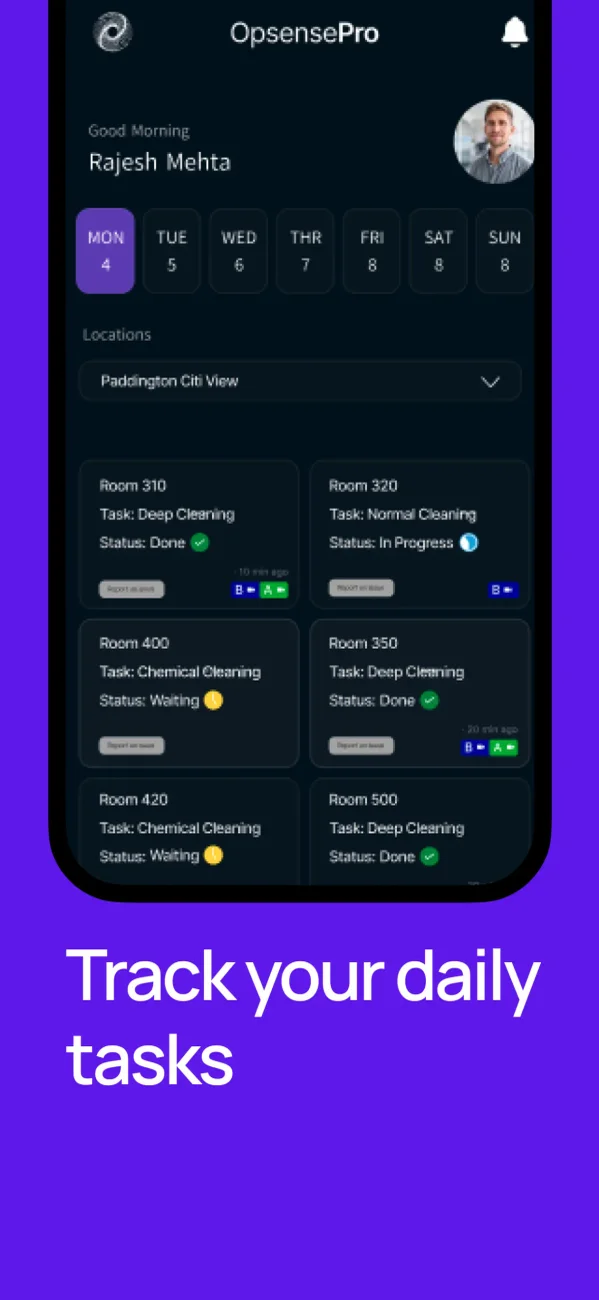
With Opsense Pro, you can easily manage your workforce processes digitally and track attendance effortlessly within your business.
• You can store all your employees’ information in an organized way within a single system.
• You can integrate both your in-house staff and subcontractor teams into the system.
• Attendance records are generated automatically and can be viewed instantly.
• You can manage your budget more efficiently by performing project-based cost analysis.
• You can quickly access important employee documents from anywhere.
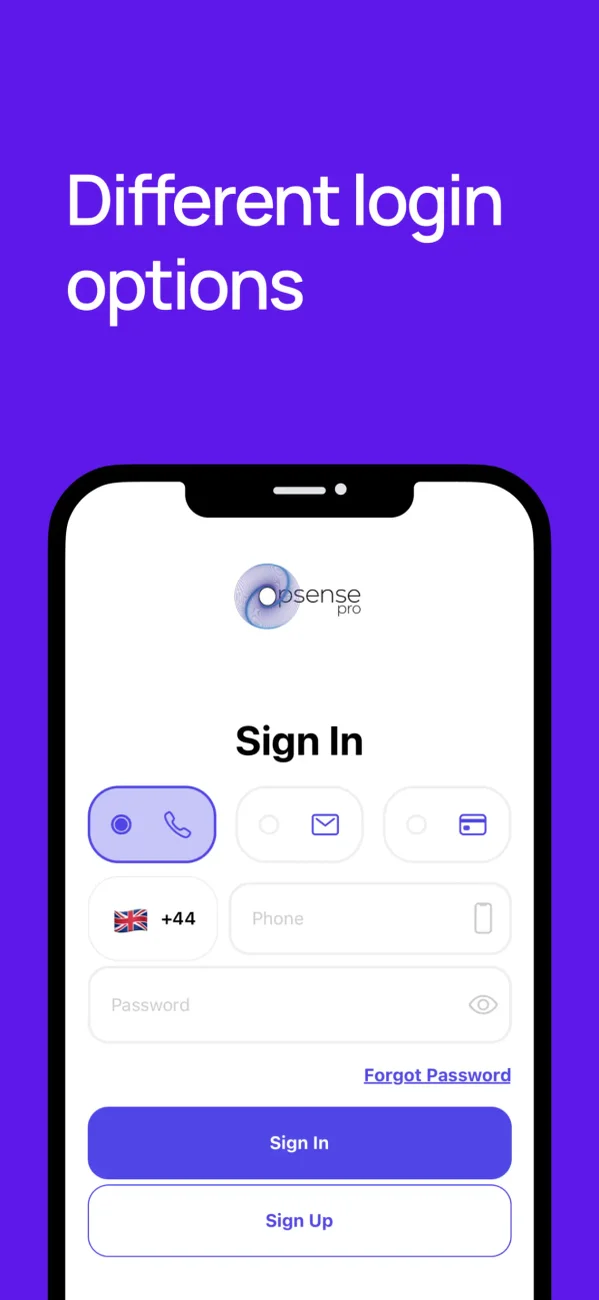
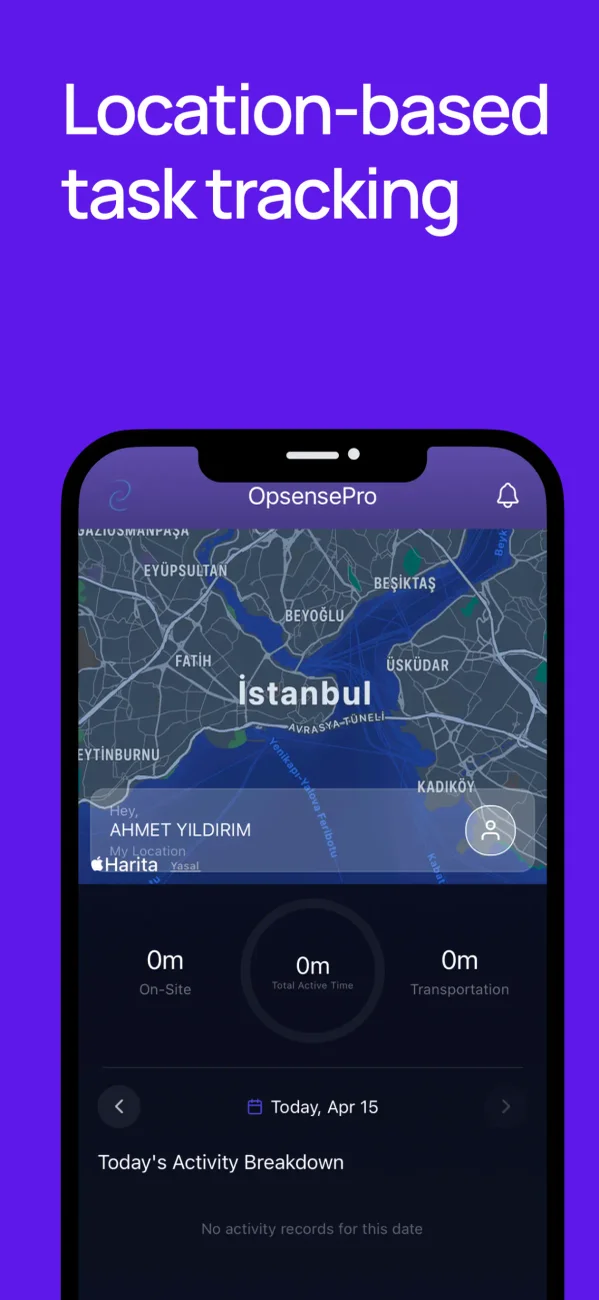
• It offers tracking capabilities through various technologies such as mobile devices, GPS, RFID cards, and Bluetooth.
新機能
バージョン 1.2.4 · 2026/11/6
Release notes
For staff
Work orders
The home screen opens on a building that still has pending or in-progress work.
When the open work in the current building is finished, the app moves to the next building that still has pending or in-progress work.
A building you select yourself stays selected, including one whose work is already finished.
If every building for the day is finished, the first building in the list stays selected.
Room entry and videos
The “Do you want to enter the room?” prompt appears only for work orders that have not been started.
In-progress and completed work orders no longer ask for room entry again.
On an in-progress work order, tapping a gray Before or After chip opens the video page. Green chips still mean a video is already uploaded.
Video upload
After a video is queued, you return to the home screen right away.
A message confirms that the video is uploading in the background and that you can continue working.
AI audit
If an audit is already running, the report screen says the audit is in progress and asks you to wait.
If a new audit is queued, the screen says it has been queued.
If this work order has no audit yet, the Audit button stays available.
Calendar
The month name follows the language selected in the app.
For admins
AI Visor on work orders
Work order cards that have a before or after video now include AI Visor.
The report shows scores, before and after videos, highlights, issues, and the before/after condition.
Re-audit uses the same states as the staff app: in progress, queued, or ready to start.
A running audit is not shown as a failure. A work order with no audit yet still offers the Audit action.
Schedule
Work order labels and the calendar month follow the app language. In English they read “Work Order,” not “İş Emri.”
Issues
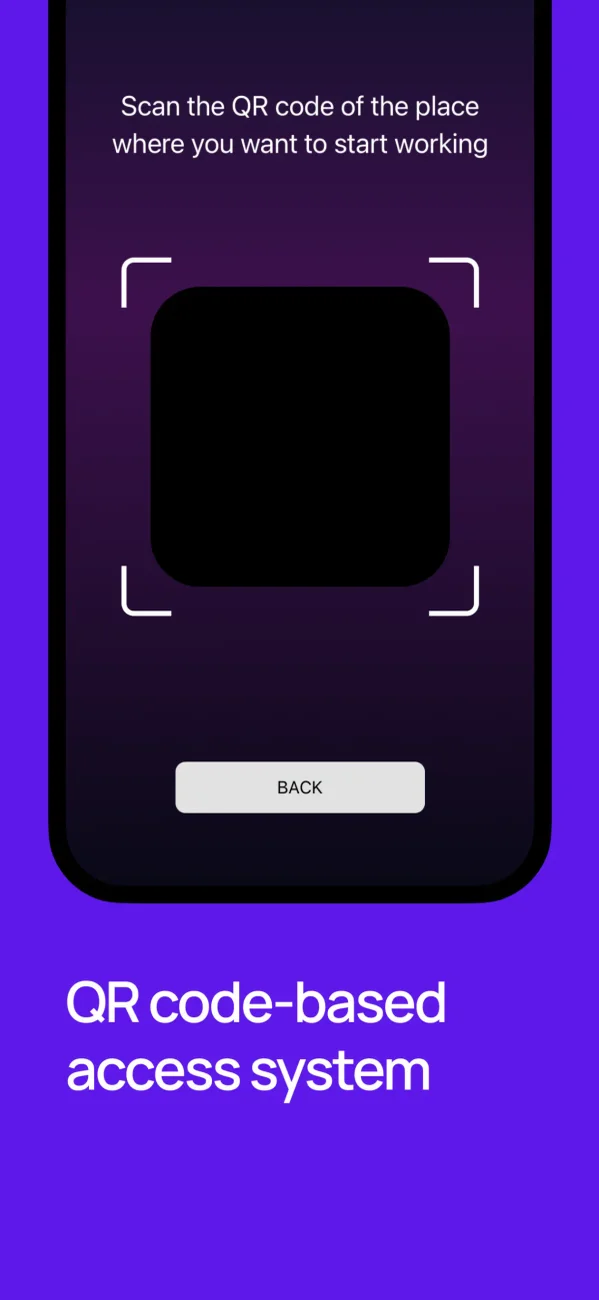
The report-an-issue screen uses clearer labels, validation, permission messages, and a success confirmation, including when a location is set by QR.
アプリのプライバシー
このアプリのデータの取り扱いについて、CMV TEKNOLOJI SANAYI VE TICARET LIMITED SIRKETIがApp Storeで申告している内容です。
-
ユーザーに関連付けられないデータ
収集される場合がありますが、ユーザーの識別情報には関連付けられません。
- 位置情報
- 連絡先情報
- ユーザーコンテンツ
- 使用状況データ
- 診断
プライバシーの取り扱いは、ご利用の機能やお客様の年齢などに応じて異なる場合があります。
情報
- 販売元
- CMV TEKNOLOJI SANAYI VE TICARET LIMITED SIRKETI
- カテゴリ
- ユーティリティ
- バージョン
- 1.2.4
- 更新日
- 2026/11/6
- リリース
- 2026/4/19
- サイズ
- 60.1 MB
- 必要条件
- iOS 15.1以降
- 対象年齢
- 4+
- 価格
- 無料
- 言語
- 英語
- 著作権
- © CMV TEKNOLOJI SANAYI VE TICARET LIMITED SIRKETI
こちらもおすすめ
-
 Quick Tillsユーティリティ
-
 Klevioユーティリティ
-
 Tivi: テレビリモコン 万能アプリソニー パナソニック シャープ スマホで操作
-
 Ware: Recover Deleted Messagesユーティリティ
-
 NFCタグリーダー&ライターNFCスキャナー&タグ情報
-
 Ro-TV用リモコン – テレビ用スマートリモコンテレビリモコン シャープ ー リモコンアプリ
-
 Insta Story Saver: Repost IG動画保存 写真 ダウンロード ストーリー 高画質 リール
-
 NFC Reader & Writer Toolsユーティリティ
-
 USA VPN - Private & Fastユーティリティ