OSC Timer
Advanced OSC controlled timer
Dirancang untuk iPhone, iPad, Mac
Rp 79ribu
- Batasan usia4+
- KategoriKegunaan
- PengembangRasmus Kreiner
- BahasaInggris
- Ukuran16,1 MB
Tertaut ke halaman resmi App Store
Download.org tidak menyimpan file OSC Timer apa pun. Tombol ini membuka halaman aplikasi di App Store, tempat Rasmus Kreiner menerbitkannya. Halaman terakhir diperiksa pada 18/11/2026.
Tangkapan layar

Tentang
Pengembang belum menyediakan teks ini dalam bahasa Anda.
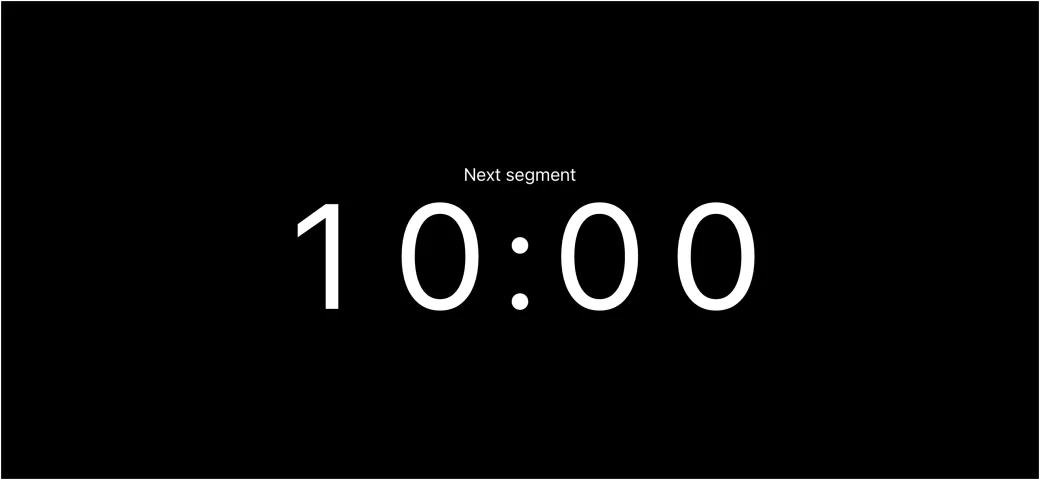
In the fast-paced world of presentations and entertainment, timing is everything. Yet, integrating show control software with traditional timer equipment has long been a challenge. Enter OSC Timer—a powerful, customizable solution designed to seamlessly bridge this gap.
With Open Sound Control (OSC) embedded in nearly every show control software today, OSC Timer offers a robust and scalable timer that perfectly fits into any networked AV setup. Whether you need a single timer or multiple, OSC Timer adapts to your needs, providing unparalleled control and flexibility.
Real-time Control & Customization:
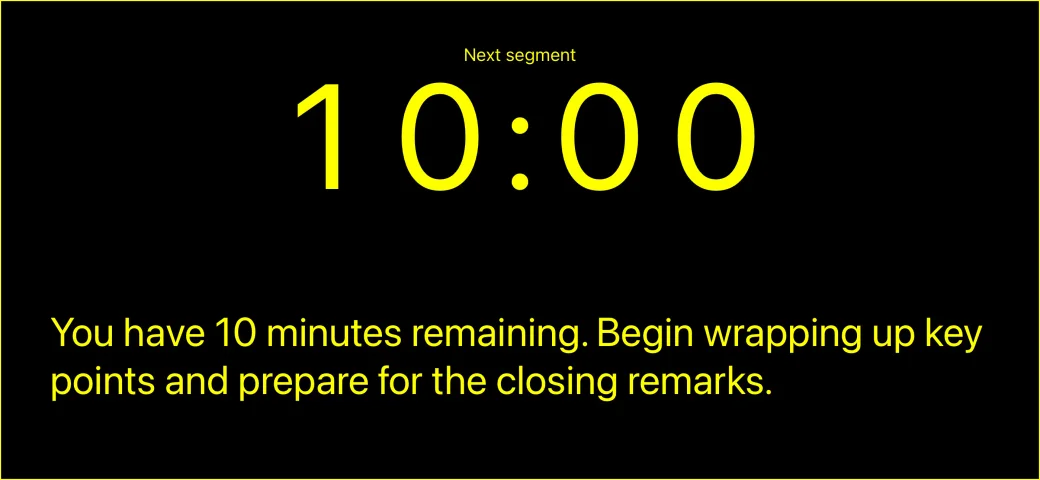
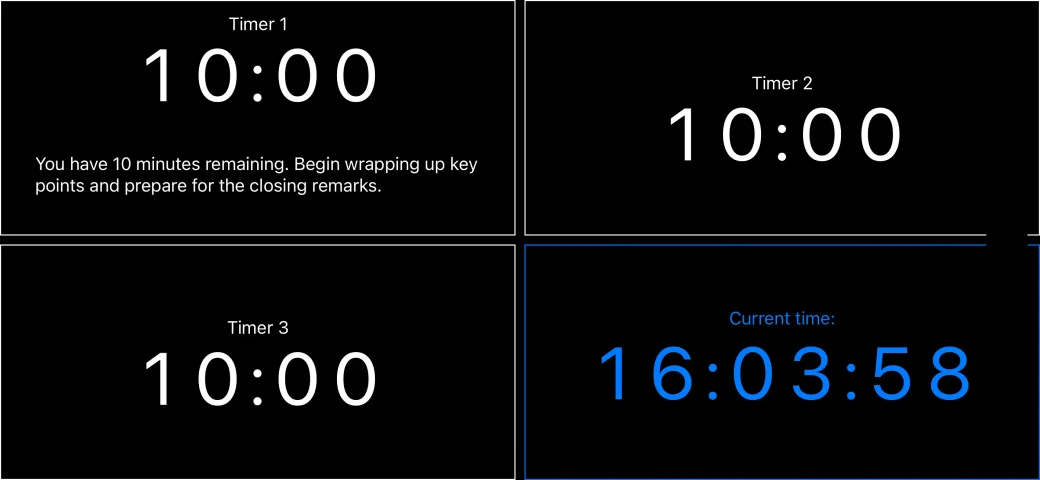
Thanks to OSC, you can control every aspect of the timer in real time—from starting, stopping, and resetting to adjusting colors, scaling, and at-end behaviors—all on the fly. The app’s versatility allows for multiple timers to run simultaneously, display system time, and even send OSC messages triggered at user-defined intervals.
Enhanced Broadcast Features:
Broadcast time, warnings, or custom messages across your network with ease. OSC Timer can subscribe to or unsubscribe from specific OSC messages, ensuring precise communication throughout your show.
Dynamic Layout & Display:
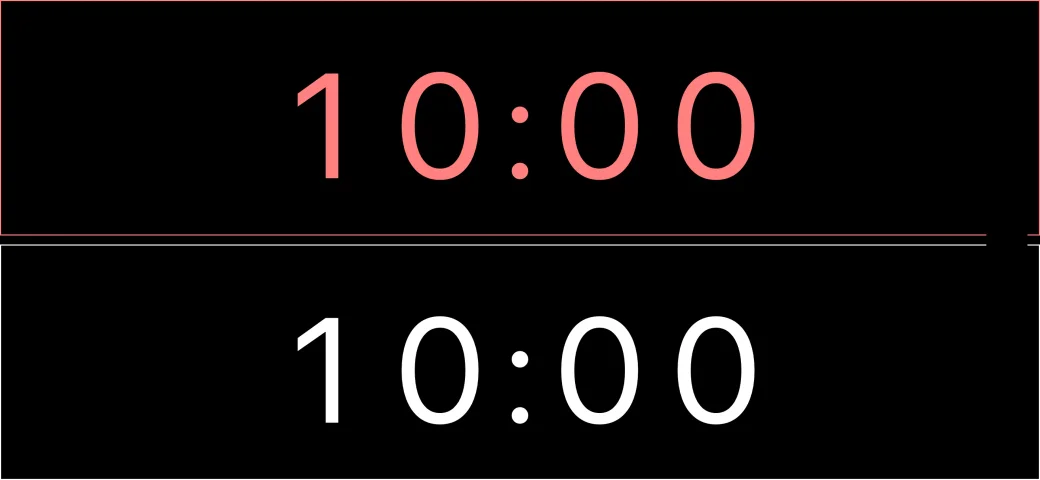
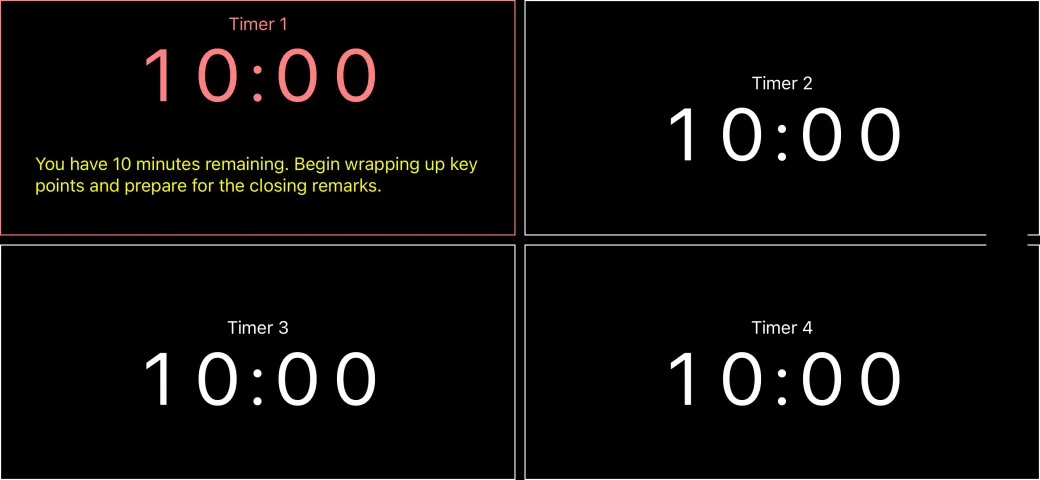
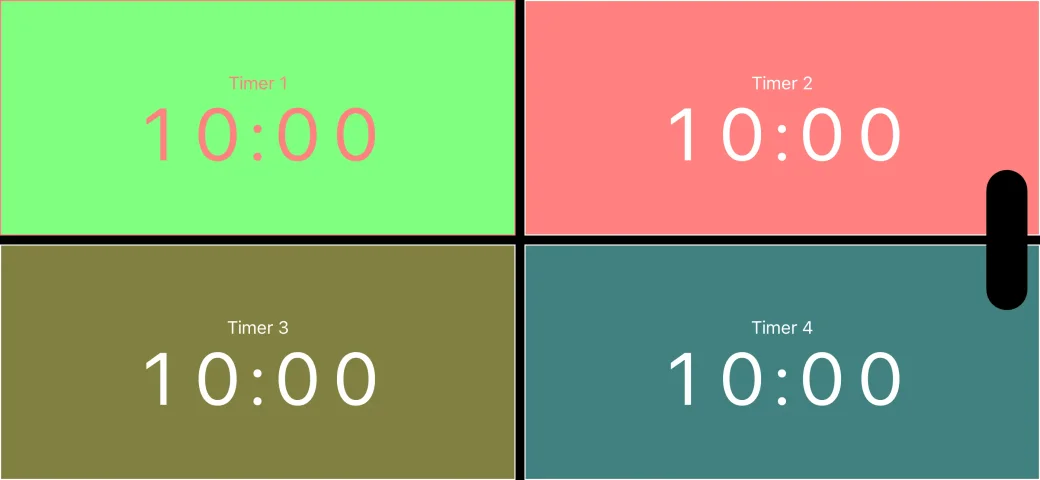
Arrange your timer display to suit your event’s needs—whether it’s a single timer dominating the screen or a multi-slot layout showing different timers, broadcasts, or even a system clock. The display is fully flexible, allowing you to tailor it perfectly to your requirements.
Extensive OSC API:
Explore the full potential of OSC Timer with an extensive OSC API that lets you manipulate everything from font size and alignment to background colors and border styles. Whether it’s adjusting the brightness, setting the text alignment, or configuring alert zones, OSC Timer gives you the tools to create the perfect timing setup.
Growing Feature Set:
OSC Timer is constantly evolving. We welcome feature requests at osctimer@rasmuskreiner.dk, and we’re committed to making this app the ultimate tool for time management in the entertainment and presentation industries.
For a complete list of features, templates, and the full OSC API, visit http://rasmuskreiner.dk/OSCTIMER/OSCTIMER.html.
Yang baru
Versi 2.2.1 · 10/6/2025
• Added support for countdown to a specific time of day, including full timezone selection (UTC -12 to UTC +14).
• Border rendering updated:
• Now follows screen/window curvature
• Eliminated spacing artifacts for a cleaner appearance
• Timer windows on macOS can now be set to float always-on-top.
• New Settings window introduced:
• Configure number of slots and layouts
• Independently set OSC ports per timer
• Accessible via Command + , on macOS or double-tap gesture on mobile devices
• Full Bitfocus Companion integration for remote and automated control.
• Internal datastore architecture moved to separate file structure for improved stability and maintainability.
• Minor graphical adjustments and performance optimizations.
Privasi aplikasi
Yang dinyatakan Rasmus Kreiner di App Store tentang cara aplikasi ini menangani data.
-
Data tidak dikumpulkan
Pengembang tidak mengumpulkan data apa pun dari aplikasi ini.
Praktik privasi dapat bervariasi, misalnya berdasarkan fitur yang Anda gunakan atau usia Anda.
Informasi
- Penjual
- Rasmus Kreiner
- Kategori
- Kegunaan
- Versi
- 2.2.1
- Diperbarui
- 10/6/2025
- Dirilis
- 5/4/2021
- Ukuran
- 16,1 MB
- Memerlukan
- iOS 16.0 atau yang lebih baru
- Batasan usia
- 4+
- Harga
- Rp 79ribu
- Bahasa
- Inggris
- Hak cipta
- © Rasmus Kreiner