- 対象年齢4+
- カテゴリユーティリティ
- 開発元Rasmus Kreiner
- 言語英語
- サイズ16.1 MB
App Storeの公式ページにリンクしています
Download.orgはOSC Timerのファイルを一切ホストしていません。ボタンを押すと、Rasmus Kreinerが公開しているApp Storeのアプリページが開きます。ページの最終確認:2026/11/18。
スクリーンショット

概要
開発元はこのテキストをお使いの言語で提供していません。
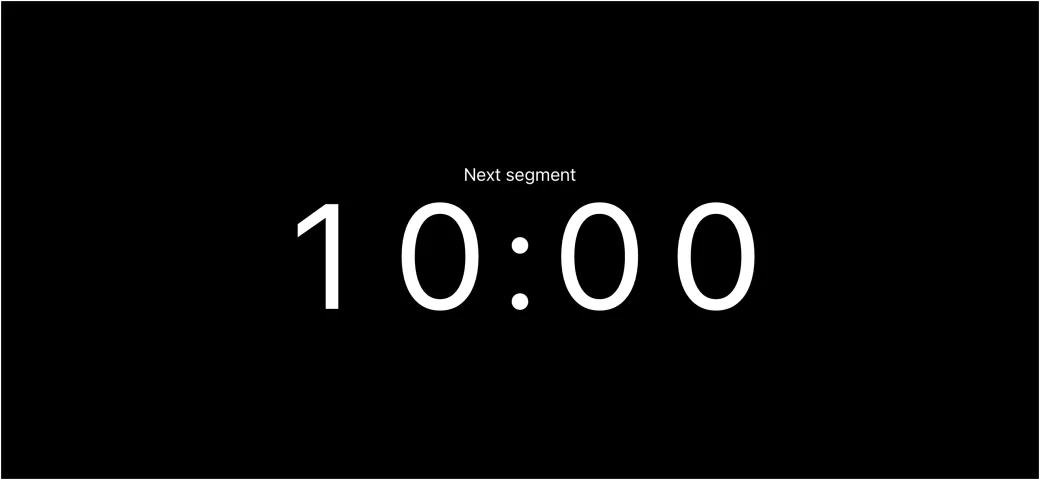
In the fast-paced world of presentations and entertainment, timing is everything. Yet, integrating show control software with traditional timer equipment has long been a challenge. Enter OSC Timer—a powerful, customizable solution designed to seamlessly bridge this gap.
With Open Sound Control (OSC) embedded in nearly every show control software today, OSC Timer offers a robust and scalable timer that perfectly fits into any networked AV setup. Whether you need a single timer or multiple, OSC Timer adapts to your needs, providing unparalleled control and flexibility.
Real-time Control & Customization:
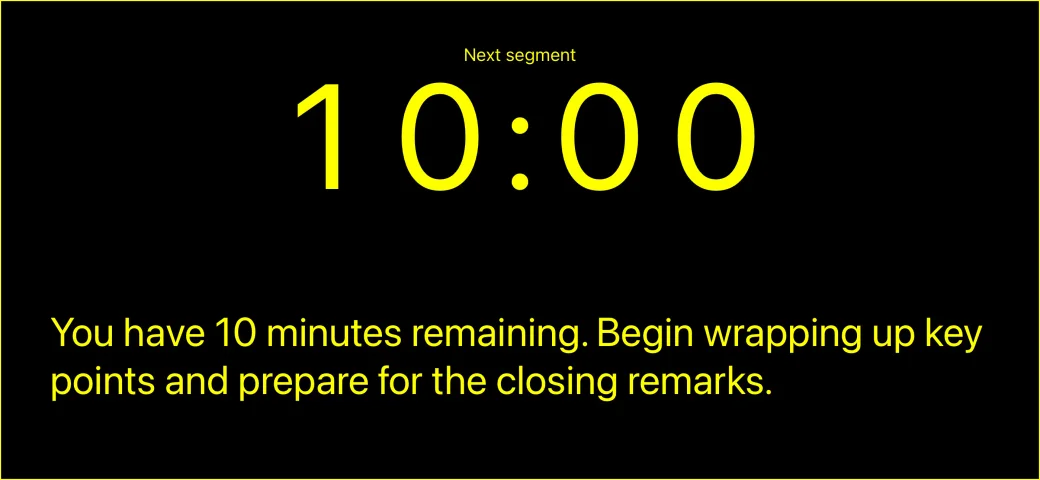
Thanks to OSC, you can control every aspect of the timer in real time—from starting, stopping, and resetting to adjusting colors, scaling, and at-end behaviors—all on the fly. The app’s versatility allows for multiple timers to run simultaneously, display system time, and even send OSC messages triggered at user-defined intervals.
Enhanced Broadcast Features:
Broadcast time, warnings, or custom messages across your network with ease. OSC Timer can subscribe to or unsubscribe from specific OSC messages, ensuring precise communication throughout your show.
Dynamic Layout & Display:
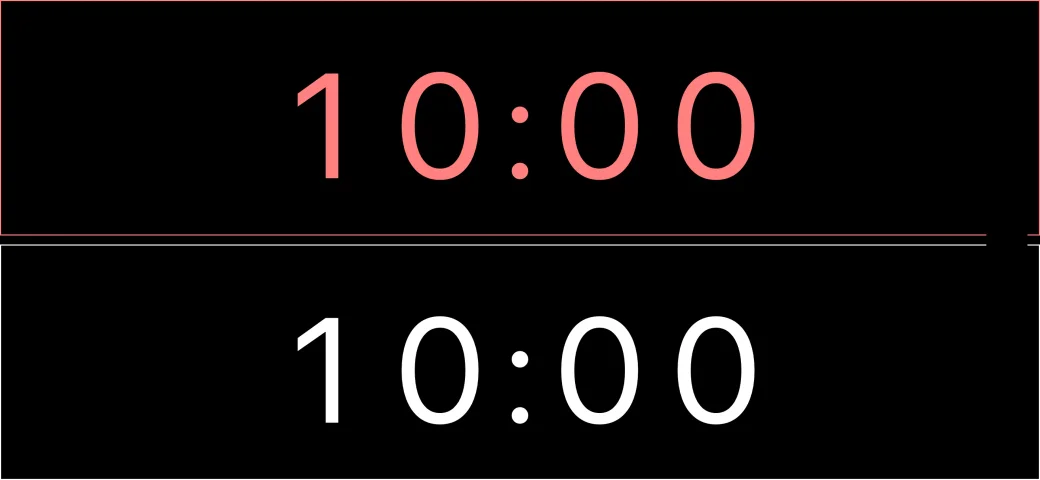
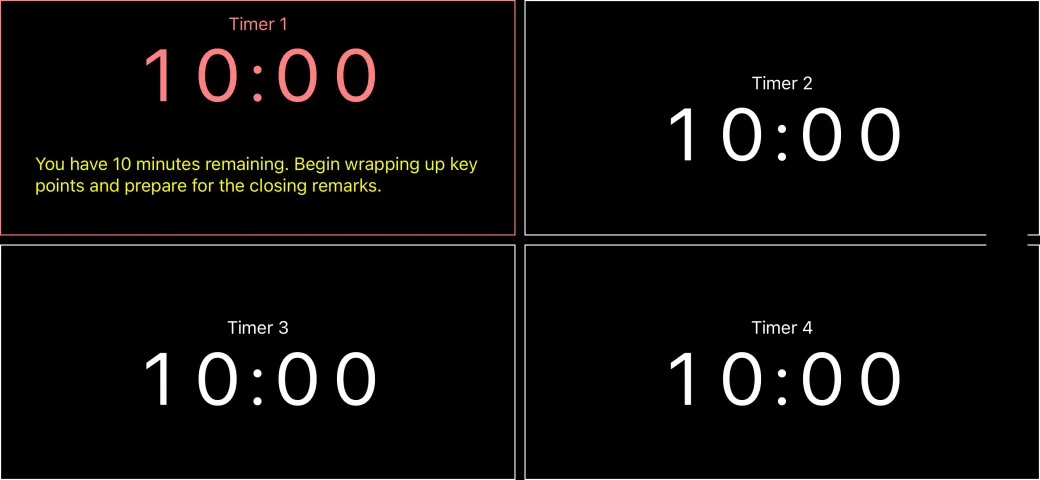
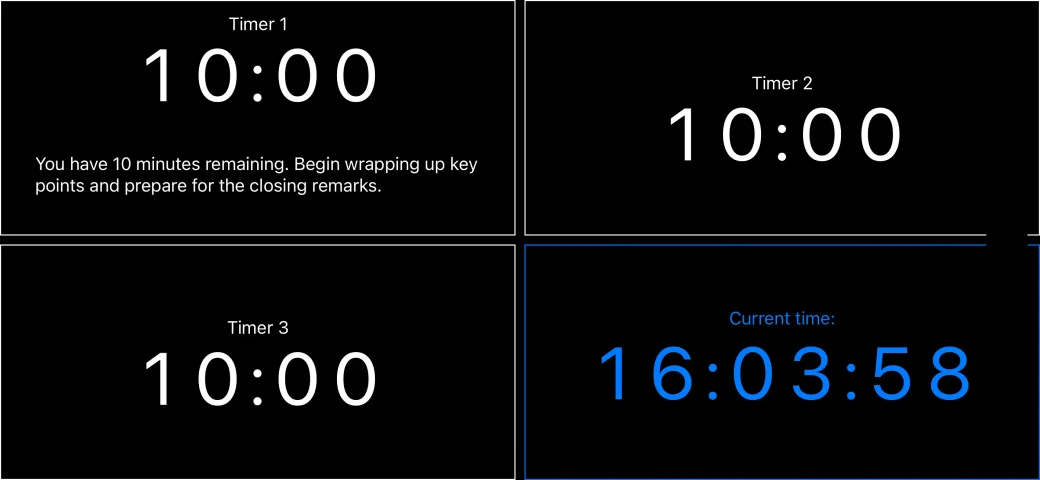
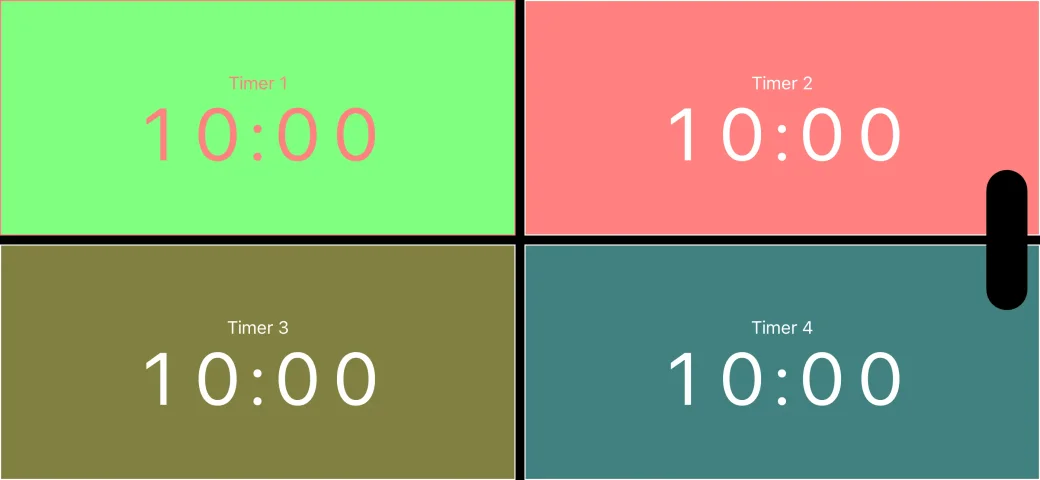
Arrange your timer display to suit your event’s needs—whether it’s a single timer dominating the screen or a multi-slot layout showing different timers, broadcasts, or even a system clock. The display is fully flexible, allowing you to tailor it perfectly to your requirements.
Extensive OSC API:
Explore the full potential of OSC Timer with an extensive OSC API that lets you manipulate everything from font size and alignment to background colors and border styles. Whether it’s adjusting the brightness, setting the text alignment, or configuring alert zones, OSC Timer gives you the tools to create the perfect timing setup.
Growing Feature Set:
OSC Timer is constantly evolving. We welcome feature requests at osctimer@rasmuskreiner.dk, and we’re committed to making this app the ultimate tool for time management in the entertainment and presentation industries.
For a complete list of features, templates, and the full OSC API, visit http://rasmuskreiner.dk/OSCTIMER/OSCTIMER.html.
新機能
バージョン 2.2.1 · 2025/6/10
• Added support for countdown to a specific time of day, including full timezone selection (UTC -12 to UTC +14).
• Border rendering updated:
• Now follows screen/window curvature
• Eliminated spacing artifacts for a cleaner appearance
• Timer windows on macOS can now be set to float always-on-top.
• New Settings window introduced:
• Configure number of slots and layouts
• Independently set OSC ports per timer
• Accessible via Command + , on macOS or double-tap gesture on mobile devices
• Full Bitfocus Companion integration for remote and automated control.
• Internal datastore architecture moved to separate file structure for improved stability and maintainability.
• Minor graphical adjustments and performance optimizations.
アプリのプライバシー
このアプリのデータの取り扱いについて、Rasmus KreinerがApp Storeで申告している内容です。
-
データの収集なし
開発元はこのアプリからデータを収集しません。
プライバシーの取り扱いは、ご利用の機能やお客様の年齢などに応じて異なる場合があります。
情報
- 販売元
- Rasmus Kreiner
- カテゴリ
- ユーティリティ
- バージョン
- 2.2.1
- 更新日
- 2025/6/10
- リリース
- 2021/4/5
- サイズ
- 16.1 MB
- 必要条件
- iOS 16.0以降
- 対象年齢
- 4+
- 価格
- ¥600
- 言語
- 英語
- 著作権
- © Rasmus Kreiner