OwnPlayer
TV player for your playlists
Dirancang untuk iPhone, iPad, Mac
Gratis · Pembelian dalam aplikasi
- Batasan usia17+
- KategoriHiburan
- PengembangTrung Nguyen Tran
- BahasaInggris
- Ukuran5,4 MB
Tertaut ke halaman resmi App Store
Download.org tidak menyimpan file OwnPlayer apa pun. Tombol ini membuka halaman aplikasi di App Store, tempat Trung Nguyen Tran menerbitkannya. Halaman terakhir diperiksa pada 23/11/2026.
Tangkapan layar
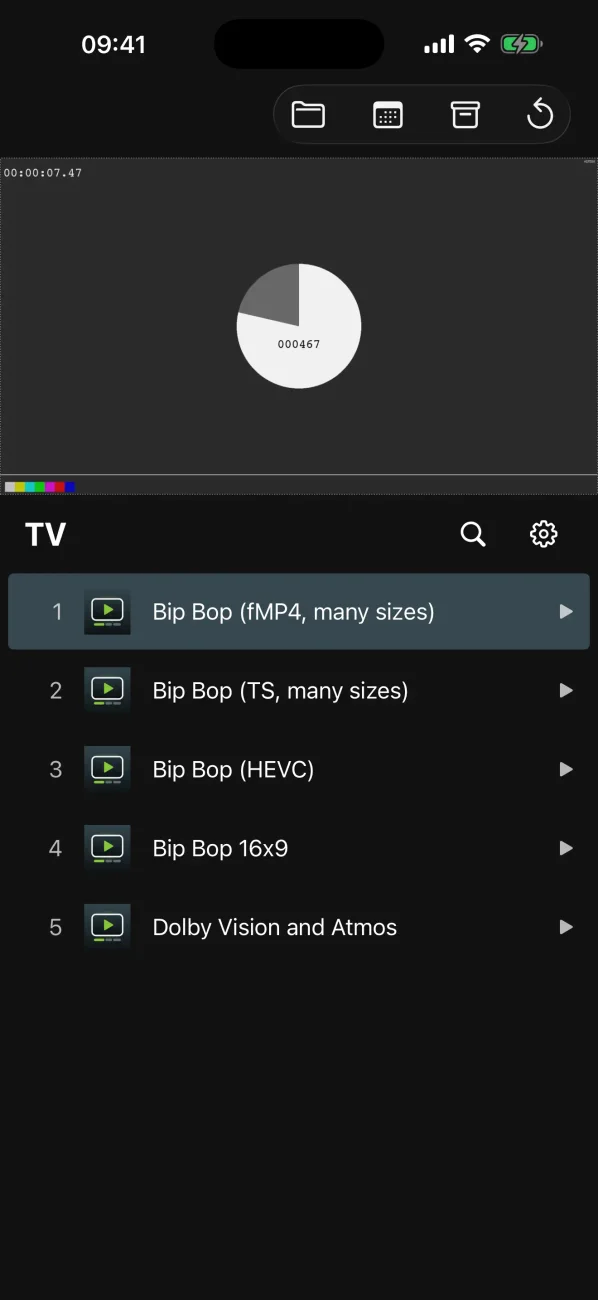

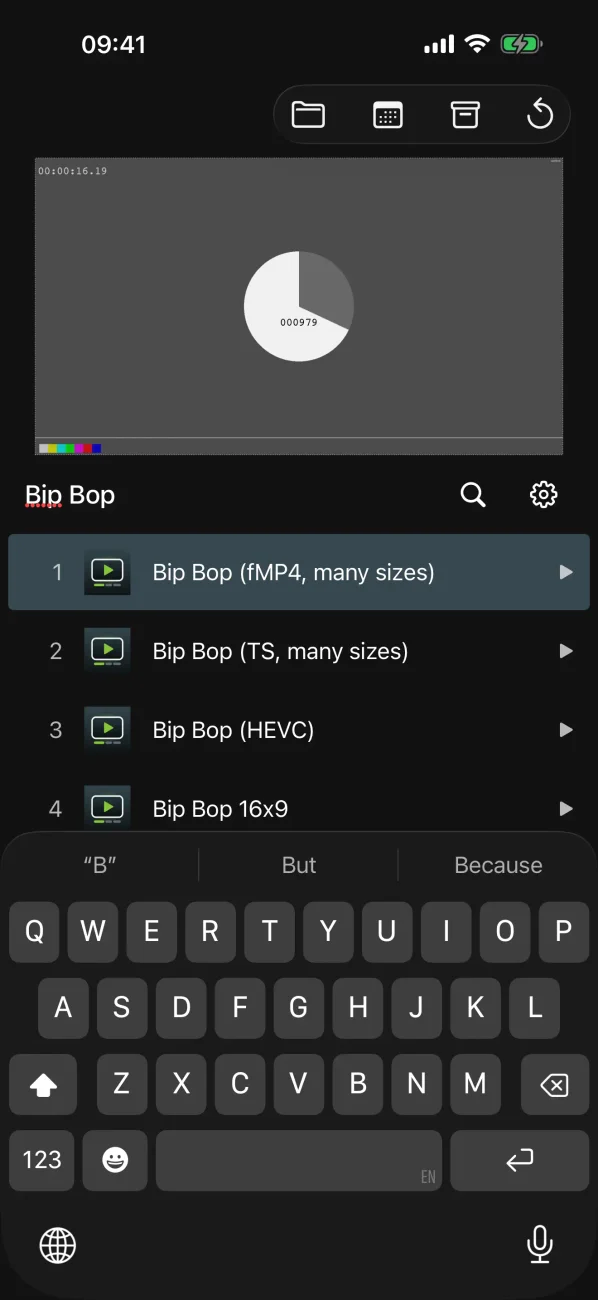

Tentang
Pengembang belum menyediakan teks ini dalam bahasa Anda.
OwnPlayer is a TV player for the playlists you already have. Add an M3U playlist, an Xtream Codes login or a Stalker Portal, and OwnPlayer shows your live channels, a TV guide, movies and shows in one place.
OwnPlayer comes with no channels or content. It plays only the sources you add, and you must have the right to watch them.
LIVE TV AND TV GUIDE
• Add XMLTV guides and see what is on now and next
• Channels find their guide by ID or by name
• Catch-up for past programs when your source supports it
• Program reminders and recordings
MOVIES AND SHOWS
• Browse the movies and shows your Xtream Codes or M3U source lists
• Pick up where you stopped, with Autoplay next episode
• Trailers when your source lists one
MADE FOR WATCHING
• Favorites, groups, search and voice search
• Multiview to watch more than one channel at once
• Picture in picture, audio tracks, video tracks and closed captions
• Backup links per channel that take over when a stream fails
• Open a stream in VLC, Infuse or Outplayer
YOUR DATA STAYS YOURS
• No account, no ads, no tracking
• Logins and your parental PIN stay in the Keychain
• Parental controls with a PIN
• Back up and restore your playlists and settings
Help and setup: https://ownplayer.siptv.link/support/
Yang baru
Versi 1.0.7 · 20/11/2026
Fixes:
- Movies and Shows open on the section you left, with the movie you watched last ready to play.
- The player bar always shows the name of what is playing, even in the small player on iPad.
- Resume and Play from beginning can be tapped while the player controls show.
- The close button of the movie and show screens is easier to tap.
- With a keyboard: when a movie offers to resume, Return resumes it and Esc plays it from the beginning. The arrow keys no longer switch to another movie.
- A tap anywhere on a channel or group row picks it, not only on its name.
- Recent channels lists only TV channels, not movies or shows.
- After a switch from the list to cards, the playing channel keeps its card marked.
- With a keyboard: after Settings, the TV guide or Multiview close over the cards, the keys work on the cards again.
- VoiceOver says which channel row is the playing one.
Privasi aplikasi
Yang dinyatakan Trung Nguyen Tran di App Store tentang cara aplikasi ini menangani data.
-
Data tidak dikumpulkan
Pengembang tidak mengumpulkan data apa pun dari aplikasi ini.
Praktik privasi dapat bervariasi, misalnya berdasarkan fitur yang Anda gunakan atau usia Anda.
Informasi
- Penjual
- Trung Nguyen Tran
- Kategori
- Hiburan
- Versi
- 1.0.7
- Diperbarui
- 20/11/2026
- Dirilis
- 12/11/2026
- Ukuran
- 5,4 MB
- Memerlukan
- iOS 17.0 atau yang lebih baru
- Batasan usia
- 17+
- Harga
- Gratis
- Pembelian dalam aplikasi
- Ya
- Bahasa
- Inggris
- Hak cipta
- © 2026 Trung Nguyen Tran