OwnPlayer
TV player for your playlists
Được thiết kế cho iPhone, iPad, Mac
Miễn phí · Mua hàng trong ứng dụng
- Độ tuổi17+
- Danh mụcGiải Trí
- Nhà phát triểnTrung Nguyen Tran
- Ngôn ngữTiếng Anh
- Kích thước5,4 MB
Liên kết đến trang App Store chính thức
Download.org không lưu trữ tệp nào của OwnPlayer. Nút này mở trang ứng dụng trên App Store, nơi Trung Nguyen Tran phát hành ứng dụng. Trang được kiểm tra lần cuối: 23/11/2026.
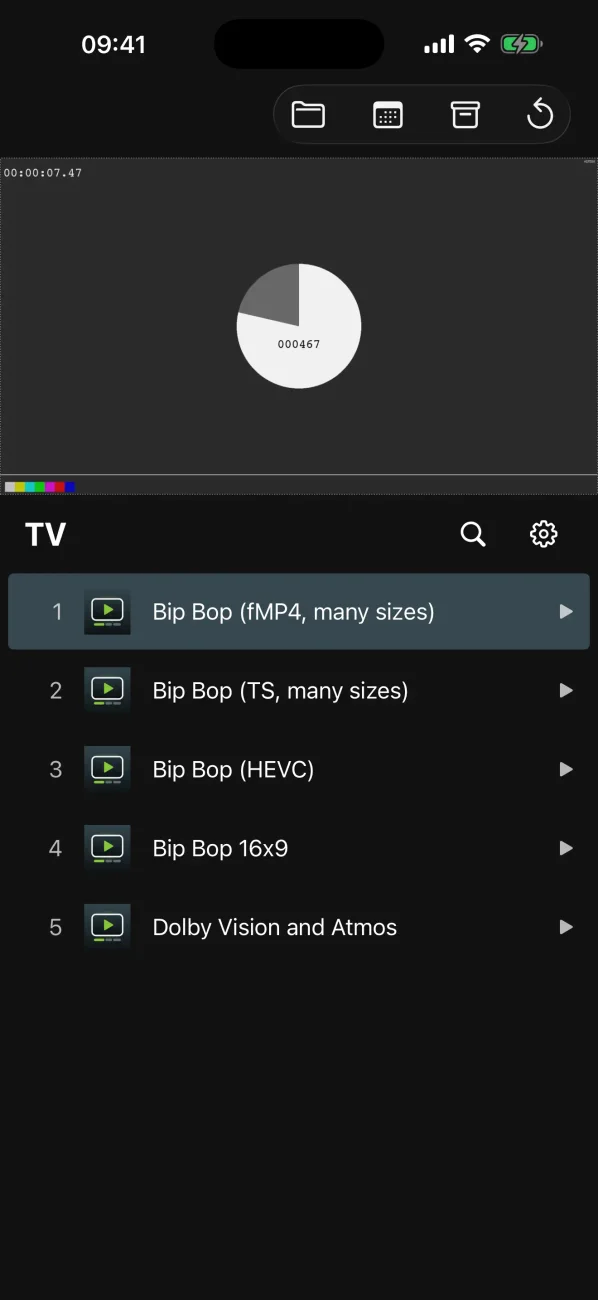
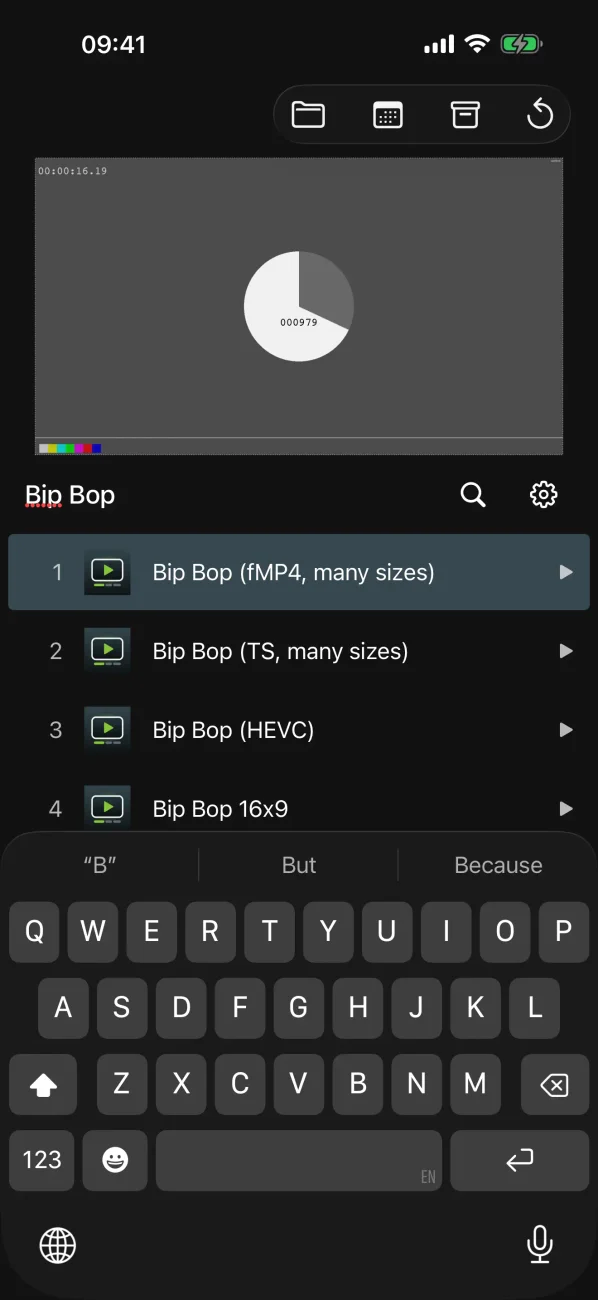
Ảnh chụp màn hình


Giới thiệu
Nhà phát triển chưa cung cấp nội dung này bằng ngôn ngữ của bạn.
OwnPlayer is a TV player for the playlists you already have. Add an M3U playlist, an Xtream Codes login or a Stalker Portal, and OwnPlayer shows your live channels, a TV guide, movies and shows in one place.
OwnPlayer comes with no channels or content. It plays only the sources you add, and you must have the right to watch them.
LIVE TV AND TV GUIDE
• Add XMLTV guides and see what is on now and next
• Channels find their guide by ID or by name
• Catch-up for past programs when your source supports it
• Program reminders and recordings
MOVIES AND SHOWS
• Browse the movies and shows your Xtream Codes or M3U source lists
• Pick up where you stopped, with Autoplay next episode
• Trailers when your source lists one
MADE FOR WATCHING
• Favorites, groups, search and voice search
• Multiview to watch more than one channel at once
• Picture in picture, audio tracks, video tracks and closed captions
• Backup links per channel that take over when a stream fails
• Open a stream in VLC, Infuse or Outplayer
YOUR DATA STAYS YOURS
• No account, no ads, no tracking
• Logins and your parental PIN stay in the Keychain
• Parental controls with a PIN
• Back up and restore your playlists and settings
Help and setup: https://ownplayer.siptv.link/support/
Có gì mới
Phiên bản 1.0.7 · 20/11/2026
Fixes:
- Movies and Shows open on the section you left, with the movie you watched last ready to play.
- The player bar always shows the name of what is playing, even in the small player on iPad.
- Resume and Play from beginning can be tapped while the player controls show.
- The close button of the movie and show screens is easier to tap.
- With a keyboard: when a movie offers to resume, Return resumes it and Esc plays it from the beginning. The arrow keys no longer switch to another movie.
- A tap anywhere on a channel or group row picks it, not only on its name.
- Recent channels lists only TV channels, not movies or shows.
- After a switch from the list to cards, the playing channel keeps its card marked.
- With a keyboard: after Settings, the TV guide or Multiview close over the cards, the keys work on the cards again.
- VoiceOver says which channel row is the playing one.
Quyền riêng tư của ứng dụng
Những gì Trung Nguyen Tran khai báo trên App Store về cách ứng dụng này xử lý dữ liệu.
-
Dữ liệu không được thu thập
Nhà phát triển không thu thập bất kỳ dữ liệu nào từ ứng dụng này.
Phương thức đảm bảo quyền riêng tư có thể khác nhau, chẳng hạn như tuỳ theo các tính năng bạn sử dụng hoặc độ tuổi của bạn.
Thông tin
- Người bán
- Trung Nguyen Tran
- Danh mục
- Giải Trí
- Phiên bản
- 1.0.7
- Cập nhật
- 20/11/2026
- Phát hành
- 12/11/2026
- Kích thước
- 5,4 MB
- Yêu cầu
- iOS 17.0 trở lên
- Độ tuổi
- 17+
- Giá
- Miễn phí
- Mua hàng trong ứng dụng
- Có
- Ngôn ngữ
- Tiếng Anh
- Bản quyền
- © 2026 Trung Nguyen Tran