PC Speaker
Wireless Speaker for Your PC
Dirancang untuk iPhone, iPad
Rp 39ribu
- Batasan usia4+
- KategoriKegunaan
- PengembangPurple Night Inc
- BahasaKorea
- Ukuran1,4 MB
Tertaut ke halaman resmi App Store
Download.org tidak menyimpan file PC Speaker apa pun. Tombol ini membuka halaman aplikasi di App Store, tempat Purple Night Inc menerbitkannya. Halaman terakhir diperiksa pada 12/11/2026.
Tangkapan layar

Tentang
Pengembang belum menyediakan teks ini dalam bahasa Anda.
Turn your iPhone or iPad into a high-fidelity wireless speaker for your PC.
Need a temporary speaker for your computer? Don't have a Bluetooth adapter, or simply want to listen to your PC audio from across the room? PC Speaker streams your computer's system audio directly to your iOS device over local Wi-Fi with ultra-low latency and crystal-clear quality.
REQUIRED COMPANION APP: To use this application, you must download the companion sender program on your PC by visiting "https://speaker.eggmango.com/". This desktop program is the essential module required to capture and transmit your PC's audio to your mobile device.
KEY FEATURES
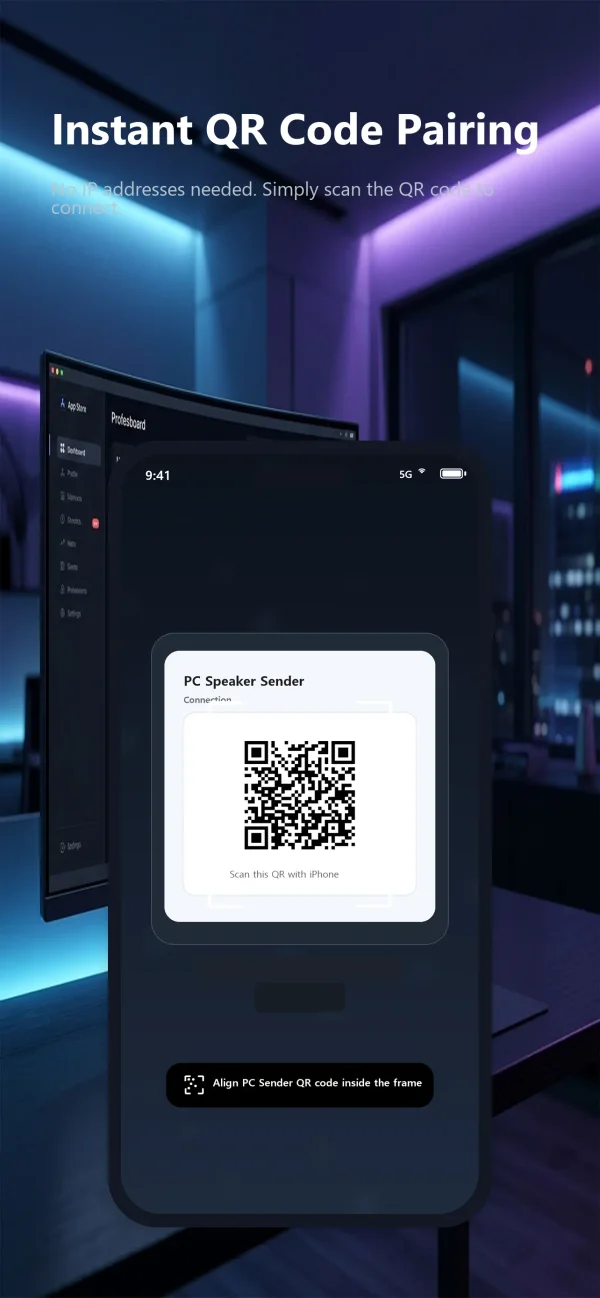
- Instant QR Code Pairing No need to type complex IP addresses or configure ports. Just run the companion app on your PC, scan the QR code displayed on the screen, and connection is established instantly.
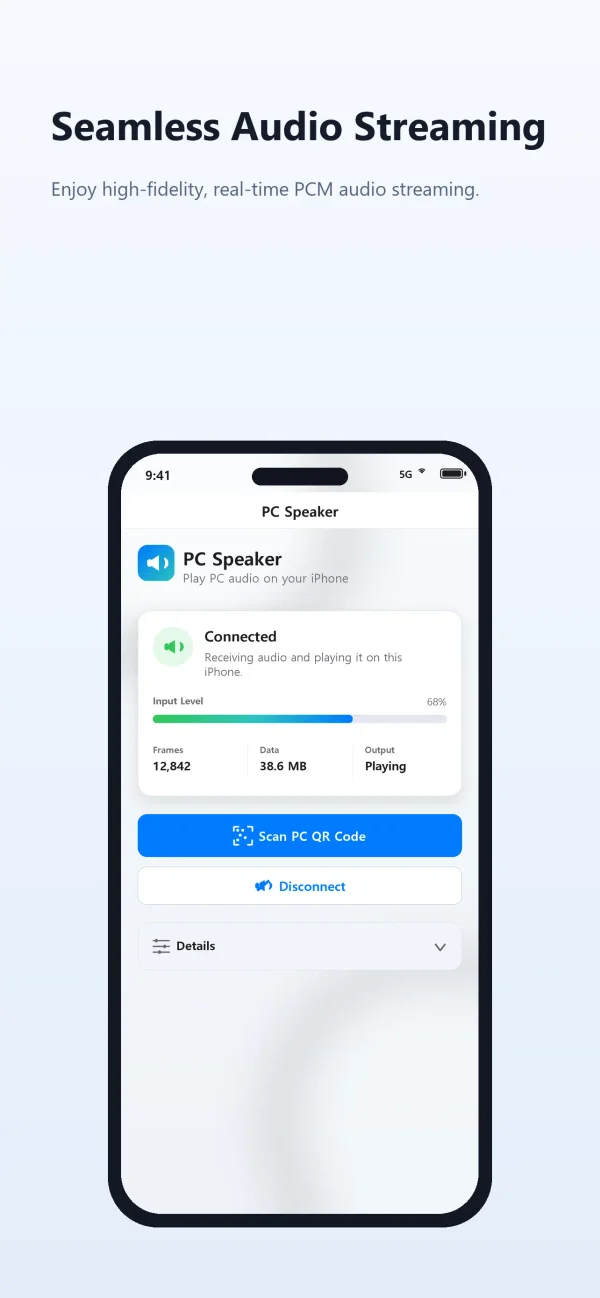
- High-Fidelity Audio Streaming Experience uncompressed Float32 PCM stereo audio at 48,000 Hz. Enjoy clean, high-quality computer sound directly through your iPhone's speakers or connected headphones.
- Ultra-Low Latency and Stability Optimized local WebSocket transmission ensures minimal audio delay, making it perfect for watching videos, listening to music, or monitoring PC audio output.
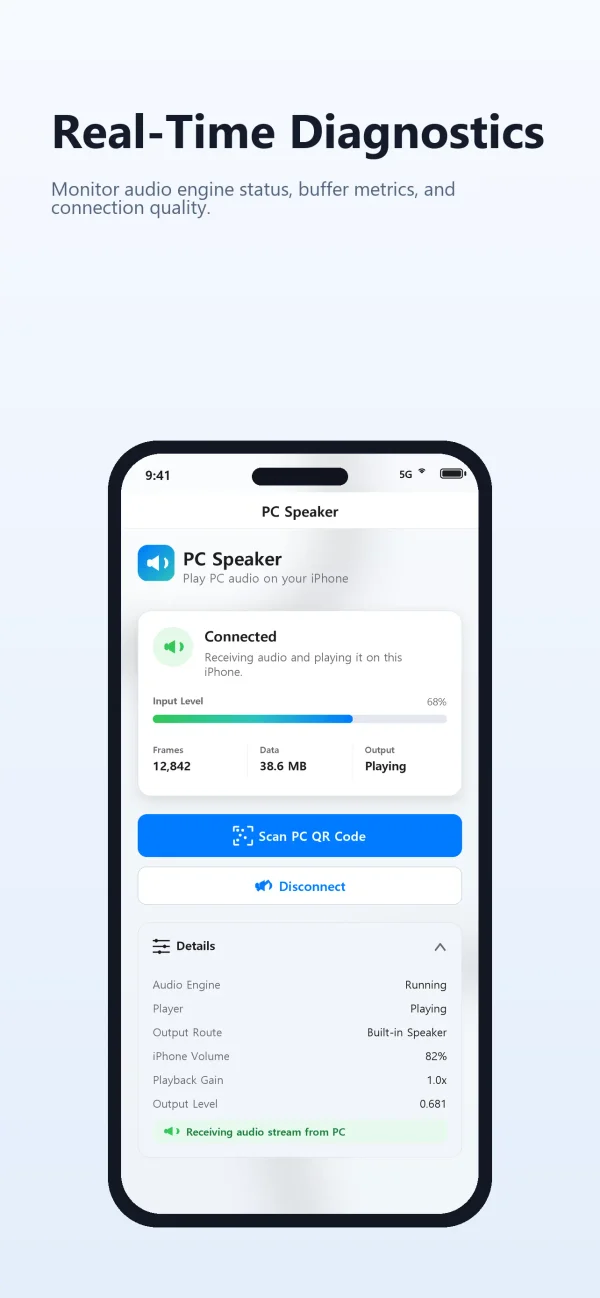
- Real-Time Diagnostics and Control Keep track of your audio stream status. The detailed in-app dashboard shows real-time stats like frames received, network data throughput, output routes, volume, and playback gain controls.
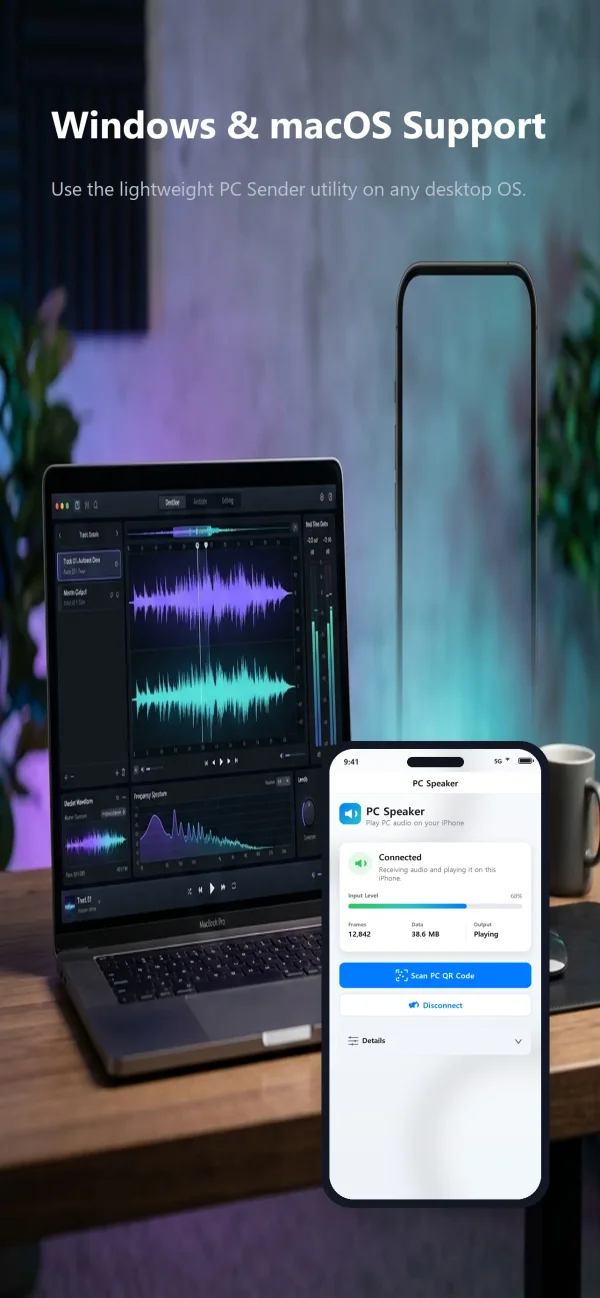
- Universal Desktop Support Works seamlessly with the lightweight companion sender app on both Windows and macOS systems.
HOW TO USE IT
1. On your PC (Windows or macOS), go to "https://speaker.eggmango.com/" to download and run the required companion PC Speaker Sender program.
2. Open this app on your iPhone or iPad.
3. Scan the QR code displayed on your PC screen.
4. Your PC audio will immediately start playing through your iOS device!
Yang baru
Versi 1.1.2 · 6/8/2026
Connection Issue Fixed: Resolved a critical network issue (ATS restriction) where the app failed to connect to the PC Sender over certain network environments (e.g., VPNs or different subnets).
Privasi aplikasi
Yang dinyatakan Purple Night Inc di App Store tentang cara aplikasi ini menangani data.
-
Data tidak dikumpulkan
Pengembang tidak mengumpulkan data apa pun dari aplikasi ini.
Praktik privasi dapat bervariasi, misalnya berdasarkan fitur yang Anda gunakan atau usia Anda.
Informasi
- Penjual
- PURPLE NIGHT Inc
- Kategori
- Kegunaan
- Versi
- 1.1.2
- Diperbarui
- 6/8/2026
- Dirilis
- 18/6/2026
- Ukuran
- 1,4 MB
- Memerlukan
- iOS 16.0 atau yang lebih baru
- Batasan usia
- 4+
- Harga
- Rp 39ribu
- Bahasa
- Korea
- Hak cipta
- © 2026 PURPLE NIGHT Inc. All rights reserved.