- Age rating4+
- CategoryUtilities
- DeveloperPurple Night Inc
- LanguagesKorean
- Size1.4 MB
Links to the official App Store page
Download.org hosts no file of PC Speaker. The button opens its official App Store page, published by Purple Night Inc. Listing last checked on Nov 12, 2026.
Screenshots

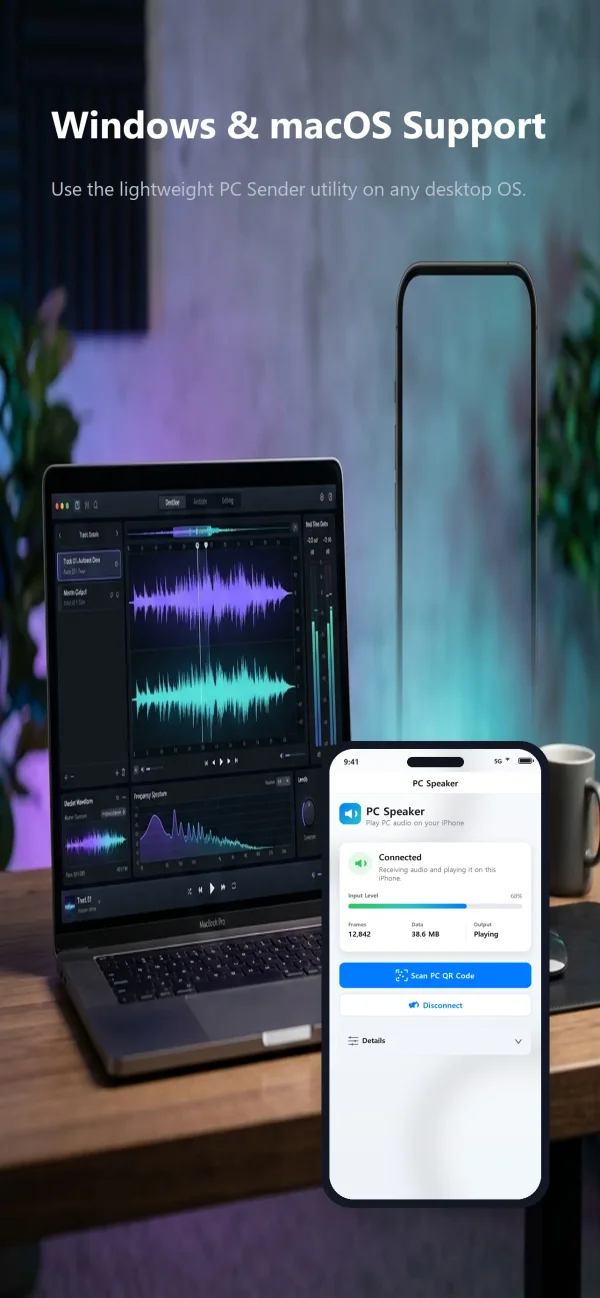
About
Turn your iPhone or iPad into a high-fidelity wireless speaker for your PC.
Need a temporary speaker for your computer? Don't have a Bluetooth adapter, or simply want to listen to your PC audio from across the room? PC Speaker streams your computer's system audio directly to your iOS device over local Wi-Fi with ultra-low latency and crystal-clear quality.
REQUIRED COMPANION APP: To use this application, you must download the companion sender program on your PC by visiting "https://speaker.eggmango.com/". This desktop program is the essential module required to capture and transmit your PC's audio to your mobile device.
KEY FEATURES
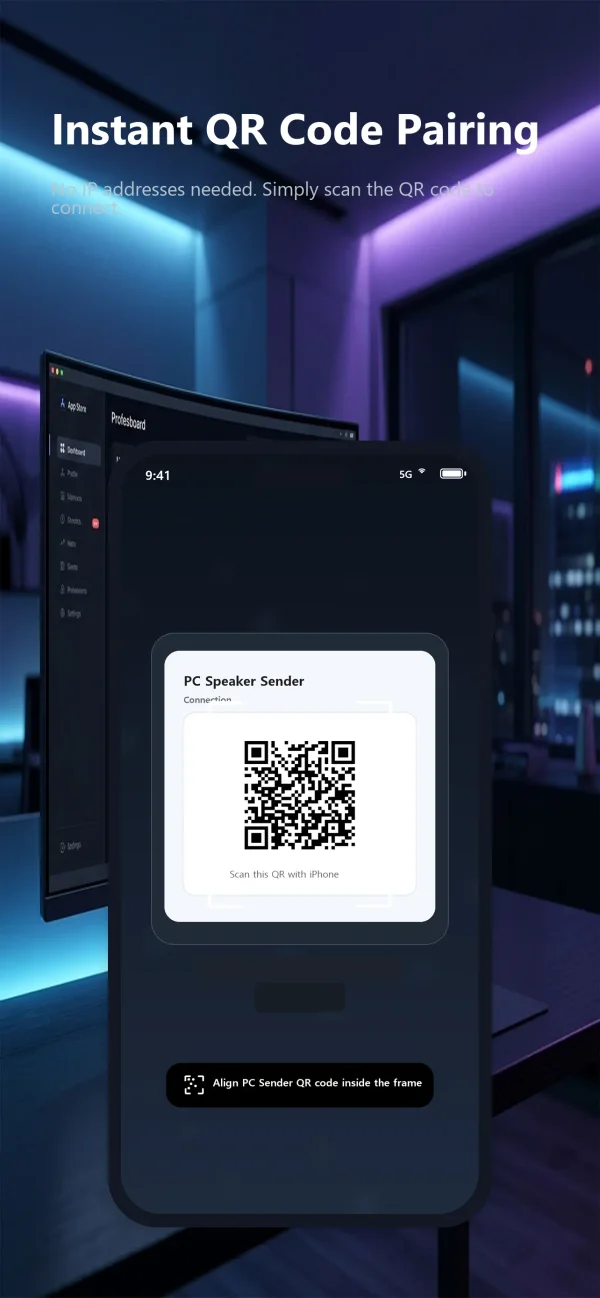
- Instant QR Code Pairing No need to type complex IP addresses or configure ports. Just run the companion app on your PC, scan the QR code displayed on the screen, and connection is established instantly.
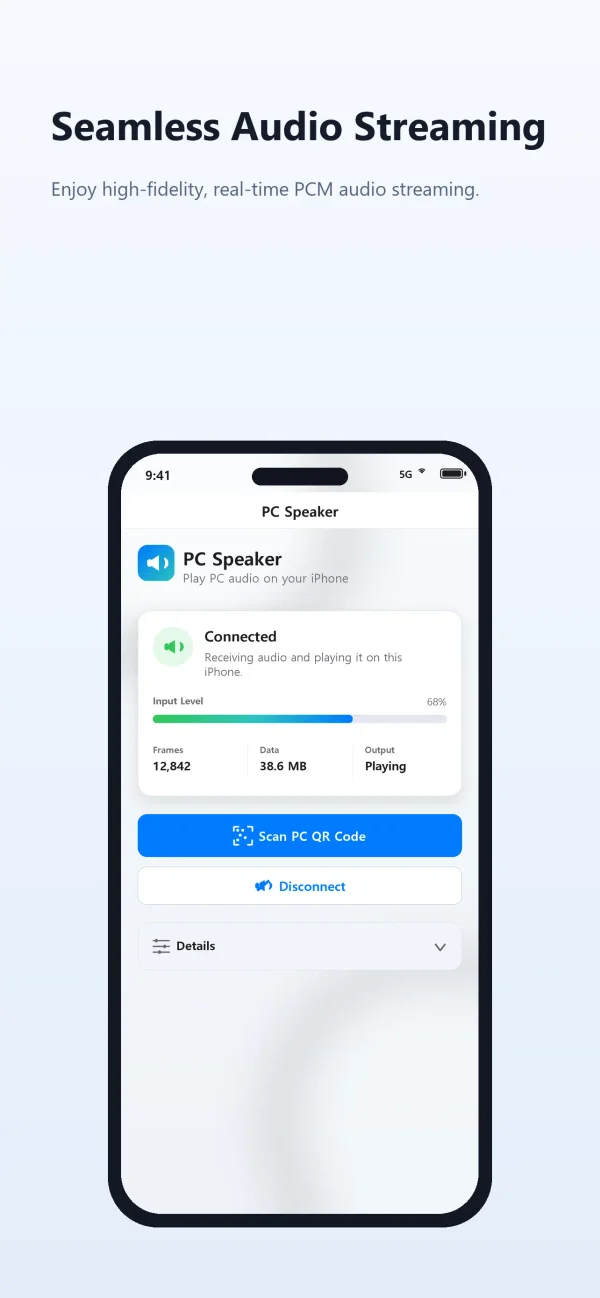
- High-Fidelity Audio Streaming Experience uncompressed Float32 PCM stereo audio at 48,000 Hz. Enjoy clean, high-quality computer sound directly through your iPhone's speakers or connected headphones.
- Ultra-Low Latency and Stability Optimized local WebSocket transmission ensures minimal audio delay, making it perfect for watching videos, listening to music, or monitoring PC audio output.
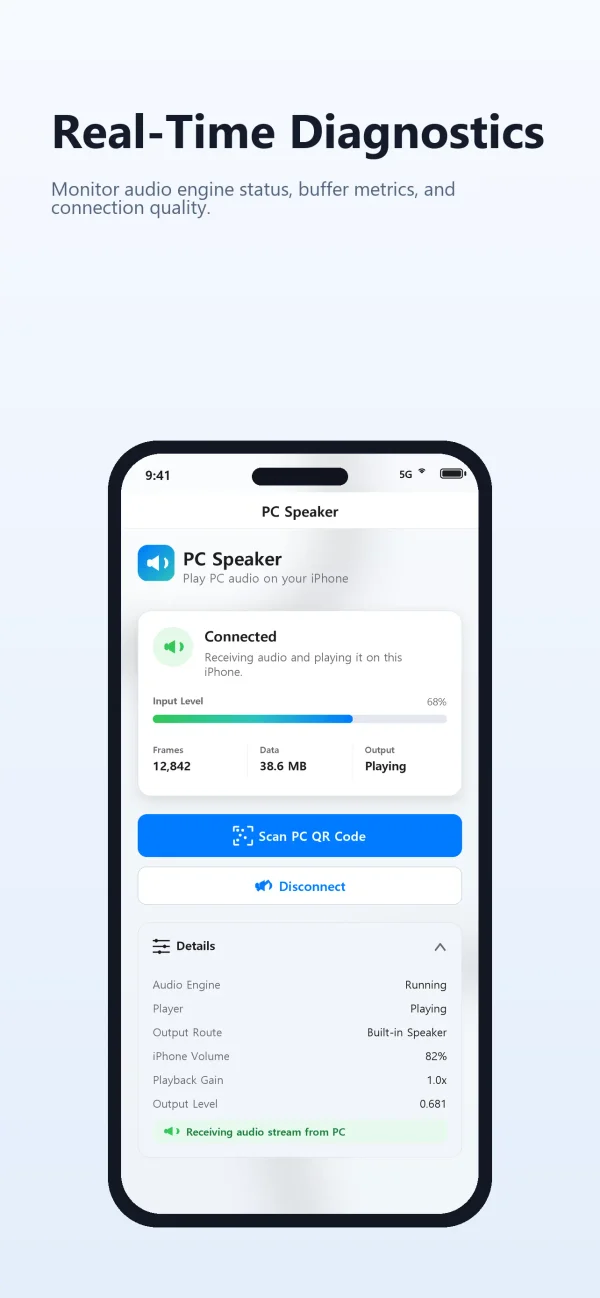
- Real-Time Diagnostics and Control Keep track of your audio stream status. The detailed in-app dashboard shows real-time stats like frames received, network data throughput, output routes, volume, and playback gain controls.
- Universal Desktop Support Works seamlessly with the lightweight companion sender app on both Windows and macOS systems.
HOW TO USE IT
1. On your PC (Windows or macOS), go to "https://speaker.eggmango.com/" to download and run the required companion PC Speaker Sender program.
2. Open this app on your iPhone or iPad.
3. Scan the QR code displayed on your PC screen.
4. Your PC audio will immediately start playing through your iOS device!
What’s new
Version 1.1.2 · Aug 6, 2026
Connection Issue Fixed: Resolved a critical network issue (ATS restriction) where the app failed to connect to the PC Sender over certain network environments (e.g., VPNs or different subnets).
App privacy
What Purple Night Inc declares on the App Store about how this app handles data.
-
Data not collected
The developer does not collect any data from this app.
Privacy practices may vary, for example with the features you use or your age.
Information
- Seller
- PURPLE NIGHT Inc
- Category
- Utilities
- Version
- 1.1.2
- Updated
- Aug 6, 2026
- Released
- Jun 18, 2026
- Size
- 1.4 MB
- Requires
- iOS 16.0 or later
- Age rating
- 4+
- Price
- $1.99
- Languages
- Korean
- Copyright
- © 2026 PURPLE NIGHT Inc. All rights reserved.
You might also like
-
 TetherAudioStream audio to your PC w/ USB
-
 Wi-Fi Sound ShareUtilities
-
 KoCoS Test CenterUtilities
-
 Triangle Calculate & VisualizeAngles, Sides, Area & Visuals
-
 VidaGridvidagrid
-
 Computer Mouse Remote TrackpadTouchpad, keyboard & dictation
-
 MicFlow: Wifi Audio StreamPhone to PC & PC to Phone
-
 Talking Timer - Counts AloudCounts Up or Down, Out Loud
-
 NotePureYour Sleek Digital Notepad
-
 Jude - Private AI AssistantLocal Large Multimodal Model