PDF Editor - OCR Scan Edit
Scan & Edit PDFs Easily
Dirancang untuk iPhone
Gratis · Pembelian dalam aplikasi
- Batasan usia17+
- KategoriKegunaan
- Pengembang家俊 张
- BahasaInggris+ 7 lainnya
- Ukuran32,6 MB
Tertaut ke halaman resmi App Store
Download.org tidak menyimpan file PDF Editor - OCR Scan Edit apa pun. Tombol ini membuka halaman aplikasi di App Store, tempat 家俊 张 menerbitkannya. Halaman terakhir diperiksa pada 17/11/2026.
Tangkapan layar
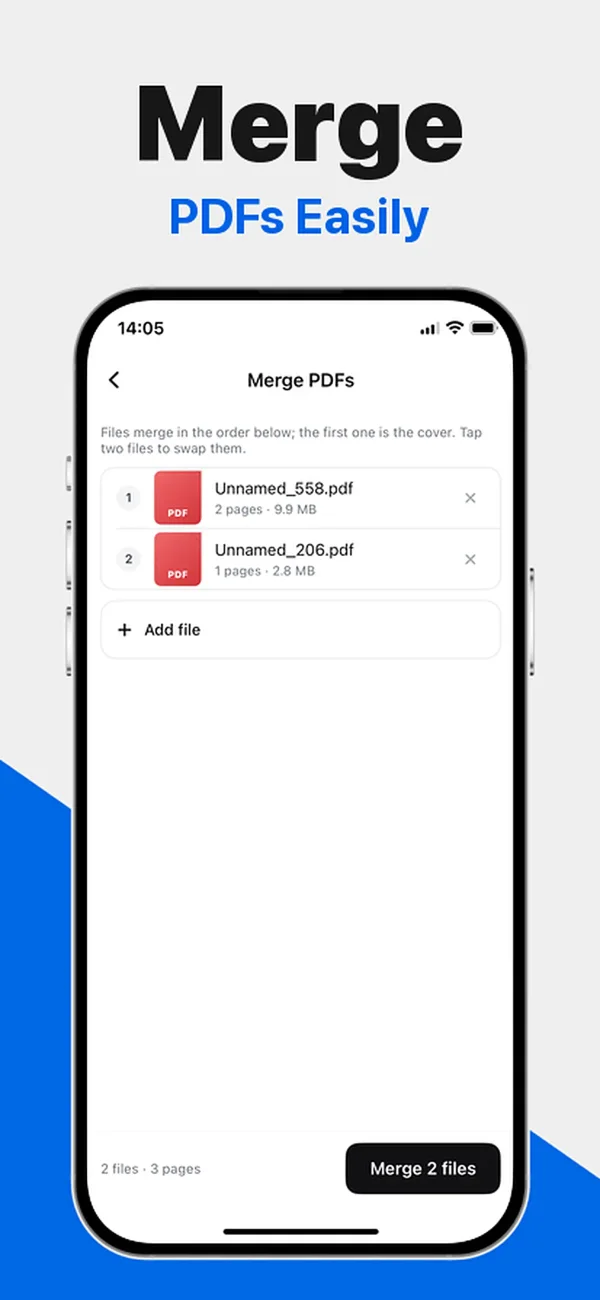

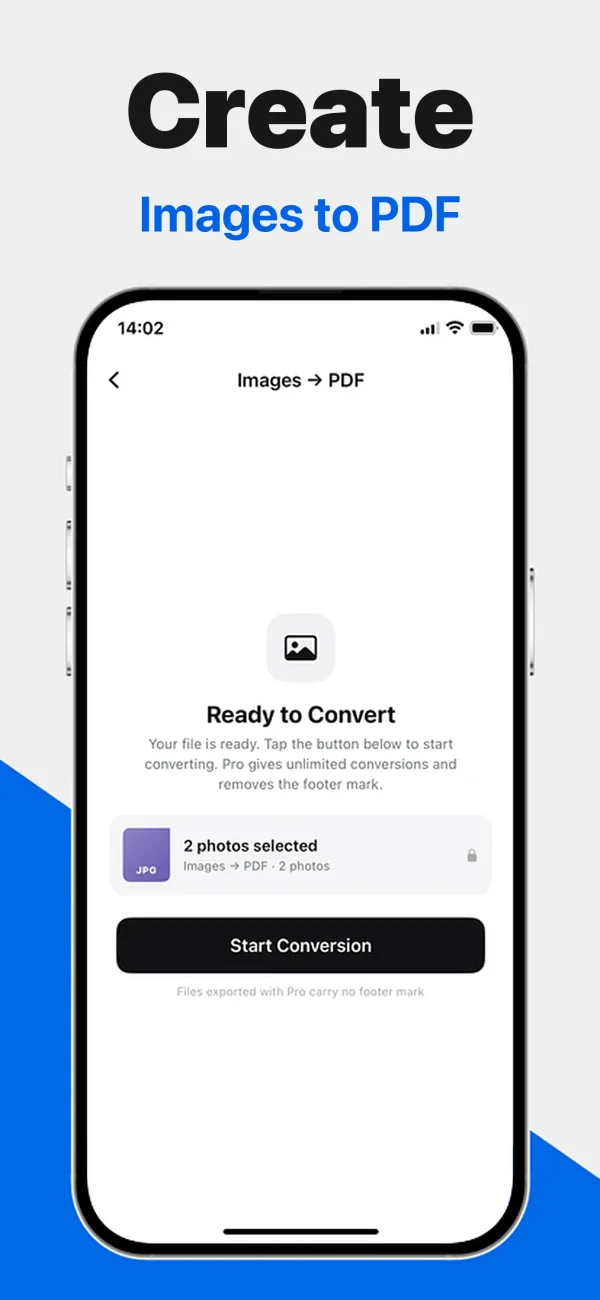
Tentang
Pengembang belum menyediakan teks ini dalam bahasa Anda.
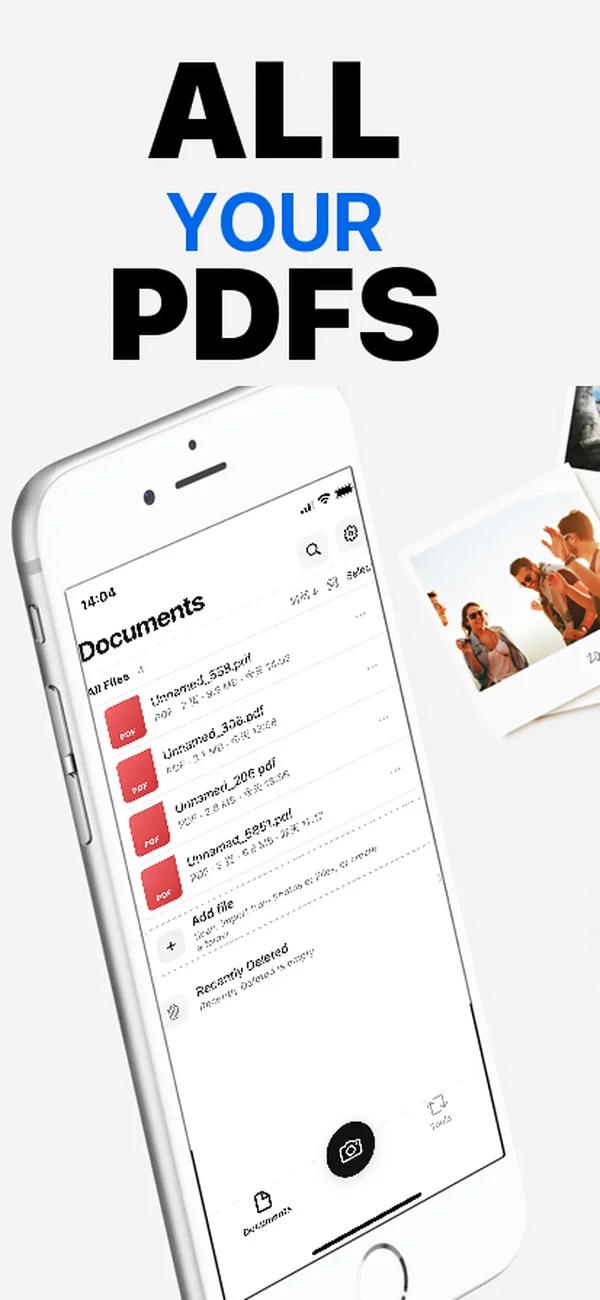
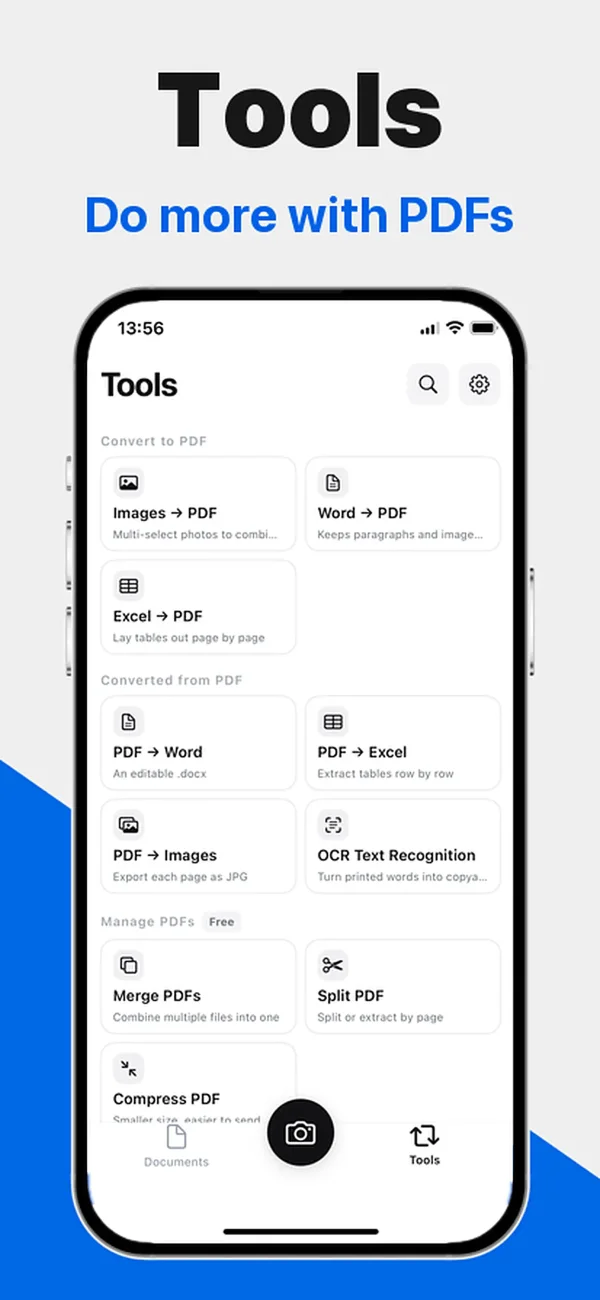
PDF Editor - OCR Scan Edit: Your mobile PDF office assistant. Supports editing, scanning, and OCR recognition, making document management easy and efficient.
Key Features:
-High-Quality Scanning: Easily scan paper documents using your phone's camera to generate high-definition PDF files, with support for automatic cropping and image enhancement.
-OCR Text Recognition: Intelligently recognize text in images or scans, extracting and generating editable PDF files with one click, instantly converting paper documents to digital form.
-All-in-One Editing: Easily add, delete, and rearrange pages. Supports filters, highlights, and annotations, making your PDFs more readable and personalized.
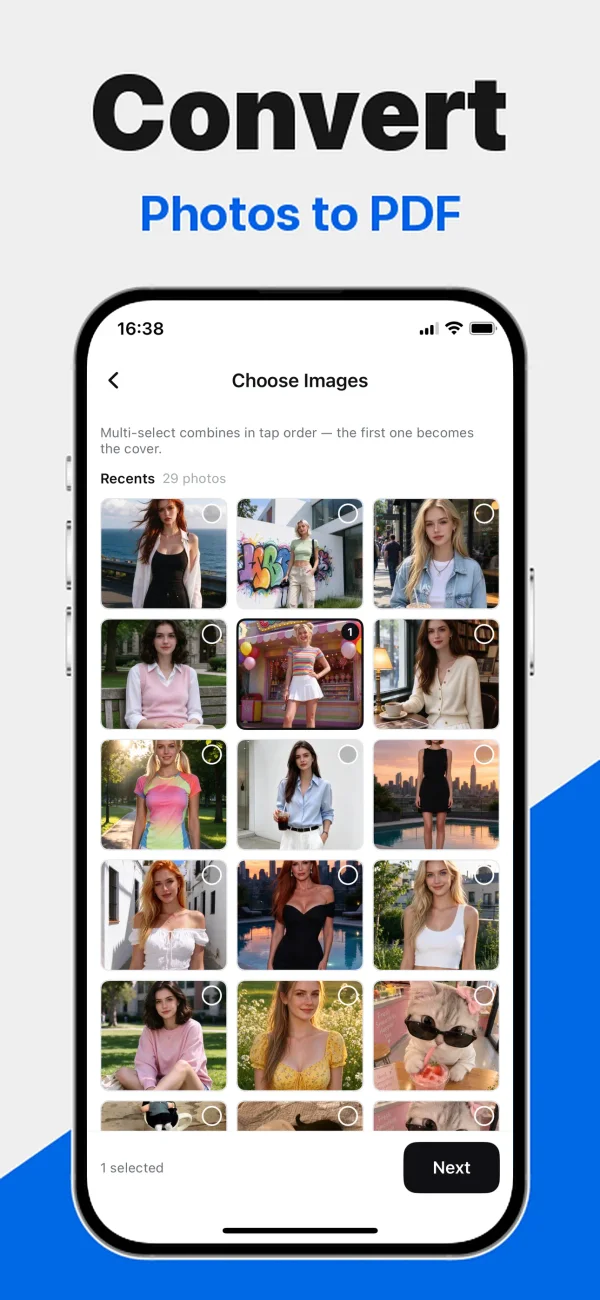
-Image to PDF: Import multiple images at once and automatically generate a PDF file for clarity, organization, and efficiency.
-Secure Encryption: Utilizes advanced encryption technology to protect your PDF files and prevent information leaks.
Whether you're scanning notes, editing documents, or recognizing text in images, PDF Editor - OCR Scan Edit is your go-to assistant.
【Ad-Free Edition - Enjoy a Pure Experience】
Upgrade to the Ad-Free version to enjoy an uninterrupted workspace:
• Remove all advertisements completely.
• Focus entirely on reading, scanning, and editing.
Subscription Details:
• Payment will be charged to your iTunes account upon confirmation.
• Subscriptions auto-renew unless turned off at least 24-hours before the period ends.
• Manage your subscriptions and auto-renewal in your Account Settings after purchase.
Privacy Policy:
https://sites.google.com/view/pdfpp/home
Terms of Use:
https://sites.google.com/view/pdftou/home
Yang baru
Versi 1.5.9 · 13/11/2026
We're continuously working to make PDF Editor faster and more reliable. This update includes:
• Performance Enhancements: Optimized loading times for a smoother experience.
• Bug Fixes: Addressed minor issues to improve overall stability.
• UI Refinements: Small tweaks to the interface for better usability.
Love the app? Rate us and leave a review! Your feedback helps us improve.
Privasi aplikasi
Yang dinyatakan 家俊 张 di App Store tentang cara aplikasi ini menangani data.
-
Data yang digunakan untuk melacak Anda
Dapat digunakan untuk melacak Anda di aplikasi dan situs web milik perusahaan lain.
- Data penggunaan
-
Data yang tidak ditautkan dengan Anda
Dapat dikumpulkan, tetapi tidak ditautkan dengan identitas Anda.
- Data penggunaan
Praktik privasi dapat bervariasi, misalnya berdasarkan fitur yang Anda gunakan atau usia Anda.
Informasi
- Penjual
- 家俊 张
- Kategori
- Kegunaan
- Versi
- 1.5.9
- Diperbarui
- 13/11/2026
- Dirilis
- 18/6/2024
- Ukuran
- 32,6 MB
- Memerlukan
- iOS 17.6 atau yang lebih baru
- Batasan usia
- 17+
- Harga
- Gratis
- Pembelian dalam aplikasi
- Ya
- Bahasa
- Inggris, Prancis, Jerman, Jepang, Korea, Portugis, Spanyol, Tionghoa Tradisional
- Hak cipta
- © pdf_2024_05
Mungkin Anda juga suka
-
 AI Language Translator AppKegunaan
-
 Universal Remote TV ◦ for RokuKegunaan
-
 Authenticator: Password KeeperKegunaan
-
 PDF Converter. Word to PDFKegunaan
-
 Hide Photo Vault, Secret LockKegunaan
-
 Scanner & PDF Converter AppKegunaan
-
 eSign: Fill and Sign DocumentsKegunaan
-
 Infrared Remote Glint DetectorKegunaan
-
 PDFr: PDF Editor / ConverterKegunaan
-
 Screen Mirroring & Smart View.Kegunaan