PDF Editor - OCR Scan Edit
Scan & Edit PDFs Easily
Được thiết kế cho iPhone
Miễn phí · Mua hàng trong ứng dụng
- Độ tuổi17+
- Danh mụcTiện Ích
- Nhà phát triển家俊 张
- Ngôn ngữTiếng Anh+ 7 ngôn ngữ khác
- Kích thước32,6 MB
Liên kết đến trang App Store chính thức
Download.org không lưu trữ tệp nào của PDF Editor - OCR Scan Edit. Nút này mở trang ứng dụng trên App Store, nơi 家俊 张 phát hành ứng dụng. Trang được kiểm tra lần cuối: 17/11/2026.
Ảnh chụp màn hình

Giới thiệu
Nhà phát triển chưa cung cấp nội dung này bằng ngôn ngữ của bạn.
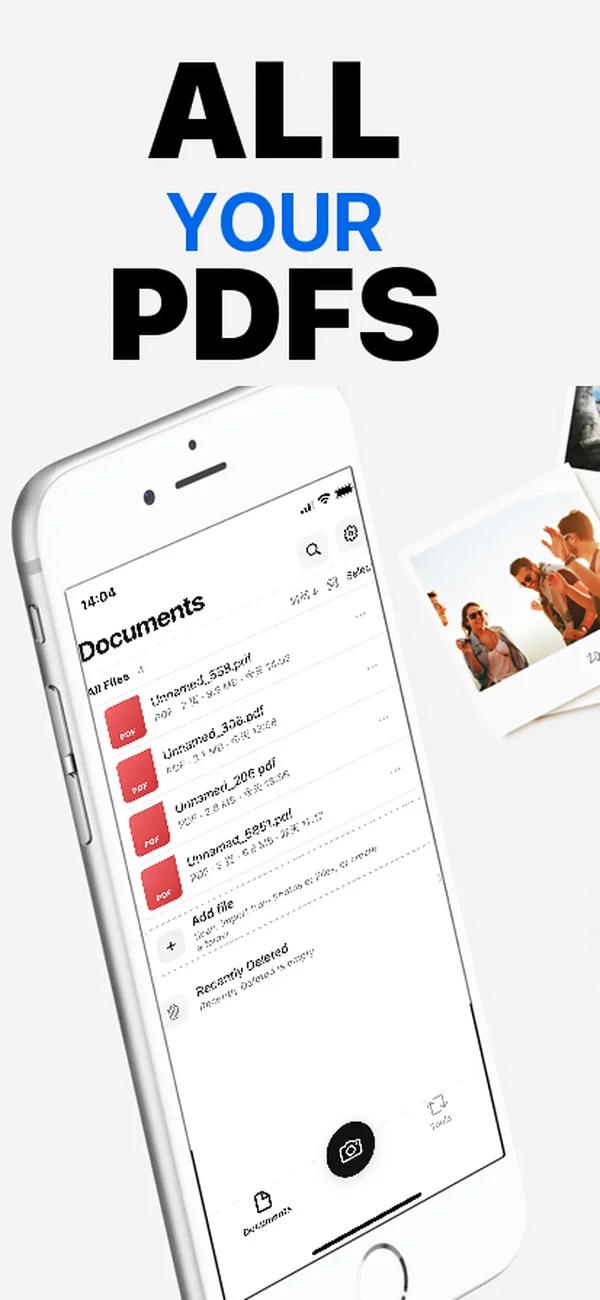
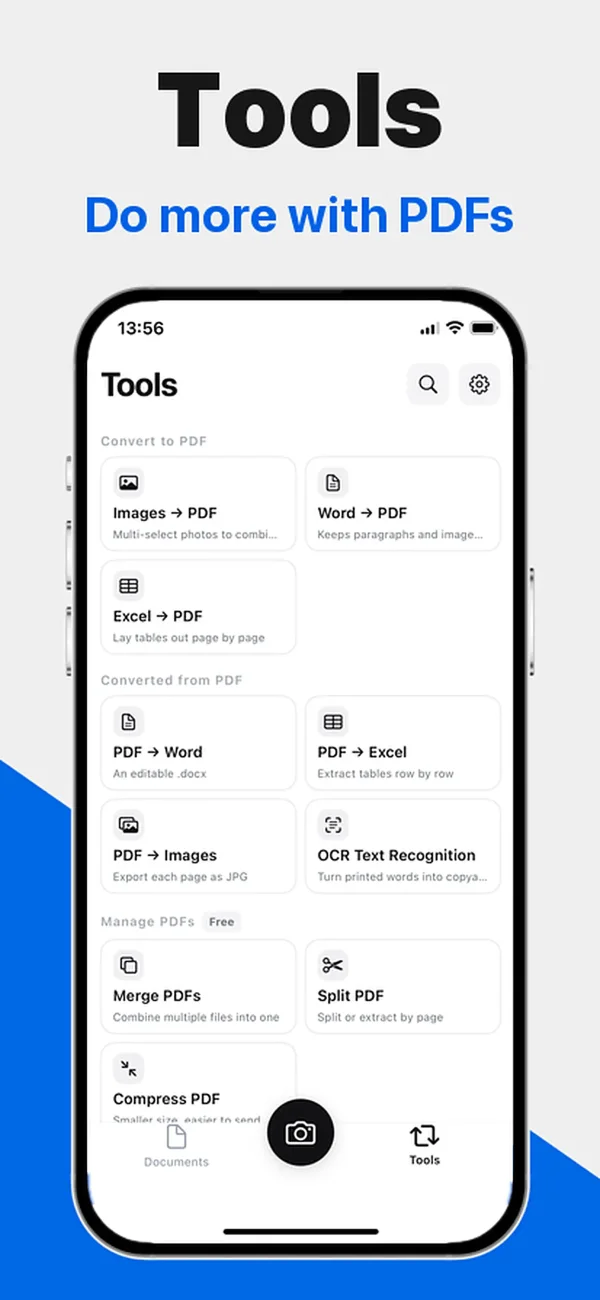
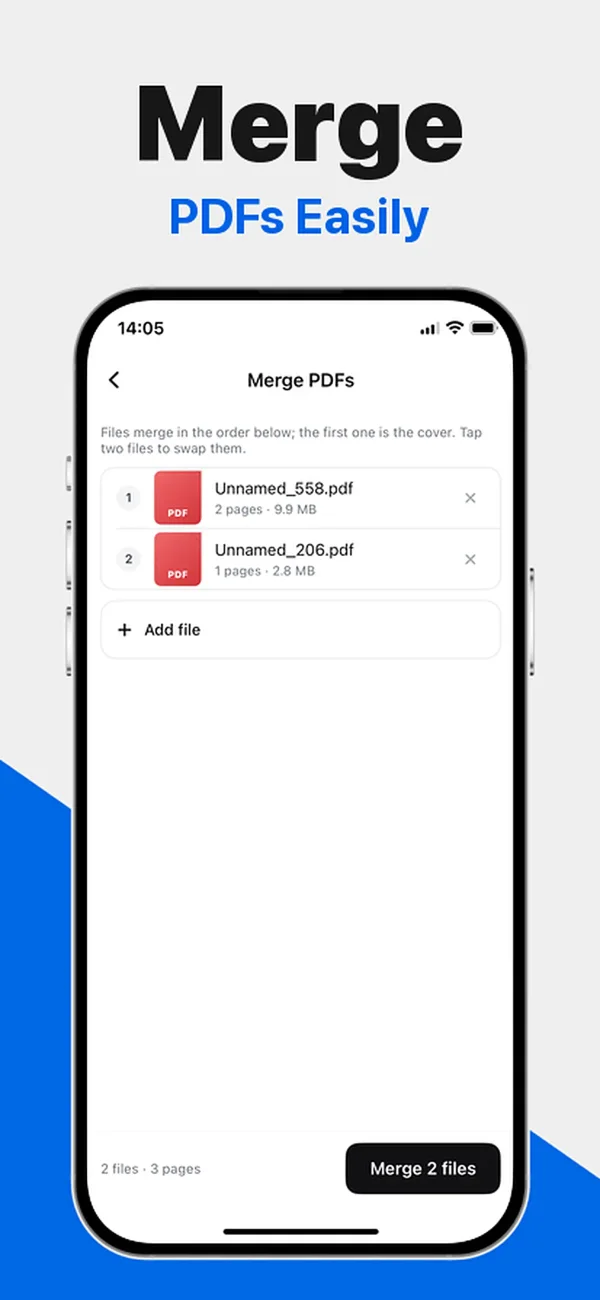
PDF Editor - OCR Scan Edit: Your mobile PDF office assistant. Supports editing, scanning, and OCR recognition, making document management easy and efficient.
Key Features:
-High-Quality Scanning: Easily scan paper documents using your phone's camera to generate high-definition PDF files, with support for automatic cropping and image enhancement.
-OCR Text Recognition: Intelligently recognize text in images or scans, extracting and generating editable PDF files with one click, instantly converting paper documents to digital form.
-All-in-One Editing: Easily add, delete, and rearrange pages. Supports filters, highlights, and annotations, making your PDFs more readable and personalized.
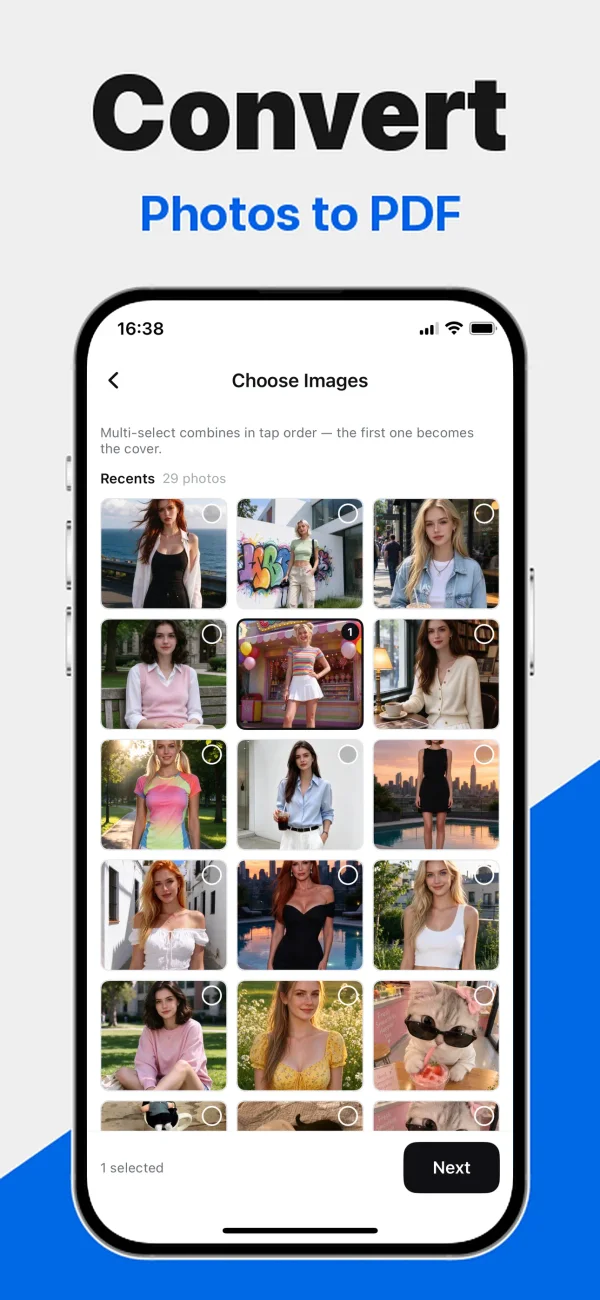
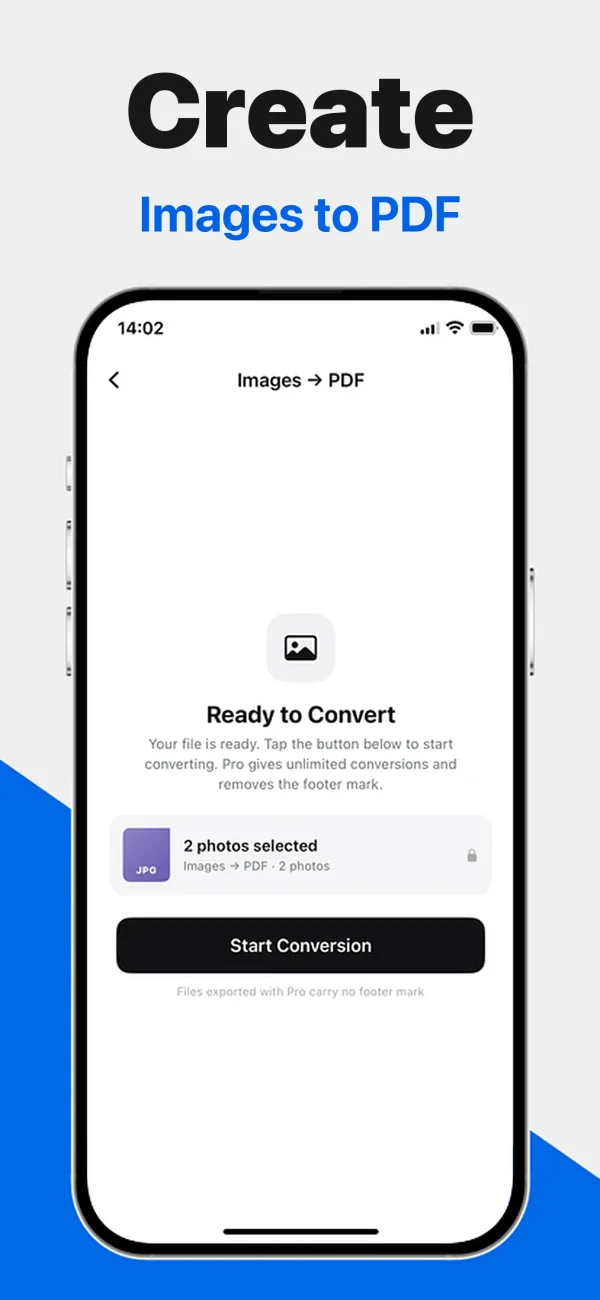
-Image to PDF: Import multiple images at once and automatically generate a PDF file for clarity, organization, and efficiency.
-Secure Encryption: Utilizes advanced encryption technology to protect your PDF files and prevent information leaks.
Whether you're scanning notes, editing documents, or recognizing text in images, PDF Editor - OCR Scan Edit is your go-to assistant.
【Ad-Free Edition - Enjoy a Pure Experience】
Upgrade to the Ad-Free version to enjoy an uninterrupted workspace:
• Remove all advertisements completely.
• Focus entirely on reading, scanning, and editing.
Subscription Details:
• Payment will be charged to your iTunes account upon confirmation.
• Subscriptions auto-renew unless turned off at least 24-hours before the period ends.
• Manage your subscriptions and auto-renewal in your Account Settings after purchase.
Privacy Policy:
https://sites.google.com/view/pdfpp/home
Terms of Use:
https://sites.google.com/view/pdftou/home
Có gì mới
Phiên bản 1.5.9 · 13/11/2026
We're continuously working to make PDF Editor faster and more reliable. This update includes:
• Performance Enhancements: Optimized loading times for a smoother experience.
• Bug Fixes: Addressed minor issues to improve overall stability.
• UI Refinements: Small tweaks to the interface for better usability.
Love the app? Rate us and leave a review! Your feedback helps us improve.
Quyền riêng tư của ứng dụng
Những gì 家俊 张 khai báo trên App Store về cách ứng dụng này xử lý dữ liệu.
-
Dữ liệu được sử dụng để theo dõi bạn
Có thể được sử dụng để theo dõi bạn trên các ứng dụng và trang web do công ty khác sở hữu.
- Dữ liệu sử dụng
-
Dữ liệu không liên kết với bạn
Có thể được thu thập nhưng không liên kết với danh tính của bạn.
- Dữ liệu sử dụng
Phương thức đảm bảo quyền riêng tư có thể khác nhau, chẳng hạn như tuỳ theo các tính năng bạn sử dụng hoặc độ tuổi của bạn.
Thông tin
- Người bán
- 家俊 张
- Danh mục
- Tiện Ích
- Phiên bản
- 1.5.9
- Cập nhật
- 13/11/2026
- Phát hành
- 18/06/2024
- Kích thước
- 32,6 MB
- Yêu cầu
- iOS 17.6 trở lên
- Độ tuổi
- 17+
- Giá
- Miễn phí
- Mua hàng trong ứng dụng
- Có
- Ngôn ngữ
- Tiếng Anh, Tiếng Pháp, Tiếng Đức, Tiếng Nhật, Tiếng Hàn, Tiếng Bồ Đào Nha, Tiếng Tây Ban Nha, Tiếng Trung Phồn thể
- Bản quyền
- © pdf_2024_05
Có thể bạn cũng thích
-
 AI Language Translator AppTiện Ích
-
 Universal Remote TV ◦ for RokuTiện Ích
-
 Authenticator: Password KeeperTiện Ích
-
 PDF Converter. Word to PDFTiện Ích
-
 Hide Photo Vault, Secret LockTiện Ích
-
 Scanner & PDF Converter AppTiện Ích
-
 eSign: Fill and Sign DocumentsTiện Ích
-
 Detectify Scan Protection TagPhone Detect Hidden Device
-
 PDFr: PDF Editor / ConverterTiện Ích
-
 Screen Mirroring & Smart View.Tiện Ích