PDF Editor & Reader: Studio
Photo, To Word & File Manager
Dirancang untuk iPhone
Gratis · Pembelian dalam aplikasi
- Batasan usia4+
- KategoriProduktivitas
- PengembangApptimize LLC
- BahasaInggris
- Ukuran21,8 MB
Tertaut ke halaman resmi App Store
Download.org tidak menyimpan file PDF Editor & Reader: Studio apa pun. Tombol ini membuka halaman aplikasi di App Store, tempat Apptimize LLC menerbitkannya. Halaman terakhir diperiksa pada 10/11/2026.
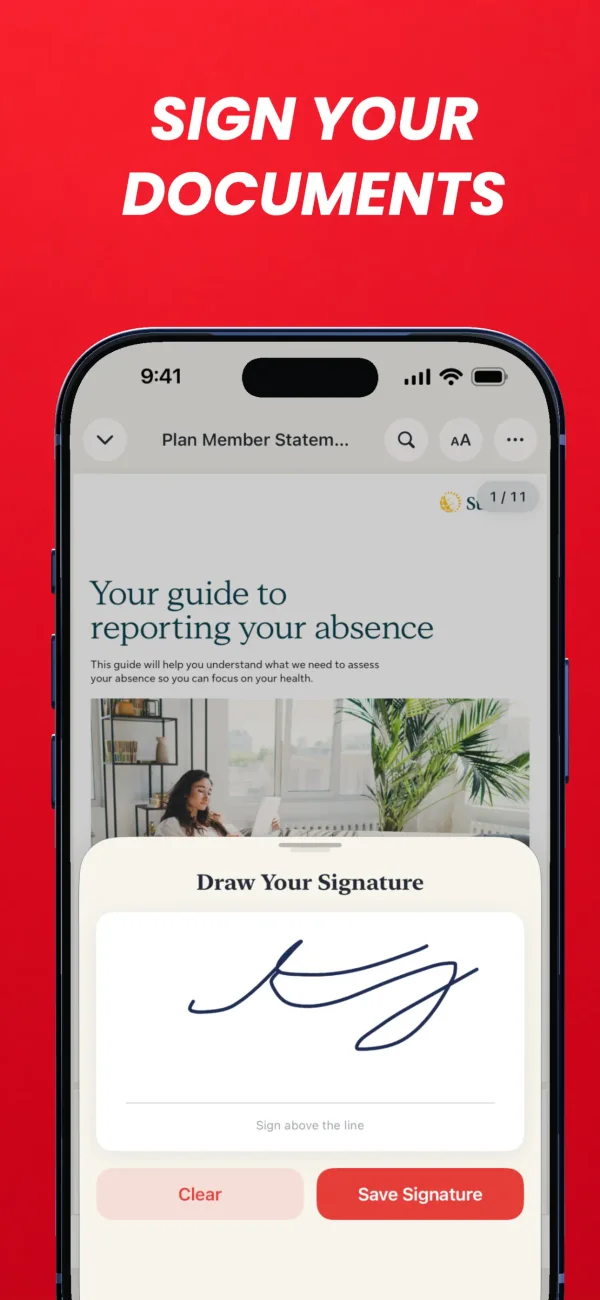
Tangkapan layar



Tentang
Pengembang belum menyediakan teks ini dalam bahasa Anda.
Read, mark up and convert documents right on your iPhone, then share them when you are ready.
PDF Studio brings your PDF reader, scanner and everyday document tools into one calm place. The app interface is in English.
SUBSCRIPTION REQUIRED
PDF Studio is a subscription app. A subscription is required to use the app. The plans and prices are shown before you commit, and you can cancel anytime.
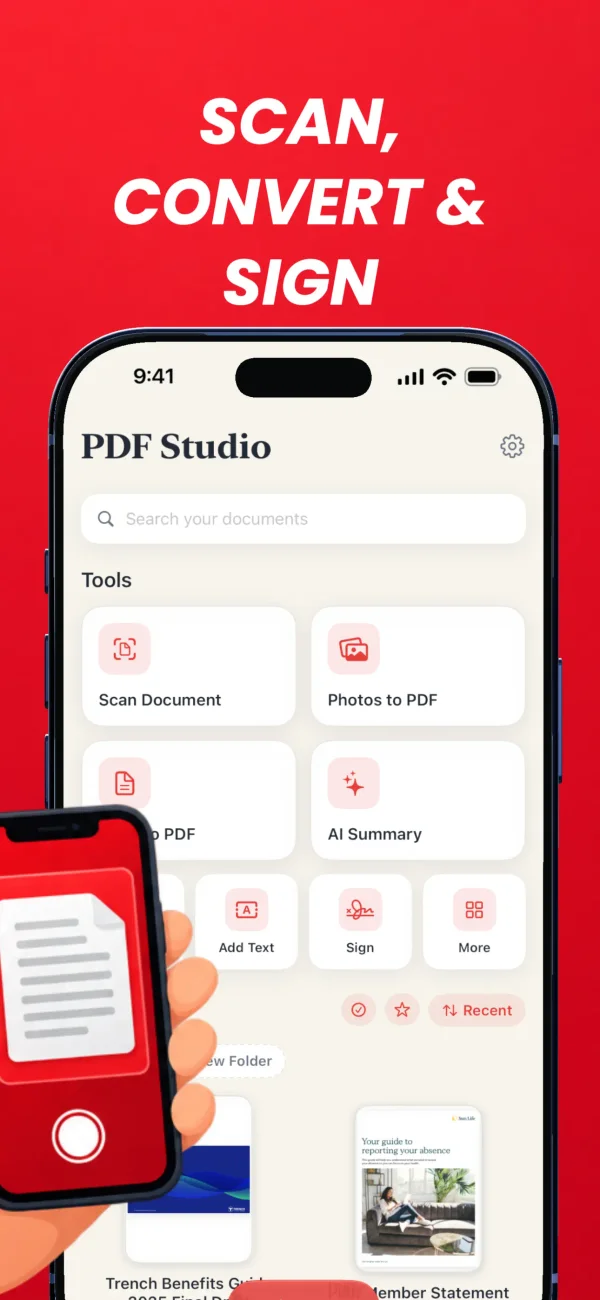
SCAN AND CONVERT
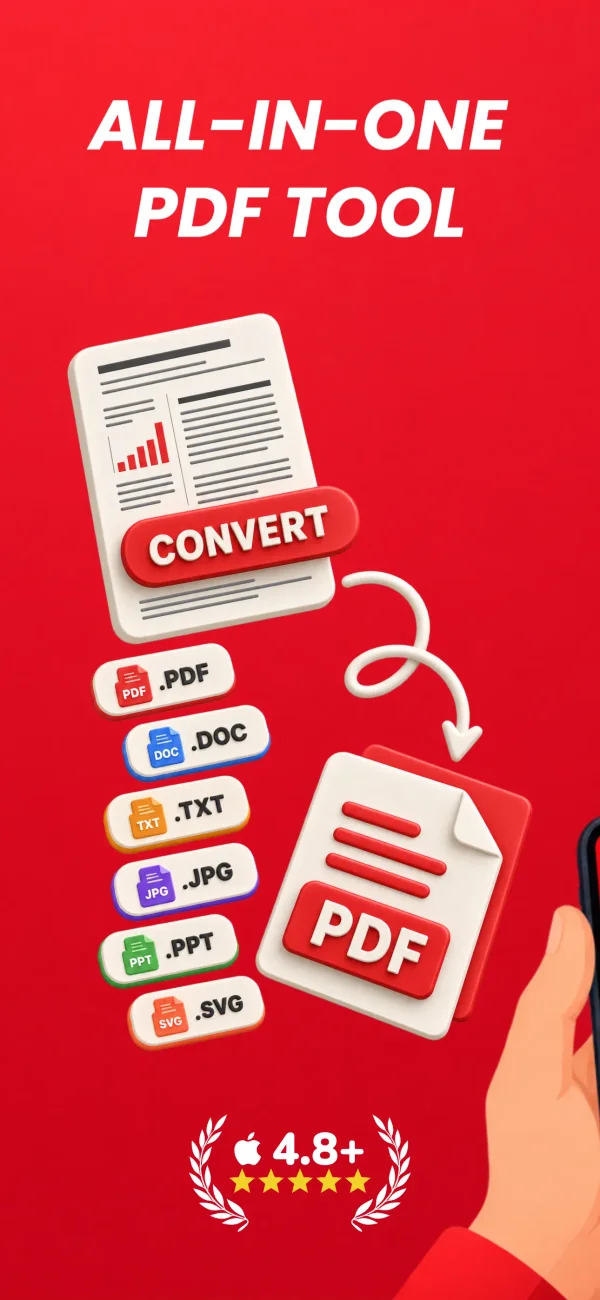
Scan paper with the camera, turn photos or typed text into a PDF, and compress a file down to a sensible size. Convert PDF text to an editable Word document, turn Word files into PDFs, or export pages as images. PDF to Word rebuilds the text rather than preserving the original page layout.
ORGANISE PAGES
Merge files, split a document, and reorder, rotate or remove pages in a visual grid. Find words across your whole library with content search.
SIGN AND PROTECT
Fill in forms, draw and place your signature, add a password or a watermark, and black out sensitive areas. Blackouts flatten the affected pages. Compression can change image quality and text searchability; the reduction depends on your file.
GET HELP READING
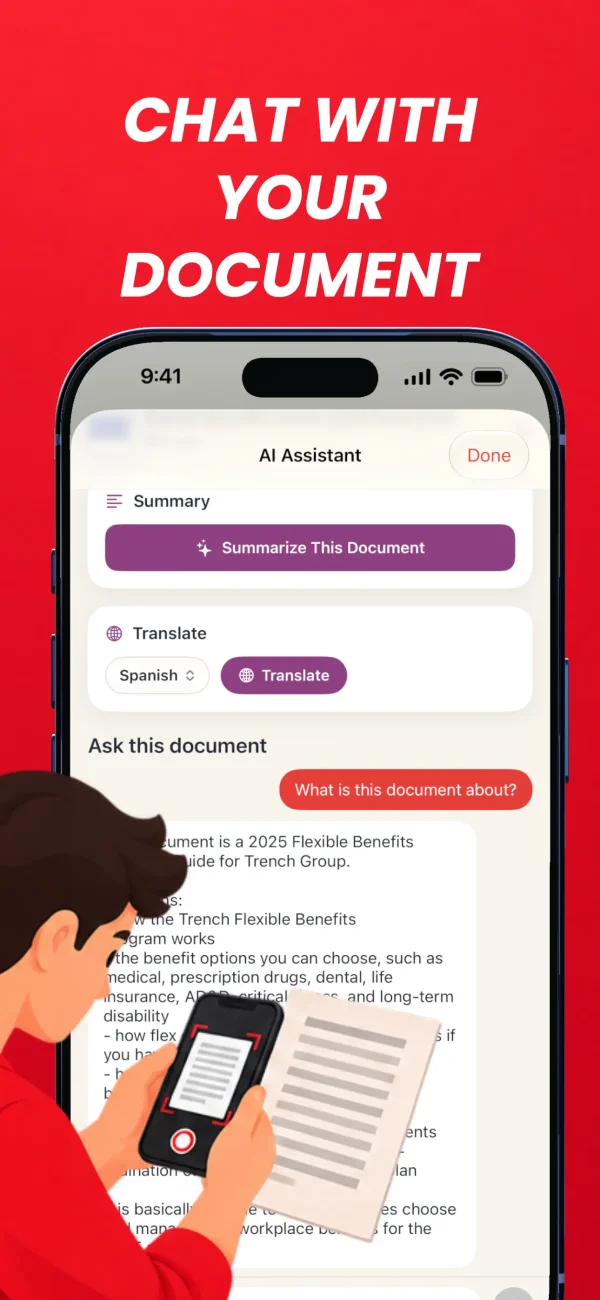
Use cloud AI to summarise, ask questions or translate document text into 18 languages. It processes up to the first 25 pages, limited to 16,000 characters. Check important answers against your document.
Conversion, markup and text recognition happen on your iPhone. AI sends the document name, extracted text and your questions to a cloud service over an encrypted connection. AI requires internet access.
KEEP YOUR FILES TOGETHER
Use local folders, favourites and name search. Share through the iPhone share menu. No account is required, and there are no ads.
SUBSCRIPTIONS
PDF Studio offers weekly and annual subscriptions. Prices are shown in the app before purchase. Restore Purchases is available. Payment is charged to your Apple Account at confirmation. Subscriptions renew automatically unless cancelled at least 24 hours before the current period ends. Manage or cancel in your Apple Account subscription settings.
Support: https://yx0z7ffx6x6rqydfzwlj4-web.rork.live/support
Privacy Policy: https://yx0z7ffx6x6rqydfzwlj4-web.rork.live/privacy
Terms of Use: https://yx0z7ffx6x6rqydfzwlj4-web.rork.live/terms
Yang baru
Versi 1.3 · 17/10/2026
Bug fixes, performance improvements, and a new Home Screen quick action to report issues directly from the app icon.
Privasi aplikasi
Yang dinyatakan Apptimize LLC di App Store tentang cara aplikasi ini menangani data.
-
Data yang tidak ditautkan dengan Anda
Dapat dikumpulkan, tetapi tidak ditautkan dengan identitas Anda.
- Pembelian
- Konten pengguna
- Pengenal
- Data penggunaan
Praktik privasi dapat bervariasi, misalnya berdasarkan fitur yang Anda gunakan atau usia Anda.
Informasi
- Penjual
- Apptimize LLC
- Kategori
- Produktivitas
- Versi
- 1.3
- Diperbarui
- 17/10/2026
- Dirilis
- 16/8/2026
- Ukuran
- 21,8 MB
- Memerlukan
- iOS 18.0 atau yang lebih baru
- Batasan usia
- 4+
- Harga
- Gratis
- Pembelian dalam aplikasi
- Ya
- Bahasa
- Inggris
- Hak cipta
- © 2026 Apptimize LLC
Mungkin Anda juga suka
-
 PDF Editor & Scanner - PDFeditKompres, Scan & Gambar ke PDF
-
 Clipnote: AI Video SummarizerProduktivitas
-
 FormFill: Isi & Tanda TanganTanda tangan tanpa langganan
-
 PDF Fill & Sign ProEdit, Sign & Fill PDF Forms
-
 PDF Editor - PDF4.comProduktivitas
-
 eSign PDF Documents: SignateProduktivitas
-
 Editor PDF: Pembaca & PengisiEdit teks PDF dan isi formulir
-
 PDF Document Editor, Read BookProduktivitas
-
 PDFEditor - Edit Teks PDFPerbaiki teks yang sudah ada
-
 PDF Scanner: Edit & KonversiFoto ke PDF,OCR & Tanda Tangan