PDF Editor & Reader: Studio
Photo, To Word & File Manager
Designed for iPhone
In-app purchases
- Age rating4+
- CategoryProductivity
- DeveloperApptimize LLC
- LanguagesEnglish
- Size21.8 MB
Links to the official App Store page
Download.org hosts no file of PDF Editor & Reader: Studio. The button opens its official App Store page, published by Apptimize LLC. Listing last checked on Nov 10, 2026.
Screenshots



About
Read, mark up and convert documents right on your iPhone, then share them when you are ready.
PDF Studio brings your PDF reader, scanner and everyday document tools into one calm place. The app interface is in English.
SUBSCRIPTION REQUIRED
PDF Studio is a subscription app. A subscription is required to use the app. The plans and prices are shown before you commit, and you can cancel anytime.
SCAN AND CONVERT
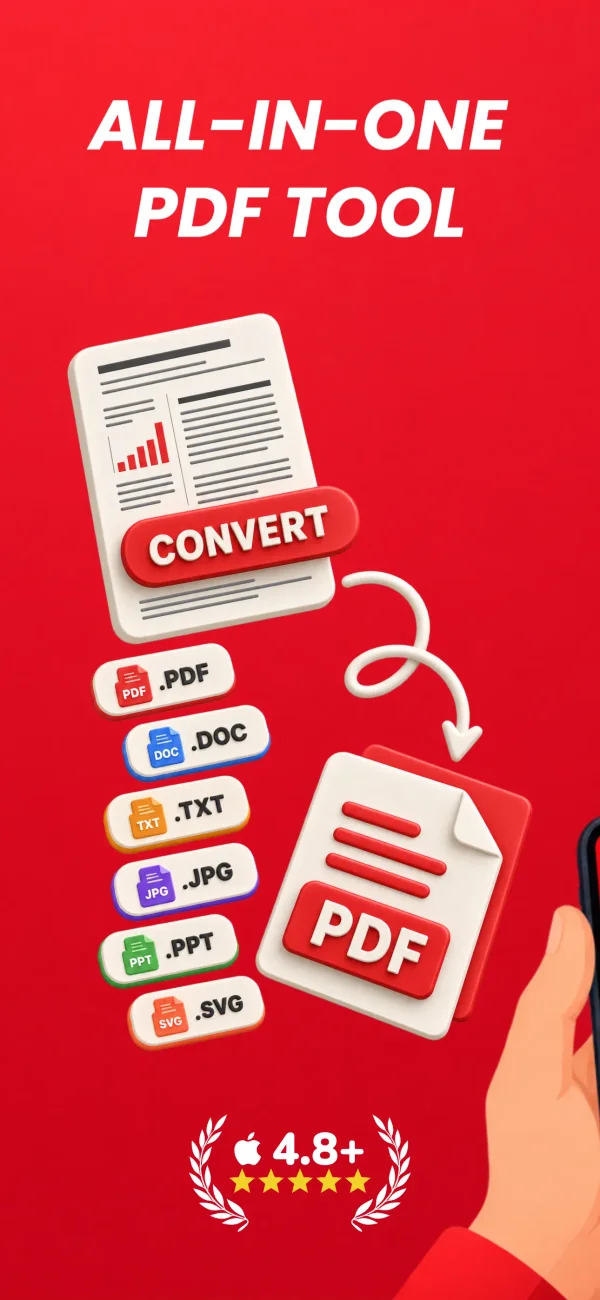
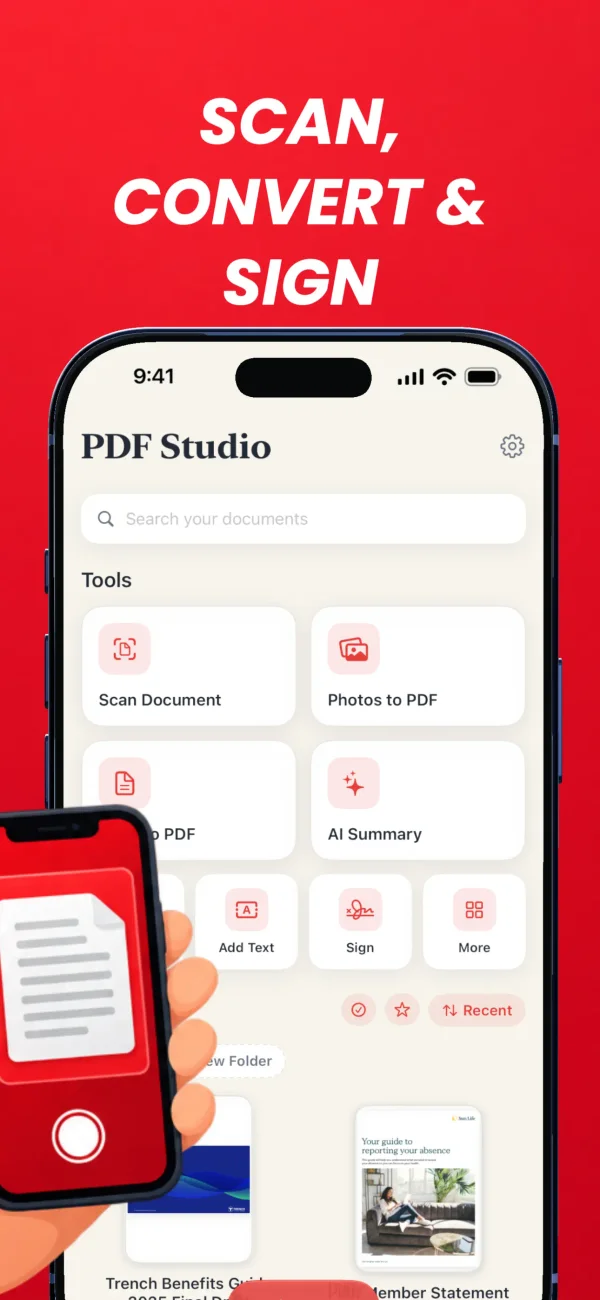
Scan paper with the camera, turn photos or typed text into a PDF, and compress a file down to a sensible size. Convert PDF text to an editable Word document, turn Word files into PDFs, or export pages as images. PDF to Word rebuilds the text rather than preserving the original page layout.
ORGANISE PAGES
Merge files, split a document, and reorder, rotate or remove pages in a visual grid. Find words across your whole library with content search.
SIGN AND PROTECT
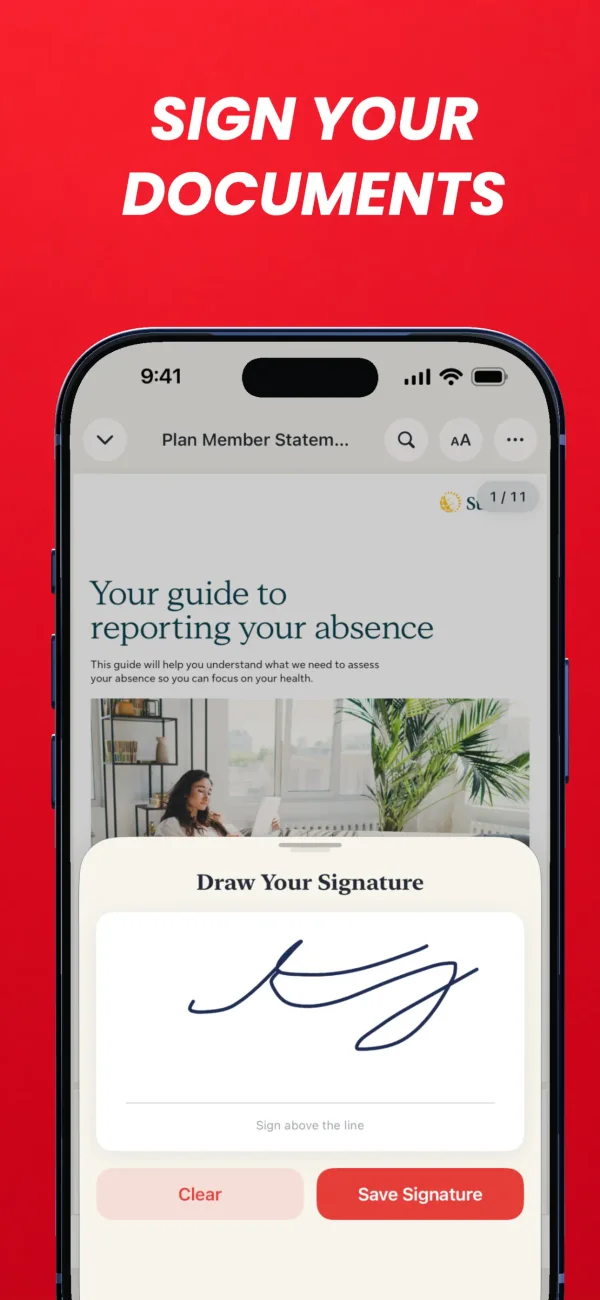
Fill in forms, draw and place your signature, add a password or a watermark, and black out sensitive areas. Blackouts flatten the affected pages. Compression can change image quality and text searchability; the reduction depends on your file.
GET HELP READING
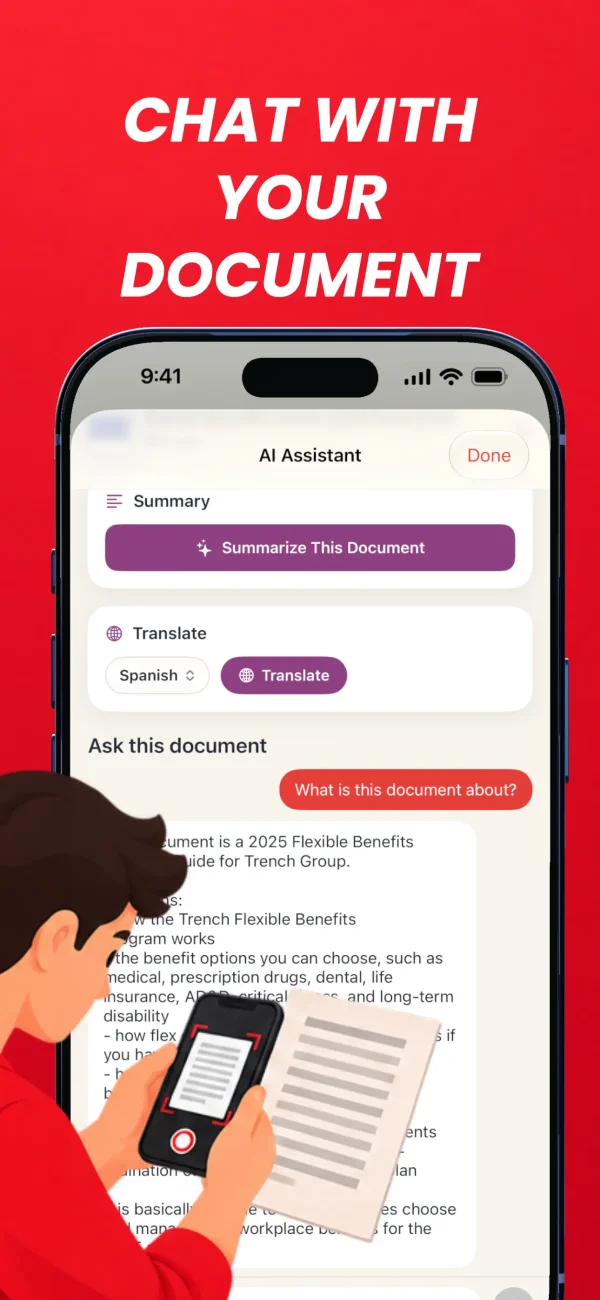
Use cloud AI to summarise, ask questions or translate document text into 18 languages. It processes up to the first 25 pages, limited to 16,000 characters. Check important answers against your document.
Conversion, markup and text recognition happen on your iPhone. AI sends the document name, extracted text and your questions to a cloud service over an encrypted connection. AI requires internet access.
KEEP YOUR FILES TOGETHER
Use local folders, favourites and name search. Share through the iPhone share menu. No account is required, and there are no ads.
SUBSCRIPTIONS
PDF Studio offers weekly and annual subscriptions. Prices are shown in the app before purchase. Restore Purchases is available. Payment is charged to your Apple Account at confirmation. Subscriptions renew automatically unless cancelled at least 24 hours before the current period ends. Manage or cancel in your Apple Account subscription settings.
Support: https://yx0z7ffx6x6rqydfzwlj4-web.rork.live/support
Privacy Policy: https://yx0z7ffx6x6rqydfzwlj4-web.rork.live/privacy
Terms of Use: https://yx0z7ffx6x6rqydfzwlj4-web.rork.live/terms
What’s new
Version 1.3 · Oct 17, 2026
Bug fixes, performance improvements, and a new Home Screen quick action to report issues directly from the app icon.
App privacy
What Apptimize LLC declares on the App Store about how this app handles data.
-
Data not linked to you
May be collected but is not linked to your identity.
- Purchases
- User content
- Identifiers
- Usage data
Privacy practices may vary, for example with the features you use or your age.
Information
- Seller
- Apptimize LLC
- Category
- Productivity
- Version
- 1.3
- Updated
- Oct 17, 2026
- Released
- Aug 16, 2026
- Size
- 21.8 MB
- Requires
- iOS 18.0 or later
- Age rating
- 4+
- In-app purchases
- Yes
- Languages
- English
- Copyright
- © 2026 Apptimize LLC
You might also like
-
 PDF Text Editor - PDFeditFill & Sign, Merge & Convert
-
 Clipnote: AI Video SummarizerVideo Summary & Reel Notes
-
 FormFill: Fill & Sign PDFFillable forms, offline signer
-
 PDF Editor: Fill, Sign & ScanEdit, Sign & Fill PDF Forms
-
 PDF Editor - PDF4.comProductivity
-
 eSign PDF Documents: SignateFill & Sign Forms, Signature
-
 PDF Editor - Read, Fill & EditEdit PDF Files & Documents
-
 PDF Document Editor, Read BookScanner App, Edit, Sign, View
-
 PDF Text Editor ‑ Edit PDFChange & rewrite existing text
-
 PDF Editor: Sign, Fill & ScanPhoto to PDF Converter & Maker