PDF Maker - Document Scanner
Scan,Convert,Merge & Compress
Dirancang untuk iPhone
Gratis
- Batasan usia4+
- KategoriBisnis
- PengembangXCell
- BahasaInggris+ 13 lainnya
- Ukuran38,1 MB
Tertaut ke halaman resmi App Store
Download.org tidak menyimpan file PDF Maker - Document Scanner apa pun. Tombol ini membuka halaman aplikasi di App Store, tempat XCell menerbitkannya. Halaman terakhir diperiksa pada 24/11/2026.
Tangkapan layar
Tentang
Pengembang belum menyediakan teks ini dalam bahasa Anda.
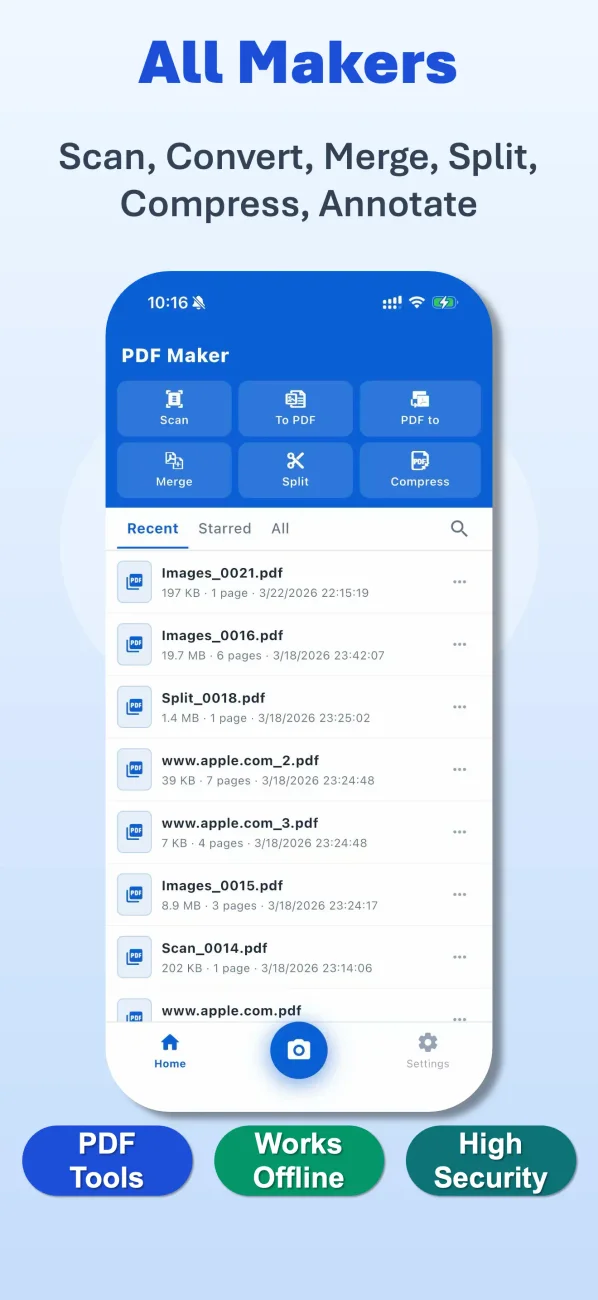
PDF Maker – Your All-in-One Professional Document Toolkit
Have you ever needed to turn a stack of paper into a professional PDF instantly, or combine multiple documents into one organized file on the go?
PDF Maker is the ultimate document management tool designed to handle every PDF task with precision and speed — all on your device, all in one place.
PDF Maker simplifies the way you create, edit, and organize documents. Whether you’re a student, a business professional, or an entrepreneur — PDF Maker is your perfect companion for a paperless lifestyle.
■ Main Features
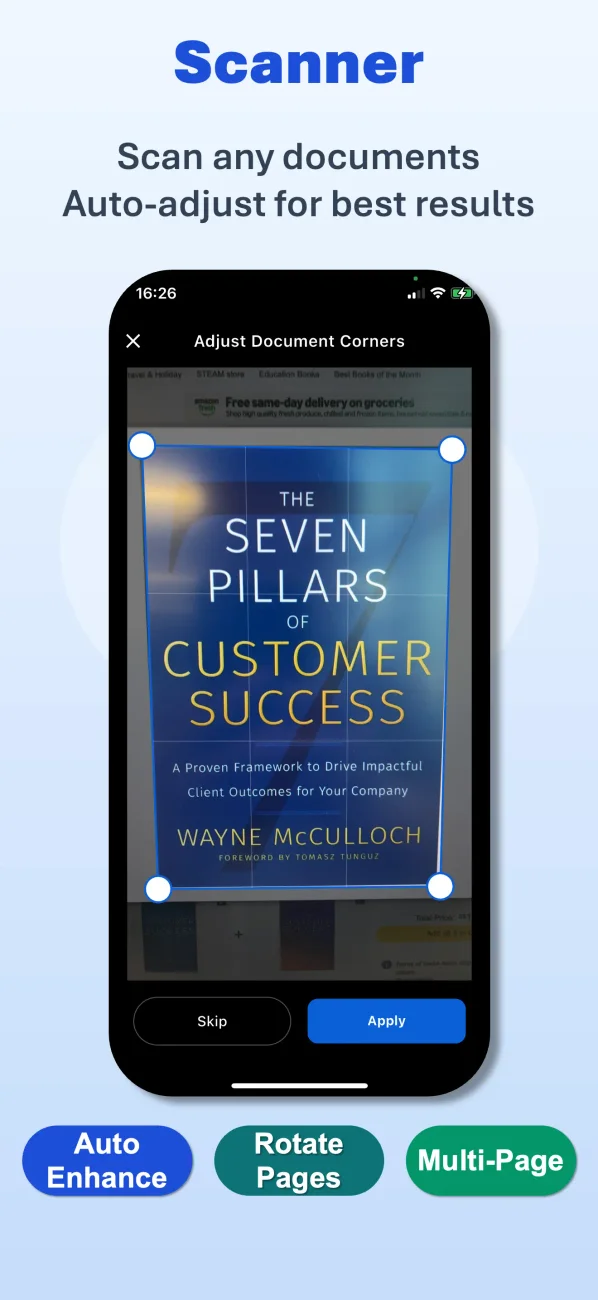
• High-Quality Document Scanner
Turn your camera into a powerful scanner. Capture documents, receipts, or notes and instantly convert them into clean, professional PDF files with high clarity.
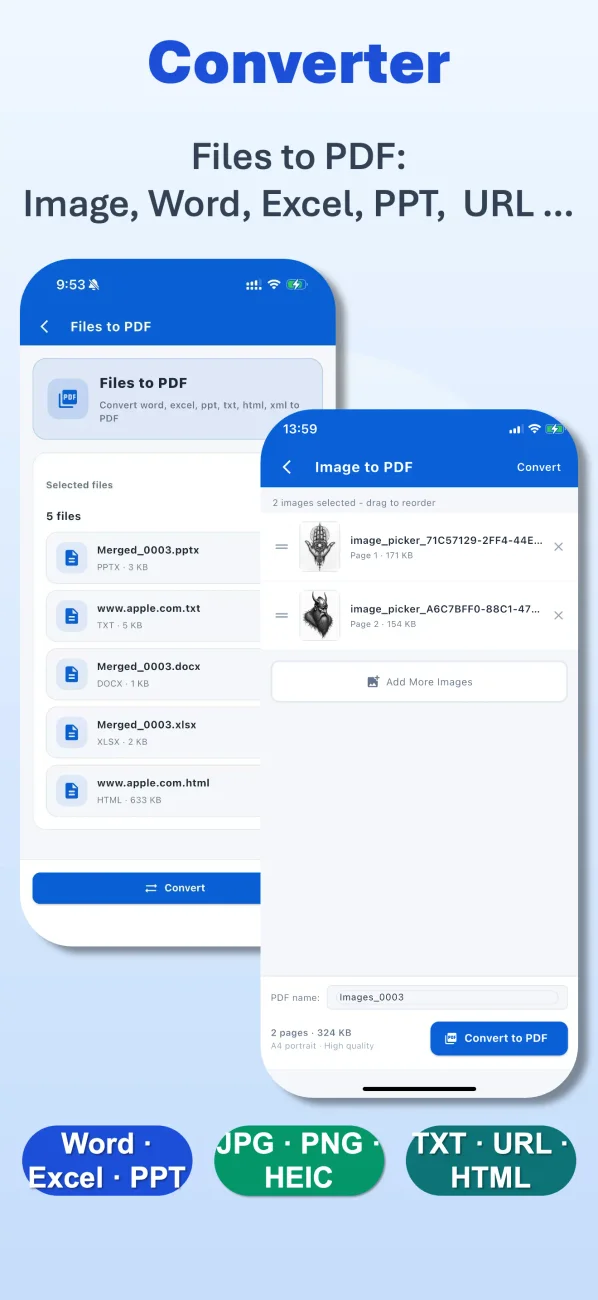
• Convert Files to PDF
Quickly convert images, photos, Office files (Word, Excel, PPT), HTML, TXT, and web pages into high-quality PDFs.
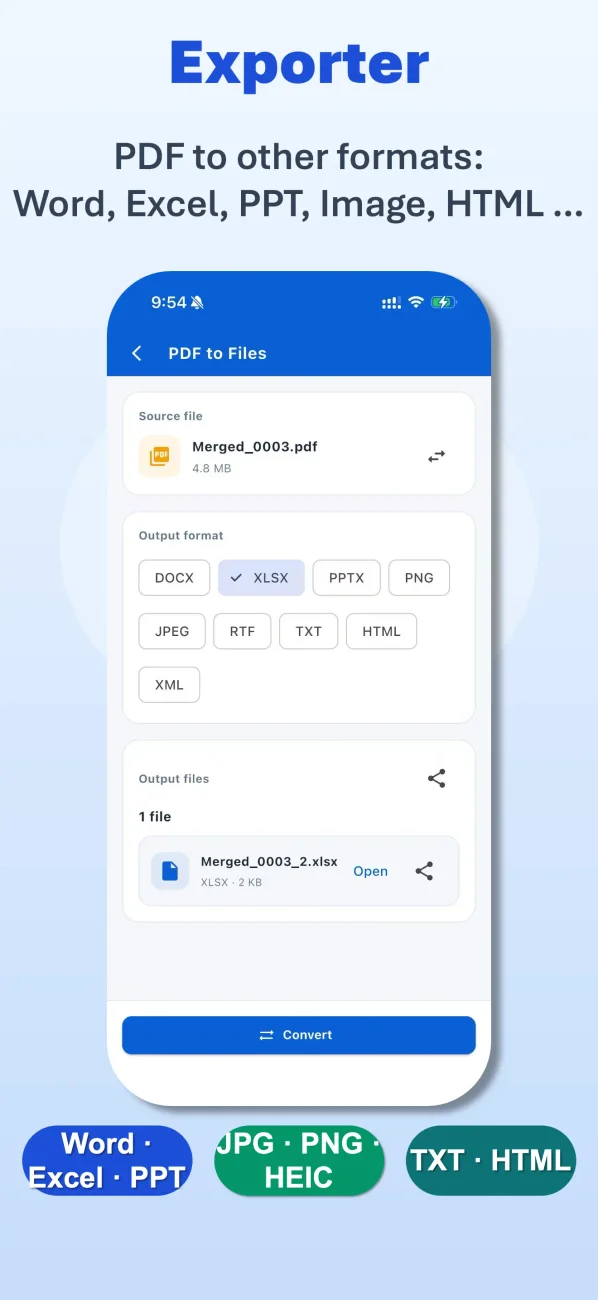
• Export PDF to Other Formats
Easily export PDFs to common formats such as Word, Excel, PPT, HTML, and TXT for editing and sharing.
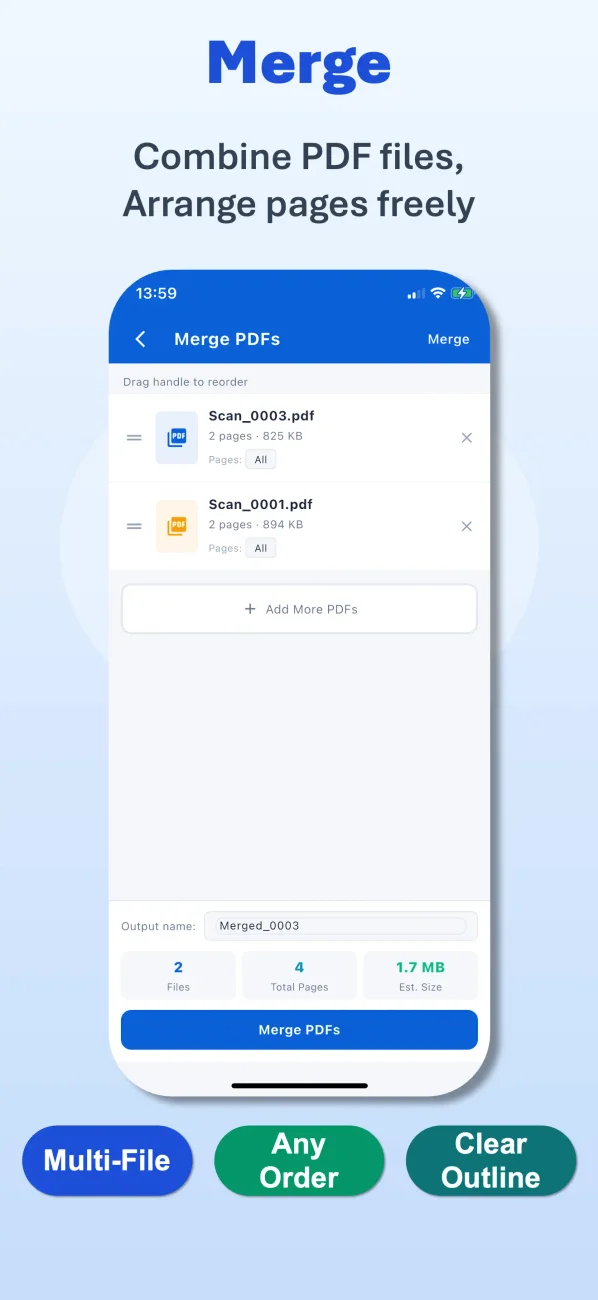
• Merge & Organize
Combine multiple PDF files into a single document in any order you choose. Streamline your workflow by keeping all related information in one place.
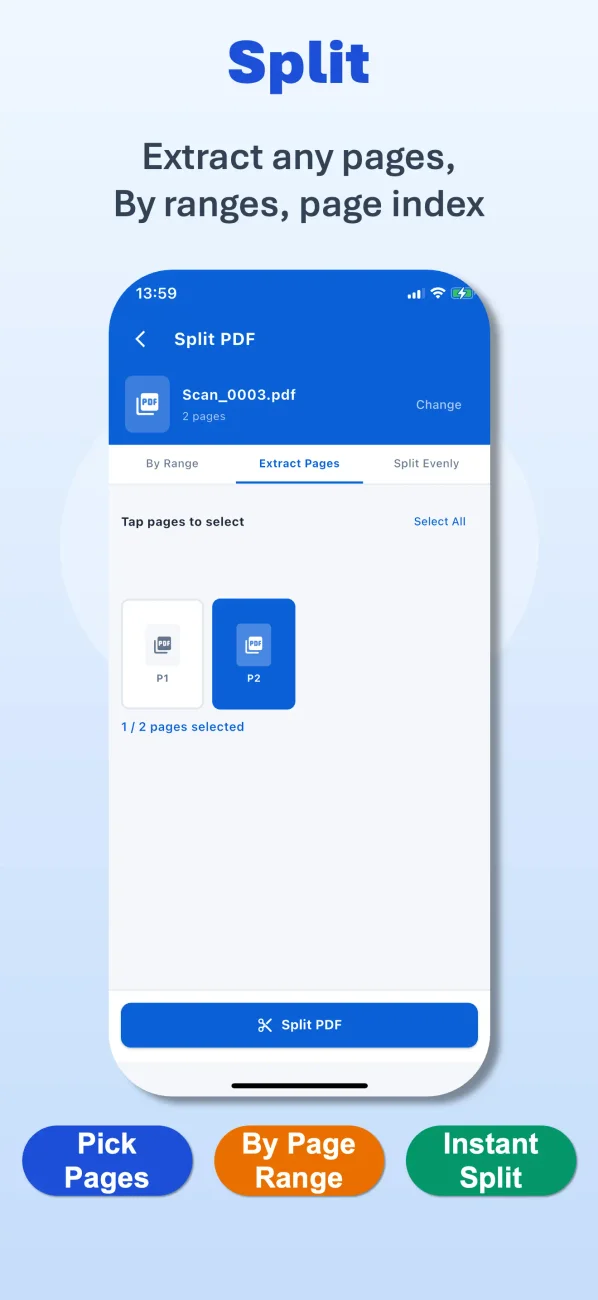
• Precise PDF Splitter
Extract specific pages or sections from any PDF to create a new file. Flexibility at your fingertips for sharing only what’s necessary.
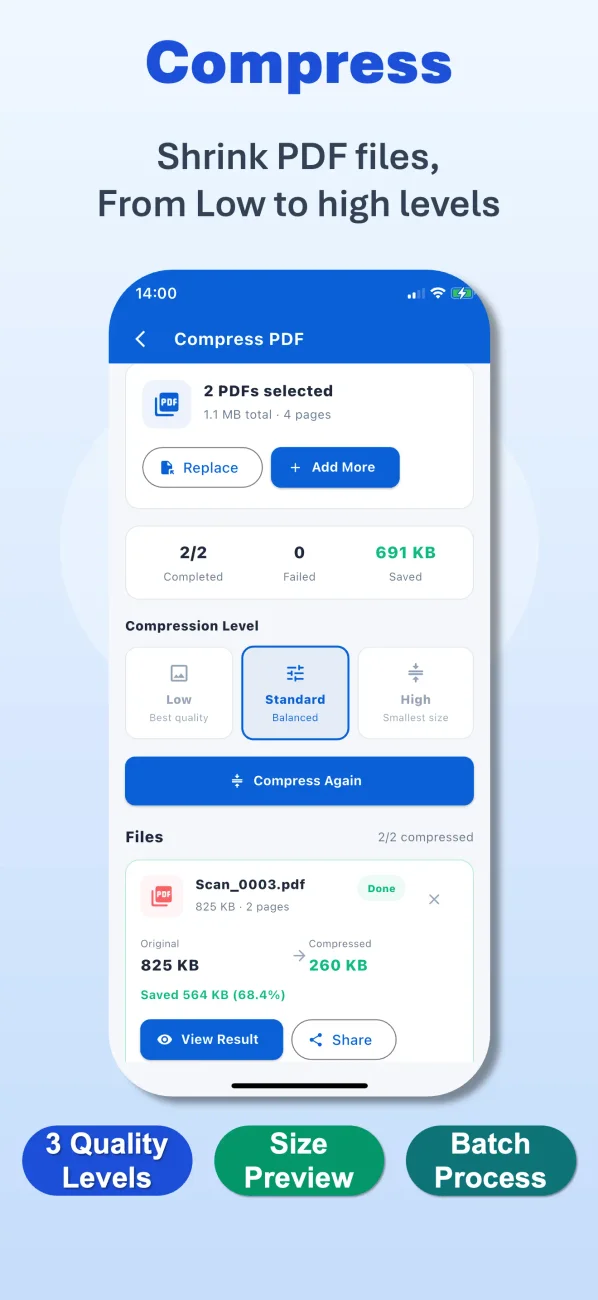
• Professional Compressor
Reduce file sizes without compromising readability. Choose from three optimization levels — Low, Standard, or High — to save storage and make sharing faster.
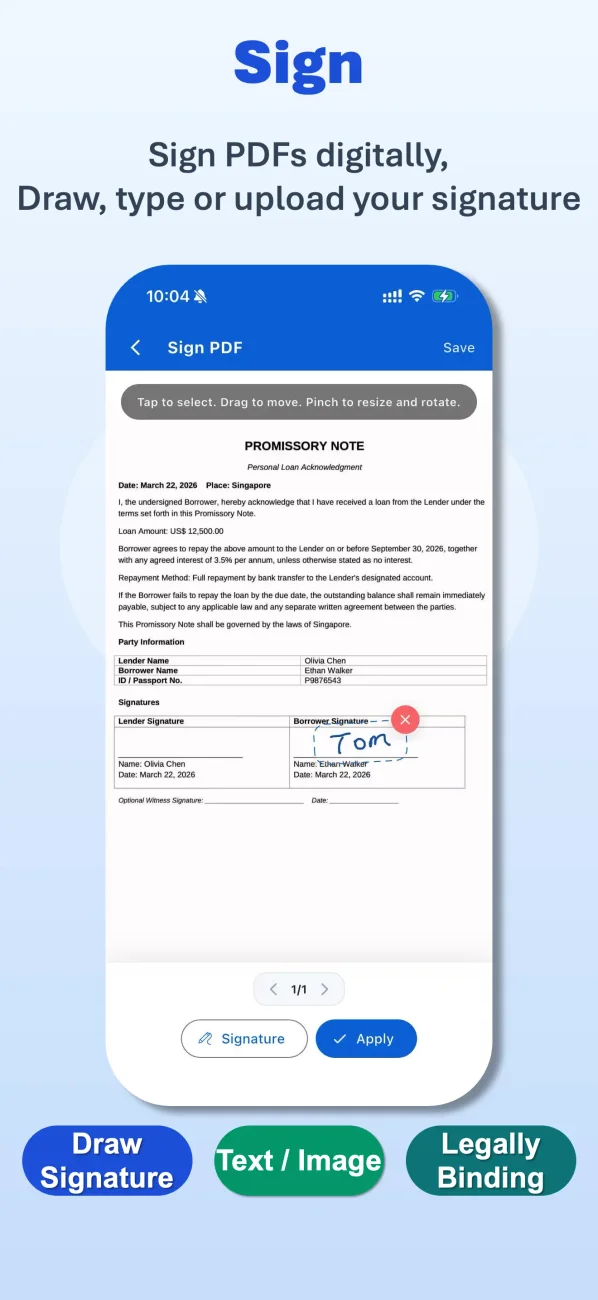
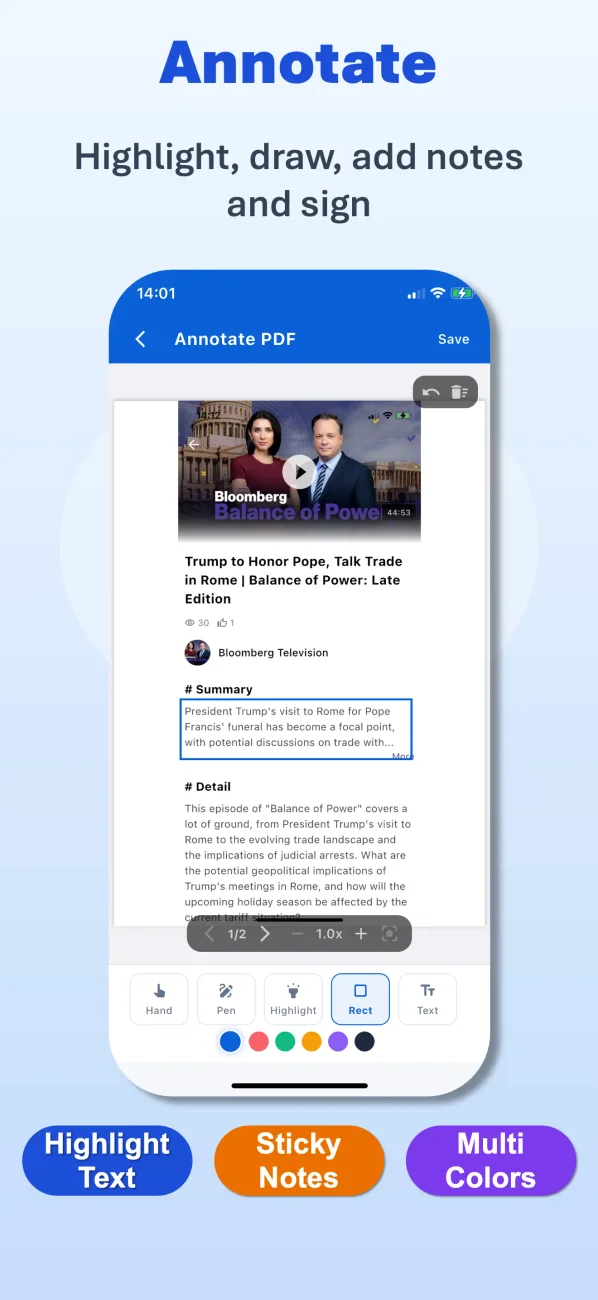
• Advanced Annotation Tools
Mark up your documents with ease. Use the pen tool, add text boxes, or use selection frames to highlight, comment, and collaborate on your PDF files.
■ Privacy First
Your security is our absolute priority.
PDF Maker operates with a strict local-only processing policy. We do not store, upload, or collect any of your documents or personal information on our servers. Your data stays where it belongs: on your device.
■ Why Choose PDF Maker?
• Powerful Processing Engine for high-quality document creation and conversion.
• Complete Toolkit for scanning, converting, merging, and editing in one app.
• Offline Efficiency — work anywhere, anytime without needing an internet connection.
• 100% Secure & Private — zero server-side data storage.
• Clean, Intuitive Interface designed for maximum productivity and ease of use.
■ Disclaimer
PDF Maker is an independent document management tool designed to help users process and organize their personal files.
It is not affiliated with or endorsed by any third-party document platforms.
The use of this application complies with “fair use” guidelines.
• Terms of Service: https://www.oxcellion.com/pdf-converter/assets/terms/user_agreement.html
• Privacy Policy: https://www.oxcellion.com/pdf-converter/assets/terms/privacy_policy.html
• Contact: service@oxcellion.com
PDF Maker — Scan, Convert, Edit, and Secure with Ease.
Download now and experience the next generation of smart document management!
Yang baru
Versi 1.1.2 · 19/8/2026
• Smoother, more refined experience across the app
• Improved stability and reliability
Tell us what to build next — your feedback shapes the app.
Privasi aplikasi
Yang dinyatakan XCell di App Store tentang cara aplikasi ini menangani data.
-
Data yang digunakan untuk melacak Anda
Dapat digunakan untuk melacak Anda di aplikasi dan situs web milik perusahaan lain.
- Pengenal
-
Data yang ditautkan dengan Anda
Dapat dikumpulkan dan ditautkan dengan identitas Anda.
- Pengenal
-
Data yang tidak ditautkan dengan Anda
Dapat dikumpulkan, tetapi tidak ditautkan dengan identitas Anda.
- Lokasi
- Konten pengguna
- Data penggunaan
- Diagnostik
- Data lainnya
Praktik privasi dapat bervariasi, misalnya berdasarkan fitur yang Anda gunakan atau usia Anda.
Informasi
- Penjual
- XCELL TECHNOLOGY CO., LIMITED
- Kategori
- Bisnis
- Versi
- 1.1.2
- Diperbarui
- 19/8/2026
- Dirilis
- 13/3/2026
- Ukuran
- 38,1 MB
- Memerlukan
- iOS 16.0 atau yang lebih baru
- Batasan usia
- 4+
- Harga
- Gratis
- Bahasa
- Inggris, Arab, Belanda, Prancis, Jerman, Hindi, Italia, Jepang, Korea, Portugis, Rusia, Tionghoa Sederhana + 2 lainnya
- Hak cipta
- © PDF Maker
Mungkin Anda juga suka
-
 Pemindai PDF: ScanlyGoKonverter, OCR, tanda tangan
-
 DocScanner: PDF ScanProduktivitas
-
 PDFMaker: JPG to PDF converterProduktivitas
-
 Scanner App for iPhoneProduktivitas
-
 PDF Maker - Convert to PDFProduktivitas
-
 PDF Scanner: Scan Dokumen.Document Scaner
-
 ScanMe Aplikasi Pemindai PDFpindai dokumen
-
 Free PDF Scanner App For DocBisnis
-
 Scanner App: Scan DocumentsBisnis
-
 Photo to PDF Converter ScannerBisnis