PDF Maker - Document Scanner
Scan,Convert,Merge & Compress
Được thiết kế cho iPhone
Miễn phí
- Độ tuổi4+
- Danh mụcKinh Doanh
- Nhà phát triểnXCell
- Ngôn ngữTiếng Anh+ 13 ngôn ngữ khác
- Kích thước38,1 MB
Liên kết đến trang App Store chính thức
Download.org không lưu trữ tệp nào của PDF Maker - Document Scanner. Nút này mở trang ứng dụng trên App Store, nơi XCell phát hành ứng dụng. Trang được kiểm tra lần cuối: 24/11/2026.
Ảnh chụp màn hình
Giới thiệu
Nhà phát triển chưa cung cấp nội dung này bằng ngôn ngữ của bạn.
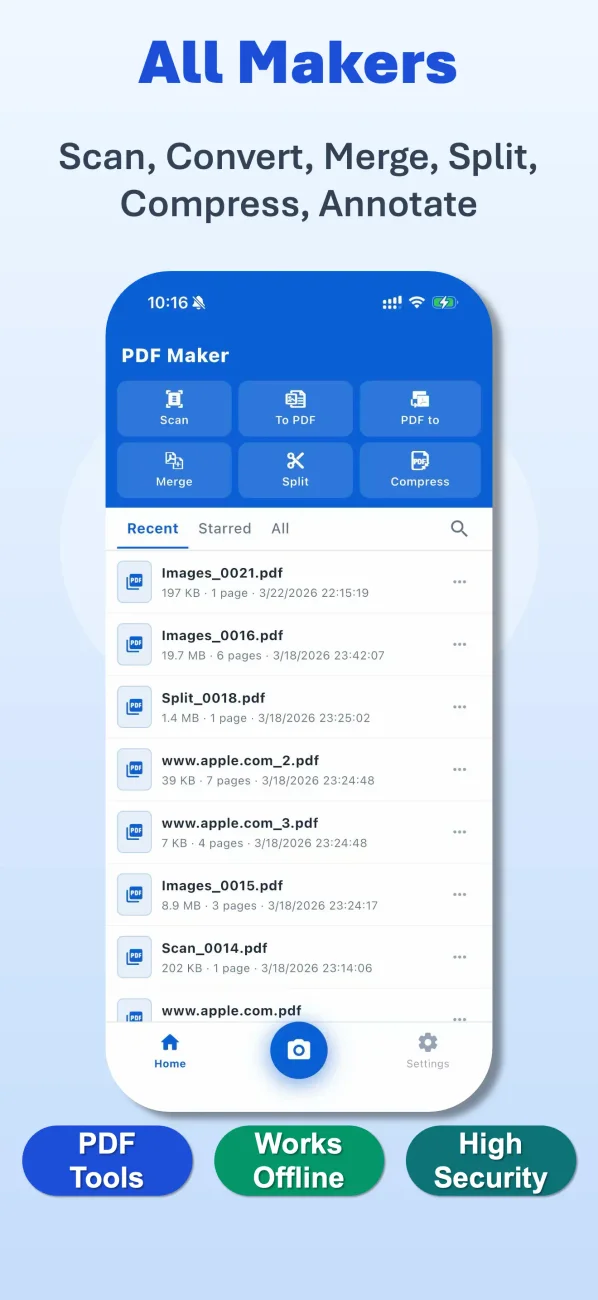
PDF Maker – Your All-in-One Professional Document Toolkit
Have you ever needed to turn a stack of paper into a professional PDF instantly, or combine multiple documents into one organized file on the go?
PDF Maker is the ultimate document management tool designed to handle every PDF task with precision and speed — all on your device, all in one place.
PDF Maker simplifies the way you create, edit, and organize documents. Whether you’re a student, a business professional, or an entrepreneur — PDF Maker is your perfect companion for a paperless lifestyle.
■ Main Features
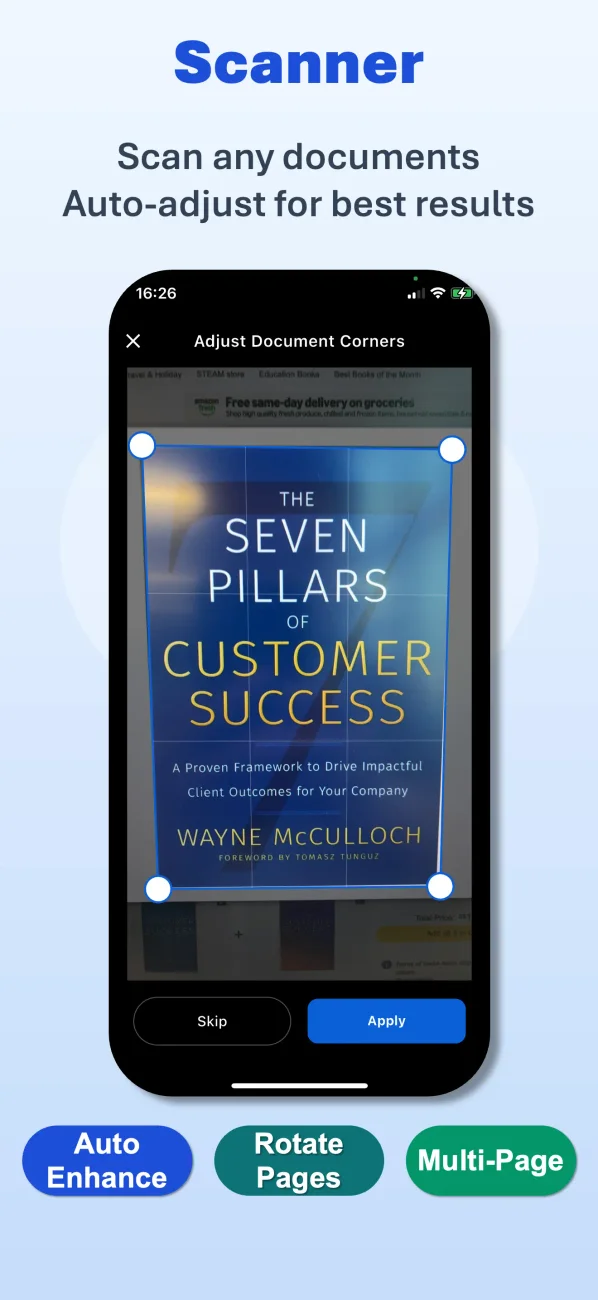
• High-Quality Document Scanner
Turn your camera into a powerful scanner. Capture documents, receipts, or notes and instantly convert them into clean, professional PDF files with high clarity.
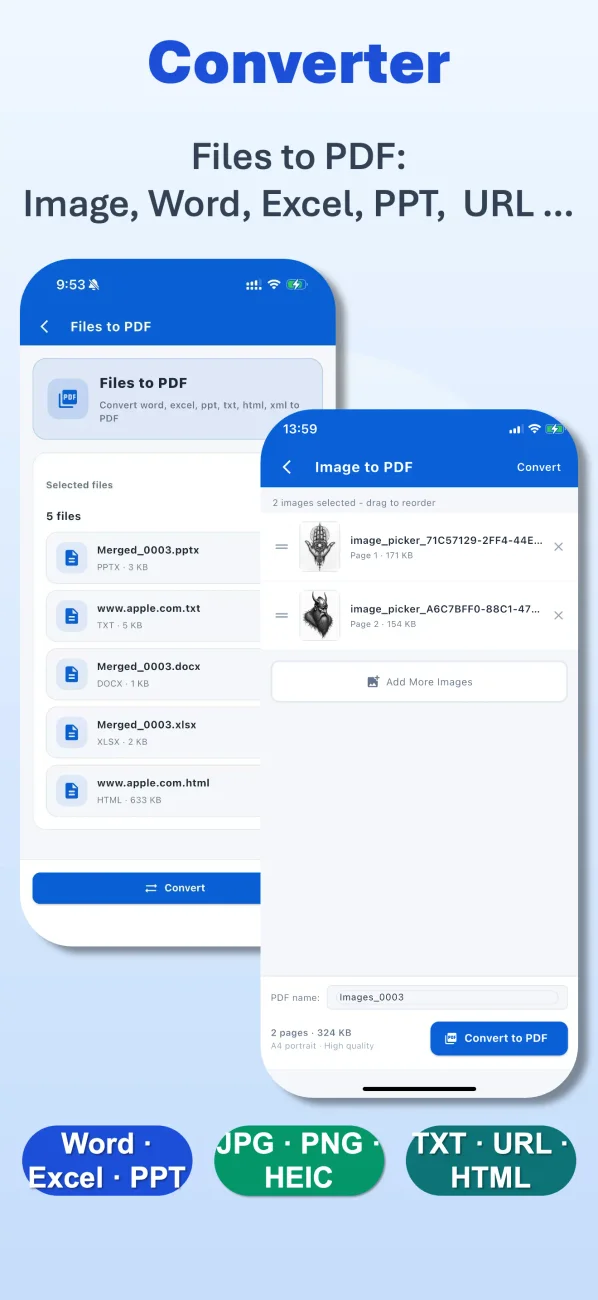
• Convert Files to PDF
Quickly convert images, photos, Office files (Word, Excel, PPT), HTML, TXT, and web pages into high-quality PDFs.
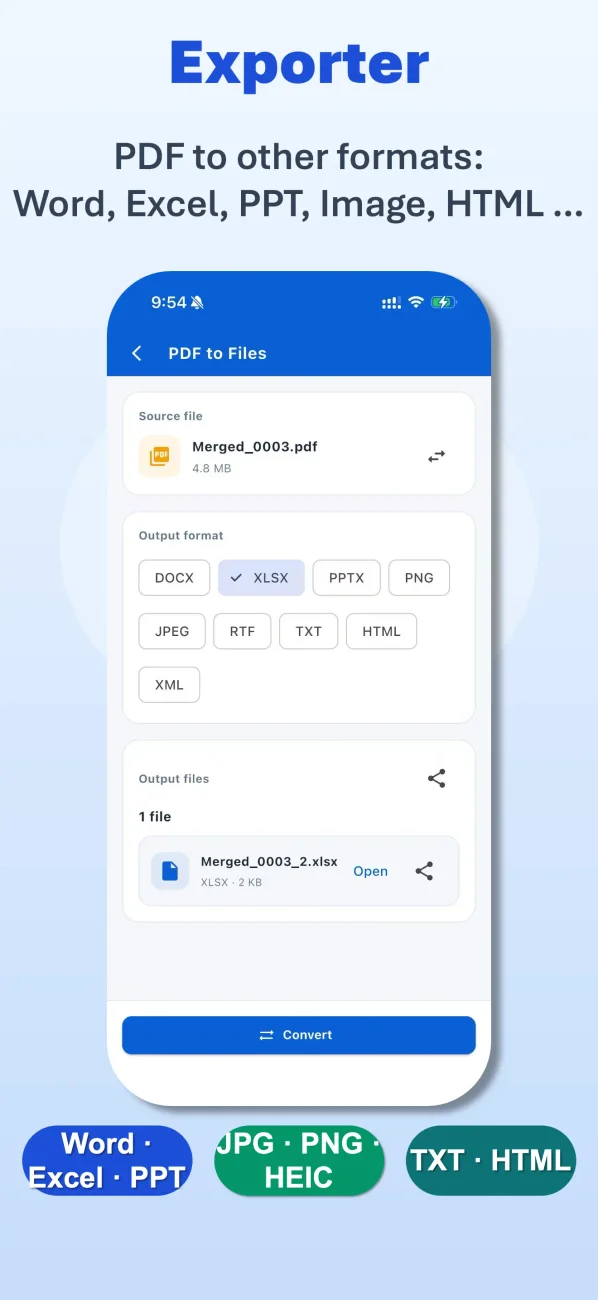
• Export PDF to Other Formats
Easily export PDFs to common formats such as Word, Excel, PPT, HTML, and TXT for editing and sharing.
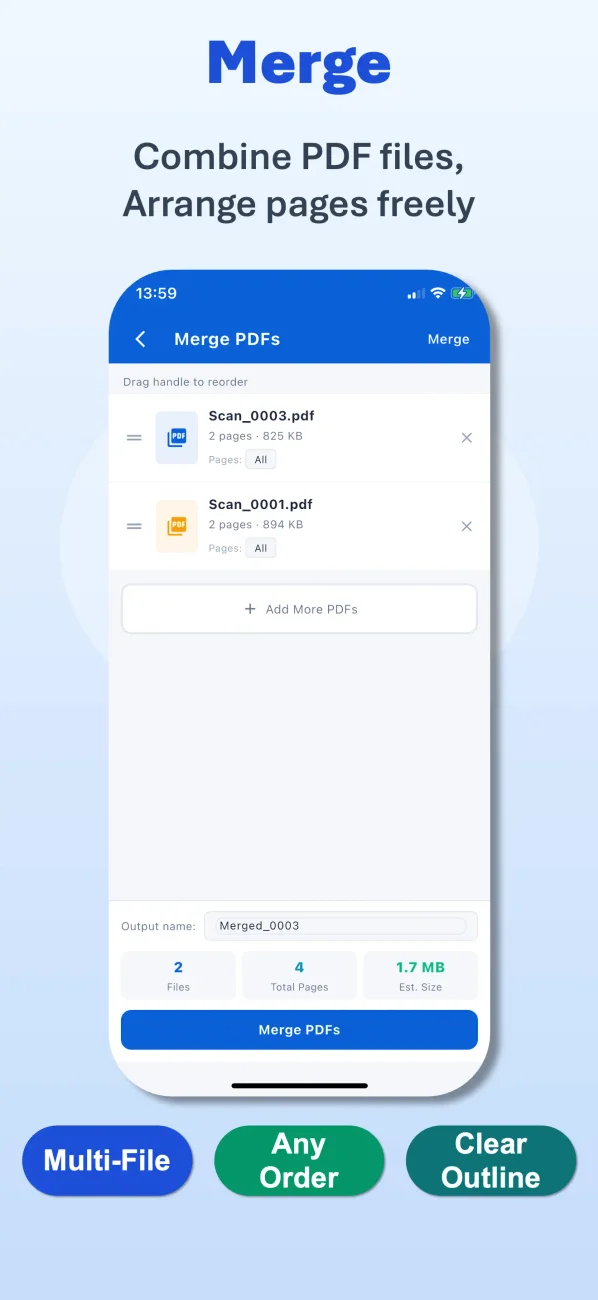
• Merge & Organize
Combine multiple PDF files into a single document in any order you choose. Streamline your workflow by keeping all related information in one place.
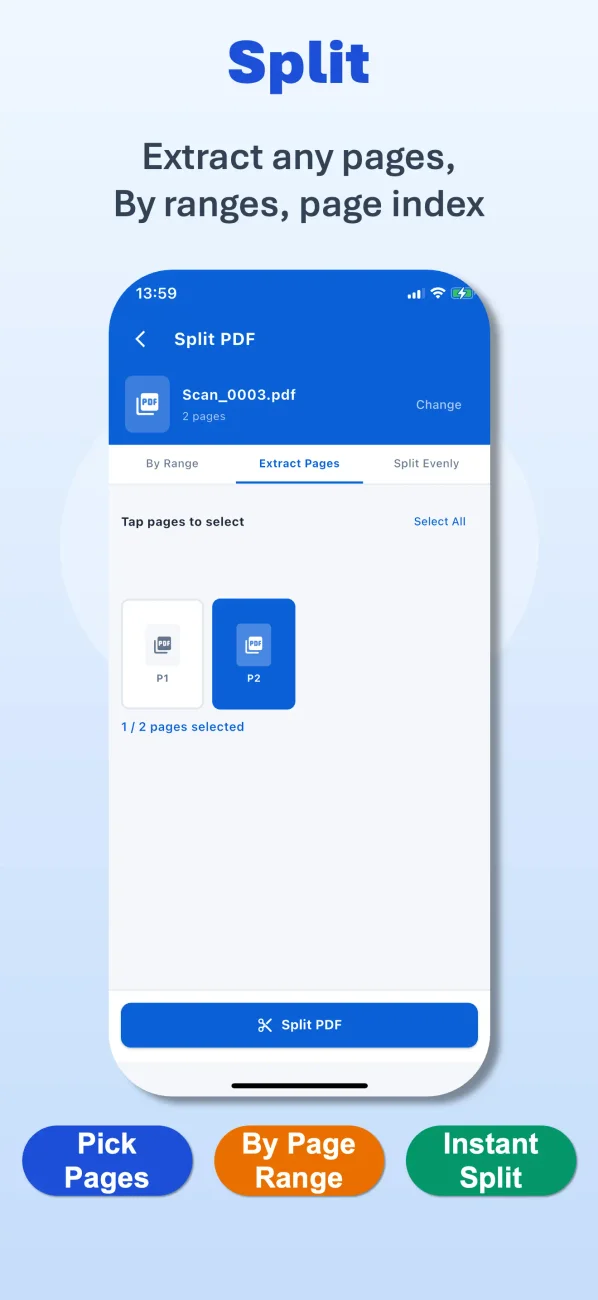
• Precise PDF Splitter
Extract specific pages or sections from any PDF to create a new file. Flexibility at your fingertips for sharing only what’s necessary.
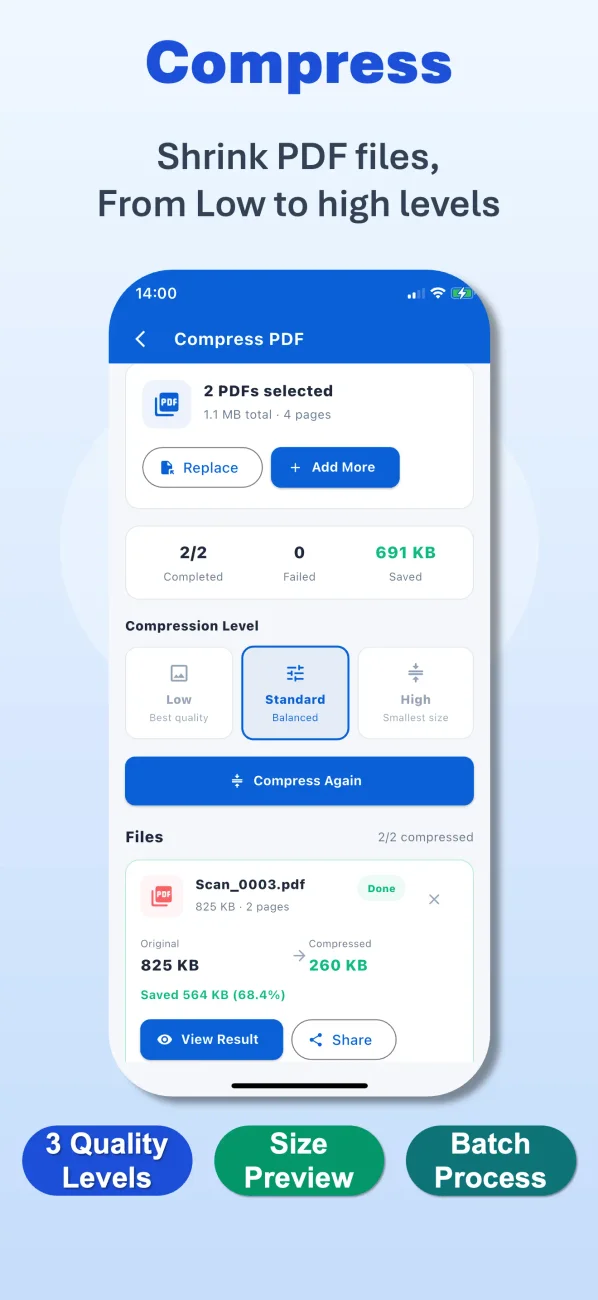
• Professional Compressor
Reduce file sizes without compromising readability. Choose from three optimization levels — Low, Standard, or High — to save storage and make sharing faster.
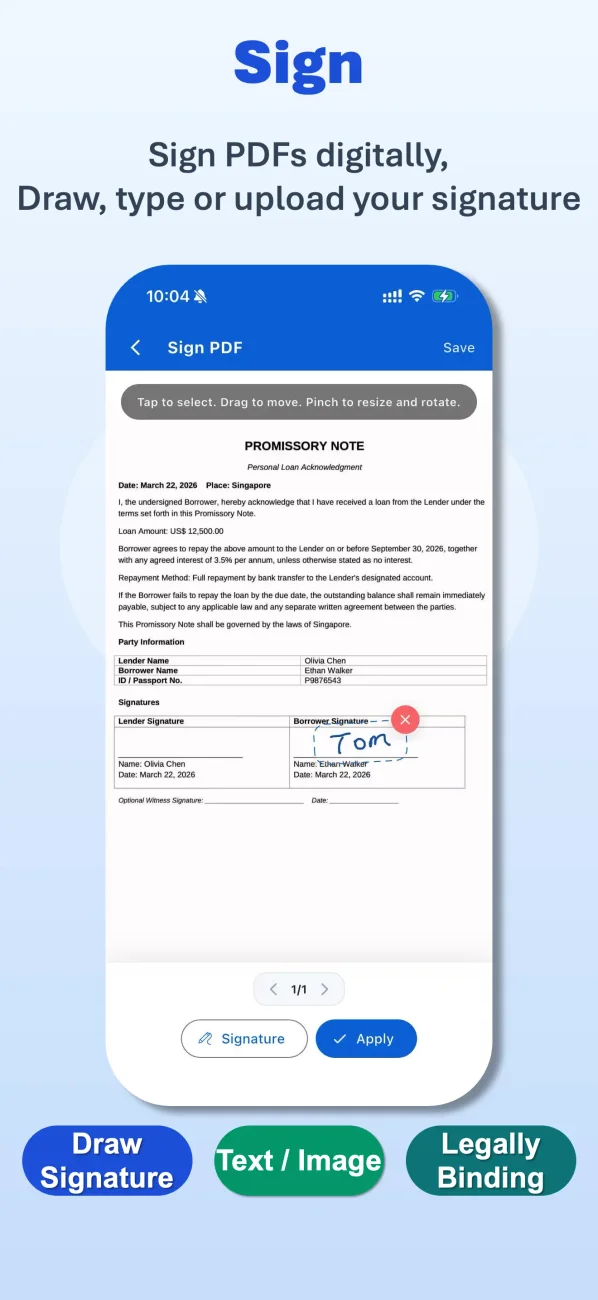
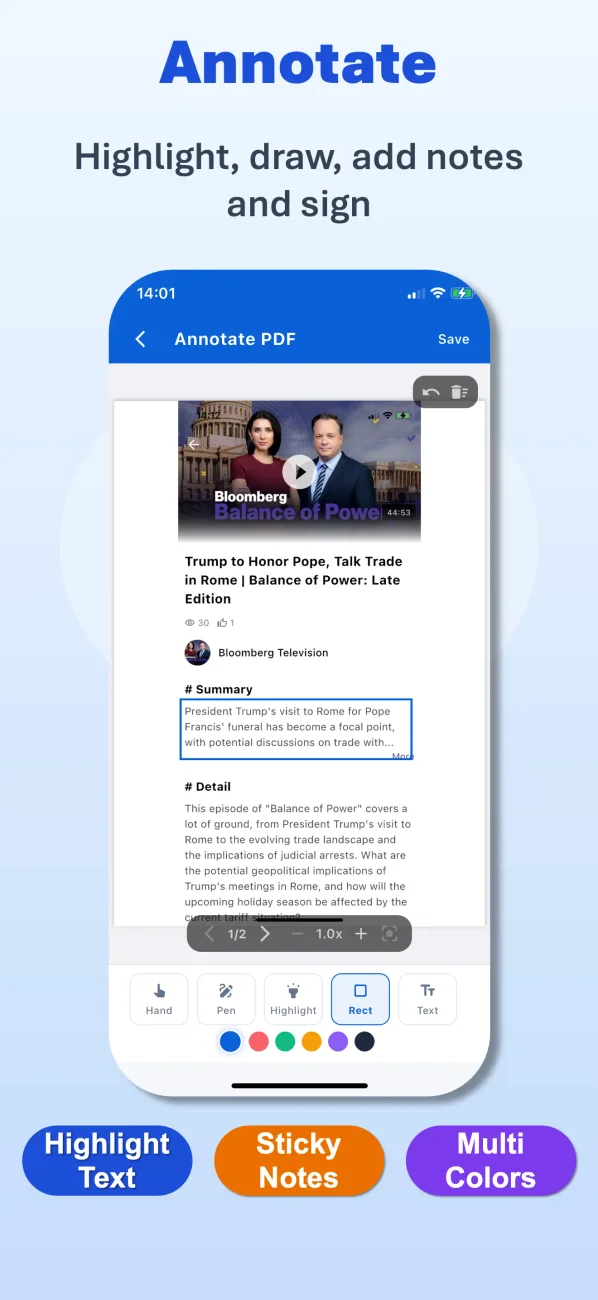
• Advanced Annotation Tools
Mark up your documents with ease. Use the pen tool, add text boxes, or use selection frames to highlight, comment, and collaborate on your PDF files.
■ Privacy First
Your security is our absolute priority.
PDF Maker operates with a strict local-only processing policy. We do not store, upload, or collect any of your documents or personal information on our servers. Your data stays where it belongs: on your device.
■ Why Choose PDF Maker?
• Powerful Processing Engine for high-quality document creation and conversion.
• Complete Toolkit for scanning, converting, merging, and editing in one app.
• Offline Efficiency — work anywhere, anytime without needing an internet connection.
• 100% Secure & Private — zero server-side data storage.
• Clean, Intuitive Interface designed for maximum productivity and ease of use.
■ Disclaimer
PDF Maker is an independent document management tool designed to help users process and organize their personal files.
It is not affiliated with or endorsed by any third-party document platforms.
The use of this application complies with “fair use” guidelines.
• Terms of Service: https://www.oxcellion.com/pdf-converter/assets/terms/user_agreement.html
• Privacy Policy: https://www.oxcellion.com/pdf-converter/assets/terms/privacy_policy.html
• Contact: service@oxcellion.com
PDF Maker — Scan, Convert, Edit, and Secure with Ease.
Download now and experience the next generation of smart document management!
Có gì mới
Phiên bản 1.1.2 · 19/08/2026
• Smoother, more refined experience across the app
• Improved stability and reliability
Tell us what to build next — your feedback shapes the app.
Quyền riêng tư của ứng dụng
Những gì XCell khai báo trên App Store về cách ứng dụng này xử lý dữ liệu.
-
Dữ liệu được sử dụng để theo dõi bạn
Có thể được sử dụng để theo dõi bạn trên các ứng dụng và trang web do công ty khác sở hữu.
- Mã định danh
-
Dữ liệu liên kết với bạn
Có thể được thu thập và liên kết với danh tính của bạn.
- Mã định danh
-
Dữ liệu không liên kết với bạn
Có thể được thu thập nhưng không liên kết với danh tính của bạn.
- Vị trí
- Nội dung của người dùng
- Dữ liệu sử dụng
- Chẩn đoán
- Dữ liệu khác
Phương thức đảm bảo quyền riêng tư có thể khác nhau, chẳng hạn như tuỳ theo các tính năng bạn sử dụng hoặc độ tuổi của bạn.
Thông tin
- Người bán
- XCELL TECHNOLOGY CO., LIMITED
- Danh mục
- Kinh Doanh
- Phiên bản
- 1.1.2
- Cập nhật
- 19/08/2026
- Phát hành
- 13/03/2026
- Kích thước
- 38,1 MB
- Yêu cầu
- iOS 16.0 trở lên
- Độ tuổi
- 4+
- Giá
- Miễn phí
- Ngôn ngữ
- Tiếng Anh, Tiếng Ả Rập, Tiếng Hà Lan, Tiếng Pháp, Tiếng Đức, Hindi, Tiếng Ý, Tiếng Nhật, Tiếng Hàn, Tiếng Bồ Đào Nha, Tiếng Nga, Tiếng Trung Giản thể + 2 ngôn ngữ khác
- Bản quyền
- © PDF Maker
Có thể bạn cũng thích
-
 Quét PDF: ScanlyGoChuyển đổi, OCR, ký và nén
-
 DocScanner: PDF ScanHiệu Suất
-
 PDFMaker: JPG to PDF converterHiệu Suất
-
 Scanner App for iPhoneHiệu Suất
-
 PDF Maker - Convert to PDFHiệu Suất
-
 PDF Scanner | Document ScanKinh Doanh
-
 ScanMe Ứng Dụng Trình Quét PDFquét tài liệu
-
 Free PDF Scanner App For DocKinh Doanh
-
 Scanner App: Scan DocumentsKinh Doanh
-
 Photo to PDF Converter ScannerKinh Doanh