PDF Printer for iPhone & Scan
the hp printer aрр
Dirancang untuk iPhone, iPad
Gratis · Pembelian dalam aplikasi
- Batasan usia12+
- KategoriBisnis
- PengembangMaksym Zaivyi
- BahasaInggris+ 7 lainnya
- Ukuran15,7 MB
Tertaut ke halaman resmi App Store
Download.org tidak menyimpan file PDF Printer for iPhone & Scan apa pun. Tombol ini membuka halaman aplikasi di App Store, tempat Maksym Zaivyi menerbitkannya. Halaman terakhir diperiksa pada 28/11/2026.
Tangkapan layar
Tentang
Pengembang belum menyediakan teks ini dalam bahasa Anda.
WANT TO PRINT FROM YOUR IPHONE WITHOUT CABLES?
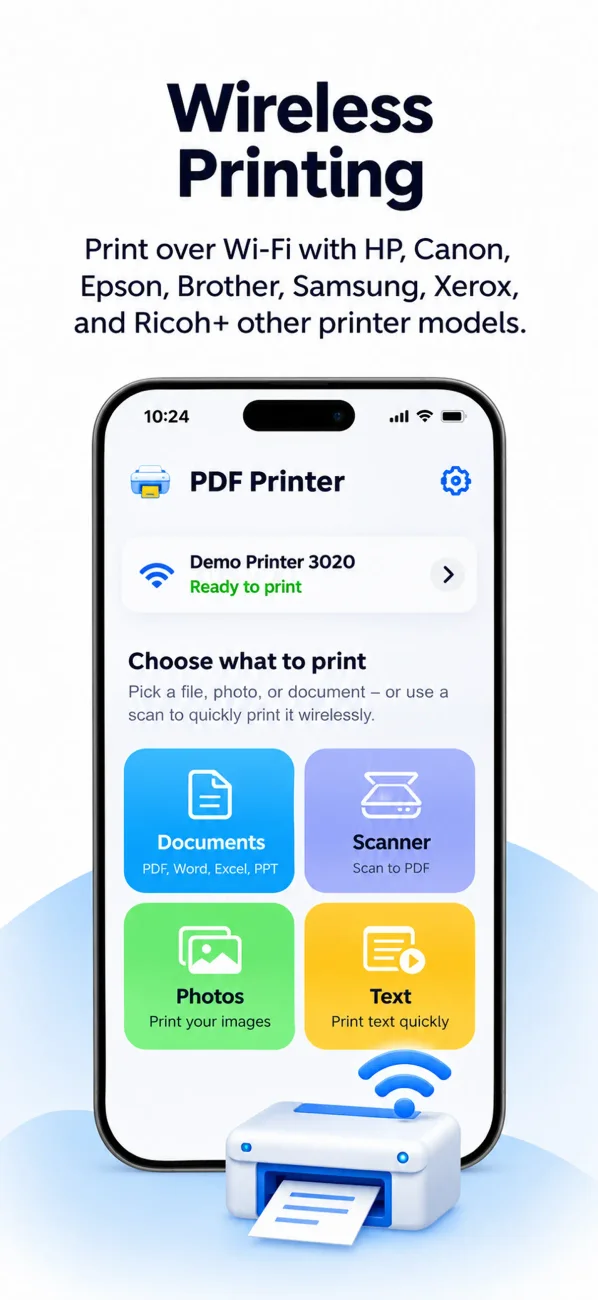
Want to print from your iPhone without cables or complicated setup? Looking for a fast way to connect your phone to a Wi-Fi printer? Air Printer App & Scan lets you print documents and photos directly from your iPhone in just a few taps. Send PDFs, files, and images to any AirPrint-compatible printer — no drivers, no additional apps, no technical setup required. Just connect and print.
COMPATIBLE WITH LEADING PRINTER BRANDS
Air Printer App & Scan works with thousands of AirPrint-enabled printers from major manufacturers such as HP, Canon, Epson, Brother, Samsung, Xerox, Ricoh, Kyocera, Konica Minolta, Lexmark, Panasonic, Sharp, OKI, Dell, Lenovo, LG, and many others. If your printer supports AirPrint, the app is ready to use.
A COMPLETE MOBILE PRINTING SOLUTION
Whether you need to print school materials, business paperwork, tickets, shipping labels, or personal photos, Air Printer App & Scan provides a convenient and reliable way to handle everything straight from your iPhone. Home, office, or traveling — printing from iOS is now quick and completely wireless.
WHAT YOU CAN DO
Print Over Wi-Fi Instantly
– Automatically detects AirPrint printers on your network
– Select files and adjust print settings
– Print in seconds
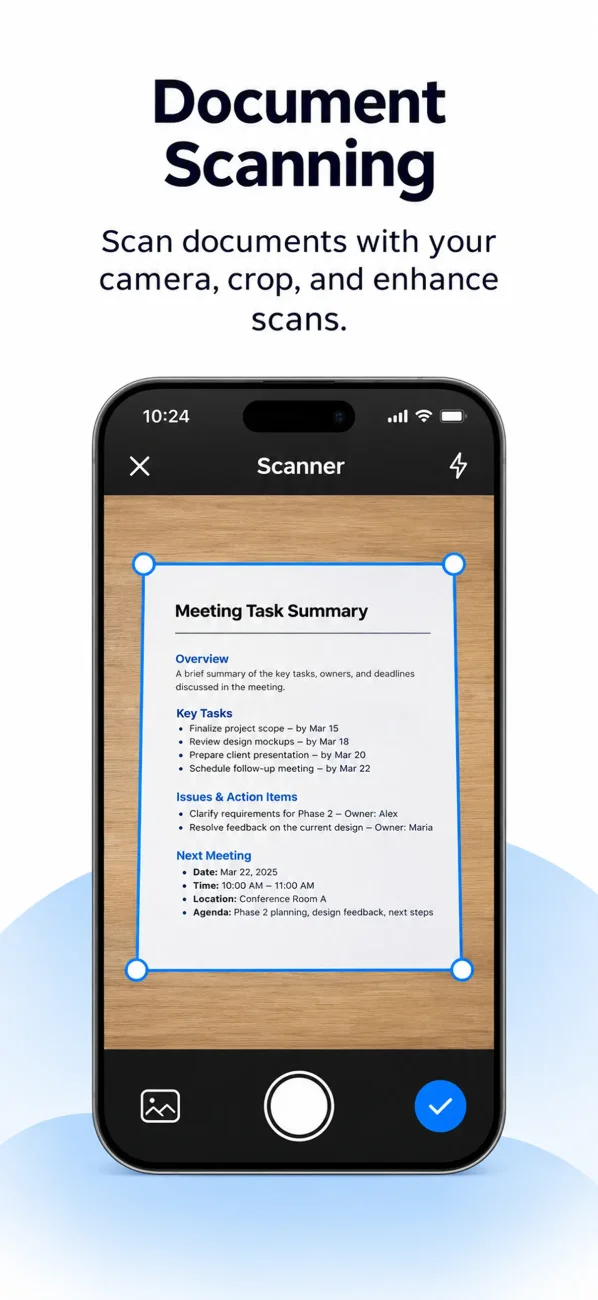
Scan Documents with Your Camera
– Use your iPhone as a portable scanner
– Capture receipts, notes, contracts, and other documents
– Automatic cropping and image enhancement
– Print instantly or save as PDF
Print from Photos, Files & iCloud
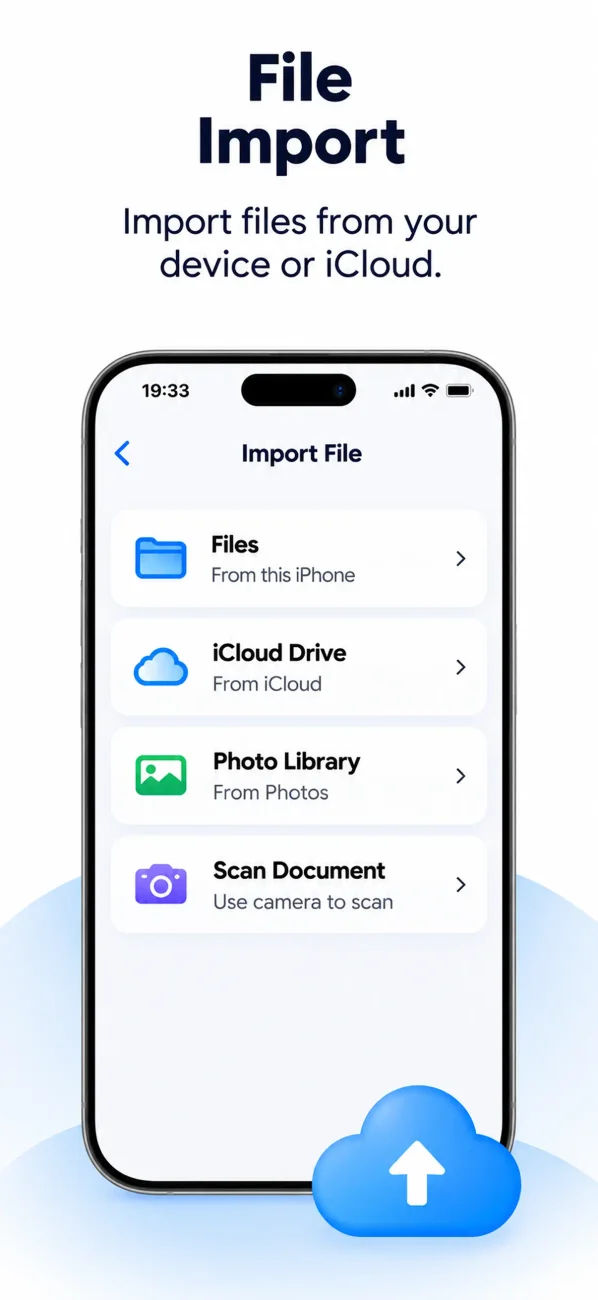
– Import documents and images from Photos and Files
– Print directly from iCloud storage
– No computer required
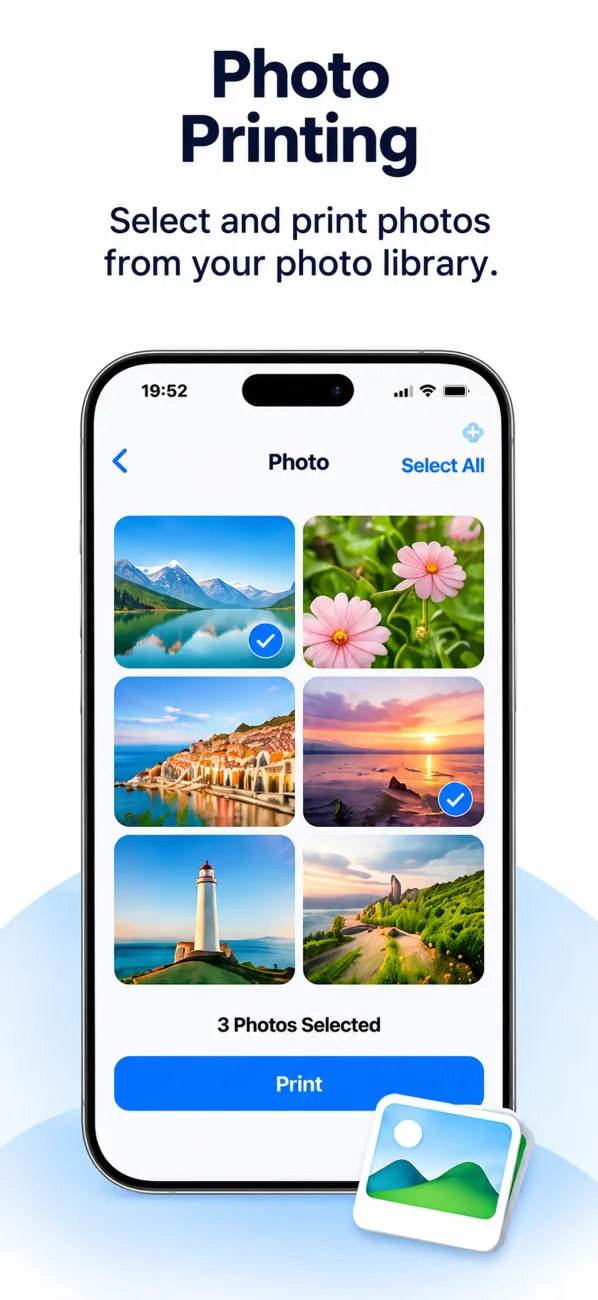
High-Quality Photo Printing
– Adjustable paper size
– Orientation settings
– Ideal for memories and creative projects
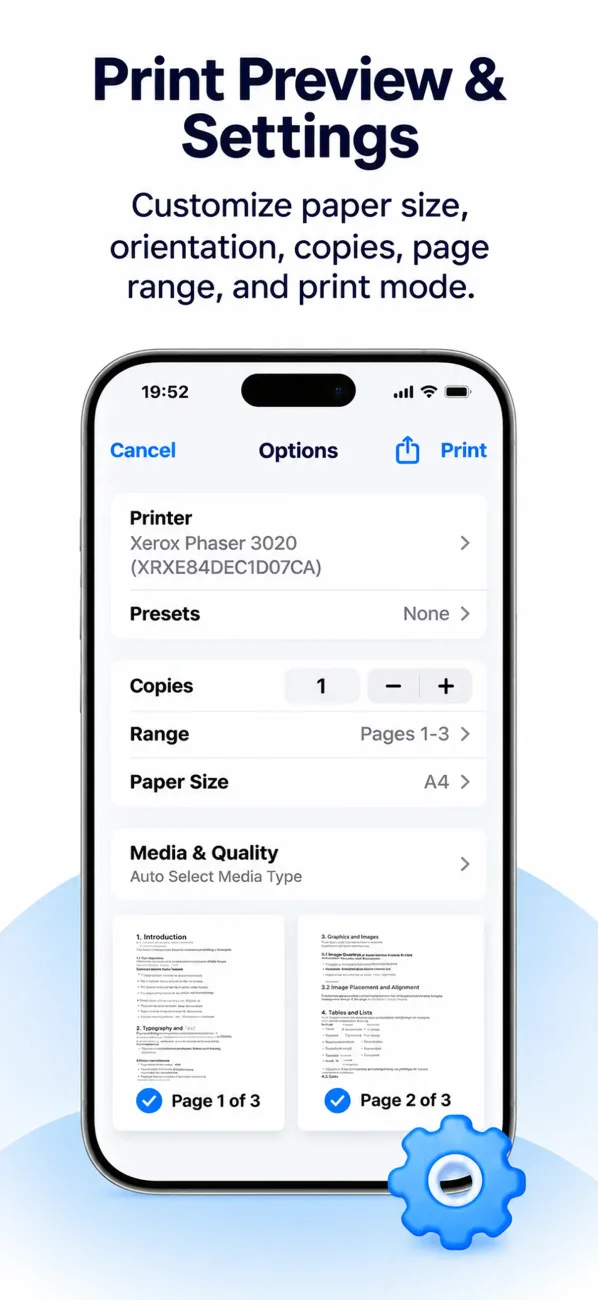
Full Control Over Print Settings
– Paper size
– Number of copies
– Page range
– Color or black & white mode
– Double-sided printing
– Additional advanced options
BROAD PRINTER SUPPORT
Supports thousands of AirPrint-enabled printers, from compact home inkjet models to professional office laser devices.
FAST SETUP — NO EXTRA SOFTWARE
No need to download manufacturer-specific apps or install drivers. Simply ensure your iPhone and printer are connected to the same Wi-Fi network and start printing immediately.
EVERYTHING YOU NEED — RIGHT FROM YOUR PHONE
Handle assignments, contracts, receipts, shipping labels, and family photos directly from your iPhone with ease. Download Air Printer App & Scan and simplify the way you print and scan today.
ADDITIONAL INFORMATION
Air Printer App & Scan is not affiliated with or endorsed by any printer manufacturers. Brand names are mentioned solely to indicate compatibility.
SUBSCRIPTION
The app offers auto-renewing subscriptions:
– 1 month — $12.99
– 1 year — $49.99
Prices may vary depending on your country and taxes (e.g. VAT).
SUBSCRIPTION TERMS
– Payment will be charged to your Apple ID account at the time of purchase
– Subscription automatically renews unless auto-renew is turned off at least 24 hours before the end of the current period
– Your account will be charged for renewal within 24 hours prior to the end of the current period
– You can manage or cancel your subscription at any time in App Store > Account > Subscriptions
– Any unused portion of a free trial period (if offered) will be forfeited upon purchasing a subscription
Terms: https://sites.google.com/view/printup/terms
Privacy: https://sites.google.com/view/printup/privacy-policy
Yang baru
Versi 2.01 · 26/11/2026
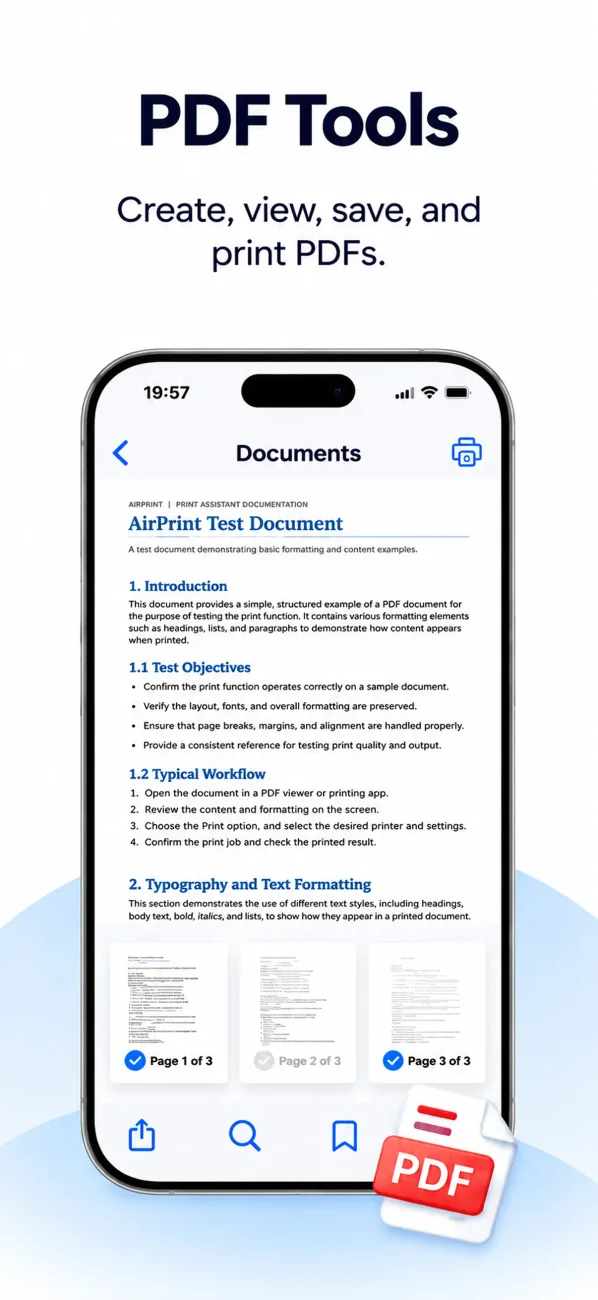
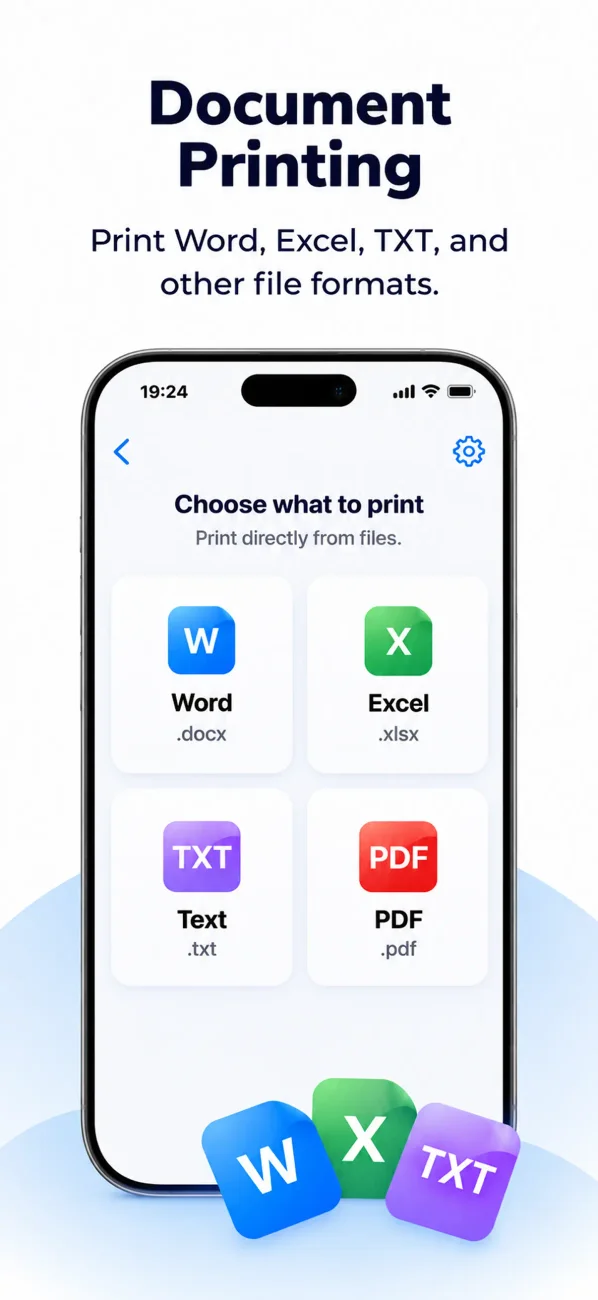
Added support for printing documents in various file formats, including Word, Excel, and TXT
Privasi aplikasi
Yang dinyatakan Maksym Zaivyi di App Store tentang cara aplikasi ini menangani data.
-
Data tidak dikumpulkan
Pengembang tidak mengumpulkan data apa pun dari aplikasi ini.
Praktik privasi dapat bervariasi, misalnya berdasarkan fitur yang Anda gunakan atau usia Anda.
Informasi
- Penjual
- Maksym Zaivyi
- Kategori
- Bisnis
- Versi
- 2.01
- Diperbarui
- 26/11/2026
- Dirilis
- 28/2/2026
- Ukuran
- 15,7 MB
- Memerlukan
- iOS 18 atau yang lebih baru
- Batasan usia
- 12+
- Harga
- Gratis
- Pembelian dalam aplikasi
- Ya
- Bahasa
- Inggris, Prancis, Jerman, Italia, Polski (Polandia), Rusia, Spanyol, Ukraina
- Hak cipta
- © 2026 Maksymen
Mungkin Anda juga suka
-
 HP Smart Printer App + ScannerBisnis
-
 Smart Printer :Bluetooth PrintCetak PDF, Foto, Web, Pemindai
-
 Printer App: Print from MobileBisnis
-
 HP Smart Printer App FREEFor HP, Canon, Epson, Brother
-
 Smart Printer・Setup & PrintProduktivitas
-
 HP Smart Printer App+ HPSmartBisnis
-
 Printer HP Pintar: Cetak, ScanCetak Nirkabel Cepat untuk HP
-
 Smart Printer-Support for HPBisnis
-
 Setup for HP Smart Printer AppProduktivitas
-
 Air Print Go・Smart Printer AppBisnis