- 対象年齢12+
- カテゴリビジネス
- 開発元Maksym Zaivyi
- 言語英語ほか7言語
- サイズ15.7 MB
App Storeの公式ページにリンクしています
Download.orgはPDF Printer for iPhone & Scanのファイルを一切ホストしていません。ボタンを押すと、Maksym Zaivyiが公開しているApp Storeのアプリページが開きます。ページの最終確認:2026/11/28。
スクリーンショット
概要
開発元はこのテキストをお使いの言語で提供していません。
WANT TO PRINT FROM YOUR IPHONE WITHOUT CABLES?
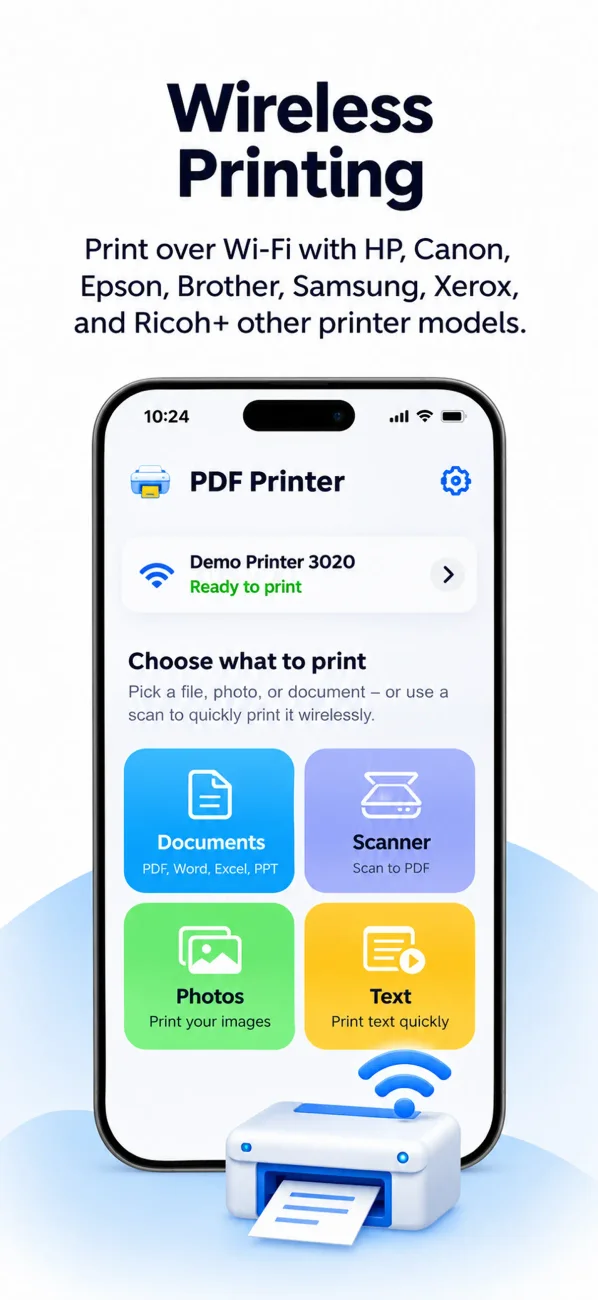
Want to print from your iPhone without cables or complicated setup? Looking for a fast way to connect your phone to a Wi-Fi printer? Air Printer App & Scan lets you print documents and photos directly from your iPhone in just a few taps. Send PDFs, files, and images to any AirPrint-compatible printer — no drivers, no additional apps, no technical setup required. Just connect and print.
COMPATIBLE WITH LEADING PRINTER BRANDS
Air Printer App & Scan works with thousands of AirPrint-enabled printers from major manufacturers such as HP, Canon, Epson, Brother, Samsung, Xerox, Ricoh, Kyocera, Konica Minolta, Lexmark, Panasonic, Sharp, OKI, Dell, Lenovo, LG, and many others. If your printer supports AirPrint, the app is ready to use.
A COMPLETE MOBILE PRINTING SOLUTION
Whether you need to print school materials, business paperwork, tickets, shipping labels, or personal photos, Air Printer App & Scan provides a convenient and reliable way to handle everything straight from your iPhone. Home, office, or traveling — printing from iOS is now quick and completely wireless.
WHAT YOU CAN DO
Print Over Wi-Fi Instantly
– Automatically detects AirPrint printers on your network
– Select files and adjust print settings
– Print in seconds
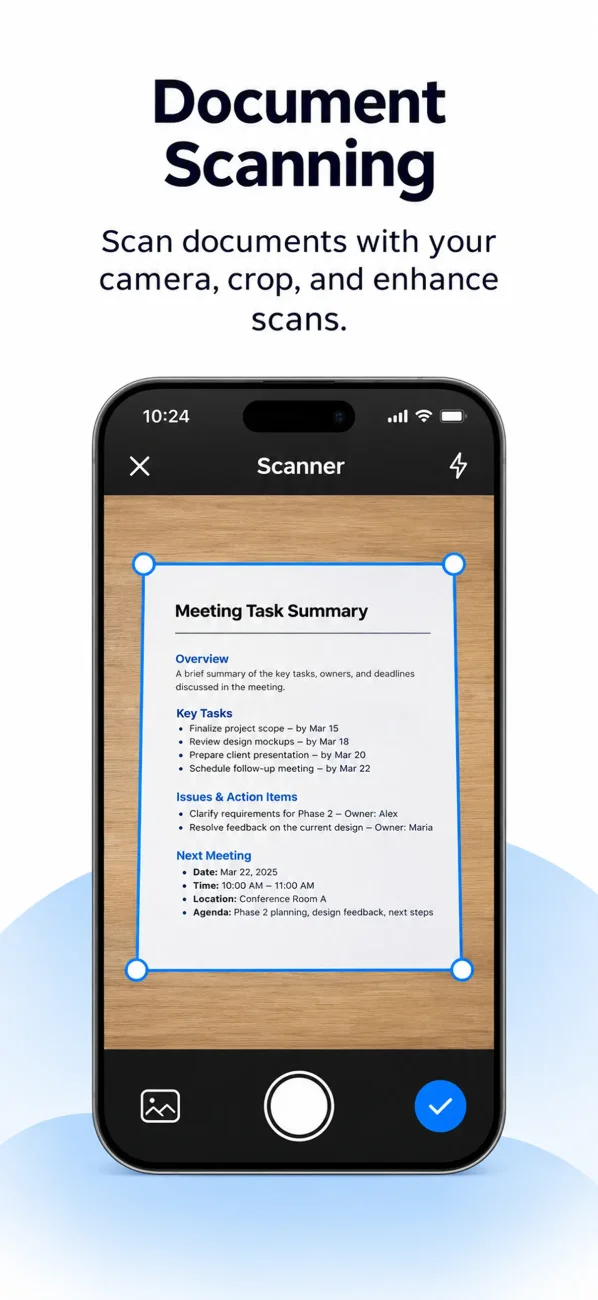
Scan Documents with Your Camera
– Use your iPhone as a portable scanner
– Capture receipts, notes, contracts, and other documents
– Automatic cropping and image enhancement
– Print instantly or save as PDF
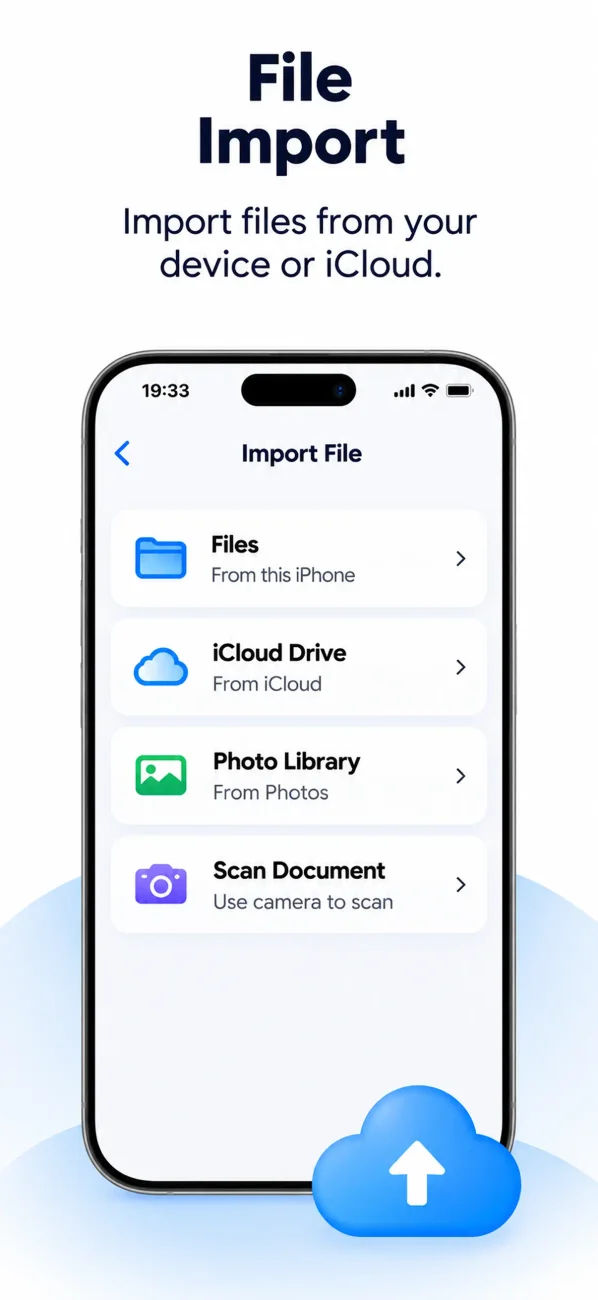
Print from Photos, Files & iCloud
– Import documents and images from Photos and Files
– Print directly from iCloud storage
– No computer required
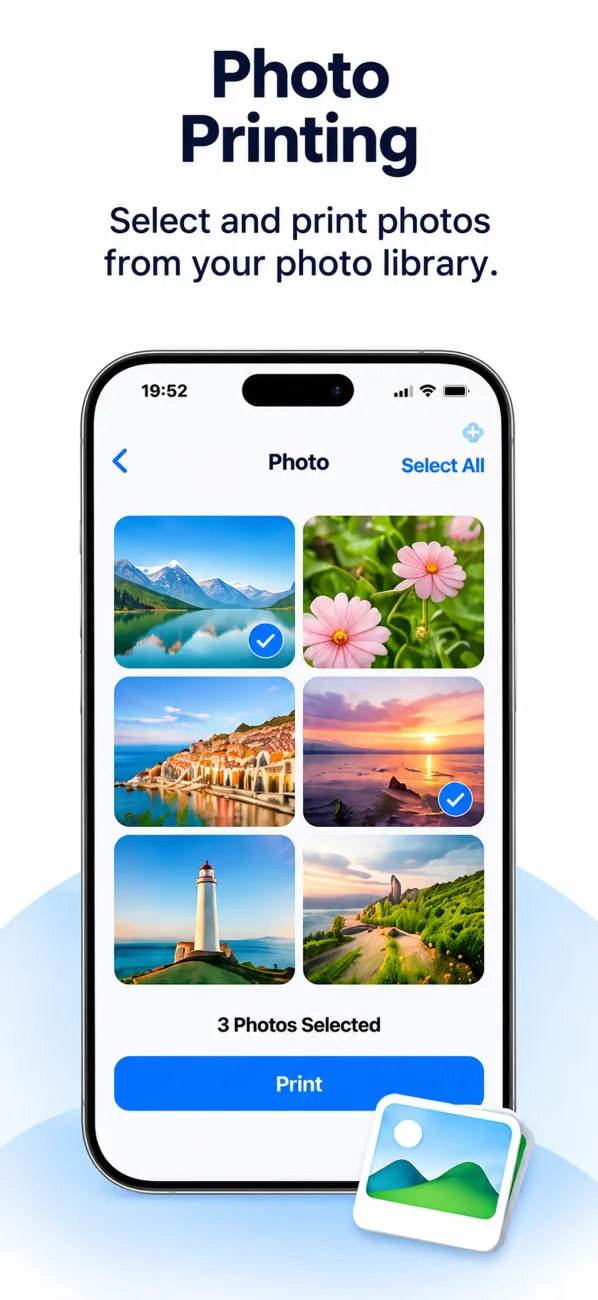
High-Quality Photo Printing
– Adjustable paper size
– Orientation settings
– Ideal for memories and creative projects
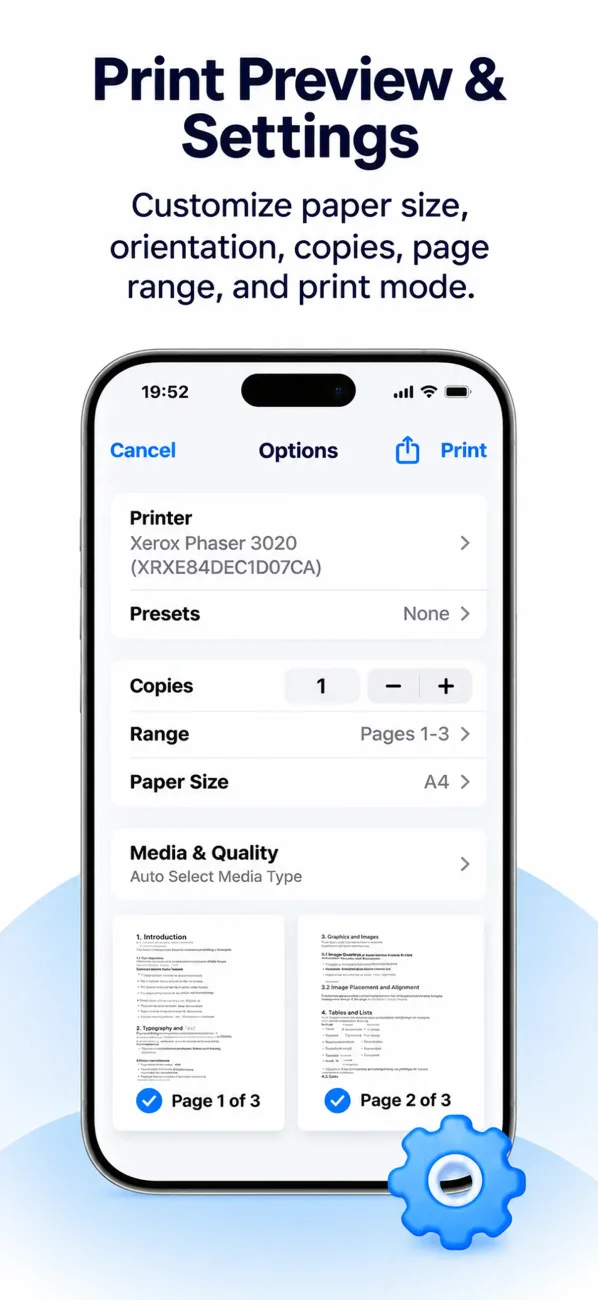
Full Control Over Print Settings
– Paper size
– Number of copies
– Page range
– Color or black & white mode
– Double-sided printing
– Additional advanced options
BROAD PRINTER SUPPORT
Supports thousands of AirPrint-enabled printers, from compact home inkjet models to professional office laser devices.
FAST SETUP — NO EXTRA SOFTWARE
No need to download manufacturer-specific apps or install drivers. Simply ensure your iPhone and printer are connected to the same Wi-Fi network and start printing immediately.
EVERYTHING YOU NEED — RIGHT FROM YOUR PHONE
Handle assignments, contracts, receipts, shipping labels, and family photos directly from your iPhone with ease. Download Air Printer App & Scan and simplify the way you print and scan today.
ADDITIONAL INFORMATION
Air Printer App & Scan is not affiliated with or endorsed by any printer manufacturers. Brand names are mentioned solely to indicate compatibility.
SUBSCRIPTION
The app offers auto-renewing subscriptions:
– 1 month — $12.99
– 1 year — $49.99
Prices may vary depending on your country and taxes (e.g. VAT).
SUBSCRIPTION TERMS
– Payment will be charged to your Apple ID account at the time of purchase
– Subscription automatically renews unless auto-renew is turned off at least 24 hours before the end of the current period
– Your account will be charged for renewal within 24 hours prior to the end of the current period
– You can manage or cancel your subscription at any time in App Store > Account > Subscriptions
– Any unused portion of a free trial period (if offered) will be forfeited upon purchasing a subscription
Terms: https://sites.google.com/view/printup/terms
Privacy: https://sites.google.com/view/printup/privacy-policy
新機能
バージョン 2.01 · 2026/11/26
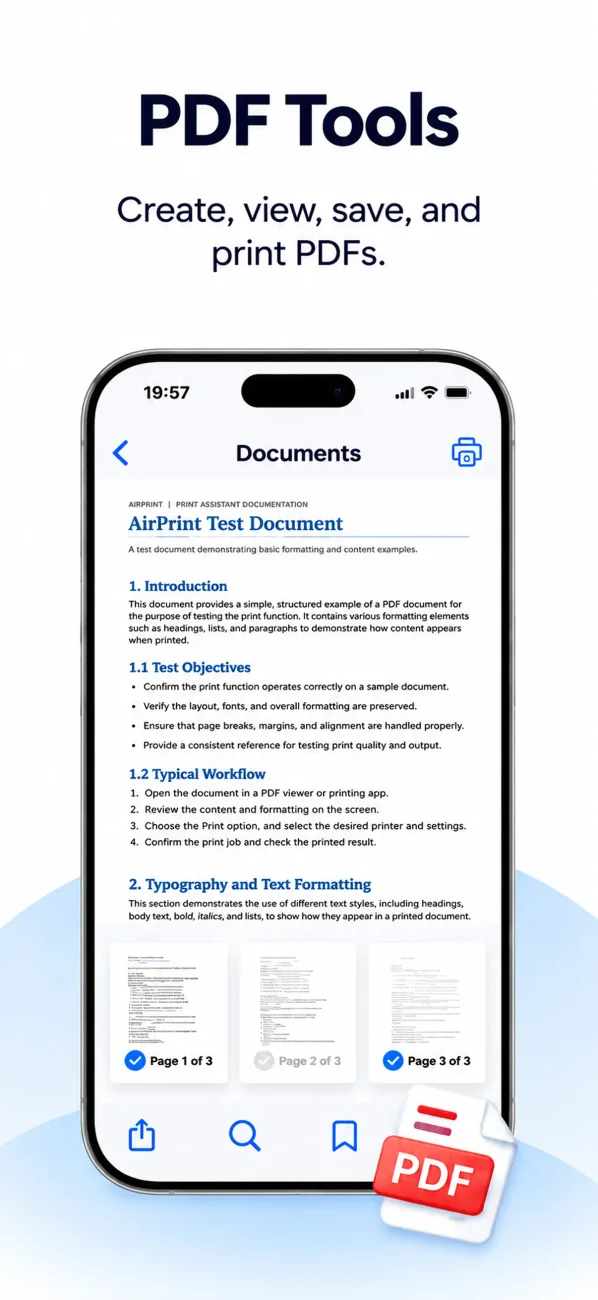
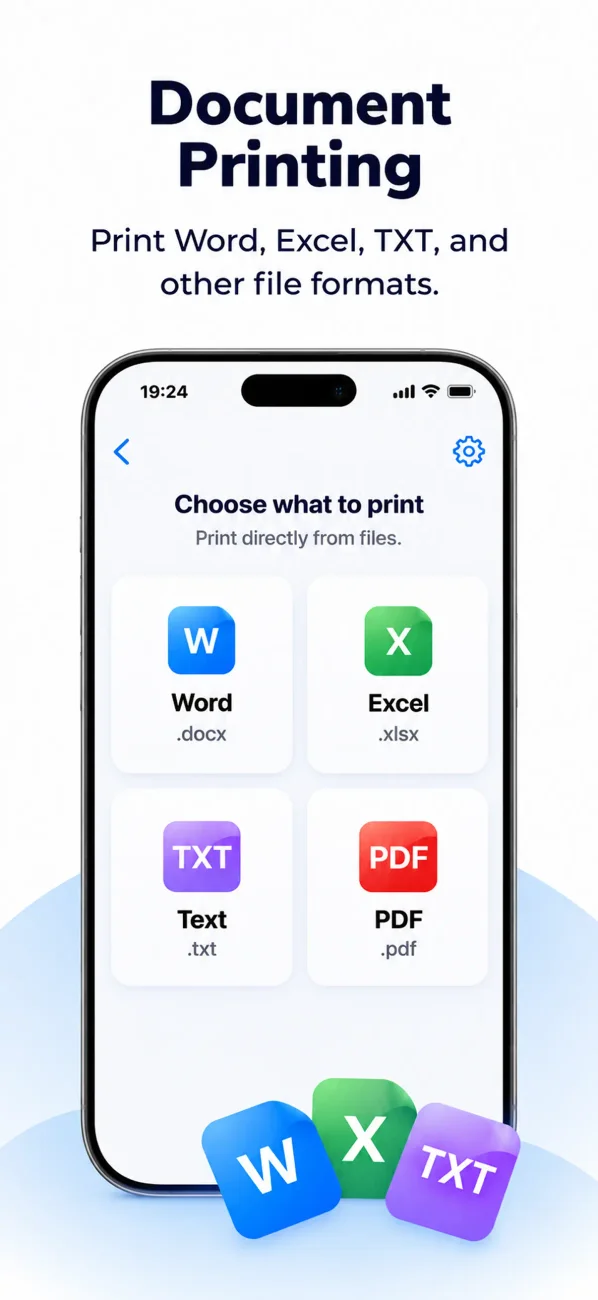
Added support for printing documents in various file formats, including Word, Excel, and TXT
アプリのプライバシー
このアプリのデータの取り扱いについて、Maksym ZaivyiがApp Storeで申告している内容です。
-
データの収集なし
開発元はこのアプリからデータを収集しません。
プライバシーの取り扱いは、ご利用の機能やお客様の年齢などに応じて異なる場合があります。
情報
- 販売元
- Maksym Zaivyi
- カテゴリ
- ビジネス
- バージョン
- 2.01
- 更新日
- 2026/11/26
- リリース
- 2026/2/28
- サイズ
- 15.7 MB
- 必要条件
- iOS 18以降
- 対象年齢
- 12+
- 価格
- 無料
- アプリ内課金
- あり
- 言語
- 英語, フランス語, ドイツ語, イタリア語, ポーランド語, ロシア語, スペイン語, ウクライナ語
- 著作権
- © 2026 Maksymen
こちらもおすすめ
-
 Smart Printer: AirPrint + ScanFor HP, Canon, Brother, Epson
-
 Smart Printer | Scanner AppPrint Wireless Document,Photos
-
 簡単印刷:ポータブルプリンターワイヤレス写真・PDF印刷
-
 HP Smart印刷アプリモバイルプリントAir printHPプリンター:文書スキャン,写真印刷アプリ,エアープリント
-
 Smart Printer・Setup & Print仕事効率化
-
 HP Smart Printer App+ HPSmartビジネス
-
 スマートHPプリンター:無線印刷HP向け簡単スマホ印刷&スキャン
-
 Smart Printer-Support for HPビジネス
-
 Setup for HP Smart Printer App仕事効率化
-
 Air Print Go・プリンター スキャン写真・書類をスキャン&印刷