PDF Reader: Editor & Converter
Pdf Maker - Pdf Scanner Docs
Dirancang untuk iPhone, iPad, iPod touch
Gratis · Pembelian dalam aplikasi
- Batasan usia4+
- KategoriKegunaan
- PengembangLaxay Gajera
- BahasaInggris
- Ukuran79,4 MB
Tertaut ke halaman resmi App Store
Download.org tidak menyimpan file PDF Reader: Editor & Converter apa pun. Tombol ini membuka halaman aplikasi di App Store, tempat Laxay Gajera menerbitkannya. Halaman terakhir diperiksa pada 17/11/2026.
Tangkapan layar
Tentang
Pengembang belum menyediakan teks ini dalam bahasa Anda.
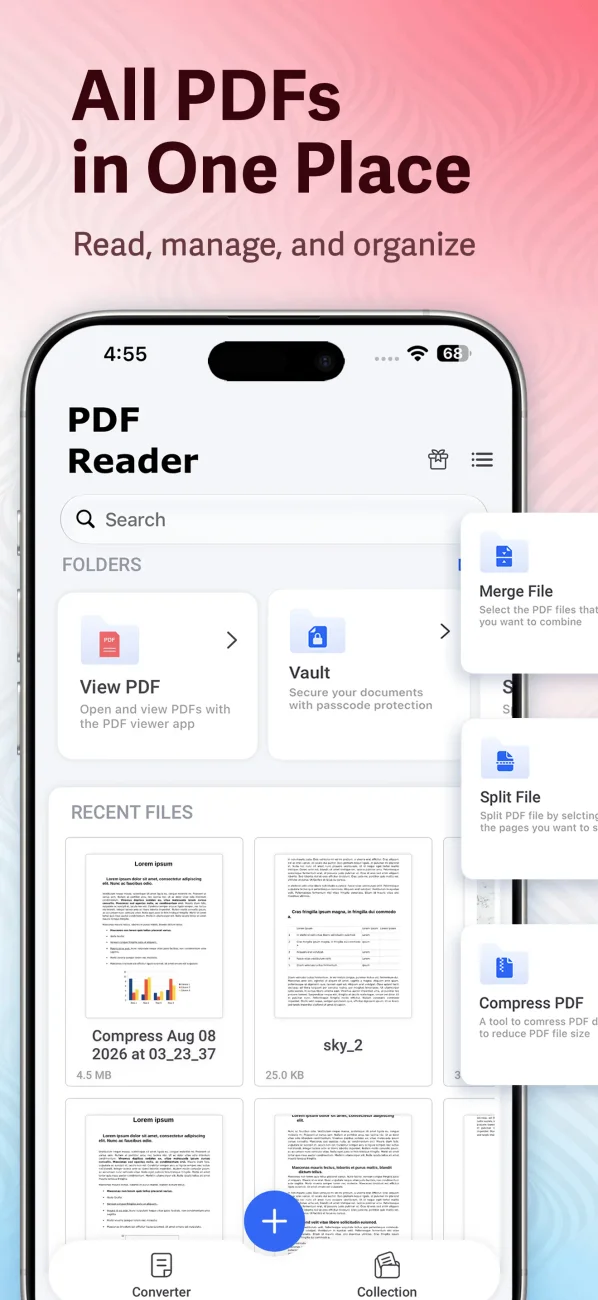
PDF Reader, PDF Editor & PDF Converter App. Get the PDF Reader App for mobile. With the PDF Reader App you can read, annotate, sign, view, convert and share PDFs and fill in PDF forms, plus sync with Google Drive, Dropbox and OneDrive. Read your files online and offline both read from anywhere with this best free PDF reader and Pdf Maker.
Download the PDF Reader if you need a PDF editor to edit text and images, PDF converter,Pdf Maker or more Exclusive features to create PDFs, combine PDF documents, organize PDFs, and more.PDF Editor Maker Converter
Top Features -
1. Best PDF Reader & PDF Editor
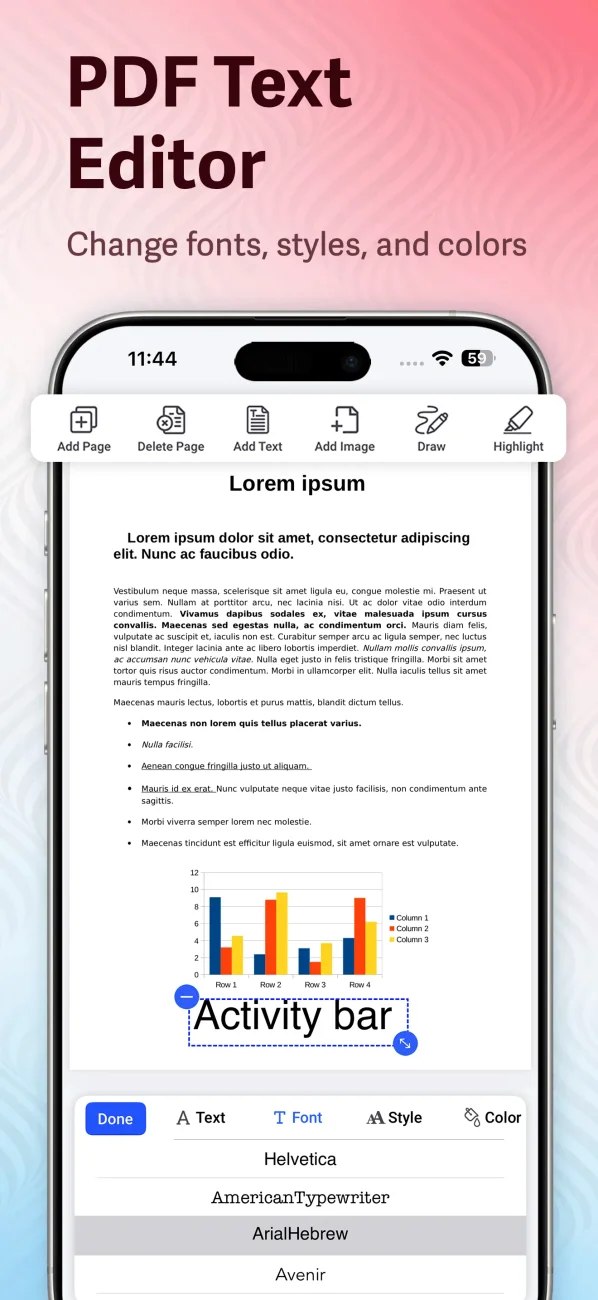
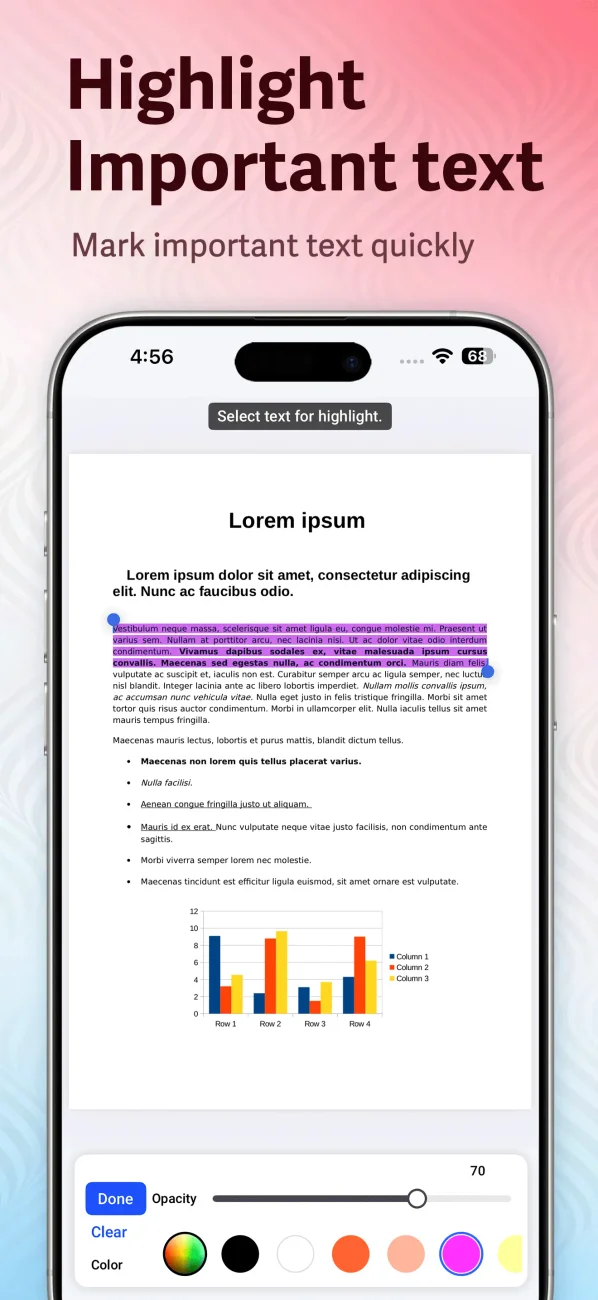
2. Add text in PDF, Highlight & Underline text etc
3. Auto drive sync your PDF with Dropbox, Google Drive & OneDrive
4. Access MS Office, Word Docs, Powerpoint & Excel files for reading & annotating
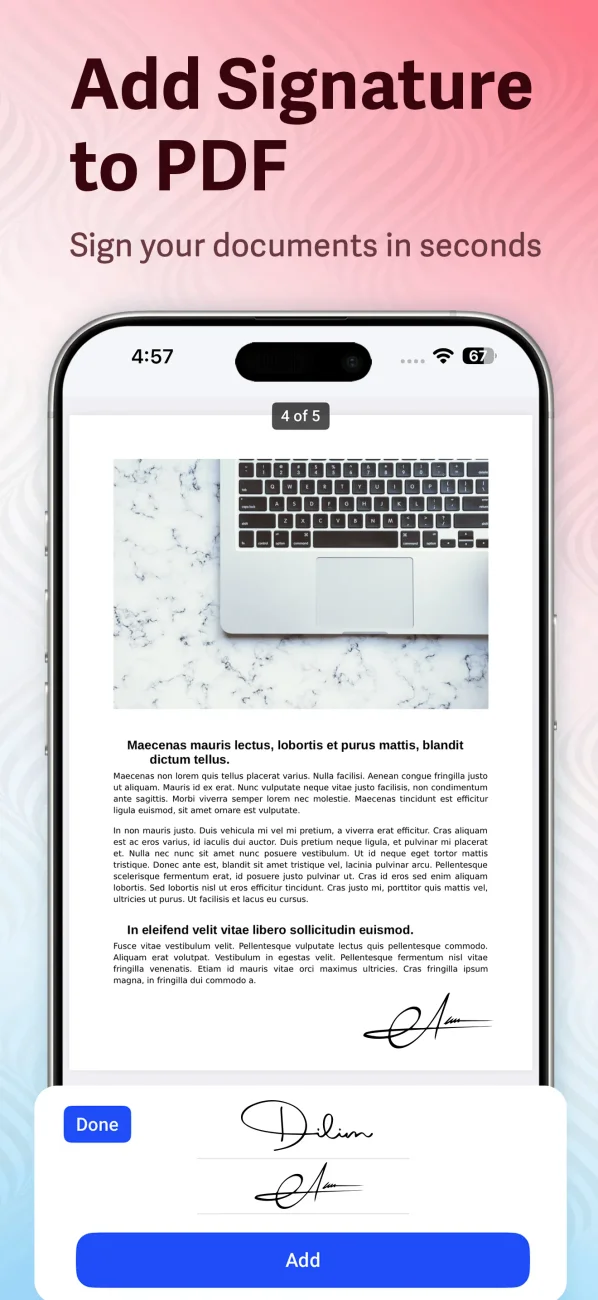
5. Fill & Sign the PDF & Documents
6. Add Bookmarks
7. All PDF Support & best alternative of Adobe Acrobat
8. Auto Save the recent PDF you read
9. Read PDF in the Dark Mode
10.Compatible PDF/EPUB/XPS/CBZ/FB2 format
11.Compress the PDF File & Documents
12.Easy To share PDF documents or PDF Ebooks with friends
13.Save & Print the PDF directly from your phone
14.Search function in read mode
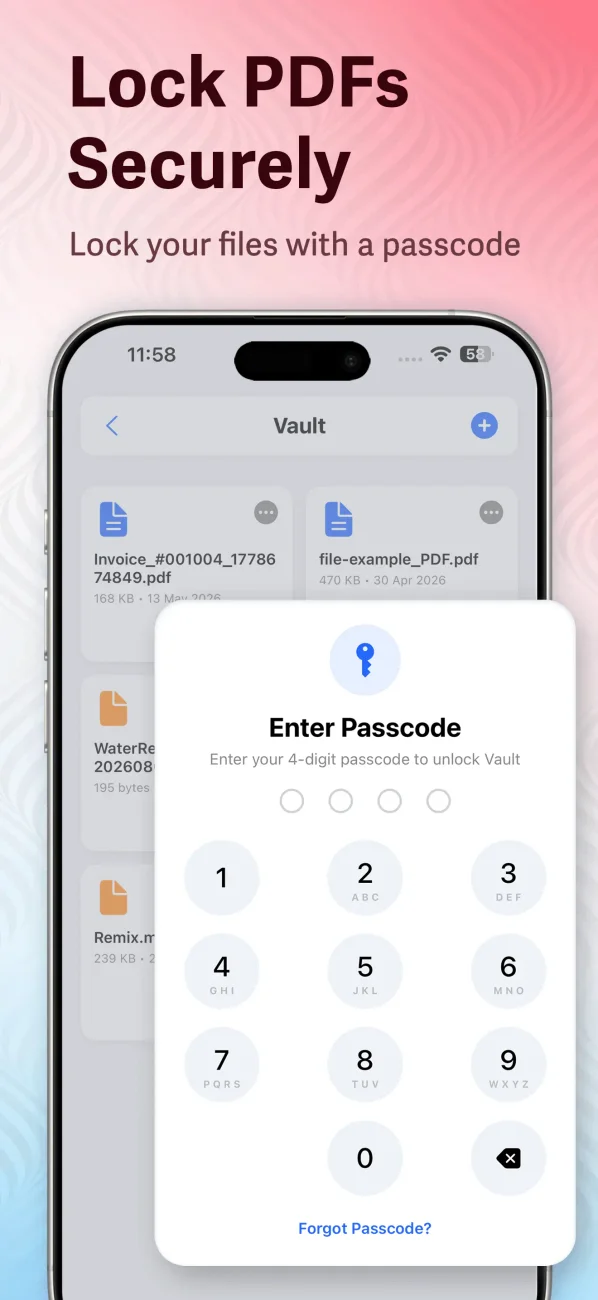
15.Protect your PDF & Docs with Password
pdf converter is one of the best pdf converter in Appstore.pdf converter is covert all type of documents.
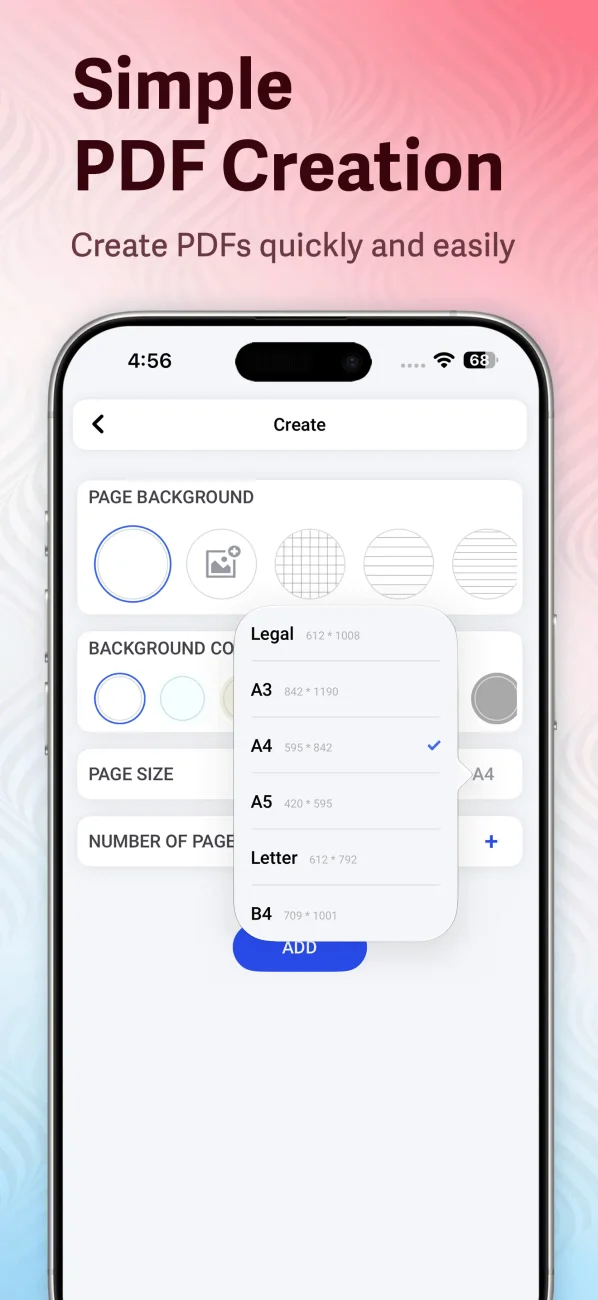
pdf maker is create your own pdf and add all functions like Image brush and add text create signature change all color like text,and all highlight text .use pdf maker app all work is easy to pdf converter
scanner pdf s scan all type of pdf no any loading between page size is bulk and work smooth.using this scanner pdf
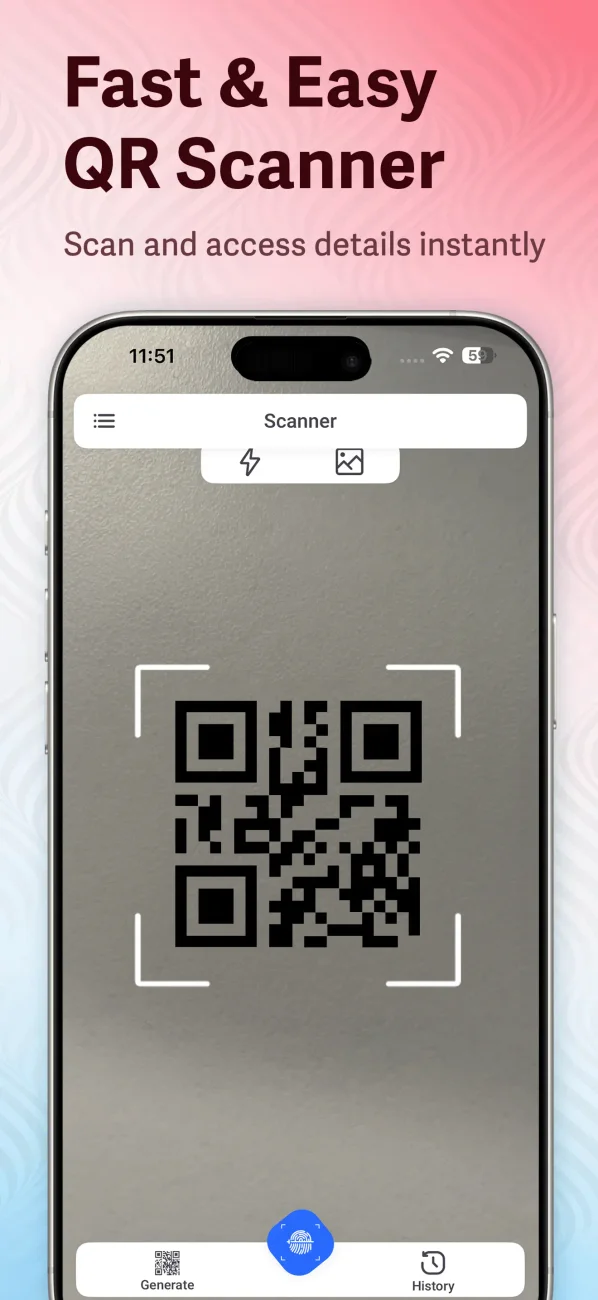
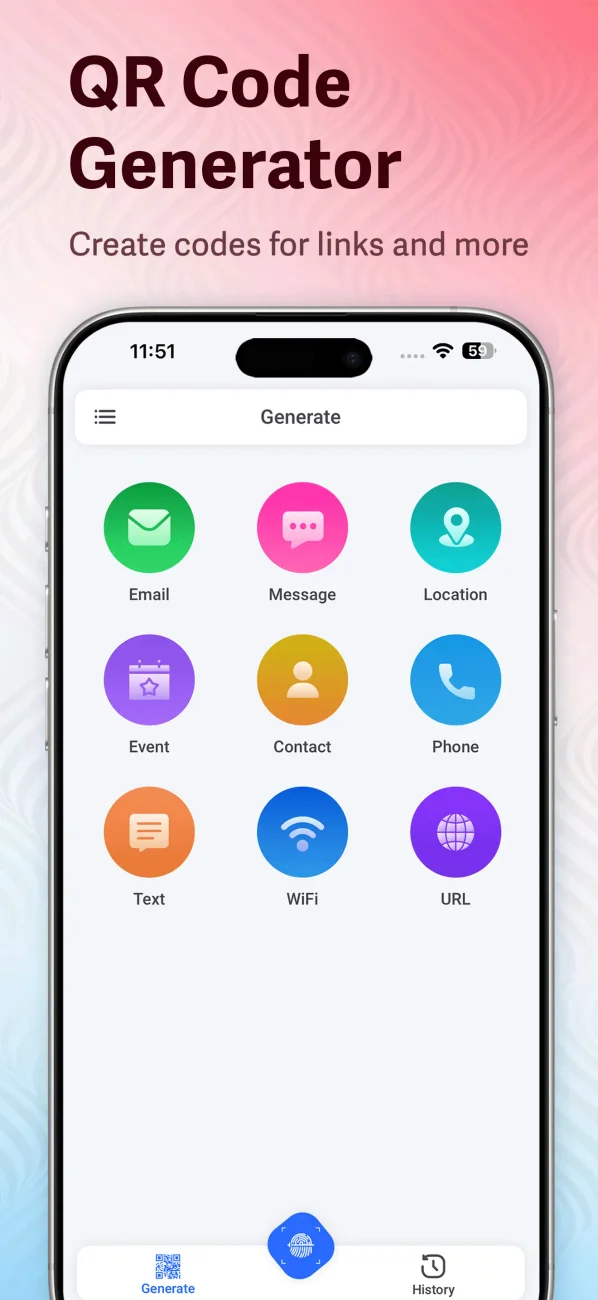
qr code reader read all type of qr code reader like URL,TEXT,Any type of Message,Product detail.pdf scanner
pdf editor this is used of your device pdf in edit and append to any type like text signature font color.
photo to pdf ,pdf expert,Pdf Expert, pdf maker, photo pdf
PDF Reader & Editor -
1.Get amazing experience of PDF & Docs Reading
2.Zoom in & Zoom out PDF
3.Quick PDF Search Option
4.Bookmarks & Highlight PDF for future reading reference
PDF Annotator -
1.Add note, comment, underline & highlights in PDF
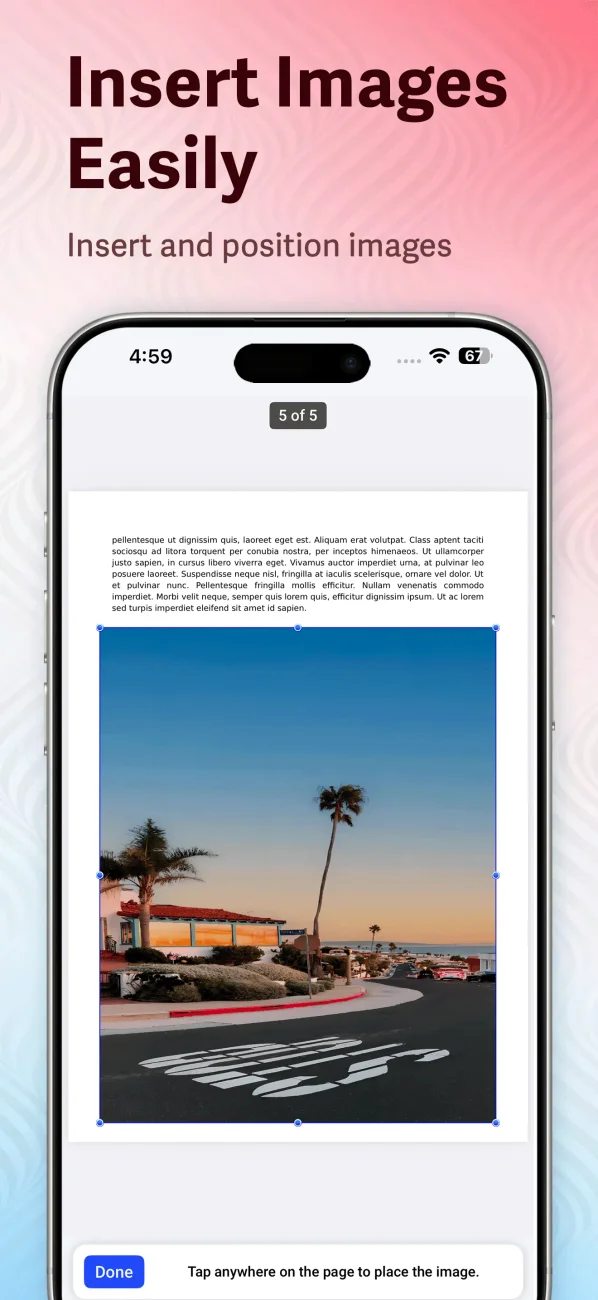
2.Add Text & Drawing in PDF Documents
Save the PDF -
1. Create Completely Free Account
2. Save your all PDF file in cloud storage like microsoft, one drive & dropbox & google drive
3. Quick search for recently used documents
4. Merge and split PDF
Scanner Document/PDF -
1.Easy to scan any PDF & Docs
2.Edit, rewrite, comment, share your scanned PDF file
Sign & Fill PDF
• Fill out the PDF, Save, and Share PDF forms
• Save your signed PDF forms for letter use
Convert & Manage -
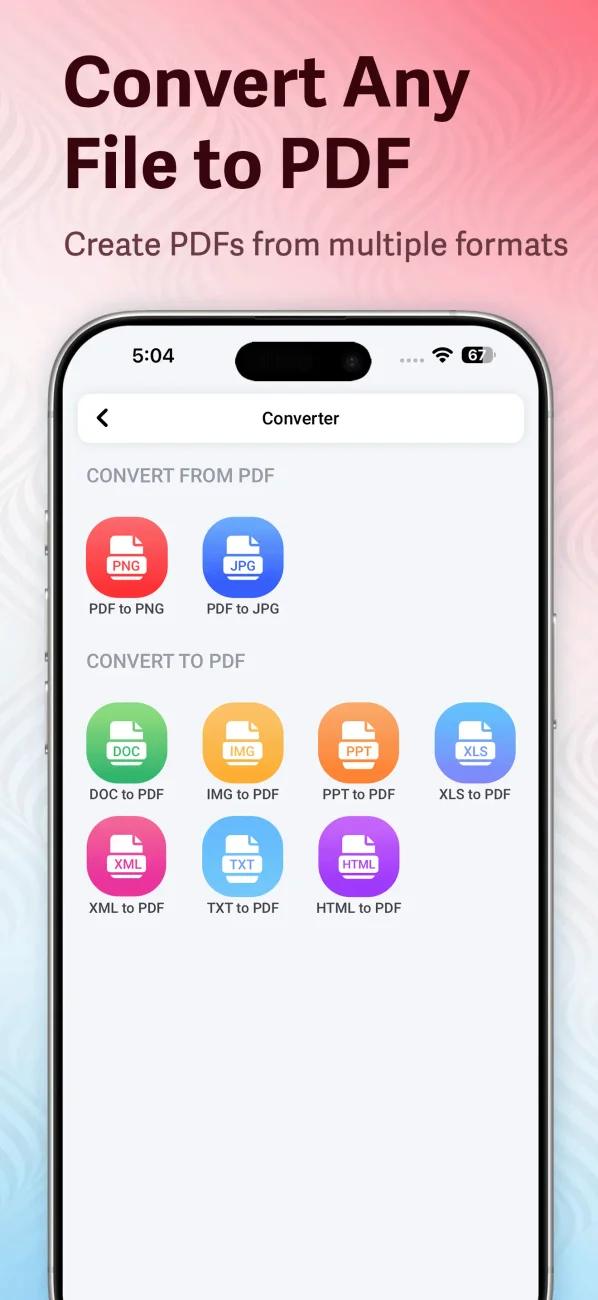
1.Convert Your existing image, docs excel & powerpoint in to PDF
2.Rename, copy, move, corp, bookmarks or delete docs and folders
3.Create your custom watermarks
Convert image files to PDF format, create and edit PDF Forms. Now working with PDF Documents has been very easy with PDF Reader & PDF Editor.
[PDF Editors Pro]
- PDF Editors Pro subscription is billed weekly, monthly or annually at the rate corresponding to the selected plan. In addition, a one-time payment will be offered if needed, which is not one of the subscription plan.
- Payment will be charged to iTunes Account at confirmation of purchase.
- Subscription automatically renews unless auto-renew is turned off at least 24-hours before the end of the current period.
- Account will be charged for renewal within 24-hours prior to the end of the current period, and identify the cost of the renewal.
- Subscriptions may be managed by the user and auto-renewal may be turned off by going to the user's Account Settings after purchase.
- Any unused portion of a free trial period, if offered, will be forfeited when the user purchases a subscription to that publication, where applicable.
[Terms of Use]
https://skyinfotechdeveloper.com/terms_PDFReader.html
[Privacy Policy]
https://skyinfotechdeveloper.com/policy_PDFReader.html
Yang baru
Versi 1.0.11 · 6/10/2026
Bug fixes and performance improvements for a smoother and more reliable PDF reading experience.
Privasi aplikasi
Yang dinyatakan Laxay Gajera di App Store tentang cara aplikasi ini menangani data.
-
Data yang digunakan untuk melacak Anda
Dapat digunakan untuk melacak Anda di aplikasi dan situs web milik perusahaan lain.
- Data penggunaan
-
Data yang tidak ditautkan dengan Anda
Dapat dikumpulkan, tetapi tidak ditautkan dengan identitas Anda.
- Data penggunaan
Praktik privasi dapat bervariasi, misalnya berdasarkan fitur yang Anda gunakan atau usia Anda.
Informasi
- Penjual
- Laxay Gajera
- Kategori
- Kegunaan
- Versi
- 1.0.11
- Diperbarui
- 6/10/2026
- Dirilis
- 19/2/2021
- Ukuran
- 79,4 MB
- Memerlukan
- iOS 15 atau yang lebih baru
- Batasan usia
- 4+
- Harga
- Gratis
- Pembelian dalam aplikasi
- Ya
- Bahasa
- Inggris
- Hak cipta
- © Laksh Gajera
Mungkin Anda juga suka
-
 PDF Voice Reader: Read AloudKegunaan
-
 Pembaca & Editor PDF - GoPDFEditor, Pembaca & Konverter
-
 vivo video makerKegunaan
-
 All-About-PDFKegunaan
-
 PDF Editor - Baca & Edit PDFEdit, tandatangan dan ubah PDF
-
 PDF Air - Pemindai dan PembacaEdit dan Tandatangani Dokumen
-
 Power PDF - PDF ManagerKegunaan
-
 Document Converter: File & PDFKegunaan
-
 Simple PDF EditorYou can easily edit the PDF!
-
 Pembaca Kode QR + QR ReaderBaca, Pindai & Buat Kode QR