PDF Reader: Editor & Converter
Pdf Maker - Pdf Scanner Docs
iPhone, iPad, iPod touch向けに設計
無料 · アプリ内課金
- 対象年齢4+
- カテゴリユーティリティ
- 開発元Laxay Gajera
- 言語英語
- サイズ79.4 MB
App Storeの公式ページにリンクしています
Download.orgはPDF Reader: Editor & Converterのファイルを一切ホストしていません。ボタンを押すと、Laxay Gajeraが公開しているApp Storeのアプリページが開きます。ページの最終確認:2026/11/17。
スクリーンショット
概要
開発元はこのテキストをお使いの言語で提供していません。
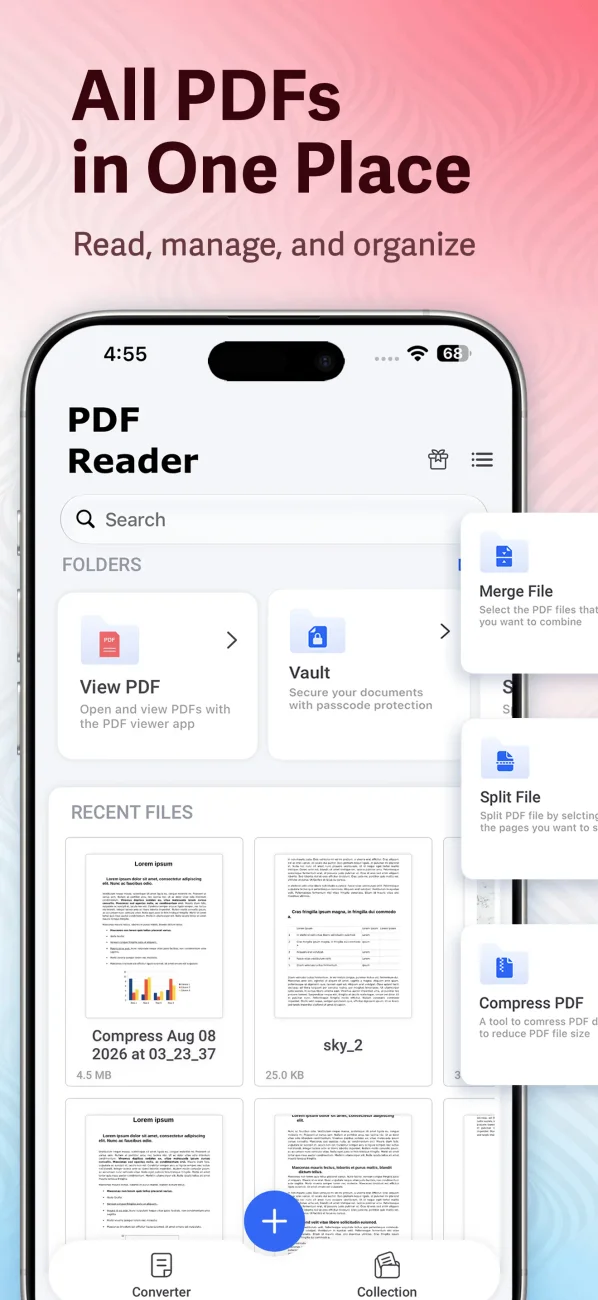
PDF Reader, PDF Editor & PDF Converter App. Get the PDF Reader App for mobile. With the PDF Reader App you can read, annotate, sign, view, convert and share PDFs and fill in PDF forms, plus sync with Google Drive, Dropbox and OneDrive. Read your files online and offline both read from anywhere with this best free PDF reader and Pdf Maker.
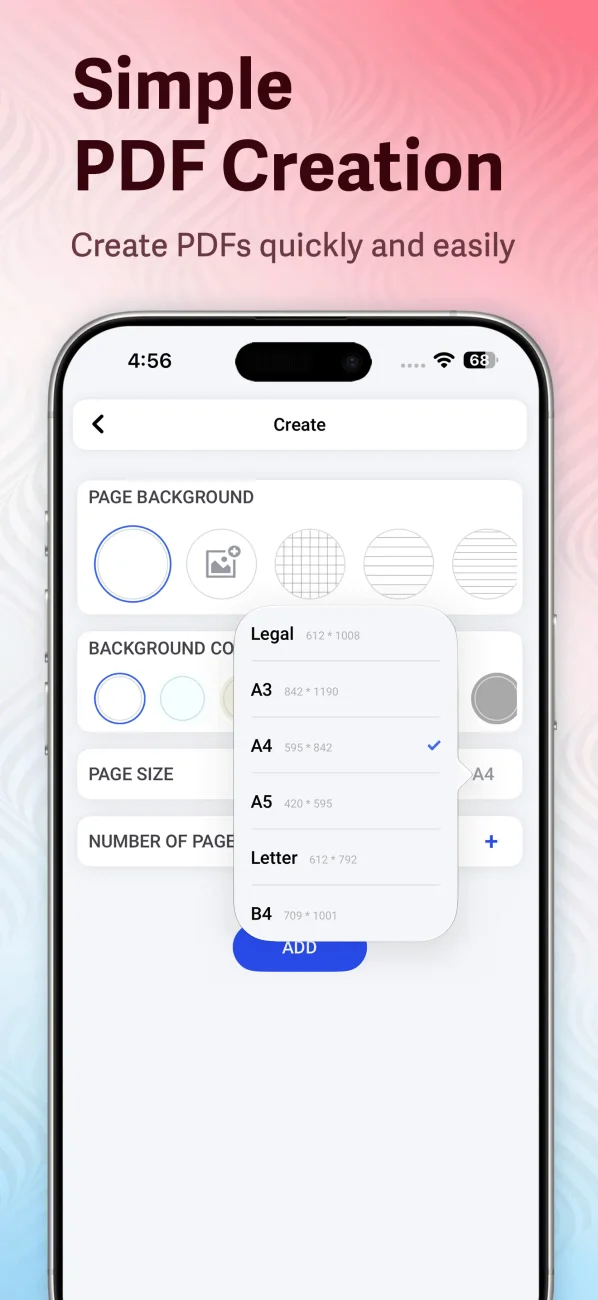
Download the PDF Reader if you need a PDF editor to edit text and images, PDF converter,Pdf Maker or more Exclusive features to create PDFs, combine PDF documents, organize PDFs, and more.PDF Editor Maker Converter
Top Features -
1. Best PDF Reader & PDF Editor
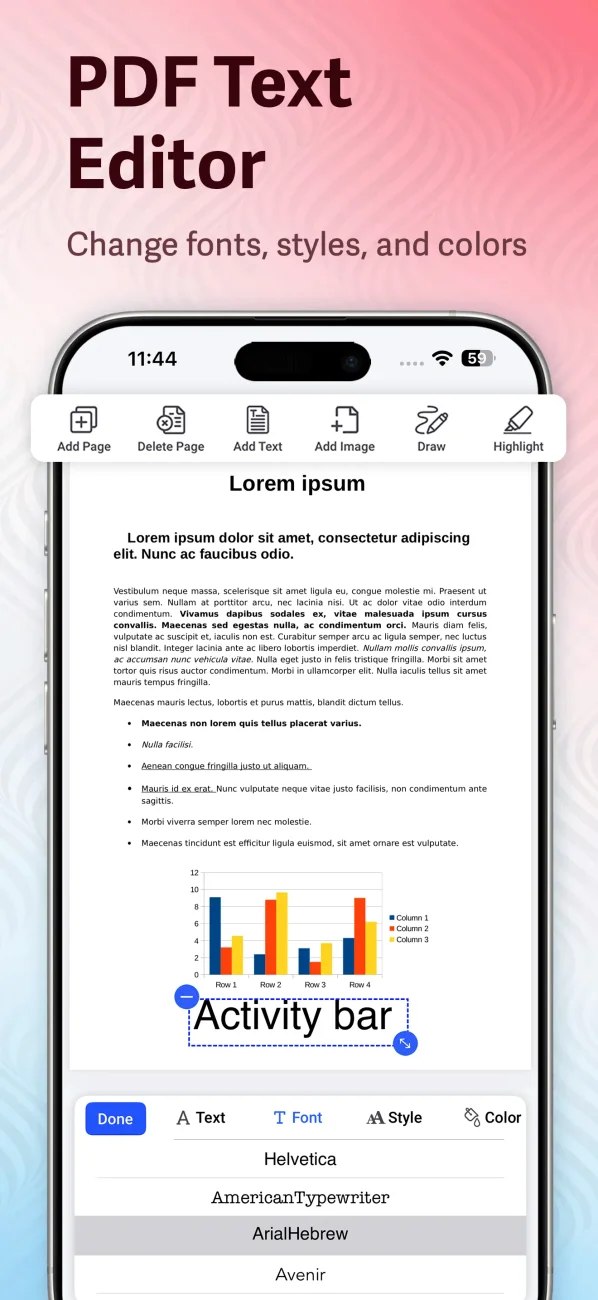
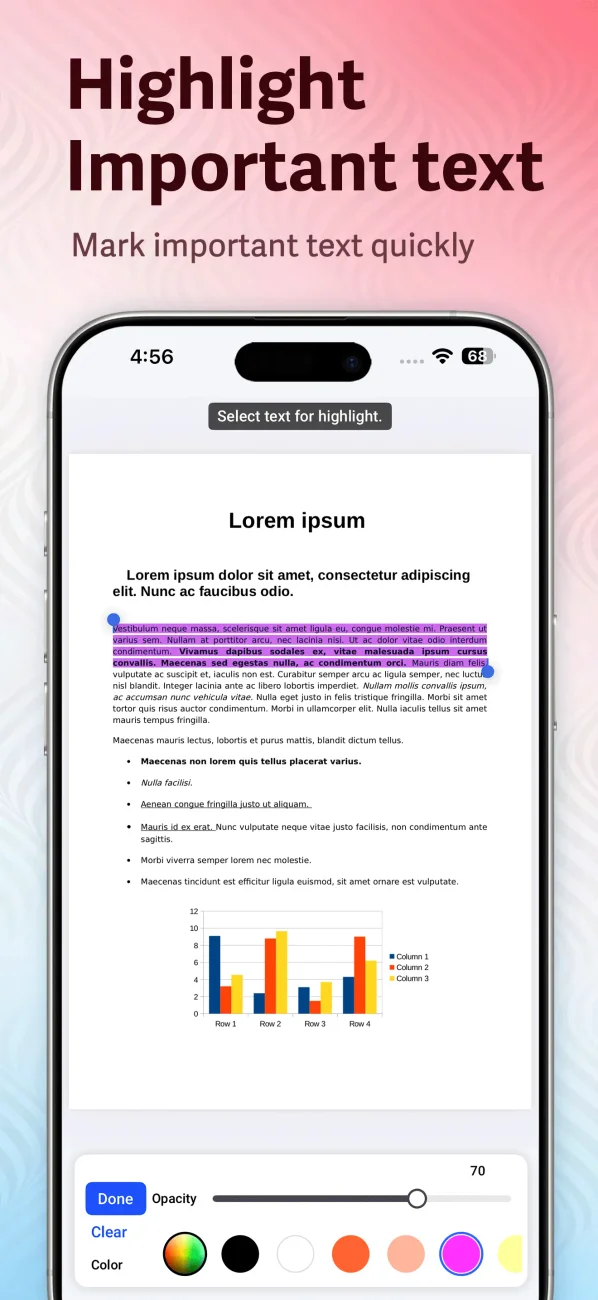
2. Add text in PDF, Highlight & Underline text etc
3. Auto drive sync your PDF with Dropbox, Google Drive & OneDrive
4. Access MS Office, Word Docs, Powerpoint & Excel files for reading & annotating
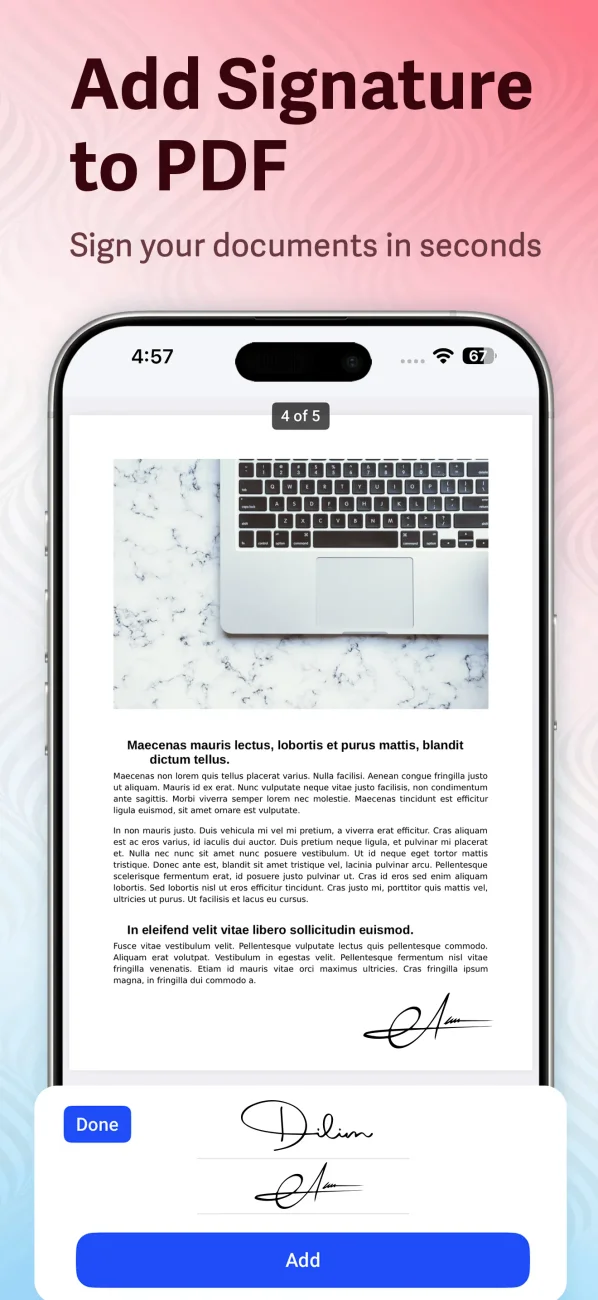
5. Fill & Sign the PDF & Documents
6. Add Bookmarks
7. All PDF Support & best alternative of Adobe Acrobat
8. Auto Save the recent PDF you read
9. Read PDF in the Dark Mode
10.Compatible PDF/EPUB/XPS/CBZ/FB2 format
11.Compress the PDF File & Documents
12.Easy To share PDF documents or PDF Ebooks with friends
13.Save & Print the PDF directly from your phone
14.Search function in read mode
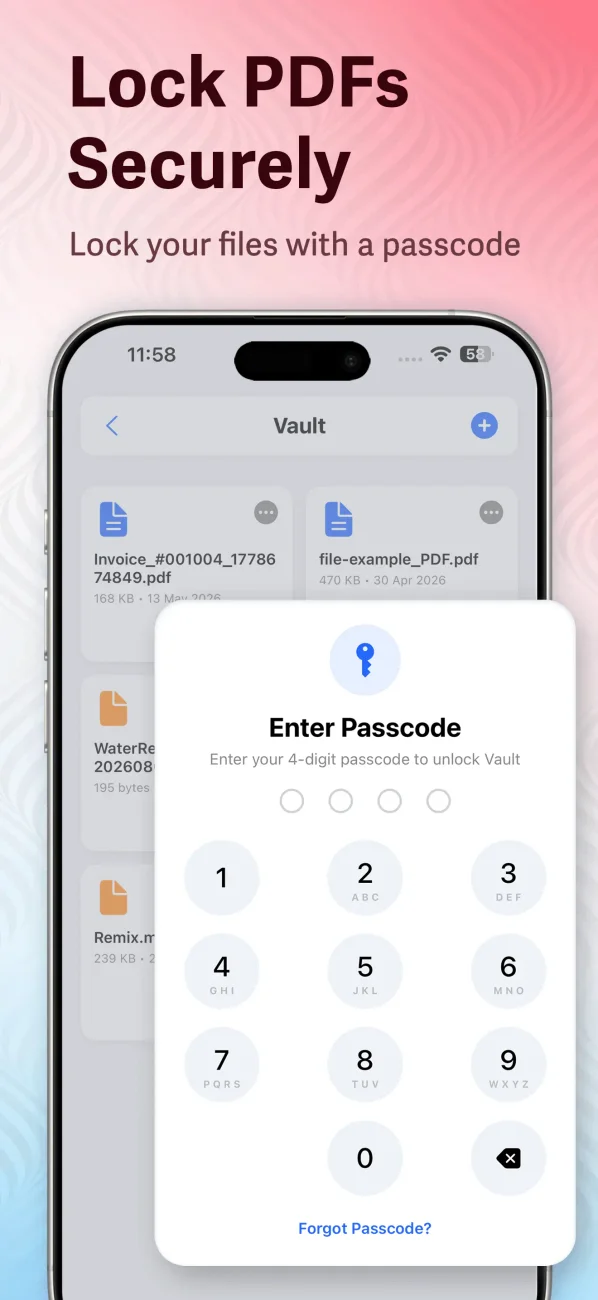
15.Protect your PDF & Docs with Password
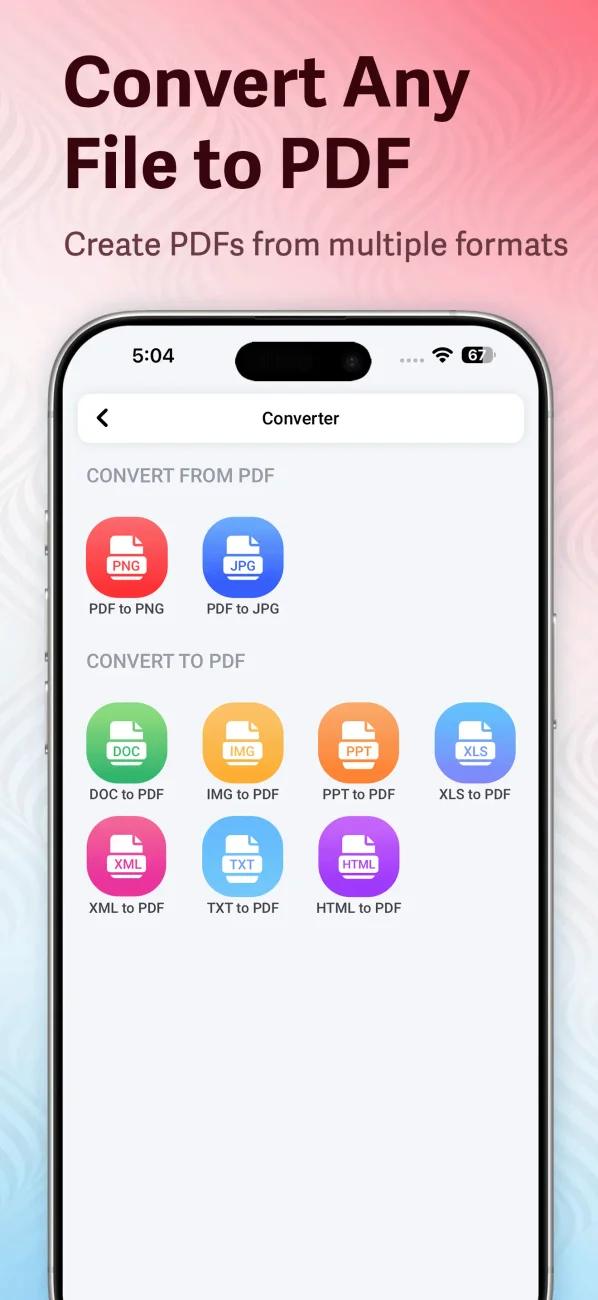
pdf converter is one of the best pdf converter in Appstore.pdf converter is covert all type of documents.
pdf maker is create your own pdf and add all functions like Image brush and add text create signature change all color like text,and all highlight text .use pdf maker app all work is easy to pdf converter
scanner pdf s scan all type of pdf no any loading between page size is bulk and work smooth.using this scanner pdf
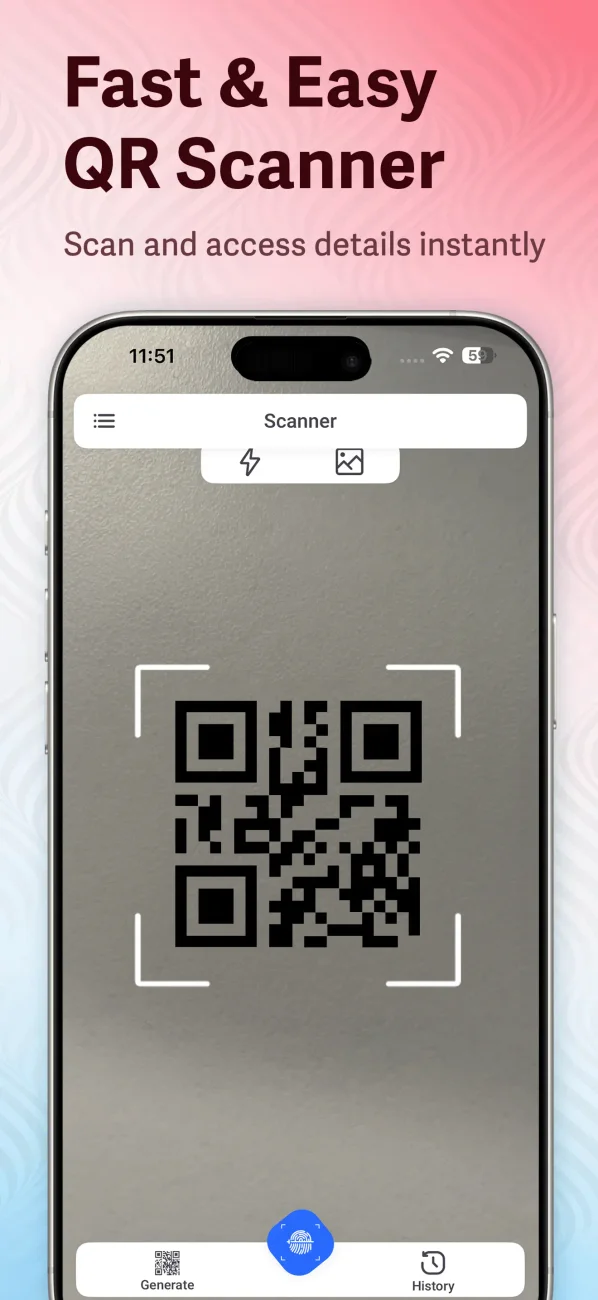
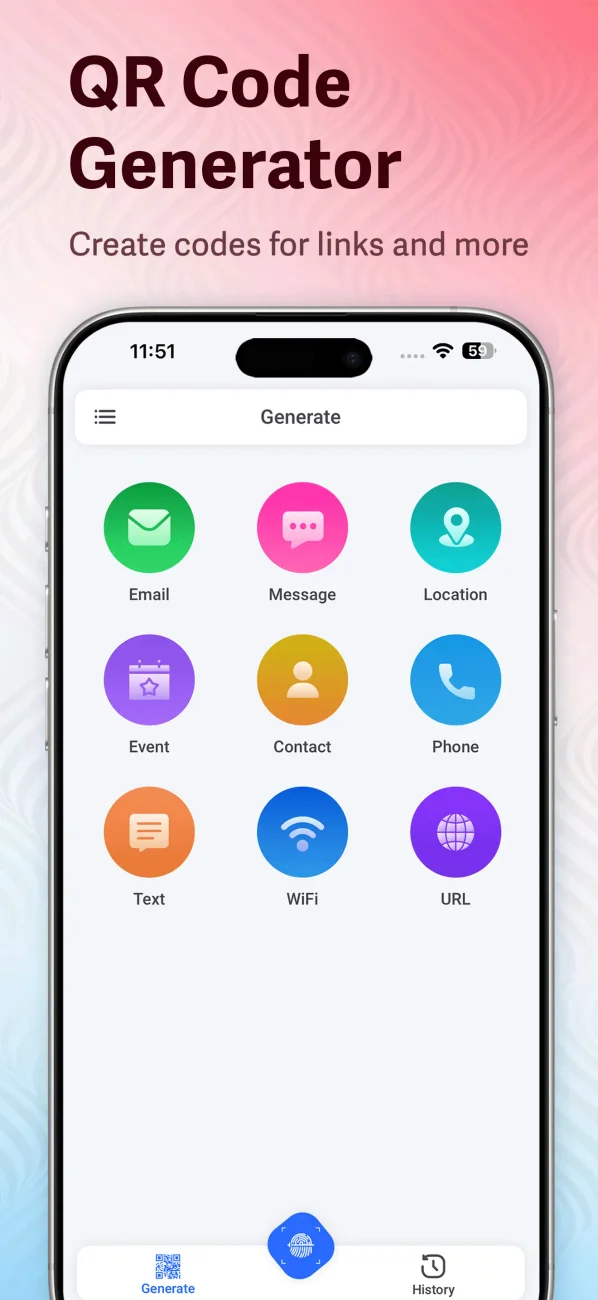
qr code reader read all type of qr code reader like URL,TEXT,Any type of Message,Product detail.pdf scanner
pdf editor this is used of your device pdf in edit and append to any type like text signature font color.
photo to pdf ,pdf expert,Pdf Expert, pdf maker, photo pdf
PDF Reader & Editor -
1.Get amazing experience of PDF & Docs Reading
2.Zoom in & Zoom out PDF
3.Quick PDF Search Option
4.Bookmarks & Highlight PDF for future reading reference
PDF Annotator -
1.Add note, comment, underline & highlights in PDF
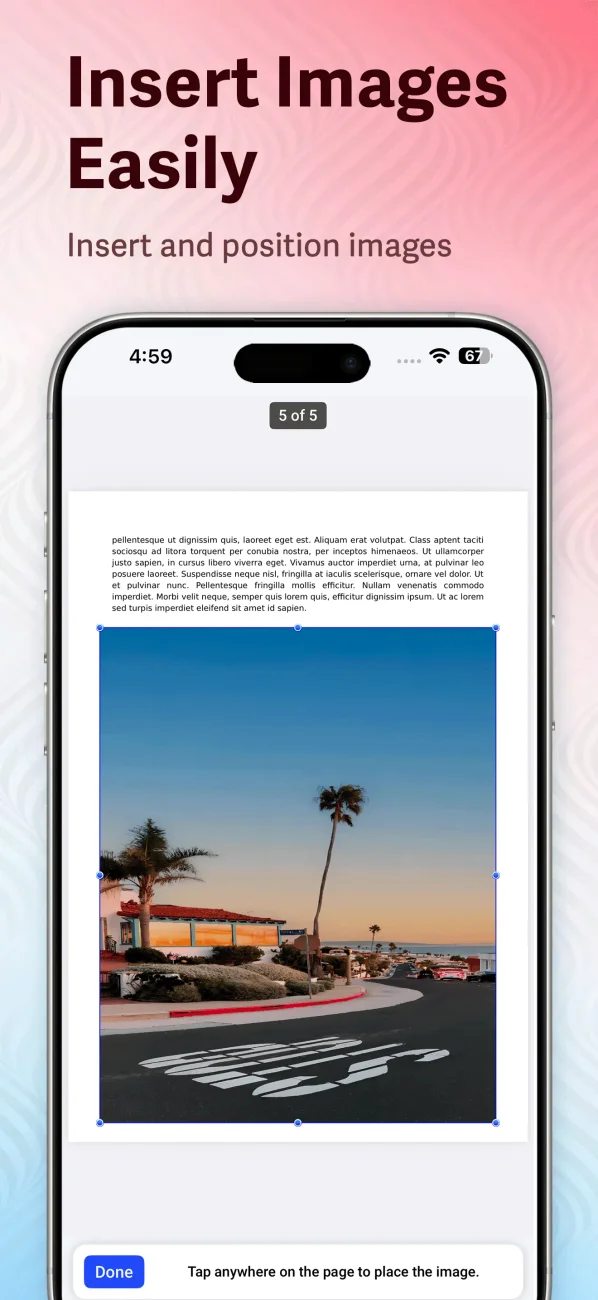
2.Add Text & Drawing in PDF Documents
Save the PDF -
1. Create Completely Free Account
2. Save your all PDF file in cloud storage like microsoft, one drive & dropbox & google drive
3. Quick search for recently used documents
4. Merge and split PDF
Scanner Document/PDF -
1.Easy to scan any PDF & Docs
2.Edit, rewrite, comment, share your scanned PDF file
Sign & Fill PDF
• Fill out the PDF, Save, and Share PDF forms
• Save your signed PDF forms for letter use
Convert & Manage -
1.Convert Your existing image, docs excel & powerpoint in to PDF
2.Rename, copy, move, corp, bookmarks or delete docs and folders
3.Create your custom watermarks
Convert image files to PDF format, create and edit PDF Forms. Now working with PDF Documents has been very easy with PDF Reader & PDF Editor.
[PDF Editors Pro]
- PDF Editors Pro subscription is billed weekly, monthly or annually at the rate corresponding to the selected plan. In addition, a one-time payment will be offered if needed, which is not one of the subscription plan.
- Payment will be charged to iTunes Account at confirmation of purchase.
- Subscription automatically renews unless auto-renew is turned off at least 24-hours before the end of the current period.
- Account will be charged for renewal within 24-hours prior to the end of the current period, and identify the cost of the renewal.
- Subscriptions may be managed by the user and auto-renewal may be turned off by going to the user's Account Settings after purchase.
- Any unused portion of a free trial period, if offered, will be forfeited when the user purchases a subscription to that publication, where applicable.
[Terms of Use]
https://skyinfotechdeveloper.com/terms_PDFReader.html
[Privacy Policy]
https://skyinfotechdeveloper.com/policy_PDFReader.html
新機能
バージョン 1.0.11 · 2026/10/6
Bug fixes and performance improvements for a smoother and more reliable PDF reading experience.
アプリのプライバシー
このアプリのデータの取り扱いについて、Laxay GajeraがApp Storeで申告している内容です。
-
ユーザーのトラッキングに使用されるデータ
他社のアプリやウェブサイトを横断してユーザーをトラッキングする目的で使用される場合があります。
- 使用状況データ
-
ユーザーに関連付けられないデータ
収集される場合がありますが、ユーザーの識別情報には関連付けられません。
- 使用状況データ
プライバシーの取り扱いは、ご利用の機能やお客様の年齢などに応じて異なる場合があります。
情報
- 販売元
- Laxay Gajera
- カテゴリ
- ユーティリティ
- バージョン
- 1.0.11
- 更新日
- 2026/10/6
- リリース
- 2021/2/19
- サイズ
- 79.4 MB
- 必要条件
- iOS 15以降
- 対象年齢
- 4+
- 価格
- 無料
- アプリ内課金
- あり
- 言語
- 英語
- 著作権
- © Laksh Gajera
こちらもおすすめ
-
 PDF読み上げアプリ:署名・編集電子署名・スキャナー・文字認識
-
 PDF リーダー & エディター - GoPDFサイン、写真コンバーター&メーカー
-
 vivo video makerユーティリティ
-
 All-About-PDFユーティリティ
-
 PDF Editor - 読む と 編集 PDFファイルの編集、保存 署名記入
-
 PDF Air - 写真をPDFに変換文書作成・ファイル圧縮・PDF編集
-
 Power PDF - PDF Managerユーティリティ
-
 Document Converter: File & PDFユーティリティ
-
 簡単PDF編集PDFを簡単に編集できる!
-
 QRコードリーダー+バーコードスキャンQRコードの読み取り、スキャン、生成