PDF Scanner App: Docs Scan
Convert to PDF, Sign Documents
Dirancang untuk iPhone, iPad
Gratis · Pembelian dalam aplikasi
- Batasan usia4+
- KategoriProduktivitas
- PengembangAppselect Ltd
- BahasaInggris
- Ukuran27,4 MB
Tertaut ke halaman resmi App Store
Download.org tidak menyimpan file PDF Scanner App: Docs Scan apa pun. Tombol ini membuka halaman aplikasi di App Store, tempat Appselect Ltd menerbitkannya. Halaman terakhir diperiksa pada 28/11/2026.
Tangkapan layar
Tentang
Pengembang belum menyediakan teks ini dalam bahasa Anda.
PDF Scanner is a powerful tool to scan, edit, and manage files effortlessly. Transform your phone into a high-quality mobile scanner with the PDF Scanner App! Capture PDF docs, files, book pages, and IDs using your camera and instantly convert them into PDFs. Edit, sign, and share scanned files with just a few taps. Whether for work or personal use, this converter simplifies document management, making it easy to stay organized. Scan to PDF and edit with the fastest and most efficient scanning solution! You have already found a PDF Scanner app with a Full-Featured Document Manager. Enjoy seamless scanning and document management with our powerful app.
Easy to use PDF Scanner in your hand:
- View & Edit: Open and manage PDF docs, files, pages, and pics easily.
- Scan & Convert: Scan and edit PDFs instantly with your camera.
- Tap to Convert: Modify text, add images, highlight, and annotate documents.
- Mobile Scanner & PDF Maker: Convert ID, pages, and files into professional PDFs.
- Powerful Search: Effortlessly finds documents by file name, date, or content.
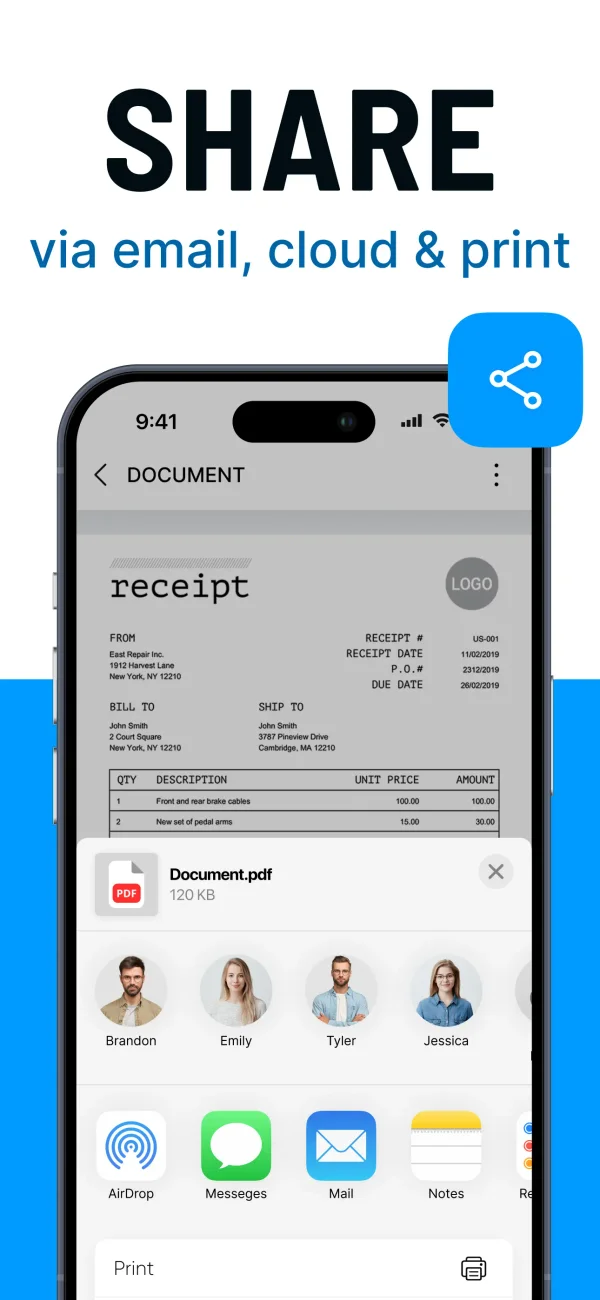
- Easy Sharing: Send via email, AirDrop, or other services in just a few taps.
- All-in-One Converter: Supports PDFs, Word, Excel, and PowerPoint for seamless document handling.
With our PDF Scanner app, you can:
• Use PDF Scanner to scan, edit, and convert to PDF effortlessly.
• Scan IDs, business docs, invoices, agreements, and receipts.
• Capture book pages, paper notes, and business cards.
• Convert files into high-quality PDFs with ease.
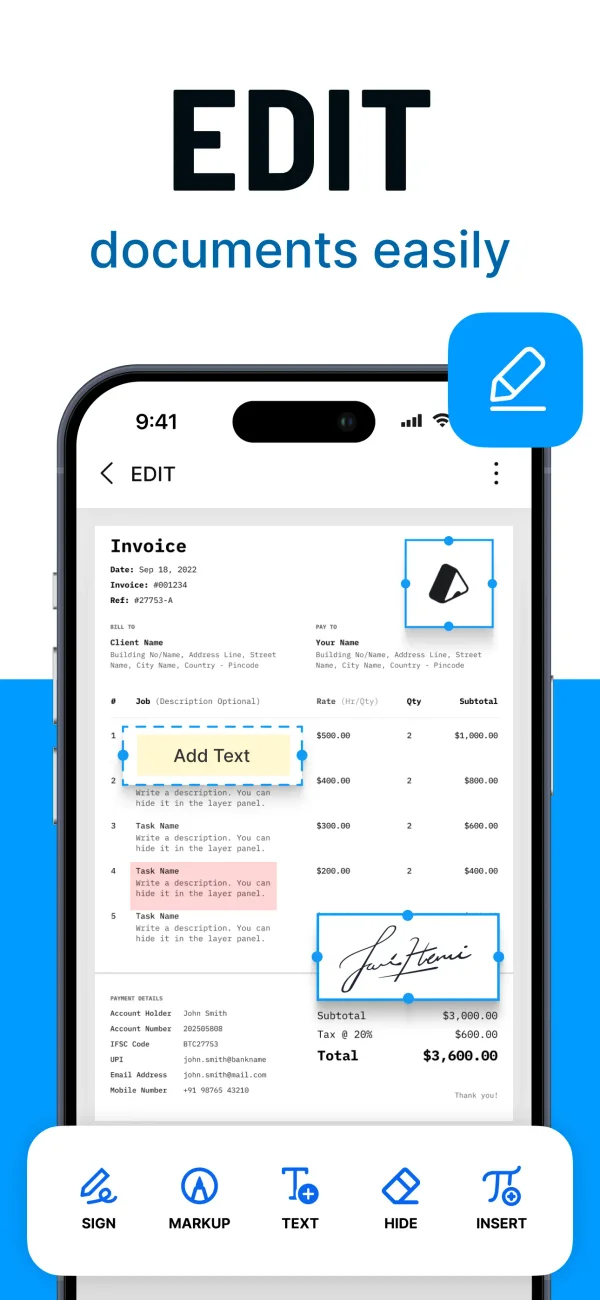
• Edit text, annotate, and sign documents instantly.
• Manage files efficiently and share in seconds.
• Keep your documents organized and accessible on the go.
How to use it?
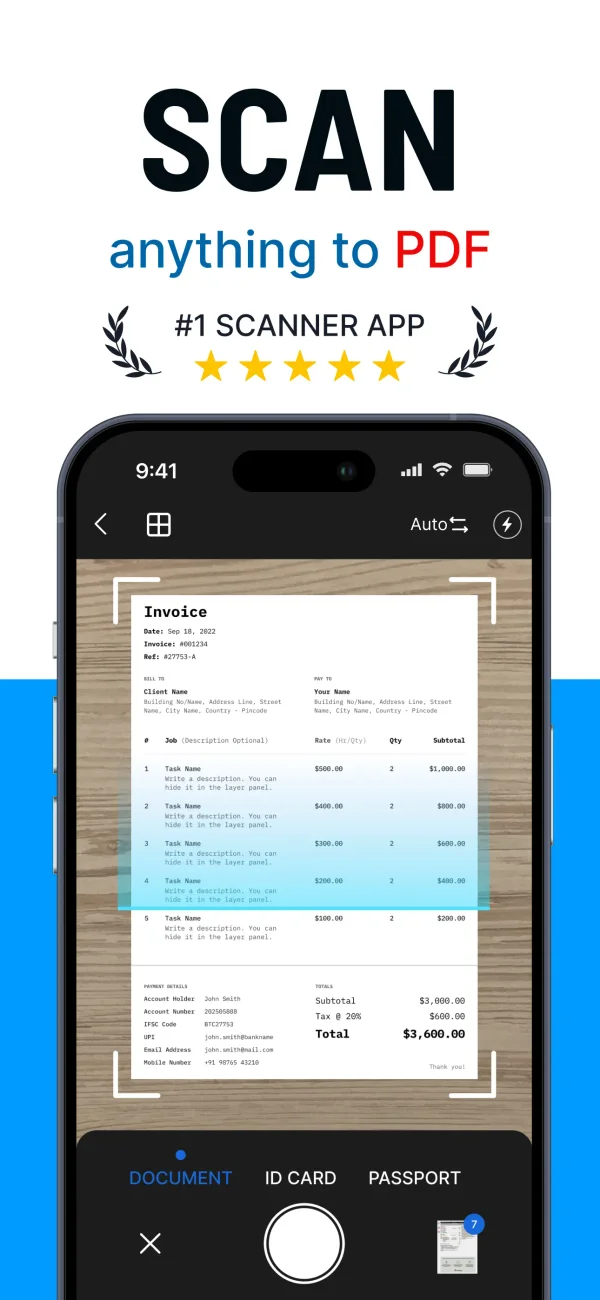
Place any document in front of your device's camera, and the app automatically detects and crops it, ensuring a clear and precise scan. Whether scanning a single page or multiple pages, batch scanning allows you to process dozens of pages in seconds. The app provides powerful tools for easy organization, sharing, or archiving, making document management faster and more efficient.
Whether you need to sign agreements, scan receipts, or organize business files, this converter simplifies document management. Tap to convert, share, and store files securely.
- Scan any documents: Instantly scan any document using your phone's camera, including receipts, contracts, notes, and more.
- Edit PDF files: Modify and edit your PDFs directly by adding text and images or adjusting layout and formatting.
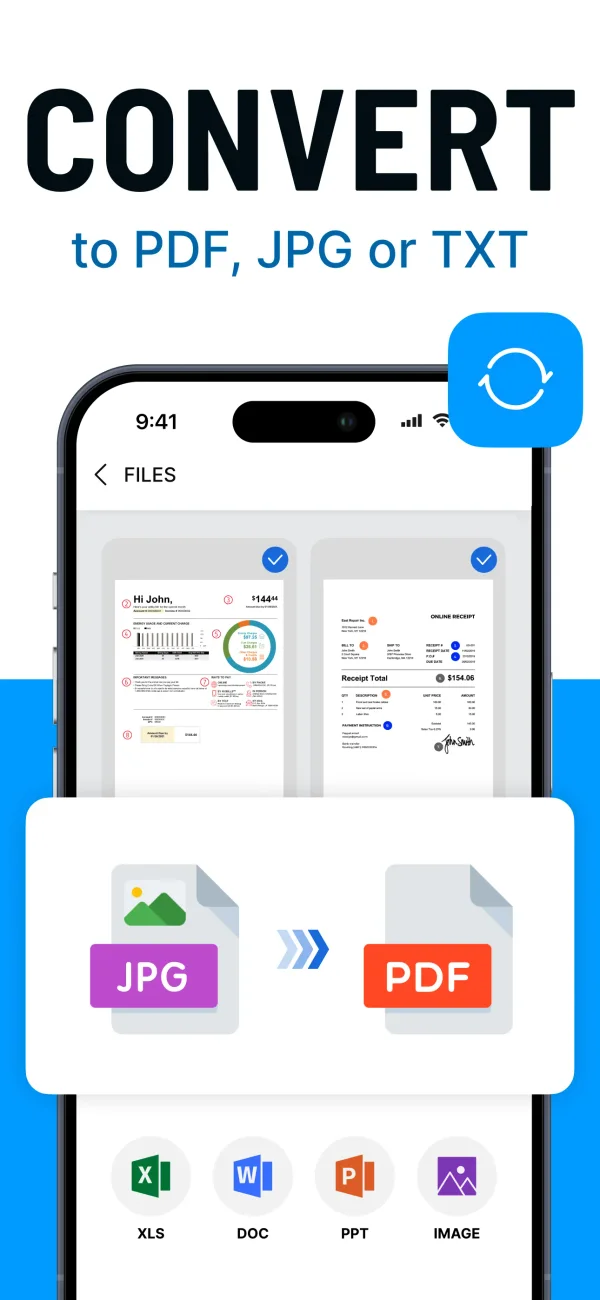
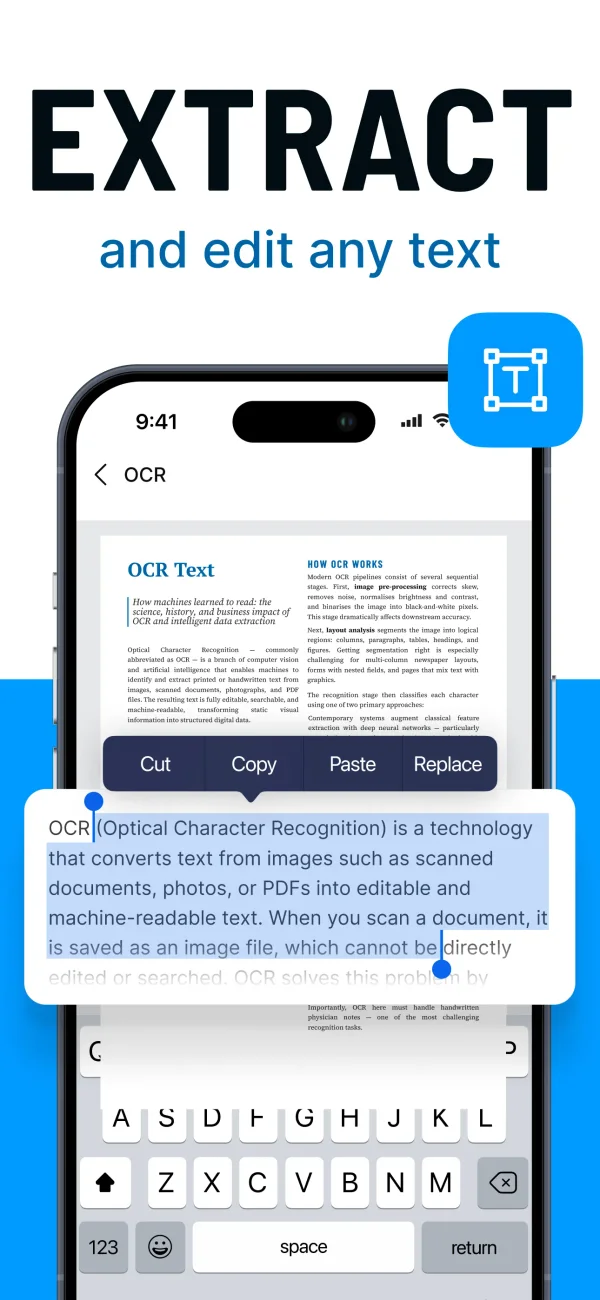
- Convert to PDF, JPG, or TXT: Convert any document or image to PDF, JPG, or TXT format, making it easy to share or store.
- Share via email: Quickly share your scanned or edited documents through email, making collaboration seamless.
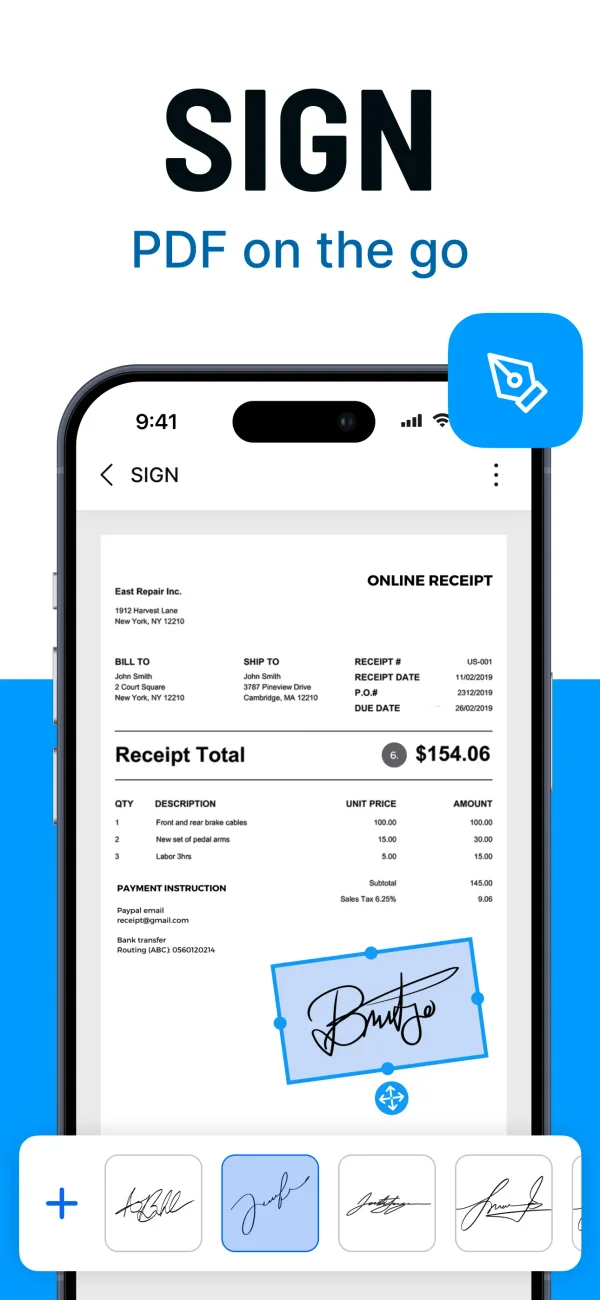
- Sign on the go: Add your signature to any document directly from your mobile device, which is perfect for quick approvals.
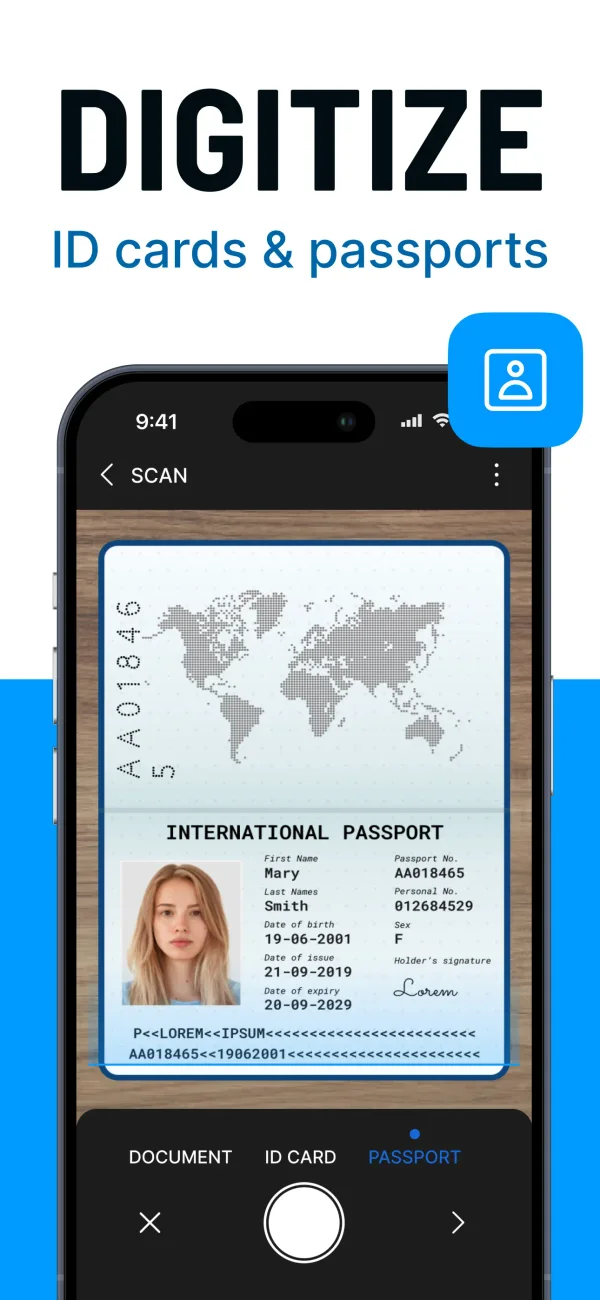
- Digitize ID cards or passports: Scan and digitize your ID cards or passports quickly, making important documents accessible anytime.
- Protect files: Secure your documents with passwords or encryption to keep sensitive information safe.
- Save files in one place: Organize and save all your documents in one secure place for easy access.
- Annotate by highlighting text: Highlight important text, add comments, and annotate documents to emphasize key points.
Stay organized and boost productivity with the PDF Scanner app. For work, school, or personal use, effortlessly scan, edit, and manage files anytime, anywhere!
Privacy Policy: https://appselect.org/ps/pdf-scanner-privacy-policy.html
Terms os Use: https://appselect.org/ps/pdf-scanner-terms.html
Yang baru
Versi 0.0.43 · 16/11/2026
Bug fixes and stability improvements. Thanks for your feedback!
Privasi aplikasi
Yang dinyatakan Appselect Ltd di App Store tentang cara aplikasi ini menangani data.
-
Data yang digunakan untuk melacak Anda
Dapat digunakan untuk melacak Anda di aplikasi dan situs web milik perusahaan lain.
- Pengenal
-
Data yang tidak ditautkan dengan Anda
Dapat dikumpulkan, tetapi tidak ditautkan dengan identitas Anda.
- Pengenal
- Data penggunaan
- Diagnostik
Praktik privasi dapat bervariasi, misalnya berdasarkan fitur yang Anda gunakan atau usia Anda.
Informasi
- Penjual
- Appselect Ltd.
- Kategori
- Produktivitas
- Versi
- 0.0.43
- Diperbarui
- 16/11/2026
- Dirilis
- 4/4/2025
- Ukuran
- 27,4 MB
- Memerlukan
- iOS 16.0 atau yang lebih baru
- Batasan usia
- 4+
- Harga
- Gratis
- Pembelian dalam aplikasi
- Ya
- Bahasa
- Inggris
- Hak cipta
- © 2025 Appselect LTD
Mungkin Anda juga suka
-
 Image to PDF: PDF MakerProduktivitas
-
 PDF Converter- Photos & WordProduktivitas
-
 Zap Scan: Photo to PDF ScannerProduktivitas
-
 Scan MyPDF ProProduktivitas
-
 PDF Reader&ScannerProduktivitas
-
 Easy PDF ManagerProduktivitas
-
 PDF Reader - OCR Scan EditProduktivitas
-
 PDF Editor - Convert FileProduktivitas
-
 PDF Editor - Edit PDF & SignProduktivitas
-
 PDF Toolkit - Organize & EditProduktivitas