PDF Scanner App: Docs Scan
Convert to PDF, Sign Documents
Được thiết kế cho iPhone, iPad
Miễn phí · Mua hàng trong ứng dụng
- Độ tuổi4+
- Danh mụcHiệu Suất
- Nhà phát triểnAppselect Ltd
- Ngôn ngữTiếng Anh
- Kích thước27,4 MB
Liên kết đến trang App Store chính thức
Download.org không lưu trữ tệp nào của PDF Scanner App: Docs Scan. Nút này mở trang ứng dụng trên App Store, nơi Appselect Ltd phát hành ứng dụng. Trang được kiểm tra lần cuối: 28/11/2026.
Ảnh chụp màn hình
Giới thiệu
Nhà phát triển chưa cung cấp nội dung này bằng ngôn ngữ của bạn.
PDF Scanner is a powerful tool to scan, edit, and manage files effortlessly. Transform your phone into a high-quality mobile scanner with the PDF Scanner App! Capture PDF docs, files, book pages, and IDs using your camera and instantly convert them into PDFs. Edit, sign, and share scanned files with just a few taps. Whether for work or personal use, this converter simplifies document management, making it easy to stay organized. Scan to PDF and edit with the fastest and most efficient scanning solution! You have already found a PDF Scanner app with a Full-Featured Document Manager. Enjoy seamless scanning and document management with our powerful app.
Easy to use PDF Scanner in your hand:
- View & Edit: Open and manage PDF docs, files, pages, and pics easily.
- Scan & Convert: Scan and edit PDFs instantly with your camera.
- Tap to Convert: Modify text, add images, highlight, and annotate documents.
- Mobile Scanner & PDF Maker: Convert ID, pages, and files into professional PDFs.
- Powerful Search: Effortlessly finds documents by file name, date, or content.
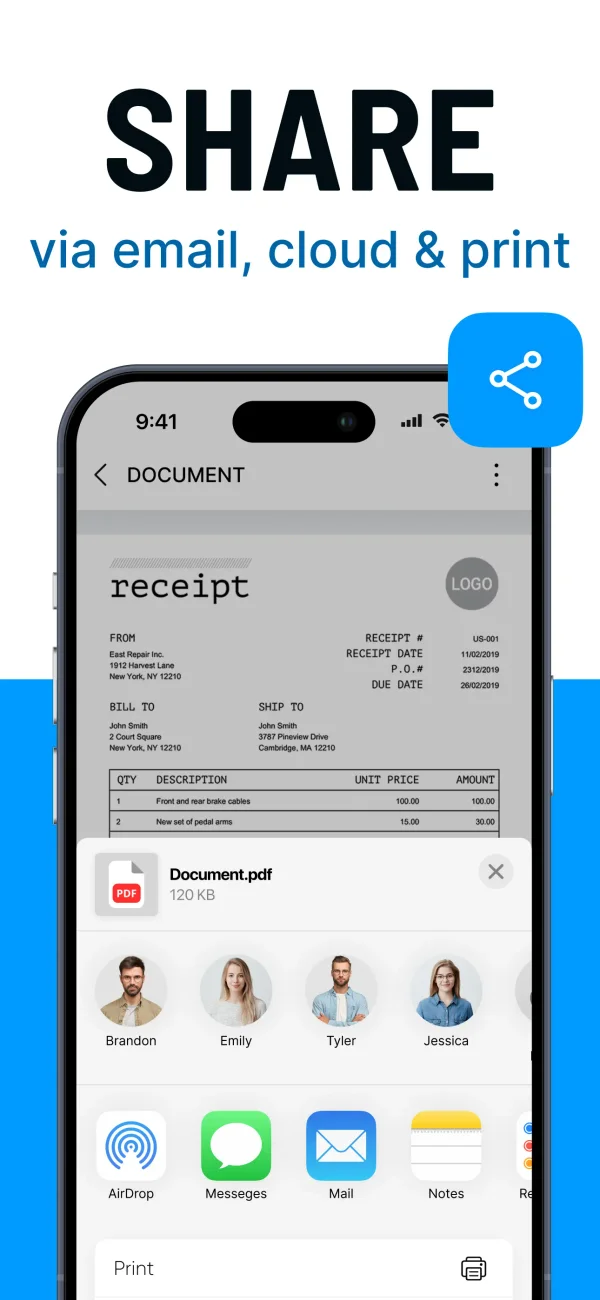
- Easy Sharing: Send via email, AirDrop, or other services in just a few taps.
- All-in-One Converter: Supports PDFs, Word, Excel, and PowerPoint for seamless document handling.
With our PDF Scanner app, you can:
• Use PDF Scanner to scan, edit, and convert to PDF effortlessly.
• Scan IDs, business docs, invoices, agreements, and receipts.
• Capture book pages, paper notes, and business cards.
• Convert files into high-quality PDFs with ease.
• Edit text, annotate, and sign documents instantly.
• Manage files efficiently and share in seconds.
• Keep your documents organized and accessible on the go.
How to use it?
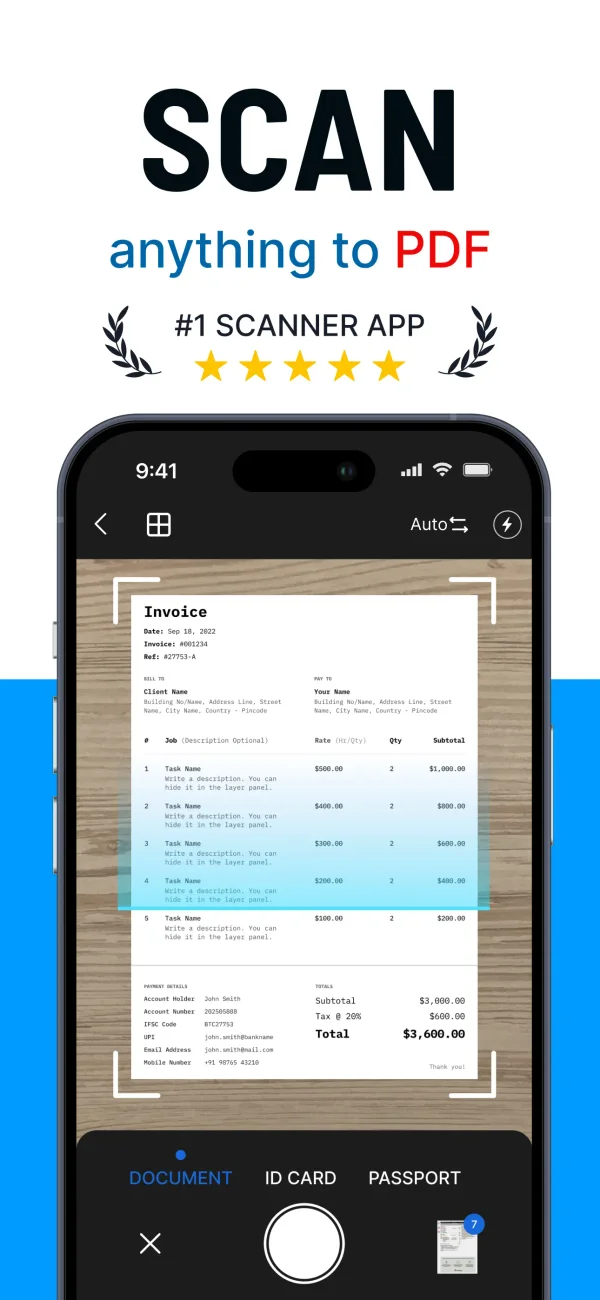
Place any document in front of your device's camera, and the app automatically detects and crops it, ensuring a clear and precise scan. Whether scanning a single page or multiple pages, batch scanning allows you to process dozens of pages in seconds. The app provides powerful tools for easy organization, sharing, or archiving, making document management faster and more efficient.
Whether you need to sign agreements, scan receipts, or organize business files, this converter simplifies document management. Tap to convert, share, and store files securely.
- Scan any documents: Instantly scan any document using your phone's camera, including receipts, contracts, notes, and more.
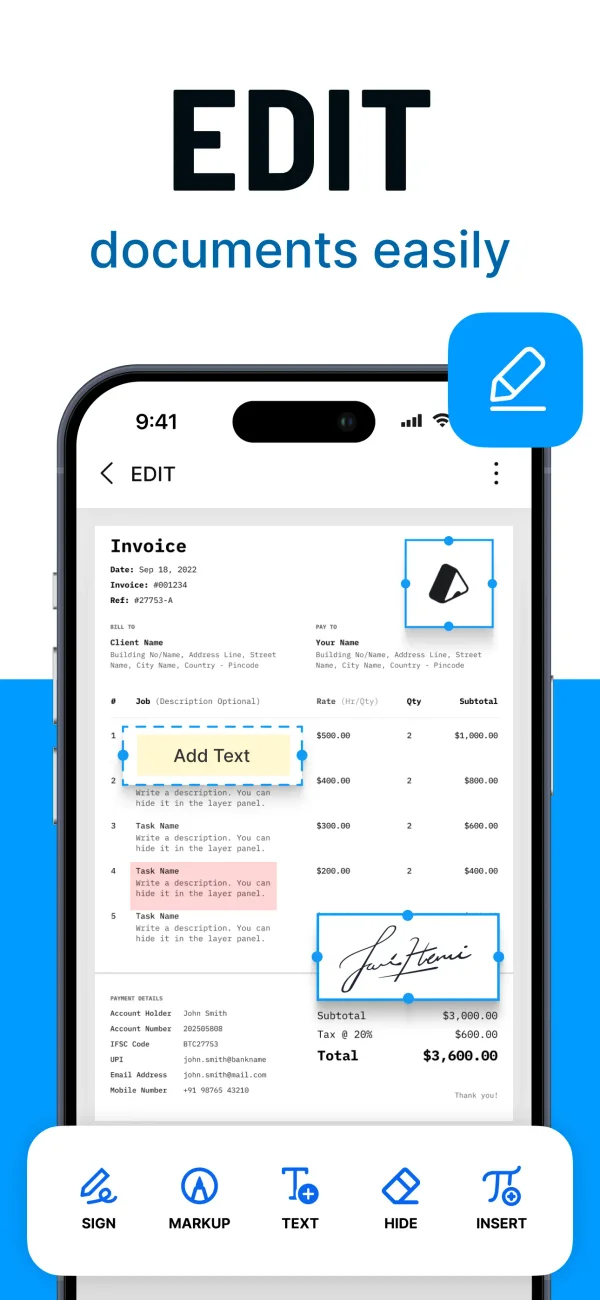
- Edit PDF files: Modify and edit your PDFs directly by adding text and images or adjusting layout and formatting.
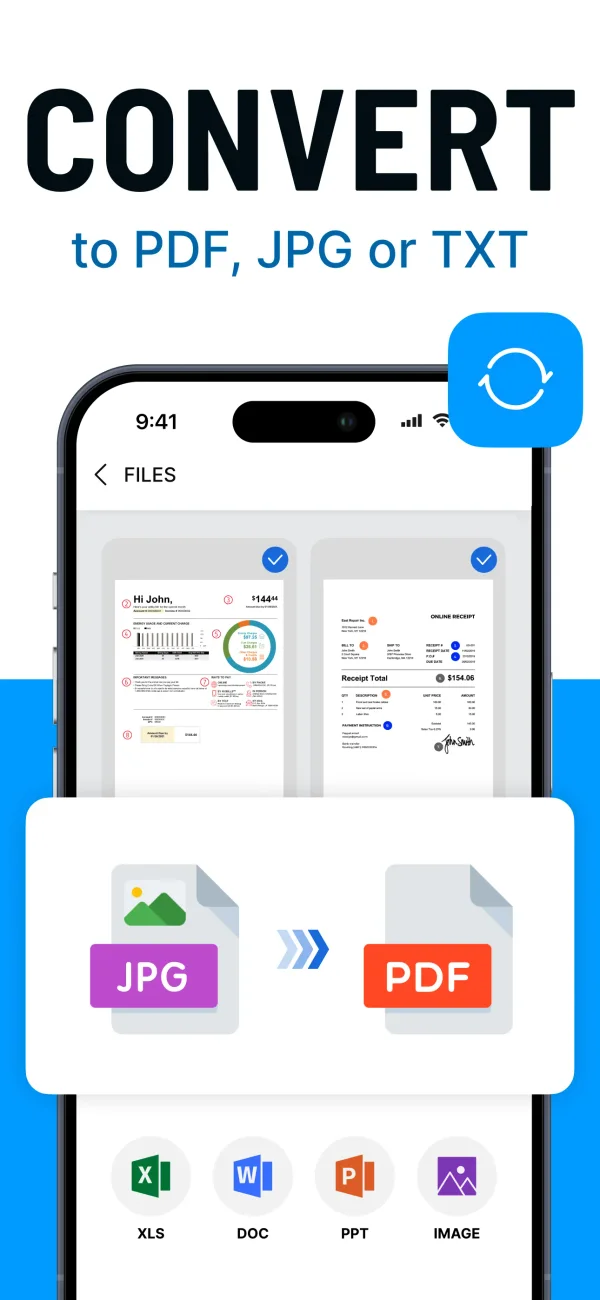
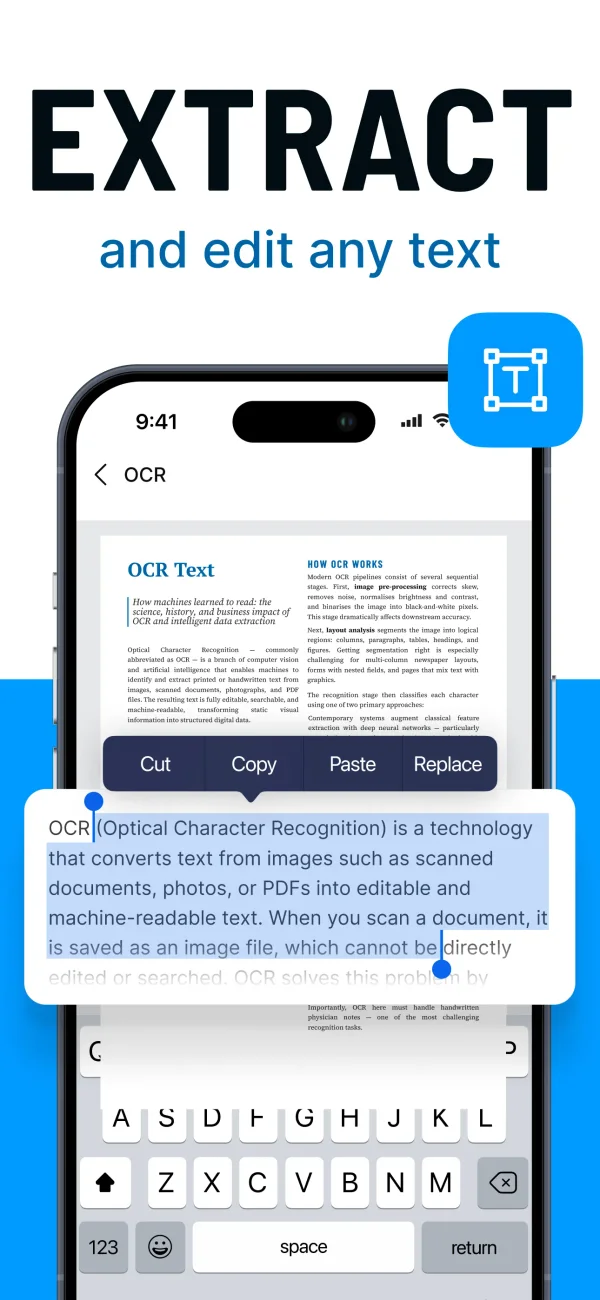
- Convert to PDF, JPG, or TXT: Convert any document or image to PDF, JPG, or TXT format, making it easy to share or store.
- Share via email: Quickly share your scanned or edited documents through email, making collaboration seamless.
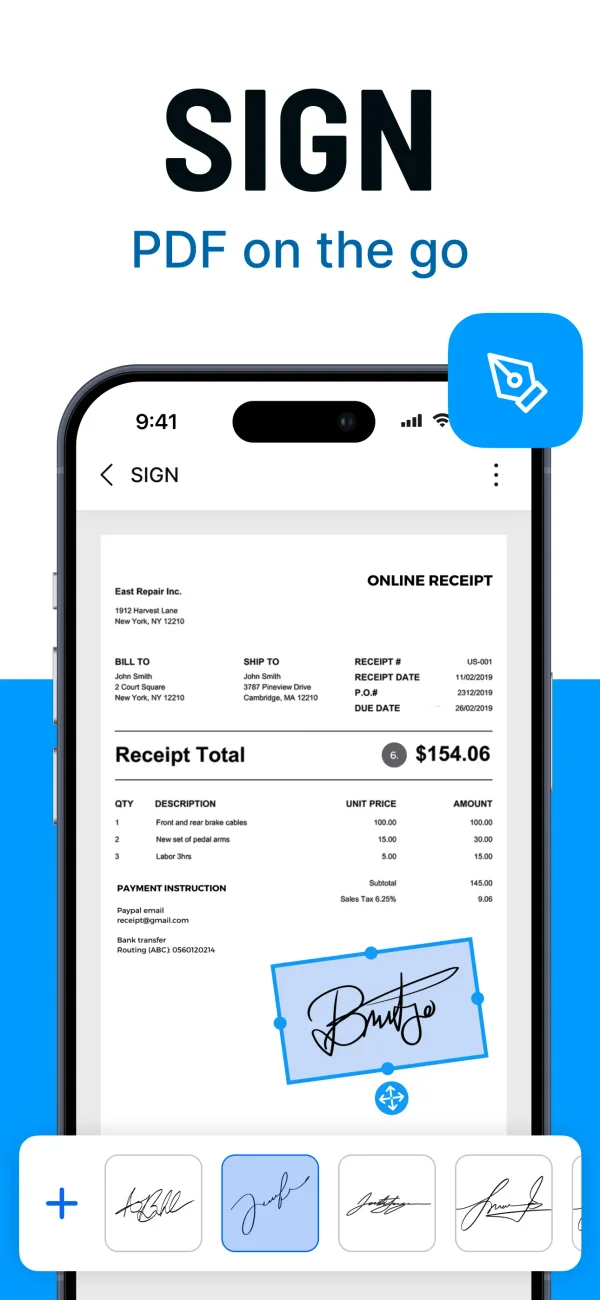
- Sign on the go: Add your signature to any document directly from your mobile device, which is perfect for quick approvals.
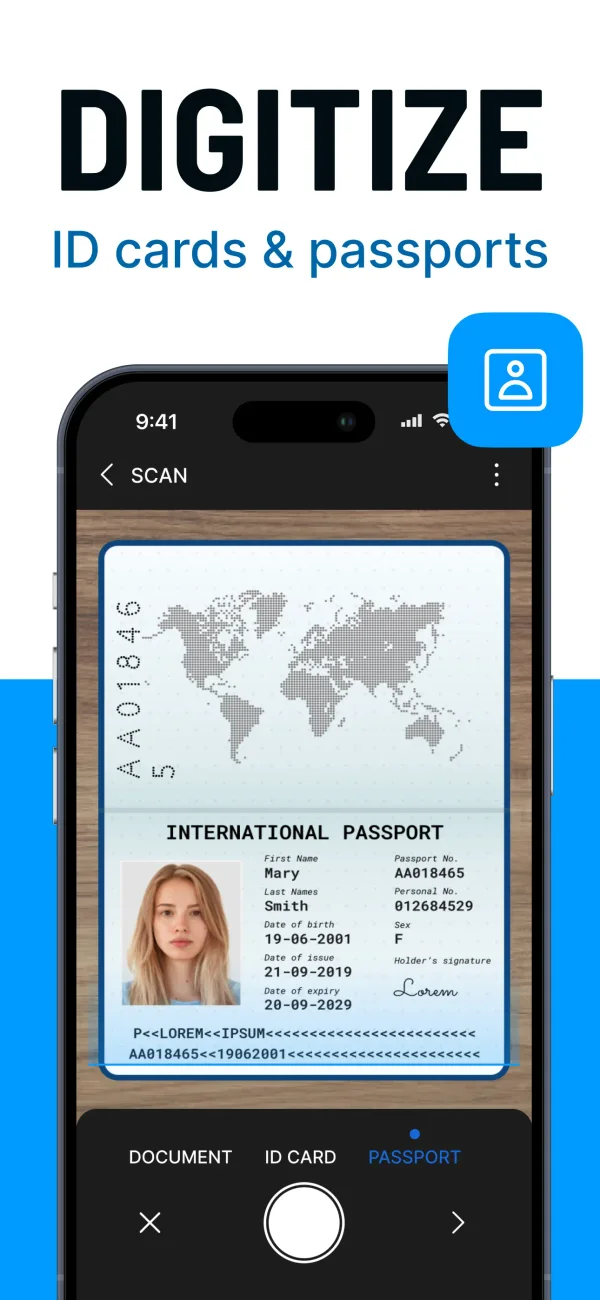
- Digitize ID cards or passports: Scan and digitize your ID cards or passports quickly, making important documents accessible anytime.
- Protect files: Secure your documents with passwords or encryption to keep sensitive information safe.
- Save files in one place: Organize and save all your documents in one secure place for easy access.
- Annotate by highlighting text: Highlight important text, add comments, and annotate documents to emphasize key points.
Stay organized and boost productivity with the PDF Scanner app. For work, school, or personal use, effortlessly scan, edit, and manage files anytime, anywhere!
Privacy Policy: https://appselect.org/ps/pdf-scanner-privacy-policy.html
Terms os Use: https://appselect.org/ps/pdf-scanner-terms.html
Có gì mới
Phiên bản 0.0.43 · 16/11/2026
Bug fixes and stability improvements. Thanks for your feedback!
Quyền riêng tư của ứng dụng
Những gì Appselect Ltd khai báo trên App Store về cách ứng dụng này xử lý dữ liệu.
-
Dữ liệu được sử dụng để theo dõi bạn
Có thể được sử dụng để theo dõi bạn trên các ứng dụng và trang web do công ty khác sở hữu.
- Mã định danh
-
Dữ liệu không liên kết với bạn
Có thể được thu thập nhưng không liên kết với danh tính của bạn.
- Mã định danh
- Dữ liệu sử dụng
- Chẩn đoán
Phương thức đảm bảo quyền riêng tư có thể khác nhau, chẳng hạn như tuỳ theo các tính năng bạn sử dụng hoặc độ tuổi của bạn.
Thông tin
- Người bán
- Appselect Ltd.
- Danh mục
- Hiệu Suất
- Phiên bản
- 0.0.43
- Cập nhật
- 16/11/2026
- Phát hành
- 04/04/2025
- Kích thước
- 27,4 MB
- Yêu cầu
- iOS 16.0 trở lên
- Độ tuổi
- 4+
- Giá
- Miễn phí
- Mua hàng trong ứng dụng
- Có
- Ngôn ngữ
- Tiếng Anh
- Bản quyền
- © 2025 Appselect LTD
Có thể bạn cũng thích
-
 Image to PDF: PDF MakerHiệu Suất
-
 PDF Converter- Photos & WordHiệu Suất
-
 Zap Scan: Photo to PDF ScannerHiệu Suất
-
 Scan MyPDF ProHiệu Suất
-
 PDF Reader&ScannerHiệu Suất
-
 Easy PDF ManagerHiệu Suất
-
 PDF Reader - OCR Scan EditHiệu Suất
-
 PDF Editor - Convert FileHiệu Suất
-
 PDF Editor - Edit PDF & SignHiệu Suất
-
 PDF Toolkit - Organize & EditHiệu Suất