
PDF Scanner:Scan Documents OCR
PDF Converter & Scanner APP
Dirancang untuk iPhone, iPod touch
Gratis · Pembelian dalam aplikasi
- Batasan usia4+
- KategoriKegunaan
- PengembangWANHUHOU TECHNOLOGIES LIMITED
- BahasaInggris+ 1 lainnya
- Ukuran247,3 MB
Tertaut ke halaman resmi App Store
Download.org tidak menyimpan file PDF Scanner:Scan Documents OCR apa pun. Tombol ini membuka halaman aplikasi di App Store, tempat WANHUHOU TECHNOLOGIES LIMITED menerbitkannya. Halaman terakhir diperiksa pada 18/11/2026.
Tangkapan layar

Tentang
Pengembang belum menyediakan teks ini dalam bahasa Anda.
"PDF Scanner easily turns your phone into a smart scanning app. It allows you to edit documents immediately after scanning, such as cropping, rotating, highlighting, or applying filters. It is a powerful tool for white-collar workers, business people, accountants and students. In addition to scanning, it can also take ID photos, extract text using OCR, restore old photos, erase handwriting, read images, and perform AI counting.
Document Scanner
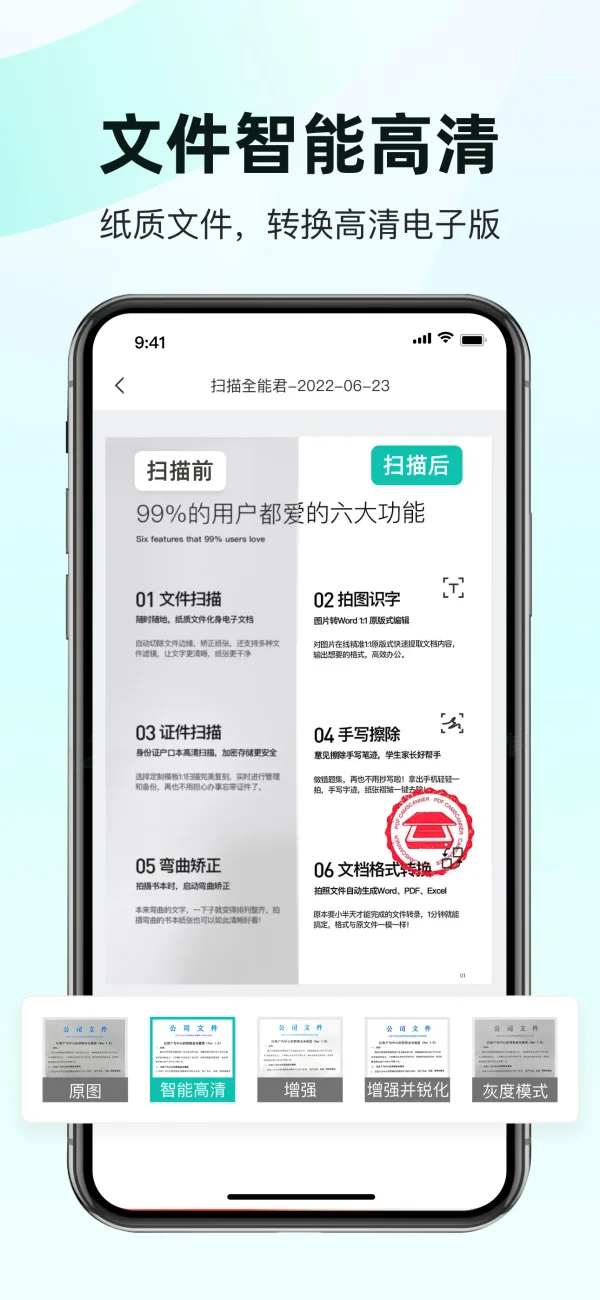
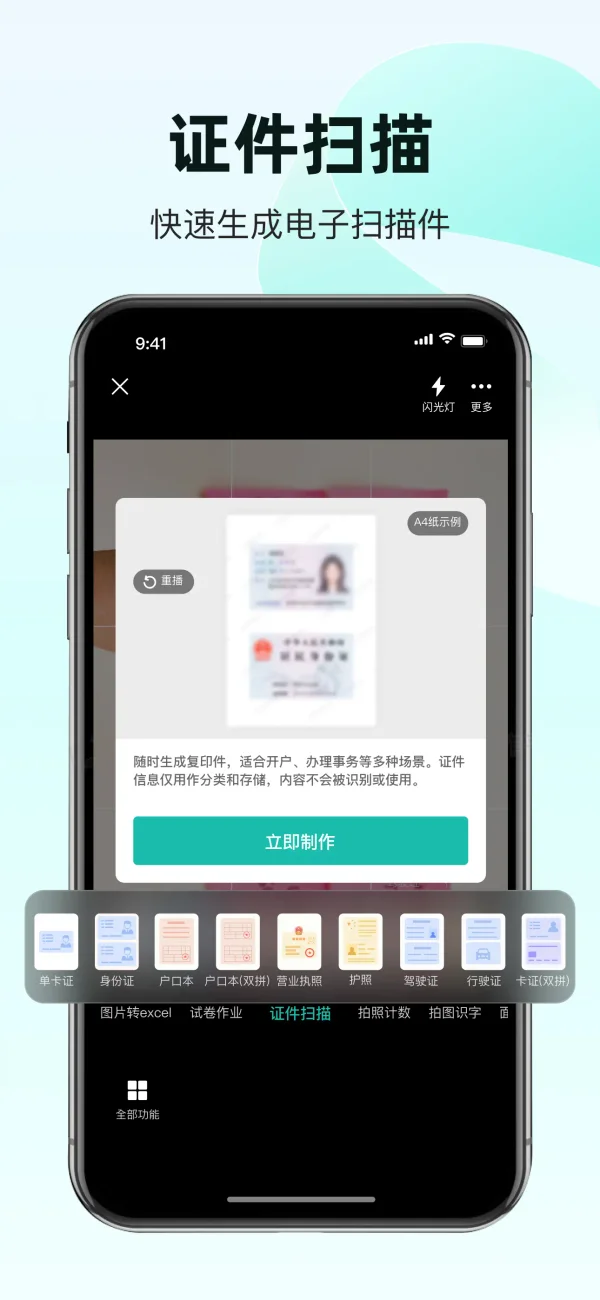
- Capture photos to convert ID cards, passports, receipts, newspapers, music scores, menus, screens, certificates, rental agreements, bills, blackboard notes, PowerPoint slides, printed documents, and licenses into PDF format
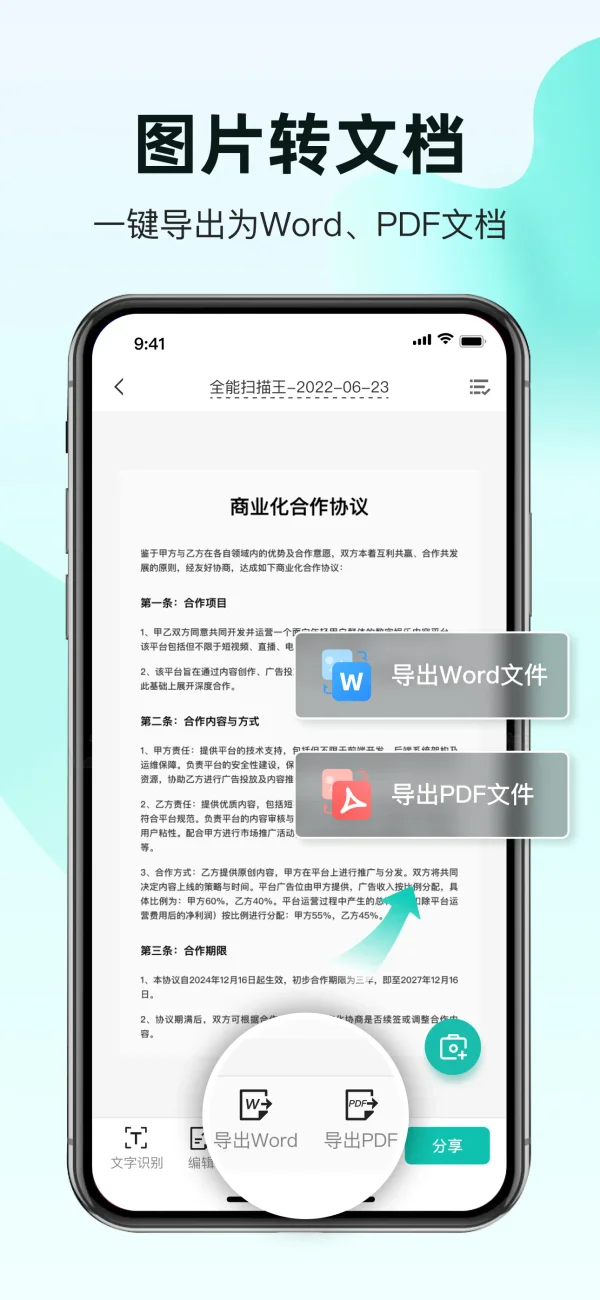
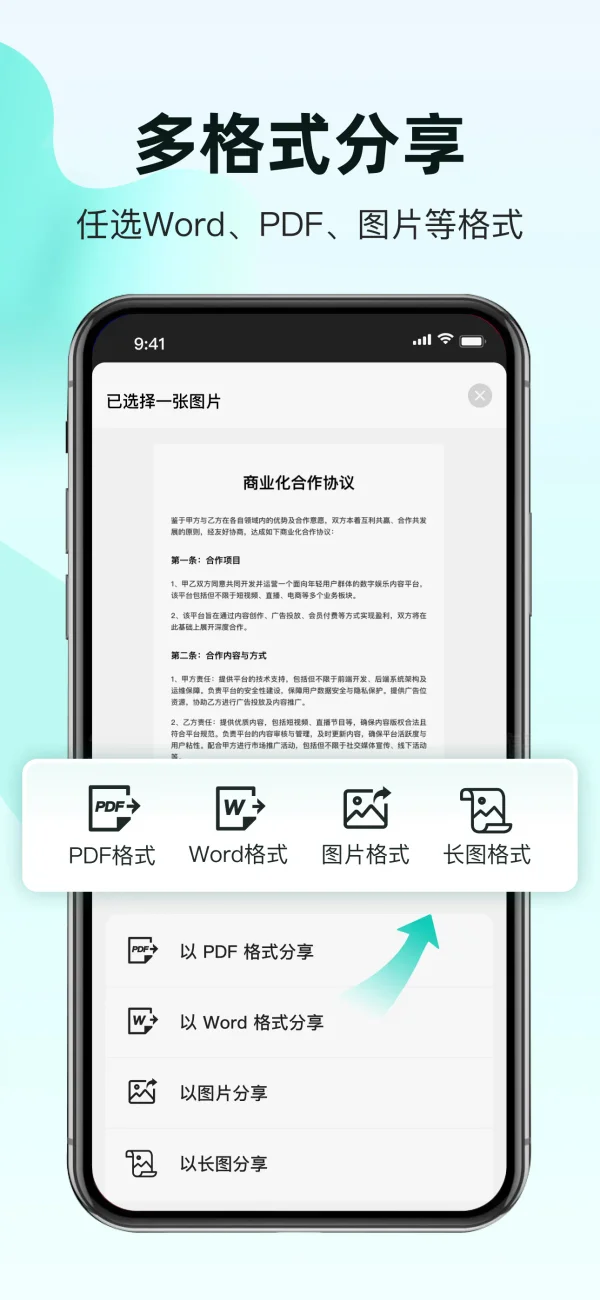
- Easily convert between various formats according to your needs. For instance, scan documents and convert them to Word, PDF, TXT, PPT, or JPG effortlessly
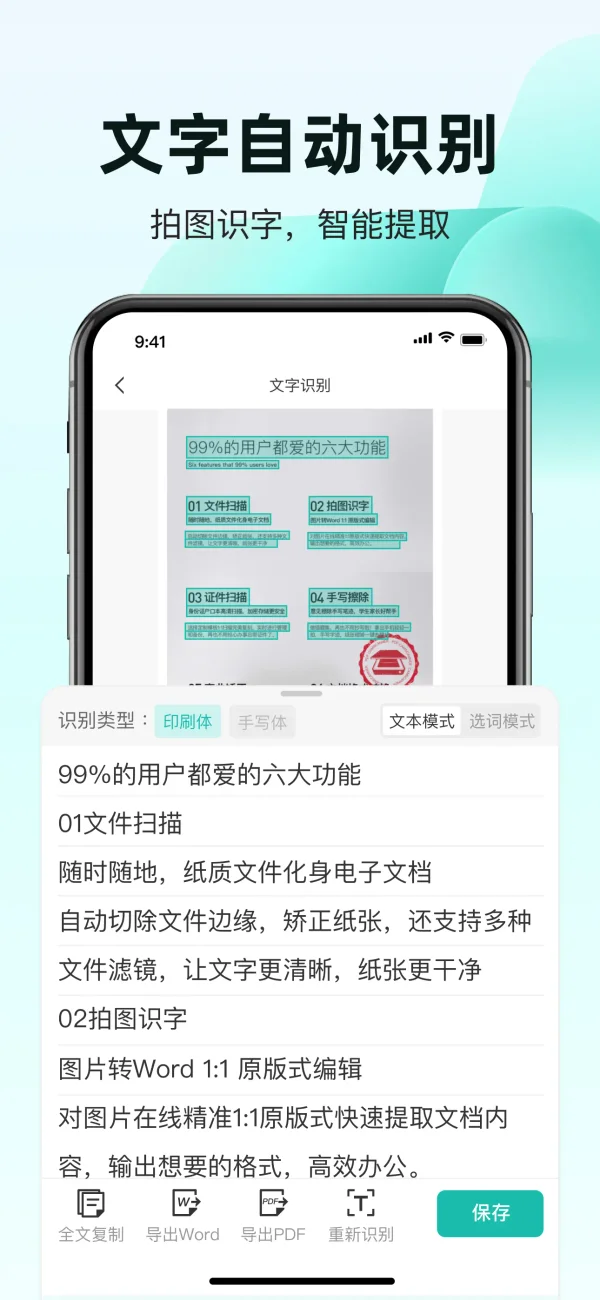
- With OCR Text Recognition, accurately extract text from photos. This enables you to edit, adjust, copy, export, or share the recognized text with ease
- With the Paper Eraser function, you can scan test papers and instantly remove handwritten text
- Take a photo of your documents and remove any wrinkles or stains
- Special scanning features include distortion correction, orientation adjustment, re-cropping, defect cleanup, shadow removal and more
- The Book Mode scan feature allows you to capture two pages simultaneously. For instance, you can scan multiple pages of a comic book into a single document and save it on your device
- Edit your contracts using PDF Scanner, and share them with your customers along with notes
Photo Restoration
- Repair damaged old photos
- Add filters to repaired old photos
- Take your ID photos using the ID PHOTO MAKER
Free Scanner App with AI Tools
- Automatically count similar objects after capturing the items you want to tally
- Use your camera to measure the width, height, or length of any objects
- Export the results as PDF or JPEG
- Manually adjust the results if necessary
About Subscrittion
- Subscribe to get access to all features of PDF Scanner. You will be charged after the purchase confirmation
- Subscriptions auto-renew 24 hours before the expiration date. You can manage your subscriptions in account Settings on the App Store
- Subscriptions may be managed by the user and auto-renewal may be turned off by going to the user's Account Settings after purchase
- User Agreement: https://scan.juzan.info/index.php/useragreement?channel=apple
- Privacy Agreement: https://scan.juzan.info/index.php/privacystatement?channel=apple
- Member Service Terms of Use: https://scan.juzan.info/index.php/subscribeagreement?channel=apple
- For any issues, please contact us by: hhh_tianyu@yeah.net
Yang baru
Versi 4.0.8 · 26/10/2026
1.新增了一些图片处理功能;
2.App最低版本要求提升至iOS15;
3.修复已知问题;
Privasi aplikasi
Yang dinyatakan WANHUHOU TECHNOLOGIES LIMITED di App Store tentang cara aplikasi ini menangani data.
-
Data yang digunakan untuk melacak Anda
Dapat digunakan untuk melacak Anda di aplikasi dan situs web milik perusahaan lain.
- Pengenal
- Data penggunaan
-
Data yang tidak ditautkan dengan Anda
Dapat dikumpulkan, tetapi tidak ditautkan dengan identitas Anda.
- Pengenal
- Data penggunaan
Praktik privasi dapat bervariasi, misalnya berdasarkan fitur yang Anda gunakan atau usia Anda.
Informasi
- Penjual
- WANHUHOU TECHNOLOGIES LIMITED
- Kategori
- Kegunaan
- Versi
- 4.0.8
- Diperbarui
- 26/10/2026
- Dirilis
- 25/12/2022
- Ukuran
- 247,3 MB
- Memerlukan
- iOS 15.0 atau yang lebih baru
- Batasan usia
- 4+
- Harga
- Gratis
- Pembelian dalam aplikasi
- Ya
- Bahasa
- Inggris, Tionghoa Sederhana
- Hak cipta
- © BAIGE TECHNOLOGIES LIMITED