
PDF Scanner:Scan Documents OCR
PDF Converter & Scanner APP
iPhone, iPod touch向けに設計
無料 · アプリ内課金
- 対象年齢4+
- カテゴリユーティリティ
- 開発元WANHUHOU TECHNOLOGIES LIMITED
- 言語英語ほか1言語
- サイズ247.3 MB
App Storeの公式ページにリンクしています
Download.orgはPDF Scanner:Scan Documents OCRのファイルを一切ホストしていません。ボタンを押すと、WANHUHOU TECHNOLOGIES LIMITEDが公開しているApp Storeのアプリページが開きます。ページの最終確認:2026/11/18。
スクリーンショット


概要
開発元はこのテキストをお使いの言語で提供していません。
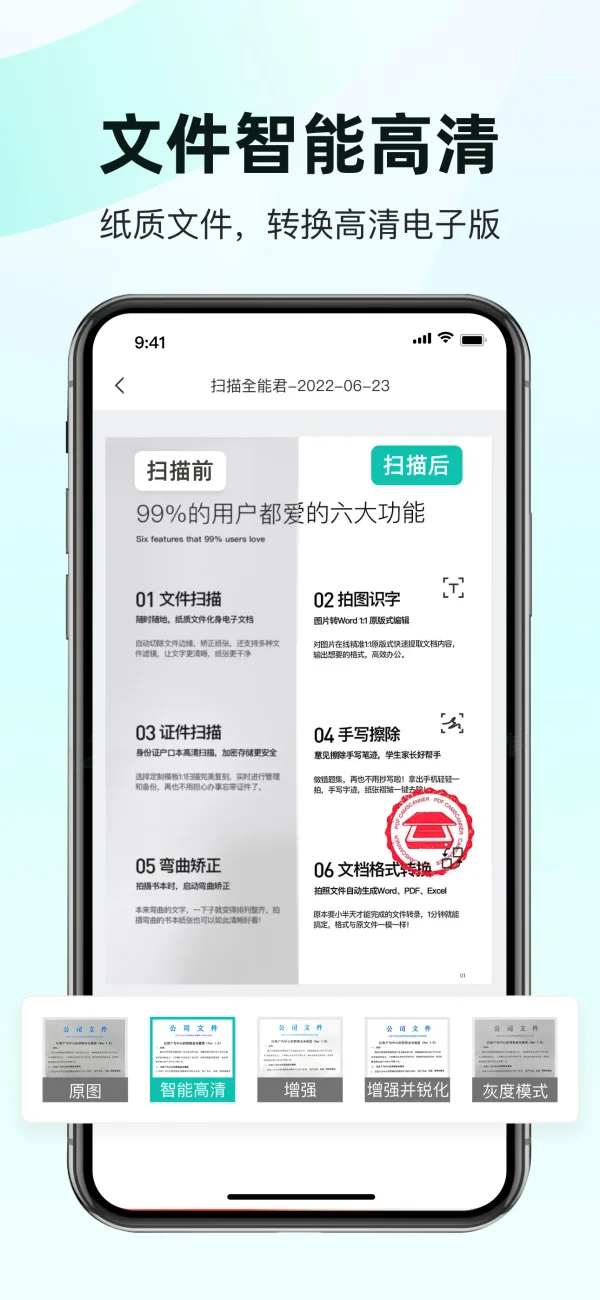
"PDF Scanner easily turns your phone into a smart scanning app. It allows you to edit documents immediately after scanning, such as cropping, rotating, highlighting, or applying filters. It is a powerful tool for white-collar workers, business people, accountants and students. In addition to scanning, it can also take ID photos, extract text using OCR, restore old photos, erase handwriting, read images, and perform AI counting.
Document Scanner
- Capture photos to convert ID cards, passports, receipts, newspapers, music scores, menus, screens, certificates, rental agreements, bills, blackboard notes, PowerPoint slides, printed documents, and licenses into PDF format
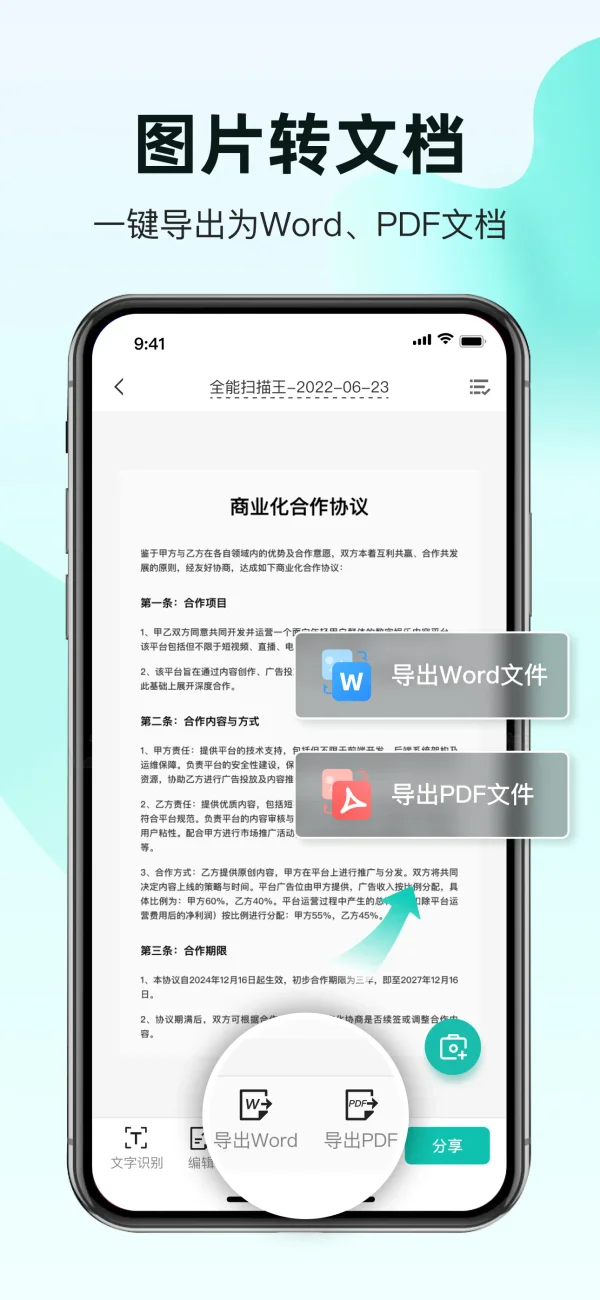
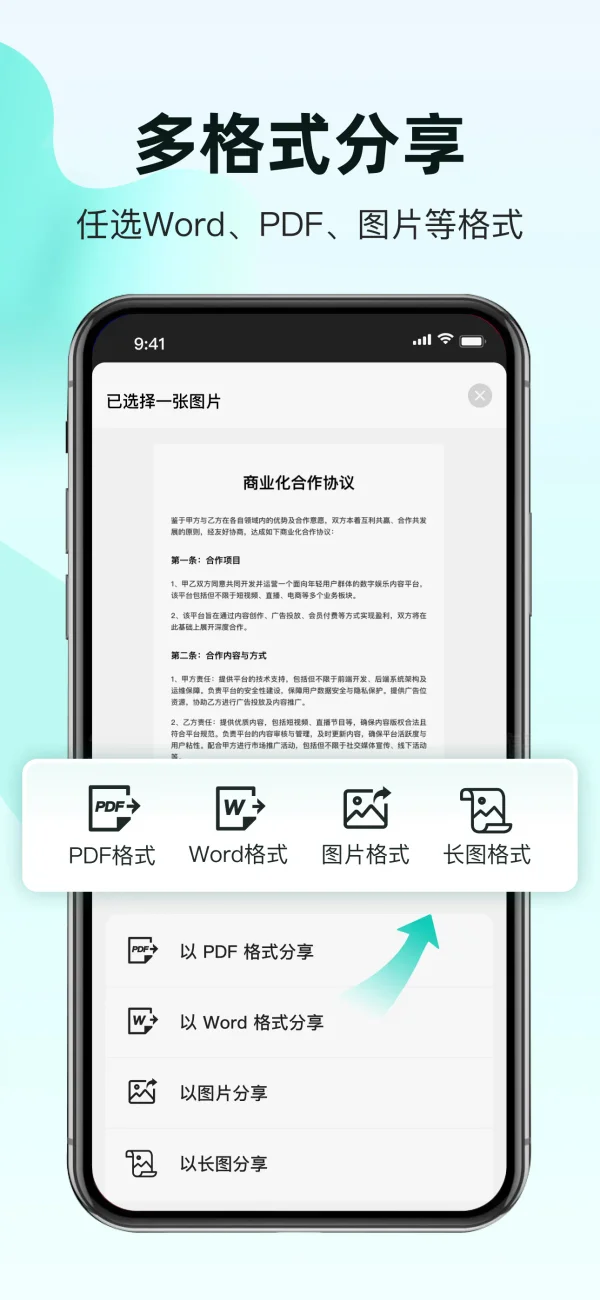
- Easily convert between various formats according to your needs. For instance, scan documents and convert them to Word, PDF, TXT, PPT, or JPG effortlessly
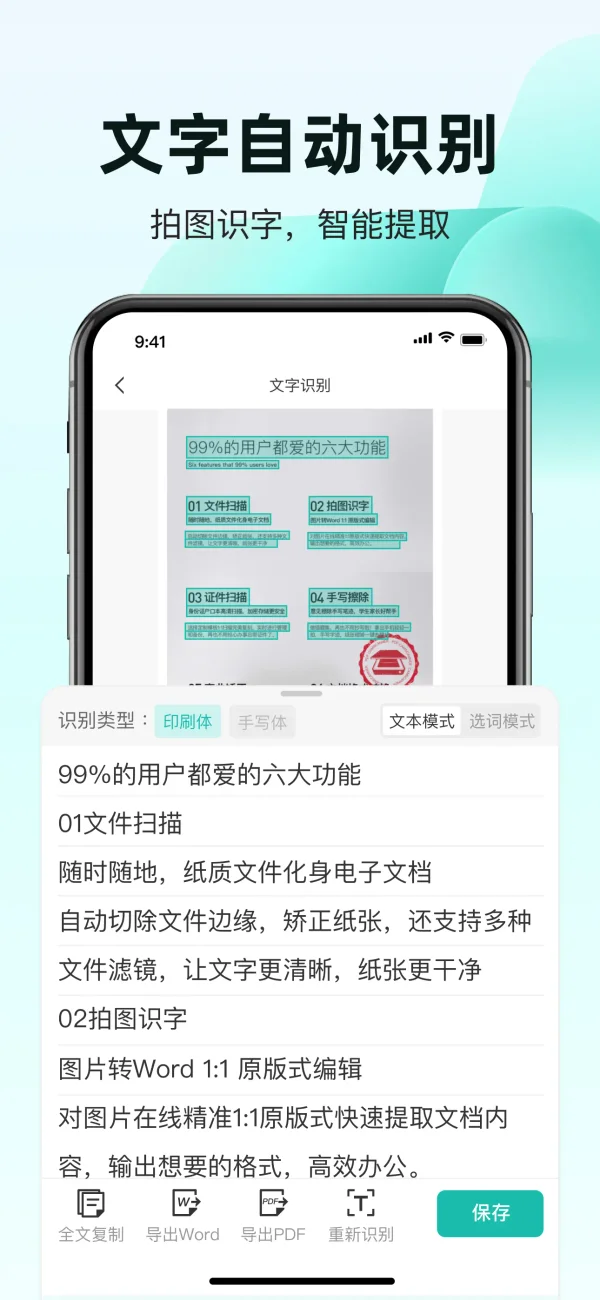
- With OCR Text Recognition, accurately extract text from photos. This enables you to edit, adjust, copy, export, or share the recognized text with ease
- With the Paper Eraser function, you can scan test papers and instantly remove handwritten text
- Take a photo of your documents and remove any wrinkles or stains
- Special scanning features include distortion correction, orientation adjustment, re-cropping, defect cleanup, shadow removal and more
- The Book Mode scan feature allows you to capture two pages simultaneously. For instance, you can scan multiple pages of a comic book into a single document and save it on your device
- Edit your contracts using PDF Scanner, and share them with your customers along with notes
Photo Restoration
- Repair damaged old photos
- Add filters to repaired old photos
- Take your ID photos using the ID PHOTO MAKER
Free Scanner App with AI Tools
- Automatically count similar objects after capturing the items you want to tally
- Use your camera to measure the width, height, or length of any objects
- Export the results as PDF or JPEG
- Manually adjust the results if necessary
About Subscrittion
- Subscribe to get access to all features of PDF Scanner. You will be charged after the purchase confirmation
- Subscriptions auto-renew 24 hours before the expiration date. You can manage your subscriptions in account Settings on the App Store
- Subscriptions may be managed by the user and auto-renewal may be turned off by going to the user's Account Settings after purchase
- User Agreement: https://scan.juzan.info/index.php/useragreement?channel=apple
- Privacy Agreement: https://scan.juzan.info/index.php/privacystatement?channel=apple
- Member Service Terms of Use: https://scan.juzan.info/index.php/subscribeagreement?channel=apple
- For any issues, please contact us by: hhh_tianyu@yeah.net
新機能
バージョン 4.0.8 · 2026/10/26
1.新增了一些图片处理功能;
2.App最低版本要求提升至iOS15;
3.修复已知问题;
アプリのプライバシー
このアプリのデータの取り扱いについて、WANHUHOU TECHNOLOGIES LIMITEDがApp Storeで申告している内容です。
-
ユーザーのトラッキングに使用されるデータ
他社のアプリやウェブサイトを横断してユーザーをトラッキングする目的で使用される場合があります。
- ID
- 使用状況データ
-
ユーザーに関連付けられないデータ
収集される場合がありますが、ユーザーの識別情報には関連付けられません。
- ID
- 使用状況データ
プライバシーの取り扱いは、ご利用の機能やお客様の年齢などに応じて異なる場合があります。
情報
- 販売元
- WANHUHOU TECHNOLOGIES LIMITED
- カテゴリ
- ユーティリティ
- バージョン
- 4.0.8
- 更新日
- 2026/10/26
- リリース
- 2022/12/25
- サイズ
- 247.3 MB
- 必要条件
- iOS 15.0以降
- 対象年齢
- 4+
- 価格
- 無料
- アプリ内課金
- あり
- 言語
- 英語, 簡体字中国語
- 著作権
- © BAIGE TECHNOLOGIES LIMITED