
- Batasan usia4+
- KategoriProduktivitas
- PengembangGianluca Natalini
- BahasaInggris
- Ukuran1,9 MB
Tertaut ke halaman resmi App Store
Download.org tidak menyimpan file pdfManager apa pun. Tombol ini membuka halaman aplikasi di App Store, tempat Gianluca Natalini menerbitkannya. Halaman terakhir diperiksa pada 12/11/2026.
Tangkapan layar


Tentang
Pengembang belum menyediakan teks ini dalam bahasa Anda.
"pdfManager" is a "PDF" file reader.
With "pdfManager" you can:
1) store the PDF files into your portable device
2) display PDF files at all times and under all conditions of work
3) convert PDF files (or a part of a page of the PDF file) into an image (JPG / PNG)
4) share the PDF documents saved in the archive of pdfManager with DROPBOX or other applications installed on the device
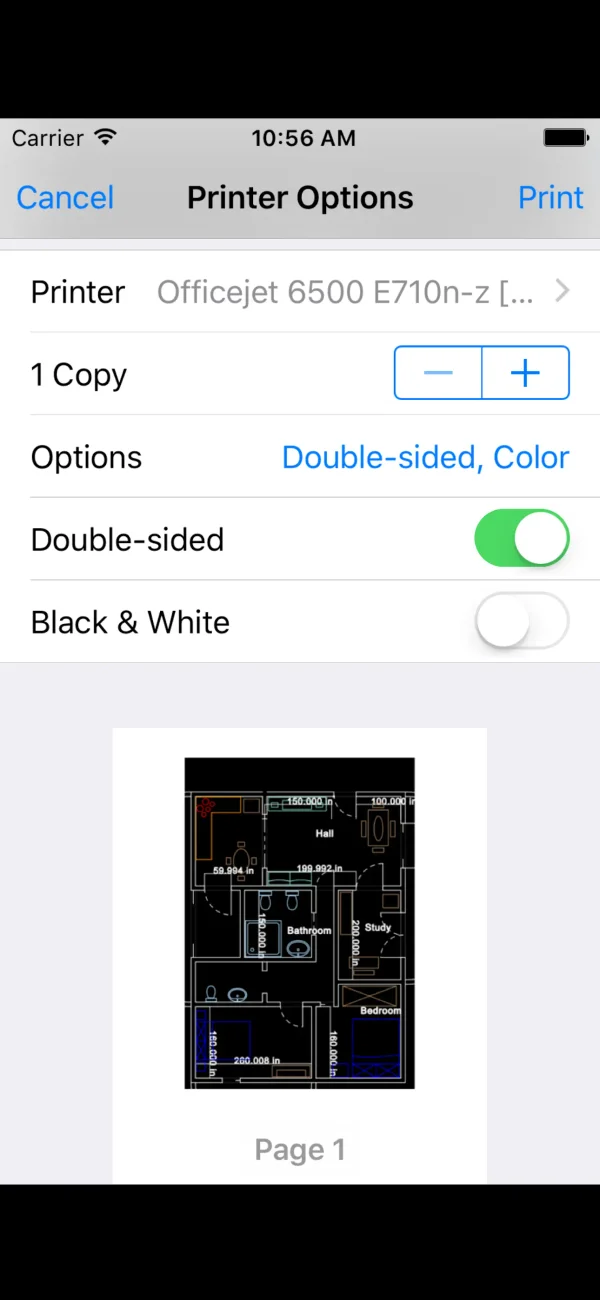
5) print a pages of the PDF file (or a detail of interest of a page of PDF files) using the print button of pdfManager (AirPrint)
6) load and visualize the password-protected PDF documents
* The software does not need an internet connections to visualize PDF documents: each PDF file is stored on the mobile device (using the technology "iTunes File Sharing" or "Open In") and can be read by the software itself.
* The PDF reader works like the integrated image viewer of the device, you can then:
- Zoom IN / OUT of the document (ZOOM INFINITE) by dragging two fingers on the screen (each time you use the ZOOM INFINITE the PDF page is redrawn again ensuring the highest possible quality of visualization, even if the smallest details are visualized to full screen)
- move the document (PAN TOOL) by dragging one finger across the screen
- reset the current settings of zoom and pan with a double-tap
- change quickly the PDF pages using the two buttons "next page" and "previous page" or typing the page number, using the keypad of the device
- load and visualize the PDF files when You need: all the PDF files are stored in the pdfManager archive and are displayed in alphabetical order
- save an infinite number of PDF files in the pdfManager archive (until the physical memory of the device is ended)
- You can display PDF document using Portrait or Landscape orientation
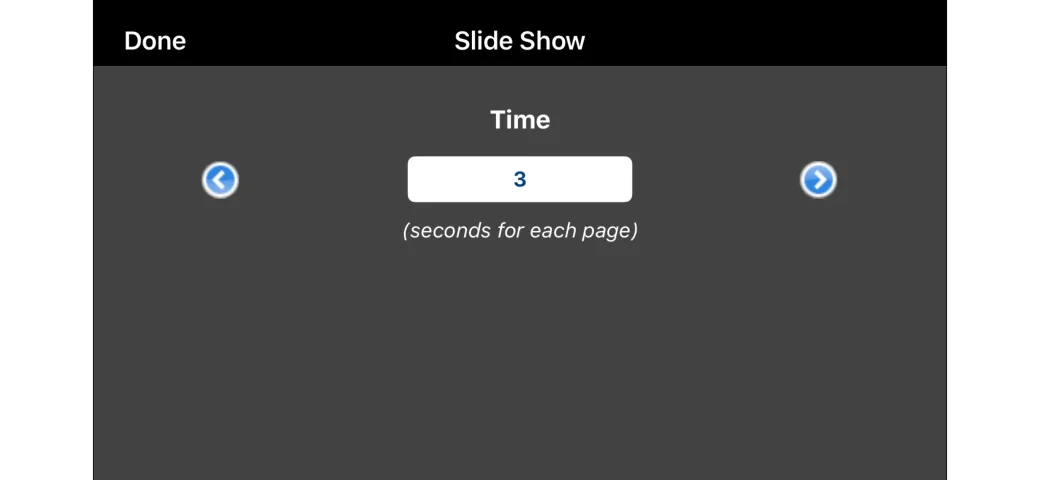
- You can view the PDF document using the slideshow feature (you can choose the transition time between a page and the next one)
Examples of use for:
1) iWork users: Pages, Keynotes, Numbers
2) MS Office users: Word, Excel, Powerpoint
3) CAD users (technical drawings)
4) etc...
-> convert to PDF files your documents/technical drawings/CAD projects, copy them into pdfManager archive (using the technology "iTunes File Sharing" or "Open In"), load and visualized all the stored PDF files with "pdfManager”, when You want.
With "pdfManager" you will have always and everywhere your documents, technical drawings, CAD projects, manuals, notes, etc...
Yang baru
Versi 3.3 · 7/5/2026
* Minor bugs fixed
Privasi aplikasi
Yang dinyatakan Gianluca Natalini di App Store tentang cara aplikasi ini menangani data.
-
Data tidak dikumpulkan
Pengembang tidak mengumpulkan data apa pun dari aplikasi ini.
Praktik privasi dapat bervariasi, misalnya berdasarkan fitur yang Anda gunakan atau usia Anda.
Informasi
- Penjual
- Gianluca Natalini
- Kategori
- Produktivitas
- Versi
- 3.3
- Diperbarui
- 7/5/2026
- Dirilis
- 22/12/2010
- Ukuran
- 1,9 MB
- Memerlukan
- iOS 16.6 atau yang lebih baru
- Batasan usia
- 4+
- Harga
- Rp 19ribu
- Bahasa
- Inggris
- Hak cipta
- © 2010 Gianluca Natalini - NGCYBIT Robotics
Mungkin Anda juga suka
-
 TimeTill for CalendarProduktivitas
-
 MiraiGridProduktivitas
-
 Simplified RemindersProduktivitas
-
 Watch Web BrowserInstagram Browser Jam
-
 SwiftoDo for todo.txtProduktivitas
-
 To Do List & Planner · HandfulReminders, Schedule & Agenda
-
 Trash Panda CleanupProduktivitas
-
 QwikCardsProduktivitas
-
 This Week - Weekly To-Do ListProduktivitas
-
 Padqlo: Fullscreen Desk ClockProduktivitas