- 対象年齢4+
- カテゴリ仕事効率化
- 開発元Gianluca Natalini
- 言語英語
- サイズ1.9 MB
App Storeの公式ページにリンクしています
Download.orgはpdfManagerのファイルを一切ホストしていません。ボタンを押すと、Gianluca Nataliniが公開しているApp Storeのアプリページが開きます。ページの最終確認:2026/11/12。
スクリーンショット


概要
開発元はこのテキストをお使いの言語で提供していません。
"pdfManager" is a "PDF" file reader.
With "pdfManager" you can:
1) store the PDF files into your portable device
2) display PDF files at all times and under all conditions of work
3) convert PDF files (or a part of a page of the PDF file) into an image (JPG / PNG)
4) share the PDF documents saved in the archive of pdfManager with DROPBOX or other applications installed on the device
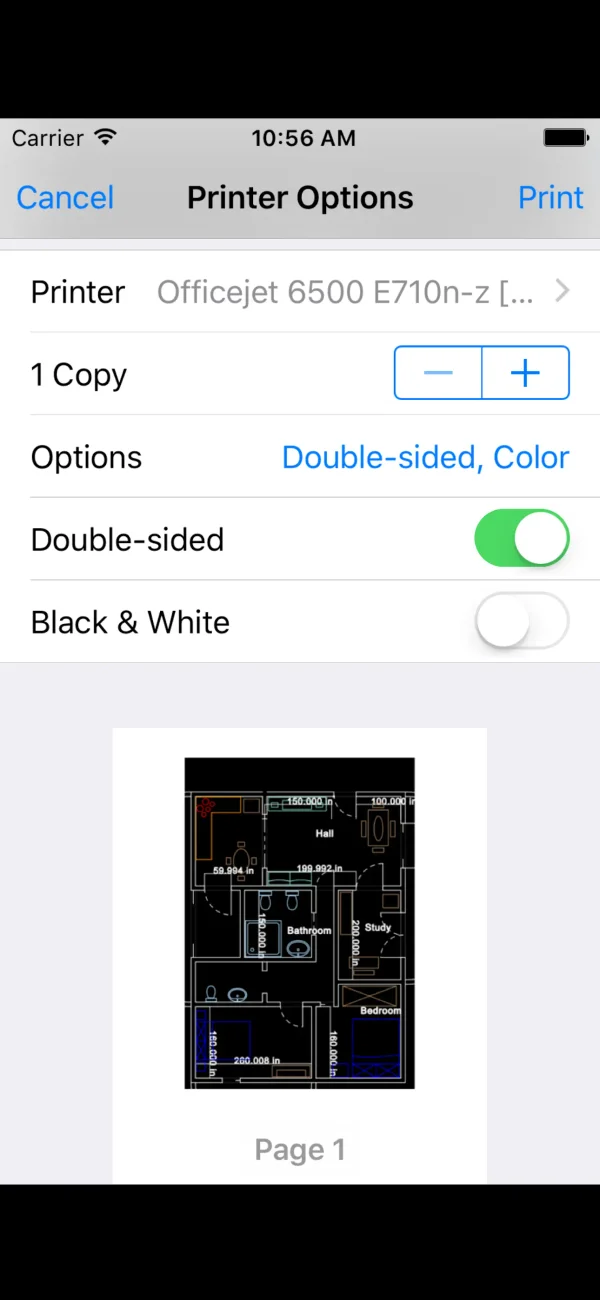
5) print a pages of the PDF file (or a detail of interest of a page of PDF files) using the print button of pdfManager (AirPrint)
6) load and visualize the password-protected PDF documents
* The software does not need an internet connections to visualize PDF documents: each PDF file is stored on the mobile device (using the technology "iTunes File Sharing" or "Open In") and can be read by the software itself.
* The PDF reader works like the integrated image viewer of the device, you can then:
- Zoom IN / OUT of the document (ZOOM INFINITE) by dragging two fingers on the screen (each time you use the ZOOM INFINITE the PDF page is redrawn again ensuring the highest possible quality of visualization, even if the smallest details are visualized to full screen)
- move the document (PAN TOOL) by dragging one finger across the screen
- reset the current settings of zoom and pan with a double-tap
- change quickly the PDF pages using the two buttons "next page" and "previous page" or typing the page number, using the keypad of the device
- load and visualize the PDF files when You need: all the PDF files are stored in the pdfManager archive and are displayed in alphabetical order
- save an infinite number of PDF files in the pdfManager archive (until the physical memory of the device is ended)
- You can display PDF document using Portrait or Landscape orientation
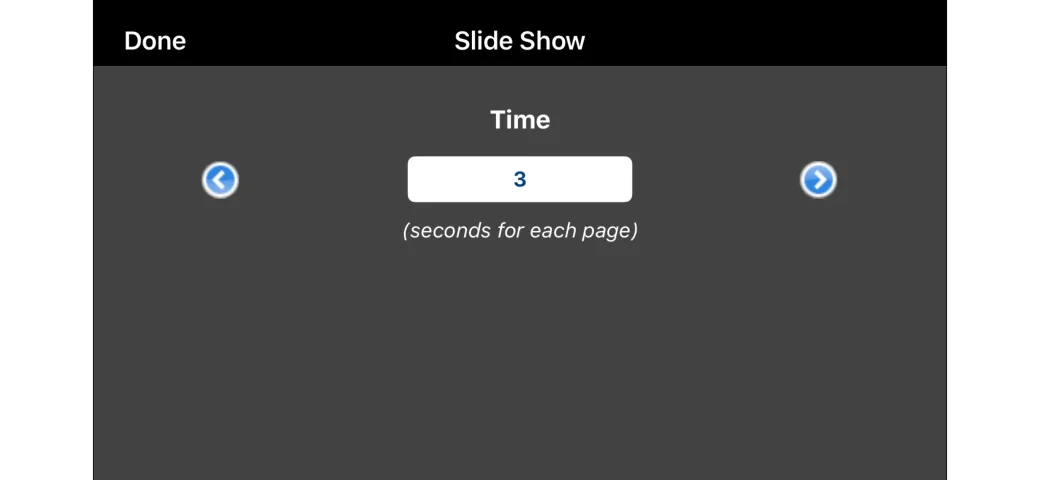
- You can view the PDF document using the slideshow feature (you can choose the transition time between a page and the next one)
Examples of use for:
1) iWork users: Pages, Keynotes, Numbers
2) MS Office users: Word, Excel, Powerpoint
3) CAD users (technical drawings)
4) etc...
-> convert to PDF files your documents/technical drawings/CAD projects, copy them into pdfManager archive (using the technology "iTunes File Sharing" or "Open In"), load and visualized all the stored PDF files with "pdfManager”, when You want.
With "pdfManager" you will have always and everywhere your documents, technical drawings, CAD projects, manuals, notes, etc...
新機能
バージョン 3.3 · 2026/5/7
* Minor bugs fixed
アプリのプライバシー
このアプリのデータの取り扱いについて、Gianluca NataliniがApp Storeで申告している内容です。
-
データの収集なし
開発元はこのアプリからデータを収集しません。
プライバシーの取り扱いは、ご利用の機能やお客様の年齢などに応じて異なる場合があります。
情報
- 販売元
- Gianluca Natalini
- カテゴリ
- 仕事効率化
- バージョン
- 3.3
- 更新日
- 2026/5/7
- リリース
- 2010/12/22
- サイズ
- 1.9 MB
- 必要条件
- iOS 16.6以降
- 対象年齢
- 4+
- 価格
- ¥150
- 言語
- 英語
- 著作権
- © 2010 Gianluca Natalini - NGCYBIT Robotics